OutShare for Outlook 1.01
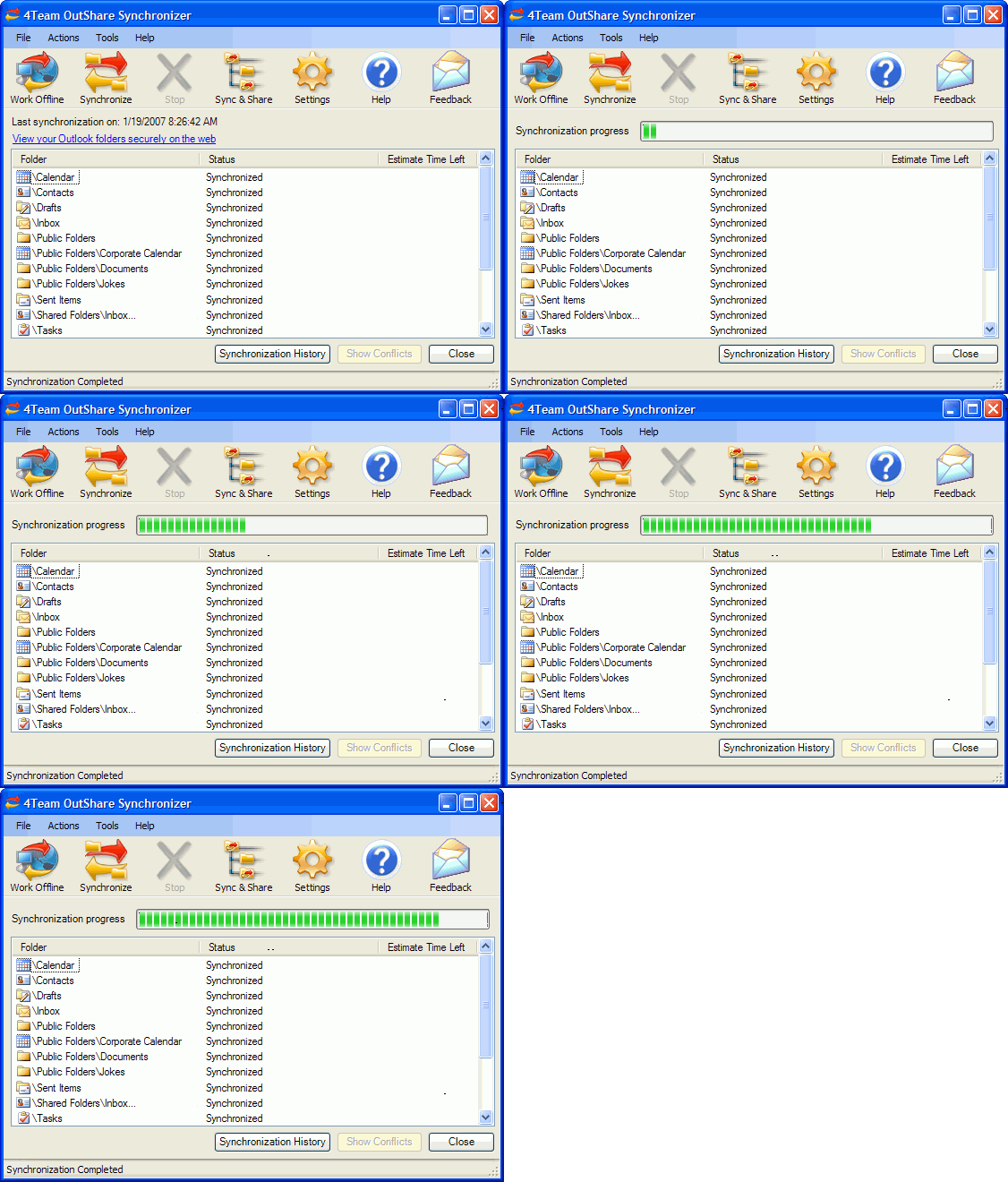
Share and synchronize Microsoft Outlook Personal Folders (calendar, contacts, journal, mail, tasks and notes) without a server. Access your Outlook data without Outlook via web browser and share your Outlook data with users without Microsoft Outlook.
Product Disabled!
This product has been disabled by the site staff.Reason:
dead download link
Product Specifications
| User Rating: | User Rating Disabled | |
| FileCart Rating | Staff Rating Disabled | |
| Submitted by: | Link Disabled | |
| License | Shareware | |
| Expires | 30 Days | |
| Price | $59.95 | |
| Downloads | 333 | |
| OS Support | Windows Install and Uninstall | |
| File Size | 10.51 MB ( 10,767 KB ) | |
| Published | Apr 30, 2007 (19 years ago) | |
| Updated | Dec 22, 2013 (12 years ago) | |
Latest Searches
google54.KOORA55.COM 1 minute ago
Darko JORGIC 3 minutes ago
elvis tyree obituary Smith Funeral Home 3 minutes ago
john leahy grainger age 3 minutes ago
The reason for the patient to seek care from the provider is calledGroup of answer choicesPMH.CC.ROS.HPI.primary encounter. 4 minutes ago
lol yeni patch 9 minutes ago
Rank the following three correctly from the highest to the lowest.Highestearning potentialmedianentry level 12 minutes ago
sons056 13 minutes ago
play vlaorant 16 minutes ago
Popular Searches
id cards 602 times
2025 445 times
2024 385 times
Softperfect 323 times
Database Workbench Pro 258 times
TeraByte Drive Image Backup and Restore 255 times
Elcomsoft Phone Breaker 251 times
ia que faz video com imagem 18 242 times
Elcomsoft Phone Viewer 232 times
Product Details
- Work from your desktop (laptop) machines, online or offline
- Synchronize as many PCs with Outlook as you want, without interfering with the actual work of your Outlook; you don't even need to start Outlook to synchronize it. Your synchronized data will look the same on any synchronized PC with the read/unread status, flags, reminders, custom fields, etc.
- Share your Outlook Personal folders (Calendar, Contacts, Tasks, Email, Journal and Notes) with other users (friends, co-workers, family)
- Create Public Folders (shared folders) without Exchange Server (Outlook Group folders: Group Calendar, Corporate Contacts, etc.)
- Use OutShare Service (Server) to backup your Outlook data, to easily restore it at any time or create a clone to migrate the data to a new or reformatted computer
- Schedule synchronization to run automatically or manually
- Access your Outlook data via web browser in a similar Outlook like interface with advanced OutShare Web Access Engine
- Share Outlook data with users without Microsoft Outlook;
- Use your corporate structure to easily organize the users' access to the data
- Export any selected data to vCard, vCalendar or cvs format
| Requirements: | Windows 98/ME/NT/2000/XP/2003/Vista |
| Release Info: | Major Update on Jun 20, 2007 |
| Release Notes: | features: web access group calendar; fixed: improved contacts synchronization; port 80 now used to connect to a server; show statuses; |
Reviews
We have disabled this product, you can not write reviews of this product
Reviews of OutShare for Outlook 1.01
You can be the first to write a review of OutShare for Outlook!Other products submitted by this publisher
Most Viewed Windows Outlook Add-ons
OpusFlow CRM for Outlook 6.0
Duplicates Remover for Outlook 2.10.1
Mail Merge Toolkit 3.0
OfficeCalendar for Microsoft Outlook 11.0.0.0
Lookeen Desktop Search 10.0.1.5814
WinZip Courier 6.0.11164
vCard Wizard 4.25
Auto Reply Manager Outlook Autoresponder 3.0.142
Advanced Folders Watch 2.1
Most Downloaded Windows Outlook Add-ons
Scan & Attach for Outlook? 1.6.1
vMail OST to PST Converter 7.5
Duplicates Remover for Outlook 2.10.1
Mail Merge Toolkit 3.0
OfficeCalendar for Microsoft Outlook 11.0.0.0
ShareO for Outlook 3.61
Attachments Processor for Outlook 4.5.0.11
WinZip Courier 6.0.11164
Auto Reply Manager Outlook Autoresponder 3.0.142