
30downloads
1this week
FreeLicense
0reviews
Screenshots
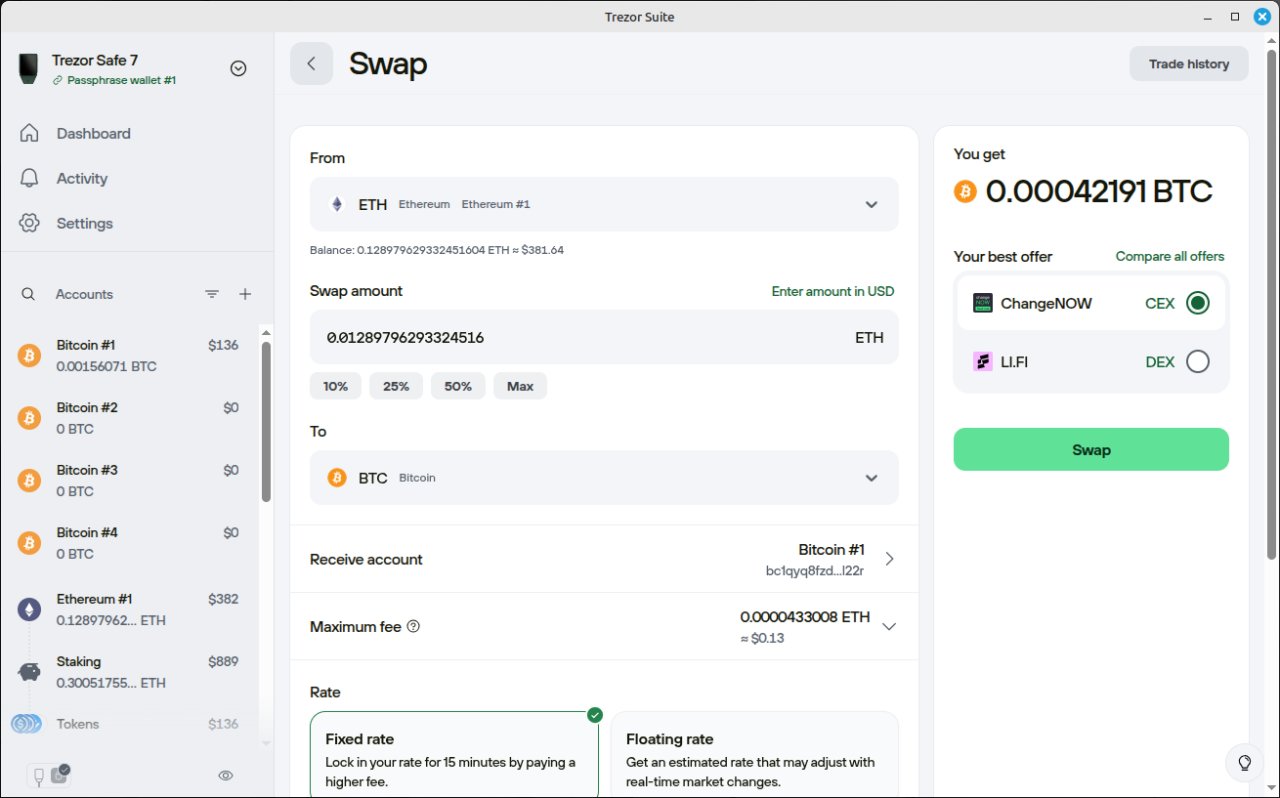
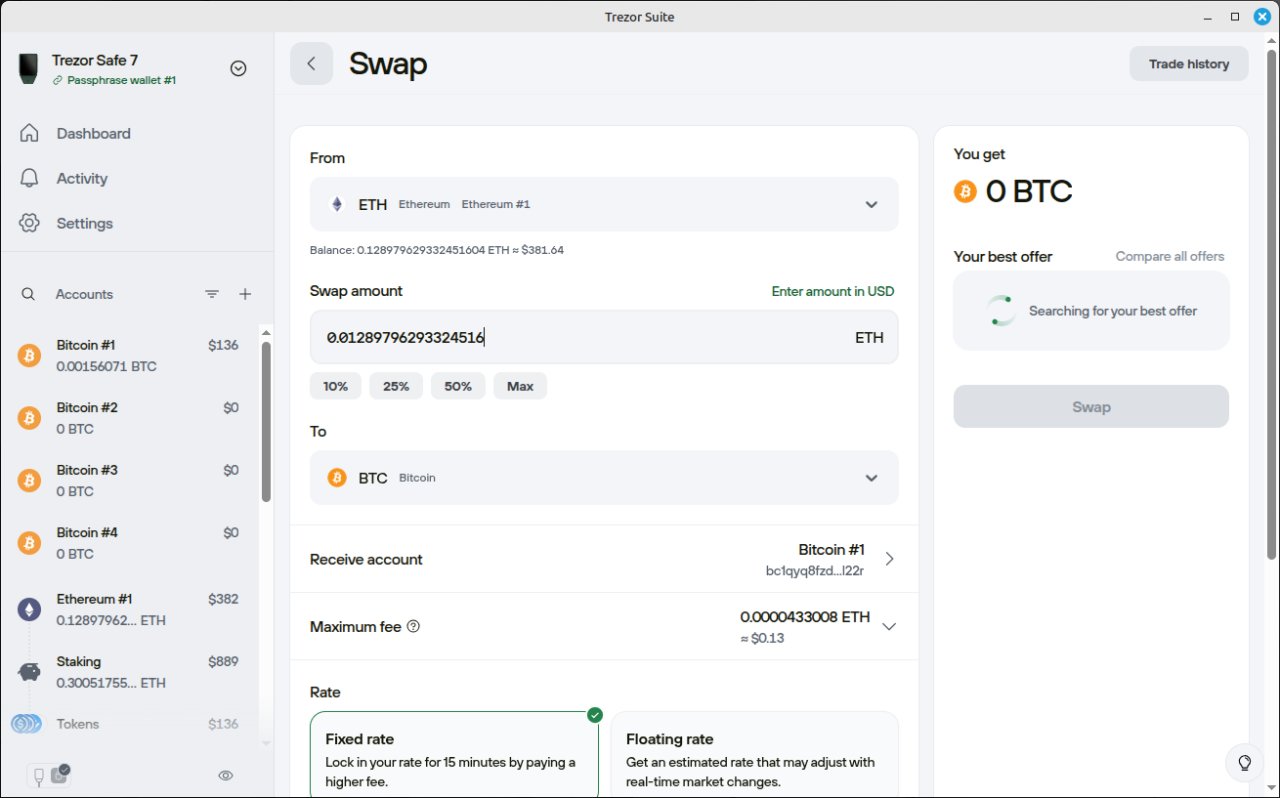
About Trezor Suite
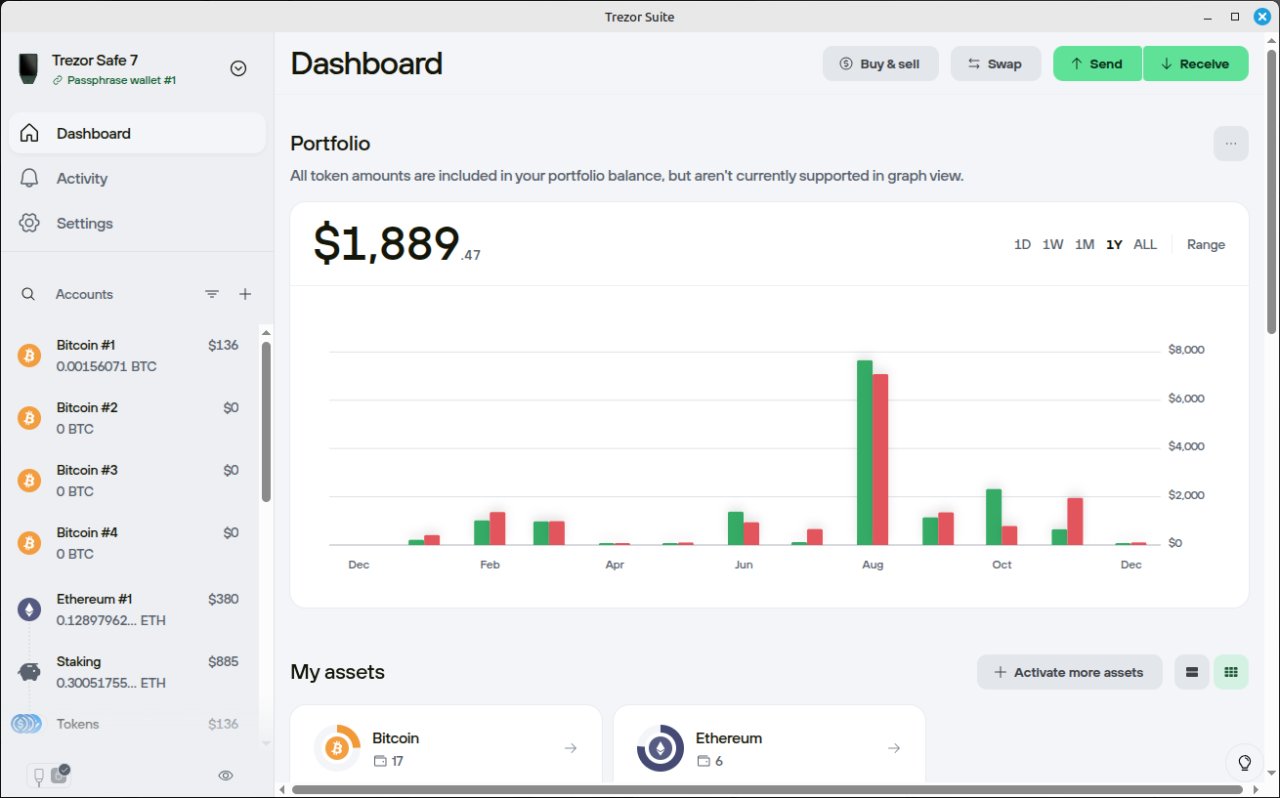
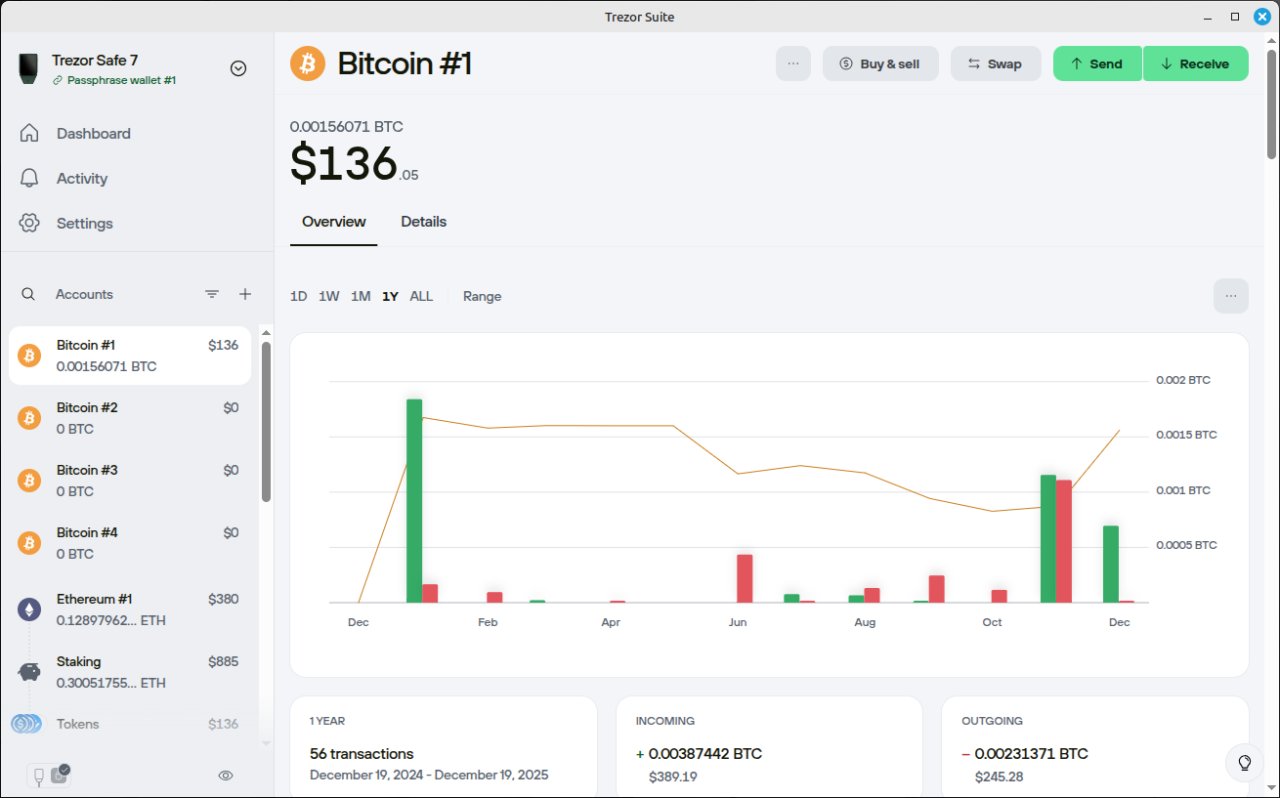
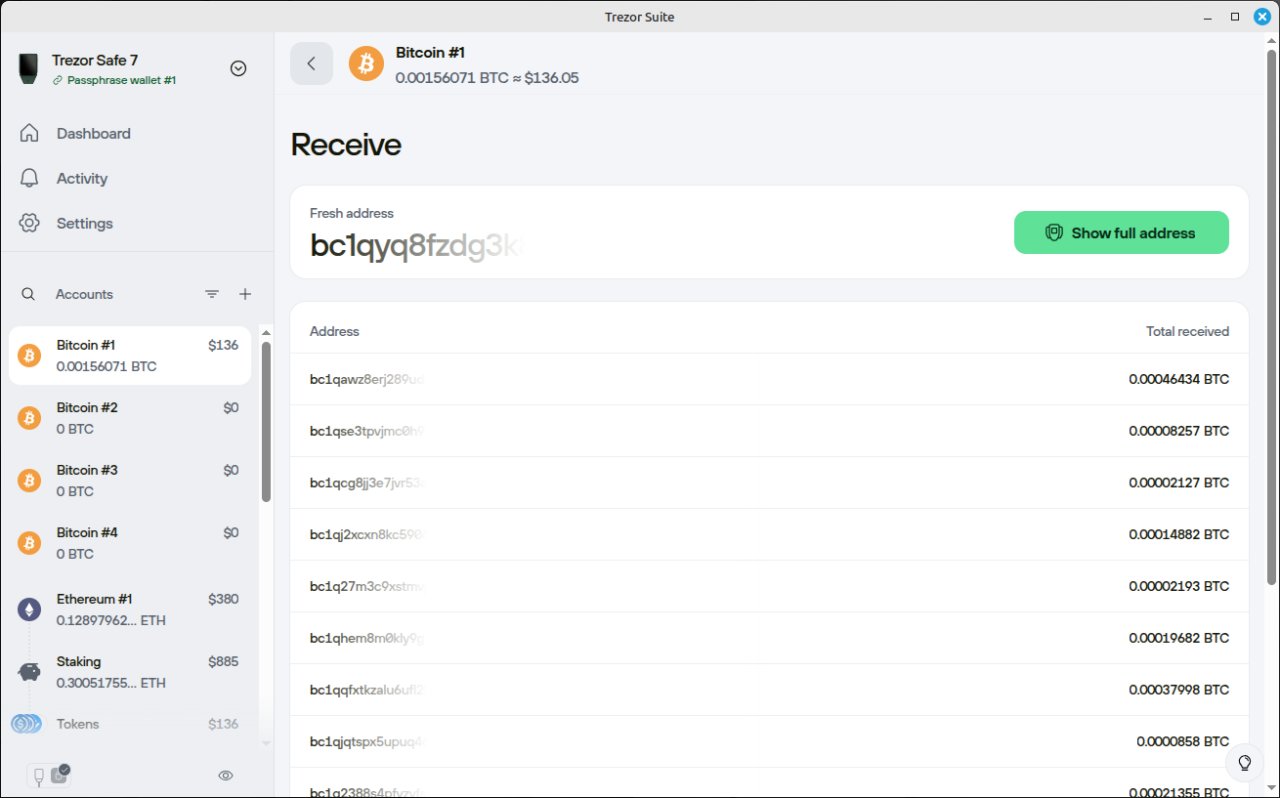
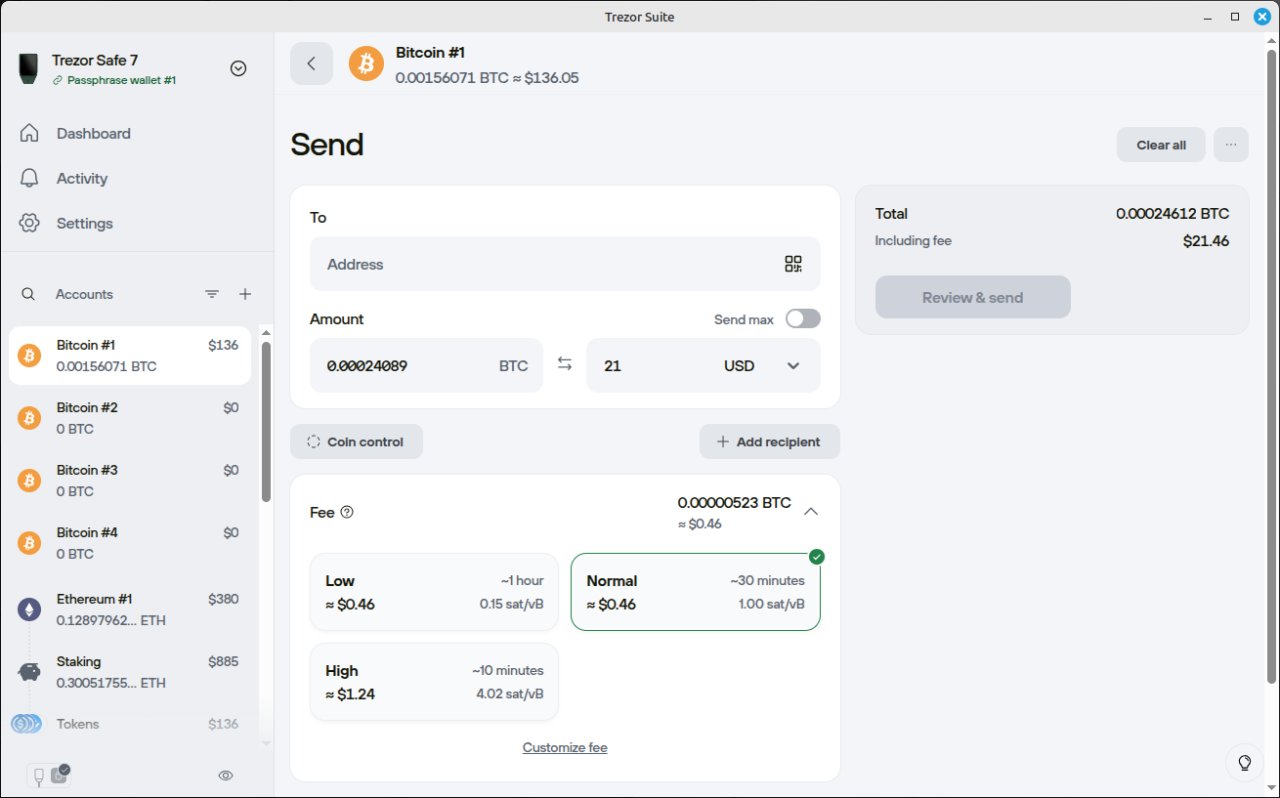
Trezor Suite is a comprehensive app for securely managing cryptocurrency with your Trezor device.
It allows you to send, receive, swap and track digital assets. Key features include explicit transaction
confirmation on your Trezor hardware wallet, passphrase wallets for enhanced privacy, coin control,
staking rewards, and support for a wide range of coins and tokens. It also integrates security
features like Tor for enhanced privacy and Taproot for enhanced Bitcoin functionality.
For the Trezor device to be detected, you need to have systemd 256.4 or newer, or install udev
rules on your system from the Trezor website.
License: LicenseRef-T-RSL
| Release info | Update on Nov 18, 2026 |
|---|---|
| Release notes | New features • Suite now warns you before you send funds to an address you’ve never transacted with, helping you catch addresses copied from phishing transactions. • You can now sign Solana v1 format transactions with your Trezor (running firmware 2.13.1 or later). • The asset screen now charts the asset’s price history, with a range picker from 1D to All. • The asset screen now has an activity feed showing recent transactions for that asset across every account that holds it. • Selecting an asset on desktop now opens a new asset screen showing its total balance and fiat value, which network it’s on, and a per-account breakdown. • The asset table now has a “Show small balances” switch to hide holdings under $1 without changing your portfolio total. • Home’s asset table now lists one row per asset per network, with tokens as their own rows. Each row shows the price with 7-day change and your balance, and there’s an option to group by network. • You can now switch the “You pay” and “You get” input fields in the Swap form with a single click. Suite switches the accounts too. • New “Earning balance” component added to the top of the Earn dashboard. • Home now shows your NFTs grouped by collection in a new section below your assets. Improvements • Added security checks during device setup to help verify packaging and confirm it hasn't been tampered with. • TRX staking transaction history added to the staking detail screen. • Earn signing flow improvements on Model One, with the contract address now shown in the first step. • Tron unstaking counter is now dynamic, instead of showing an approximate fixed value. • Cardano DRep IDs in the legacy format are now converted automatically to the newer CIP-129 format. • Zcash transactions now use the standard ZIP 317 fee formula. Bug fixes • Stellar transaction signing supports smart contract creation and delegated authorization. • Signing EIP-712 messages (for example, logging in to OpenSea) with an empty… |
| Listing data | Flathub |
Reviews
No reviews yet. Be the first to review Trezor Suite.
Used Trezor Suite? Tell other visitors what you thought.
Log in to write a reviewOther products by this publisher
- "No Distractions" for YouTube 4.10 ----
- #Bible 11.6.1 "Incredible App - My sister shared this app with me a few weeks ago and it is truly incredible.
- #filmphotography 1.4.2 So, you decided to shoot on film?
- #LookBusy Fake Calendar Events 1.0.6 Look Busy scans your work calendar for open time slots and fills them with realistic-looking (but secretly fake) work events.
- #Small Talk Is Canceled 1.0.2 #Small Talk Is Canceled — Conversations That Matter
Most viewed Linux Office
-
1
 Scrolex 0.13.1
Read PDFs and ebooks horizontally
-
2
 WPS 365 12.1.2.29183_807310
WPS 365 Suite
- 3 Textosaurus 0.9.13 Simple cross-platform text editor based on Qt and QScintilla
-
4
 Super Productivity v20.1.0
To-do list and time tracker
-
5
 Feishu 7.72.23
A collaboration platform
-
6
 Readest 0.12.20
Modern, feature-rich ebook reader
-
7
 Foliate 3.3.0
Read e-books in style
-
8
 Scribe 0.3.50
Markdown editor with live rendering
-
9
 Adobe Reader 9.5.5
PDF viewer
-
10
 Quick Lookup 2.1.2
Look up words quickly
Most downloaded Linux Office
- 1 sleek 2.1.1 todo manager based on the todo.txt syntax for Linux, free and open-source (FOSS)
- 2 Textosaurus 0.9.13 Simple cross-platform text editor based on Qt and QScintilla
-
3
 Nottodbox 0.2.3
Organize notes, to-dos and diaries
-
4
 Fingrom 7.3.2
Platform-agnostic financial accounting application for personal finance management
-
5
 Linwood Butterfly 2.6.2
Infinite-canvas notes and sketches
-
6
 TreeSheets 2.24.3
Free Form Data Organizer
-
7
 OpenDeck 2.14.2
Use stream controllers
- 8 Thoughts 0.20.0 Simple and powerful mind map
- 9 Koodo Reader 2.4.7 All-in-one ebook reader
-
10
 Skribisto 3.3.3
Plan, write, manage your novels