27downloads
1this week
FreeFreeware
0reviews
Screenshots

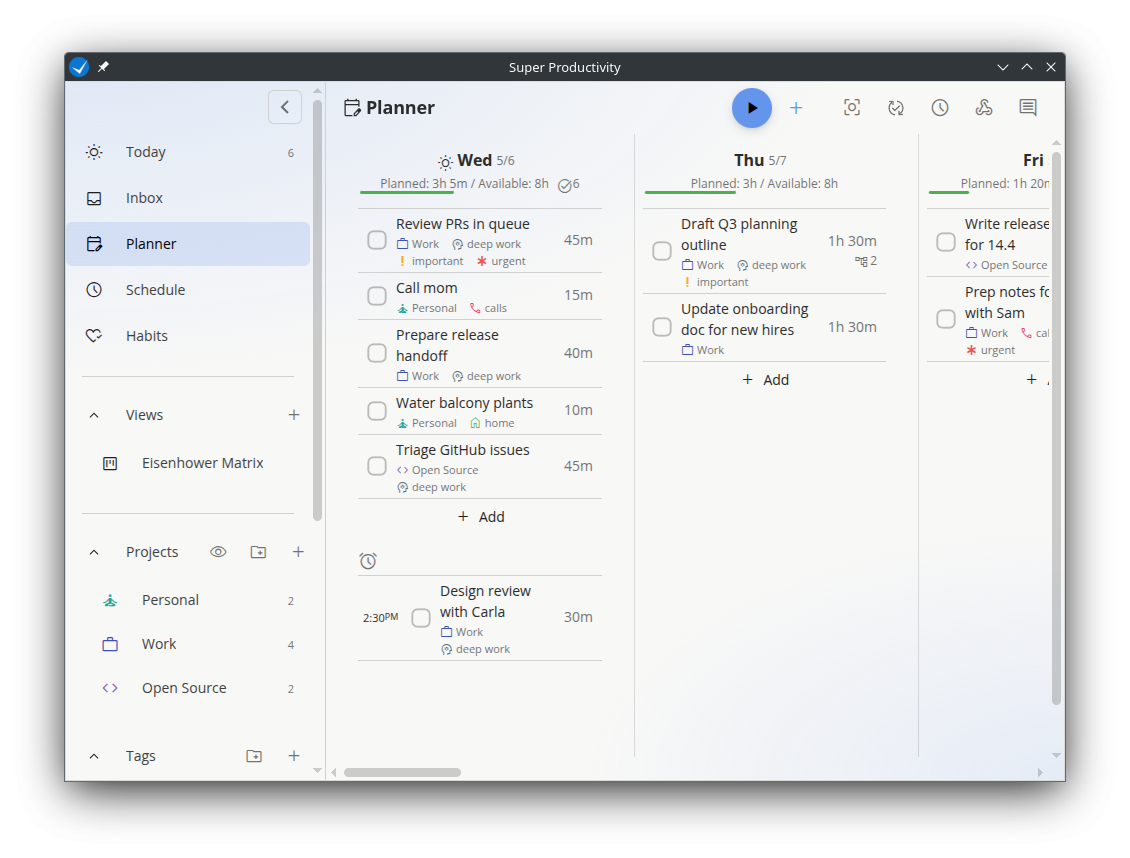
About Super Productivity
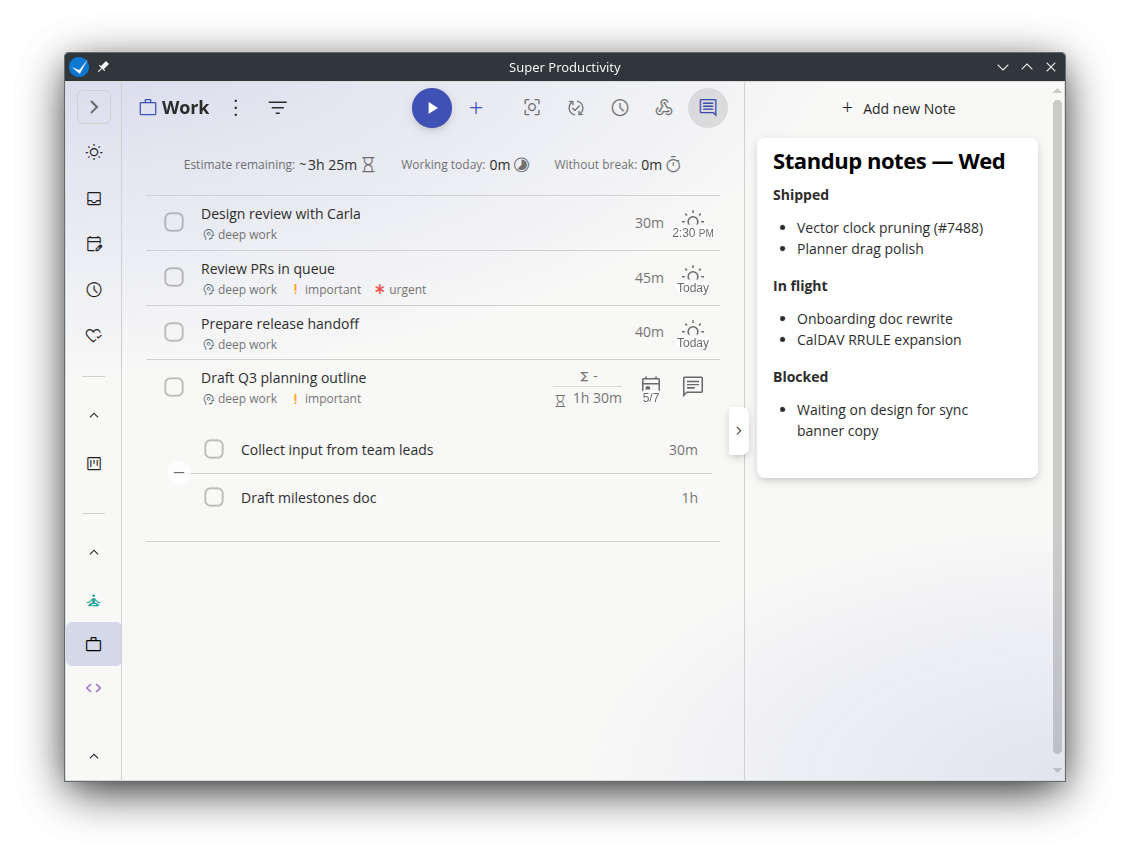
Super Productivity is an open-source to-do list and time tracker for developers, freelancers,
and anyone managing complex personal workflows. It works fully offline, with no account required.
Highlights
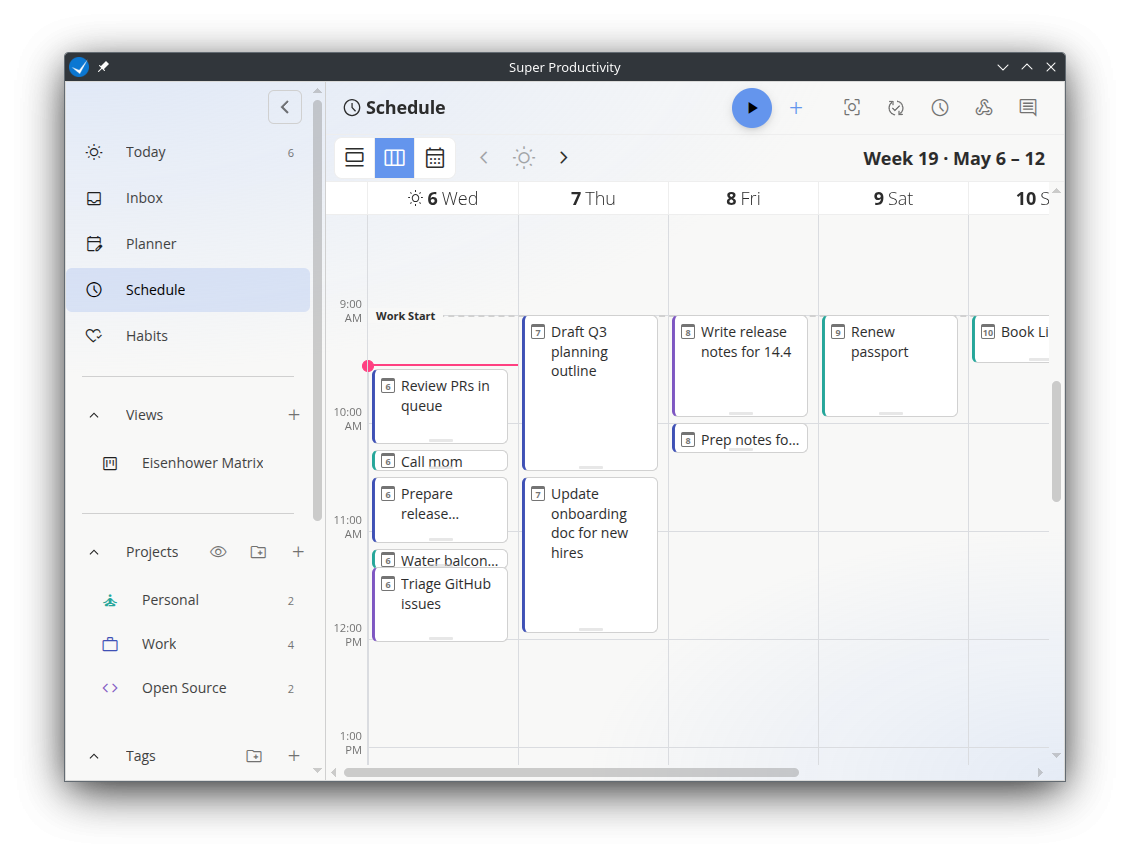
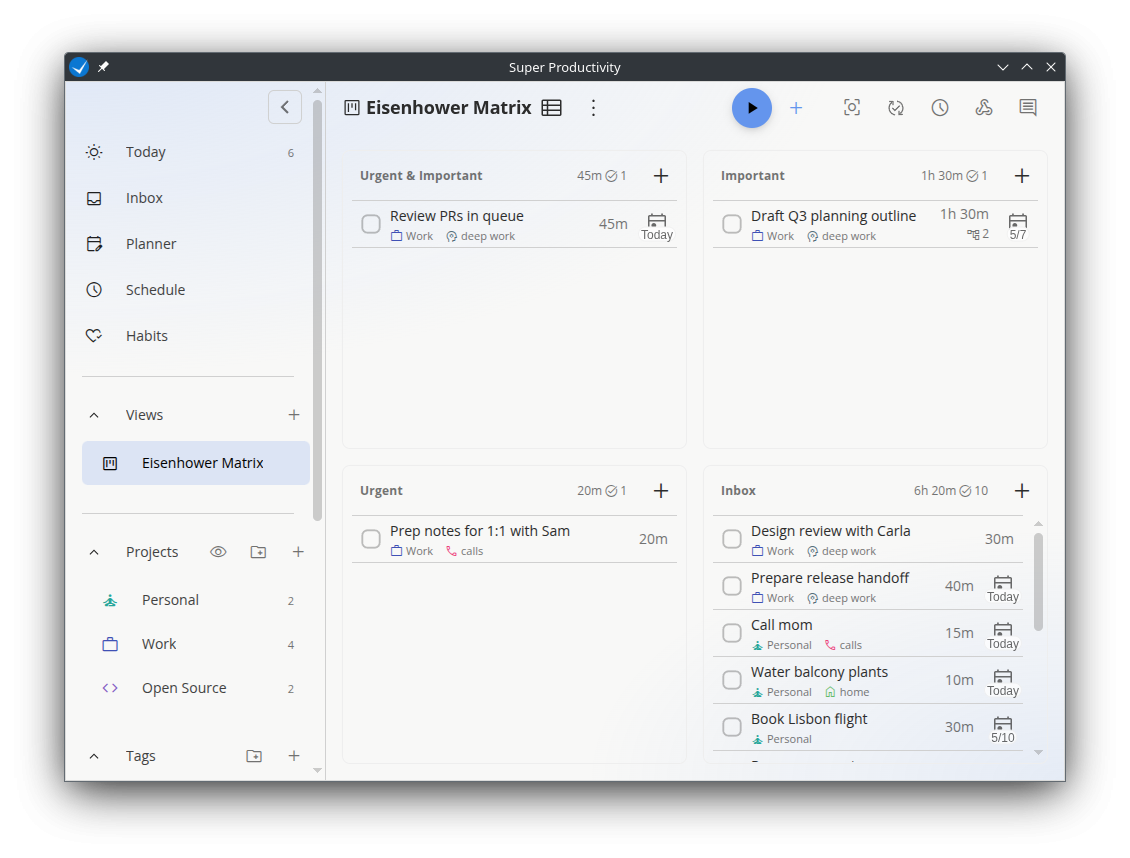
• Drag-and-drop daily planner, weekly schedule, and Kanban boards
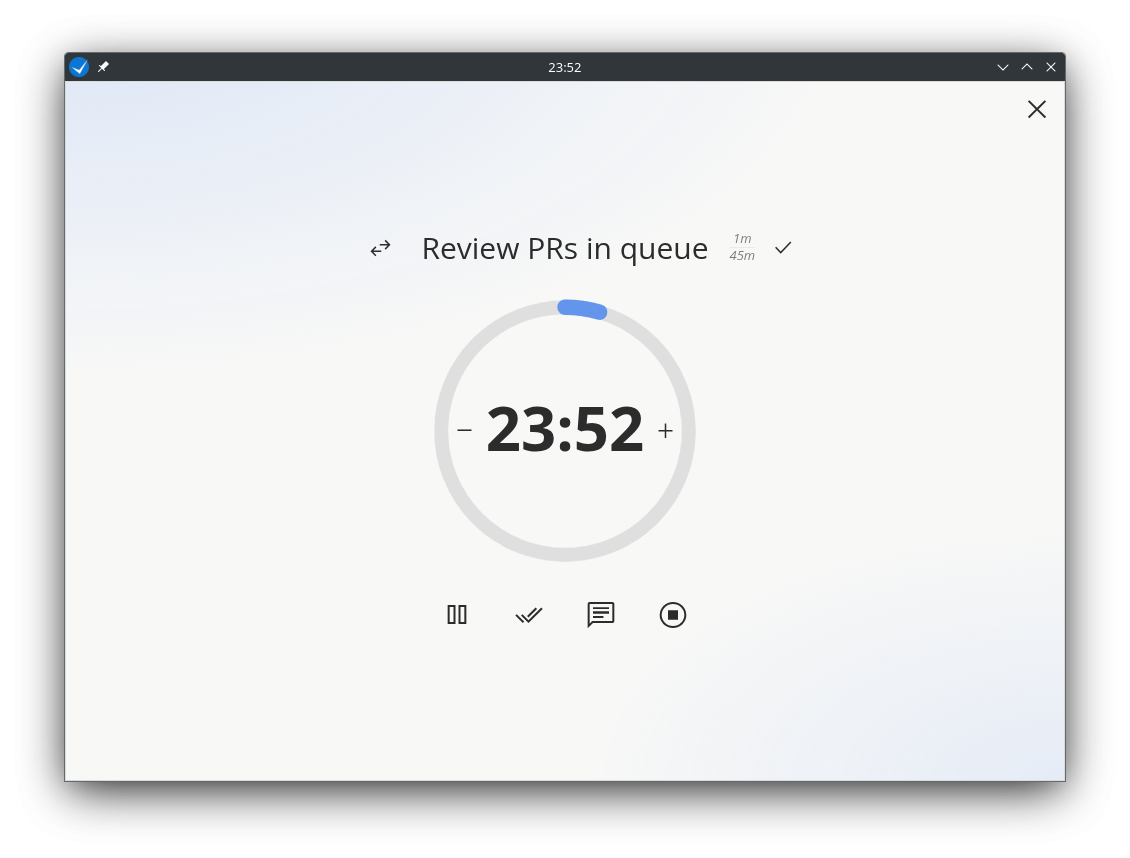
• Built-in Pomodoro, timeboxing, and Flowtime modes with one-click time tracking and reports
• Integrations with Jira, GitHub, GitLab, Gitea, Redmine, OpenProject, and Google Calendar
• Optional sync via Nextcloud, WebDAV, Dropbox, or Super Sync; runs fully offline by default
• Automations: rule-based triggers that auto-tag, auto-move, or auto-start tracking
• Deadlines: sort, group, and filter tasks by deadline
• Procrastination helper with CBT techniques and a structured end-of-day review
• Plugin system with community plugins for Obsidian, Google Calendar, and more
• Onboarding presets at first launch: Simple Todo, Time Tracker, or full Productivity Suite
• Privacy by default: no sign-up, no tracking, no telemetry; MIT-licensed
Super Productivity has been in active development since 2016 and is supported entirely by community
contributions and optional GitHub Sponsorships.
| Release info | Update on Nov 20, 2026 |
|---|---|
| Release notes | For all current downloads, package links, and platform-specific notes: check the wiki. Improvements • Collapse project task tables in the daily summary. • Open the download page directly from the update banner. • Subtler due badges, mobile play button, and planner calendar colors. Fixes • Ask for confirmation before loading remote sync data when it is missing your previous uploads. • Show an exact-alarm hint in reminder settings. • Use locale-correct leading zeros in short dates. • Allow touch scrolling over recurring task rows. • Pause issue and calendar polling while offline and catch up on reconnect. • Keep planner calendar colors up to date. Desktop fixes • Run pending shutdown work when quitting from the tray. • Prevent two Snap revisions from opening the same local database. Contributors Thanks to everyone who contributed to this release: @johannesjo Full Changelog: https://github.com/super-productivity/super-productivity/compare/v19.3.0...v19.3.1 |
| Related tags | timeboxing flowtime gtd |
| Listing data | Flathub |
Reviews
No reviews yet. Be the first to review Super Productivity.
Used Super Productivity? Tell other visitors what you thought.
Log in to write a reviewOther products by this publisher
- "No Distractions" for YouTube 4.10 ----
- #Bible 11.6.1 "Incredible App - My sister shared this app with me a few weeks ago and it is truly incredible.
- #filmphotography 1.4.2 So, you decided to shoot on film?
- #LookBusy Fake Calendar Events 1.0.6 Look Busy scans your work calendar for open time slots and fills them with realistic-looking (but secretly fake) work events.
- #Small Talk Is Canceled 1.0.2 #Small Talk Is Canceled — Conversations That Matter
Most viewed Linux Office
-
1
 Scrolex 0.13.1
Read PDFs and ebooks horizontally
-
2
 WPS 365 12.1.2.29183_807310
WPS 365 Suite
-
3
 Super Productivity v20.1.0
To-do list and time tracker
- 4 Textosaurus 0.9.13 Simple cross-platform text editor based on Qt and QScintilla
-
5
 Feishu 7.72.23
A collaboration platform
-
6
 Readest 0.12.20
Modern, feature-rich ebook reader
-
7
 Foliate 3.3.0
Read e-books in style
-
8
 Scribe 0.3.50
Markdown editor with live rendering
-
9
 Quick Lookup 2.1.2
Look up words quickly
-
10
 Adobe Reader 9.5.5
PDF viewer
Most downloaded Linux Office
- 1 sleek 2.1.1 todo manager based on the todo.txt syntax for Linux, free and open-source (FOSS)
- 2 Textosaurus 0.9.13 Simple cross-platform text editor based on Qt and QScintilla
-
3
 Nottodbox 0.2.3
Organize notes, to-dos and diaries
-
4
 Fingrom 7.3.2
Platform-agnostic financial accounting application for personal finance management
-
5
 Linwood Butterfly 2.6.2
Infinite-canvas notes and sketches
-
6
 TreeSheets 2.24.3
Free Form Data Organizer
-
7
 OpenDeck 2.14.2
Use stream controllers
- 8 Thoughts 0.20.0 Simple and powerful mind map
- 9 Koodo Reader 2.4.7 All-in-one ebook reader
-
10
 Skribisto 3.3.3
Plan, write, manage your novels