96downloads
15this week
FreeFreeware
0reviews
Screenshots
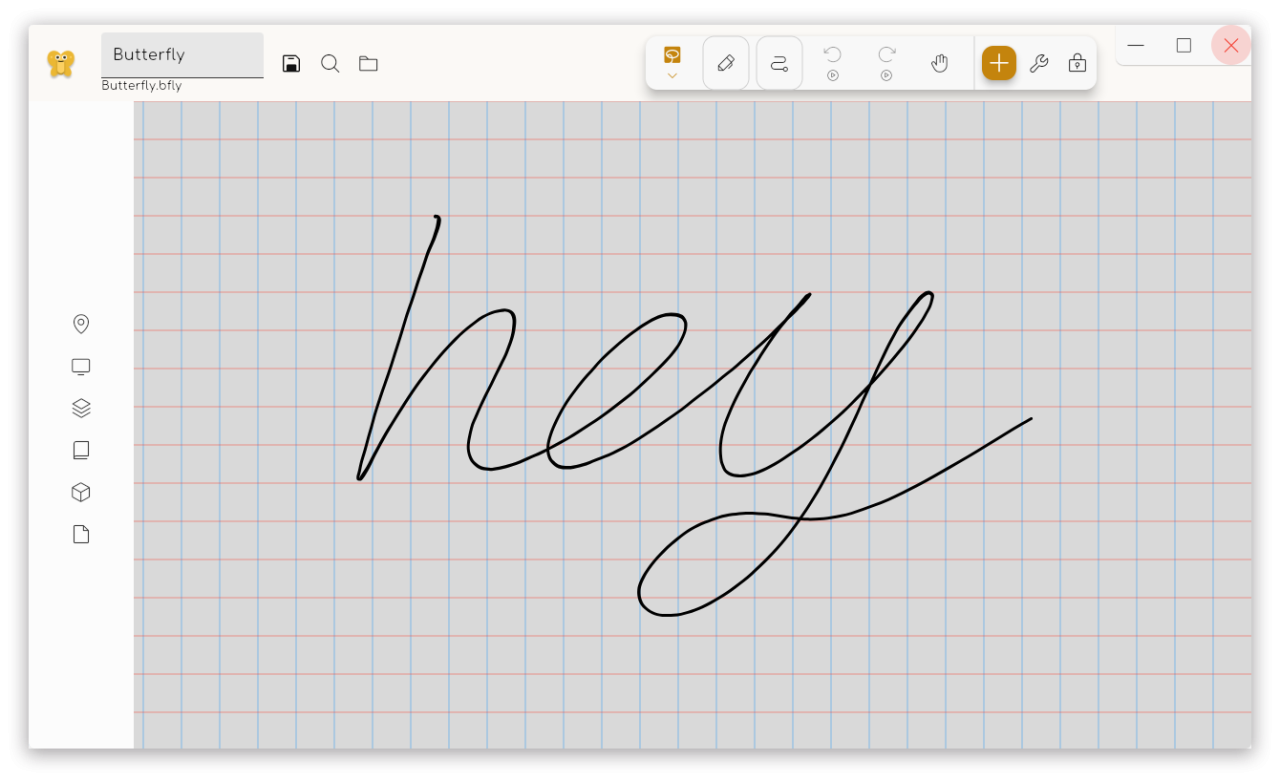
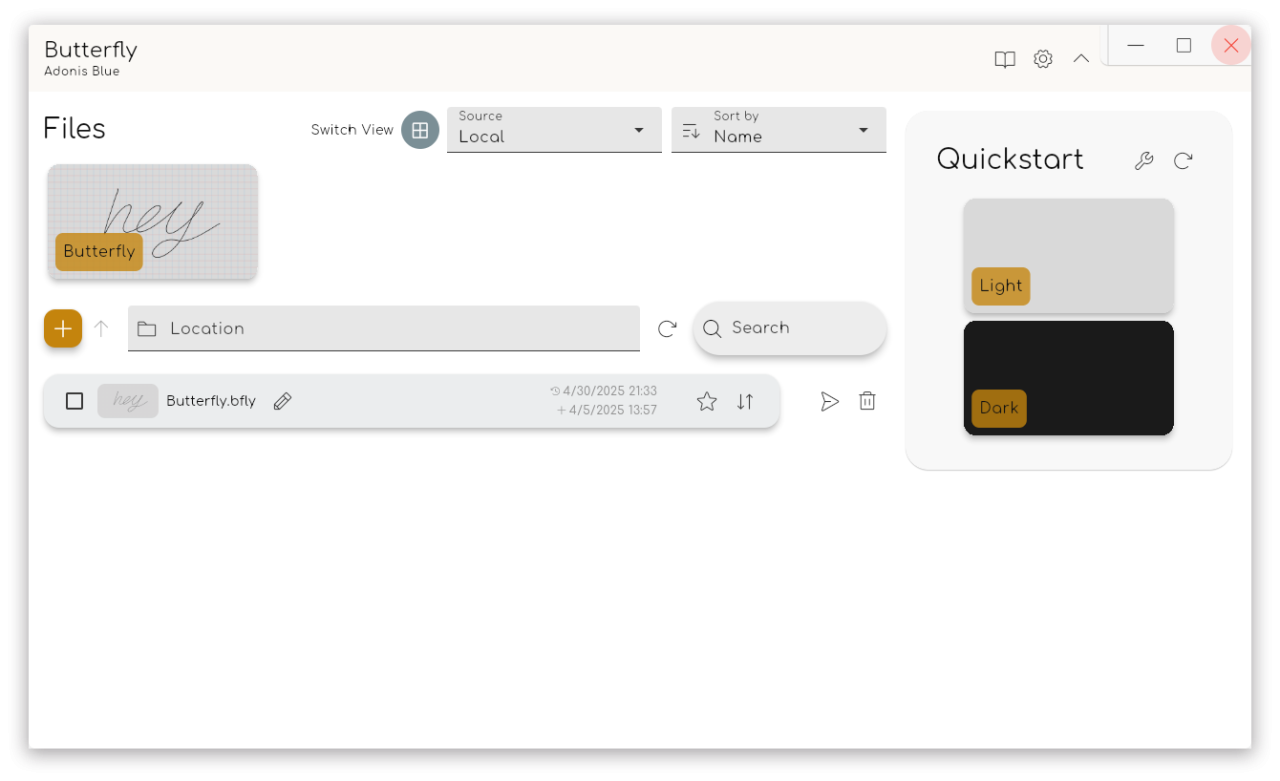
About Linwood Butterfly
Butterfly is an open-source app for people who think better with space around their ideas. Instead of
writing everything from top to bottom on a fixed page, you get an endless workspace where you can place
notes, sketches, diagrams, images, and documents wherever they make sense.
Use it for class notes, meeting notes, research, math, worksheets, planning, whiteboarding, storyboards,
product sketches, or any project that starts messy and needs room to grow. Write by hand with a stylus,
touch, or mouse, type text and Markdown, add shapes and lines, place images and photos, import PDFs,
SVGs, and image files, then export your work as PDF, SVG, images, or portable Butterfly files.
Butterfly tries to stay out of your way while you work. Recent files, quick-start templates, search,
folders, imports, page navigation, and tool settings are close when you need them, but the document
stays at the center. You can begin with a plain page, ruled paper, a grid, dotted paper, music paper,
or your own template.
As your document grows, Butterfly gives you ways to keep it understandable. Split work into pages and
page folders, use layers, mark important places with areas and waypoints, save reusable parts in packs,
and keep palettes and text styles ready for the next document. Almost everything you add remains
editable, so you can move, resize, recolor, reorder, and refine your work later instead of starting
over.
Your files stay under your control. Work offline, store documents on your device, choose a different
data directory, or connect WebDAV and Nextcloud if you want your own sync setup. There is no required
account, no required subscription, and no required proprietary cloud.
Butterfly is free, community translated, available on phones, tablets, desktops, and the web, and
developed in public under the AGPL-3.0 license.
License: AGPL-3.0-only
| Release info | Update on Oct 28, 2026 |
|---|---|
| Release notes | Changes since 2.6.2-rc.0: • Fix selecting perfectly horizontal and vertical lines (#1323) This is a stable release, it includes all the changes from the 2.6.2 nightly releases. Read more here: https://linwood.dev/butterfly/2.6.2 |
| Listing data | Flathub |
Reviews
No reviews yet. Be the first to review Linwood Butterfly.
Used Linwood Butterfly? Tell other visitors what you thought.
Log in to write a reviewOther products by this publisher
- "No Distractions" for YouTube 4.10 ----
- #Bible 11.6.1 "Incredible App - My sister shared this app with me a few weeks ago and it is truly incredible.
- #filmphotography 1.4.2 So, you decided to shoot on film?
- #LookBusy Fake Calendar Events 1.0.6 Look Busy scans your work calendar for open time slots and fills them with realistic-looking (but secretly fake) work events.
- #Small Talk Is Canceled 1.0.2 #Small Talk Is Canceled — Conversations That Matter
Most viewed Linux Office
-
1
 Scrolex 0.13.1
Read PDFs and ebooks horizontally
-
2
 WPS 365 12.1.2.29183_807310
WPS 365 Suite
-
3
 Super Productivity v20.1.0
To-do list and time tracker
- 4 Textosaurus 0.9.13 Simple cross-platform text editor based on Qt and QScintilla
-
5
 Feishu 7.72.23
A collaboration platform
-
6
 Readest 0.12.20
Modern, feature-rich ebook reader
-
7
 Foliate 3.3.0
Read e-books in style
-
8
 Scribe 0.3.50
Markdown editor with live rendering
-
9
 Adobe Reader 9.5.5
PDF viewer
-
10
 Quick Lookup 2.1.2
Look up words quickly
Most downloaded Linux Office
- 1 sleek 2.1.1 todo manager based on the todo.txt syntax for Linux, free and open-source (FOSS)
- 2 Textosaurus 0.9.13 Simple cross-platform text editor based on Qt and QScintilla
-
3
 Nottodbox 0.2.3
Organize notes, to-dos and diaries
-
4
 Fingrom 7.3.2
Platform-agnostic financial accounting application for personal finance management
-
5
 Linwood Butterfly 2.6.2
Infinite-canvas notes and sketches
-
6
 TreeSheets 2.24.5
Free Form Data Organizer
-
7
 OpenDeck 2.14.2
Use stream controllers
- 8 Thoughts 0.20.0 Simple and powerful mind map
- 9 Koodo Reader 2.4.7 All-in-one ebook reader
-
10
 Skribisto 3.4.1
Plan, write, manage your novels