
11downloads
2this week
FreeFreeware
0reviews
Screenshots
About Mini Diarium
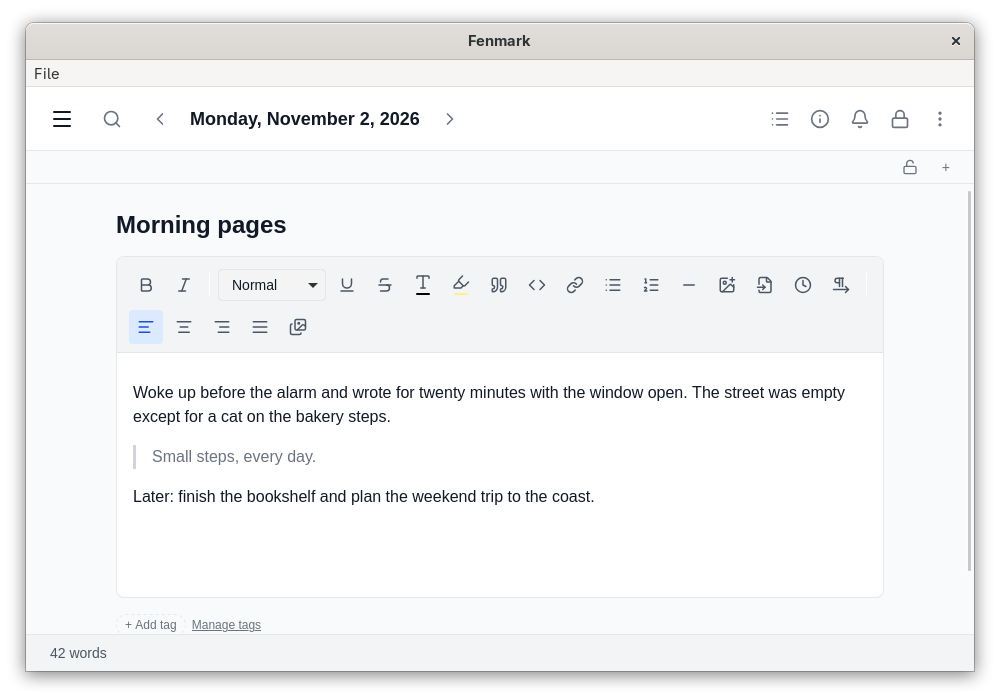
Fenmark (formerly Mini Diarium) is a private journaling app for your desktop. All diary entries
are encrypted with AES-256-GCM at rest — plaintext never touches disk. Your journal stays entirely
on your machine: no cloud sync, no network connections, no telemetry.
Features include:
• AES-256-GCM encryption for all entries
• Multiple journals with independent passwords
• Rich-text editor (bold, italic, headings, lists, images)
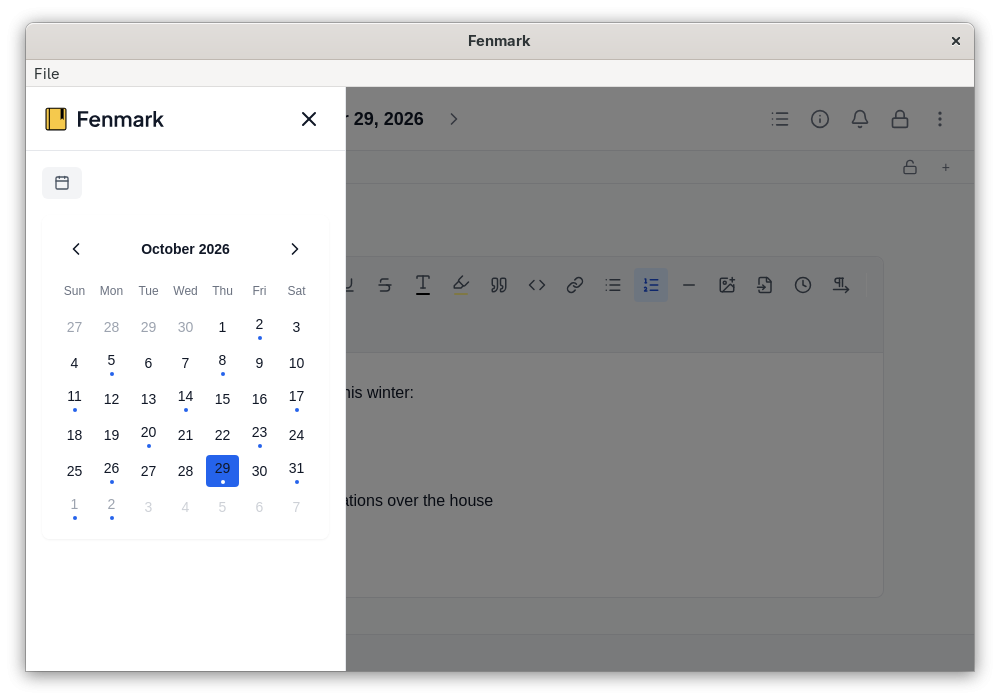
• Calendar navigation and entry browsing
• Import from Mini Diary, Day One, and jrnl formats
• Export to JSON and Markdown
• Auto-lock on idle or OS screen lock
• Key-file authentication as an alternative to passwords
License: MIT
| Release info | Update on Nov 16, 2026 |
|---|---|
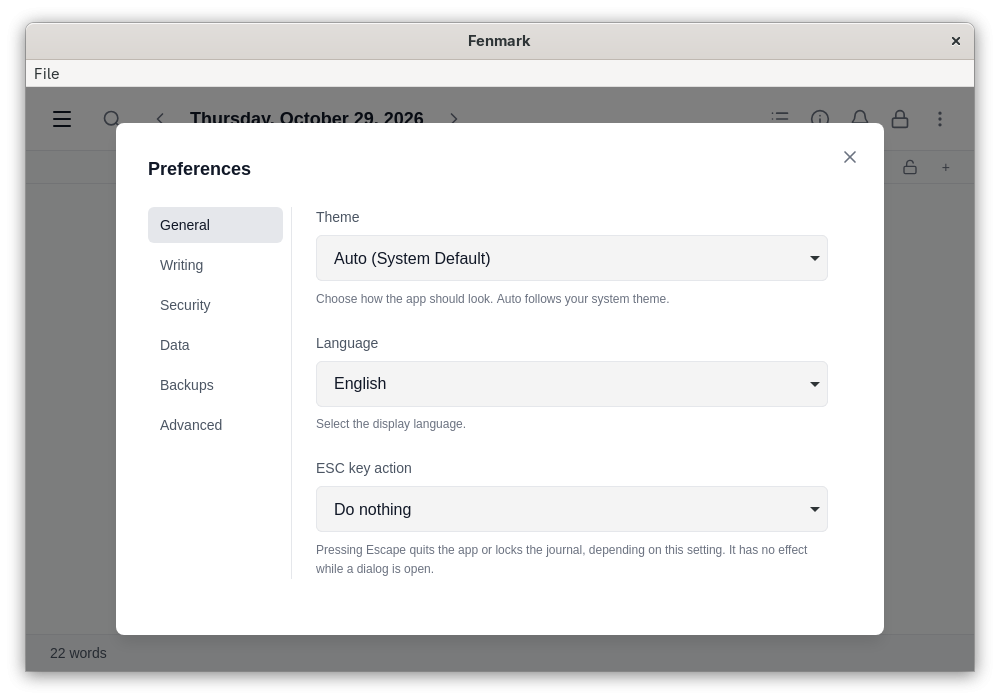
| Release notes | What's Changed Mini Diarium now offers the full interface in Russian and Simplified Chinese, and the native menu follows the selected language. The Linux Flatpak also ships the ru_RU spell check dictionary, while Chinese spell check stays a documented exception. Added o Russian translation (#344): The full interface (733 strings) is available in Russian. Select "???????" in Preferences -> General -> Language. The native menu ("????", "?????????...") follows the selected language, and on Linux spell check uses the ru_RU dictionary, which the Flatpak now bundles. Thanks to @d1nch for the translation. Known limitation: the app has only singular and plural word forms, so counts such as 2-4 use the Russian "many" form. o Simplified Chinese translation (#354): The full interface (733 strings) is available in Simplified Chinese. Select "????" in Preferences -> General -> Language. The native menu ("??", "???...") follows the selected language. On Linux, Chinese is a documented spell check exception: the Flatpak does not bundle a zh_CN dictionary, so the spell check warning remains until you install one. Thanks to @wcxu21 for the translation. [](https://sourceforge.net/projects/mini-diarium/files/v0.7.6/) |
| Related tags | journal diary encrypted |
| Listing data | Flathub |
Reviews
No reviews yet. Be the first to review Mini Diarium.
Used Mini Diarium? Tell other visitors what you thought.
Log in to write a reviewOther products by this publisher
- "No Distractions" for YouTube 4.10 ----
- #Bible 11.6.1 "Incredible App - My sister shared this app with me a few weeks ago and it is truly incredible.
- #filmphotography 1.4.2 So, you decided to shoot on film?
- #LookBusy Fake Calendar Events 1.0.6 Look Busy scans your work calendar for open time slots and fills them with realistic-looking (but secretly fake) work events.
- #Small Talk Is Canceled 1.0.2 #Small Talk Is Canceled — Conversations That Matter
Most viewed Linux Office
-
1
 Scrolex 0.13.1
Read PDFs and ebooks horizontally
-
2
 WPS 365 12.1.2.29183_807310
WPS 365 Suite
-
3
 Super Productivity v20.1.0
To-do list and time tracker
- 4 Textosaurus 0.9.13 Simple cross-platform text editor based on Qt and QScintilla
-
5
 Feishu 7.72.23
A collaboration platform
-
6
 Readest 0.12.20
Modern, feature-rich ebook reader
-
7
 Foliate 3.3.0
Read e-books in style
-
8
 Scribe 0.3.50
Markdown editor with live rendering
-
9
 Adobe Reader 9.5.5
PDF viewer
-
10
 Quick Lookup 2.1.2
Look up words quickly
Most downloaded Linux Office
- 1 sleek 2.1.1 todo manager based on the todo.txt syntax for Linux, free and open-source (FOSS)
- 2 Textosaurus 0.9.13 Simple cross-platform text editor based on Qt and QScintilla
-
3
 Nottodbox 0.2.3
Organize notes, to-dos and diaries
-
4
 Fingrom 7.3.2
Platform-agnostic financial accounting application for personal finance management
-
5
 Linwood Butterfly 2.6.2
Infinite-canvas notes and sketches
-
6
 TreeSheets 2.24.3
Free Form Data Organizer
-
7
 OpenDeck 2.14.2
Use stream controllers
- 8 Thoughts 0.20.0 Simple and powerful mind map
- 9 Koodo Reader 2.4.7 All-in-one ebook reader
-
10
 Skribisto 3.3.3
Plan, write, manage your novels