SilentSuite - Secure Data Sync 0.5.18-beta.2
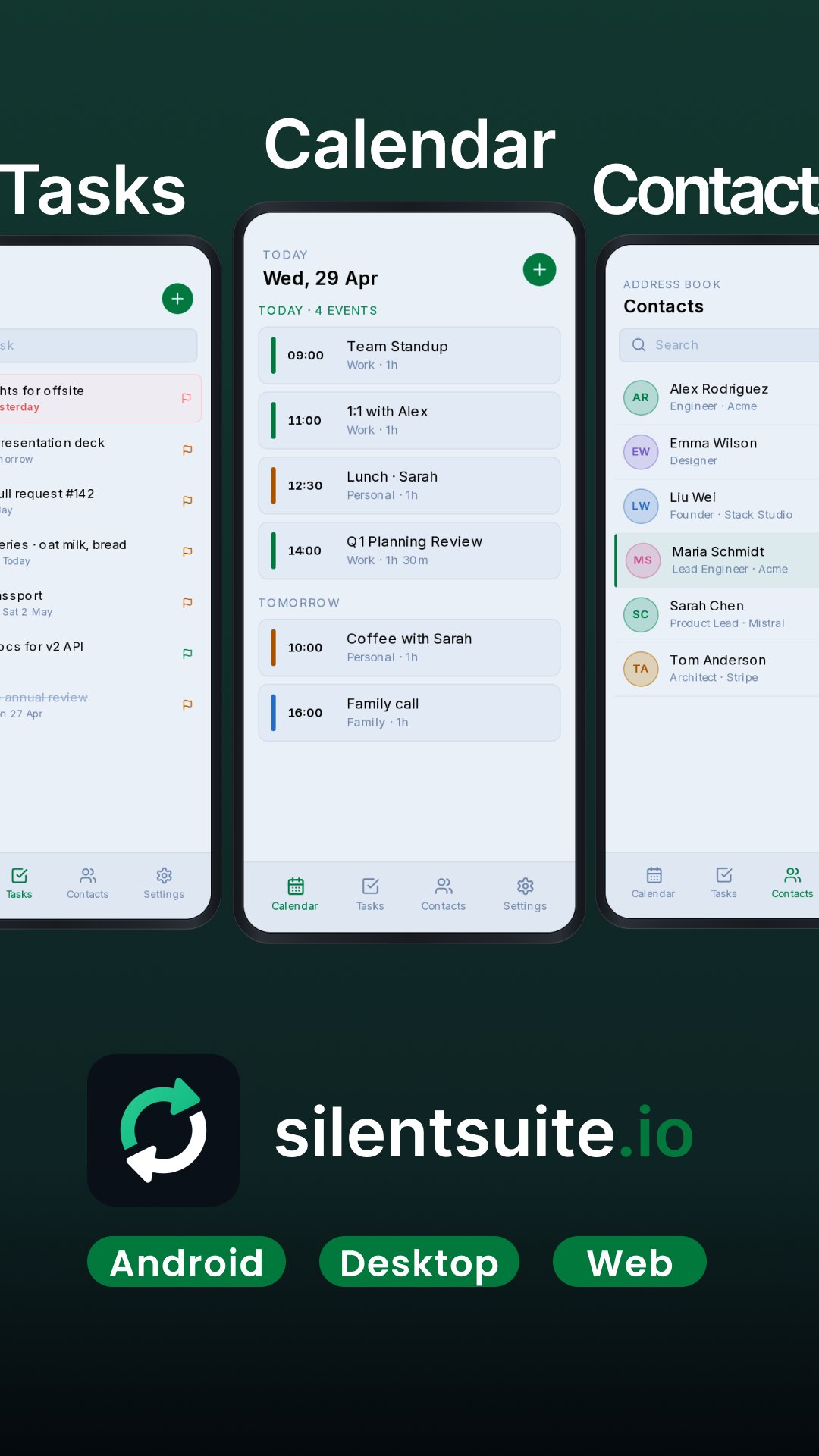
End-to-end encrypted sync for calendar, contacts, and tasks
Download
29.61 MB
42downloads
1this week
FreeFreeware
0reviews
Screenshots
About SilentSuite - Secure Data Sync
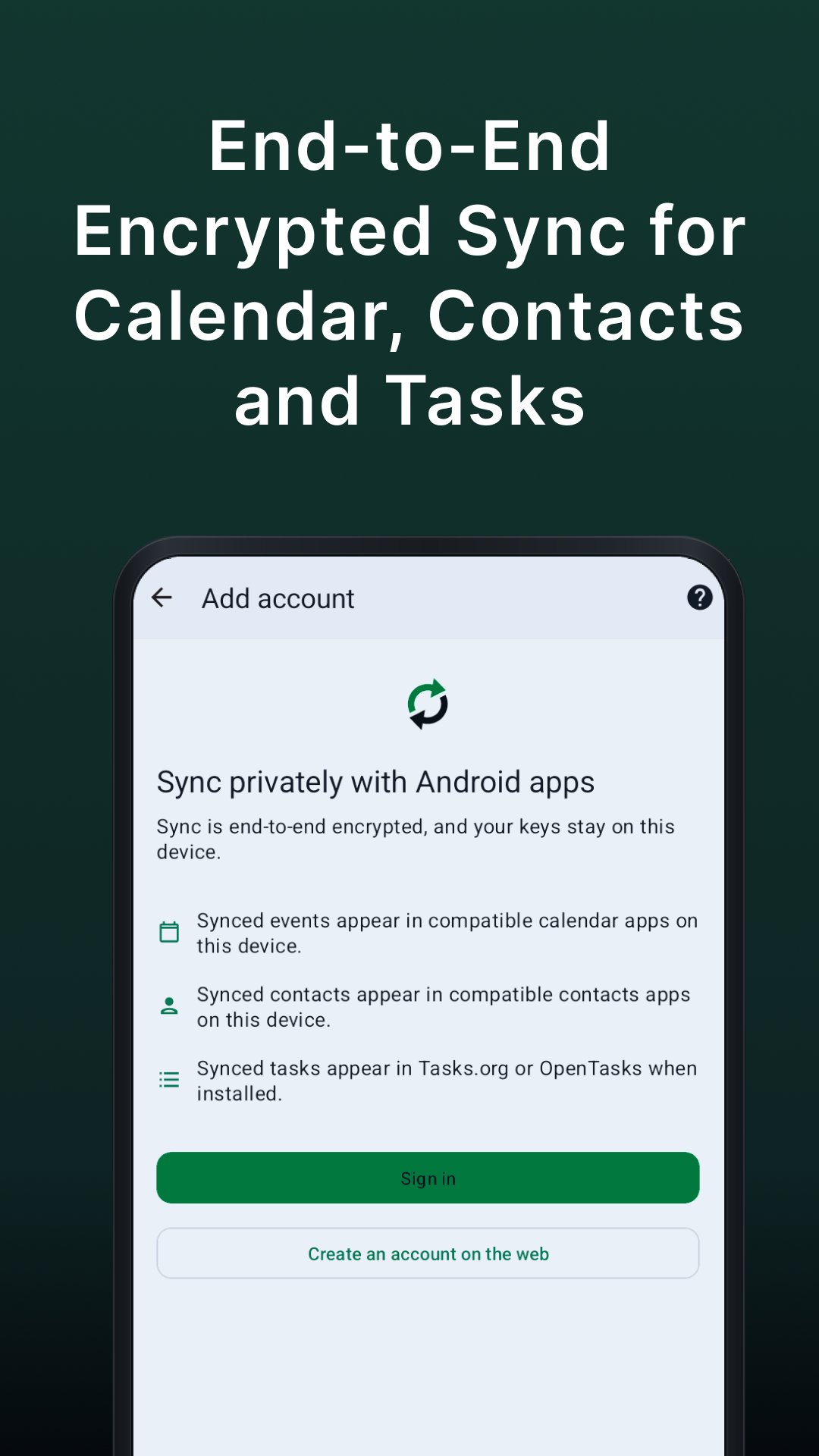
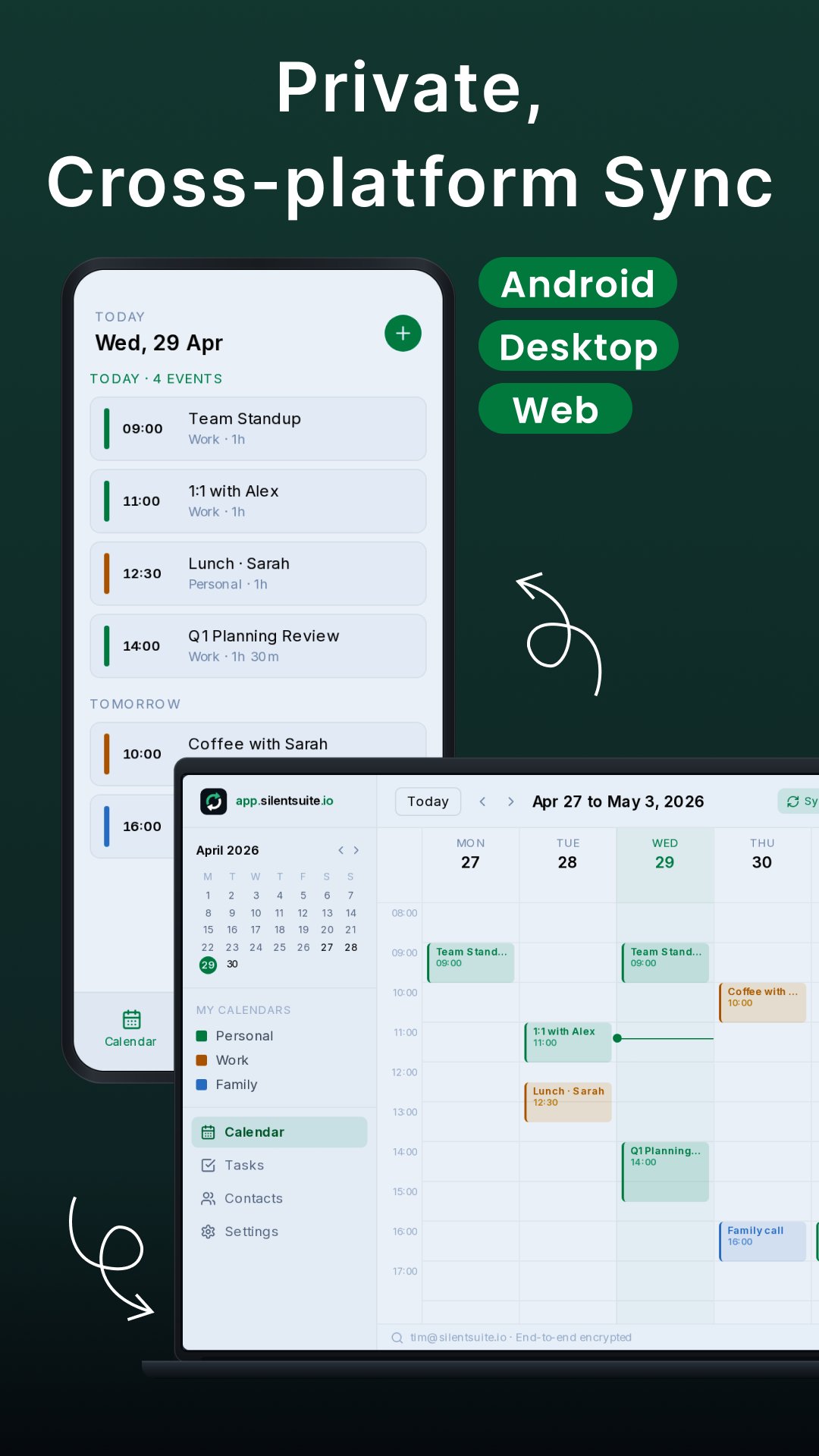
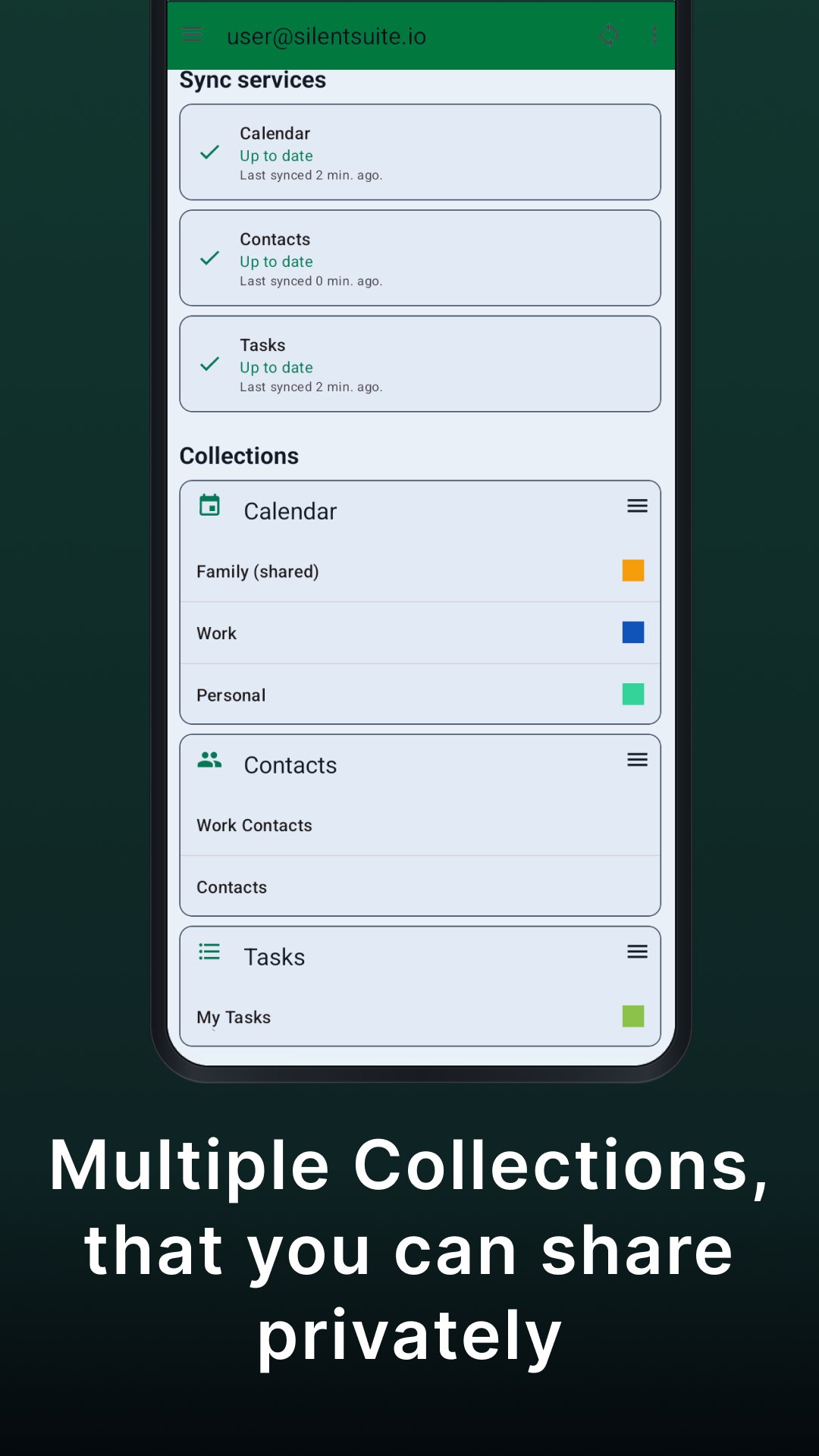
Your calendar, contacts, and tasks should stay in sync wherever you work: Android, macOS, Windows, Linux, and the web. SilentSuite keeps that data available across your devices while applying end-to-end encryption before anything leaves your device.
Zero-Knowledge Sync
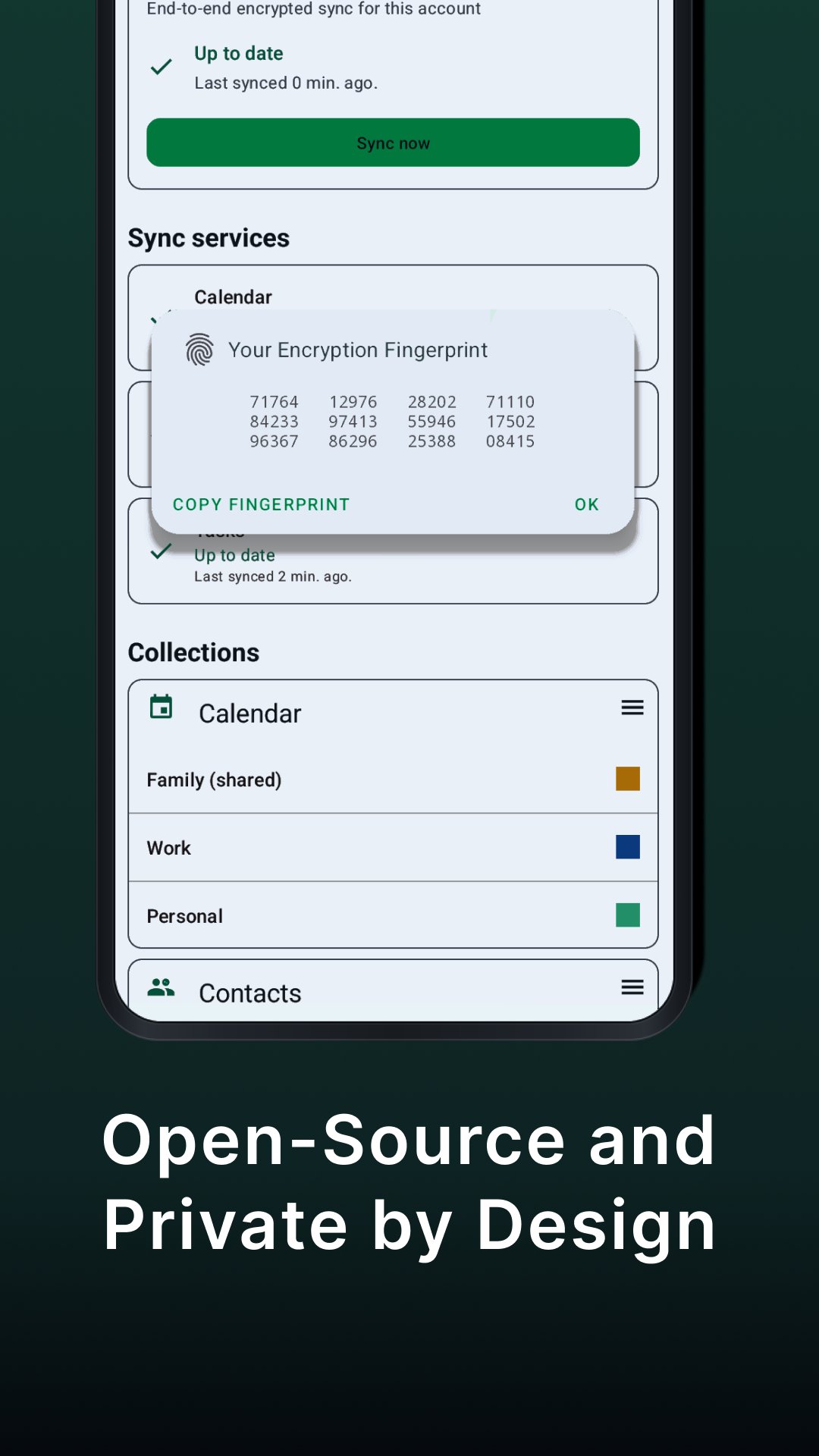
Encryption and decryption happen on your device, and your keys stay there. The server stores only ciphertext, so it cannot read what you keep on it. This is what zero-knowledge means in practice: the privacy guarantee is a technical constraint, not a policy statement.
Fits Into Every System You Use
On Android, SilentSuite works as a native sync adapter for compatible calendar, contacts, and task apps. On macOS, Windows, and Linux it integrates through a lightweight desktop bridge, so your encrypted data can appear in the tools already built into your workflow. The web app gives you browser access when you are away from your own devices. iPhone support is coming soon.
Open Source And Inspectable
Anyone can read the code, review the encryption, and confirm the privacy claims for themselves. There are no proprietary components to take on trust.
Hosted Or Self-Hosted
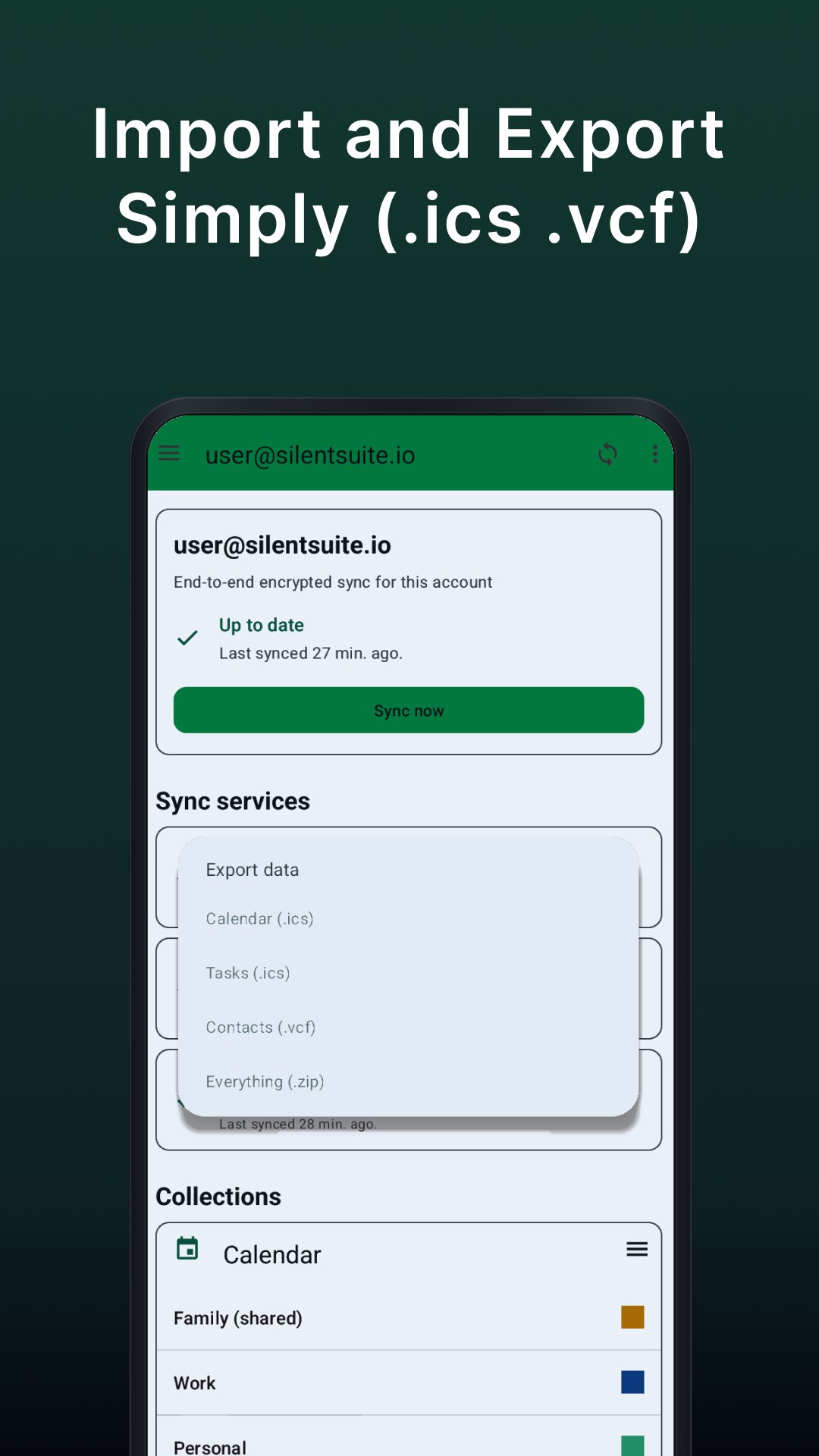
Use the hosted service, or run your own server on hardware you control. Your data stays portable: export it at any time in standard formats, with no lock-in.
Beta Note
This is a beta release. Calendar, contacts, and task sync are the focus of this version and form its stable core. Feedback and bug reports are welcome through the link in the app.
What You Need
Requires a SilentSuite account. Self-hosting documentation is available at docs.silentsuite.io.
License: GPL-3.0-only
| Release info | Update on Nov 17, 2026 |
|---|---|
| Release notes | Top bars are now navy with white titles and controls in light and dark themes, and the navigation bar matches the page. Calendar, Contacts and Tasks dashboard cards can open your apps. Contact labels now sync as Android contact groups and are kept when you edit a contact. Leaving a Notes notebook now shows an error if it fails. |
| Listing data | F-Droid |
Reviews
No reviews yet. Be the first to review SilentSuite - Secure Data Sync.
Used SilentSuite - Secure Data Sync? Tell other visitors what you thought.
Log in to write a reviewOther products by this publisher
- "No Distractions" for YouTube 4.10 ----
- #Bible 11.6.1 "Incredible App - My sister shared this app with me a few weeks ago and it is truly incredible.
- #filmphotography 1.4.2 So, you decided to shoot on film?
- #LookBusy Fake Calendar Events 1.0.6 Look Busy scans your work calendar for open time slots and fills them with realistic-looking (but secretly fake) work events.
- #Small Talk Is Canceled 1.0.2 #Small Talk Is Canceled — Conversations That Matter
Most viewed Android Productivity
-
1
 Nikki 1.5.0
Native Memos client with task management and a typography-first design
- 2 TaskDav 1.0.1 Tasks, notes and calendar over CalDAV — or local-only on your phone.
-
3
 Mindwtr - GTD Task Manager 1.3.8
Clear your head: capture tasks fast, see your next step. Offline, free, GTD.
- 4 PDF Inspector 0.3.2 Inspect, select, edit and delete the elements inside any PDF
-
5
 Mission 1.3
Daily habit tracker, as simple as possible
-
6
 Markor 2026.10.0
Text editor - Notes & ToDo. Lightweight. Markdown and todo.txt support.
- 7 Timetable 1.7 An App for students to save their timetable, homework, notes and exams.
-
8
 Cfait 1.2.1
Powerful, fast and elegant TODO / task manager. (CalDAV and local)
-
9
 VerveDo 3.6.1
A concise to-do app that follows Material 3 Expressive.
- 10 0x54ask 1.1.2 (fork of Simpletask Todo.txt manager. Offline, works with Syncthing. Fork of SimpleTask Cloudless
Most downloaded Android Productivity
-
1
 ntodotxt 0.20.0
Manage your todos in a todo.txt file
-
2
 Kairos 4.0.0
Tasks in the right order, fitted into your day, with on-device machine learning.
-
3
 PlaneTxt 2.3.0
Todo, agenda, journal and notes in plain Markdown files
- 4 DoNotNotify 7.1 Block unwanted notifications. Fast, private, and fully offline.
-
5
 NC Collectives 3.2.0
Unofficial Android client for Nextcloud Collectives wiki notebooks.
-
6
VerveDo 3.6.1
A concise to-do app that follows Material 3 Expressive.
- 7 GitNote 26.10.2 Take note, using a git backend
- 8 Karui ToDo 2.2 145kB aesthetic todo list app with calendar, reminders, sync and widgets
-
9
 Notes Tech 3.3.0
Encrypted Markdown notes, 100% local. No Internet permission.
-
10
 Tine 0.8.4
Fast local-first Logseq-compatible outliner