
11downloads
2this week
FreeLicense
0reviews
Screenshots
About Obsidian
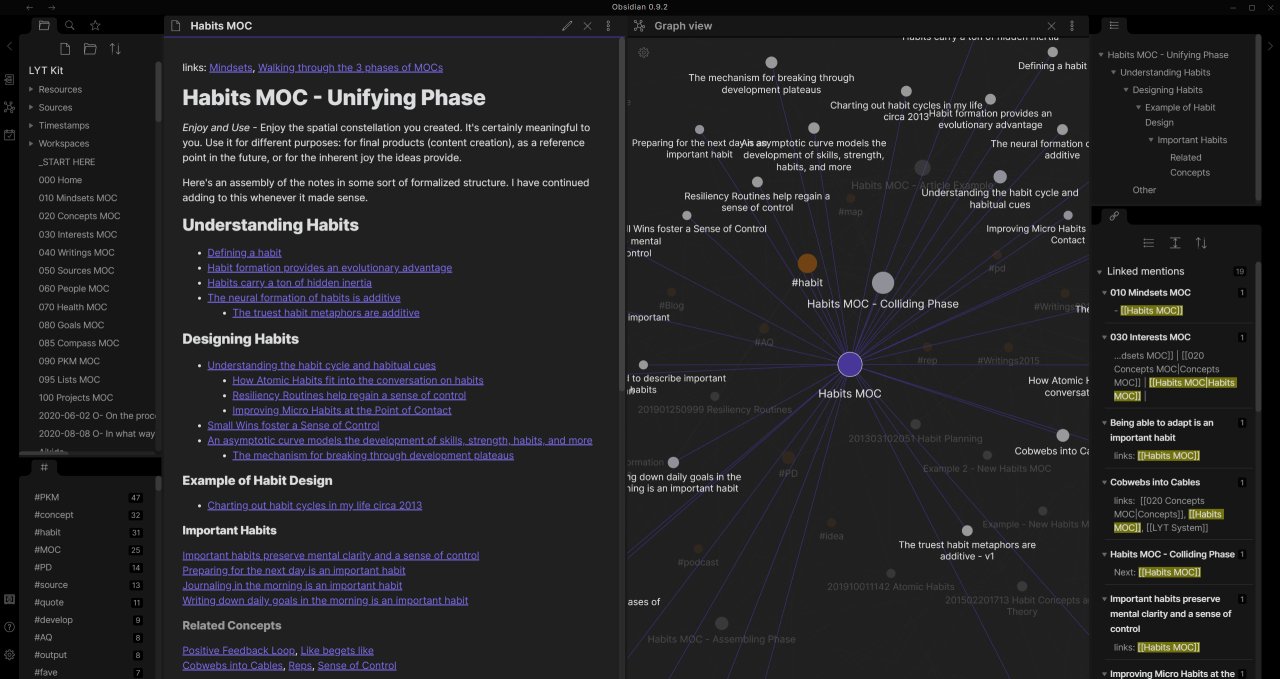
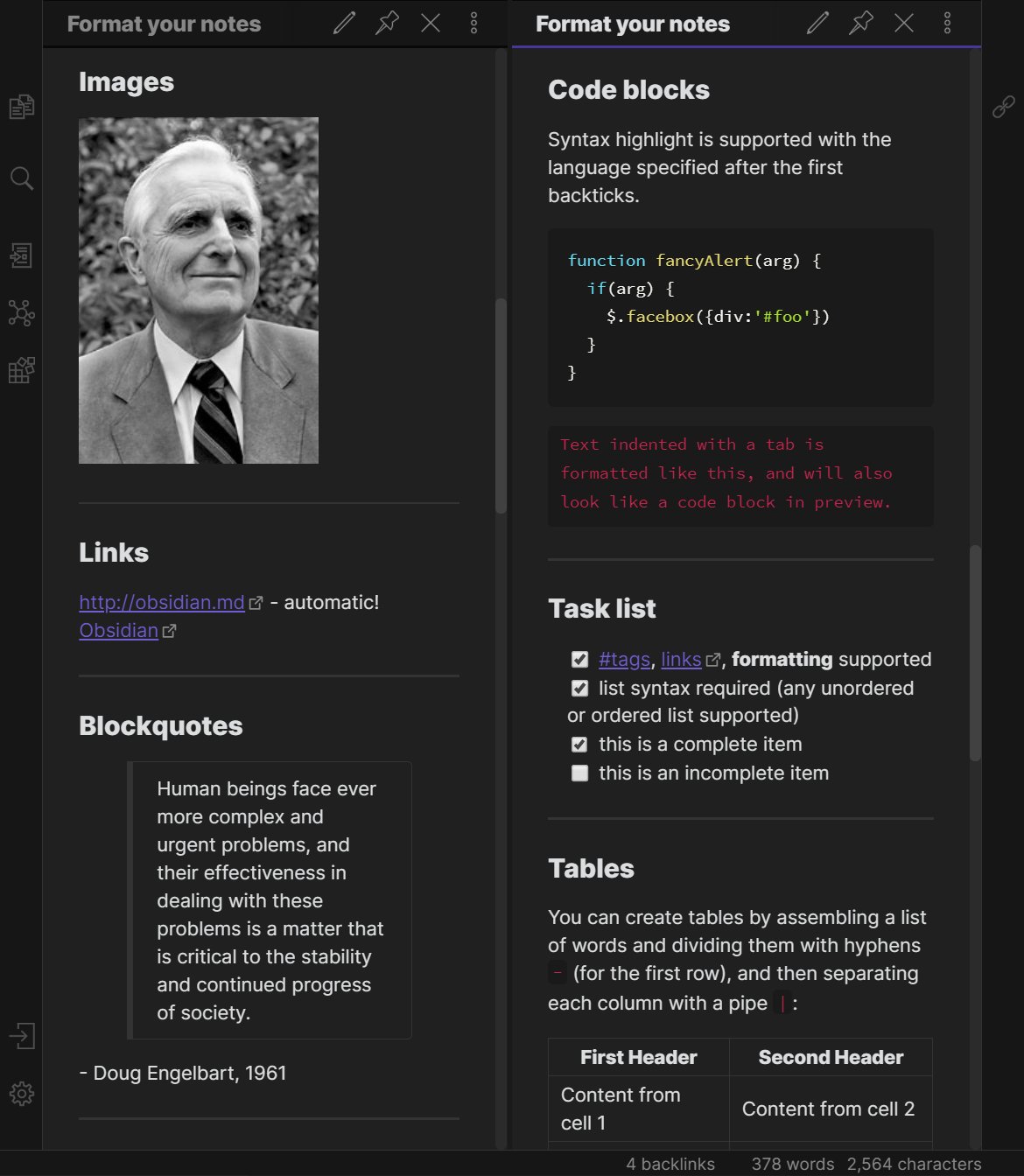
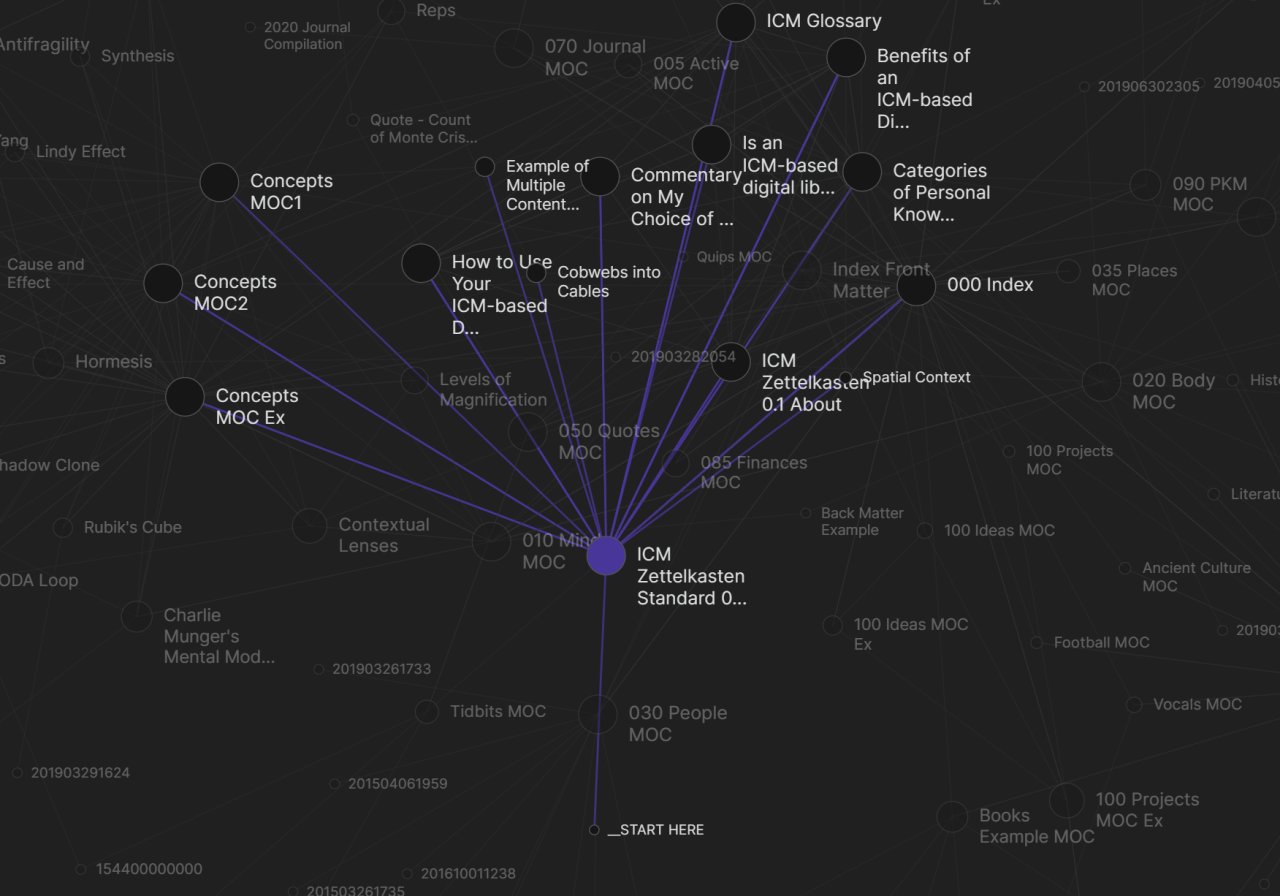
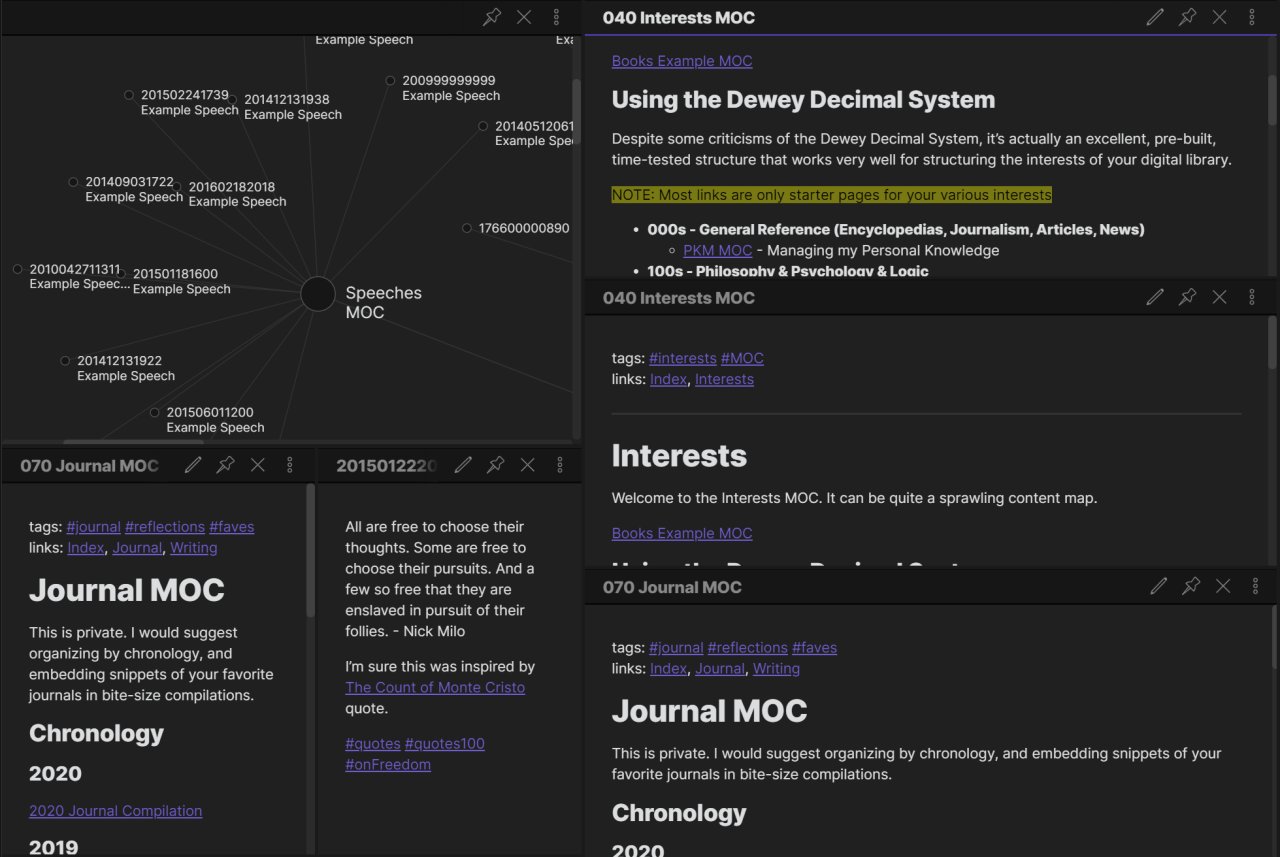
Obsidian is a powerful knowledge base that works on top of a local folder of plain text Markdown files. In Obsidian, making and following connections is frictionless, and with the connections in place, you can explore all of your knowledge in the interactive graph view. Obsidian supports CommonMark and GitHub Flavored Markdown (GFM), along with other useful notetaking features such as tags, LaTeX mathematical expressions, mermaid diagrams, footnotes, internal links and embedding Obsidian notes or external files. Obsidian also has a plugin system with 20+ supported plugins to expand its capabilities.
The documentation can be accessed by opening the demo vault that is shipped in Obsidian.
Obsidian is free for all purposes, including personal, commercial, and non-profit use. No account or license is required for qualifying use cases described in the End User License Agreement. Users have the option to purchase a Catalyst license to get early access to insider builds and support the development. Additionally, Obsidian offers optional paid services for publishing and synchronizing your notes. Details about these optional hosted services can be found on the Obsidian website.
This distribution is verified by the Obsidian team but isn't supported
GPU acceleration can be disabled if necessary by setting OBSIDIAN_DISABLE_GPU=1 in Flatseal
Pdflatex support in pandoc currently requires installing the org.freedesktop.Sdk.Extension.texlive SDK
Note: Regular users should disable "Automatic Updates" within Obsidian as public release updates are handled by Flatpak itself. Insiders should keep this enabled to receive insider builds, as those will not be made available on Flathub.
This flatpak goes into great lengths to provide a nice experience for end users. In order for the Git plugin to work it requires permission to the ssh-auth socket (--socket=ssh-auth). It also exposes the home directory in the sandbox (required for Drag and Drop operations). If you don't use the Git plugin you can disable the ssh-auth socket permission, e.g. using Flatseal. You can also remove access to the home directory if you want and the flatpak will continue to work, albeit with reduced functionality. In case you do remove access to the homedir, note that in order for things to not break for the Git plugin, --persist=.ssh flag has been passed and a bind mount to ~/.var/app/md.obsidian.Obsidian/ is created by flatpak, allowing that location to be used for persistent data (but your home directory's .ssh remains unaccessible)
License: Proprietary
The documentation can be accessed by opening the demo vault that is shipped in Obsidian.
Obsidian is free for all purposes, including personal, commercial, and non-profit use. No account or license is required for qualifying use cases described in the End User License Agreement. Users have the option to purchase a Catalyst license to get early access to insider builds and support the development. Additionally, Obsidian offers optional paid services for publishing and synchronizing your notes. Details about these optional hosted services can be found on the Obsidian website.
This distribution is verified by the Obsidian team but isn't supported
GPU acceleration can be disabled if necessary by setting OBSIDIAN_DISABLE_GPU=1 in Flatseal
Pdflatex support in pandoc currently requires installing the org.freedesktop.Sdk.Extension.texlive SDK
Note: Regular users should disable "Automatic Updates" within Obsidian as public release updates are handled by Flatpak itself. Insiders should keep this enabled to receive insider builds, as those will not be made available on Flathub.
This flatpak goes into great lengths to provide a nice experience for end users. In order for the Git plugin to work it requires permission to the ssh-auth socket (--socket=ssh-auth). It also exposes the home directory in the sandbox (required for Drag and Drop operations). If you don't use the Git plugin you can disable the ssh-auth socket permission, e.g. using Flatseal. You can also remove access to the home directory if you want and the flatpak will continue to work, albeit with reduced functionality. In case you do remove access to the homedir, note that in order for things to not break for the Git plugin, --persist=.ssh flag has been passed and a bind mount to ~/.var/app/md.obsidian.Obsidian/ is created by flatpak, allowing that location to be used for persistent data (but your home directory's .ssh remains unaccessible)
License: Proprietary
| Release info | Update on Oct 21, 2026 |
|---|---|
| Listing data | Flathub |
Reviews
No reviews yet. Be the first to review Obsidian.
Used Obsidian? Tell other visitors what you thought.
Log in to write a reviewOther products by this publisher
- "No Distractions" for YouTube 4.10 ----
- #Bible 11.6 "Incredible App - My sister shared this app with me a few weeks ago and it is truly incredible.
- #filmphotography 1.4.2 So, you decided to shoot on film?
- $quirrel 1.5.1 $quirrel Budget & Finance helps you plan each paycheck, track spending, manage debt, and see what is safe to spend before the next payday.
- % Percentage Calculator Pro 1.41 This is the Pro version of % Percentage Calculator.
Most viewed Linux Office
-
1
 Scrolex 0.13.1
Read PDFs and ebooks horizontally
-
2
 WPS 365 12.1.2.29183_807310
WPS 365 Suite
-
3
 Scribe 0.3.35
Markdown editor with live rendering
-
4
 Feishu 7.72.23
A collaboration platform
-
5
 Foliate 3.3.0
Read e-books in style
- 6 Adobe Reader 9.5.5 PDF viewer
-
7
 Super Productivity v20.0.0
To-do list and time tracker
-
8
 Actual Budget 26.11.0
Your Finances made simple
- 9 Textosaurus 0.9.13 Simple cross-platform text editor based on Qt and QScintilla
-
10
 calibre 9.17.0
The one stop solution to all your e-book needs
Most downloaded Linux Office
- 1 sleek 2.1.1 todo manager based on the todo.txt syntax for Linux, free and open-source (FOSS)
- 2 Textosaurus 0.9.13 Simple cross-platform text editor based on Qt and QScintilla
-
3
 Fingrom 7.3.2
Platform-agnostic financial accounting application for personal finance management
-
4
 TreeSheets 2.23.10
Free Form Data Organizer
-
5
Scribe 0.3.35
Markdown editor with live rendering
-
6
 Invoice Ninja 5.0.204
Create invoices, accept payments, track expenses & time tasks
-
7
 Skribisto 3.3.0
Plan, write, manage your novels
-
8
 Nottodbox 0.2.3
Organize notes, to-dos and diaries
-
9
 Linwood Butterfly 2.6.2
Infinite-canvas notes and sketches
-
10
 Readest 0.12.20
Modern, feature-rich ebook reader