
PC HW Monitor 1.6.3
Real-time Windows PC hardware stats (CPU, GPU, RAM) on your phone over Wi-Fi
Download
2.61 MB
0downloads
0this week
FreeFreeware
0reviews
Screenshots
About PC HW Monitor
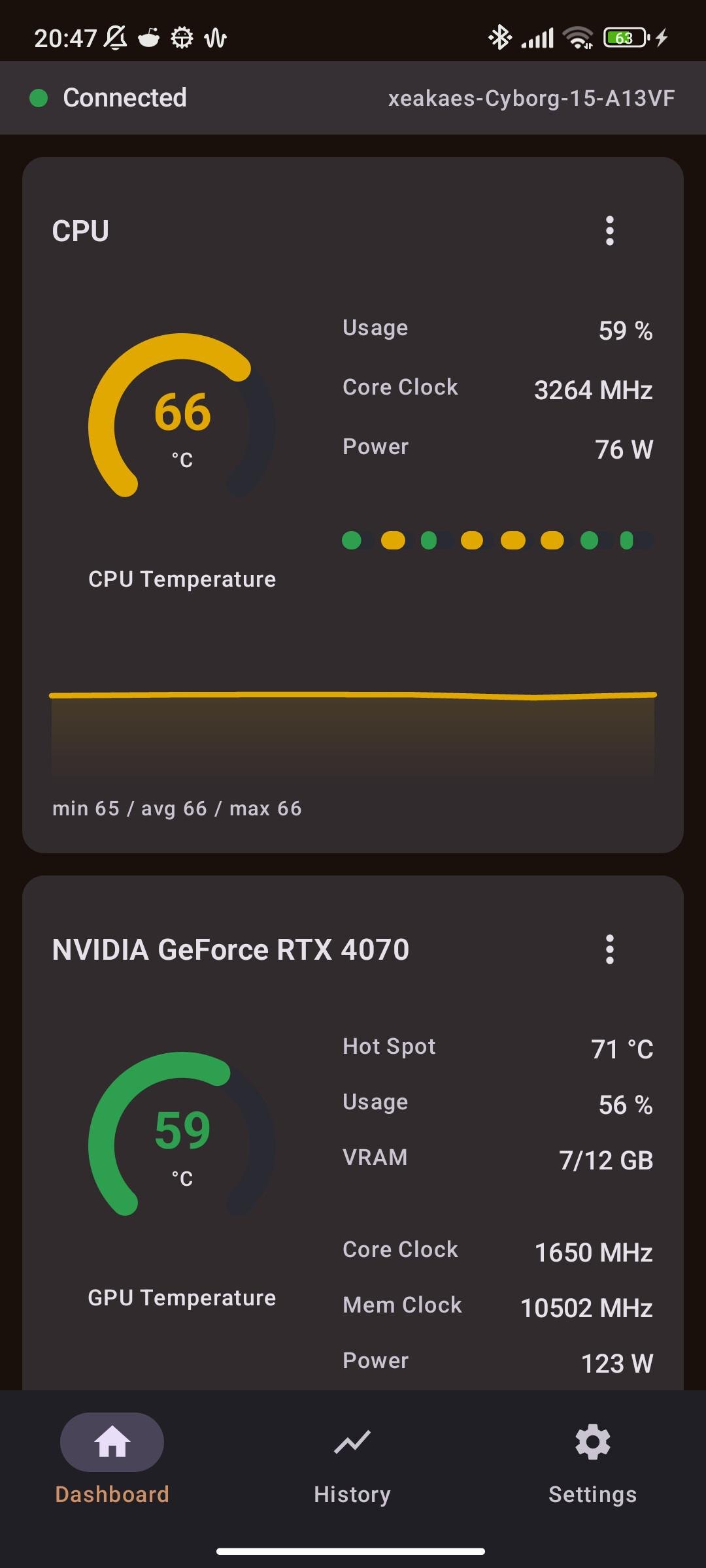
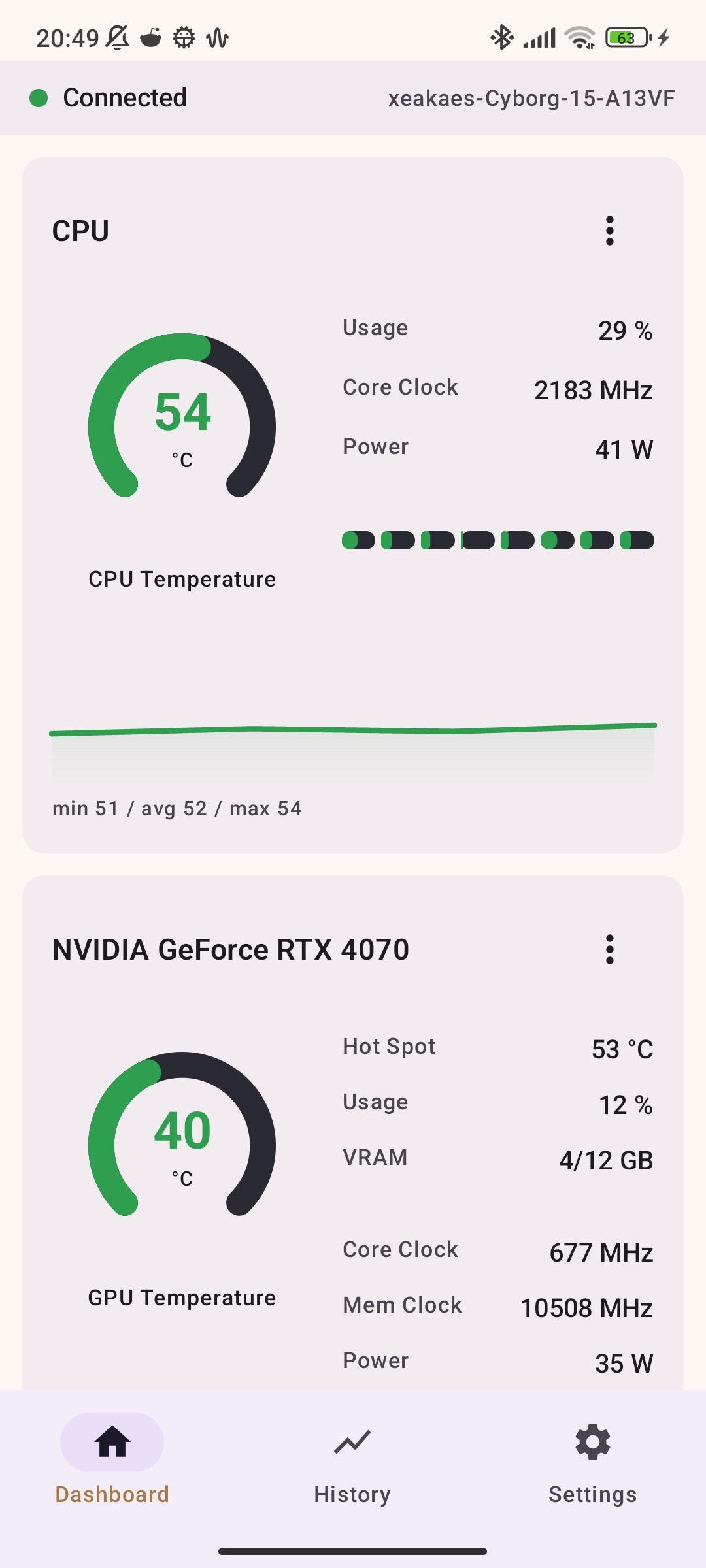
PC HW Monitor shows your PC's real-time hardware statistics on your phone — over local Wi-Fi, or anywhere via an optional Cloudflare Tunnel.
Features
• CPU, GPU, iGPU and RAM cards with temperatures, usage, clock speeds, power, VRAM/RAM and per-core loads
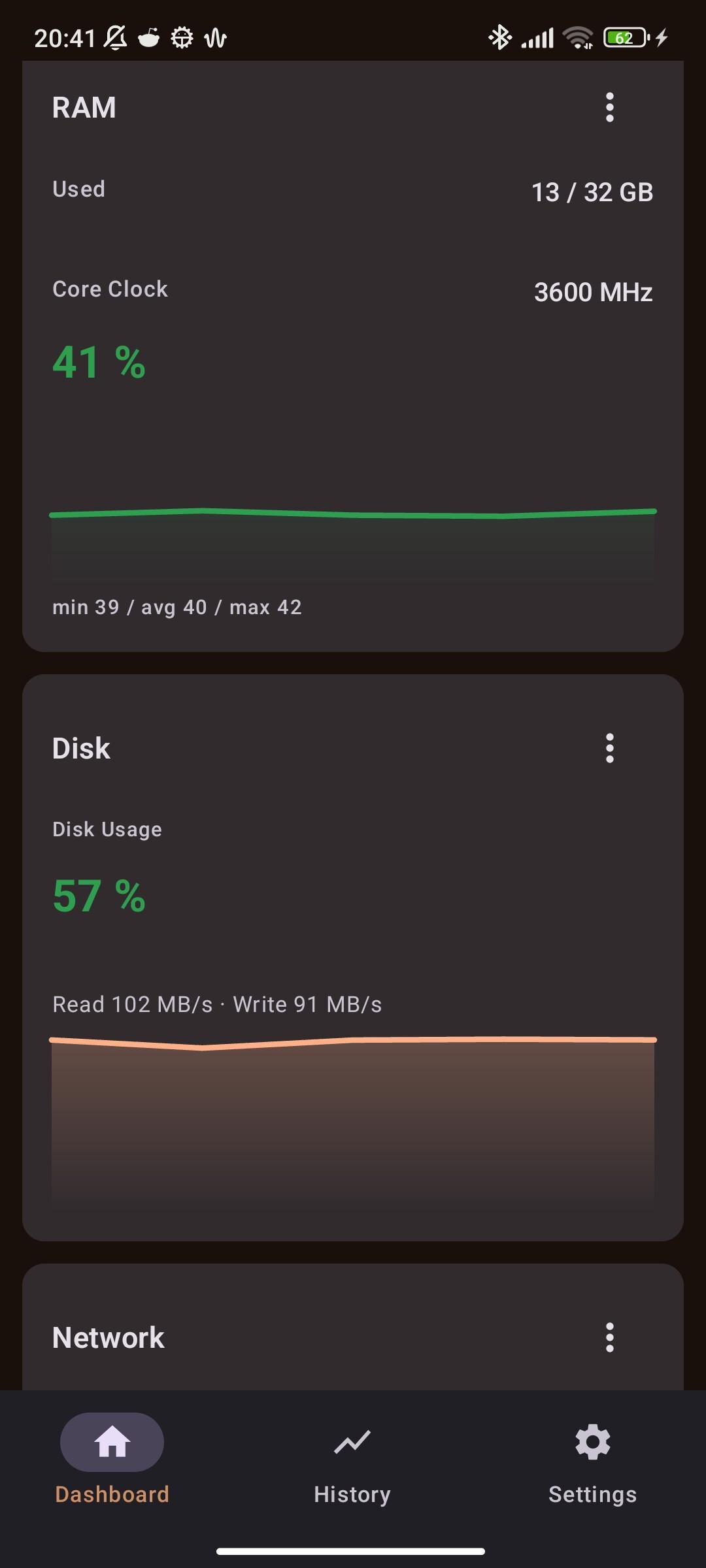
• Disk, network, fan and FPS cards (FPS via embedded PresentMon)
• Live charts and 1-hour history (stored locally on the device)
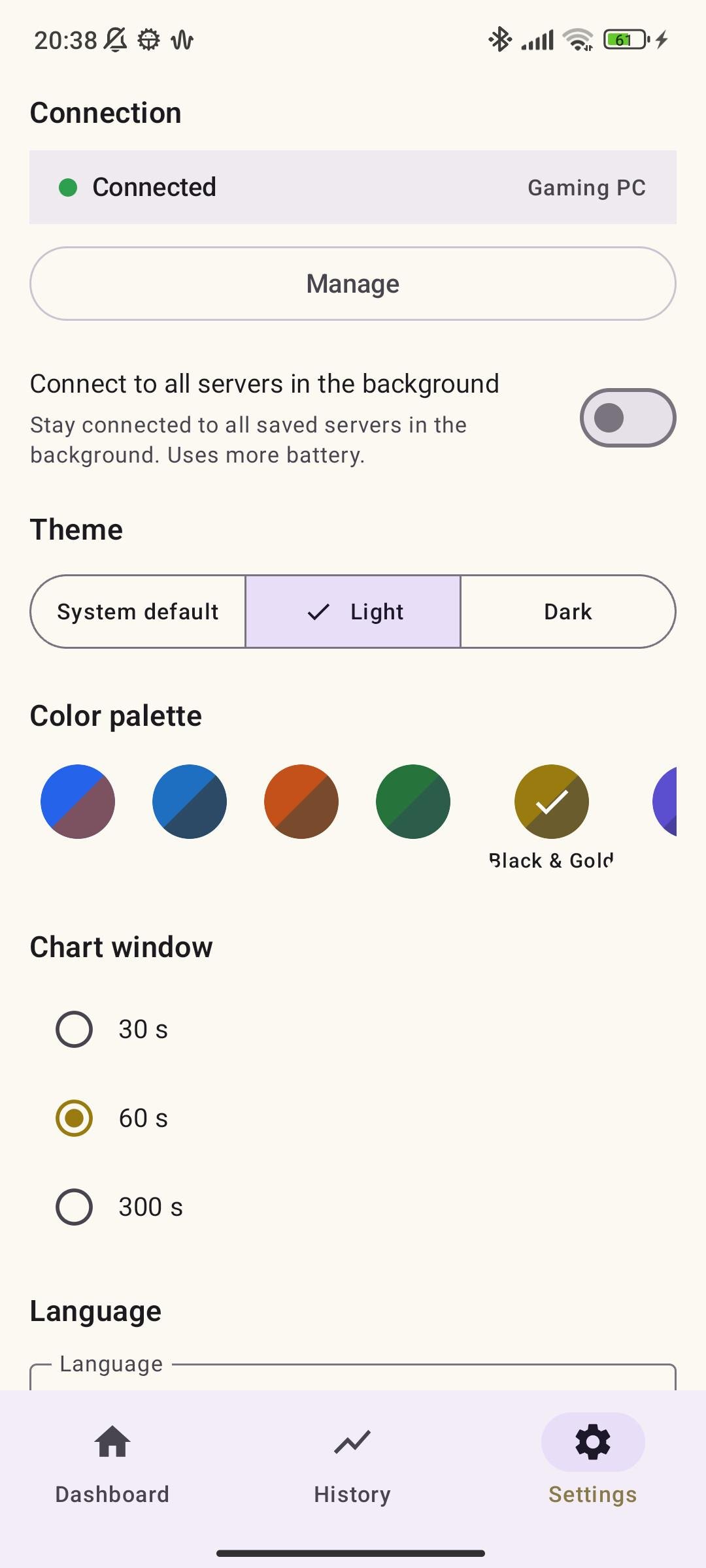
• 9 color palettes with light and dark variants, dashboard edit mode, landscape mode
• Multi-PC support: connect to several PCs and switch via dashboard tabs
• Optional TLS/SSL (wss://) and Cloudflare Tunnel for secure remote access
• QR quick connect, network scan, persistent notification with live stats
• 14 languages, selectable in Settings
How it works
Run the bundled single-file Windows server (no installation needed) on your PC. It reads hardware data from LibreHardwareMonitor and streams it over WebSocket to the app once per second. By default the app only talks to the server over your local Wi-Fi; no data leaves your network unless you enable the optional Cloudflare Tunnel.
No PC hardware available? Start the server with --simulate to generate realistic fake data.
License
AGPL-3.0. The Windows server bundles LibreHardwareMonitor (AGPL-3.0), cloudflared (Apache-2.0) and PresentMon (MIT).
If this app is useful to you, consider supporting development on Patreon: Patreon.
License: AGPL-3.0-or-later
Features
• CPU, GPU, iGPU and RAM cards with temperatures, usage, clock speeds, power, VRAM/RAM and per-core loads
• Disk, network, fan and FPS cards (FPS via embedded PresentMon)
• Live charts and 1-hour history (stored locally on the device)
• 9 color palettes with light and dark variants, dashboard edit mode, landscape mode
• Multi-PC support: connect to several PCs and switch via dashboard tabs
• Optional TLS/SSL (wss://) and Cloudflare Tunnel for secure remote access
• QR quick connect, network scan, persistent notification with live stats
• 14 languages, selectable in Settings
How it works
Run the bundled single-file Windows server (no installation needed) on your PC. It reads hardware data from LibreHardwareMonitor and streams it over WebSocket to the app once per second. By default the app only talks to the server over your local Wi-Fi; no data leaves your network unless you enable the optional Cloudflare Tunnel.
No PC hardware available? Start the server with --simulate to generate realistic fake data.
License
AGPL-3.0. The Windows server bundles LibreHardwareMonitor (AGPL-3.0), cloudflared (Apache-2.0) and PresentMon (MIT).
If this app is useful to you, consider supporting development on Patreon: Patreon.
License: AGPL-3.0-or-later
| Release info | New Release on Nov 08, 2026 |
|---|---|
| Listing data | F-Droid |
Reviews
No reviews yet. Be the first to review PC HW Monitor.
Used PC HW Monitor? Tell other visitors what you thought.
Log in to write a reviewOther products by this publisher
- "No Distractions" for YouTube 4.10 ----
- #Bible 11.6 "Incredible App - My sister shared this app with me a few weeks ago and it is truly incredible.
- #filmphotography 1.4.2 So, you decided to shoot on film?
- $quirrel 1.5.1 $quirrel Budget & Finance helps you plan each paycheck, track spending, manage debt, and see what is safe to spend before the next payday.
- % Percentage Calculator Pro 1.41 This is the Pro version of % Percentage Calculator.
Most viewed Android System
-
1
 Work Profile VPN Switcher 1.2.1
Automatically manage work profile when VPN connects or disconnects
-
2
 GrayPause 1.5
Keep your phone in grayscale, take short color breaks that end by themselves
- 3 Contacts 4 Contacts Organised by Group
- 4 LibChecker 2.5.5.1 View the third-party libraries used by applications
-
5
 SDK Monitor 2.1
Display and monitor the targetSDK from installed apps
- 6 MAXS Module Ringermode 0.5.19 A Module for MAXS
- 7 Sift 1.0.7 A minimalist recipe keeper.
- 8 TouchDroid 2.0.1 Use your Android Device as Touchpad.
- 9 Coffee 2.27 Keep display awake
-
10
 Tideo Auto Brightness 1.15.2
A glass-box replacement for Android's adaptive brightness
Most downloaded Android System
-
1
 Sapio 2.10.0
Android apps that respect you!
-
2
 Restoid 0.8.0
Root-based Android app backup tool powered by restic
-
3
 StudFinder - Stud Finder for Android 17
Find wall studs with your Android's built-in magnetometer. Free, no ads.
- 4 Discord Timestamp Inserter 1.0.2 Input method for quickly inserting Discord timestamps
- 5 DBZ Battery Widget 1.7 View your battery status with your favorite DBZ character
-
6
 openCook 0.4
Recipe manager to scan cookbook photos, plan your week and share the list
-
7
 Voki Bot 0.8.0
Android automation tool
-
8
Work Profile VPN Switcher 1.2.1
Automatically manage work profile when VPN connects or disconnects
- 9 QuickShot: Share Screenshot 3.9 Replace the assistant gesture with quick screenshot share. Quickest way to share
-
10
 Middor 0.2.0
Mirror applications for HUD display with horizontal flip.