Middor 0.2.0
Mirror applications for HUD display with horizontal flip.
Download
2.45 MB · app-release.apk
45downloads
20this week
FreeFreeware
0reviews
Screenshots
About Middor
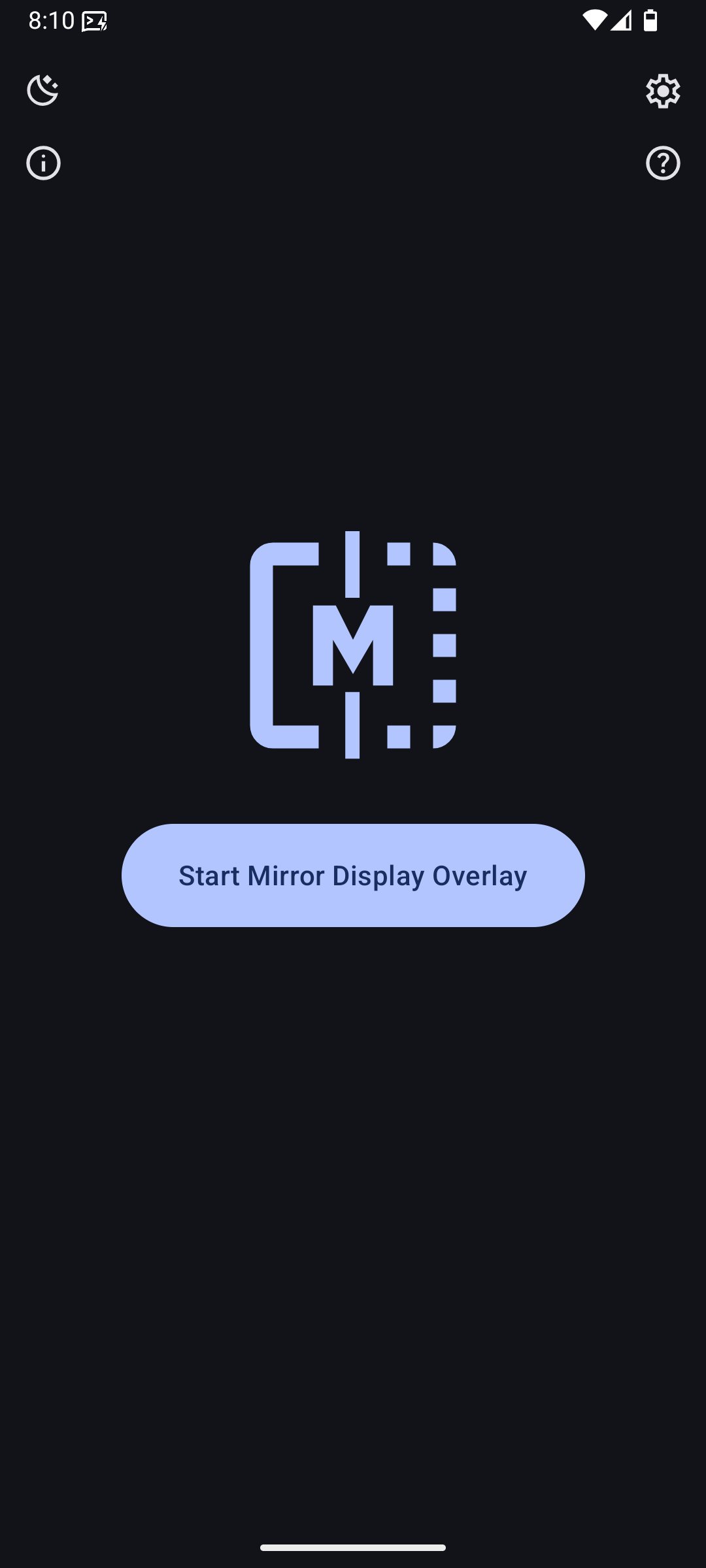
Middor is a free and open-source Android application for mirroring apps on your device.
With built-in support for horizontal flip and 180° rotation, Middor can be used to:
- Display apps on a HUD
- Project content onto a car windscreen (e.g. Google Maps navigation)
- View mirrored images and videos
Middor only supports devices running Android 14 QPR2 or higher, as it relies on the single app screen sharing feature.
For more details, see Android 14 - App Screen Sharing: [link removed]
Touch controls
To tap, swipe, or use multitouch on the mirror, turn on Enable Touch Controls
in Settings and enable Middor Touch in Android Accessibility settings.
Gestures follow flips and rotations and replay when you lift your fingers.
Touch controls are optional for view-only mirroring.
For usage instructions, see [link removed]
Permissions
- SYSTEM_ALERT_WINDOW: to draw a mirror overlay on top of other apps
- FOREGROUND_SERVICE: to run the mirror service continuously while the overlay is active
- FOREGROUND_SERVICE_MEDIA_PROJECTION: for capturing the screen content of the underlying app
- BIND_ACCESSIBILITY_SERVICE: for the optional Middor Touch service
- POST_NOTIFICATIONS: (optional) to display the mirror service notification with additional actions
Contact
Questions/Feature Requests
Create a Q&A for questions and Ideas for feature requests on GitHub discussions: [link removed]
Bugs/Issues
Report bugs by creating a GitHub issue describing the problem and how it can be reproduced: [link removed]
Please also include your device model, app version and android version.
Other
For all other inquiries, please reach out to: support@middor.nktnet.org
License: AGPL-3.0-or-later
With built-in support for horizontal flip and 180° rotation, Middor can be used to:
- Display apps on a HUD
- Project content onto a car windscreen (e.g. Google Maps navigation)
- View mirrored images and videos
Middor only supports devices running Android 14 QPR2 or higher, as it relies on the single app screen sharing feature.
For more details, see Android 14 - App Screen Sharing: [link removed]
Touch controls
To tap, swipe, or use multitouch on the mirror, turn on Enable Touch Controls
in Settings and enable Middor Touch in Android Accessibility settings.
Gestures follow flips and rotations and replay when you lift your fingers.
Touch controls are optional for view-only mirroring.
For usage instructions, see [link removed]
Permissions
- SYSTEM_ALERT_WINDOW: to draw a mirror overlay on top of other apps
- FOREGROUND_SERVICE: to run the mirror service continuously while the overlay is active
- FOREGROUND_SERVICE_MEDIA_PROJECTION: for capturing the screen content of the underlying app
- BIND_ACCESSIBILITY_SERVICE: for the optional Middor Touch service
- POST_NOTIFICATIONS: (optional) to display the mirror service notification with additional actions
Contact
Questions/Feature Requests
Create a Q&A for questions and Ideas for feature requests on GitHub discussions: [link removed]
Bugs/Issues
Report bugs by creating a GitHub issue describing the problem and how it can be reproduced: [link removed]
Please also include your device model, app version and android version.
Other
For all other inquiries, please reach out to: support@middor.nktnet.org
License: AGPL-3.0-or-later
| Release info | Update on Oct 20, 2026 |
|---|---|
| Release notes | Changes • feat: support user interactions through mirror display (#16) • requires accesibility permissions • allow touches on the overlay to be passed to the application --- Full Changelog: https://github.com/nktnet1/middor/compare/v0.1.7...v0.2.0 |
| Listing data | F-Droid |
Reviews
No reviews yet. Be the first to review Middor.
Used Middor? Tell other visitors what you thought.
Log in to write a reviewOther products by this publisher
- "No Distractions" for YouTube 4.10 ----
- #Bible 11.6 "Incredible App - My sister shared this app with me a few weeks ago and it is truly incredible.
- #filmphotography 1.4.2 So, you decided to shoot on film?
- $quirrel 1.5.1 $quirrel Budget & Finance helps you plan each paycheck, track spending, manage debt, and see what is safe to spend before the next payday.
- % Percentage Calculator Pro 1.41 This is the Pro version of % Percentage Calculator.
Most viewed Android System
-
1
 Work Profile VPN Switcher 1.2.1
Automatically manage work profile when VPN connects or disconnects
-
2
 GrayPause 1.5
Keep your phone in grayscale, take short color breaks that end by themselves
- 3 LibChecker 2.5.5.1 View the third-party libraries used by applications
- 4 Contacts 4 Contacts Organised by Group
- 5 Sift 1.0.7 A minimalist recipe keeper.
-
6
 SDK Monitor 2.1
Display and monitor the targetSDK from installed apps
- 7 MAXS Module Ringermode 0.5.19 A Module for MAXS
- 8 TouchDroid 2.0.1 Use your Android Device as Touchpad.
- 9 Coffee 2.27 Keep display awake
- 10 Ril Control 1.0 Control the RIL-daemon process
Most downloaded Android System
-
1
 openCook 0.4
Recipe manager to scan cookbook photos, plan your week and share the list
-
2
 Restoid 0.8.0
Root-based Android app backup tool powered by restic
- 3 Discord Timestamp Inserter 1.0.2 Input method for quickly inserting Discord timestamps
-
4
 Sapio 2.10.0
Android apps that respect you!
-
5
Work Profile VPN Switcher 1.2.1
Automatically manage work profile when VPN connects or disconnects
-
6
 StudFinder - Stud Finder for Android 17
Find wall studs with your Android's built-in magnetometer. Free, no ads.
- 7 DBZ Battery Widget 1.7 View your battery status with your favorite DBZ character
- 8 Keep Screen On 1.29.1 A screen timeout quick settings tile
-
9
 Tideo Auto Brightness 1.15.2
A glass-box replacement for Android's adaptive brightness
-
10
Middor 0.2.0
Mirror applications for HUD display with horizontal flip.