OTG Master 0.5.2
Mount VeraCrypt, LUKS, BitLocker and APFS USB drives on non-rooted Android
Download
12.10 MB
66downloads
2this week
FreeFreeware
0reviews
Screenshots
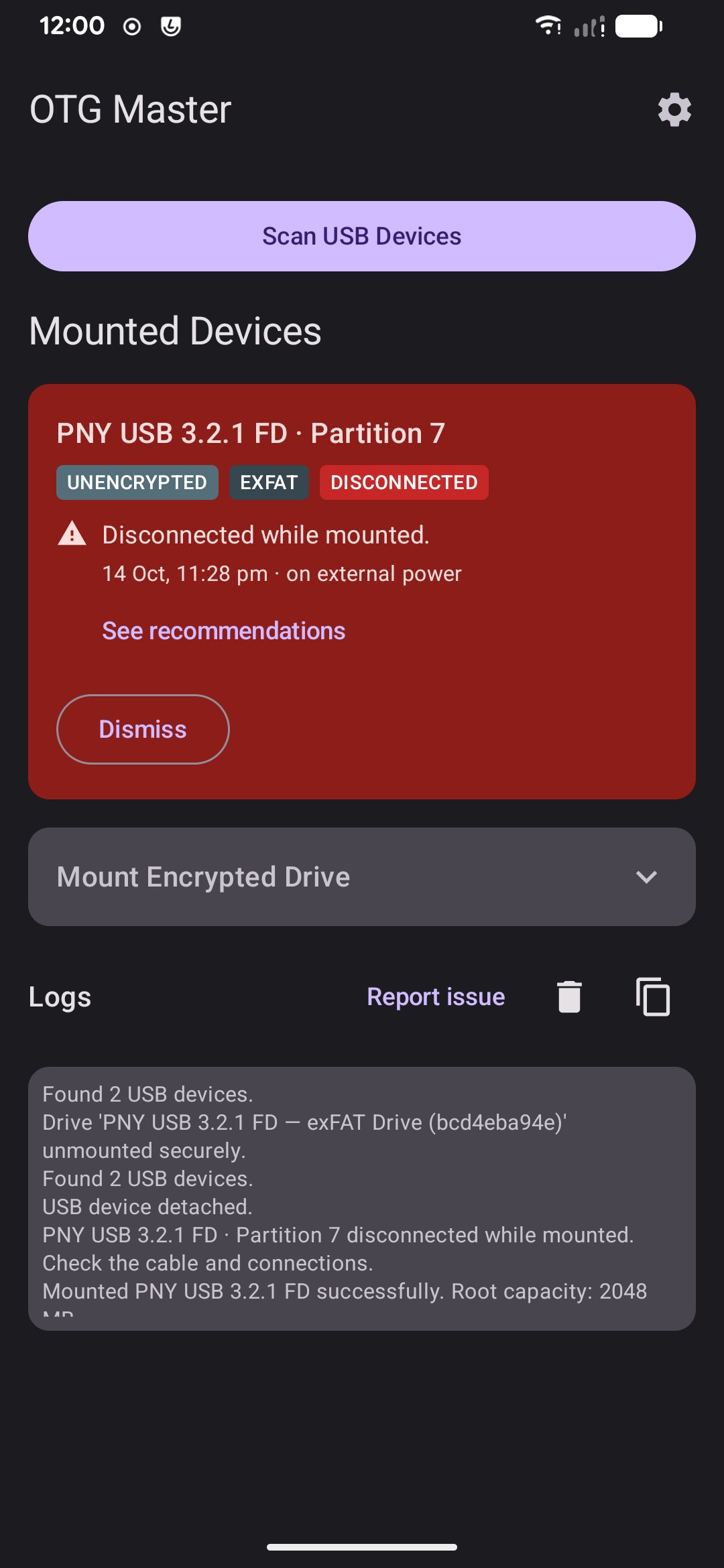
About OTG Master
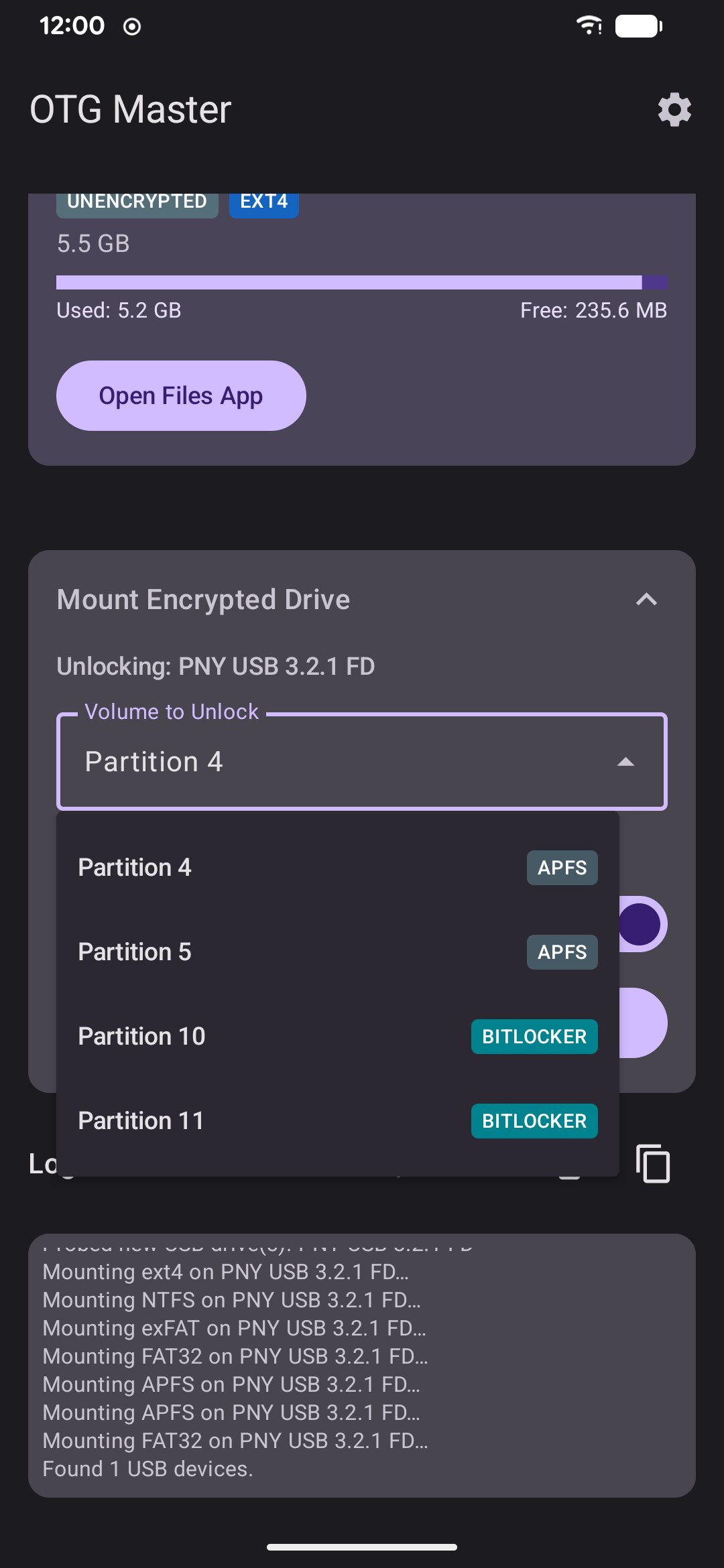
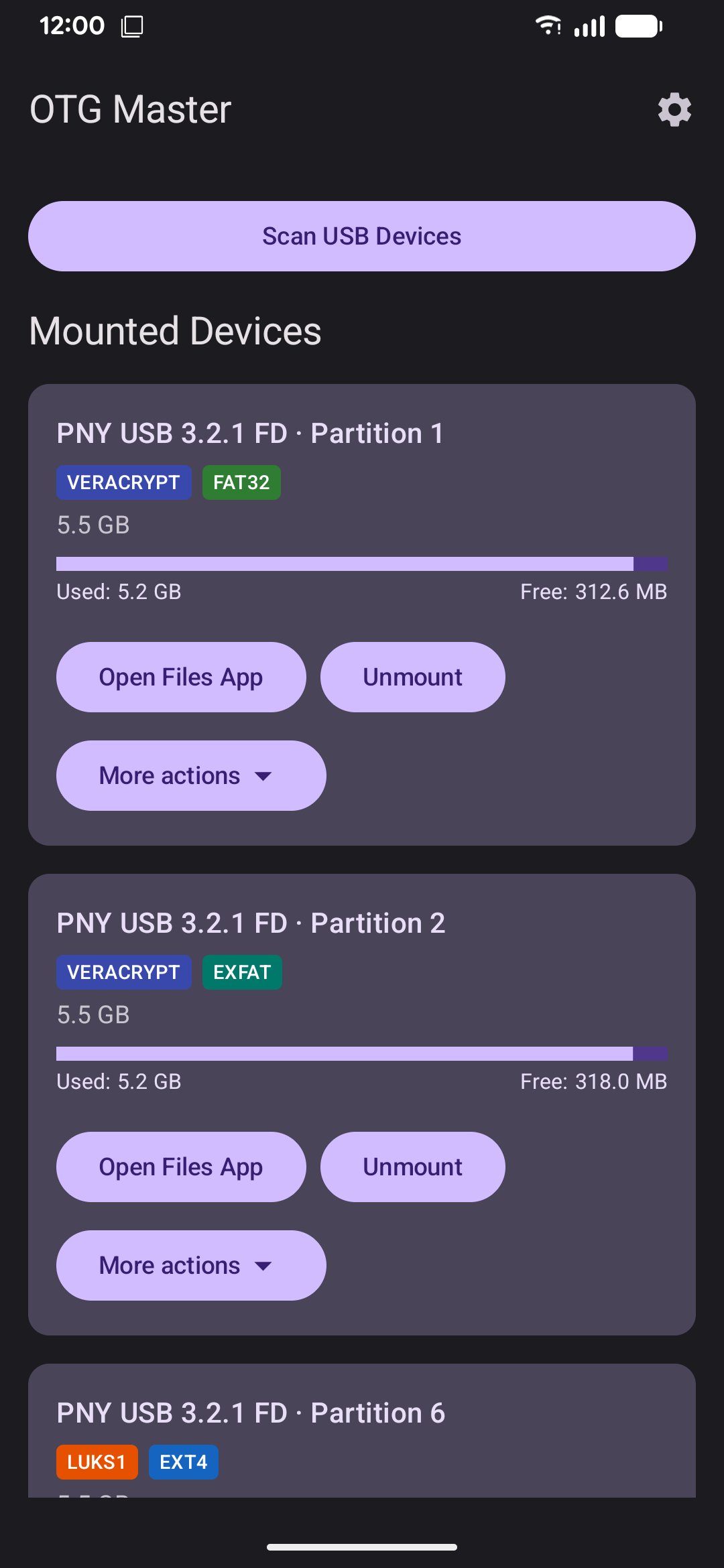
OTG Master lets you mount VeraCrypt, LUKS and BitLocker-encrypted USB drives, and read Mac APFS drives, directly on your Android device — no root required.
Connect an encrypted volume via USB OTG, enter your password or use your fingerprint, and access your encrypted files through Android's built-in Files app. Unmount safely when done.
FEATURES
• Multiple Encryption Formats — mount VeraCrypt, LUKS1, LUKS2 and BitLocker volumes (BitLocker with its password or 48-digit recovery key)
• Broad File System Support — read and write files on FAT32, exFAT, NTFS and ext4 partitions
• Mac Drives — read APFS drives, unencrypted or encrypted with a password, case-sensitive or not
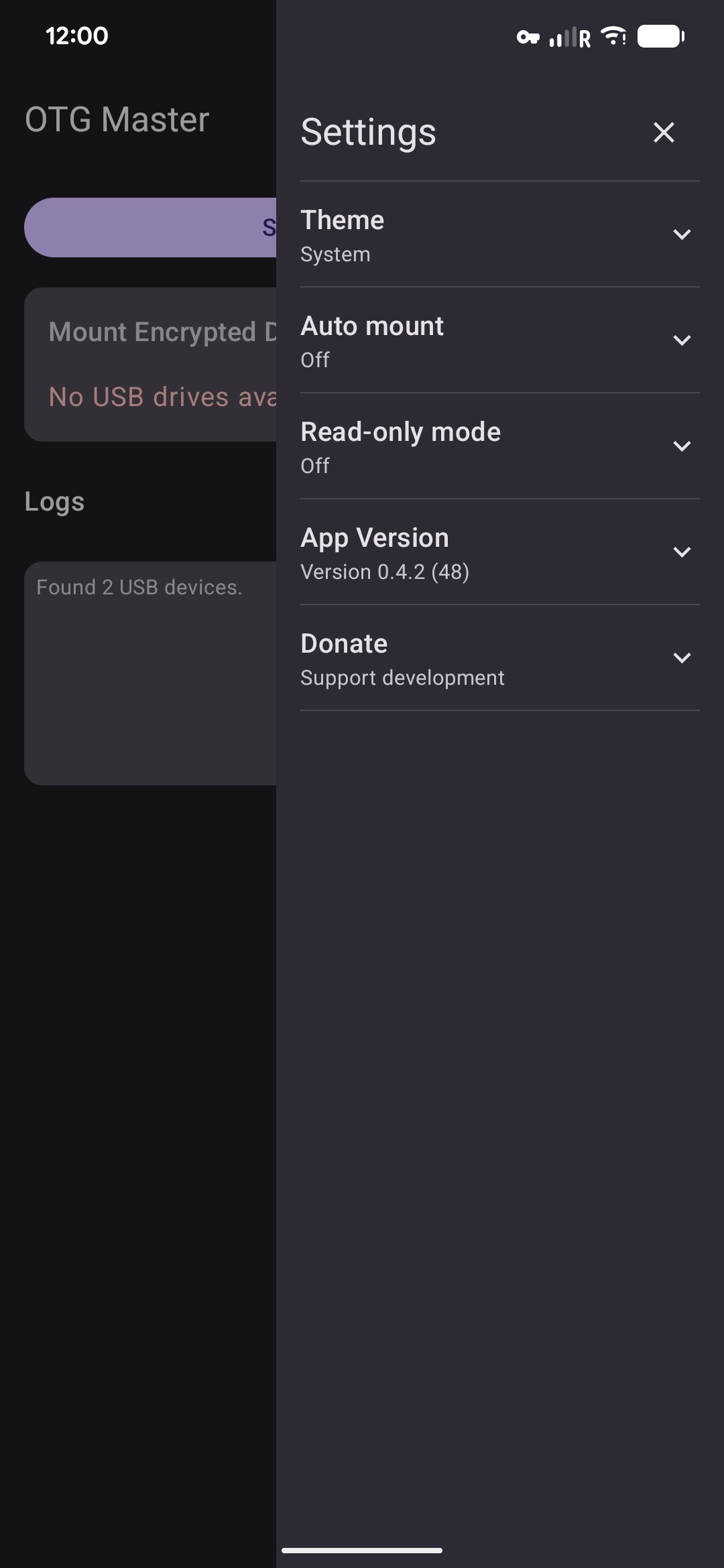
• Read-Only Mode — optionally mount partitions safely without risking accidental modifications
• ext4 Repair — a drive that wasn't unmounted cleanly opens read-only; one tap replays its journal, as Linux would, and makes it writable again
• Auto Mount — automatically unlocks known drives on connect using biometric authentication
• Hub Support — multiple USB drives connected via a hub are all prompted in a single biometric step
• VeraCrypt Hidden Volumes — open a hidden volume with its own password, and protect it from damage while writing to its outer volume
• Keyfile Support — use a keyfile in addition to or instead of a password
• Custom PIM — supports non-default PIM values for stronger key derivation
• Cipher Selection — AES, Serpent and Twofish, VeraCrypt's five cascades of them, and SHA-512 or Argon2id key derivation
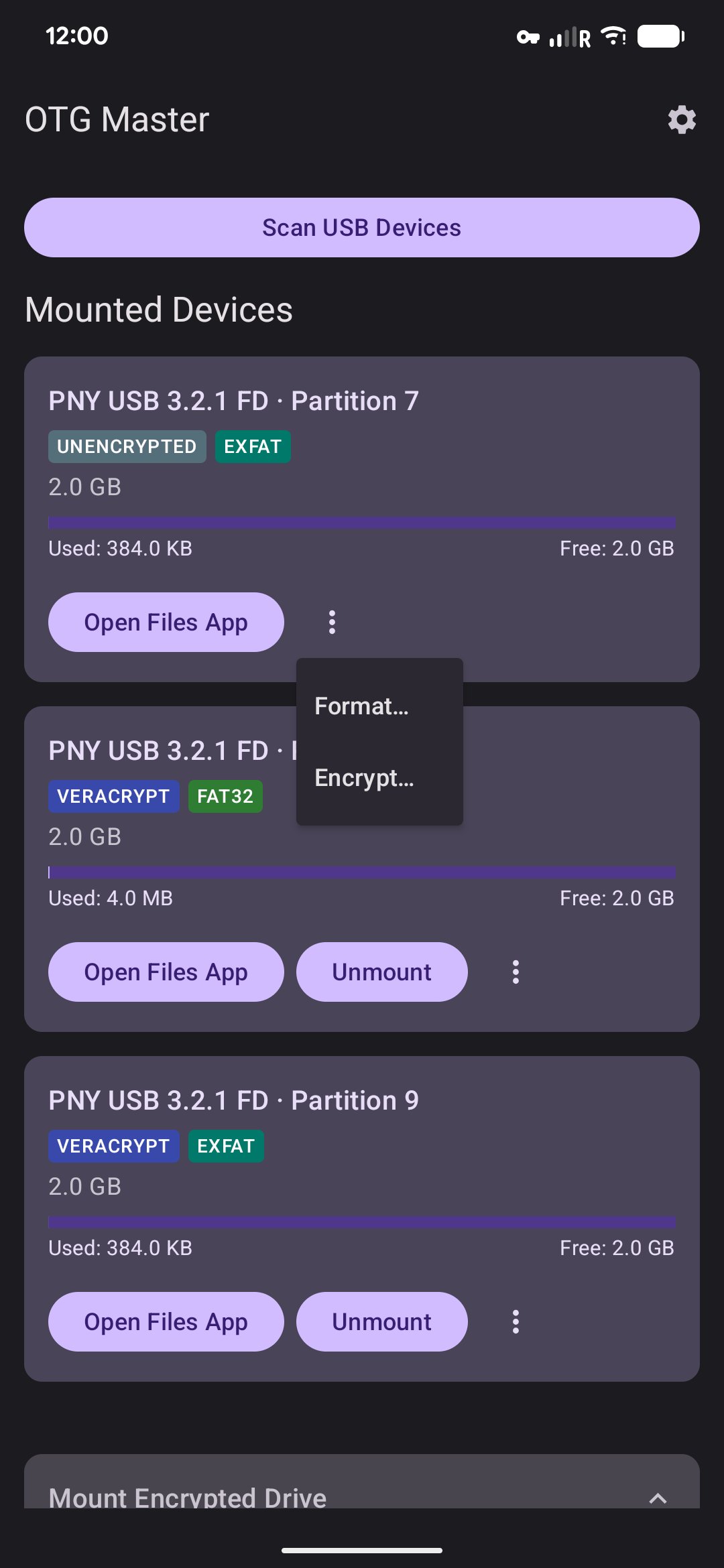
• Encrypt a Drive — turn a USB partition into a new VeraCrypt volume, with any of those ciphers, a PIM and keyfiles, or a LUKS2 volume for Linux; FAT32, exFAT, ext4 or NTFS inside
• Format — erase a partition in place as FAT32, exFAT, ext4 or NTFS, keeping its encryption and password
• Backups — back up folders between the phone and a drive, as plain copies or incremental snapshots in the standard restic format that restic opens on a computer; browse a backup as a read-only drive; reminders when one is overdue
• Recover Deleted Files — find files deleted from FAT32 and exFAT drives and copy them to the phone; only deleted files are listed, and nothing is written to the drive
• Phones and Cameras — another phone or a camera connected over USB shows up as a drive (read-only)
• Tablet Layout — on a wide screen, mounted drives sit beside the unlock form
• Partitioned Disks — scans MBR/GPT partition tables and lets you pick the exact volume to unlock
• No Root Required — works on standard, unmodified Android devices
• No Cloud, No Tracking — your files never leave your device
REQUIREMENTS
• Android 8.0 (Oreo) or later
• USB OTG cable or adapter
• A VeraCrypt, LUKS or BitLocker-encrypted USB drive, or an APFS drive from a Mac
OTG Master is free and open source.
License: GPL-3.0-or-later
| Release info | Update on Nov 17, 2026 |
|---|---|
| Release notes | • Faster unlocks of VeraCrypt volumes and LUKS2 drives that use Argon2 • Fixed: Unmount waits for a file copy or a backup to finish, as Eject does • Settings: Donate shows the Ko-fi button and links to more ways to help • New: a hint shows where the mounted drives are • Tapping the mounted-drives notification opens their list |
| Listing data | F-Droid |
Reviews
No reviews yet. Be the first to review OTG Master.
Used OTG Master? Tell other visitors what you thought.
Log in to write a reviewOther products by this publisher
- "No Distractions" for YouTube 4.10 ----
- #Bible 11.6.1 "Incredible App - My sister shared this app with me a few weeks ago and it is truly incredible.
- #filmphotography 1.4.2 So, you decided to shoot on film?
- #LookBusy Fake Calendar Events 1.0.6 Look Busy scans your work calendar for open time slots and fills them with realistic-looking (but secretly fake) work events.
- #Small Talk Is Canceled 1.0.2 #Small Talk Is Canceled — Conversations That Matter
Most viewed Android Security & Privacy
- 1 OTG Master 0.5.2 Mount VeraCrypt, LUKS, BitLocker and APFS USB drives on non-rooted Android
-
2
 Passchain 1.1.2-rc2
Use security key with Bluetooth, NFC, USB or your phone secure element
-
3
 ICdetection 3.1.8
Offline cellular anomaly auditor and radio monitor for Android
- 4 Vault Explorer 1.50.0 Encrypted container explorer: VeraCrypt, LUKS, BitLocker, Cryptomator, gocryptfs
- 5 CimBar Scanner 0.13.0 Send and receive files and text as animated color barcodes — offline
-
6
 Arcanum 1.7.0
Encrypted container manager compatible with VeraCrypt
-
7
 PaperCript 1.3.5
Encrypted passwords on printable QR cards. No network, stores nothing.
- 8 KeePassVault 2.1.0 Client app for KeePass databases
-
9
 TrovePass 1.0.0
Offline password generator — one master password for every site
- 10 Inter Profile Sharing 1.2 Easily share media and text between Android user profiles
Most downloaded Android Security & Privacy
- 1 Flauth 1.2.0 Privacy-first, open-source TOTP authenticator for 2FA token management.
-
2
 Pocket2FA 0.11.0
Secure 2FA code client of 2FAuth server that works offline
-
3
 PassPony: Git Password Manager 2.1.0
Password manager for pass and passage stores, synced with git
-
4
 Tokn - MFA / 2FA authenticator 1.8.3
Open-source 2FA authenticator. Encrypted on-device. No accounts.
- 5 EphemeralWorkProfile 63.0 Profile owner Android privacy app.
- 6 HiddenProtectedWorkProfile 94.0 Hidden Profile owner Android security app.
-
7
 SecureScreen 1.3.0
Protect selected apps from screenshots and screen recording
-
8
PaperCript 1.3.5
Encrypted passwords on printable QR cards. No network, stores nothing.
-
9
 Passman 1.7.0
Allow you to manage the credentials stored in your Nextcloud Passman app.
- 10 DNS Toggle 3.1.0 Easily toggle and automate Private DNS through the Quick Settings panel.