
12downloads
3this week
FreeFreeware
0reviews
Screenshots
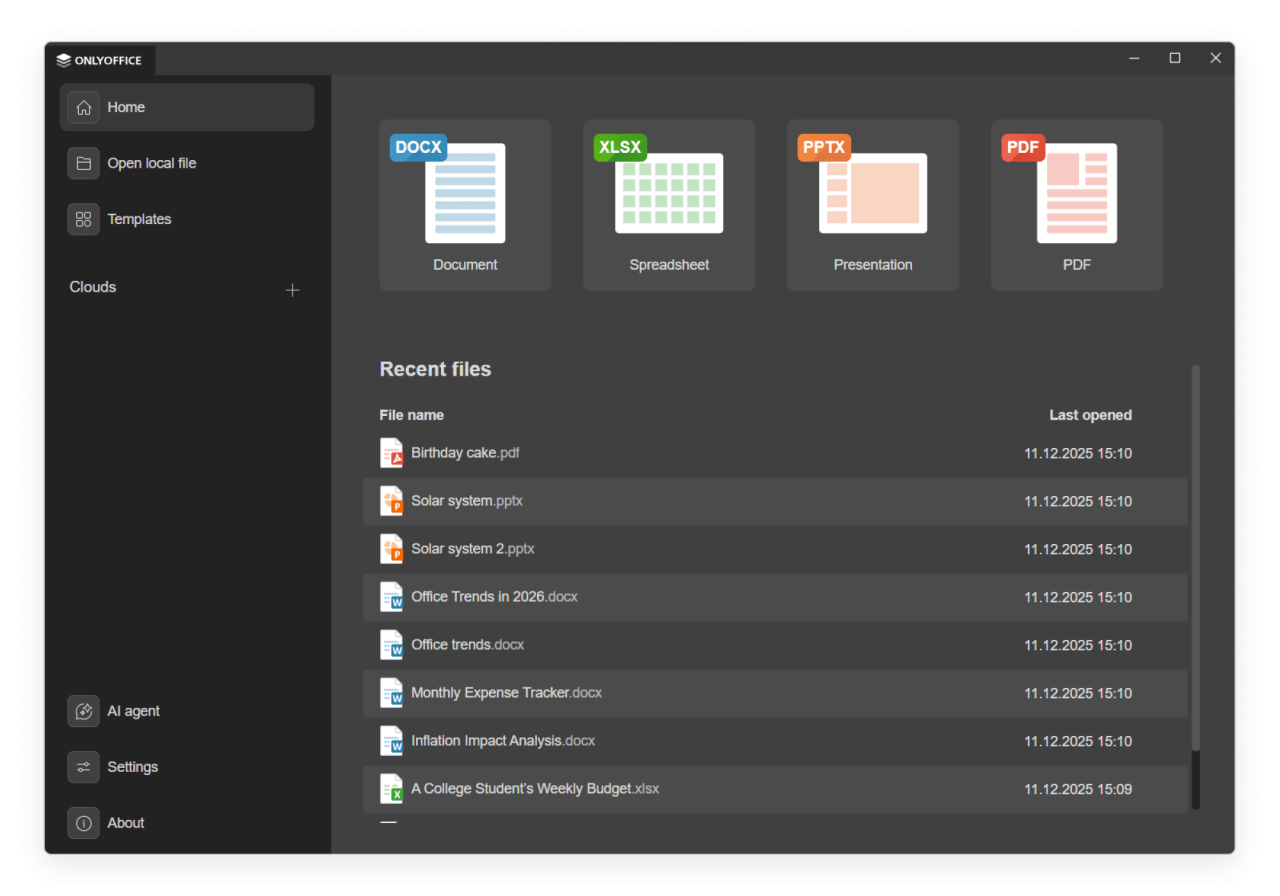
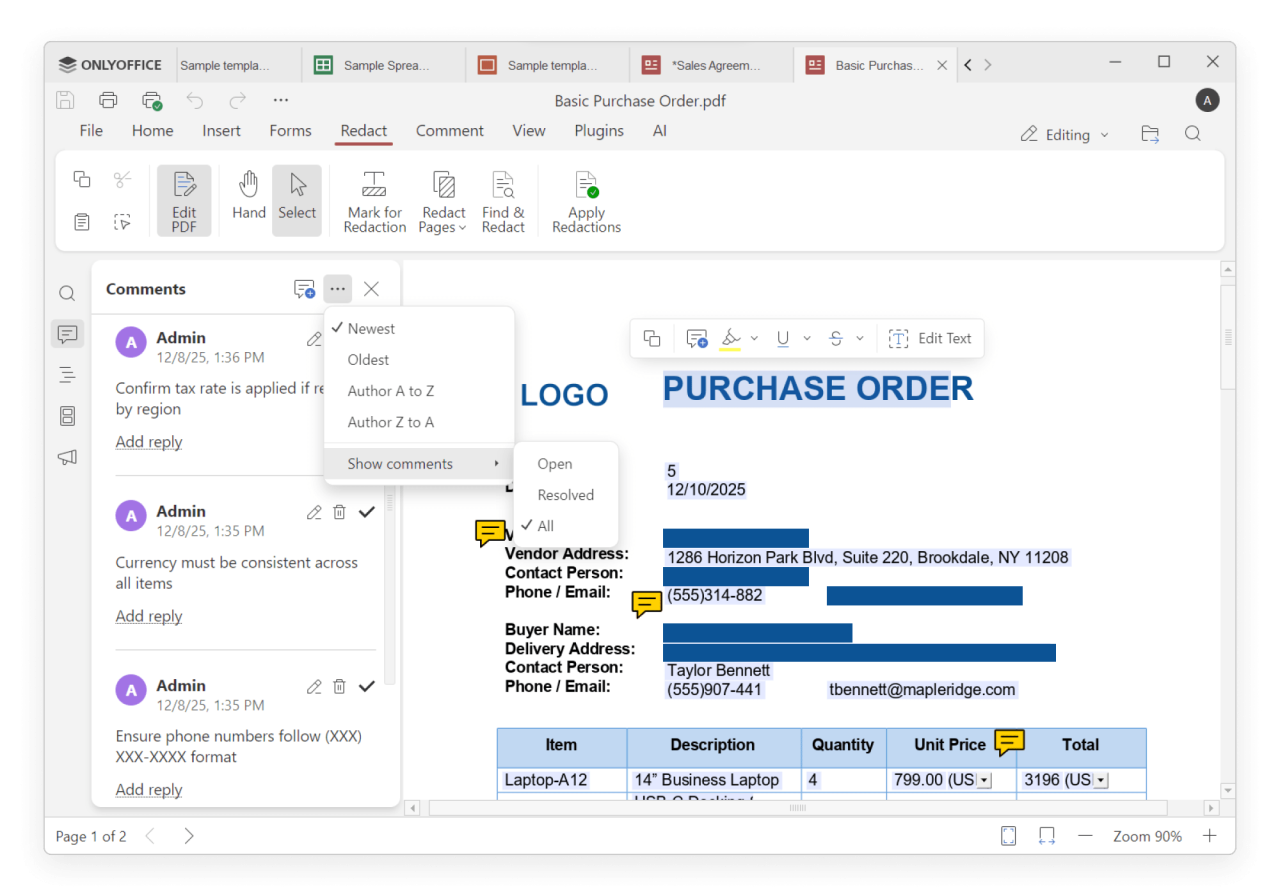
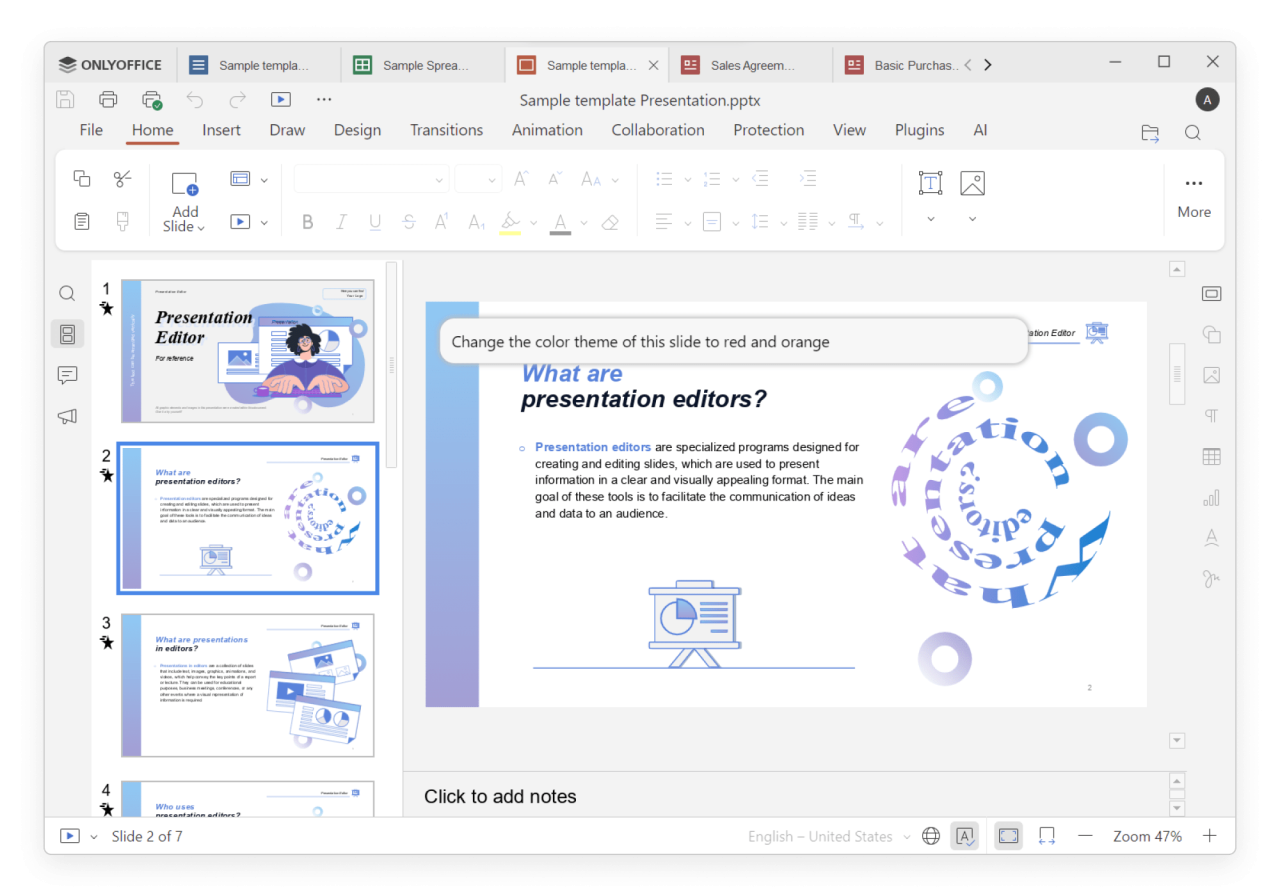
About ONLYOFFICE Desktop Editors
ONLYOFFICE Desktop Editors is a free and open-source office suite pack that comprises editors
for text documents, spreadsheets, presentations, PDFs and PDF forms, along with a Diagram Viewer.
It allows you to create, view and edit office docs stored on your Windows/Linux PC or Mac without
an Internet connection. The suite is fully compatible with Office Open XML formats: .docx, .xlsx,
.pptx.
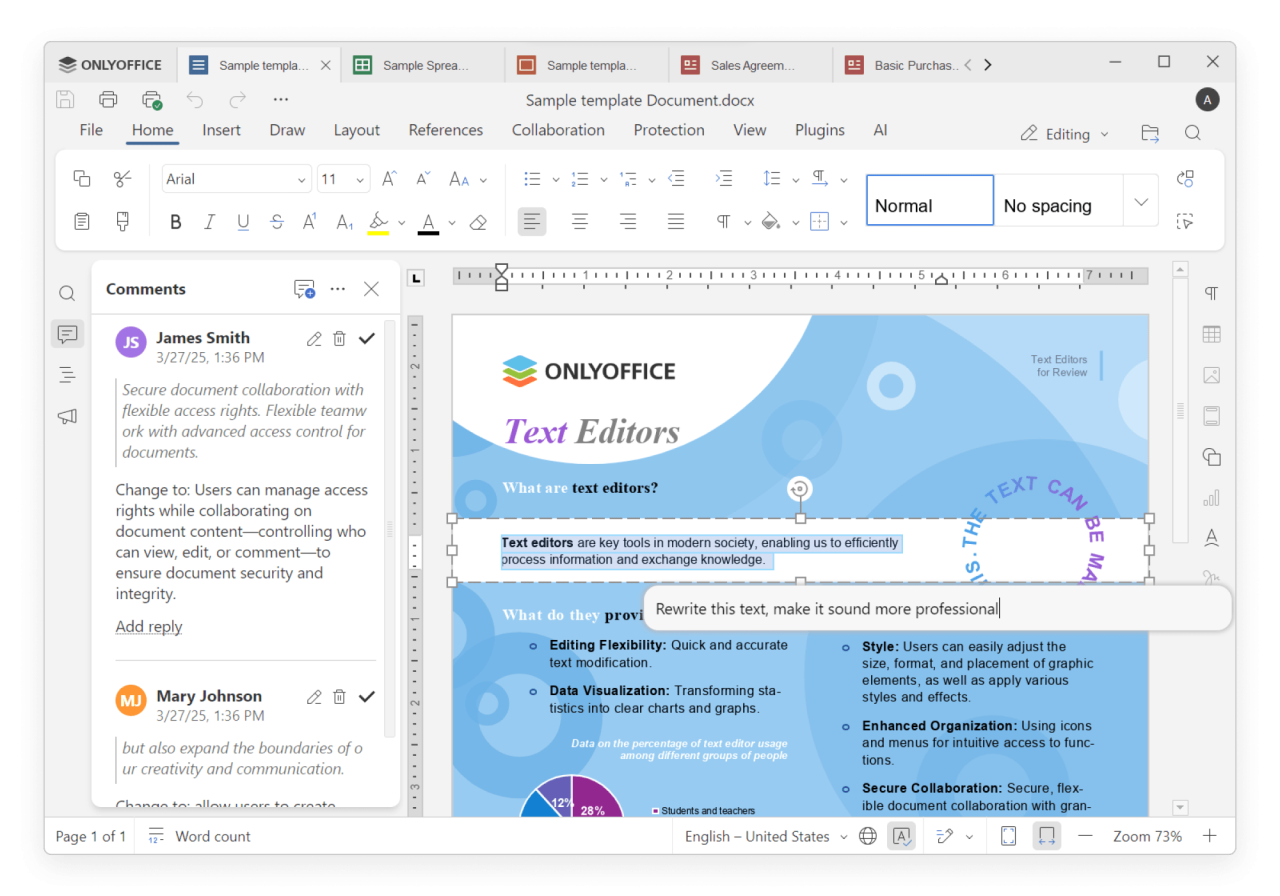
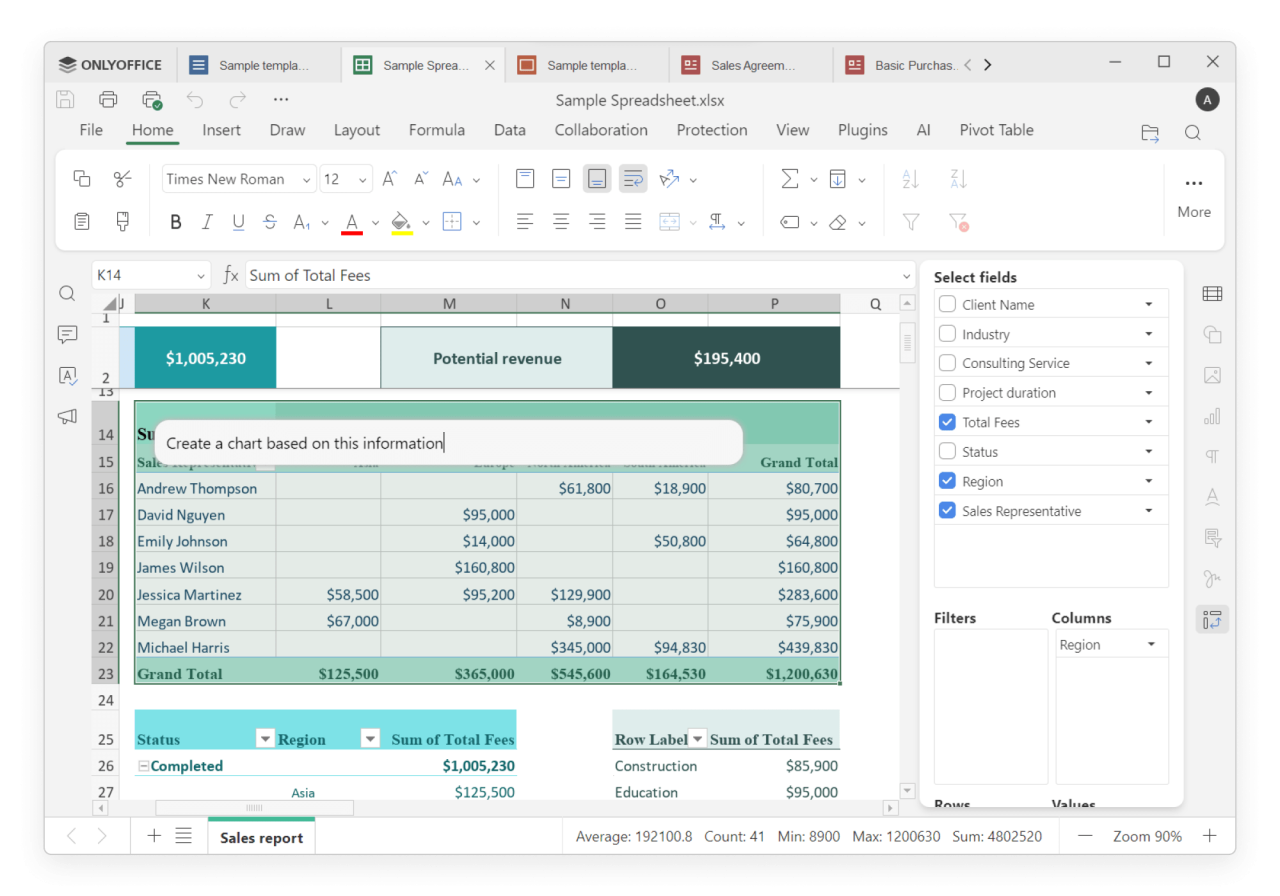
Thanks to the tab-based user interface, you can deal with multiple files within one and the
same window. Multiple plugins allow adding any extra functionality you might need. Password protection
and digital signatures ensure a higher level of security while working with files.
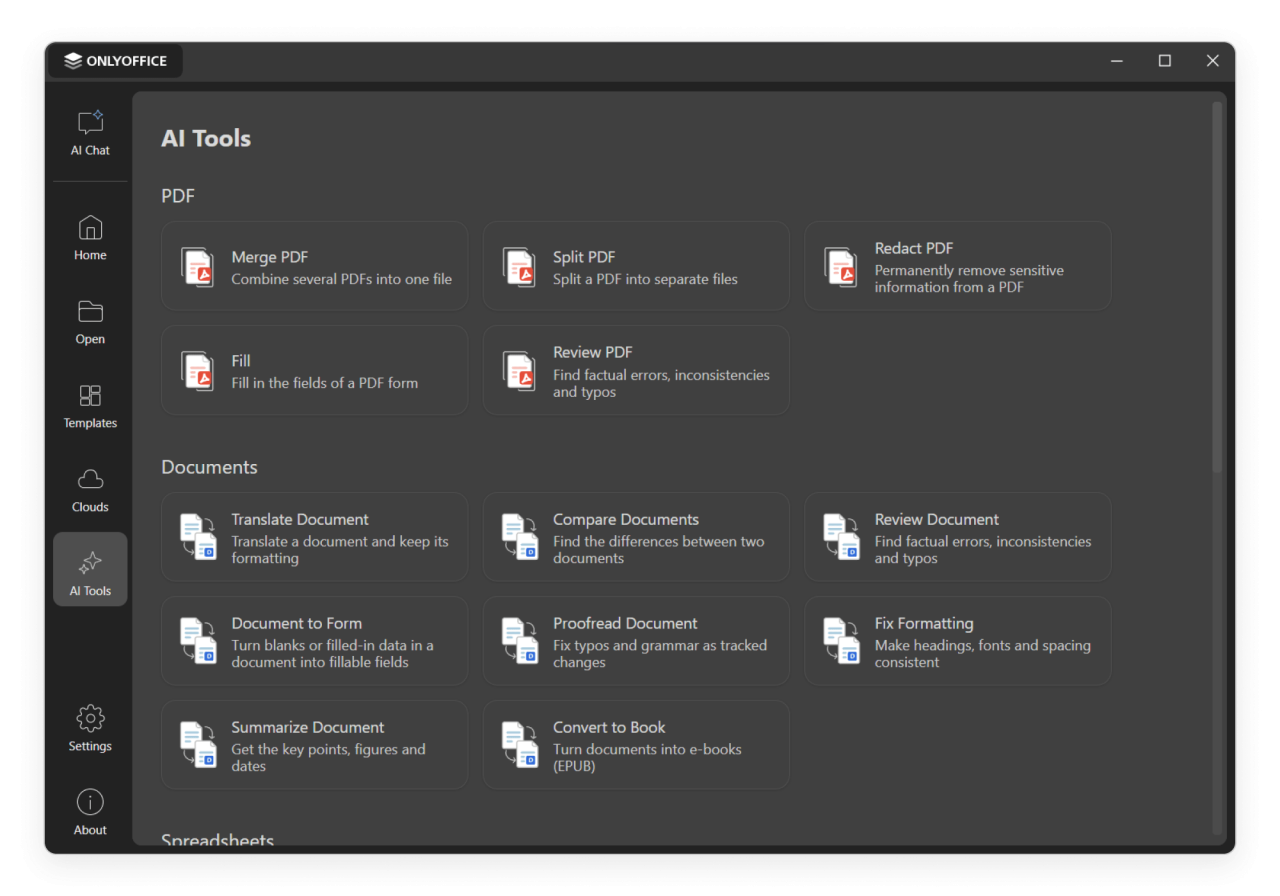
Boost productivity with AI integration. Connect any AI model (local or cloud-based) for tasks
like chatbot requests, translation, OCR, etc. Use AI agents to generate new files, list folder
contents, preview file details without opening them in the editor, auto-fill forms with provided
data, and much more.
Switch between various interface themes to comfortably work in any environment. Extend your
capabilities further with plugins to add any extra functionality you might need: edit images and
photos, highlight code, convert docs to Markdown or HTML, etc.
Along with offline work, it’s possible to connect the application to the cloud for online document
collaboration. Available options include ONLYOFFICE cloud, Moodle, Nextcloud, Seafile, ownCloud,
kDrive, and Liferay.
License: AGPL-3.0-only
for text documents, spreadsheets, presentations, PDFs and PDF forms, along with a Diagram Viewer.
It allows you to create, view and edit office docs stored on your Windows/Linux PC or Mac without
an Internet connection. The suite is fully compatible with Office Open XML formats: .docx, .xlsx,
.pptx.
Thanks to the tab-based user interface, you can deal with multiple files within one and the
same window. Multiple plugins allow adding any extra functionality you might need. Password protection
and digital signatures ensure a higher level of security while working with files.
Boost productivity with AI integration. Connect any AI model (local or cloud-based) for tasks
like chatbot requests, translation, OCR, etc. Use AI agents to generate new files, list folder
contents, preview file details without opening them in the editor, auto-fill forms with provided
data, and much more.
Switch between various interface themes to comfortably work in any environment. Extend your
capabilities further with plugins to add any extra functionality you might need: edit images and
photos, highlight code, convert docs to Markdown or HTML, etc.
Along with offline work, it’s possible to connect the application to the cloud for online document
collaboration. Available options include ONLYOFFICE cloud, Moodle, Nextcloud, Seafile, ownCloud,
kDrive, and Liferay.
License: AGPL-3.0-only
| Release info | Update on Oct 12, 2026 |
|---|---|
| Related tags | Text Document odt |
| Listing data | Flathub |
Reviews
No reviews yet. Be the first to review ONLYOFFICE Desktop Editors.
Used ONLYOFFICE Desktop Editors? Tell other visitors what you thought.
Log in to write a reviewOther products by this publisher
- "No Distractions" for YouTube 4.10 ----
- #Bible 11.6 "Incredible App - My sister shared this app with me a few weeks ago and it is truly incredible.
- #filmphotography 1.4.2 So, you decided to shoot on film?
- $quirrel 1.5.1 $quirrel Budget & Finance helps you plan each paycheck, track spending, manage debt, and see what is safe to spend before the next payday.
- % Percentage Calculator Pro 1.41 This is the Pro version of % Percentage Calculator.
Most viewed Linux Office
-
1
 Scrolex 0.13.1
Read PDFs and ebooks horizontally
-
2
 WPS 365 12.1.2.29183_807310
WPS 365 Suite
-
3
 Scribe 0.3.50
Markdown editor with live rendering
-
4
 Foliate 3.3.0
Read e-books in style
-
5
 Feishu 7.72.23
A collaboration platform
-
6
 Super Productivity v20.0.0
To-do list and time tracker
-
7
 Adobe Reader 9.5.5
PDF viewer
-
8
 Actual Budget 26.11.0
Your Finances made simple
-
9
 Quick Lookup 2.1.2
Look up words quickly
-
10
 Blockstream 3.6.1
A simple and secure Bitcoin and Liquid Network wallet
Most downloaded Linux Office
- 1 sleek 2.1.1 todo manager based on the todo.txt syntax for Linux, free and open-source (FOSS)
- 2 Textosaurus 0.9.13 Simple cross-platform text editor based on Qt and QScintilla
-
3
 Fingrom 7.3.2
Platform-agnostic financial accounting application for personal finance management
-
4
 TreeSheets 2.23.10
Free Form Data Organizer
-
5
Scribe 0.3.50
Markdown editor with live rendering
-
6
 Nottodbox 0.2.3
Organize notes, to-dos and diaries
-
7
 Skribisto 3.3.1
Plan, write, manage your novels
-
8
 Invoice Ninja 5.1.24
Invoices, payments and expenses
-
9
 Linwood Butterfly 2.6.2
Infinite-canvas notes and sketches
-
10
 OpenDeck 2.14.2
Use stream controllers