
0downloads
0this week
FreeFreeware
0reviews
Screenshots
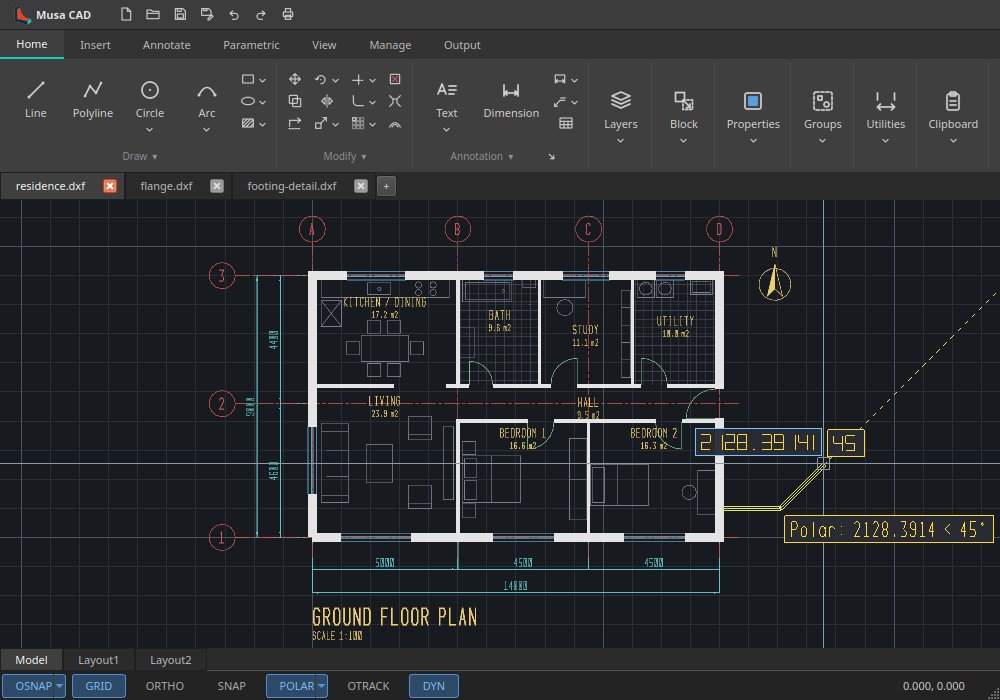
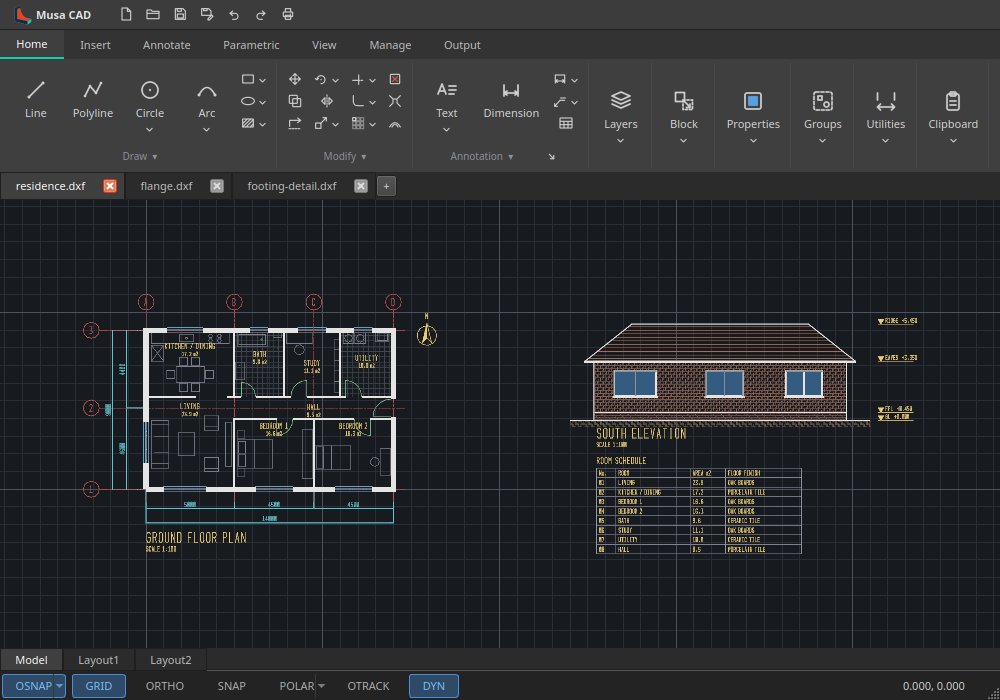
About Musa CAD
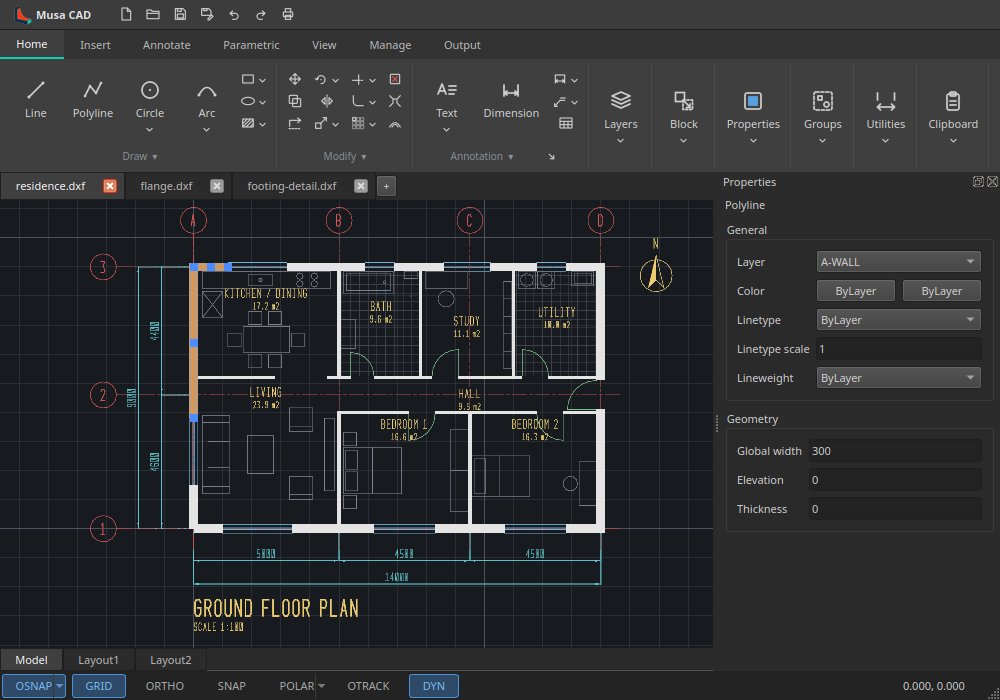
Musa CAD is a 2D drafting application for technical, architectural and engineering
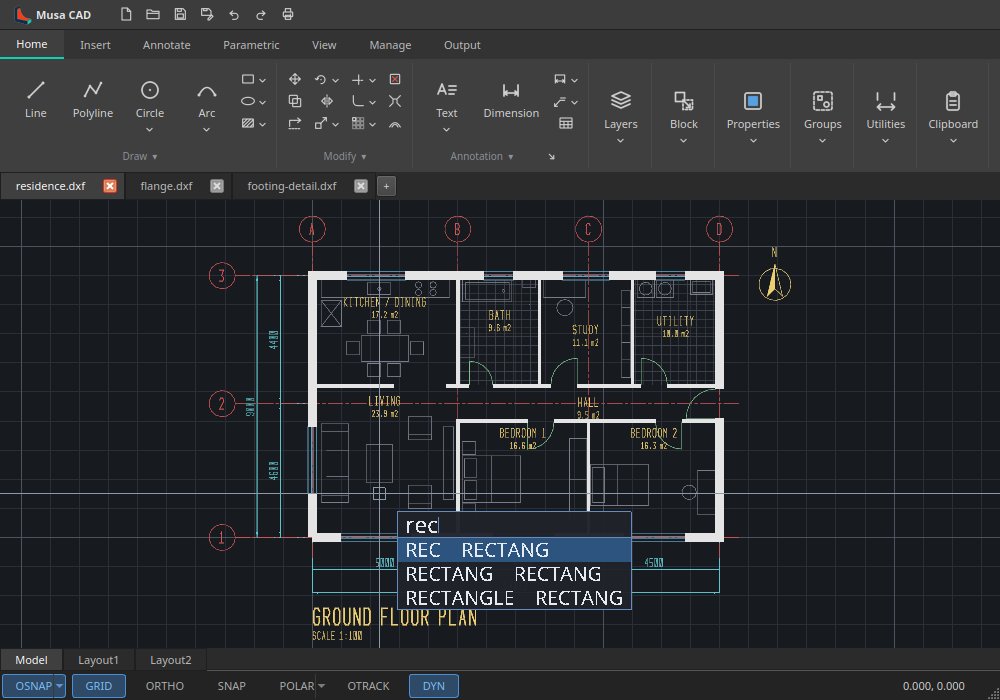
drawings. It follows AutoCAD's ribbon, command line, prompts and shortcuts, so a
drafter's habits carry over, and its multi-threaded, GPU-accelerated core keeps even
large drawings smooth to pan, zoom and edit.
Features:
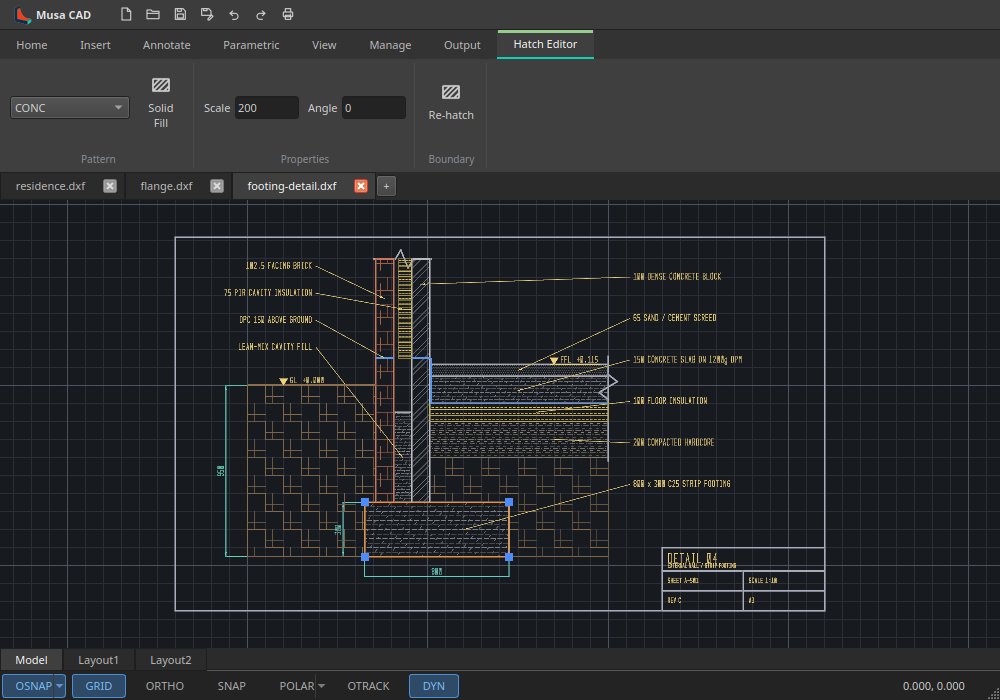
• Lines, polylines with widths, arcs, circles, ellipses, splines, hatches and gradients
• Move, copy, rotate, scale, stretch, trim, extend, fillet, offset and arrays, with grips
• Object snaps, polar and object snap tracking, and dynamic input at the cursor
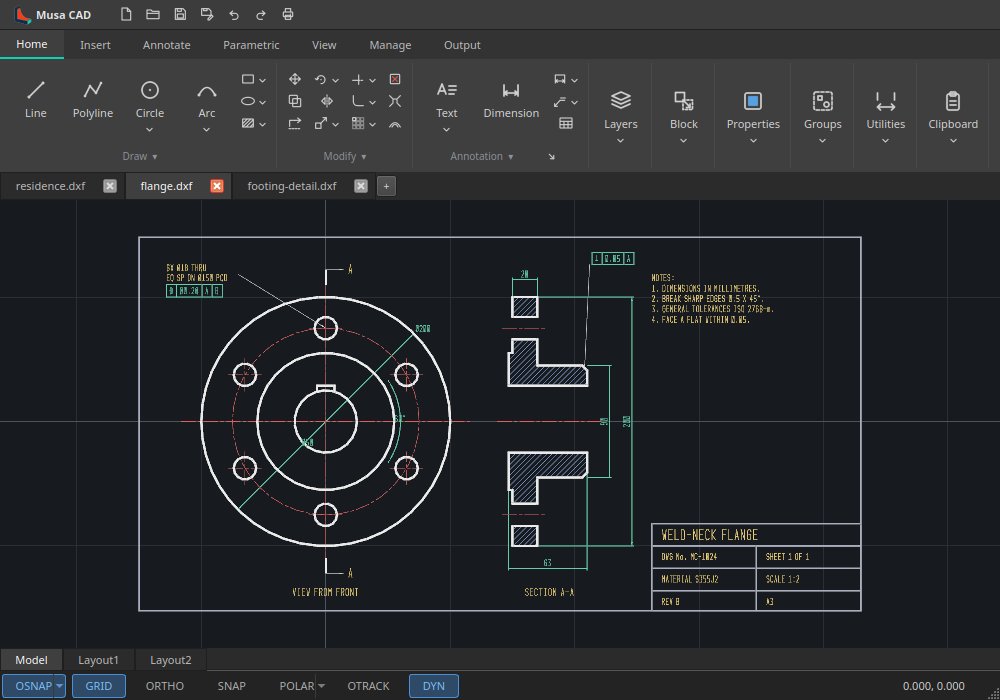
• Dimensions, leaders, text, tables and geometric tolerancing
• Layers, linetypes, lineweights, blocks with attributes and external references
• Layouts with viewports, and plotting to PDF or a printer
• DXF read and write; DWG through the free ODA File Converter
• Several drawings open at once in tabs
License: LGPL-3.0-or-later
drawings. It follows AutoCAD's ribbon, command line, prompts and shortcuts, so a
drafter's habits carry over, and its multi-threaded, GPU-accelerated core keeps even
large drawings smooth to pan, zoom and edit.
Features:
• Lines, polylines with widths, arcs, circles, ellipses, splines, hatches and gradients
• Move, copy, rotate, scale, stretch, trim, extend, fillet, offset and arrays, with grips
• Object snaps, polar and object snap tracking, and dynamic input at the cursor
• Dimensions, leaders, text, tables and geometric tolerancing
• Layers, linetypes, lineweights, blocks with attributes and external references
• Layouts with viewports, and plotting to PDF or a printer
• DXF read and write; DWG through the free ODA File Converter
• Several drawings open at once in tabs
License: LGPL-3.0-or-later
| Release info | New Release on Oct 10, 2026 |
|---|---|
| Release notes | Modify and dimension editing as AutoCAD has them: TRIM and EXTEND with Quick and Standard modes, freehand paths and a preview of what a pick would do, on ellipses and construction lines too; FILLET of parallel lines and polylines; LENGTHEN, JOIN and PEDIT Fit; OVERKILL, BLEND, CHPROP and the layer tools; DIM, QDIM, DIMEDIT and DIMTEDIT; the system clipboard; and crash reports. |
| Related tags | CAD 2D drafting |
| Listing data | Flathub |
Reviews
No reviews yet. Be the first to review Musa CAD.
Used Musa CAD? Tell other visitors what you thought.
Log in to write a reviewOther products by this publisher
- #Bible 11.5 "Incredible App - My sister shared this app with me a few weeks ago and it is truly incredible.
- % Percentage Calculator Pro 1.41 This is the Pro version of % Percentage Calculator.
- (beat) for iOS 0.5.8 An elegant Fountain screenwriting app, created by a screenwriter for screenwriters.
- (Deep) HIARCS Chess Explorer 1.14 Chess database, analysis and game playing program
- (How to) Pronounce PRO 1.5.6 This is a PRO version of (How to) Pronounce.
Most viewed Linux Graphics
-
1
 Fontmatrix 1.0.1
Font management application
Fontmatrix 1.0.1
Font management application
-
2
 YACReader 10.4.0
Yet another comic reader
YACReader 10.4.0
Yet another comic reader
-
3
 Bambu Studio 02.08.02.61
Get perfect 3D prints!
Bambu Studio 02.08.02.61
Get perfect 3D prints!
-
4
 Penpot Desktop v1.0.0
Design and code beautiful products together
Penpot Desktop v1.0.0
Design and code beautiful products together
-
5
 Rnote 0.14.2
Sketch and take handwritten notes
Rnote 0.14.2
Sketch and take handwritten notes
-
6
 Fotema 2.5.0
Admire your photos
Fotema 2.5.0
Admire your photos
- 7 ACBR 3.26.3 Comic book reader and converter
-
8
 Boxy SVG 4.115.1
Scalable Vector Graphics editor
Boxy SVG 4.115.1
Scalable Vector Graphics editor
-
9
 WireframeSketcher 7.4.4
Wireframing tool for professionals
WireframeSketcher 7.4.4
Wireframing tool for professionals
-
10
 GrafX2 2.7
A bitmap paint program specialized in 256 color drawing
GrafX2 2.7
A bitmap paint program specialized in 256 color drawing
Most downloaded Linux Graphics
-
1
Fotema 2.5.0
Admire your photos
- 2 Darkly 0.10.0 Forbidden Editor for Artists
-
3
 Gradia 1.14.0
Annotate your screenshots
Gradia 1.14.0
Annotate your screenshots
-
4
Bambu Studio 02.08.02.61
Get perfect 3D prints!
- 5 ACBR 3.26.3 Comic book reader and converter
-
6
Boxy SVG 4.115.1
Scalable Vector Graphics editor
-
7
WireframeSketcher 7.4.4
Wireframing tool for professionals
-
8
GrafX2 2.7
A bitmap paint program specialized in 256 color drawing
-
9
Penpot Desktop v1.0.0
Design and code beautiful products together
- 10 Fog Panther 0.8.2 Professional Image Editor