
10downloads
2this week
FreeFreeware
0reviews
Screenshots
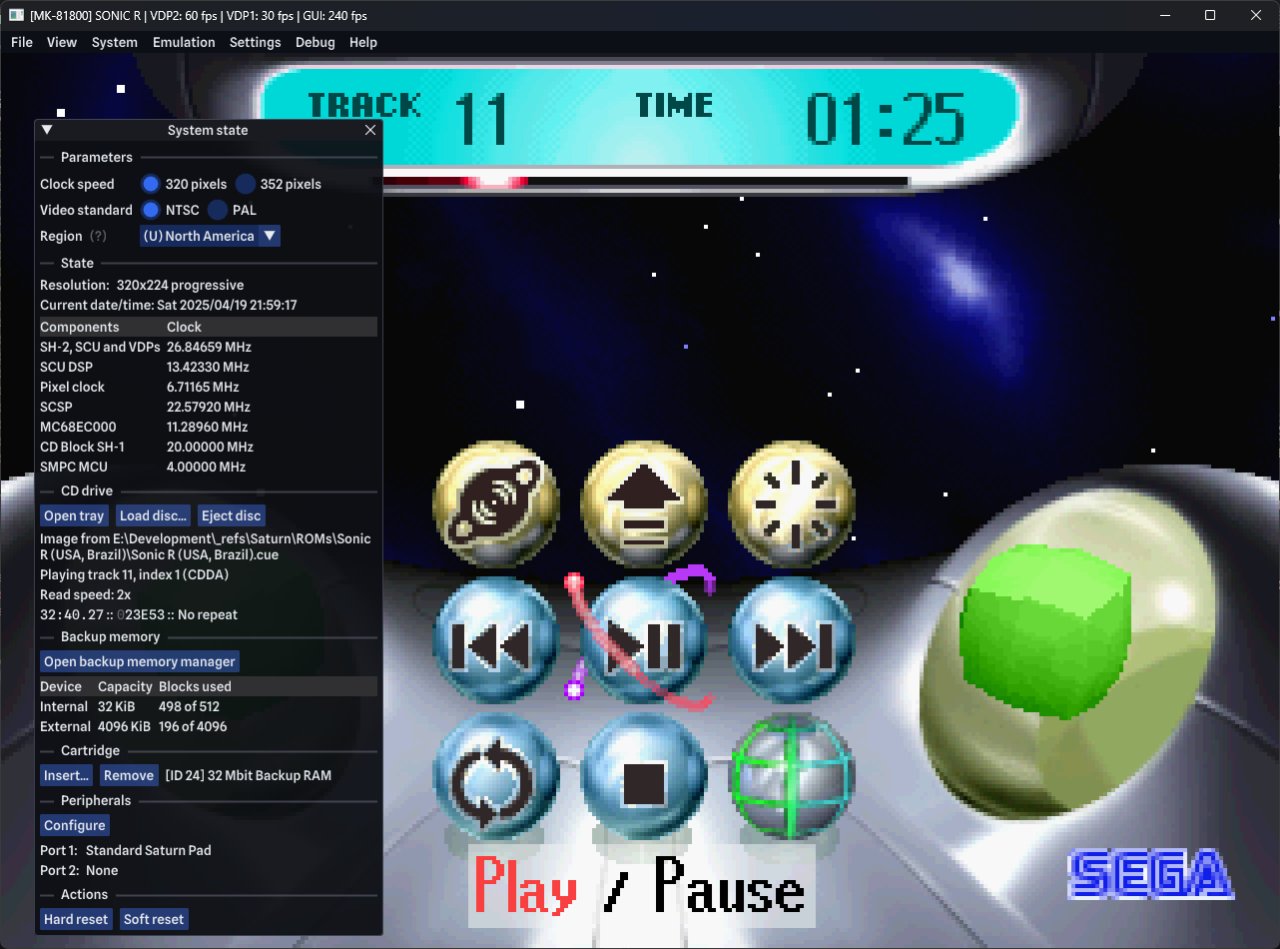
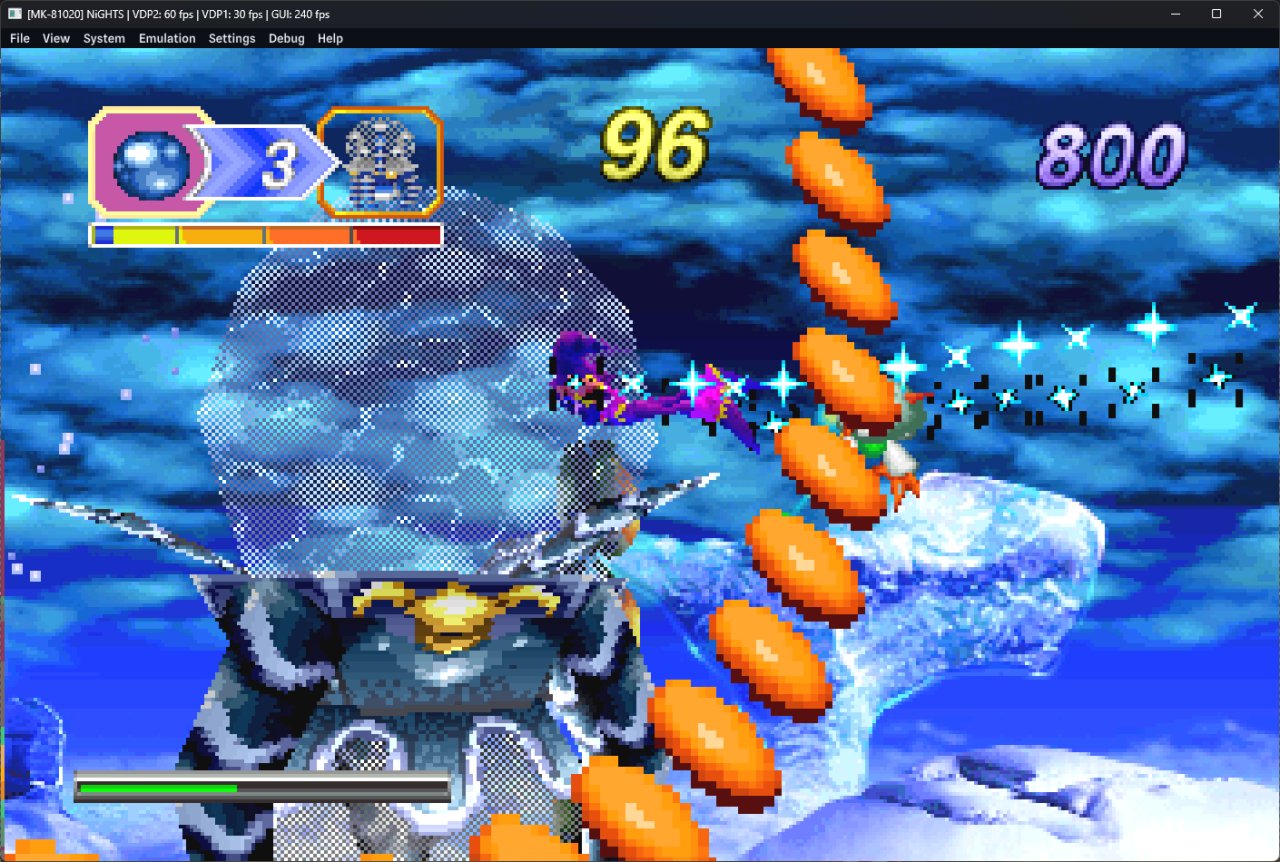
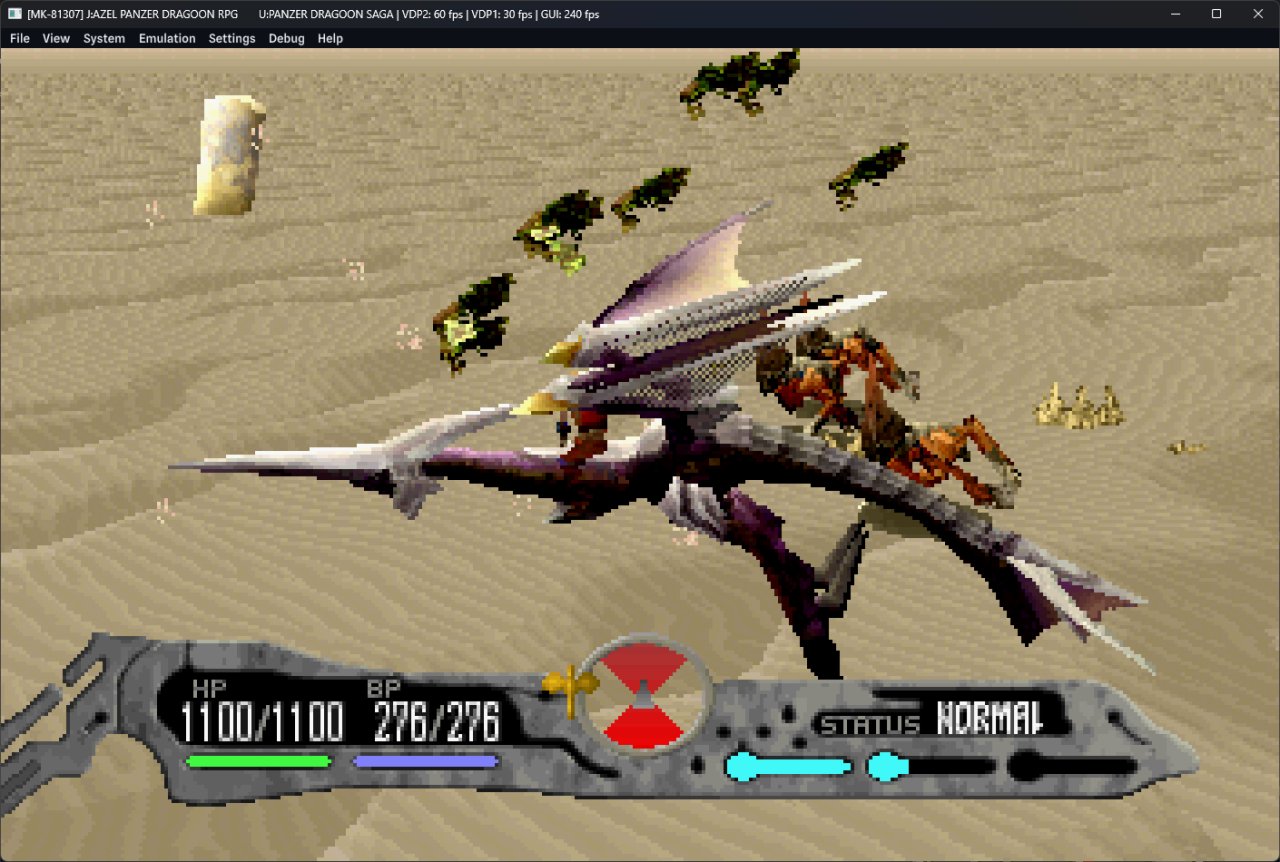
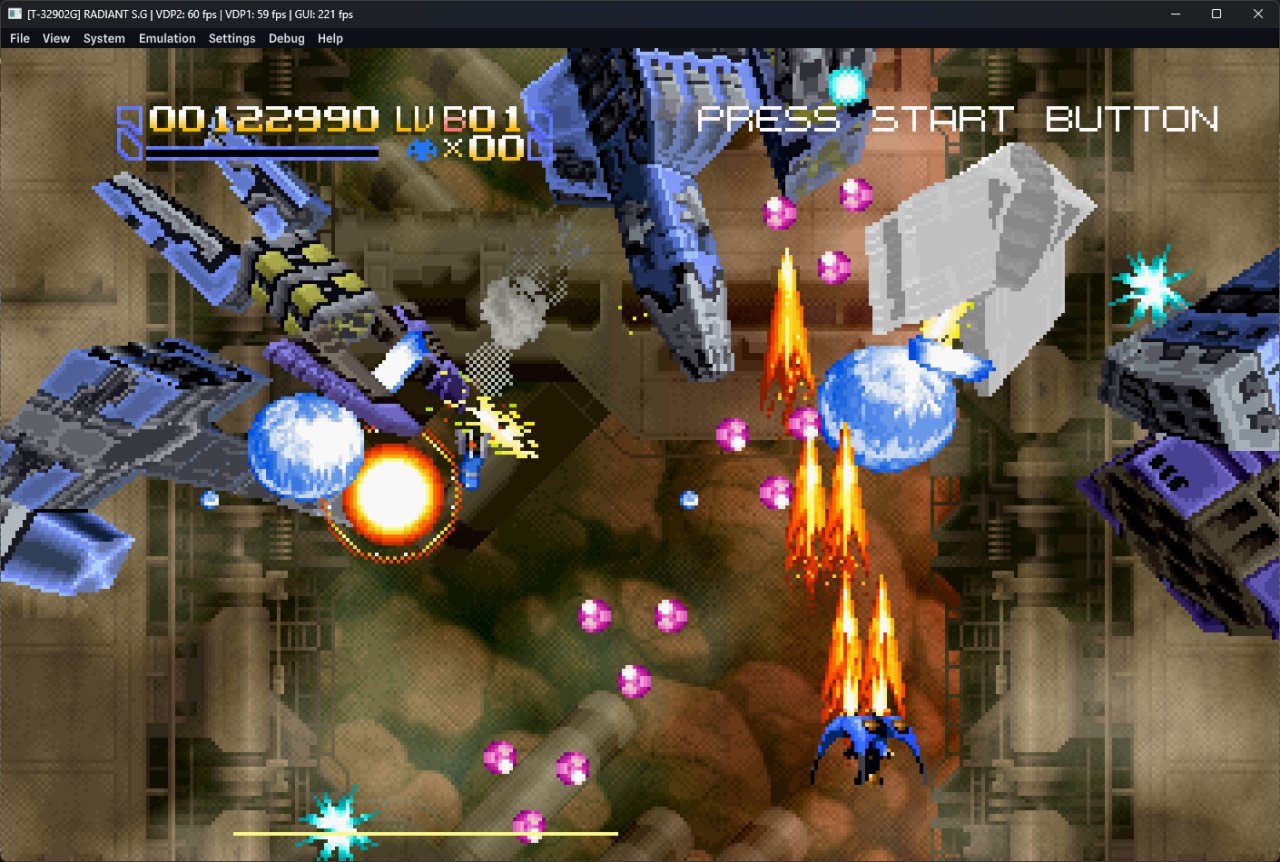
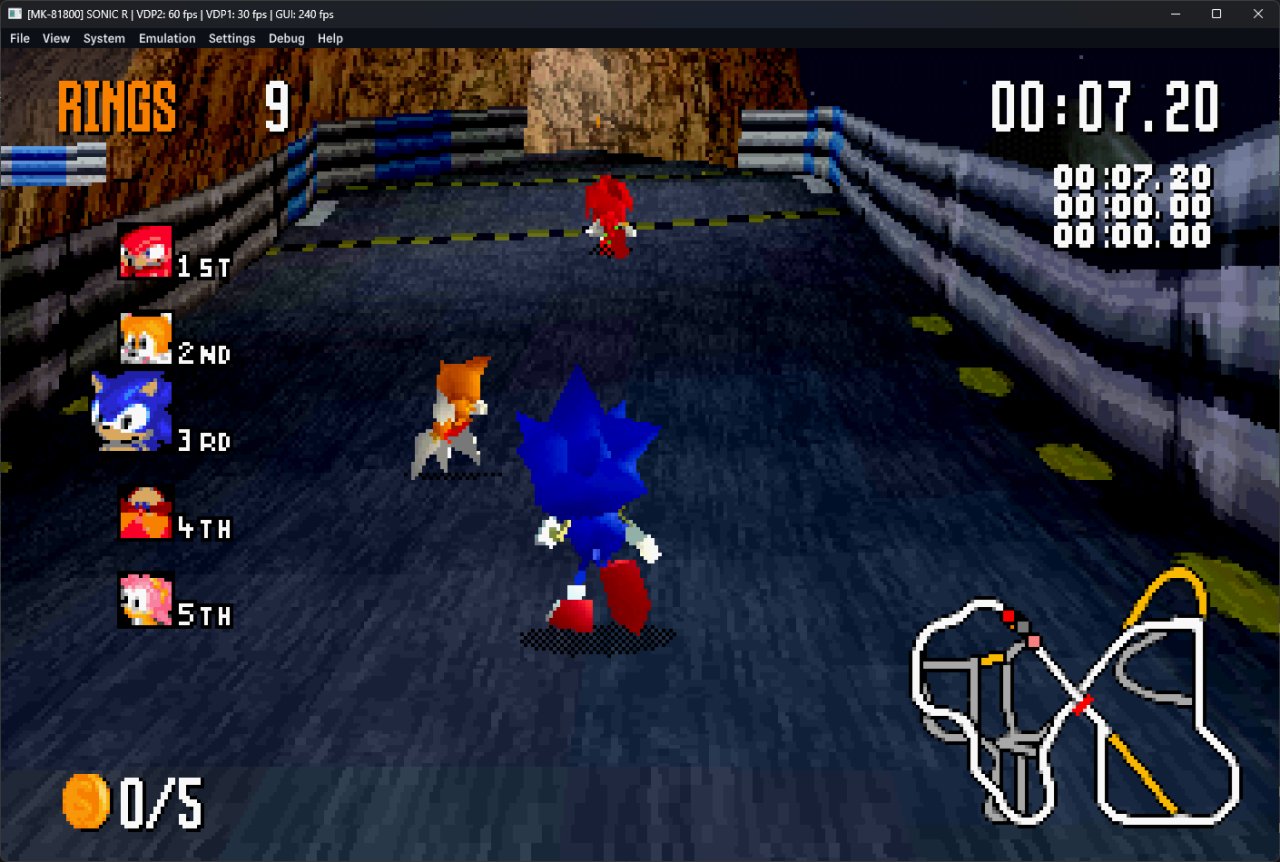
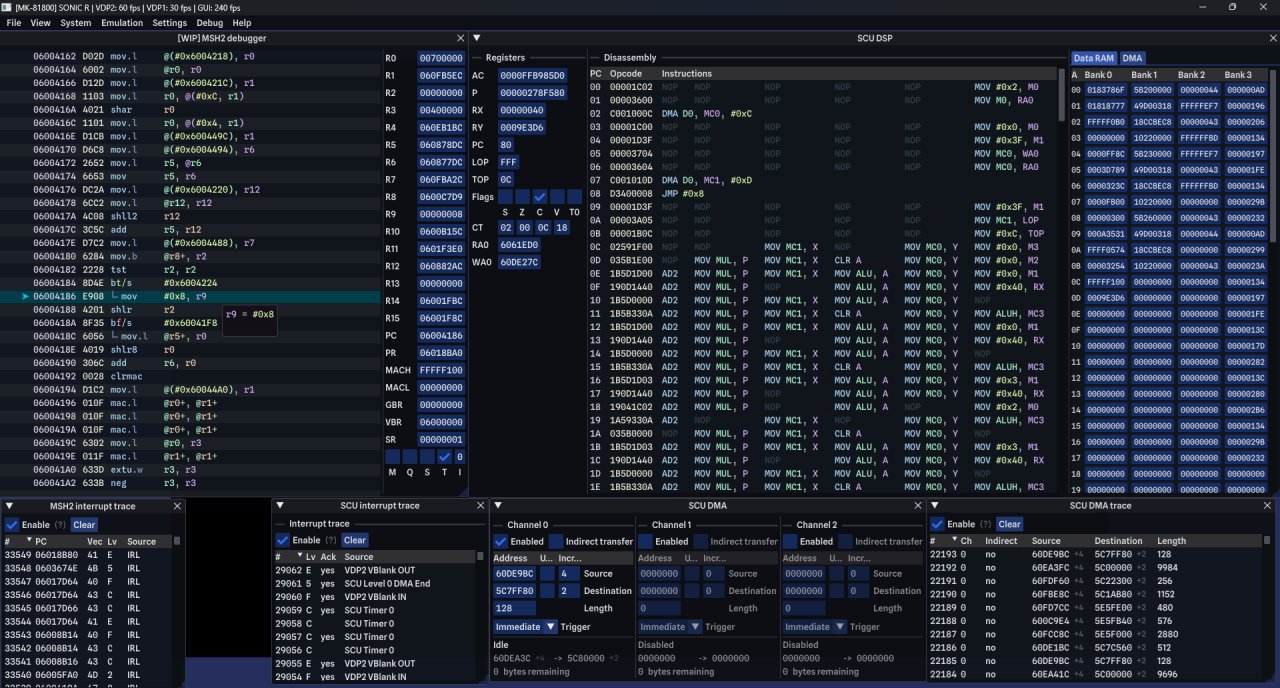
About Ymir
Ymir is a work-in-progress Sega Saturn emulator. Ymir includes the following features:
• Load games from MAME CHD, BIN+CUE, IMG+CCD, MDF+MDS or ISO files
• Automatic IPL (BIOS) ROM detection
• Automatic region switching
• Up to two players with a variety of controllers on both ports
• Fully customizable keybindings
• Backup RAM, DRAM and ROM cartridges (more to come)
• Integrated backup memory manager to import and export saves, and transfer between internal and cartridge RAM
• Forwards-compatible save states
• Rewinding (up to one minute at 60 fps), turbo speed, frame step (forwards and backwards)
• Full screen mode with VRR support and low input lag
• Graphics enhancements such as optional deinterlaced/progressive rendering of high resolution modes and transparent mesh polygon rendering
• Optional low level CD block emulation
• A work-in-progress feature-rich debugger
License: GPL-3.0
• Load games from MAME CHD, BIN+CUE, IMG+CCD, MDF+MDS or ISO files
• Automatic IPL (BIOS) ROM detection
• Automatic region switching
• Up to two players with a variety of controllers on both ports
• Fully customizable keybindings
• Backup RAM, DRAM and ROM cartridges (more to come)
• Integrated backup memory manager to import and export saves, and transfer between internal and cartridge RAM
• Forwards-compatible save states
• Rewinding (up to one minute at 60 fps), turbo speed, frame step (forwards and backwards)
• Full screen mode with VRR support and low input lag
• Graphics enhancements such as optional deinterlaced/progressive rendering of high resolution modes and transparent mesh polygon rendering
• Optional low level CD block emulation
• A work-in-progress feature-rich debugger
License: GPL-3.0
| Release info | Update on Oct 18, 2026 |
|---|---|
| Release notes | Ymir v0.4.1 Discord | Patreon | Compatibility list | Screenshots This is a small maintenance release that fixes a Windows ARM crash on startup caused by a DXC build issue. Check v0.4.0 release notes for details on what's included in this release. > [!IMPORTANT] > Windows users: install the latest Microsoft Visual C++ Redistributable package (x86_64 installer, AArch64/ARM64 installer) before running the emulator. This is mandatory to avoid crashes on startup. > > macOS users: follow these instructions to allow Ymir to run on your system. Ymir is signed with an ad-hoc certificate, flagging it as unverified. > > Linux users: if you choose to install the Flatpak version or installed Ymir from the SteamOS's Discover Store, make sure to grant Ymir permission to access the filesystem or your multi-file disc images won't load properly. > > It is recommended to install the latest GPU drivers in order to use Direct3D or Vulkan: > - Nvidia: Find your GPU here or use the Nvidia App to update drivers automatically > - AMD: Find your GPU or CPU here or use the download buttons at the top to update drivers automatically > - Intel: Find your GPU or CPU here > > Do not use Windows Device Manager or Windows Update to update your GPU drivers, as they tend to have poor performance and lack support for advanced GPU features. > > Always update your integrated GPU driver first, even if you're not using it. This also applies to desktop PCs with dedicated graphics cards. Which version should I download? Grab the file matching your operating system and processor architecture: • windows, linux and macos indicate the operating system • x86_64 is for Intel or AMD CPUs and AArch64/ARM64 is for ARM CPUs • All builds are for 64-bit systems For x86_64 builds, the AVX2 version offers slightly better performance but requires a CPU that supports the instruction set -- pretty much any Intel Core or AMD CPU since 2011 and Intel Pentium/Celeron CPUs from 2020 onwards has support for it. If you… |
| Listing data | Flathub |
Reviews
No reviews yet. Be the first to review Ymir.
Used Ymir? Tell other visitors what you thought.
Log in to write a reviewOther products by this publisher
- "No Distractions" for YouTube 4.10 ----
- #Bible 11.5 "Incredible App - My sister shared this app with me a few weeks ago and it is truly incredible.
- #filmphotography 1.4.2 So, you decided to shoot on film?
- $quirrel 1.5.1 $quirrel Budget & Finance helps you plan each paycheck, track spending, manage debt, and see what is safe to spend before the next payday.
- % Percentage Calculator Pro 1.41 This is the Pro version of % Percentage Calculator.
Most viewed Linux Games
-
1
 Pocket Sync 7.2.1
A GUI to do stuff with the Analogue Pocket
-
2
 AdwSteamGtk 0.9.1
Give Steam the Adwaita treatment
-
3
 Pully 0.2.2
Draw a single line through every square of a puzzle grid
-
4
 JClic 0.3.2.18
Educational activities and games for school students and educators
- 5 Legacy Launcher 1.40.3 Play Minecraft in your own world!
-
6
 Dhewm 3 1.5.5
Dhewm 3 is a Doom 3 GPL source port
-
7
 AssaultCube Reloaded v2.18.3
First-person-shooter game
-
8
 scidCommunity 5.1.4.55
Community-enhanced chess database and analysis application
- 9 Julius 1.8.0 Julius is an open source re-implementation of Caesar III
- 10 Attack Vector Alpha 1.2.1 Defend from orbital assaults
Most downloaded Linux Games
-
1
JClic 0.3.2.18
Educational activities and games for school students and educators
-
2
 Modrinth App 0.23.1
Play modded Minecraft with ease
- 3 The Unofficial Homestuck Collection 2.8.1 Offline collection of Homestuck and its related works
-
4
Dhewm 3 1.5.5
Dhewm 3 is a Doom 3 GPL source port
-
5
 Ricochlime 1.14.0
Satisfying monster shooter
-
6
 Pandora Launcher 6.0.0
A balanced, easy to use, and powerful modern Minecraft launcher
-
7
scidCommunity 5.1.4.55
Community-enhanced chess database and analysis application
-
8
 Goverlay 1.9.4
Configure gaming overlays
- 9 Makou Reactor 2.2.0 A Field Editor for Final Fantasy VII
-
10
Pocket Sync 7.2.1
A GUI to do stuff with the Analogue Pocket