
USB Debug Guard 0.1.6
Turn the screen off during long USB debugging sessions while keeping ADB alive
Download
1.10 MB
14downloads
3this week
FreeFreeware
0reviews
Screenshots
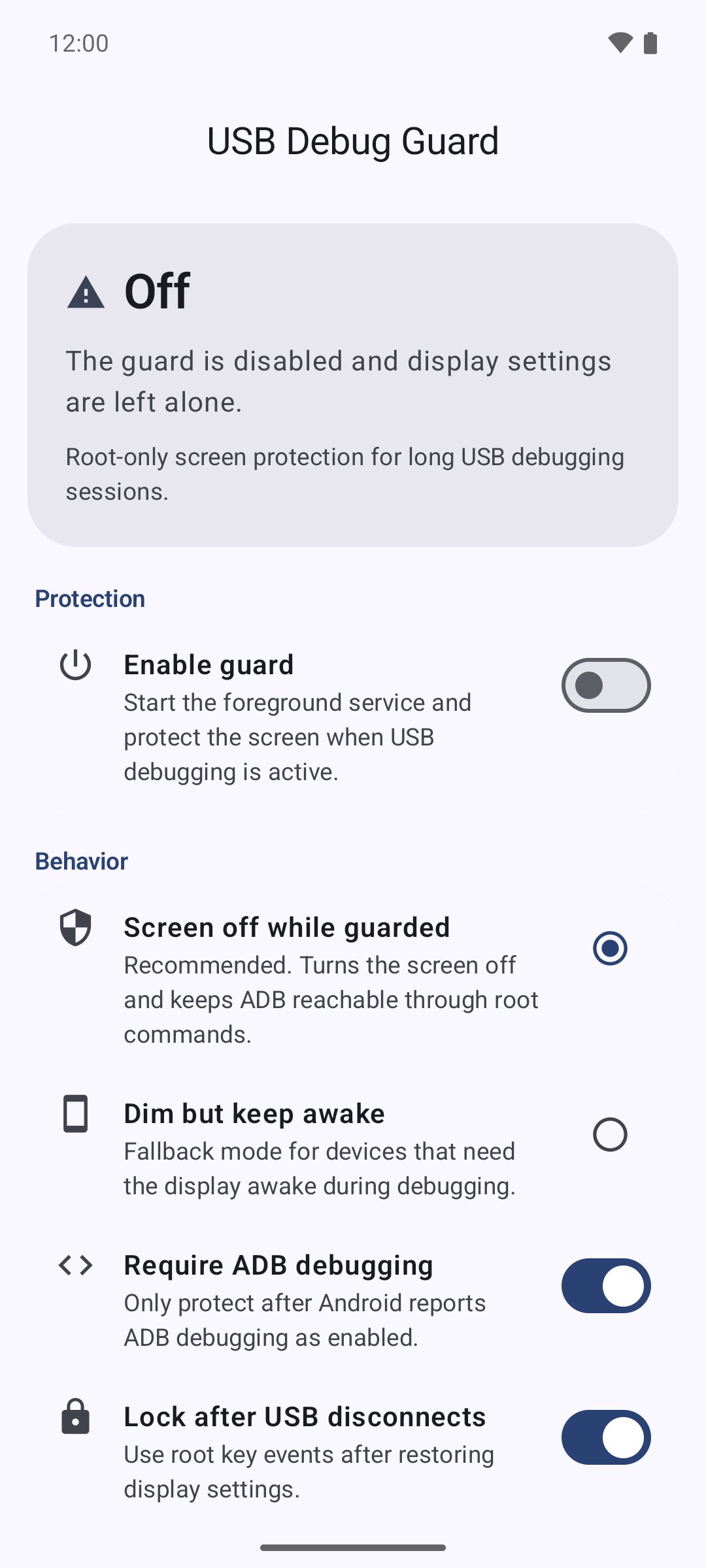
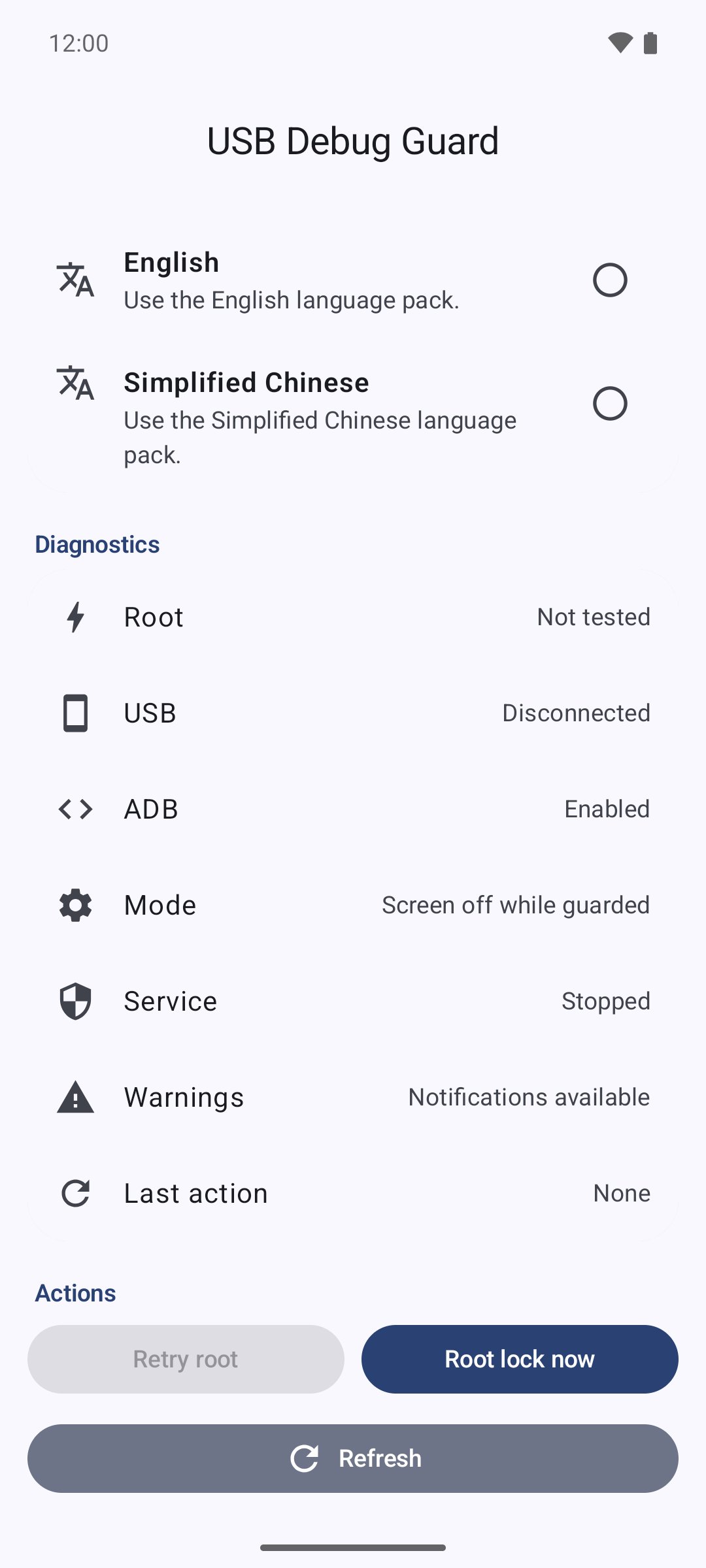
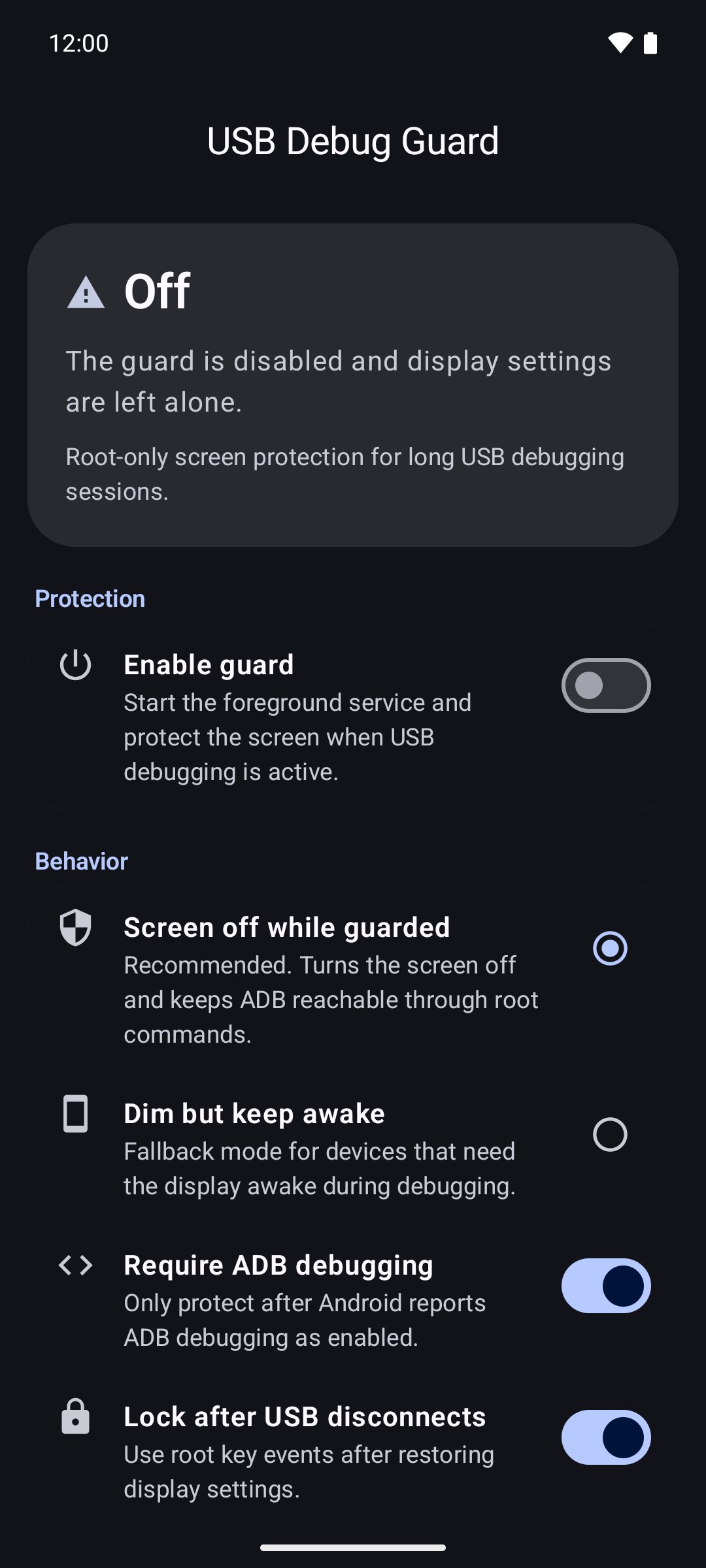
About USB Debug Guard
USB Debug Guard is a root-only tool for long USB debugging sessions. It protects the display while keeping ADB reachable, then restores the previous display settings when protection stops.
Features
• Detects USB data connections and ADB state through Android system APIs, without routine Root polling.
• Turns the screen off while keeping ADB reachable, or keeps it awake at minimum brightness for devices that lose ADB when the display sleeps.
• Saves and restores the previous display settings.
• Can lock the device after USB disconnects.
• Runs only after you enable its foreground service.
• Stops automatic Root work after a denial, timeout, exception, or process cleanup failure, preventing an endless su retry loop.
• English and Simplified Chinese.
Requirements
• A working Root manager such as Magisk or KernelSU, able to run Android settings and input commands.
• A USB data connection. A charge-only cable or charger does not start protection.
Root behavior varies between devices, OEM firmware, and Root managers. Test the app on a non-critical device before relying on it for unattended sessions.
License: Apache-2.0
| Release info | New Release on Oct 29, 2026 |
|---|---|
| Release notes | The F-Droid build no longer asks for network access: it has no update check, so it never needed the INTERNET permission. Guard behavior is unchanged. |
| Listing data | F-Droid |
Reviews
No reviews yet. Be the first to review USB Debug Guard.
Used USB Debug Guard? Tell other visitors what you thought.
Log in to write a reviewOther products by this publisher
- "No Distractions" for YouTube 4.10 ----
- #Bible 11.6.1 "Incredible App - My sister shared this app with me a few weeks ago and it is truly incredible.
- #filmphotography 1.4.2 So, you decided to shoot on film?
- #LookBusy Fake Calendar Events 1.0.6 Look Busy scans your work calendar for open time slots and fills them with realistic-looking (but secretly fake) work events.
- #Small Talk Is Canceled 1.0.2 #Small Talk Is Canceled — Conversations That Matter
Most viewed Android Developer Tools
- 1 HTTP Request Shortcuts 4.10.0 Submit HTTP Requests from Shortcuts on your Home Screen
-
2
 RandomFileMaker 1.0
Make random files with SecureRandom. For KeePass keyfile, shredding disk, etc
- 3 ADB Captain 1.6 Run ADB commands on your phone. No root, no PC — via Shizuku.
-
4
 Shellwave 1.10.0
Open-source SSH client and terminal with SFTP, port forwarding and jump hosts
-
5
 AutoPie 0.20.4-beta
Turn Linux commands into Android apps.
-
6
 TermuC 0.2.4
A simple C/C++ IDE backed on Termux
- 7 DadosD 20160914_V4 Generate Brazilian test IDs for development/test
- 8 Turtle 2.0.12 A Platform with Pythonic language to practice CPU/GPU programming on mobile
-
9
 DevSwitch 1.3
Toggle developer options, USB and wireless debugging, with Quick Settings tiles
- 10 Squircle CE - Code Editor 2025.1.3 Fast and powerful code editor & file manager for over 30 programming languages
Most downloaded Android Developer Tools
-
1
Shellwave 1.10.0
Open-source SSH client and terminal with SFTP, port forwarding and jump hosts
- 2 JekyllEx 0.2.6 The mobile IDE to create, build, edit, preview, and publish Jekyll sites.
-
3
 Micro REPL 4.0.0
MicroPython IDE
- 4 ELM327 Emulator 31 OBD-II ELM327 adapter emulator for testing diagnostic apps
-
5
 OMN-Go 26.11.16f
Self-hosted Markdown notes with git sync, LAN sharing, and SQL scripting
-
6
 Taiga Mobile Nova 2.2.3
Unofficial Android client for Taiga.io project management
-
7
 Terminator 3.4.1
Multi-session terminal emulator with Material UI theming and root support
-
8
 QR Code Displayer 1.4.1
Reconstruct damaged or blurry QR codes entirely on-device for easy scanning.
- 9 HexViewer 1.60.01 Hexadecimal viewer for Android
- 10 Cookie Extractor 1.3.0 Extract your own session cookies after a manual login