
Terminator 3.1.0
Multi-session terminal emulator with Material UI theming and root support
Download
5.35 MB
13downloads
0this week
FreeFreeware
0reviews
Screenshots
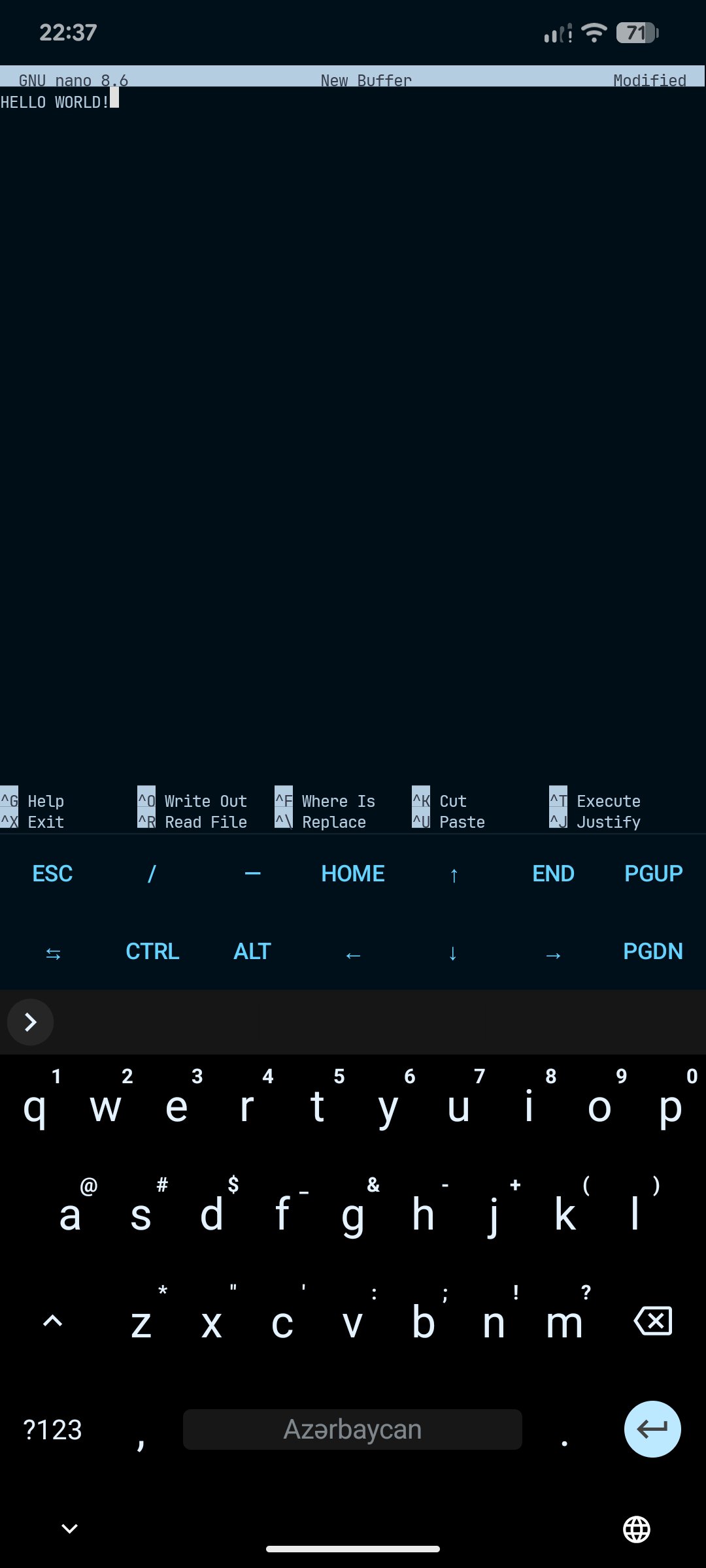
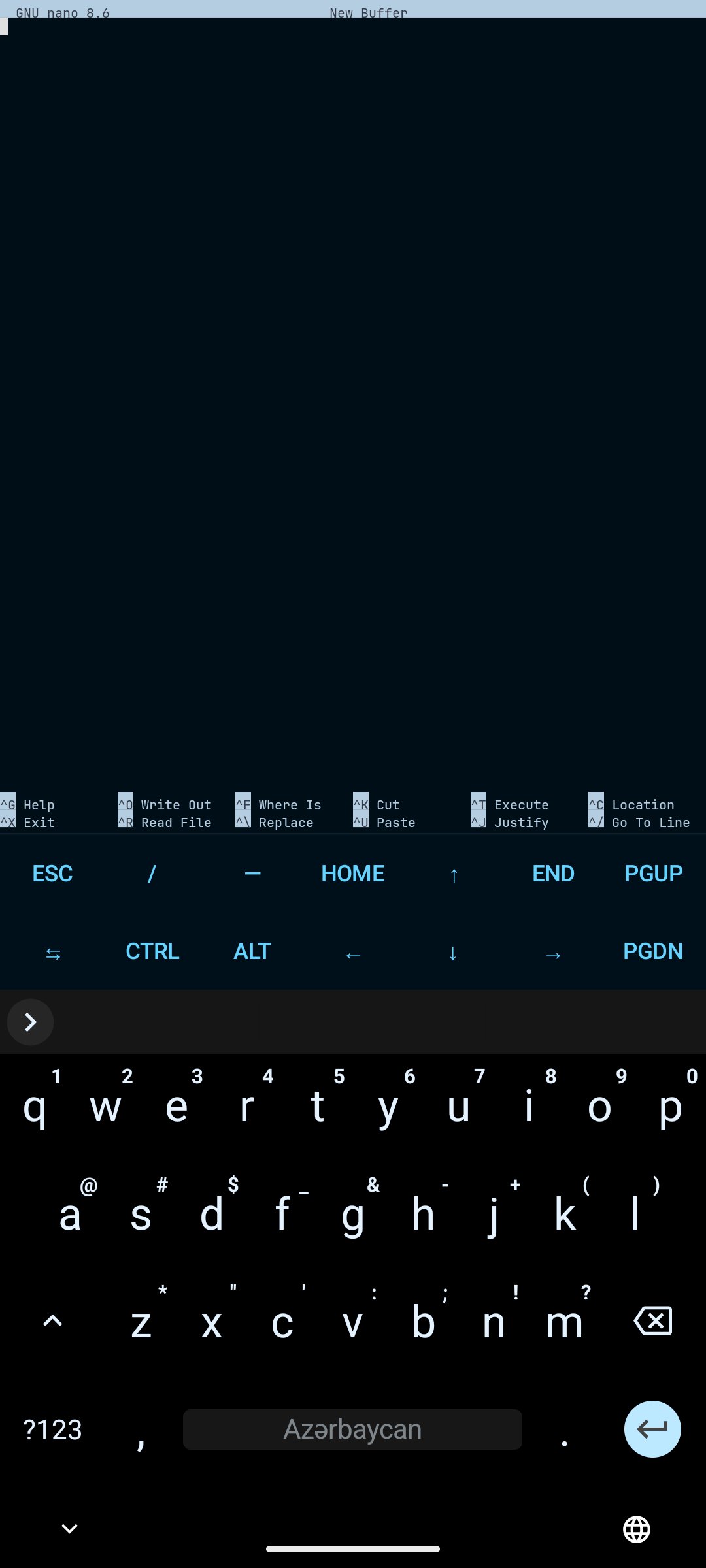
About Terminator
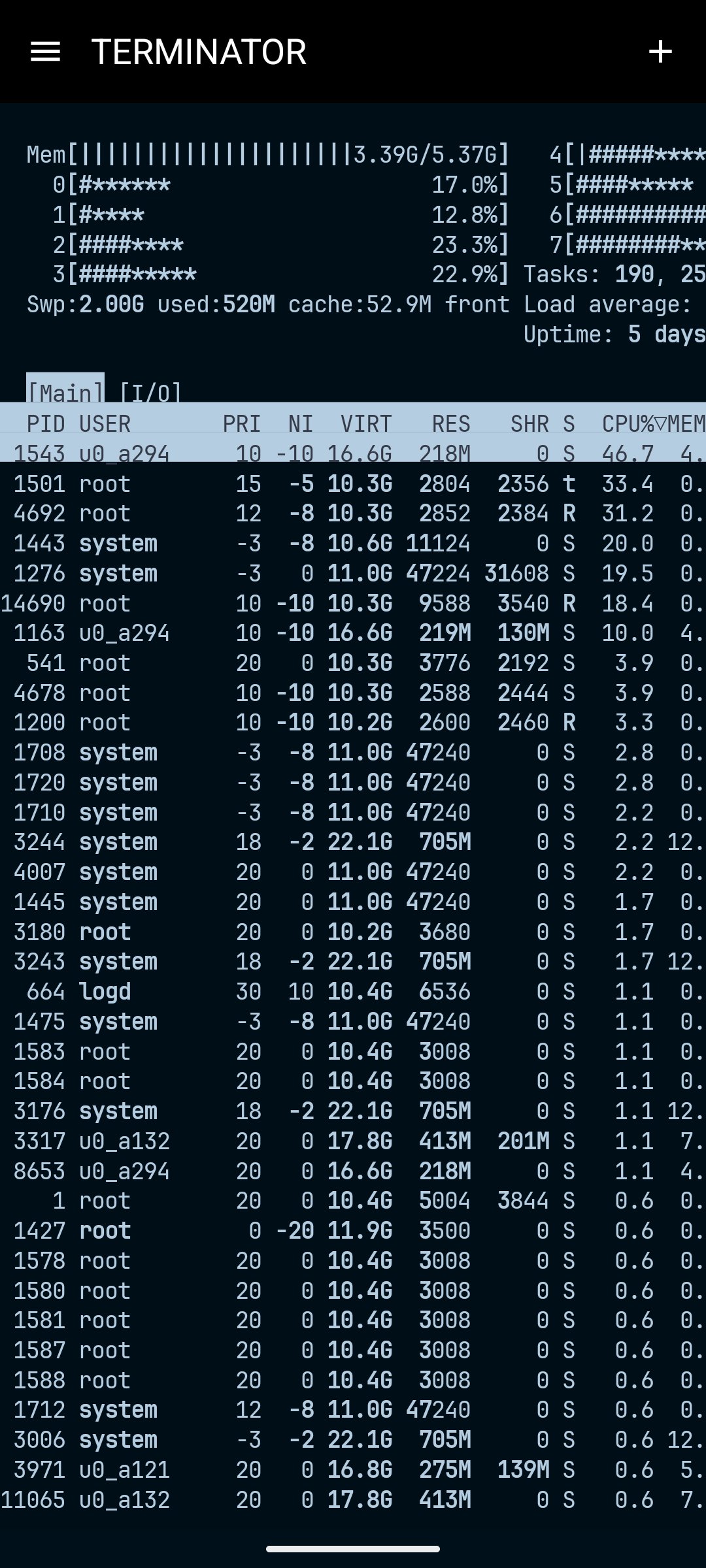
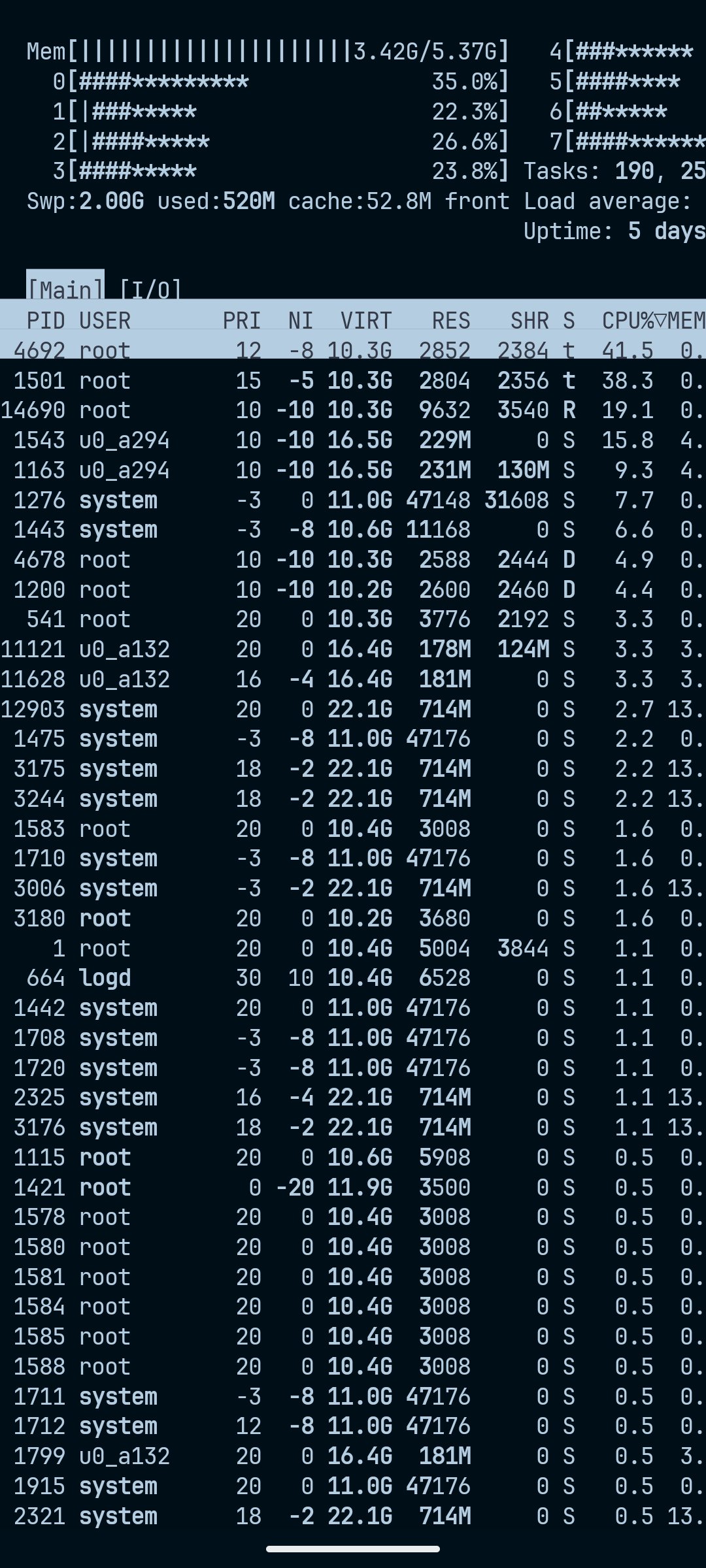
Terminator is a terminal emulator with multi-session support you can directly customize and control. Its main purpose is terminal emulation that can only be read by the user, suitable for daily use on Android. It does not offer a ready-made chroot/proot environment — the terminal tool infrastructure and other setup is left to you.
Appearance
• Material UI with full color mapping, implemented in its own color interface
• AMOLED black and dynamic (Material You) color support
• Custom RGB codes and custom CSS terminal colors for a simple/plain look
• Built-in themes: default, Solarized Dark, Gruvbox Dark, Dracula, Nord — palettes are configurable yourself, with Termcolor and CSS color support
• See the Terminator-themes repo (github.com/8dmusichannels-star/terminator-themes) for example custom themes/palettes
Sessions
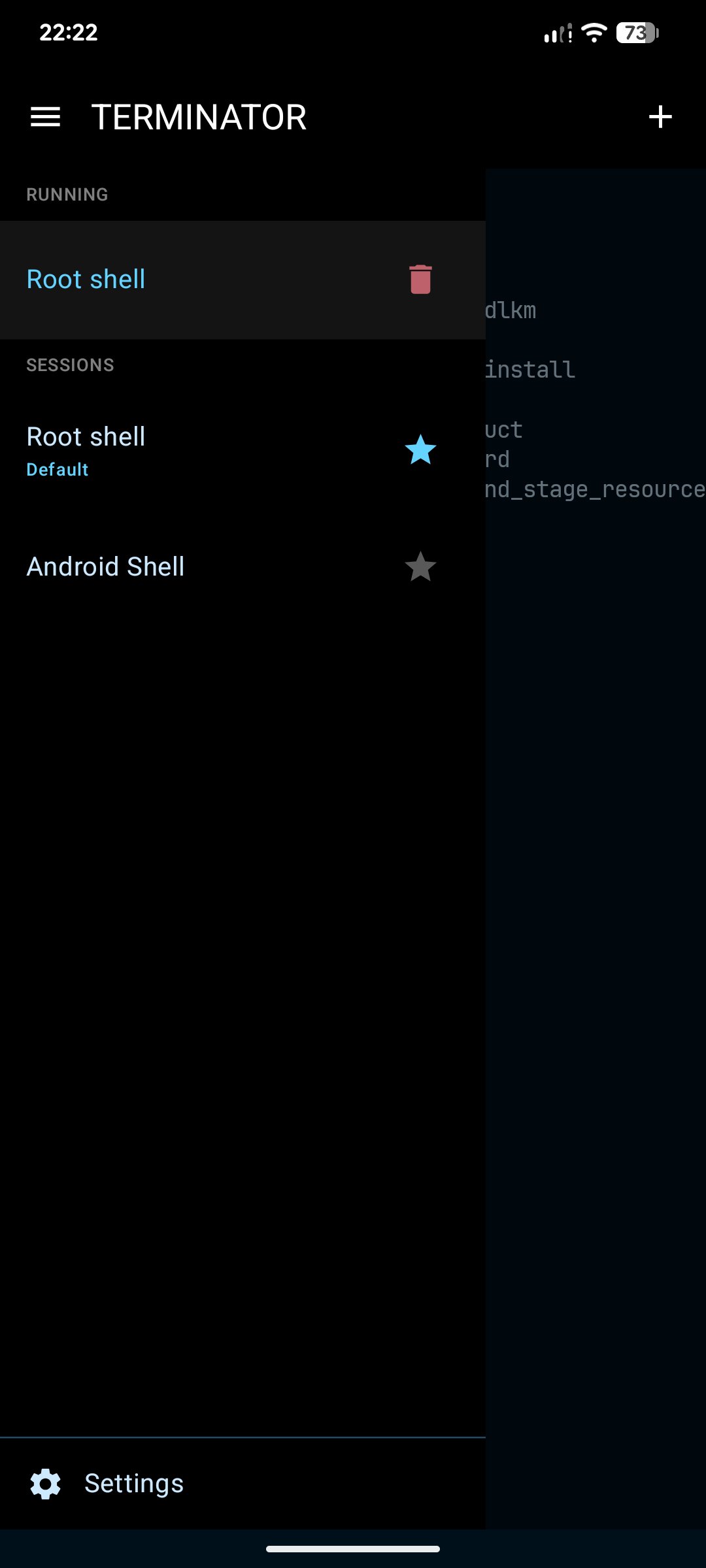
• Multi-session support: create multiple sessions, set a default/favorite
• File-based or command-argument sessions — in command-arg sessions you specify the executable to run, in file-based sessions the shell script name/path
• Both support a login path, startup directory, and direct root session activation (without calling /system/bin/su)
• Note: if you pass a chroot/proot-like environment as an argument, the starting directory may not work — only valid for arguments that support an entry path. Chroot validity in root/proot-like environments is variable
• Purge-on-clear setting: controls whether old data left in the terminal's PTY buffer is actually wiped
Terminal features
• Hyperlinks: only whitelisted formats open by default; custom app schemes can be allowed via session settings, at your own risk
• OSC 32 clipboard read support for the clipboard/terminal
• SRM and local echo — note: with an IME, double characters/typing risk can occur, similar to a physical keyboard
• Kitty terminal protocol (all protocols) and Kitty terminal emulation
• Sixel image rendering, with iTerm2 inline image support
• OSC 777 and OSC 9 notifications: with phone notifications enabled, the terminal (or your own notification-based app) can notify you
• Custom or default notification sound
• Export the session as .txt, with an option to show/hide the save button
Display, resizing and layout
• Resize by text size, terminal width, or temporary session zoom; pinch-to-zoom toggle (on by default)
• Alpha/transparency with background support and background blur
• Fonts: monospace, sans, serif embedded, plus custom TTF/OTF fonts
• Show/hide status bar and title bar; horizontal orientation supported
• Split screen and floating screen, with a toggle to show/hide their switch buttons
• Broadcast-to-all-panes toggle: sends typed text/commands to every open split/float session at once
• Clear-all-sessions toggle: off hides the clear button on session close; on clears all sessions
• Physical keyboard and mouse support
Keyboard
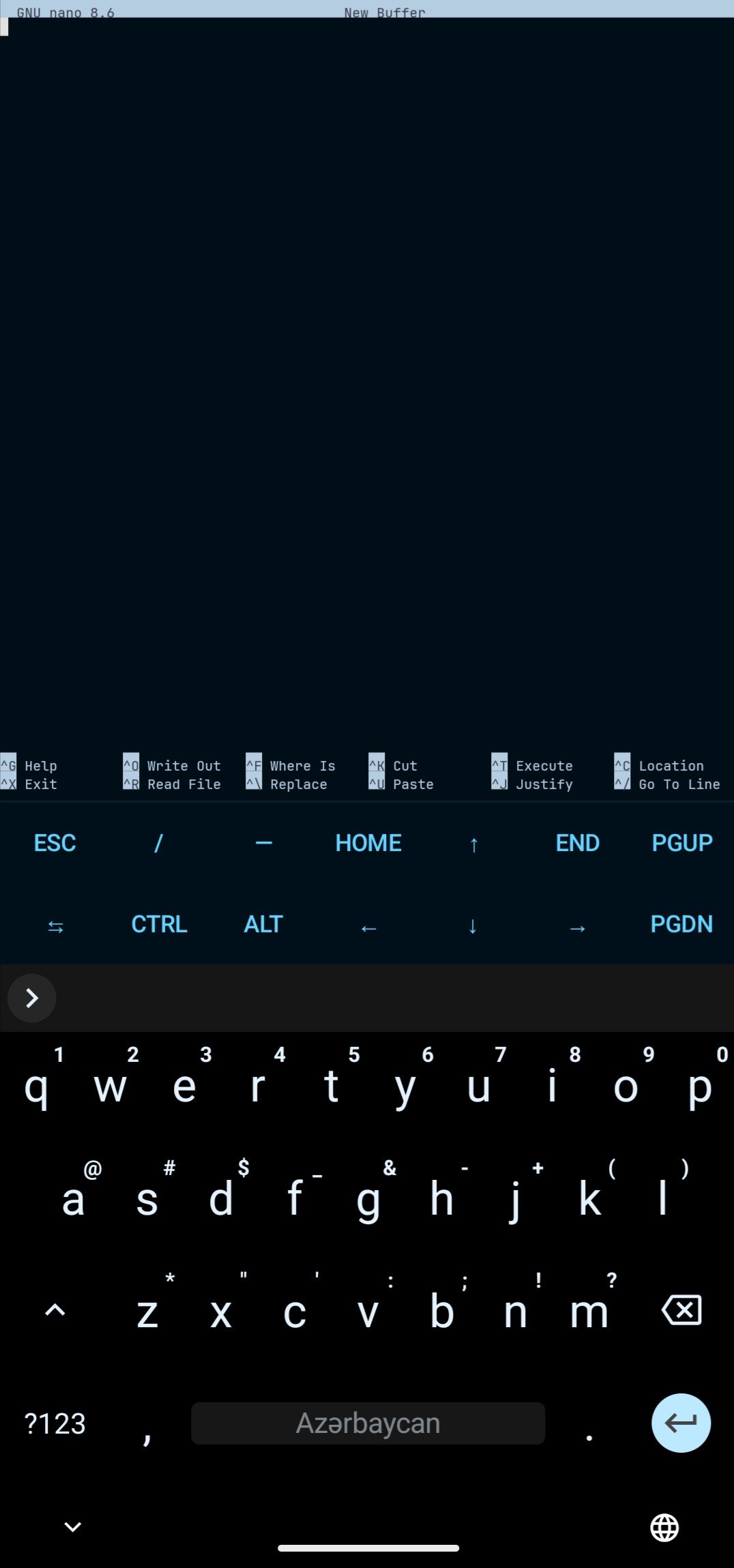
• Soft keyboard (tap to open/close) and virtual keybar, independently toggleable, plus toggleable shortcut/keymapper buttons to map physical keys to the virtual keyboard
• Login/IME modes: default (all IMEs, incl. solid CJK button), semantically correct (may break some IMEs), old workaround for Samsung keyboard echo (may break Gboard), CJK input (default recommended)
• Seccomp support resolves operation-disallowed errors
Supported TERM types
NONE ($TERM left unset), xterm, xterm-color, xterm-256color (recommended, full support for vim/htop/nano etc.), screen, screen-256color, tmux, tmux-256color, xterm-kitty, vt220, vt100 (minimal, near-universal), ANSI (basic, no 256-color).
Terminator leaves shell tools/environment setup up to you, giving deep control over appearance, sessions, and keyboard behavior.
License: GPL-3.0-or-later
Appearance
• Material UI with full color mapping, implemented in its own color interface
• AMOLED black and dynamic (Material You) color support
• Custom RGB codes and custom CSS terminal colors for a simple/plain look
• Built-in themes: default, Solarized Dark, Gruvbox Dark, Dracula, Nord — palettes are configurable yourself, with Termcolor and CSS color support
• See the Terminator-themes repo (github.com/8dmusichannels-star/terminator-themes) for example custom themes/palettes
Sessions
• Multi-session support: create multiple sessions, set a default/favorite
• File-based or command-argument sessions — in command-arg sessions you specify the executable to run, in file-based sessions the shell script name/path
• Both support a login path, startup directory, and direct root session activation (without calling /system/bin/su)
• Note: if you pass a chroot/proot-like environment as an argument, the starting directory may not work — only valid for arguments that support an entry path. Chroot validity in root/proot-like environments is variable
• Purge-on-clear setting: controls whether old data left in the terminal's PTY buffer is actually wiped
Terminal features
• Hyperlinks: only whitelisted formats open by default; custom app schemes can be allowed via session settings, at your own risk
• OSC 32 clipboard read support for the clipboard/terminal
• SRM and local echo — note: with an IME, double characters/typing risk can occur, similar to a physical keyboard
• Kitty terminal protocol (all protocols) and Kitty terminal emulation
• Sixel image rendering, with iTerm2 inline image support
• OSC 777 and OSC 9 notifications: with phone notifications enabled, the terminal (or your own notification-based app) can notify you
• Custom or default notification sound
• Export the session as .txt, with an option to show/hide the save button
Display, resizing and layout
• Resize by text size, terminal width, or temporary session zoom; pinch-to-zoom toggle (on by default)
• Alpha/transparency with background support and background blur
• Fonts: monospace, sans, serif embedded, plus custom TTF/OTF fonts
• Show/hide status bar and title bar; horizontal orientation supported
• Split screen and floating screen, with a toggle to show/hide their switch buttons
• Broadcast-to-all-panes toggle: sends typed text/commands to every open split/float session at once
• Clear-all-sessions toggle: off hides the clear button on session close; on clears all sessions
• Physical keyboard and mouse support
Keyboard
• Soft keyboard (tap to open/close) and virtual keybar, independently toggleable, plus toggleable shortcut/keymapper buttons to map physical keys to the virtual keyboard
• Login/IME modes: default (all IMEs, incl. solid CJK button), semantically correct (may break some IMEs), old workaround for Samsung keyboard echo (may break Gboard), CJK input (default recommended)
• Seccomp support resolves operation-disallowed errors
Supported TERM types
NONE ($TERM left unset), xterm, xterm-color, xterm-256color (recommended, full support for vim/htop/nano etc.), screen, screen-256color, tmux, tmux-256color, xterm-kitty, vt220, vt100 (minimal, near-universal), ANSI (basic, no 256-color).
Terminator leaves shell tools/environment setup up to you, giving deep control over appearance, sessions, and keyboard behavior.
License: GPL-3.0-or-later
| Release info | Update on Nov 04, 2026 |
|---|---|
| Release notes | Changelog Material Theme, Floating Panes & X11 Palette Picker b26de05 ? Improvements o ? Zoom: Latency reduced from 150 ms to 90 ms. o Floating Pane Images: Image lines are archived into scrollback; images past the visible area are clipped, not deleted, and return when the pane grows. o Image Scaling: Width now scales from the cell aspect ratio, like height. o Pane Controls: Material theme applied to Clone, Wake lock, Split, Save output, Move, Close and Resize. o Drawer: Material colors for surface, scrim, headings, dividers, session names, icons, stars and the trash/error states. o Active Row: Highlighted with secondaryContainer instead of translucent white. o Session Rows: Two-tier layout with the name on top and right-aligned actions below; buttons shrunk from 48 dp to 40 dp. o Window Background: Follows the active theme; status/navigation bar icons switch light/dark. o Themed Icons: Android 13+ monochrome icons follow the wallpaper color. o X11 Names: Each palette slot shows its current X11 color name (X11Colors.byArgb), or "Custom". o ? X11 Picker: Current color is marked with ? and bold text. o Palette Preview: Live ls --color sample and 16-color strip in the palette editor. o Palette Hint: Notes that Black/Bright White set background/text and that Red/Yellow are pinned by status colors. Bug Fixes o Pane Photo Slip: Fixed images slipping when a floating pane is resized. o Resize Lock: buffer.resize() and emulator.onBufferResized() now run inside the same lock as append(), fixing frames drawn from the wrong row. o Palette Slots: Changing Black (0) or Bright White (15) now updates the terminal background and default text color. |
| Listing data | F-Droid |
Reviews
No reviews yet. Be the first to review Terminator.
Used Terminator? Tell other visitors what you thought.
Log in to write a reviewOther products by this publisher
- "No Distractions" for YouTube 4.10 ----
- #Bible 11.5 "Incredible App - My sister shared this app with me a few weeks ago and it is truly incredible.
- #filmphotography 1.4.2 So, you decided to shoot on film?
- $quirrel 1.5.1 $quirrel Budget & Finance helps you plan each paycheck, track spending, manage debt, and see what is safe to spend before the next payday.
- % Percentage Calculator Pro 1.41 This is the Pro version of % Percentage Calculator.
Most viewed Android Developer Tools
- 1 ADB Captain 1.6 Run ADB commands on your phone. No root, no PC — via Shizuku.
- 2 DadosD 20160914_V4 Generate Brazilian test IDs for development/test
-
3
 AutoPie 0.20.3-beta
Turn Linux commands into Android apps.
- 4 Turtle 2.0.12 A Platform with Pythonic language to practice CPU/GPU programming on mobile
-
5
 TermuC 0.2.4
A simple C/C++ IDE backed on Termux
- 6 Fall 1.3 Lets your phone scream if it moves too fast
- 7 Termux:Float 0.17.0 Use Termux in a floating terminal window
- 8 Squircle CE - Code Editor 2025.1.3 Fast and powerful code editor & file manager for over 30 programming languages
-
9
 DevSwitch 1.3
Toggle developer options, USB and wireless debugging, with Quick Settings tiles
-
10
 QR Code Displayer 1.4.1
Reconstruct damaged or blurry QR codes entirely on-device for easy scanning.
Most downloaded Android Developer Tools
- 1 ADB Captain 1.6 Run ADB commands on your phone. No root, no PC — via Shizuku.
- 2 disky - Find your biggest diskspace thieves! 2.2.0 A filesystem analyzer that can show you the usage of your storage!
-
3
AutoPie 0.20.3-beta
Turn Linux commands into Android apps.
-
4
DevSwitch 1.3
Toggle developer options, USB and wireless debugging, with Quick Settings tiles
-
5
 Ansible Sempahore Client 1.0.0
Client App for Ansible Sempahore
- 6 Horus 1.1.1 Run Claude Code, Codex, and OpenCode in a real Linux terminal on your phone
- 7 Termux:Float 0.17.0 Use Termux in a floating terminal window
-
8
 Openlib 1.0.11
download and read books from shadow library (Anna’s Archive)
- 9 Cosmic IDE 2.0.3 A full fledged Java and Kotlin IDE for Android devices.
-
10
 SimpleAppDowngrader [ROOT] 1.1
Downgrades installed apps with an apk-file