
Text Tools 2.2.7
Useful text related functions that can be done on the selected text
Download
4.63 MB
8downloads
0this week
FreeFreeware
0reviews
Screenshots

About Text Tools
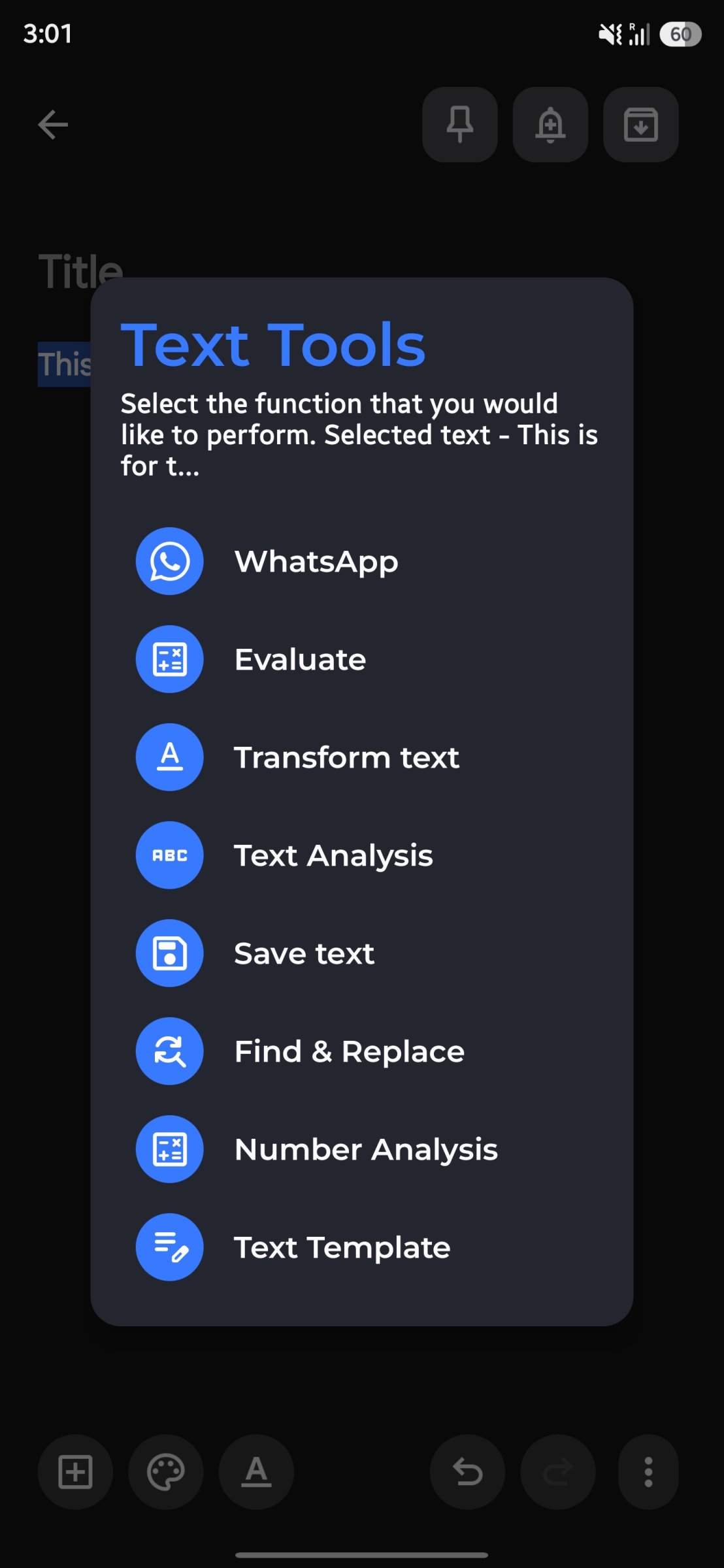
Collection of useful text related tools that can be accessed from the context menu that appears on text selection. The feature list will keep on growing. Let me know if you have any ideas.
Current Features
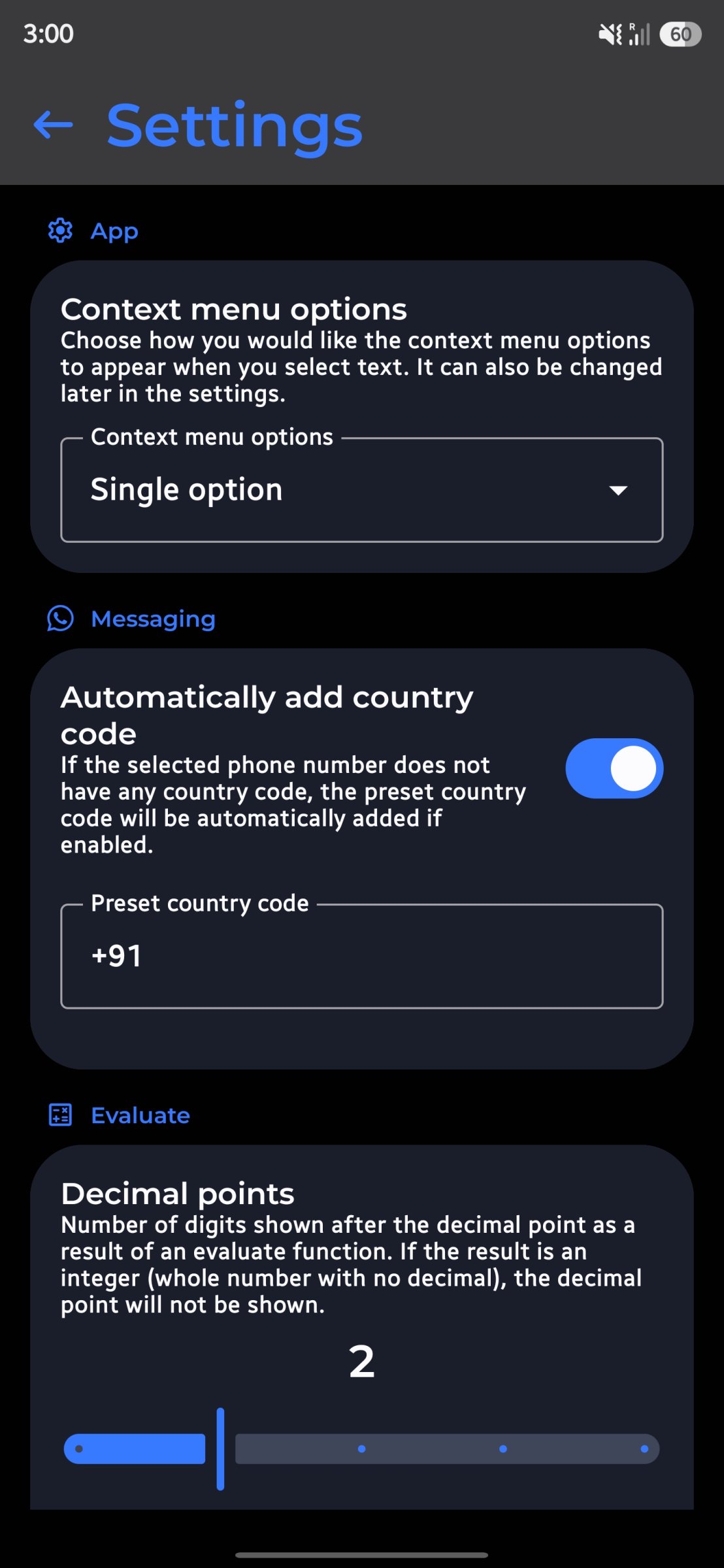
1. Text unsaved numbers in WhatsApp - Often we find ourselves needing to text/send file/share location to someone for temporary purposes (if you ask me, I face this a lot in situations where I go to a printing centre where they ask me to share the file that I want to print over WhatsApp, so I have to save their contact, refresh my WhatsApp contact list and then send them). Having a context menu option to directly open a WhatsApp chat from their phone number would save a lot of time and keep your phonebook clean, right?
2. Evaluate mathematical expressions inline - We may often find ourselves to mathematically calculate something while texting someone (probably while making plans). Having an option to perform math calculations in line without needing to open calculator could save time.
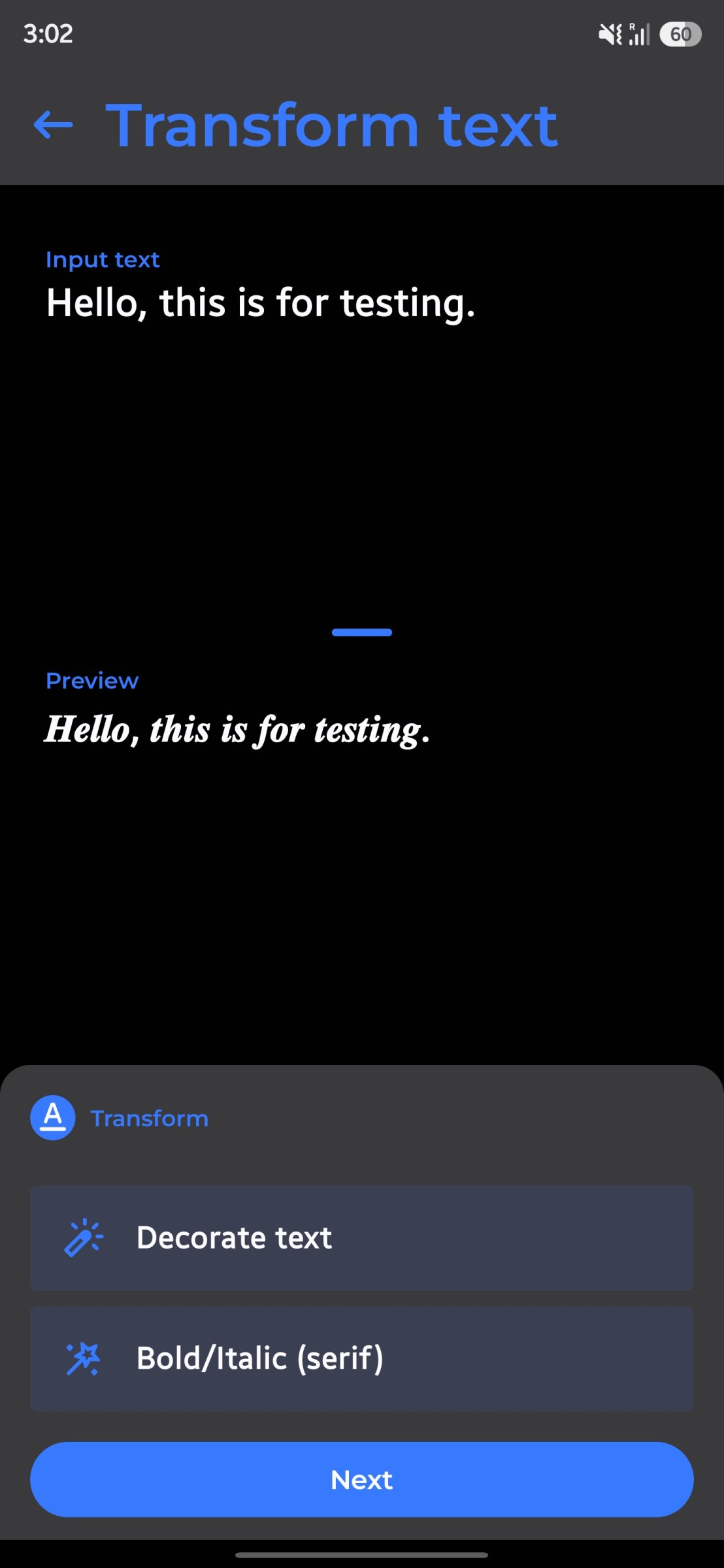
3. Transform text - Transform the selected text inline. Supported transformations include changing the case, wrapping it with text etc.
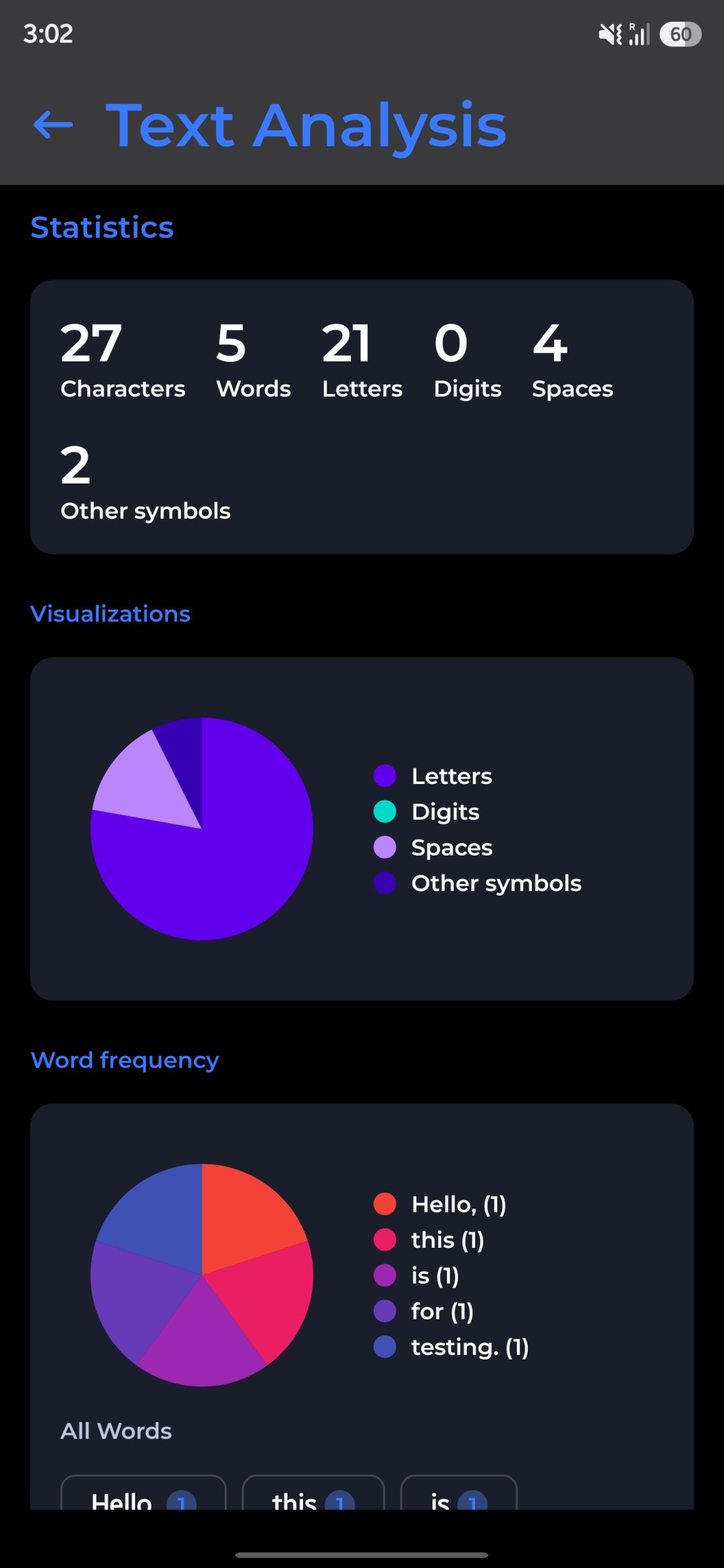
4. Text analysis - Get detailed analysis about character count, word count, letter count and more for the selected text.
5. Save text to a file - Lets you save the selected text into a file so that it can be accessed later.
6. Find & Replace - Quickly find certain text and replace them with text of your choice within the selected text.
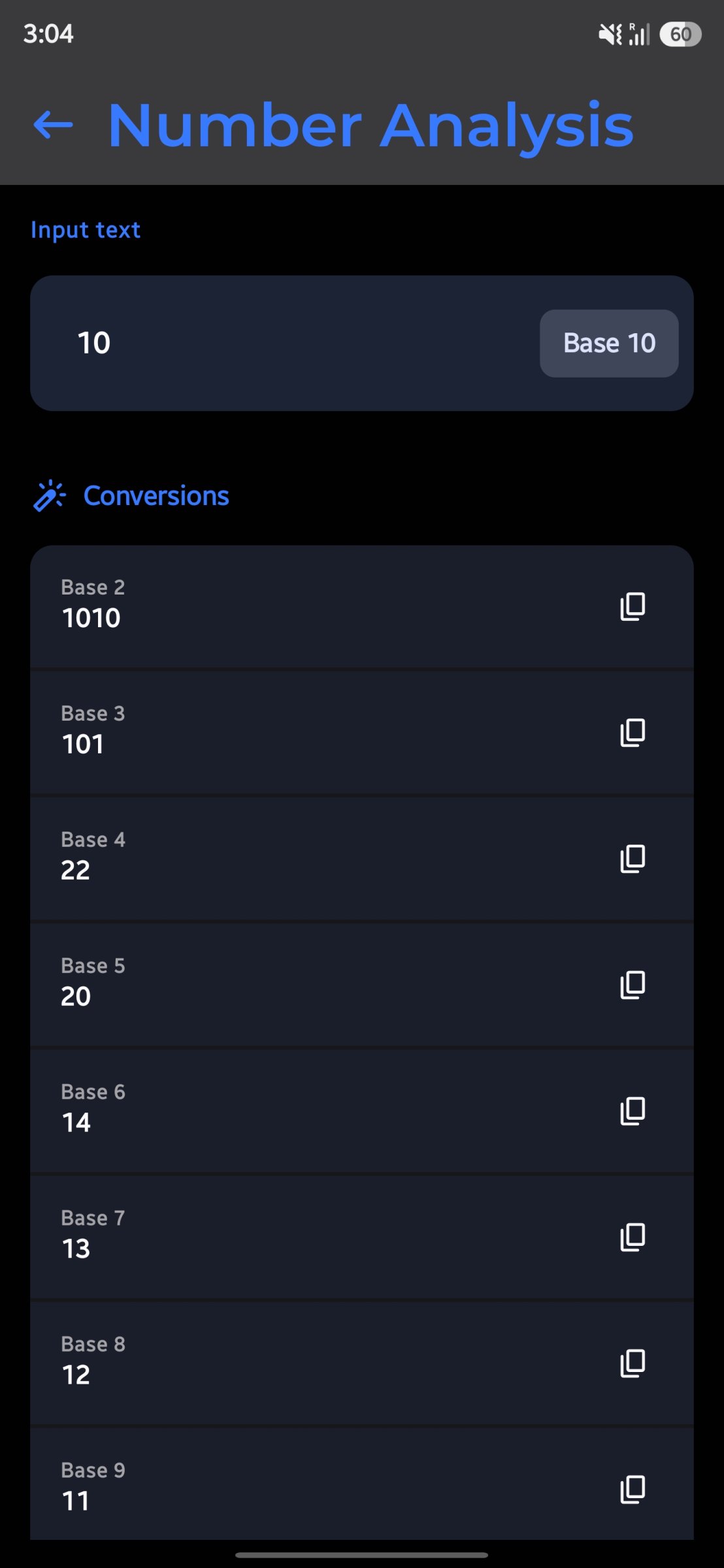
7. Number Analysis -Analyze numbers, convert them to different bases, find factors, prime information, and more.
8. Text Templates - Create and apply custom text templates with your selected text as a parameter.
9. Actions - Process the text directly with supported system functions.
Where are screenshots?
The app adds capabilities to text selection wherever supported in the Android System, there is nothing much to do inside the app, hence very less screenshots.
Installation Warning
While installing the app (you have to sideload), Google Play may block the installation saying it has never seen the app before. While it is true (from Google Play POV), kindly proceed with installing the app. If you have doubts about the app being malicious, you are free to verify the same from the source code (it would not be open-source if the app was malicious in the first place, right?).
License: Apache-2.0
Current Features
1. Text unsaved numbers in WhatsApp - Often we find ourselves needing to text/send file/share location to someone for temporary purposes (if you ask me, I face this a lot in situations where I go to a printing centre where they ask me to share the file that I want to print over WhatsApp, so I have to save their contact, refresh my WhatsApp contact list and then send them). Having a context menu option to directly open a WhatsApp chat from their phone number would save a lot of time and keep your phonebook clean, right?
2. Evaluate mathematical expressions inline - We may often find ourselves to mathematically calculate something while texting someone (probably while making plans). Having an option to perform math calculations in line without needing to open calculator could save time.
3. Transform text - Transform the selected text inline. Supported transformations include changing the case, wrapping it with text etc.
4. Text analysis - Get detailed analysis about character count, word count, letter count and more for the selected text.
5. Save text to a file - Lets you save the selected text into a file so that it can be accessed later.
6. Find & Replace - Quickly find certain text and replace them with text of your choice within the selected text.
7. Number Analysis -Analyze numbers, convert them to different bases, find factors, prime information, and more.
8. Text Templates - Create and apply custom text templates with your selected text as a parameter.
9. Actions - Process the text directly with supported system functions.
Where are screenshots?
The app adds capabilities to text selection wherever supported in the Android System, there is nothing much to do inside the app, hence very less screenshots.
Installation Warning
While installing the app (you have to sideload), Google Play may block the installation saying it has never seen the app before. While it is true (from Google Play POV), kindly proceed with installing the app. If you have doubts about the app being malicious, you are free to verify the same from the source code (it would not be open-source if the app was malicious in the first place, right?).
License: Apache-2.0
| Release info | Update on Oct 28, 2026 |
|---|---|
| Release notes | • Evaluate and Find & Replace now work on non-editable text too. Results can always be copied, and applied when the text is editable. • Evaluate now shows its result in Text Actions. Remembered Replace/Append choices still apply instantly on editable text. • Removed the redundant "Copy to clipboard" choice from Evaluate. • Text Actions now shows a preview of the text it acts on. • Fixed Apply not updating the original text after Find & Replace, Transform and Text Templates. • Library updates. What's new in "New UI" apk? • Updates to UI (core ui lib updated). • Support for on-device AI powered "Enhanced AI" functions. It is available on AICore supported devices (which are quite few in numbers as of now, like Galaxy S24 or newer models of that lineup, Pixel 9 or newer devices). Supported functions: Enhanced evaluate, AI powered text transformation like text summarization, proofreading, rewrite in different style and AI powered additional text actions. • Support for app functions which allows Gemini or other (supported) AI assistant to invoke Text Tools to get relevant stuff done. (This may be removed in future). Note on AI It uses on device AI which is managed by AICore subsystem. Text Tools is not responsible for managing the on-device models and will not use internet to use cloud models. Also, the new AI related libraries (ML Kit and App Functions) caused an increase of 2MB in release .apk, which is quite a bit. Full Changelog: https://github.com/corphish/TextTools/compare/v2.2.6...v2.2.7 |
| Listing data | F-Droid |
Reviews
No reviews yet. Be the first to review Text Tools.
Used Text Tools? Tell other visitors what you thought.
Log in to write a reviewOther products by this publisher
- "No Distractions" for YouTube 4.10 ----
- #Bible 11.5 "Incredible App - My sister shared this app with me a few weeks ago and it is truly incredible.
- #filmphotography 1.4.2 So, you decided to shoot on film?
- $quirrel 1.5.1 $quirrel Budget & Finance helps you plan each paycheck, track spending, manage debt, and see what is safe to spend before the next payday.
- % Percentage Calculator Pro 1.41 This is the Pro version of % Percentage Calculator.
Most viewed Android System
-
1
 Work Profile VPN Switcher 1.2.1
Automatically manage work profile when VPN connects or disconnects
-
2
 GrayPause 1.5
Keep your phone in grayscale, take short color breaks that end by themselves
- 3 Sift 1.0.7 A minimalist recipe keeper.
-
4
 SDK Monitor 2.1
Display and monitor the targetSDK from installed apps
- 5 LibChecker 2.5.5 View the third-party libraries used by applications
- 6 Contacts 4 Contacts Organised by Group
- 7 TouchDroid 2.0.1 Use your Android Device as Touchpad.
- 8 MAXS Module Ringermode 0.5.19 A Module for MAXS
- 9 Ril Control 1.0 Control the RIL-daemon process
- 10 Coffee 2.27 Keep display awake
Most downloaded Android System
- 1 Finalbenchmark 2 - CPU Test 1.1.0 Comprehensive open source CPU benchmark and performance test
- 2 Sift 1.0.7 A minimalist recipe keeper.
- 3 Contextium 1.5.0 Configurable Android context menu helper
-
4
SDK Monitor 2.1
Display and monitor the targetSDK from installed apps
- 5 EtchDroid ISO to USB Writer 2.2 Write operating system ISO images to USB drives, no root required
- 6 TouchDroid 2.0.1 Use your Android Device as Touchpad.
-
7
 Cache Cleaner 2.3.2
Clean cache of installed user and system apps using Accessibility
- 8 DEfO ECH Apps 0.3 Experimental fork of F-Droid to use TLS ECH with Cloudflare as the default host
- 9 OnePlus Laser Tool 1.0.4 Professional laser rangefinder for OnePlus devices with Laser AF hardware.
- 10 Apk Extractor 1.4 Get APK files from installed apps