
Text Editor 2.6
Looking for powerful editing apps to write your story, files and make corrections whenever needed?
Download
8.71 MB
11downloads
2this week
FreeFreeware
0reviews
Screenshots
About Text Editor
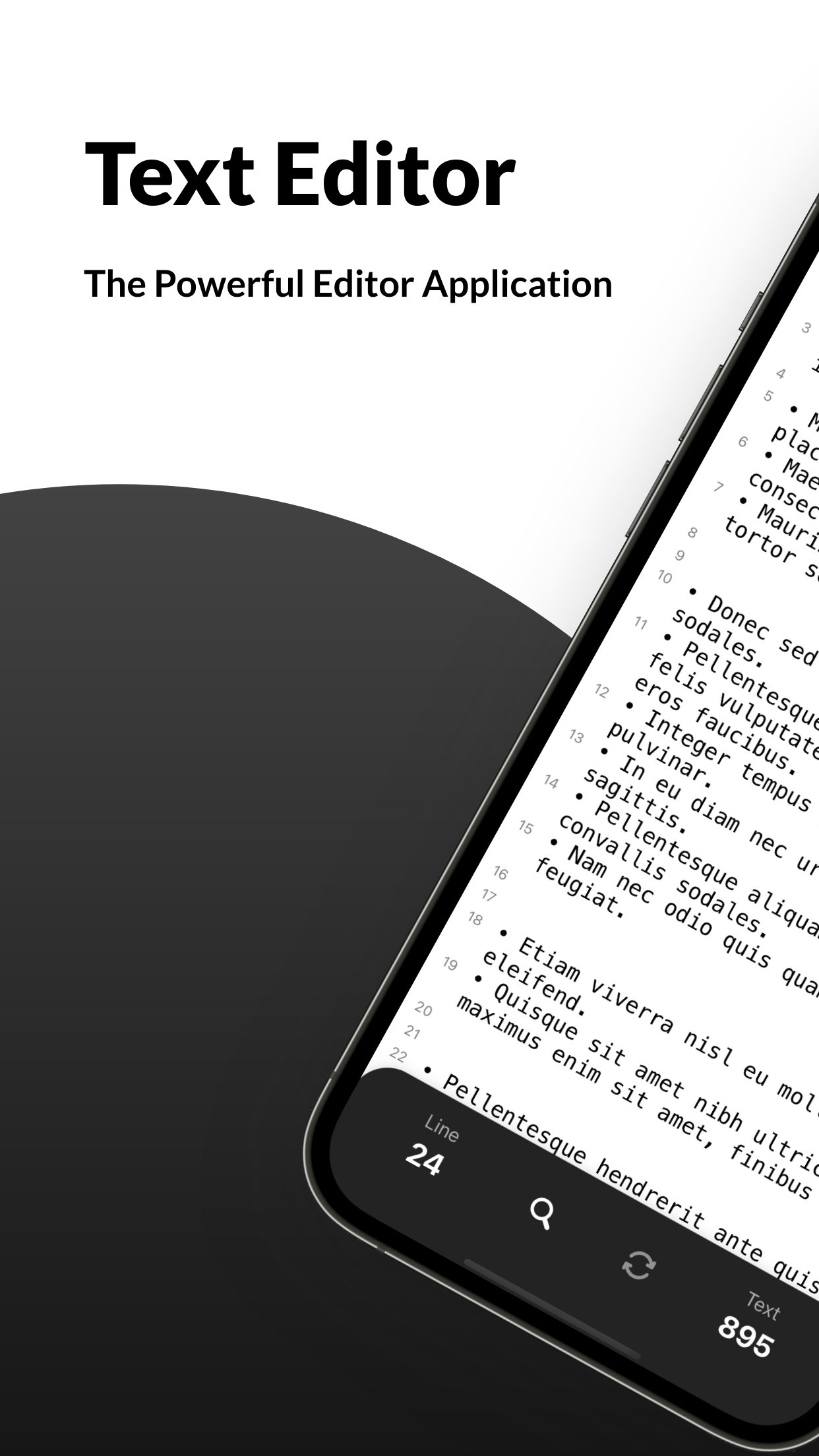
Looking for powerful editing apps to write your story, files and make corrections whenever needed? Install Text Editor - Document Editor Pro on your iOS device and edit your texts anytime, anywhere easily.
We have brought you a fantastic and easy text editor app that will allow you to write and record your story, draft writings, search words or letters and replace multiple words at once. You don’t need several file editors to get different jobs done; this texting editor will provide you with everything. Whether you are looking for a free document editor or a font editing app, our words editor or text document editing app will delight you big time.
What can you do with Text Editor- Document Editor app?
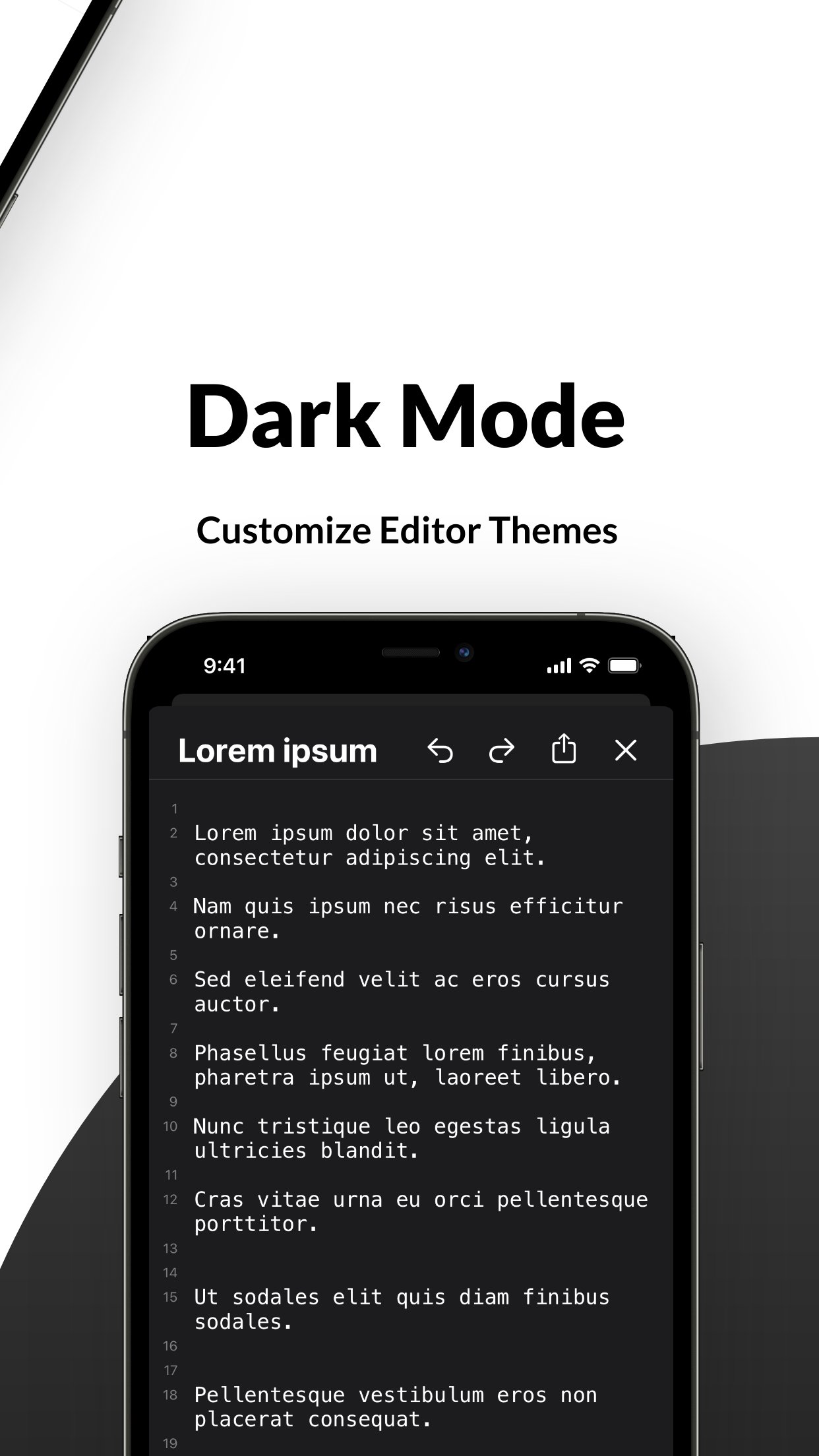
This powerful editing app allows you to edit word files anywhere, anytime. While using this file editor to rewrite your texts, you can find a new word and replace your text with it. Our app works as a text changer, so you can change any word instantly right in the app. You can replace multiple words and search for new words in this word editor app. You can also customize editor themes such as a dark mode for the night or light mode for the day. Also, back up your files and documents on the cloud with one click.
So, if you are searching for a word editor to edit google documents or a text edit app for customizing your notebook word writings, this editing app is always here to help.
Take a look at the key features of the Text Editor- Document Editor Pro app:
• Whether you are looking for editing apps to make corrections to your word docs or to write a story on your iOS device, this text edit app works effectively and efficiently. The simple and easy user interface of this app editor allows you to edit texts quickly and flawlessly. Install the app on your iPhone and start editing texts instantly without going through any complicated settings.
• In the setting, you can customize the text as per your will. There are hundreds of font sizes available in our markdown app, and you can select the one you require. You can keep auto-correction on so the app can correct if you make a mistake. This docs and notes editor allows you to write and read texts in fullscreen mode.
• Your recent activities are also saved in the history so you can find previous documents in one tap. If you are looking for an easy, simple yet elegant text editing tool that contains all necessary functions, your search ends with our quick edit app.
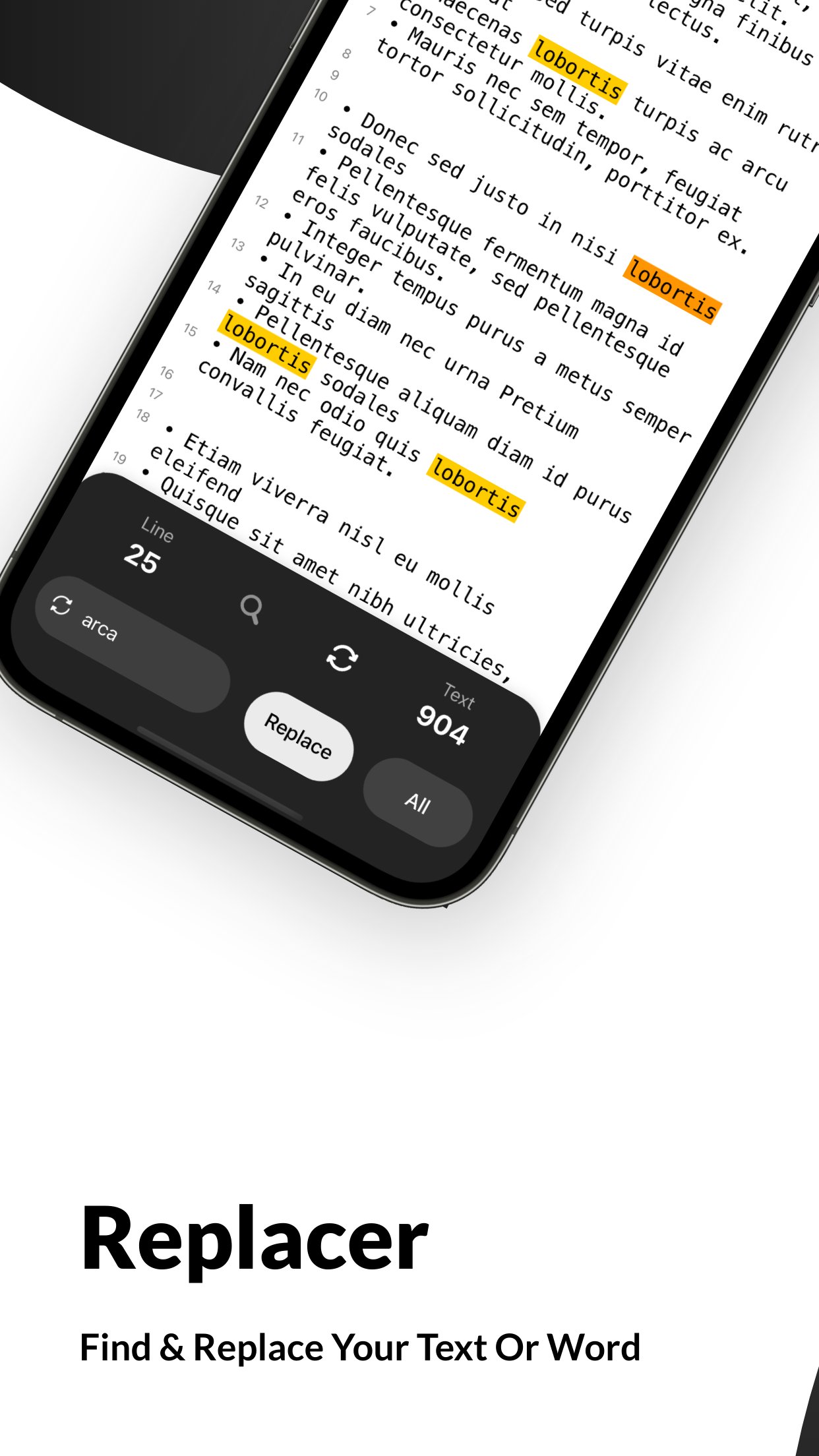
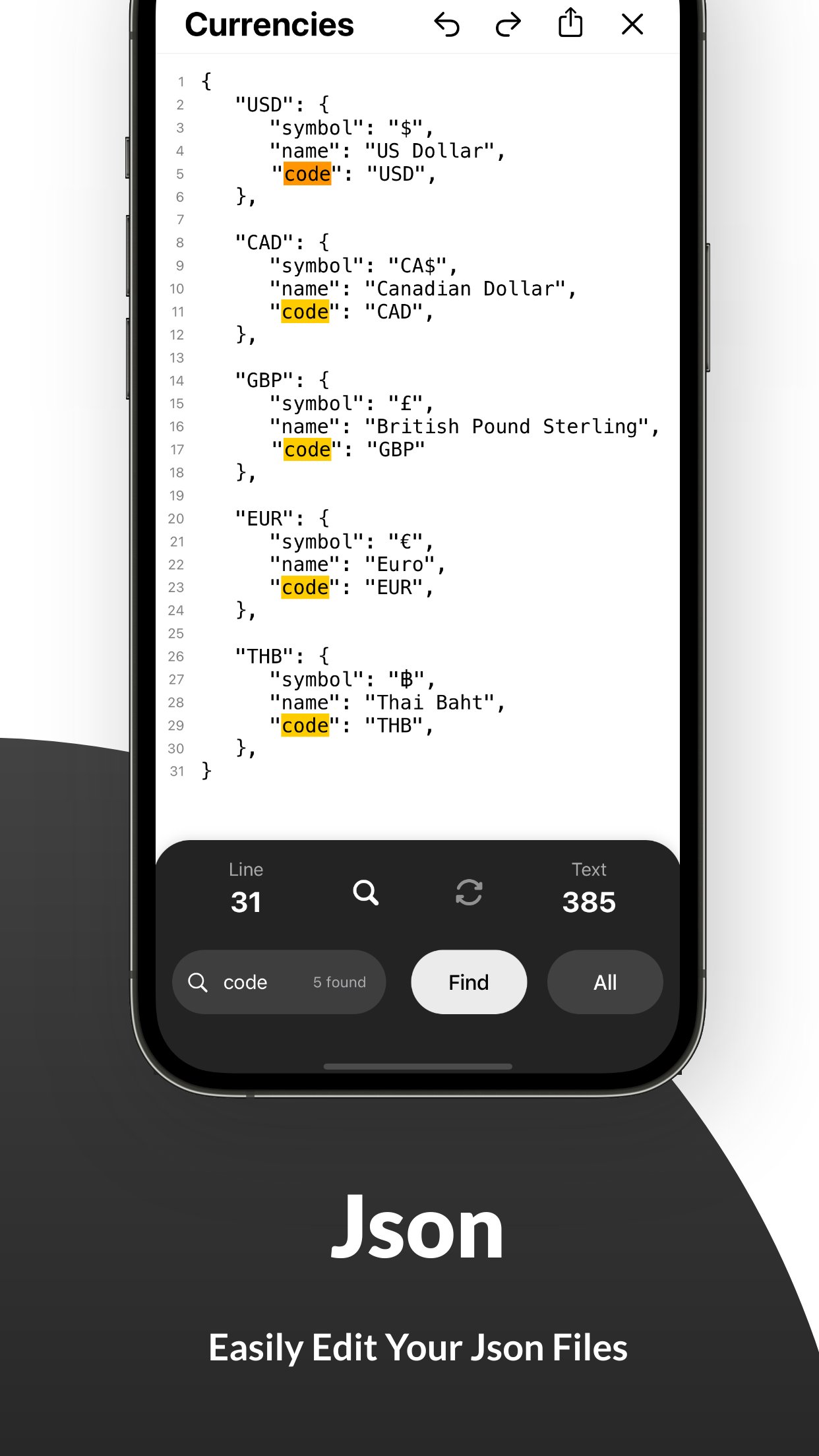
• You can find words or texts and replace them easily in this texteditor app. This text changer allows you to change words anytime you want. Select the word you want to change, find the alternative in the app, and replace it. You can also edit your Json file effortlessly with this quickedit app.
• This texting editor allows you to customize the theme. You can switch into the dark mode or light mode according to your need.
• Keep a backup of your edited word doc or google-docs into the cloud, so you never lose them. Find the right tags for your file in the app and upload them directly on iCloud.
• If you are searching for a document editor free to edit documents like word files or Json, our simple texting-file editor is the right one. In-app purchases are also available if you want to access more unique features.
So, what are you waiting for? Install Text Editor- Document Editor on your iOS device and start editing texts like a pro.
Terms of Use: [link removed]
Privacy Policy: [link removed]
We have brought you a fantastic and easy text editor app that will allow you to write and record your story, draft writings, search words or letters and replace multiple words at once. You don’t need several file editors to get different jobs done; this texting editor will provide you with everything. Whether you are looking for a free document editor or a font editing app, our words editor or text document editing app will delight you big time.
What can you do with Text Editor- Document Editor app?
This powerful editing app allows you to edit word files anywhere, anytime. While using this file editor to rewrite your texts, you can find a new word and replace your text with it. Our app works as a text changer, so you can change any word instantly right in the app. You can replace multiple words and search for new words in this word editor app. You can also customize editor themes such as a dark mode for the night or light mode for the day. Also, back up your files and documents on the cloud with one click.
So, if you are searching for a word editor to edit google documents or a text edit app for customizing your notebook word writings, this editing app is always here to help.
Take a look at the key features of the Text Editor- Document Editor Pro app:
• Whether you are looking for editing apps to make corrections to your word docs or to write a story on your iOS device, this text edit app works effectively and efficiently. The simple and easy user interface of this app editor allows you to edit texts quickly and flawlessly. Install the app on your iPhone and start editing texts instantly without going through any complicated settings.
• In the setting, you can customize the text as per your will. There are hundreds of font sizes available in our markdown app, and you can select the one you require. You can keep auto-correction on so the app can correct if you make a mistake. This docs and notes editor allows you to write and read texts in fullscreen mode.
• Your recent activities are also saved in the history so you can find previous documents in one tap. If you are looking for an easy, simple yet elegant text editing tool that contains all necessary functions, your search ends with our quick edit app.
• You can find words or texts and replace them easily in this texteditor app. This text changer allows you to change words anytime you want. Select the word you want to change, find the alternative in the app, and replace it. You can also edit your Json file effortlessly with this quickedit app.
• This texting editor allows you to customize the theme. You can switch into the dark mode or light mode according to your need.
• Keep a backup of your edited word doc or google-docs into the cloud, so you never lose them. Find the right tags for your file in the app and upload them directly on iCloud.
• If you are searching for a document editor free to edit documents like word files or Json, our simple texting-file editor is the right one. In-app purchases are also available if you want to access more unique features.
So, what are you waiting for? Install Text Editor- Document Editor on your iOS device and start editing texts like a pro.
Terms of Use: [link removed]
Privacy Policy: [link removed]
| Release info | Update on Oct 20, 2026 |
|---|---|
| Release notes | • Bug fixes • Performance improvements |
| Listing data | App Store |
Reviews
No reviews yet. Be the first to review Text Editor.
Used Text Editor? Tell other visitors what you thought.
Log in to write a reviewOther products by this publisher
- "No Distractions" for YouTube 4.10 ----
- #Bible 11.6 "Incredible App - My sister shared this app with me a few weeks ago and it is truly incredible.
- #filmphotography 1.4.2 So, you decided to shoot on film?
- $quirrel 1.5.1 $quirrel Budget & Finance helps you plan each paycheck, track spending, manage debt, and see what is safe to spend before the next payday.
- % Percentage Calculator Pro 1.41 This is the Pro version of % Percentage Calculator.
Most viewed iOS Developer Tools
-
1
 ZScripter 12.2.0
ZScripter plays compatible Ren'Py, RealLive, NScripter, (PONS)ONScripter-EN/RU/JH/Yuri, Artemis, Siglus, AI5 and UK2 games as well as KiriKiri (+Kirikiroid2 patches) and RPG Maker MV/MZ & XP, VX and VX Ace support.
-
2
 GitHub 1.283.0
There’s a lot you can do on GitHub that doesn’t require a complex development environment – like sharing feedback on a design discussion, or reviewing a few lines of code.
-
3
 Shader Playground 1.0
Shader Playground is a powerful real-time shader editor built for iPhone and iPad.
-
4
 Agents Anywhere 2.1.0
Agents Anywhere is a developer tools mobile application for remotely controlling your local computer to complete coding tasks.
-
5
 Code Workspace 0.9.1
Code Workspace is a free, agent-first development environment for iPad and iPhone.
-
6
 LocalDevVPN 1.3.0
LocalDevVPN is a developer tool for creating and managing local network tunnels directly on iOS.
-
7
 Termius 8.0.7
Termius is a modern SSH client designed for productivity and collaboration.
-
8
 Cursor 1.17.0
Introducing Cursor for iOS: the best way to build, review, and ship software from anywhere.
-
9
 HTTP Debugger+ 1.2.3
HTTP Debugger+ is a professional HTTP traffic inspector designed for developers and QA engineers.
-
10
 Rulify 1.0.7
Rulify ????? iOS App ????,???????? App ????,???????????????
Most downloaded iOS Developer Tools
-
1
Agents Anywhere 2.1.0
Agents Anywhere is a developer tools mobile application for remotely controlling your local computer to complete coding tasks.
-
2
Rulify 1.0.7
Rulify ????? iOS App ????,???????? App ????,???????????????
-
3
 a-Shell mini 2.3.2
a-Shell mini is a complete local terminal emulator, allowing to run most Unix commands on you iOS device.
-
4
 LadderTouch 2.1.5
LadderTouch is an app to learn the basics of ladder logic, which is a graphical programming language.
-
5
 FSNotes 7.6.0
FSNotes is a fast, modern notes manager for macOS and iOS.
-
6
 C/C++$-LLVM Clang 2.7
This is a learning tool for efficient C/C++ learning, fast programming, ?(LLVM+Clang)offline compilation and local execution?, Git fetching, iCloud storage, and efficient transfer and sharing via LAN HTTP/FTP multi-point connections.
-
7
 python3$ 6.6
This is a Python 3.13 learning tool for efficient learning, fast programming, local execution, breakpoint debugging, precise error reporting, Git fetching, iCloud access, and efficient transfer and sharing via LAN HTTP/FTP multi-point connections.
-
8
 websta$-learn html css and js 3.2
This is a learning tool for efficient HTML, CSS, and JS learning, fast programming, local execution, Git retrieval, iCloud storage, efficient transfer and sharing via LAN HTTP/FTP multi-point connections.
-
9
HTTP Debugger+ 1.2.3
HTTP Debugger+ is a professional HTTP traffic inspector designed for developers and QA engineers.
-
10
 Expo Go 58.0.5
Start learning to build projects using web technologies with just your iOS device.