LadderTouch 2.1.5
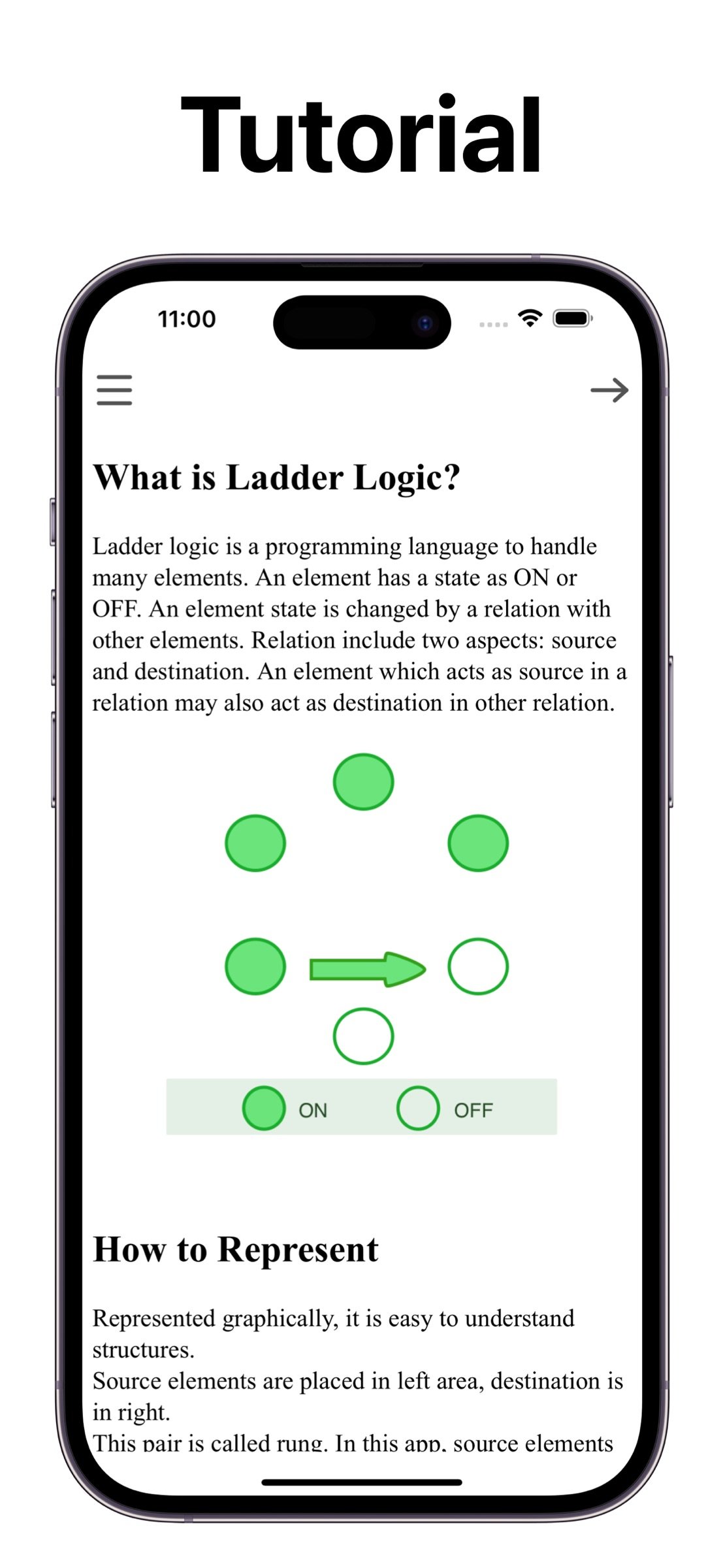
LadderTouch is an app to learn the basics of ladder logic, which is a graphical programming language.
Download
6.23 MB
85downloads
3this week
FreeCommercial
0reviews
Screenshots
About LadderTouch
LadderTouch is an app to learn the basics of ladder logic, which is a graphical programming language.
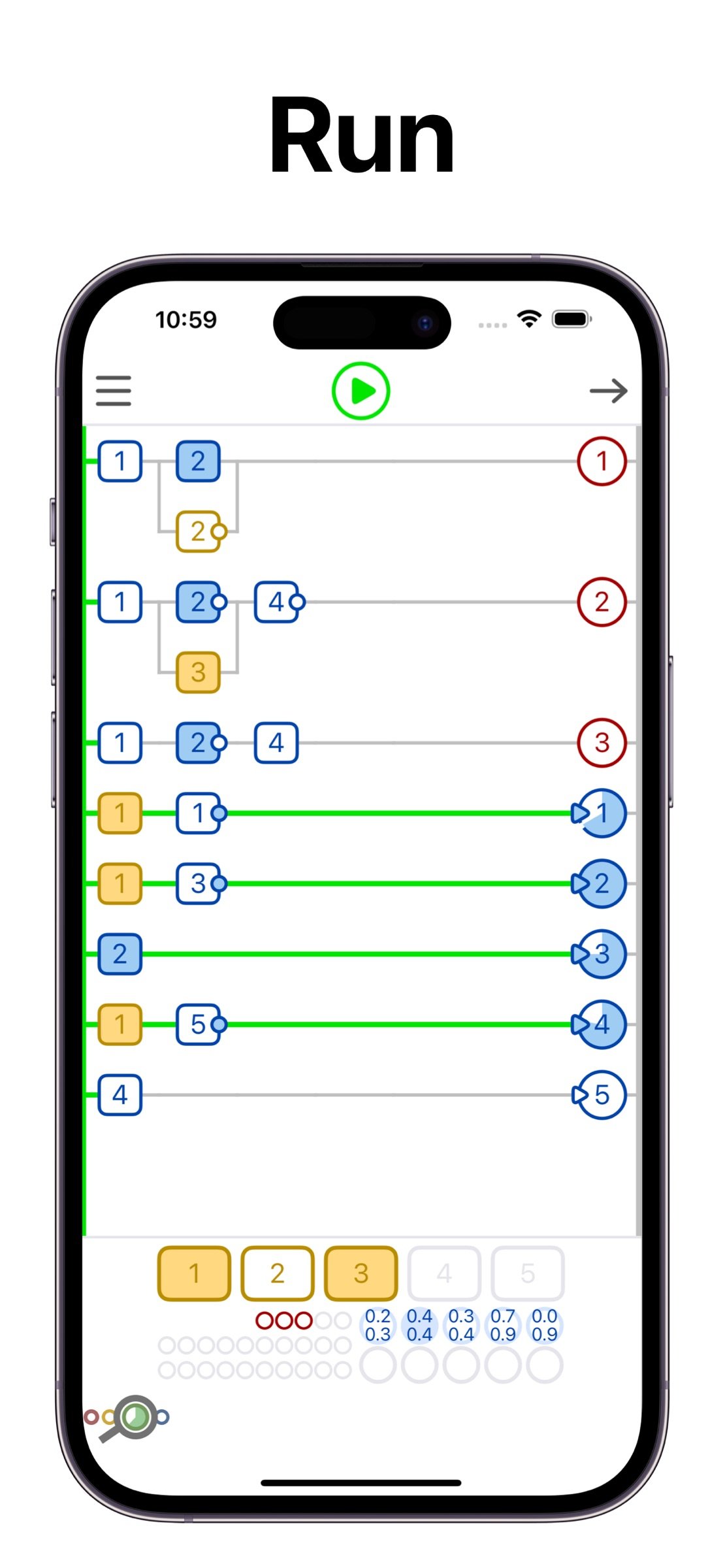
This app has three functions.
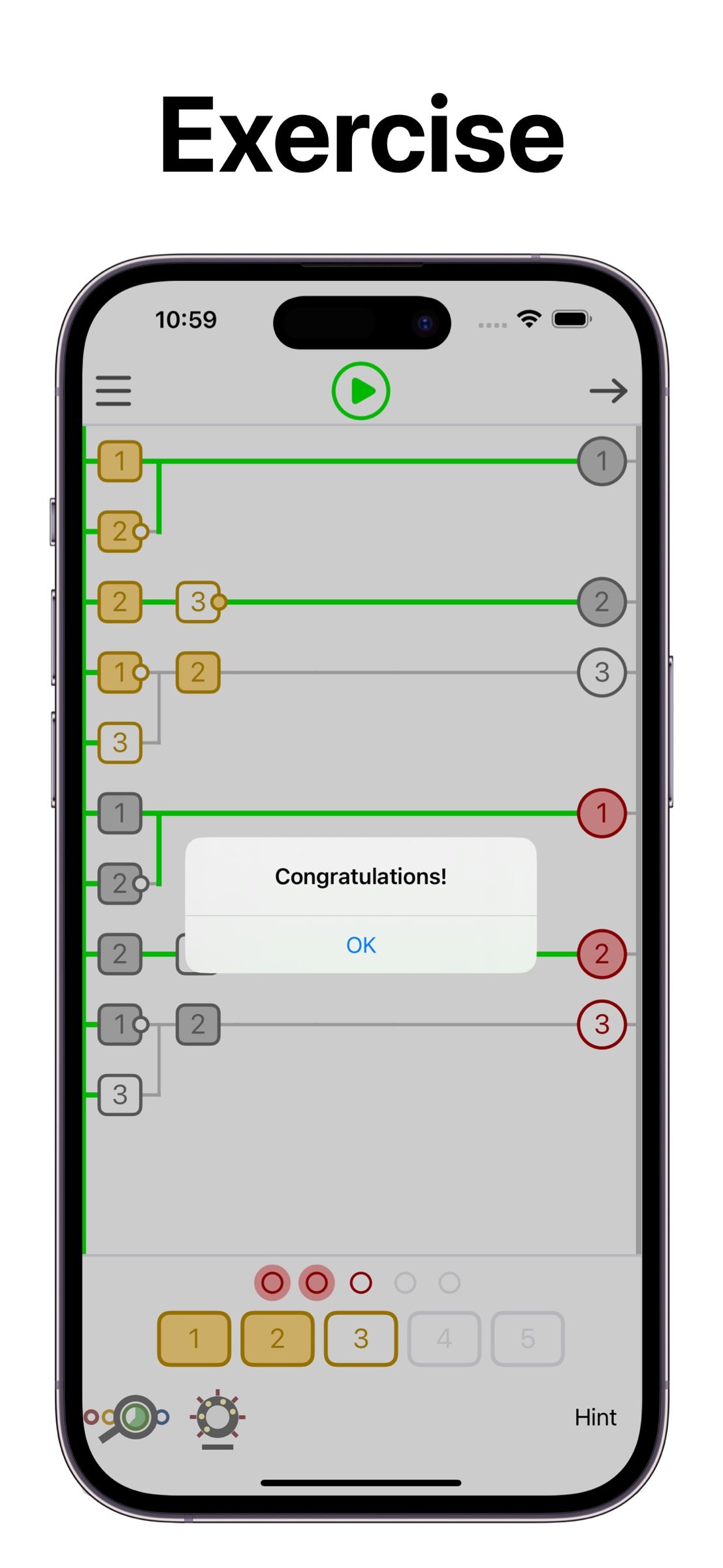
You can learn about that mechanism by executing some of the prepared samples.
You can check your understanding with questions.
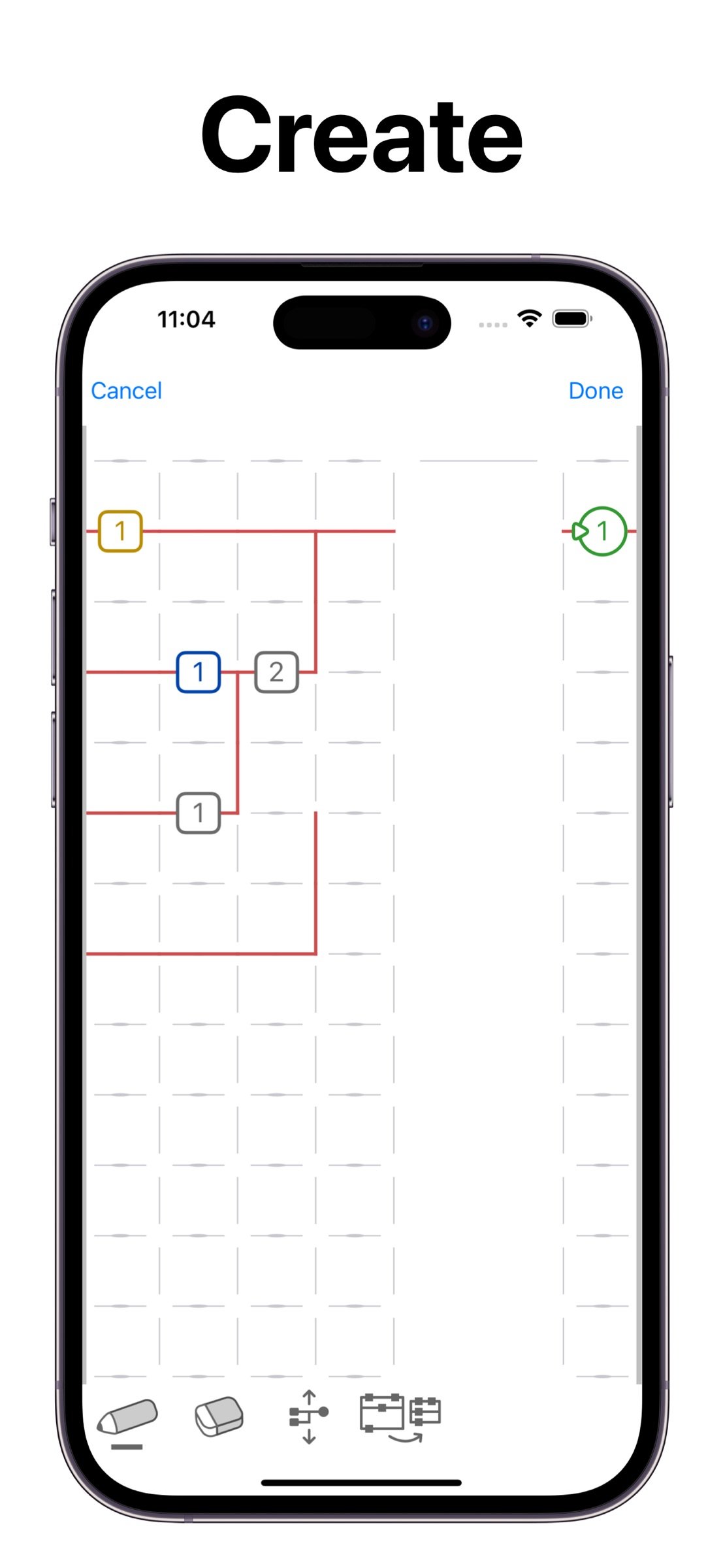
In addition, you can create and execute your own ladder.
Ladder functions of the timer, counter, and logical inverse are provided.
The user interface is designed to be easy to operate. The lines are written by tracing the screen. You can set an element by tapping a cell at which you want to add it.
---------------ELEMENTS---------------
Input(yellow)
Up to 5 elements.
You can control the input signal by tapping the buttons at the bottom of the display.
Virtual output(red)
Up to 5 elements.
Internal memory(gray)
Up to 20 elements.
Virtual output(red) and internal memory(gray) are the same for logical behavior.
But the difference is in usage.
The virtual output is the last element in the ladder logic chain.
The Internal memory is for the processing element of the ladder logic chain.
These are an imitation of the actual ladder logic with the output devices.
Timer(blue)
Up to 5 elements.
The timer can be set from 0.1 seconds to 10.0 seconds. The setting unit is 0.1 second.
The timer works only 'on delay'. This app does not include 'off delay'.
On Delay.
---++++++++++ source
-------++++++ destination
Off Delay.
+++---------- source
++++++++----- destination
+ ON
- OFF
Time flows from left to right
Counter(green)
Up to 5 elements.
You can set from 1 to 50.
There is no counter reset element in this app. Many other ladder logic software has it.
The way to reset the counter is to stop running the ladder.
All elements can be inverse in the source area.
However, timers and counters cannot do it in the destination area.
It is difficult to understand the inverse logic of a timer and counter in the destination area.
---------------EDIT---------------
You can edit ladders only with the paid version.
How to write elements or lines
Select the pencil icon.
To add an element: Tap where you want to set the element and select the element.
To draw a line: Draw where you want to write a line.
How to delete elements or lines
Select the eraser icon.
Tap where you want to delete the element.
How to scroll
Select the scroll icon, then you can scroll.
How to remove useless spaces
Select the order icon.
Tap order icon to remove useless spaces.
Line color
Green with complete ladder logic.
Red with something wrong.
--------------Other--------------
There is no function that connects to outer devices.
License: Commercial
| Release info | New Release on Mar 04, 2026 |
|---|---|
| Release notes | Supports iPad's compact window. |
| Listing data | App Store |
Reviews
No reviews yet. Be the first to review LadderTouch.
Used LadderTouch? Tell other visitors what you thought.
Log in to write a reviewOther products by this publisher
- "No Distractions" for YouTube 4.10 ----
- #Bible 11.5 "Incredible App - My sister shared this app with me a few weeks ago and it is truly incredible.
- #filmphotography 1.4.2 So, you decided to shoot on film?
- $quirrel 1.5.1 $quirrel Budget & Finance helps you plan each paycheck, track spending, manage debt, and see what is safe to spend before the next payday.
- % Percentage Calculator Pro 1.41 This is the Pro version of % Percentage Calculator.
Most viewed iOS Developer Tools
-
1
 ZScripter 12.2.0
ZScripter plays compatible Ren'Py, RealLive, NScripter, (PONS)ONScripter-EN/RU/JH/Yuri, Artemis, Siglus, AI5 and UK2 games as well as KiriKiri (+Kirikiroid2 patches) and RPG Maker MV/MZ & XP, VX and VX Ace support.
-
2
 GitHub 1.283.0
There’s a lot you can do on GitHub that doesn’t require a complex development environment – like sharing feedback on a design discussion, or reviewing a few lines of code.
-
3
 Shader Playground 1.0
Shader Playground is a powerful real-time shader editor built for iPhone and iPad.
-
4
 Agents Anywhere 2.1.0
Agents Anywhere is a developer tools mobile application for remotely controlling your local computer to complete coding tasks.
-
5
 Code Workspace 0.9.1
Code Workspace is a free, agent-first development environment for iPad and iPhone.
-
6
 LocalDevVPN 1.3.0
LocalDevVPN is a developer tool for creating and managing local network tunnels directly on iOS.
-
7
 Termius 8.0.7
Termius is a modern SSH client designed for productivity and collaboration.
-
8
 Cursor 1.17.0
Introducing Cursor for iOS: the best way to build, review, and ship software from anywhere.
-
9
 Rulify 1.0.7
Rulify ????? iOS App ????,???????? App ????,???????????????
-
10
 HTTP Debugger+ 1.2.3
HTTP Debugger+ is a professional HTTP traffic inspector designed for developers and QA engineers.
Most downloaded iOS Developer Tools
-
1
Agents Anywhere 2.1.0
Agents Anywhere is a developer tools mobile application for remotely controlling your local computer to complete coding tasks.
-
2
Rulify 1.0.7
Rulify ????? iOS App ????,???????? App ????,???????????????
-
3
 a-Shell mini 2.3.2
a-Shell mini is a complete local terminal emulator, allowing to run most Unix commands on you iOS device.
-
4
LadderTouch 2.1.5
LadderTouch is an app to learn the basics of ladder logic, which is a graphical programming language.
-
5
 FSNotes 7.5.1
FSNotes is a fast, modern notes manager for macOS and iOS.
-
6
 C/C++$-LLVM Clang 2.7
This is a learning tool for efficient C/C++ learning, fast programming, ?(LLVM+Clang)offline compilation and local execution?, Git fetching, iCloud storage, and efficient transfer and sharing via LAN HTTP/FTP multi-point connections.
-
7
HTTP Debugger+ 1.2.3
HTTP Debugger+ is a professional HTTP traffic inspector designed for developers and QA engineers.
-
8
 Sekai 1.75.31
Don’t just watch content—play with it.
-
9
 Expo Go 58.0.5
Start learning to build projects using web technologies with just your iOS device.
-
10
 App Store Connect 3.3.1
Manage your apps on the go with the App Store Connect app for iPhone and iPad.