
Termius 8.0.7
Termius is a modern SSH client designed for productivity and collaboration.
Download
228.66 MB
20downloads
1this week
FreeFreeware
0reviews
Screenshots

About Termius
Termius is a modern SSH client designed for productivity and collaboration. Connect with one tap from desktop and mobile. No re-entering IP addresses, ports, and passwords.
With a free Termius Starter plan, you can:
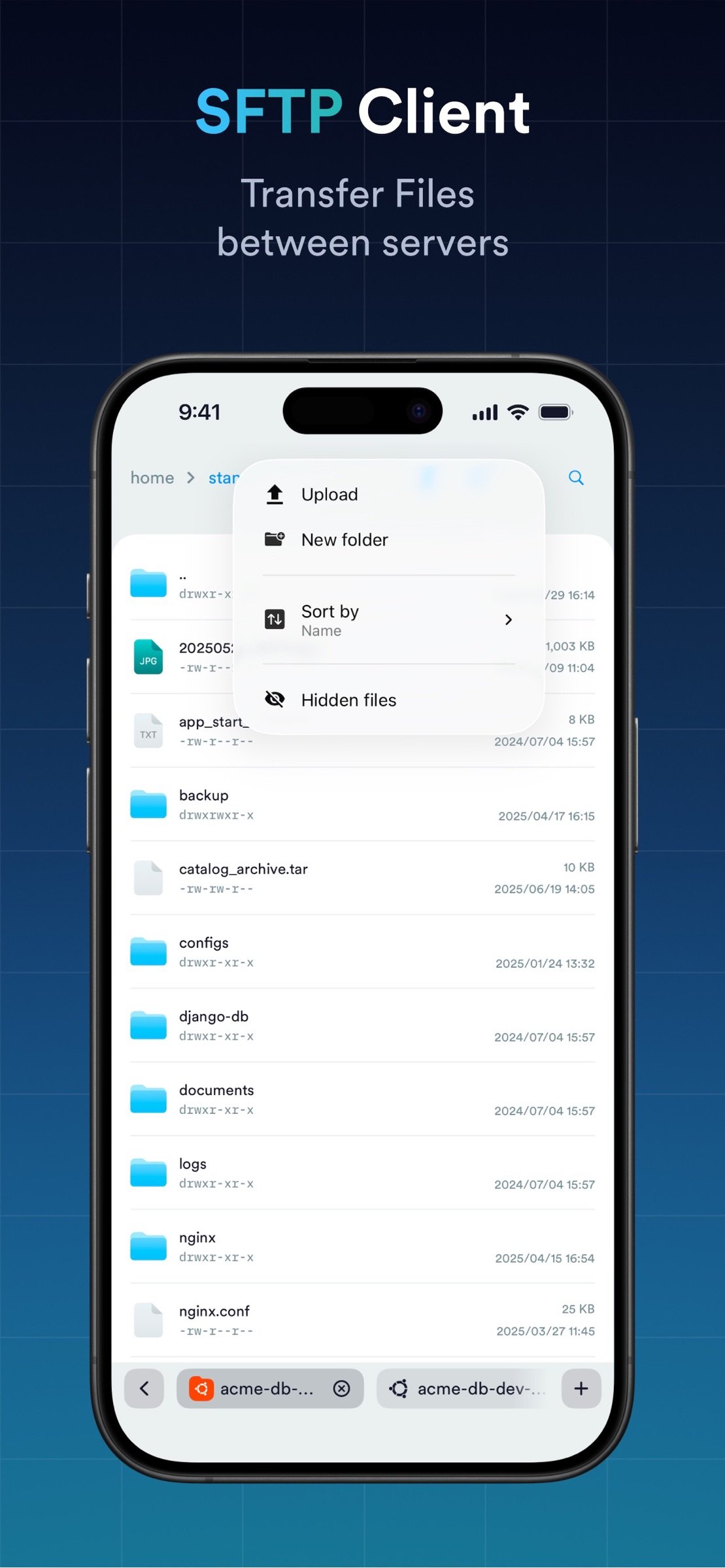
· Connect from your mobile and desktop devices with SSH, SFTP, Mosh, Telnet, Port Forwarding, Serial and through Proxy and jump servers.
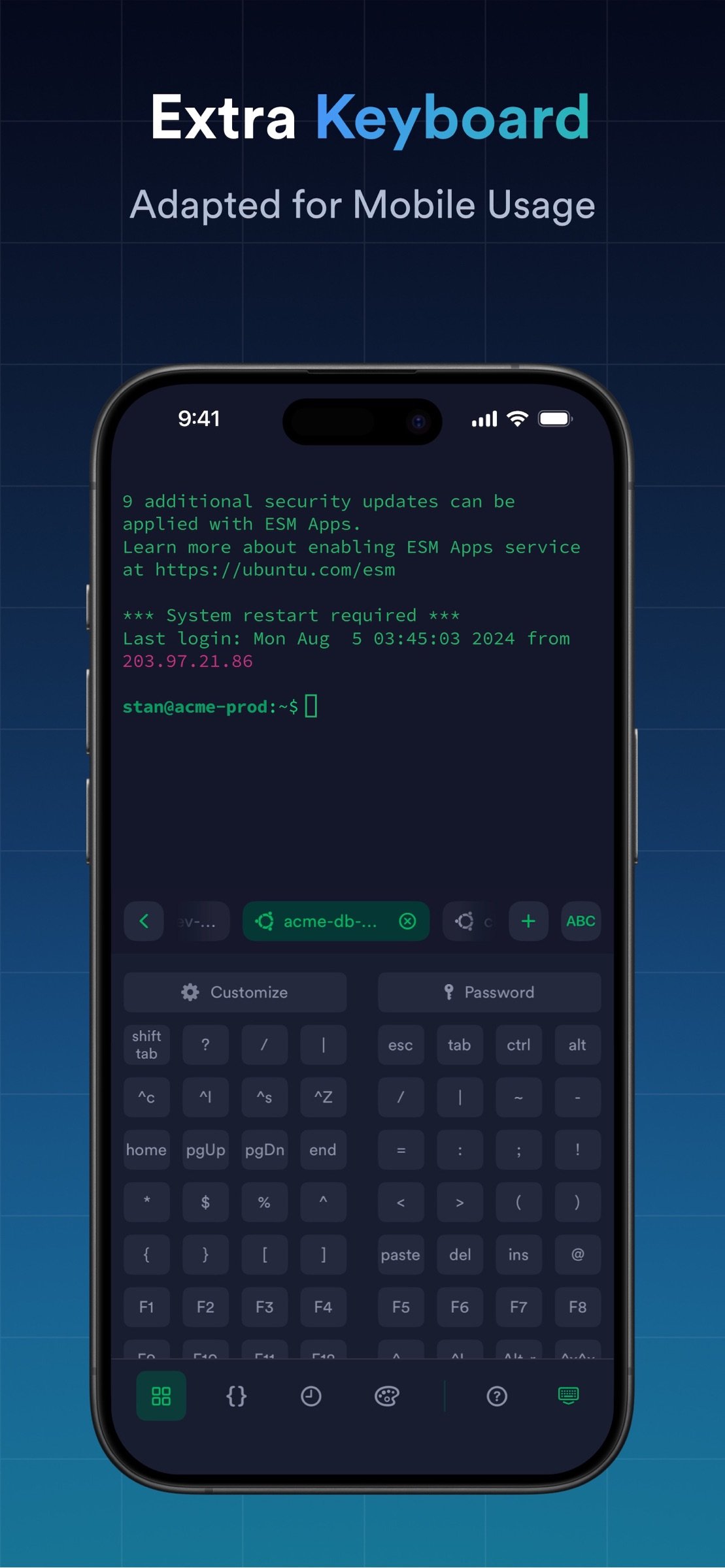
· Get a desktop-grade terminal experience with a virtual keyboard covering all the special keys required, or connect your Bluetooth keyboard.
· Use gestures or shake the device while in the terminal to emulate stroking of Tab, arrows, PgUp/Down, Home, and End, etc.
· Work in several sessions simultaneously with a multi-tab interface and split-view support.
· Customize your terminal themes and fonts for each connection.
· Set custom environment variables.
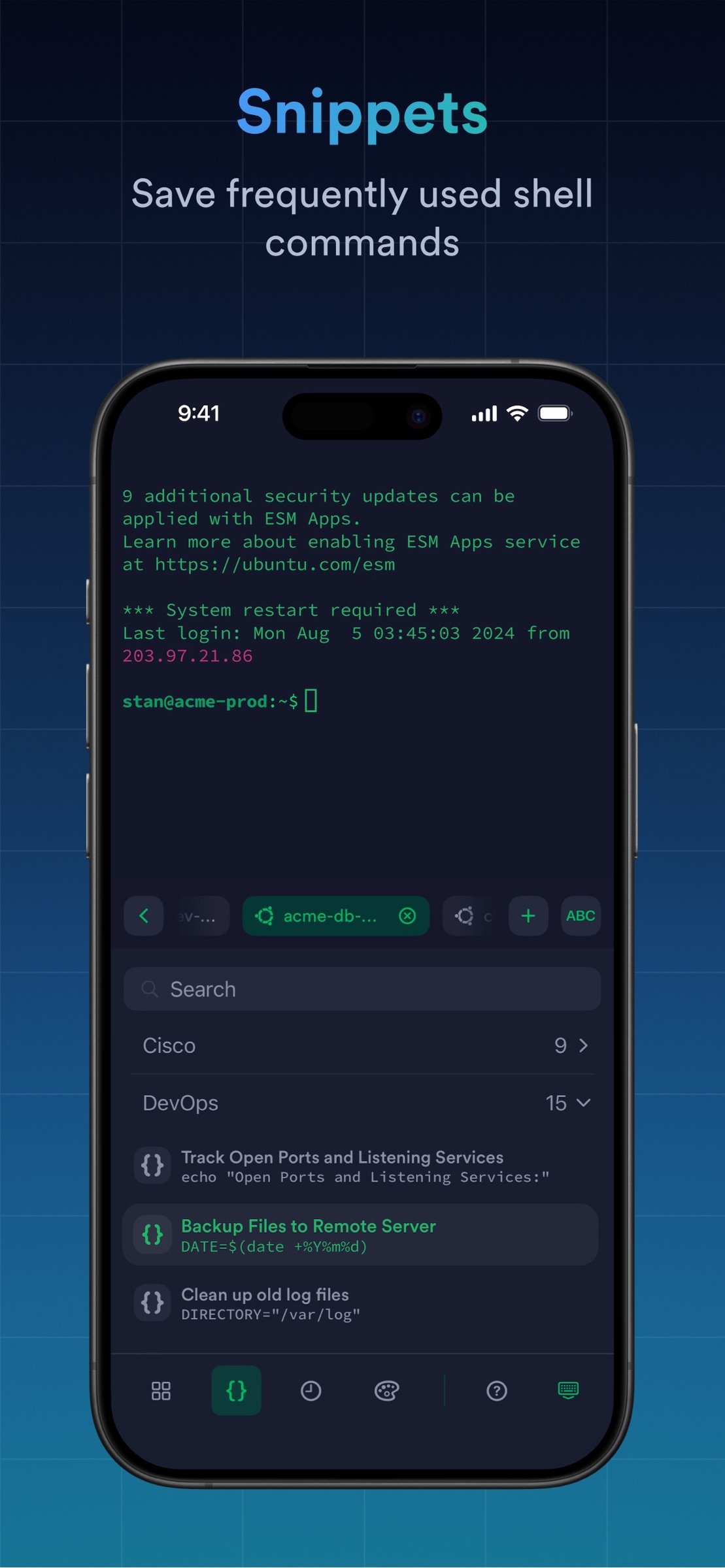
· Save your frequently used commands and shell scripts to execute them with one tap.
· Execute your saved commands on multiple sessions or servers at once, or instantly get them autocompleted in the terminal.
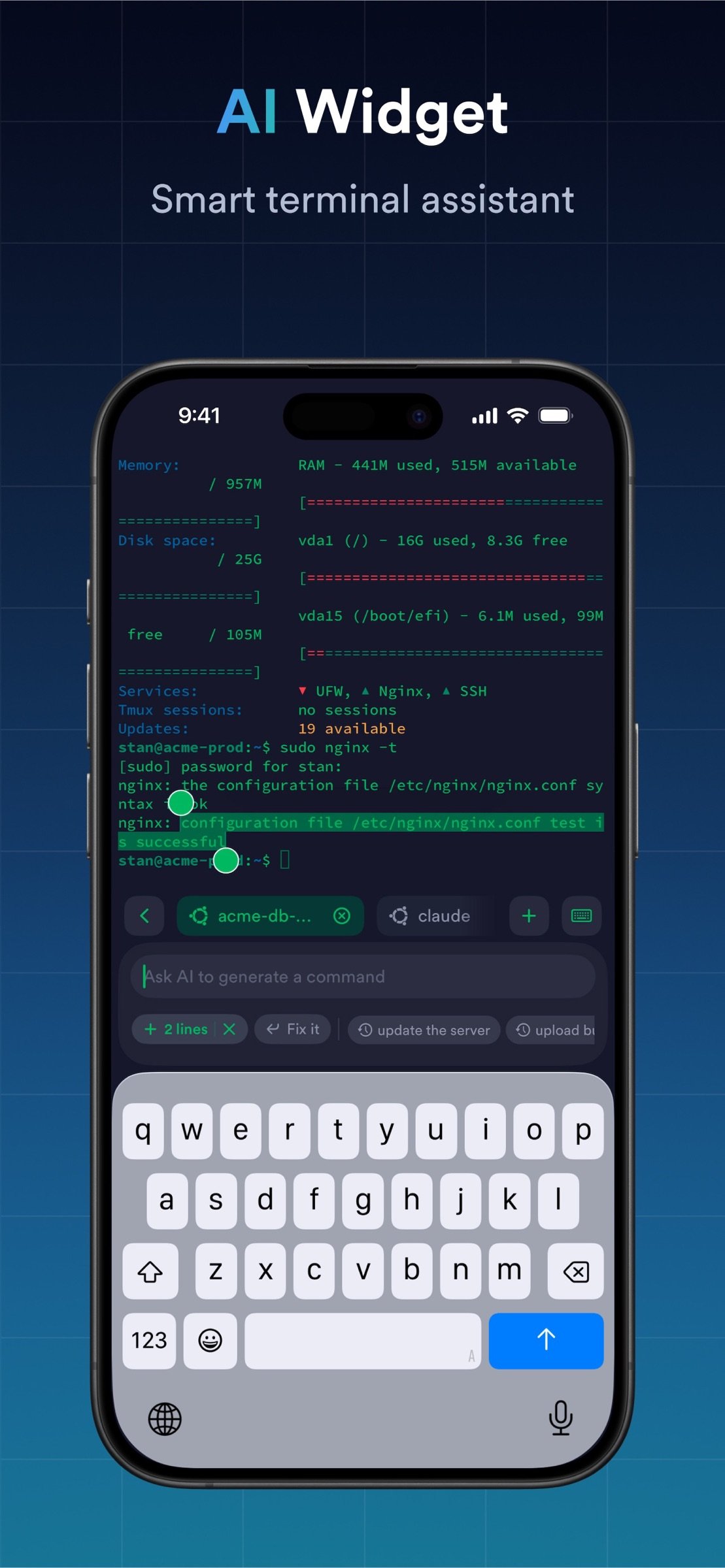
· Get smart autocomplete for commands, paths, and history, and turn plain-language descriptions into shell commands with AI.
· Quickly access the global history of your terminal commands.
· Authenticate using hardware FIDO2 keys.
· Generate SSH keys in the Secure Enclave, confirm each connection with Face ID or Touch ID, and protect your account with two-factor authentication.
· Ad-free.
With the Termius Pro plan, you can also:
· Access your connection settings and credentials from any device at any time with an encrypted cloud vault.
· Sync your data across all your desktop and mobile devices.
· Bookmark session logs with notes to your vault.
· Integrate with AWS, DigitalOcean, and Azure.
Termius reinvents the command-line experience. We strive to make remote access for admins and engineers more productive and enjoyable.
Please review our privacy policy [link removed] and terms of use [link removed]
| Release info | Update on Oct 29, 2026 |
|---|---|
| Release notes | - Added support for the Kitty keyboard protocol - Fixed the safe area in landscape mode for regular iPhone - Other stability improvements. |
| Listing data | App Store |
Reviews
No reviews yet. Be the first to review Termius.
Used Termius? Tell other visitors what you thought.
Log in to write a reviewOther products by this publisher
- "No Distractions" for YouTube 4.10 ----
- #Bible 11.5 "Incredible App - My sister shared this app with me a few weeks ago and it is truly incredible.
- #filmphotography 1.4.2 So, you decided to shoot on film?
- $quirrel 1.5.1 $quirrel Budget & Finance helps you plan each paycheck, track spending, manage debt, and see what is safe to spend before the next payday.
- % Percentage Calculator Pro 1.41 This is the Pro version of % Percentage Calculator.
Most viewed iOS Developer Tools
-
1
 ZScripter 12.2.0
ZScripter plays compatible Ren'Py, RealLive, NScripter, (PONS)ONScripter-EN/RU/JH/Yuri, Artemis, Siglus, AI5 and UK2 games as well as KiriKiri (+Kirikiroid2 patches) and RPG Maker MV/MZ & XP, VX and VX Ace support.
-
2
 GitHub 1.283.0
There’s a lot you can do on GitHub that doesn’t require a complex development environment – like sharing feedback on a design discussion, or reviewing a few lines of code.
-
3
 Shader Playground 1.0
Shader Playground is a powerful real-time shader editor built for iPhone and iPad.
-
4
 Agents Anywhere 2.1.0
Agents Anywhere is a developer tools mobile application for remotely controlling your local computer to complete coding tasks.
-
5
 Code Workspace 0.9.1
Code Workspace is a free, agent-first development environment for iPad and iPhone.
-
6
 LocalDevVPN 1.3.0
LocalDevVPN is a developer tool for creating and managing local network tunnels directly on iOS.
-
7
Termius 8.0.7
Termius is a modern SSH client designed for productivity and collaboration.
-
8
 Cursor 1.17.0
Introducing Cursor for iOS: the best way to build, review, and ship software from anywhere.
-
9
 Rulify 1.0.7
Rulify ????? iOS App ????,???????? App ????,???????????????
-
10
 HTTP Debugger+ 1.2.3
HTTP Debugger+ is a professional HTTP traffic inspector designed for developers and QA engineers.
Most downloaded iOS Developer Tools
-
1
Agents Anywhere 2.1.0
Agents Anywhere is a developer tools mobile application for remotely controlling your local computer to complete coding tasks.
-
2
Rulify 1.0.7
Rulify ????? iOS App ????,???????? App ????,???????????????
-
3
 a-Shell mini 2.3.2
a-Shell mini is a complete local terminal emulator, allowing to run most Unix commands on you iOS device.
-
4
 LadderTouch 2.1.5
LadderTouch is an app to learn the basics of ladder logic, which is a graphical programming language.
-
5
 FSNotes 7.5.1
FSNotes is a fast, modern notes manager for macOS and iOS.
-
6
 C/C++$-LLVM Clang 2.7
This is a learning tool for efficient C/C++ learning, fast programming, ?(LLVM+Clang)offline compilation and local execution?, Git fetching, iCloud storage, and efficient transfer and sharing via LAN HTTP/FTP multi-point connections.
-
7
HTTP Debugger+ 1.2.3
HTTP Debugger+ is a professional HTTP traffic inspector designed for developers and QA engineers.
-
8
 Sekai 1.75.31
Don’t just watch content—play with it.
-
9
 Expo Go 58.0.5
Start learning to build projects using web technologies with just your iOS device.
-
10
 App Store Connect 3.3.1
Manage your apps on the go with the App Store Connect app for iPhone and iPad.