4downloads
4this week
FreeFreeware
0reviews
Screenshots
About SSH Client
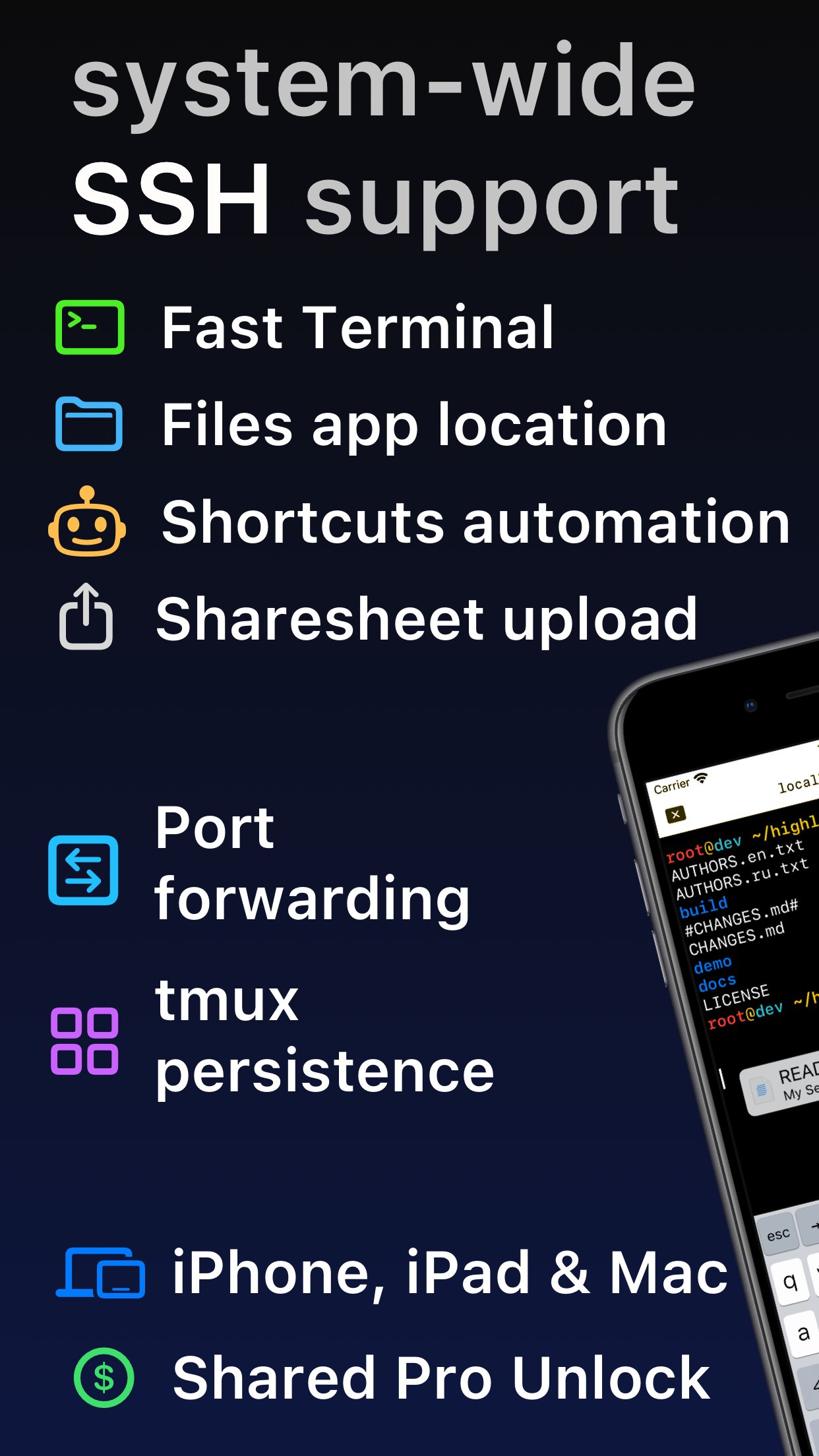
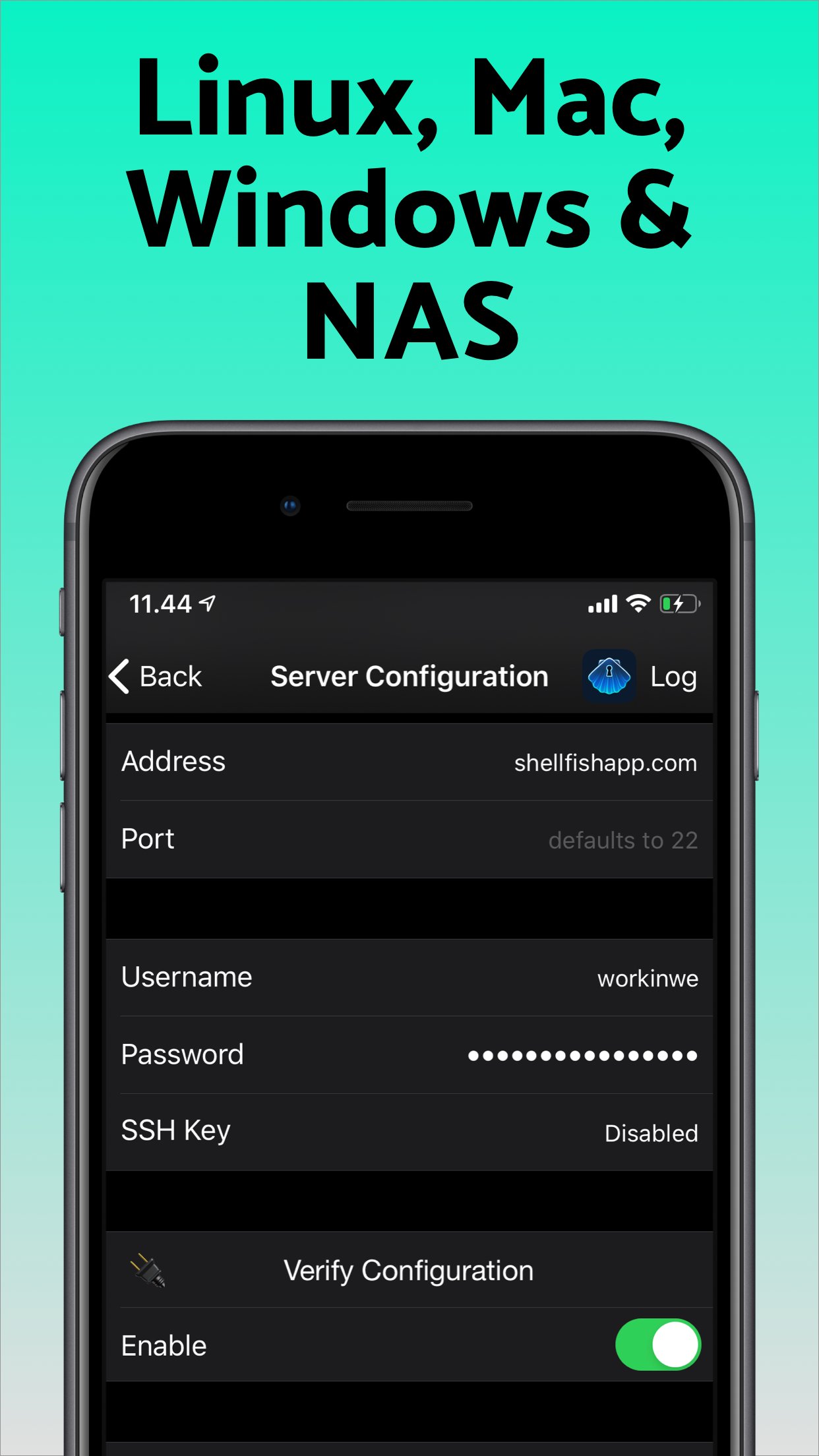
Lightning fast SSH terminal with remote file access. No other app fuses your SSH servers and iOS devices as well as Secure ShellFish. Tap Get and see for yourself.
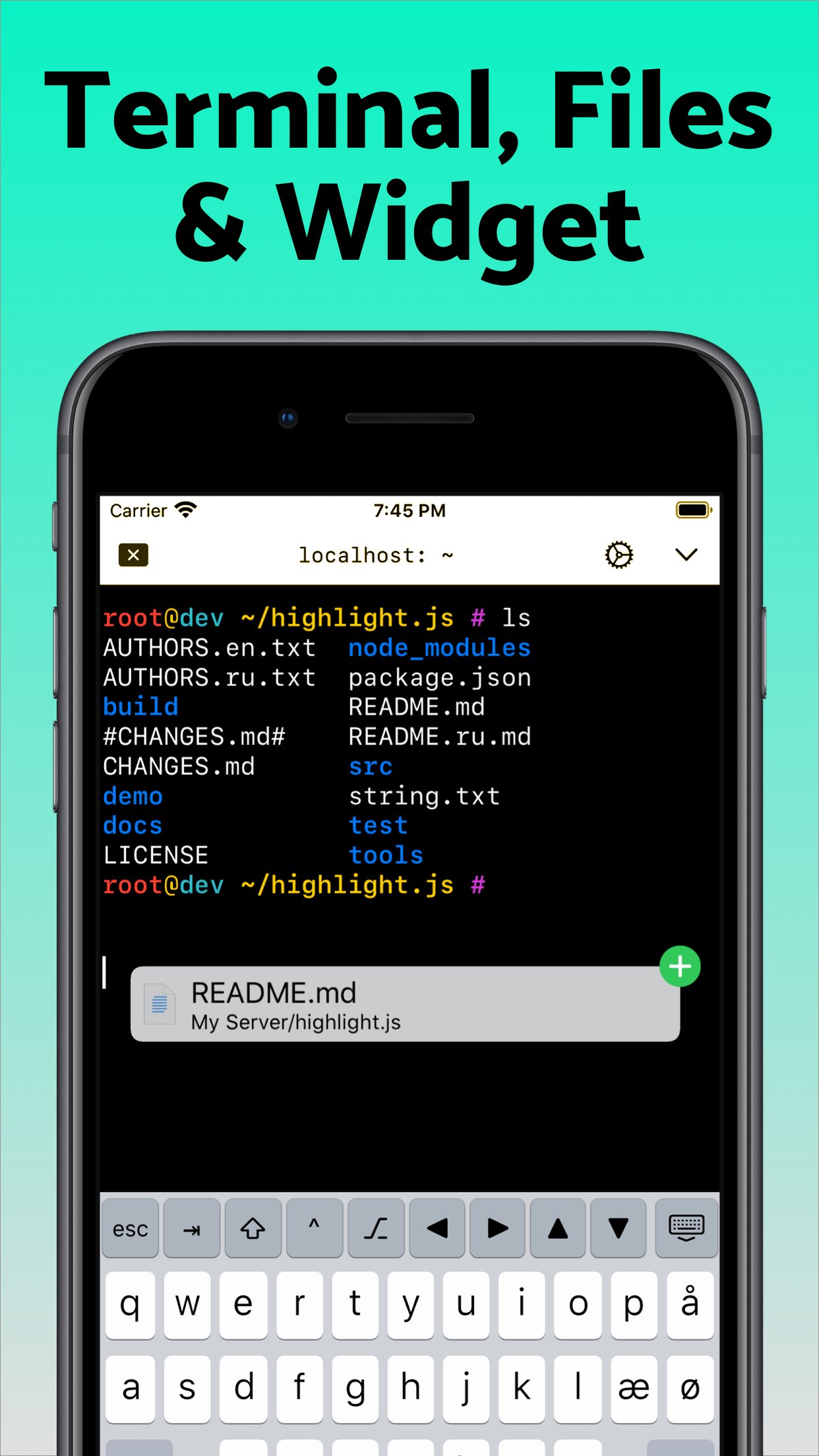
Terminal supports standard text editing gestures for selection, scrolling and copy/paste as well as custom gestures to send arrow keys and tabulator making shell entry and full screen editing with vim or emacs delightful. Bar above the keyboard makes it easy to type special keys and insert snippets.
Select and drag filenames out of the terminal as actual files and drag files from other apps into the terminal to upload. Use built-in tmux support to persist terminal sessions if you lose Internet access, pick existing sessions with thumbnails and Handoff sessions between devices.
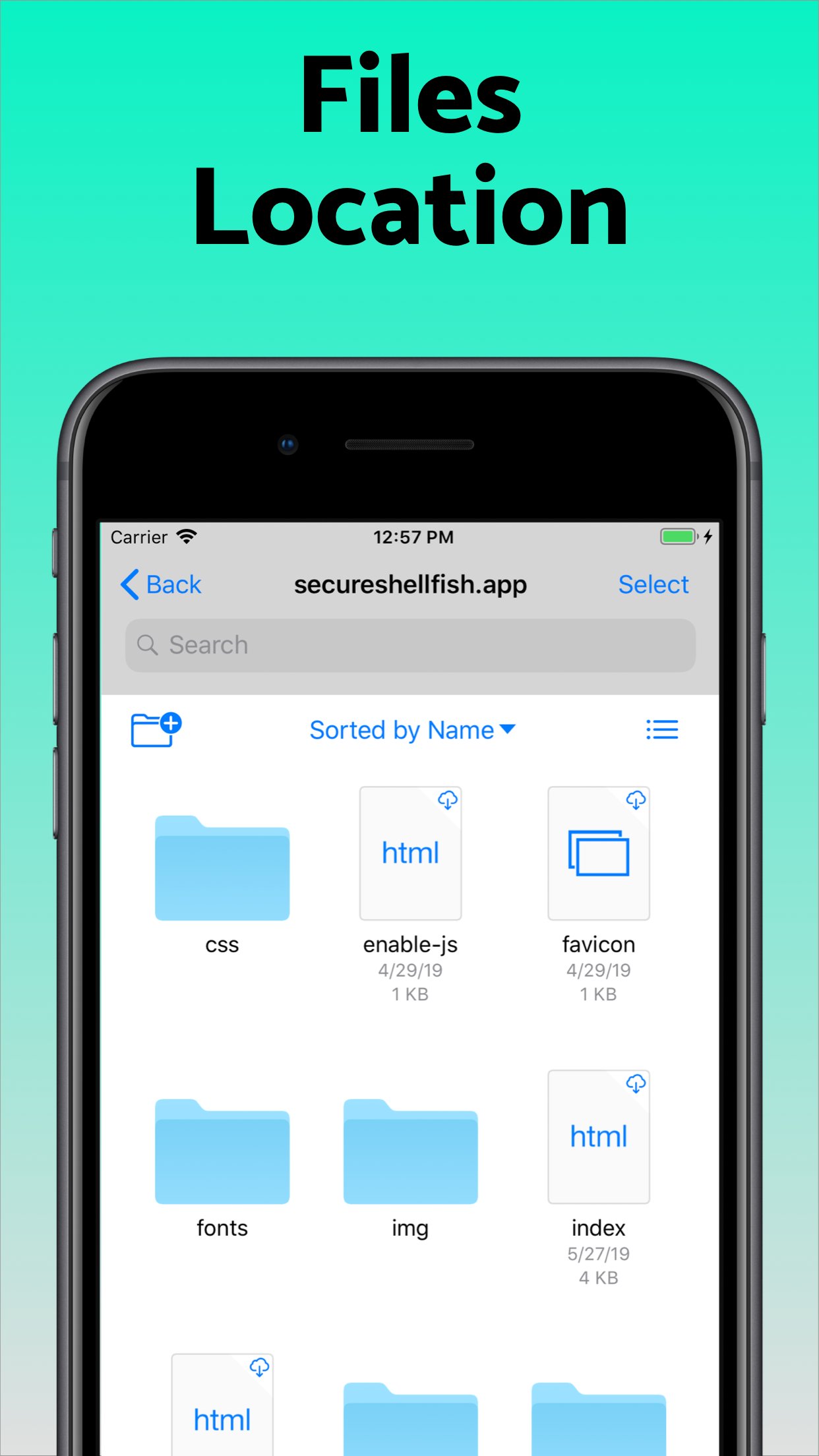
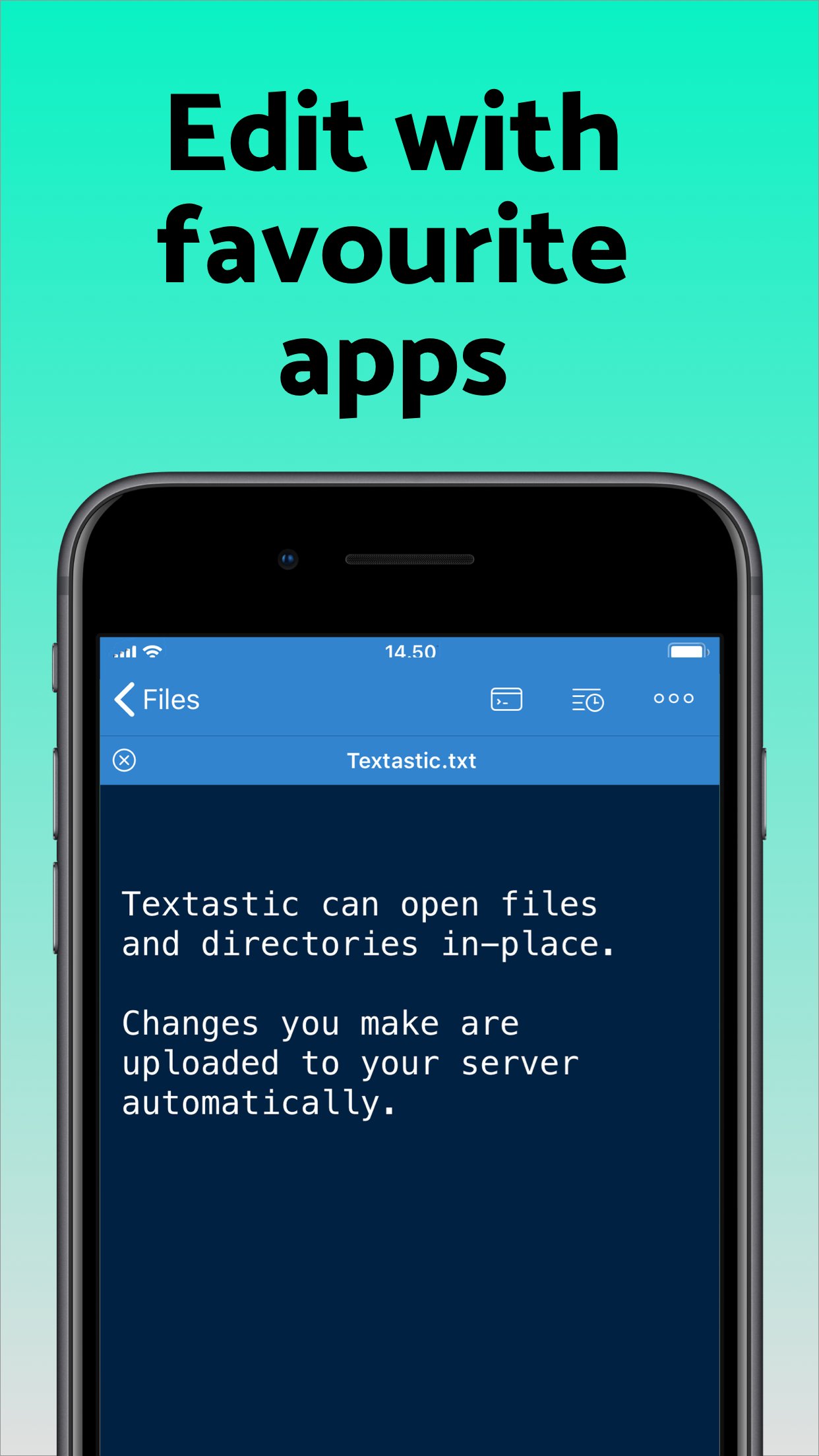
Server file system is available in the Files app and recently accessed files and directories are cached to make them available when offline. Use apps like Textastic and iA Writer for a native editing experience working on your remote server files.
Upload files or entire directories from the share sheet with minimal friction as the last destination directory for each kind of file is remembered or automate file transfers in the Shortcuts app.
Connect to your Mac, Synology NAS and any other SSH server or create new Digital Ocean droplets right from the app.
Secure ShellFish is useful as a free app and paying pro users can disable ads in the terminal, upload through the Files app and configure unlimited number of servers.
Terminal supports standard text editing gestures for selection, scrolling and copy/paste as well as custom gestures to send arrow keys and tabulator making shell entry and full screen editing with vim or emacs delightful. Bar above the keyboard makes it easy to type special keys and insert snippets.
Select and drag filenames out of the terminal as actual files and drag files from other apps into the terminal to upload. Use built-in tmux support to persist terminal sessions if you lose Internet access, pick existing sessions with thumbnails and Handoff sessions between devices.
Server file system is available in the Files app and recently accessed files and directories are cached to make them available when offline. Use apps like Textastic and iA Writer for a native editing experience working on your remote server files.
Upload files or entire directories from the share sheet with minimal friction as the last destination directory for each kind of file is remembered or automate file transfers in the Shortcuts app.
Connect to your Mac, Synology NAS and any other SSH server or create new Digital Ocean droplets right from the app.
Secure ShellFish is useful as a free app and paying pro users can disable ads in the terminal, upload through the Files app and configure unlimited number of servers.
| Release info | Update on Nov 13, 2026 |
|---|---|
| Release notes | Taps and clicks in programs that read the mouse, like tmux, vim and Midnight Commander, now move the cursor and select text the way they do everywhere else in the terminal. Turn on ? in the keyboard bar, or hold Option on a hardware keyboard, to send them to the program instead, including right-clicks and drags. Long-press ? and turn on Send Clicks to Server to make that the default. Mosh now works for servers reached through a tunnel set to Always, switching to SSH if no reply arrives, and Mosh through a VPN such as Tailscale now works on cellular networks. An imported font family now draws bold and italic text with its own bold and italic faces. Import all the files of a family at once. Link detection leaves out trailing punctuation and markdown brackets, follows links across wrapped lines, opens mailto links in Mail and opens OSC 8 links with a single tap when their text is the address. Fixes the top rows of the terminal ending up under the status bar after switching terminals with ? and a number while the tab bar is hidden. Includes improvements from last version: This version introduces Mosh as an experimental feature. Choose Mosh under Persistence when editing a server to try it. Mosh is designed to keep the terminal connected as you move between Wi-Fi and cellular, through network dropouts and while your iPhone or iPad sleeps, and to show what you type right away on a slow connection. The server needs mosh-server and must accept UDP on ports 60000 to 61000, and ShellFish shows how to install mosh-server if it is missing. If Mosh gives you trouble, switch Persistence back to None or tmux, and feedback on what went wrong is very welcome. Images sent with the kitty graphics protocol now show in the terminal, from tools like kitten icat and yazi and from Claude Code mods that draw images. Run Install from Shell Integration on the server so Claude Code knows it can draw them. Images do not come through tmux or Mosh. |
| Listing data | App Store |
Reviews
No reviews yet. Be the first to review SSH Client.
Used SSH Client? Tell other visitors what you thought.
Log in to write a reviewOther products by this publisher
- "No Distractions" for YouTube 4.10 ----
- #Bible 11.6 "Incredible App - My sister shared this app with me a few weeks ago and it is truly incredible.
- #filmphotography 1.4.2 So, you decided to shoot on film?
- $quirrel 1.5.1 $quirrel Budget & Finance helps you plan each paycheck, track spending, manage debt, and see what is safe to spend before the next payday.
- % Percentage Calculator Pro 1.41 This is the Pro version of % Percentage Calculator.
Most viewed iOS Developer Tools
-
1
 ZScripter 12.2.0
ZScripter plays compatible Ren'Py, RealLive, NScripter, (PONS)ONScripter-EN/RU/JH/Yuri, Artemis, Siglus, AI5 and UK2 games as well as KiriKiri (+Kirikiroid2 patches) and RPG Maker MV/MZ & XP, VX and VX Ace support.
-
2
 GitHub 1.284.0
There’s a lot you can do on GitHub that doesn’t require a complex development environment – like sharing feedback on a design discussion, or reviewing a few lines of code.
-
3
 Agents Anywhere 2.1.0
Agents Anywhere is a developer tools mobile application for remotely controlling your local computer to complete coding tasks.
-
4
 Shader Playground 1.0
Shader Playground is a powerful real-time shader editor built for iPhone and iPad.
-
5
 Code Workspace 0.9.1
Code Workspace is a free, agent-first development environment for iPad and iPhone.
-
6
 LocalDevVPN 1.3.0
LocalDevVPN is a developer tool for creating and managing local network tunnels directly on iOS.
-
7
 Termius 8.2.0
Termius is a modern SSH client designed for productivity and collaboration.
-
8
 TestFlight 4.4.1
TestFlight makes it easy to test beta versions of apps and App Clips to provide valuable feedback to developers before they release their apps on the App Store.
-
9
 Cursor 1.18.0
Introducing Cursor for iOS: the best way to build, review, and ship software from anywhere.
-
10
 HTTP Debugger+ 1.2.3
HTTP Debugger+ is a professional HTTP traffic inspector designed for developers and QA engineers.
Most downloaded iOS Developer Tools
-
1
Agents Anywhere 2.1.0
Agents Anywhere is a developer tools mobile application for remotely controlling your local computer to complete coding tasks.
-
2
 a-Shell mini 2.3.2
a-Shell mini is a complete local terminal emulator, allowing to run most Unix commands on you iOS device.
-
3
 Rulify 1.0.7
Rulify ????? iOS App ????,???????? App ????,???????????????
-
4
 LadderTouch 2.1.5
LadderTouch is an app to learn the basics of ladder logic, which is a graphical programming language.
-
5
 FSNotes 7.6.0
FSNotes is a fast, modern notes manager for macOS and iOS.
-
6
 C/C++$-LLVM Clang 2.7
This is a learning tool for efficient C/C++ learning, fast programming, ?(LLVM+Clang)offline compilation and local execution?, Git fetching, iCloud storage, and efficient transfer and sharing via LAN HTTP/FTP multi-point connections.
-
7
 Markdown2PDF 1.0
Easily Convert Markdown to PDF with Markdown2PDF
-
8
 python3$ 6.6
This is a Python 3.13 learning tool for efficient learning, fast programming, local execution, breakpoint debugging, precise error reporting, Git fetching, iCloud access, and efficient transfer and sharing via LAN HTTP/FTP multi-point connections.
-
9
 Herdy 1.4.0
Herdy puts your remote terminal and long-running coding-agent sessions in your pocket.
-
10
 websta$-learn html css and js 3.2
This is a learning tool for efficient HTML, CSS, and JS learning, fast programming, local execution, Git retrieval, iCloud storage, efficient transfer and sharing via LAN HTTP/FTP multi-point connections.