
SleepGuard - dead man's switch 1.7.0
Locks your phone when you fall asleep watching videos. No ads, open source.
Download
1.71 MB · com.sleepguard_15.apk
28downloads
1this week
FreeFreeware
0reviews
Screenshots
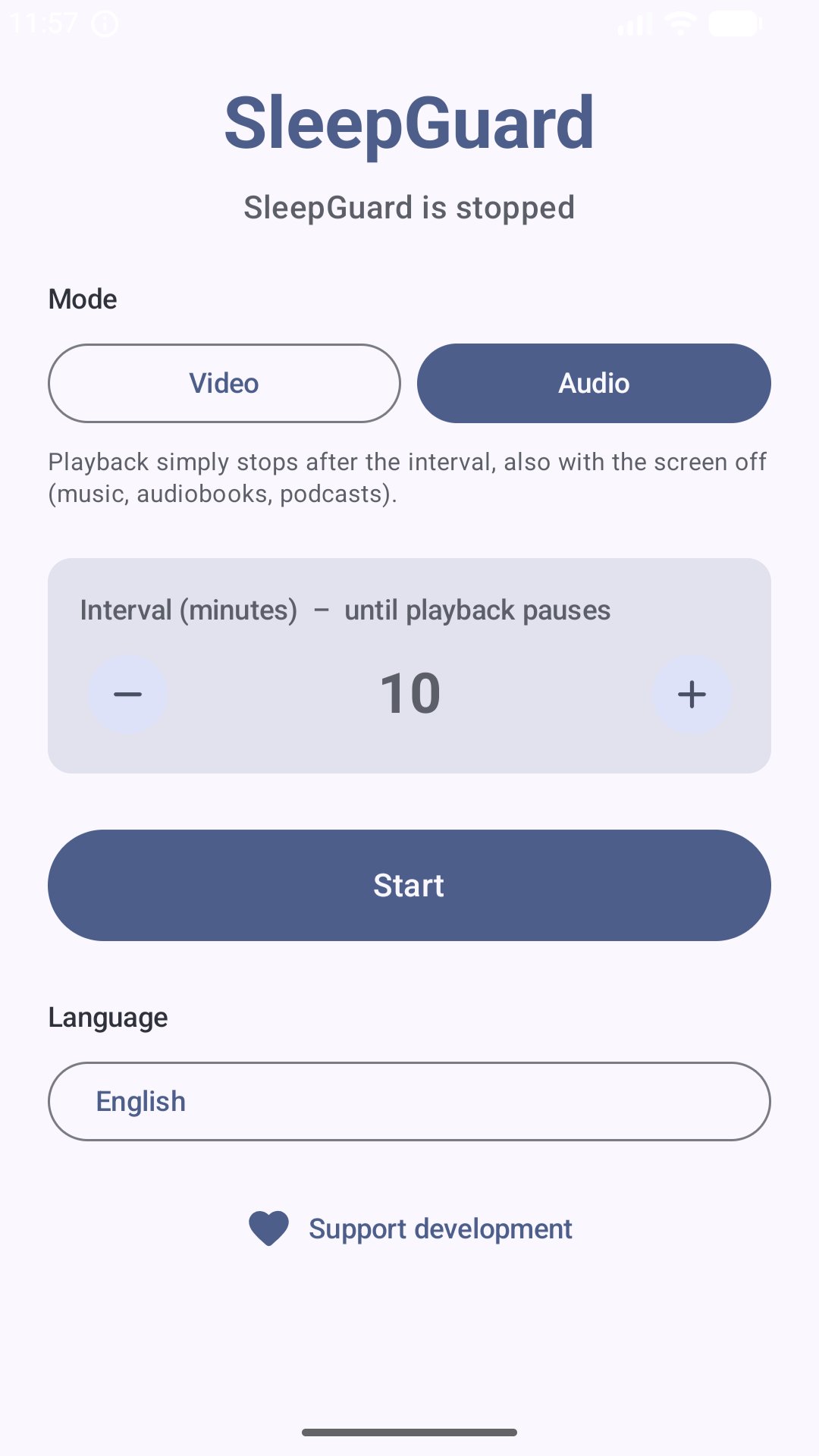
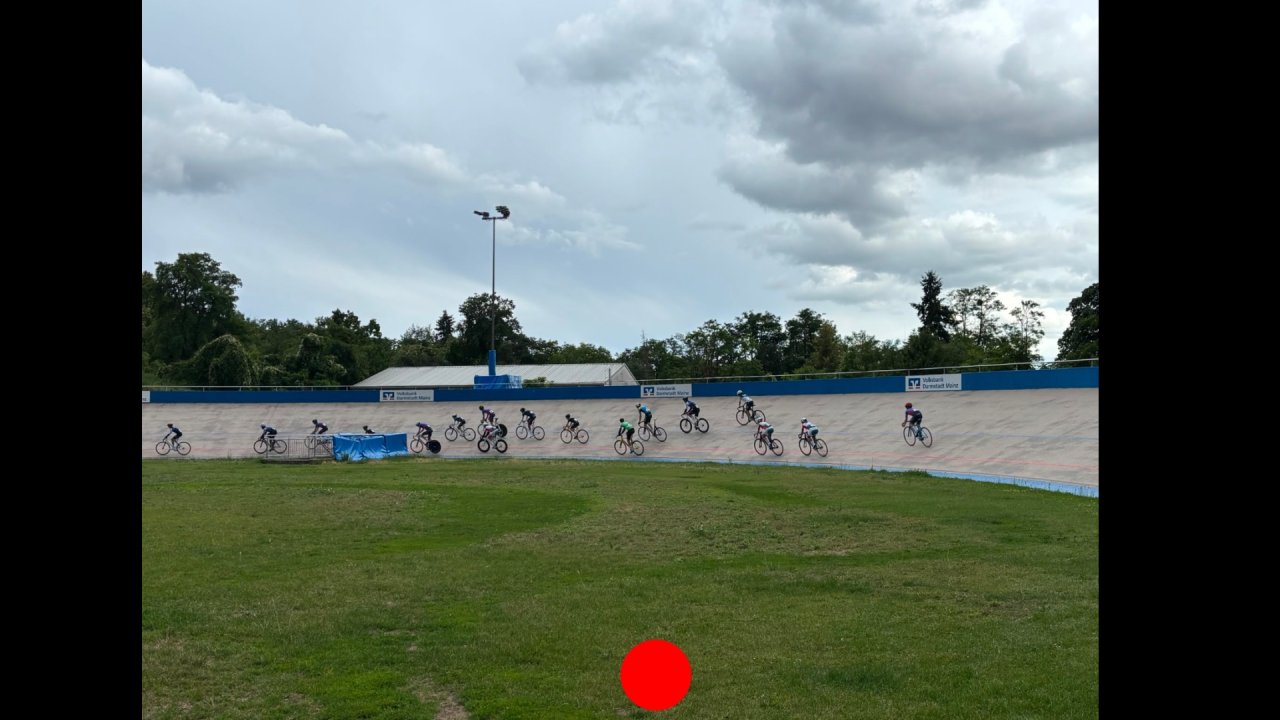
About SleepGuard - dead man's switch
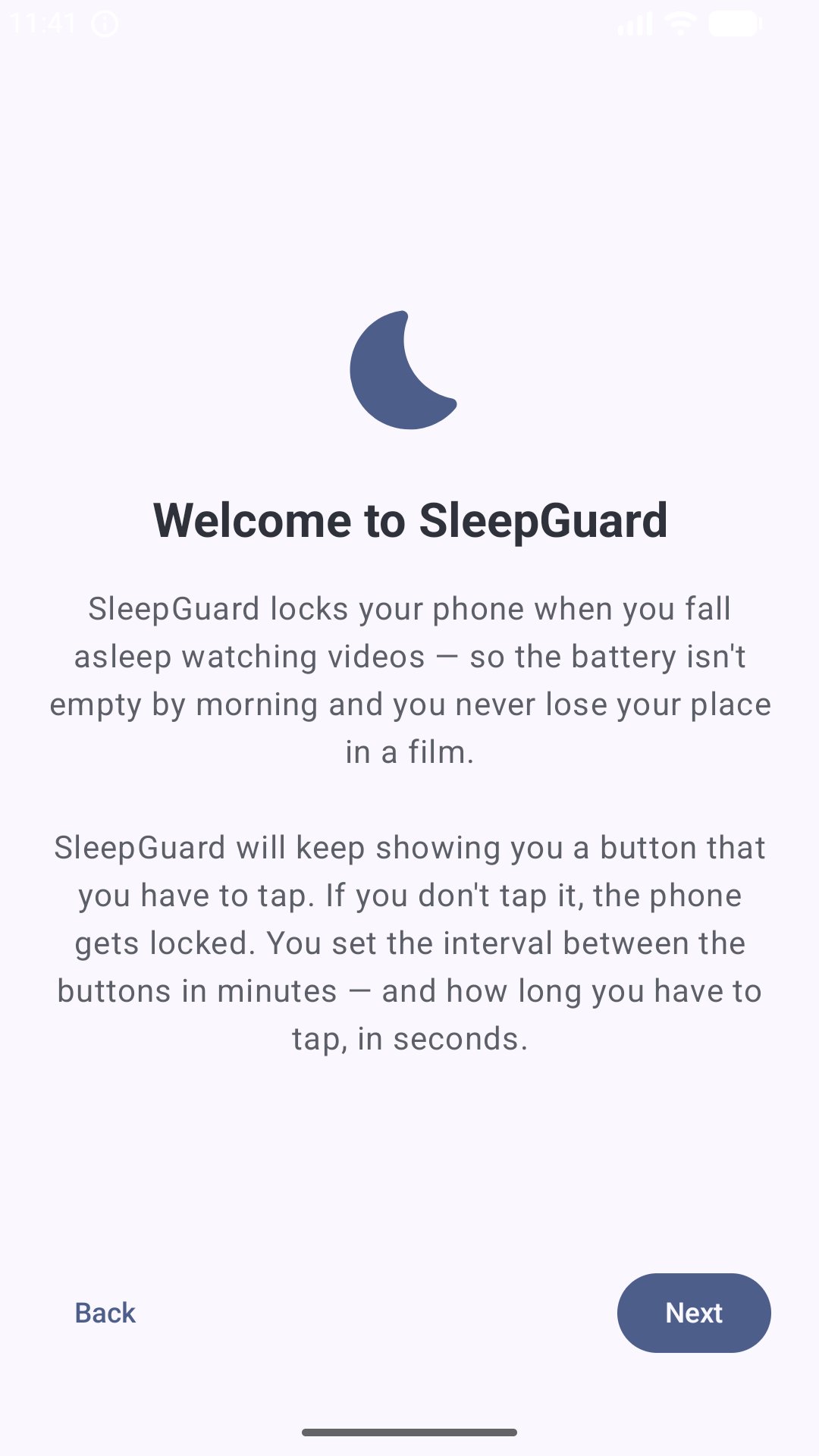
Do you often fall asleep while watching videos or listening to music on your phone? SleepGuard makes sure your device doesn't keep running all night long.
At an interval you choose, a small red circle appears on top of whatever you are watching. Tap it and playback continues as normal. Don't tap it within a few seconds - because you have fallen asleep - and SleepGuard locks the screen, just like pressing the power button. Your video stops and your phone is protected for the rest of the night.
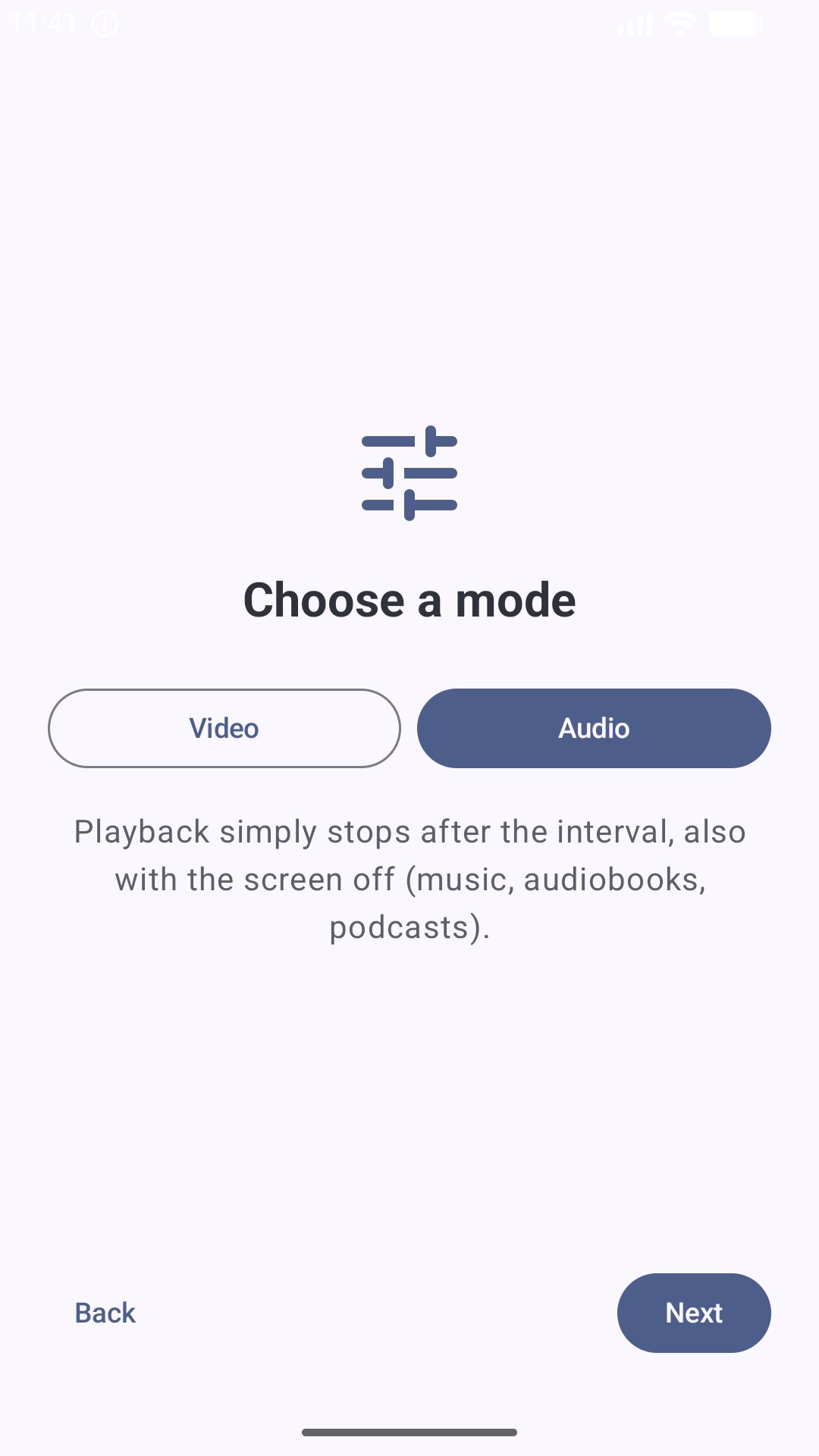
There is also an Audio mode for music, audiobooks and podcasts: instead of a button, SleepGuard works as a simple sleep timer that stops playback after your chosen interval — even with the screen off.
WHY YOU NEED IT
* YouTube and other apps with autoplay: Without SleepGuard, one video starts the next and the next and the next ... until morning. In the worst case the battery is drained empty and your alarm can no longer go off when you need it. SleepGuard stops the chain as soon as you stop responding.
* Netflix, Prime Video and other streaming apps: Fall asleep mid-episode and you wake up not knowing where you dozed off. You waste time scrubbing back to find the spot - sometimes sitting through long ads again and again. SleepGuard locks the screen right when you don't respond, so your streaming app knows where to continue.
HOW IT WORKS
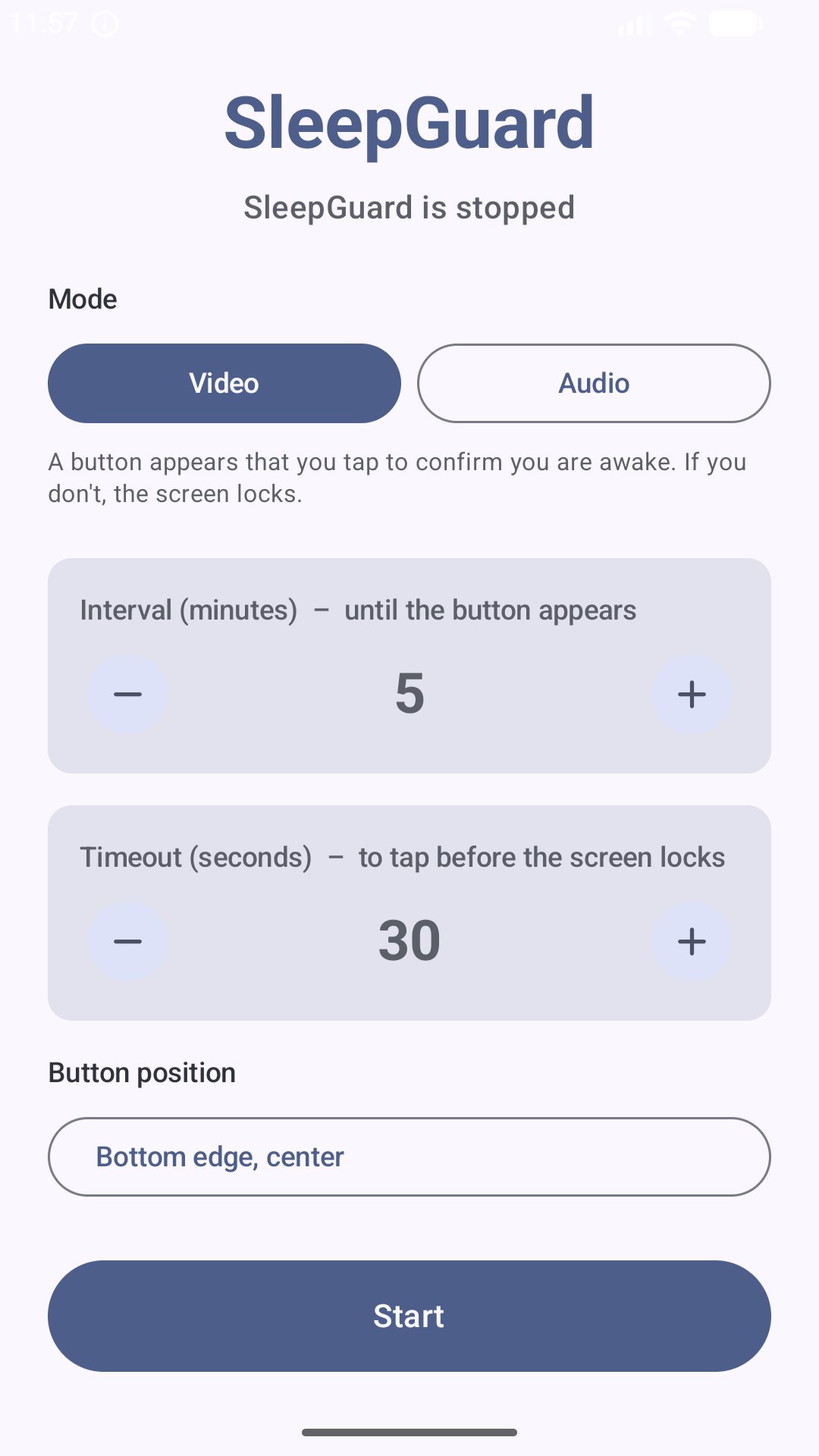
1. Set how often the check button should appear (e.g. every 5 minutes).
2. Set how many seconds you have to react before the screen locks (e.g. 30 seconds).
3. Choose where on the screen the button appears.
4. Start SleepGuard and keep watching.
FEATURES
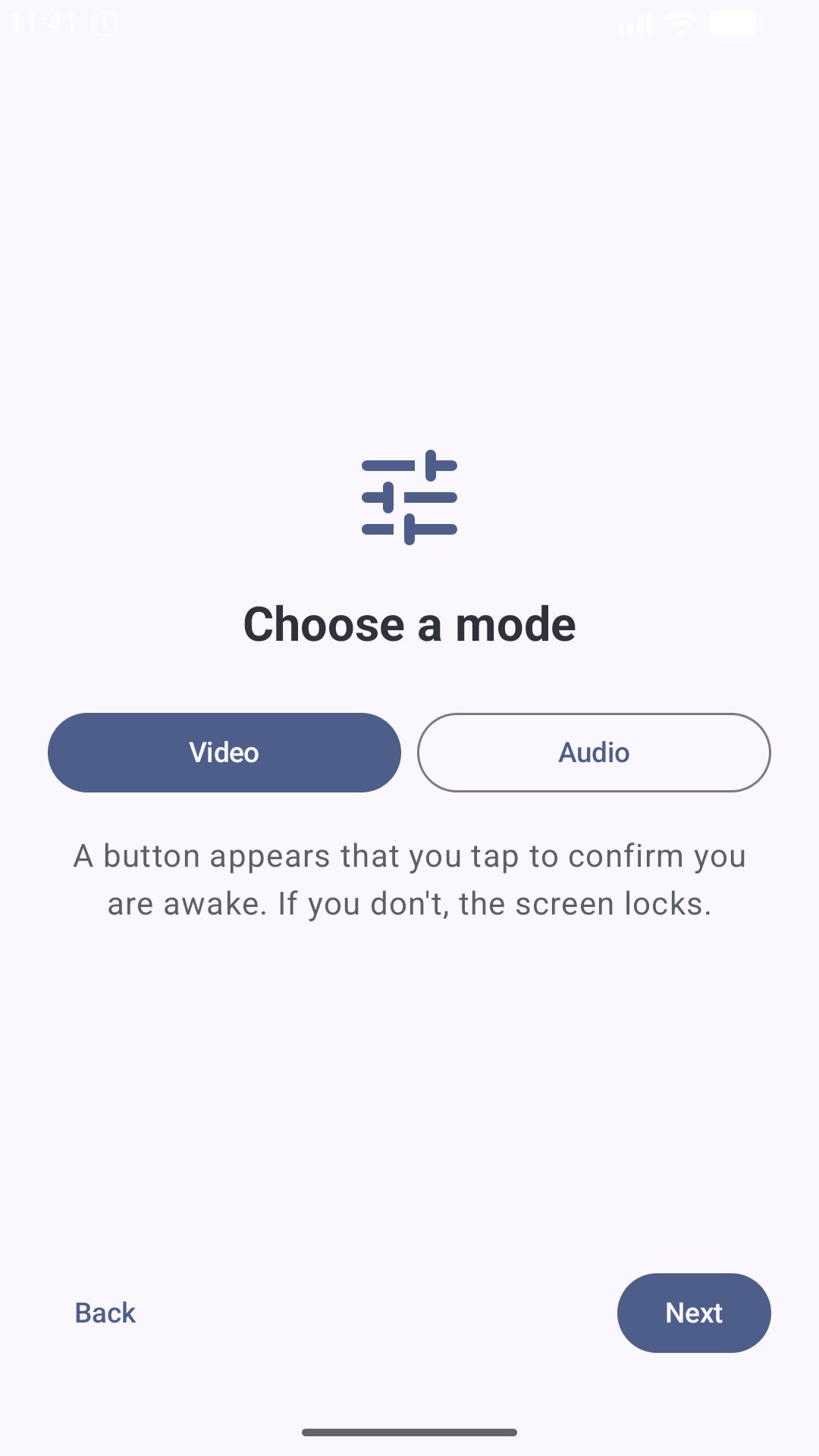
* Two modes: Video (wake-check button over any app) and Audio (sleep timer for music, audiobooks and podcasts, works also with the screen off)
* Adjustable interval and reaction time
* Eight button positions to choose from
* Reliable timing even in the background (uses the system alarm)
* Completely free, no ads, no tracking, no accounts
PRIVACY
SleepGuard has NO internet permission at all. It cannot send or receive any data. It does exactly two things: show a button and lock the screen. It collects nothing.
PERMISSIONS EXPLAINED
* Display over other apps: to show the red circle on top of your video.
* Device admin (screen lock only): to lock the screen like the power button.
* Foreground service & exact alarm: to make the check button appear on time.
* Ignore battery optimization: so the button still works reliably while another app is in the foreground.
* Notifications (Android 13+): to show the ongoing "SleepGuard is active" notification.
OPEN SOURCE
SleepGuard is free software, licensed under the GNU General Public License v3. The full source code is available so anyone can inspect exactly what the app does: [link removed]
SUPPORT
SleepGuard is free and will stay free. If it helps you, you can support its developer with a voluntary donation from within the app. There is deliberately no reward in return - it is simply a thank-you.
THE IDEA / THE NAME
The idea for the app comes from a safety system used on trains. In the driver’s cab, there is a button that the driver must press at regular intervals, otherwise the train will automatically stop. By pressing the button, the driver confirms that he or she is awake. Colloquially, this button is called a “dead man’s switch,” and so the app is also called “SleepGuard – dead man’s switch.”
License: GPL-3.0-or-later
| Release info | New Release on Sep 17, 2026 |
|---|---|
| Release notes | Smaller download size. Fixed the Start/Stop button not updating right away when the notification's Stop button is used. |
| Listing data | F-Droid |
Reviews
No reviews yet. Be the first to review SleepGuard - dead man's switch.
Used SleepGuard - dead man's switch? Tell other visitors what you thought.
Log in to write a reviewOther products by this publisher
- "No Distractions" for YouTube 4.10 ----
- #Bible 11.6.1 "Incredible App - My sister shared this app with me a few weeks ago and it is truly incredible.
- #filmphotography 1.4.2 So, you decided to shoot on film?
- #LookBusy Fake Calendar Events 1.0.6 Look Busy scans your work calendar for open time slots and fills them with realistic-looking (but secretly fake) work events.
- #Small Talk Is Canceled 1.0.2 #Small Talk Is Canceled — Conversations That Matter
Most viewed Android System
-
1
 Work Profile VPN Switcher 1.2.1
Automatically manage work profile when VPN connects or disconnects
- 2 Contacts 4 Contacts Organised by Group
-
3
 GrayPause 1.5
Keep your phone in grayscale, take short color breaks that end by themselves
- 4 LibChecker 2.5.5.1.2a0850a View the third-party libraries used by applications
-
5
 Tideo Auto Brightness 1.15.2
A glass-box replacement for Android's adaptive brightness
- 6 Sift 1.0.7 A minimalist recipe keeper.
- 7 MAXS Module Ringermode 0.5.19 A Module for MAXS
-
8
 SDK Monitor 2.1
Display and monitor the targetSDK from installed apps
- 9 TouchDroid 2.0.1 Use your Android Device as Touchpad.
- 10 Coffee 2.27 Keep display awake
Most downloaded Android System
-
1
 Sapio 2.10.0
Android apps that respect you!
- 2 Discord Timestamp Inserter 1.0.2 Input method for quickly inserting Discord timestamps
-
3
 Restoid 0.8.0
Secure, deduplicated backup for apps and files powered by the restic engine.
-
4
 StudFinder - Stud Finder for Android 17
Find wall studs with your Android's built-in magnetometer. Free, no ads.
- 5 QuickShot: Share Screenshot 3.9 Replace the assistant gesture with quick screenshot share. Quickest way to share
- 6 DBZ Battery Widget 1.7 View your battery status with your favorite DBZ character
-
7
 Voki Bot 0.8.0
Android automation tool
- 8 Custom RR: ROMs & Recovery 1.5.0 Custom ROMs, recoveries & Treble GSIs for your Android, all in one catalog.
-
9
Work Profile VPN Switcher 1.2.1
Automatically manage work profile when VPN connects or disconnects
- 10 Deepr 1.0.29 Simplify link handling. Save, organize, and open links with ease.