85downloads
16this week
FreeFreeware
0reviews
Screenshots

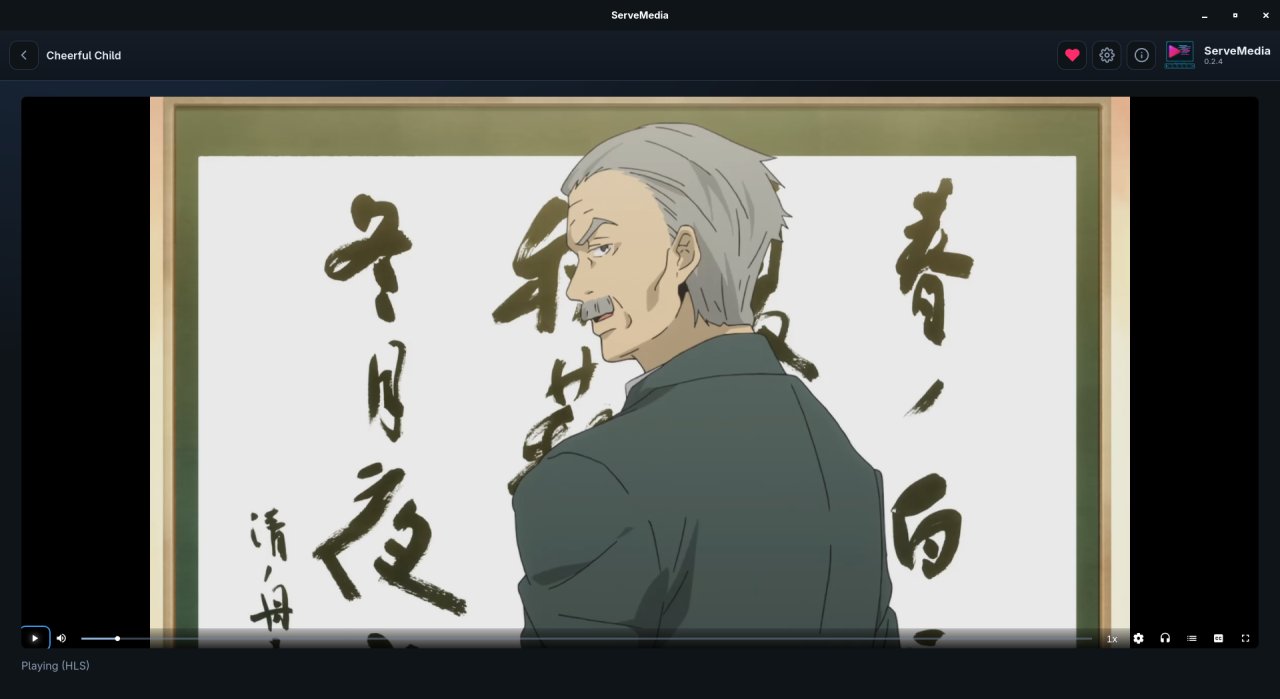
About ServeMedia
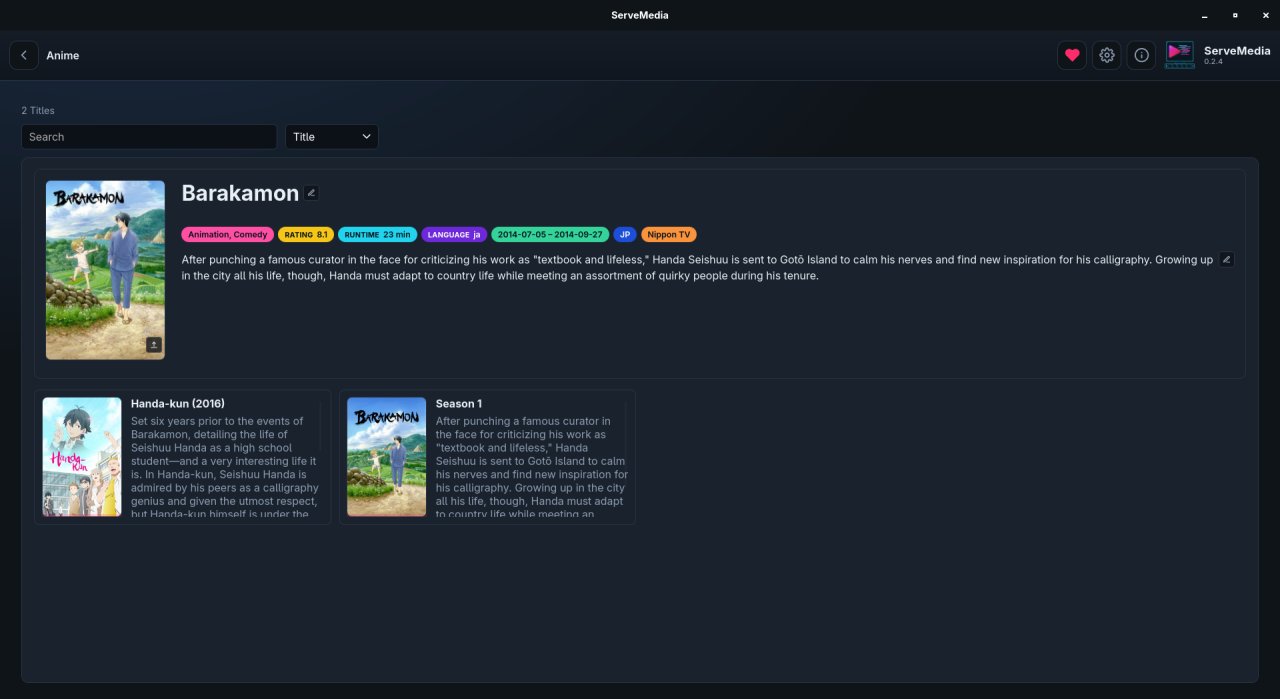
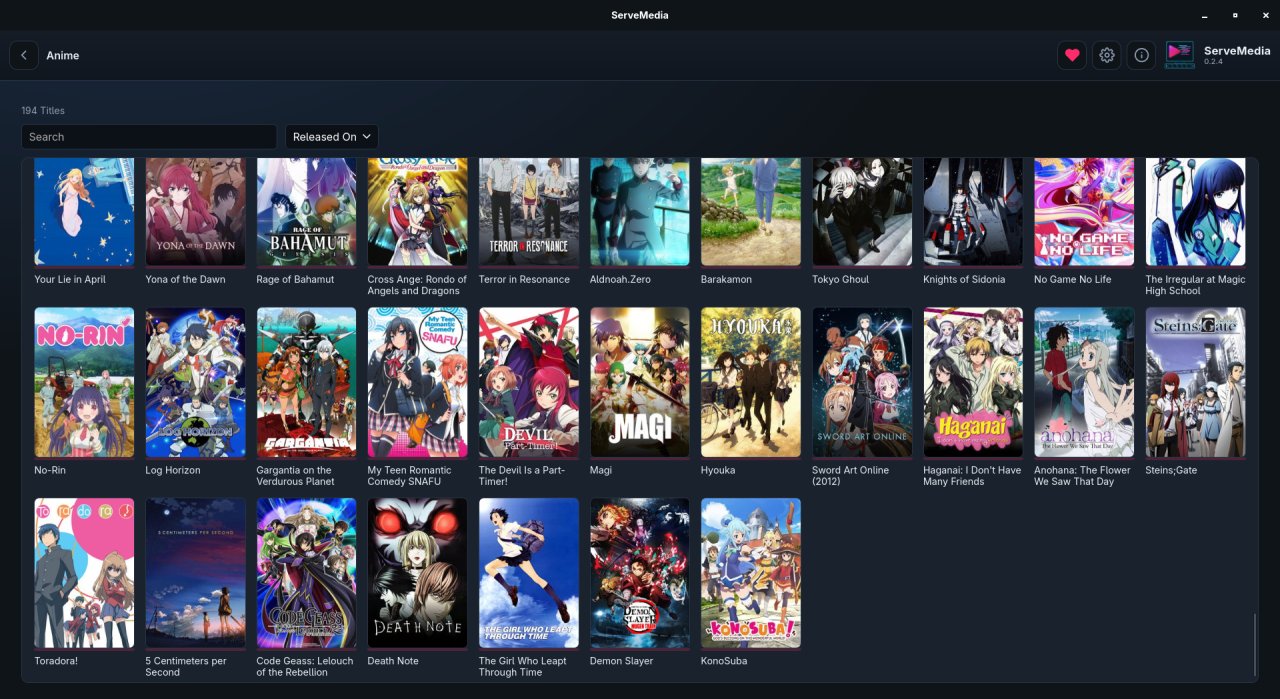
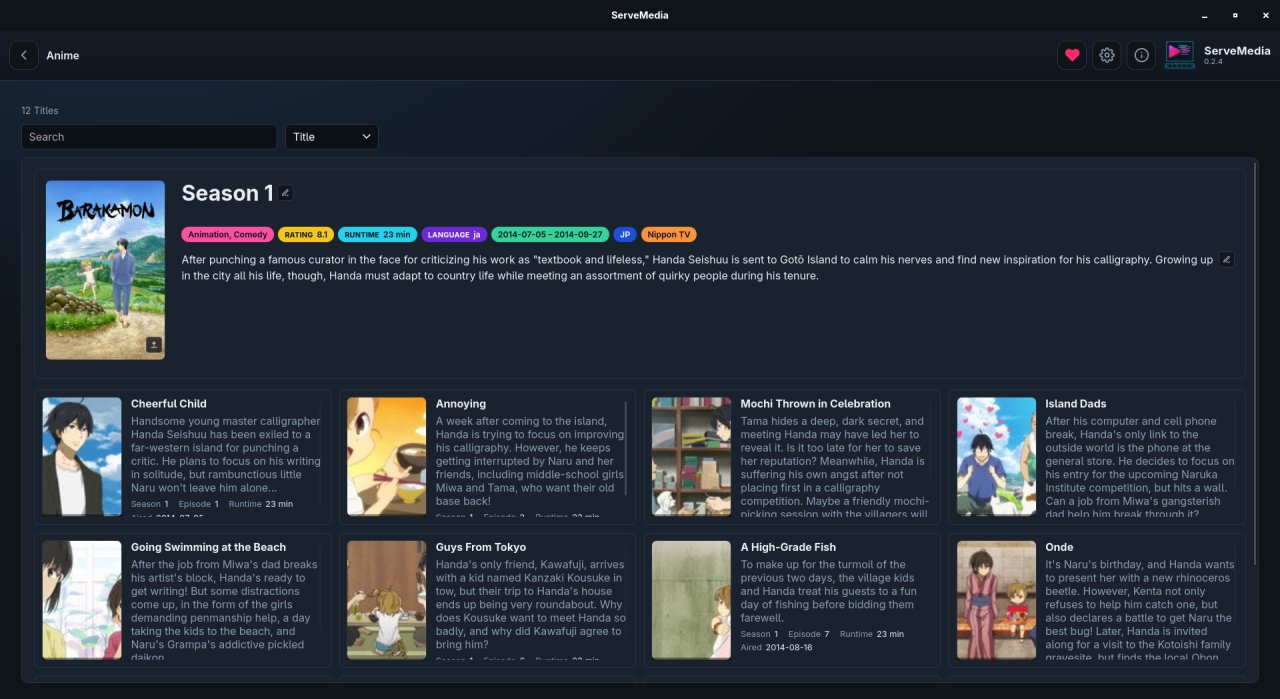
ServeMedia is The Self-Hosted Media-Center for Linux. It is built around a core module called
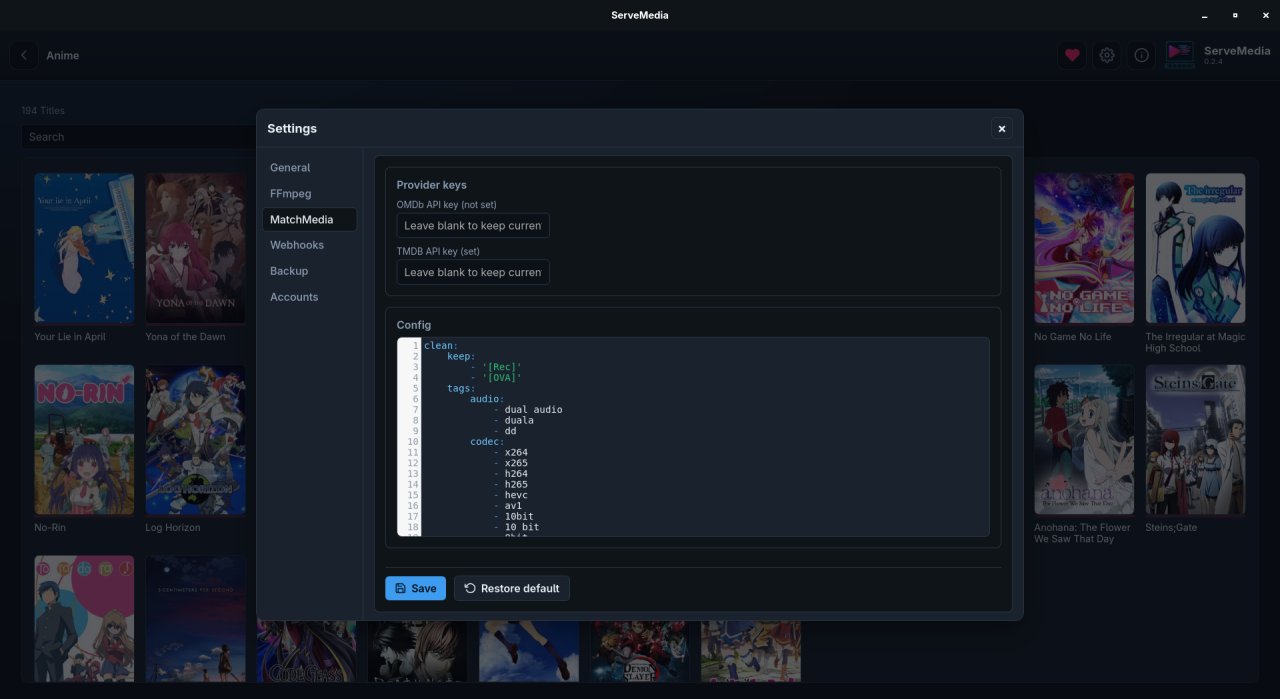
MatchMedia which acts as a statistical engine responsible for directory hierarchy discovery of
media libraries, title extraction and grouping, metadata search-and-fetch from providers like TVMaze,
statistically scoring and ranking candidates and mapping them to the appropriate files and folder
hierarchies. ServeMedia is built to be lightweight, minimal and concise, yet feature-complete for
a self hosted media center. ServeMedia can be both: a standalone desktop application with a desktop
entry and a webkit wrapped gui on a single device, and a media server which can serve a server-side-rendered
frontend over the local network. Compatible files play directly. Other files are transcoded to
HLS, on the GPU when the driver check succeeds.
License: BSD-3-Clause
| Release info | Update on Nov 07, 2026 |
|---|---|
| Release notes | Changelog v0.2.4 Desktop and server o Flatpak, AppImage, and the desktop entry open a WebKit window with --webkit on loopback and a free port. o The window uses WebKitGTK 6.0 with GTK 4 when that library is installed, and WebKitGTK 4.1 with GTK 3 otherwise, with a dark header bar. o If the window cannot be created, the system browser opens and the server keeps running. o --webkit signs in as a built-in admin called overlord. That account is hidden from Settings -> Accounts, it skips setup and signin, and its window has no sign-out. o A server start without --webkit still creates the admin on the first visit. o --host and --port choose the listen address. The default is every interface on port 7676. A busy default port picks another port. An explicit port that cannot bind exits. --webkit ignores both flags. o Starting ServeMedia again opens the app that is already running. Libraries and scan o Libraries browse as a folder tree, with search, folder title, synopsis, and fact chips from the local NFO. o Files in the tree play on their own. Browser-friendly files play directly. Other files transcode to HLS, on the GPU when the driver check succeeds. o Adding or scanning a library offers Rescan, Changes, and Missing. A single title can still scan local NFO and posters, match with MatchMedia, or dissociate. o Scans keep NFO and artwork beside the media. Changes leaves existing metadata in place. Rescan overwrites it. o A manual folder can take its identity and poster from a matched child. o A title that moved is reattached when the old path is gone and the new path is unique. o Library cards refresh scan progress in place. MatchMedia and settings o MatchMedia runs inside the ServeMedia process (module v0.2.0). Its config is the embedded default plus an optional overlay of only the keys that differ. o Saving MatchMedia settings keeps provider API keys the editor left blank. o Settings, About, and Support open from the top bar. Settings holds General, FFmpeg... |
| Related tags | media server library |
| Listing data | Flathub |
Reviews
No reviews yet. Be the first to review ServeMedia.
Used ServeMedia? Tell other visitors what you thought.
Log in to write a reviewOther products by this publisher
- "No Distractions" for YouTube 4.10 ----
- #Bible 11.6.1 "Incredible App - My sister shared this app with me a few weeks ago and it is truly incredible.
- #filmphotography 1.4.2 So, you decided to shoot on film?
- #LookBusy Fake Calendar Events 1.0.6 Look Busy scans your work calendar for open time slots and fills them with realistic-looking (but secretly fake) work events.
- #Small Talk Is Canceled 1.0.2 #Small Talk Is Canceled — Conversations That Matter
Most viewed Linux Multimedia
- 1 Audiveris 5.11.0 Optical Music Recognition (OMR) Application
-
2
 CloudMusicPlayer 1.0.4
Linux music player for NetEase Cloud Music
- 3 Feishin 1.17.0 Jellyfin, Navidrome, and OpenSubsonic Compatible Music Player
-
4
 wiliwili 1.6.0
Watch videos from Bilibili
-
5
 Fladder 0.12.1
Cross-platform Jellyfin client
-
6
 Cinema 1.1.2
A video player for watching local video files
-
7
 Bitwig Studio 6.1.7
Modern music production and performance
-
8
 QPrompt 2.0.3
Personal teleprompter software for all video creators
-
9
 Finamp 1.0.2
Open source Jellyfin music player
-
10
 GPU Screen Recorder 6.1.7
A shadowplay-like screen recorder for Linux. The fastest screen recorder for Linux
Most downloaded Linux Multimedia
-
1
Finamp 1.0.2
Open source Jellyfin music player
-
2
 SONE 0.23.0
Native TIDAL client for Linux — modern UI, bit-perfect lossless FLAC and Hi-Res audio
-
3
 Open Orpheus 0.20.0
Netease Cloud Music for Linux
-
4
CloudMusicPlayer 1.0.4
Linux music player for NetEase Cloud Music
-
5
 ServeMedia 0.2.4
Personal Media-Center & Home-Theater
-
6
 Camera 1.11.0
Camera for photos, videos and QR codes
-
7
 JS8Call 2.3.1
Software using the JS8 Digital Mode providing weak signal keyboard to keyboard messaging to Amateur Radio Operators
- 8 Musicfox 5.1.0 Terminal music player for Netease Cloud Music
-
9
 fooyin 0.15.1
Play your music your way
-
10
 LRCGET 2.2.2
Download synced LRC lyrics