
Rex by Superlogical 0.1.1
Rex puts every terminal session from your Mac, Linux, and Windows machines on your iPhone and iPad.
Download
150.11 MB
0downloads
0this week
FreeFreeware
0reviews
Screenshots
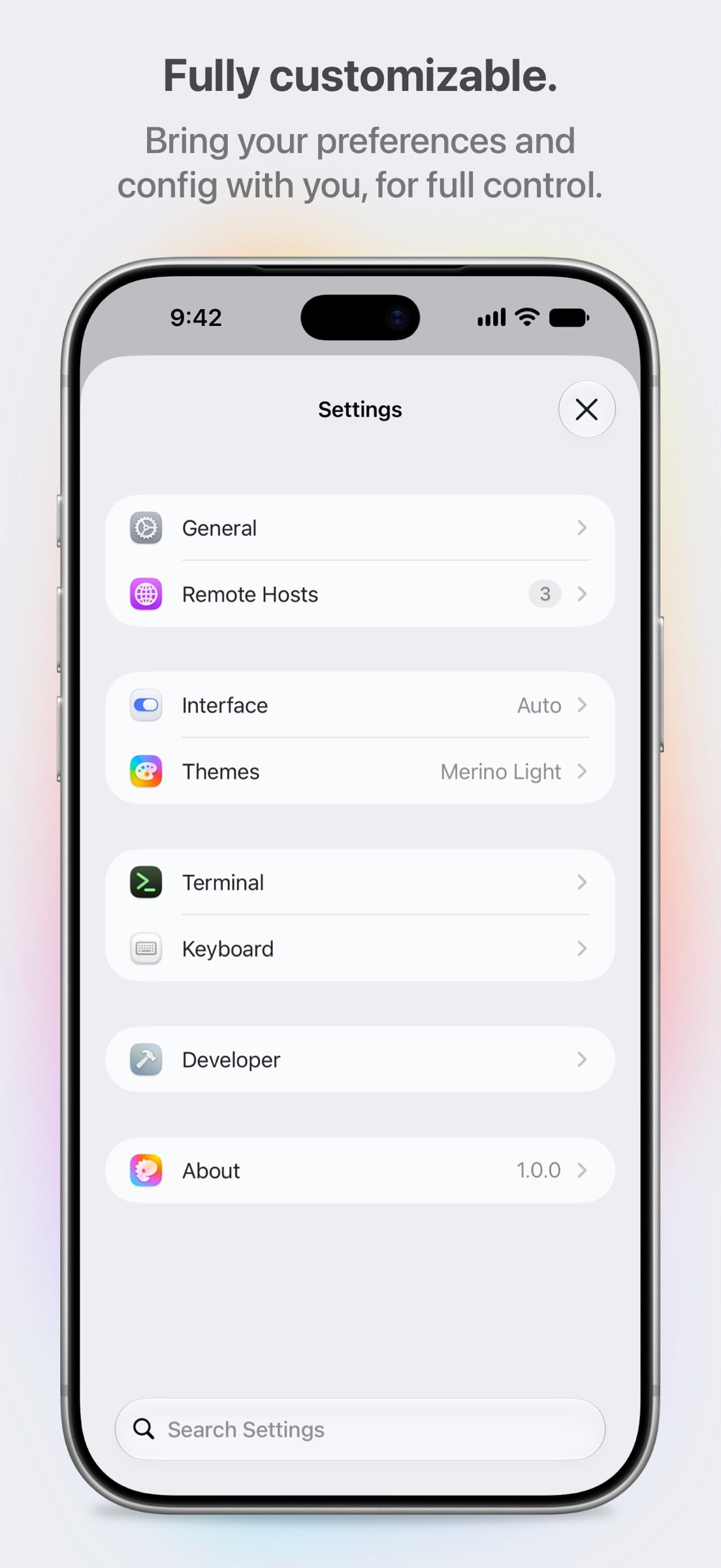
About Rex by Superlogical
Rex puts every terminal session from your Mac, Linux, and Windows machines on your iPhone and iPad. Your sessions keep running on your computers and Rex lets you see them, type into them, and move between them from anywhere.
PAIR IN SECONDS
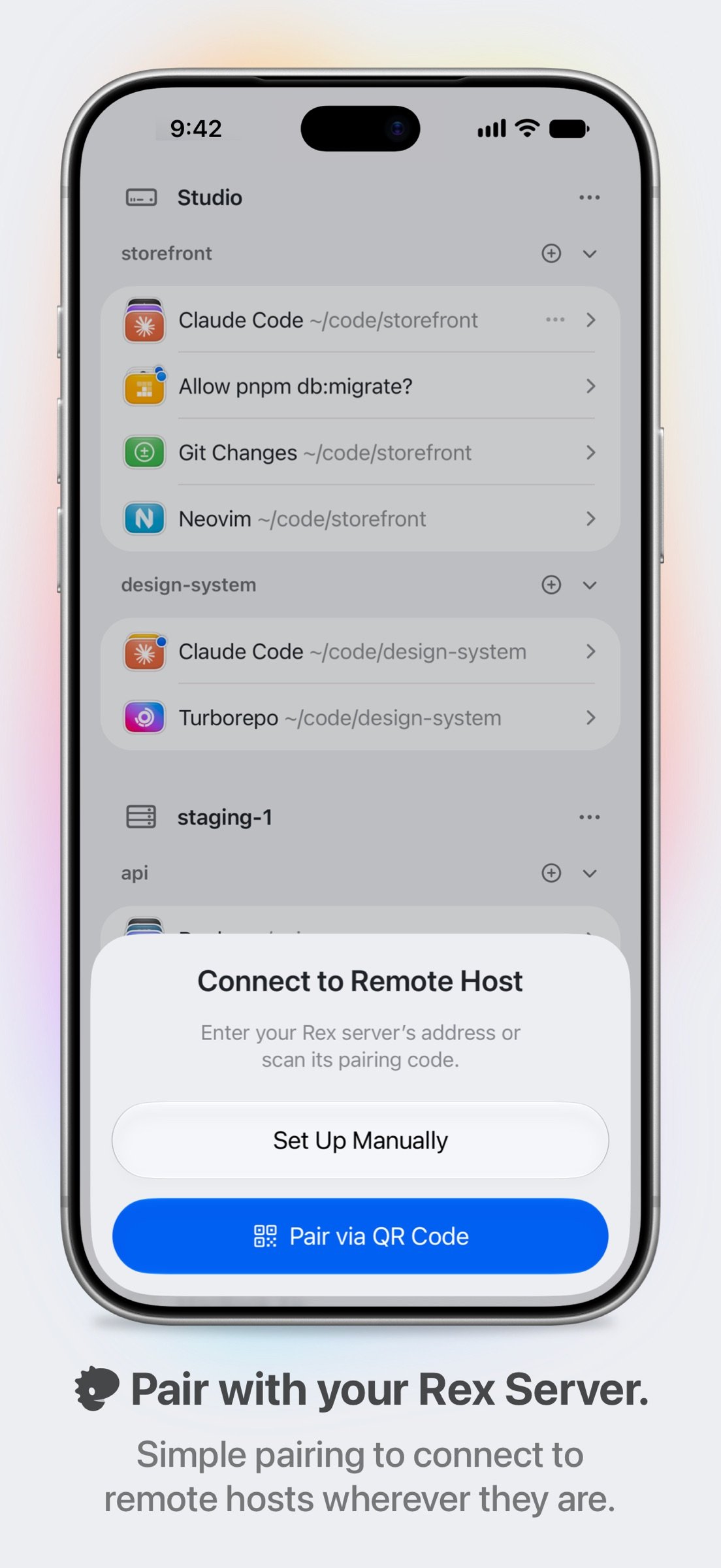
Scan a QR code to pair with a Rex server or add a host by address. Rex reconnects on its own when you come back to the app, and your screens survive a dropped connection.
SESSIONS, TABS, AND PANES
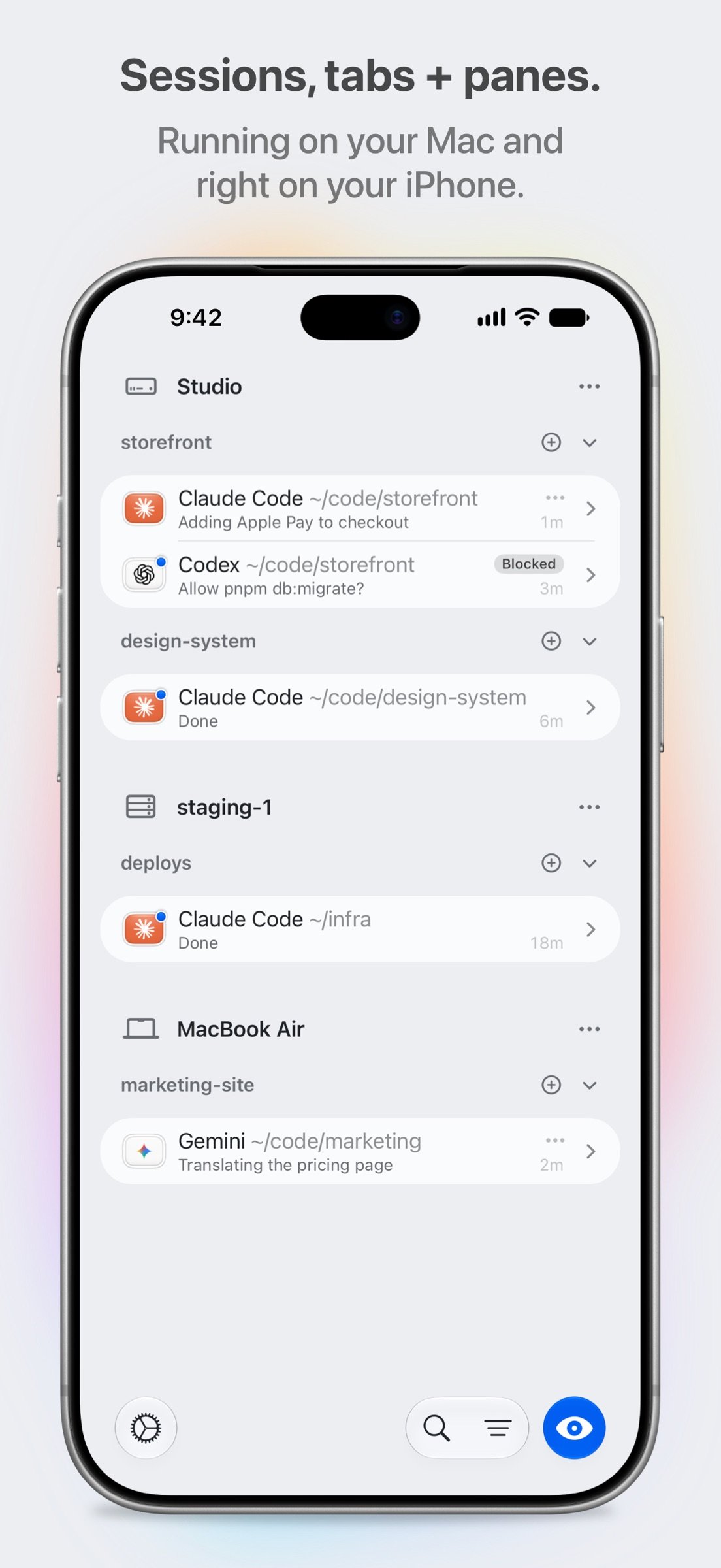
Browse every live session across all your machines, filter by host, and search by name. Open a session and swipe between its panes. Your desktop layout stays exactly as you left it.
A REAL TERMINAL
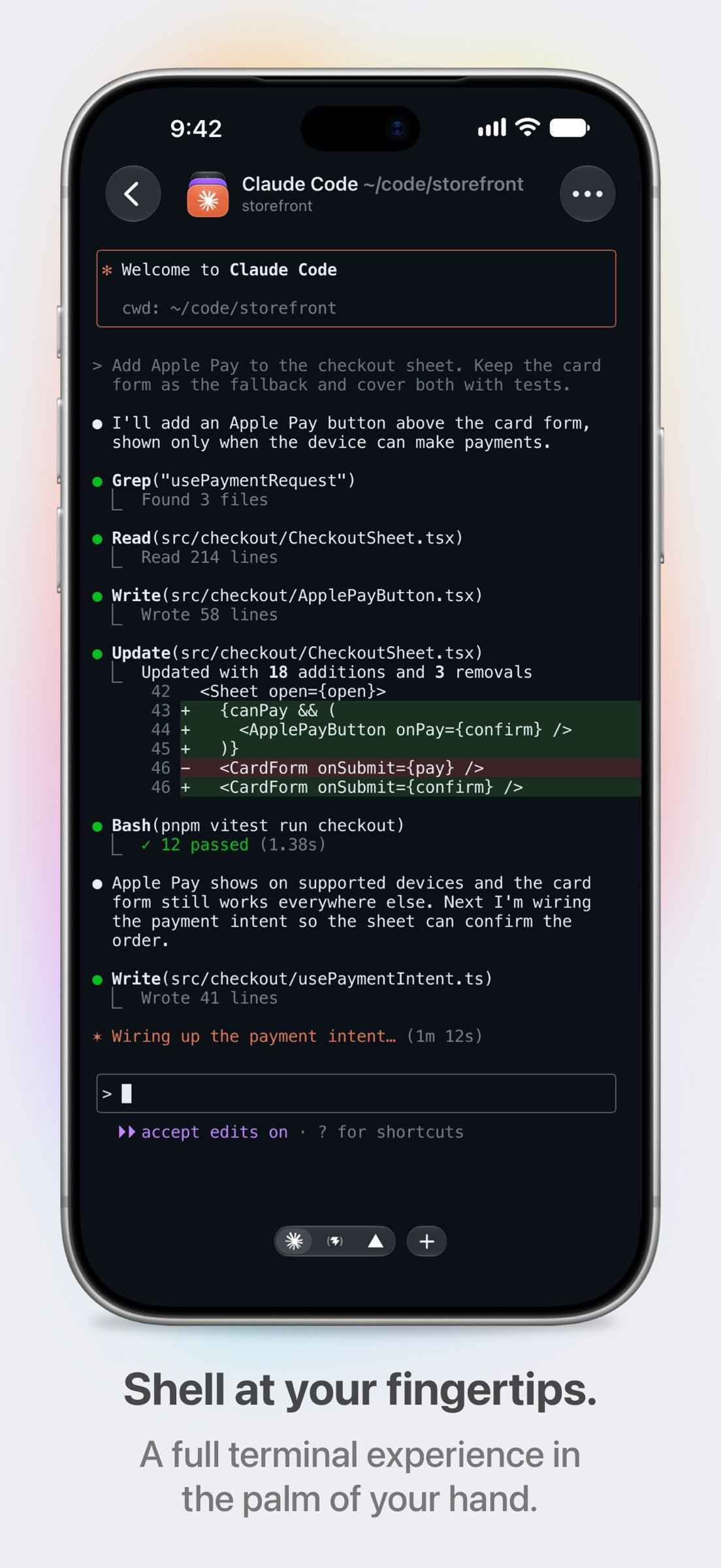
Rex is built on a fast, native terminal engine with full color, selection, scrolling, and clipboard support. Use the software keyboard with a row of Escape, Tab, Ctrl-C, and arrow keys, or plug in a hardware keyboard with adjustable key repeat.
STAY ON TOP OF YOUR AGENTS
Long-running coding agents, builds, and test runs keep going on your machine. Glance at progress, answer a prompt, or approve a command without going back to your desk.
HANDOFF
Move the pane on your iPhone or iPad straight to Rex on your Mac, and back again.
License: Free
| Release info | New Release on Nov 25, 2026 |
|---|---|
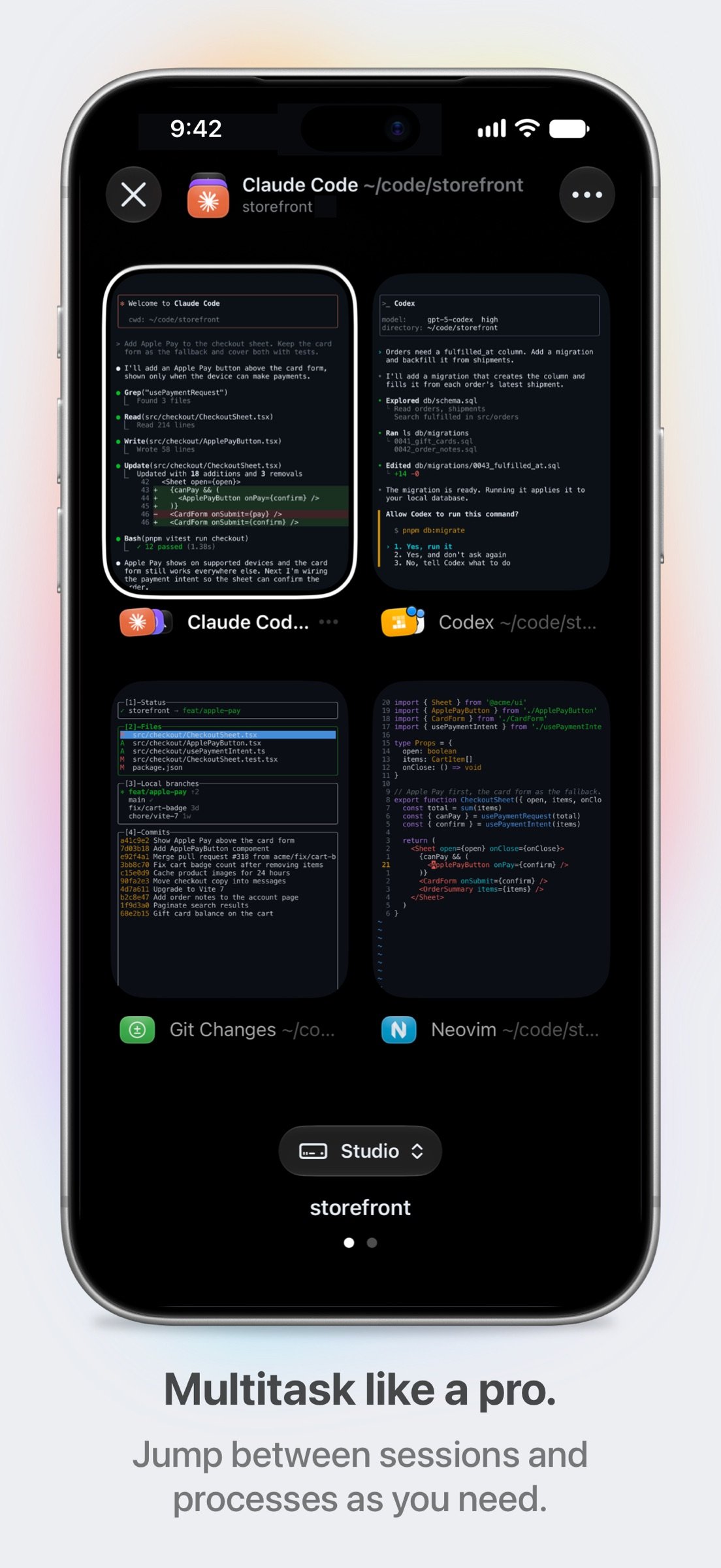
| Release notes | • Tab Overview on iPhone. Tap the tab header on iPhone or a folded Duo, or pinch, to see a preview tile for each tab and jump to any of them. • Download files from the terminal. Touch and hold a file path or file link and choose Download to get the file from the host and open it in Quick Look, where you can save or share it. • Theme editor. You can now create, duplicate, edit and delete themes, and import a Ghostty theme. • Insert Photo… and Insert File… in the command palette upload photos or files to the host and type their paths into the terminal. • You can mark a tab as unread or read from its menu. • The sessions bar has a filter menu next to search, where you can pick which saved hosts to show, or choose Online Hosts or All Hosts. • Settings has a new General page with Client Info and a Home Screen icon picker (Rexie, Bright, Twilight, Vibe, Shell or Spookie), and a new Keyboard page with the on-screen keyboard, hardware keyboard and key bar settings. • Interface settings now show Auto, Light and Dark as cards, and you can open Settings from a session's actions menu. • On iPad and an opened Duo, swipe with two fingers to move the terminal so the cursor stays above the keyboard, and pinch floating or zoomed panes to resize them. • Iosevka is now available as a terminal font. • You can choose the name the built-in Tailscale connection uses under Settings => Developer => Tailscale => Preferred Hostname. • Rex reconnects more reliably when you come back to the app, and the built-in Tailscale connection recovers by itself. • Terminal output and images from hosts you reach through the built-in Tailscale connection or over ssh:// are now compressed, so they use less data and show up faster on slow networks. • Tabs on Windows hosts now show folders in your home folder as ~, such as ~\Projects, and program names without .exe. • Fix: An image you send with text to Claude Code from the composer now arrives in the same message as the text, not after it. • Fix: Tapping Clo |
| Listing data | App Store |
Reviews
No reviews yet. Be the first to review Rex by Superlogical.
Used Rex by Superlogical? Tell other visitors what you thought.
Log in to write a reviewOther products by this publisher
- "No Distractions" for YouTube 4.10 ----
- #Bible 11.6.1 "Incredible App - My sister shared this app with me a few weeks ago and it is truly incredible.
- #filmphotography 1.4.2 So, you decided to shoot on film?
- #LookBusy Fake Calendar Events 1.0.6 Look Busy scans your work calendar for open time slots and fills them with realistic-looking (but secretly fake) work events.
- #Small Talk Is Canceled 1.0.2 #Small Talk Is Canceled — Conversations That Matter
Most viewed iOS Developer Tools
-
1
 ZScripter 15.2.0
ZScripter plays compatible Ren'Py, RealLive, NScripter, (PONS)ONScripter-EN/RU/JH/Yuri, Artemis, Siglus, CatSystem2, Ethornell BGI, N2System (Nitro+), AI5 and UK2 games as well as KiriKiri (+Kirikiroid2 patches), TyranoScript, RPG Maker MV/MZ & XP, …
-
2
 LocalDevVPN 1.3.0
LocalDevVPN is a developer tool for creating and managing local network tunnels directly on iOS.
-
3
 GitHub 1.285.0
There’s a lot you can do on GitHub that doesn’t require a complex development environment – like sharing feedback on a design discussion, or reviewing a few lines of code.
-
4
 Agents Anywhere 2.1.0
Agents Anywhere is a developer tools mobile application for remotely controlling your local computer to complete coding tasks.
-
5
 Andarium 1.0
Andarium lets you run an Android virtual machine on your iPhone and iPad—no computer setup, extra downloads, or complicated configuration required.
-
6
 Shader Playground 1.0
Shader Playground is a powerful real-time shader editor built for iPhone and iPad.
-
7
 Code Workspace 0.9.1
Code Workspace is a free, agent-first development environment for iPad and iPhone.
-
8
 Termius 8.2.0
Termius is a modern SSH client designed for productivity and collaboration.
-
9
 Rulify 1.0.7
Rulify ????? iOS App ????,???????? App ????,???????????????
-
10
 TestFlight 4.4.1
TestFlight makes it easy to test beta versions of apps and App Clips to provide valuable feedback to developers before they release their apps on the App Store.
Most downloaded iOS Developer Tools
-
1
Agents Anywhere 2.1.0
Agents Anywhere is a developer tools mobile application for remotely controlling your local computer to complete coding tasks.
-
2
Rulify 1.0.7
Rulify ????? iOS App ????,???????? App ????,???????????????
-
3
 a-Shell mini 2.4.0
a-Shell mini is a complete local terminal emulator, allowing to run most Unix commands on you iOS device.
-
4
 LadderTouch 2.1.5
LadderTouch is an app to learn the basics of ladder logic, which is a graphical programming language.
-
5
 FSNotes 7.6.1
FSNotes is a fast, modern notes manager for macOS and iOS.
-
6
 Herdy 1.5.1
Herdy puts your remote terminal and long-running coding-agent sessions in your pocket.
-
7
Andarium 1.0
Andarium lets you run an Android virtual machine on your iPhone and iPad—no computer setup, extra downloads, or complicated configuration required.
-
8
LocalDevVPN 1.3.0
LocalDevVPN is a developer tool for creating and managing local network tunnels directly on iOS.
-
9
 Markdown2PDF 1.0
Easily Convert Markdown to PDF with Markdown2PDF
-
10
 C/C++$-LLVM Clang 2.7
This is a learning tool for efficient C/C++ learning, fast programming, ?(LLVM+Clang)offline compilation and local execution?, Git fetching, iCloud storage, and efficient transfer and sharing via LAN HTTP/FTP multi-point connections.