Orchestrator.Inc 2.4.0
Orchestrator is the companion app for Orchestrator, the desktop workspace for agent-driven development.
Download
56.77 MB
1downloads
1this week
FreeFreeware
0reviews
Screenshots
About Orchestrator.Inc
Orchestrator is the companion app for Orchestrator, the desktop workspace for agent-driven development.
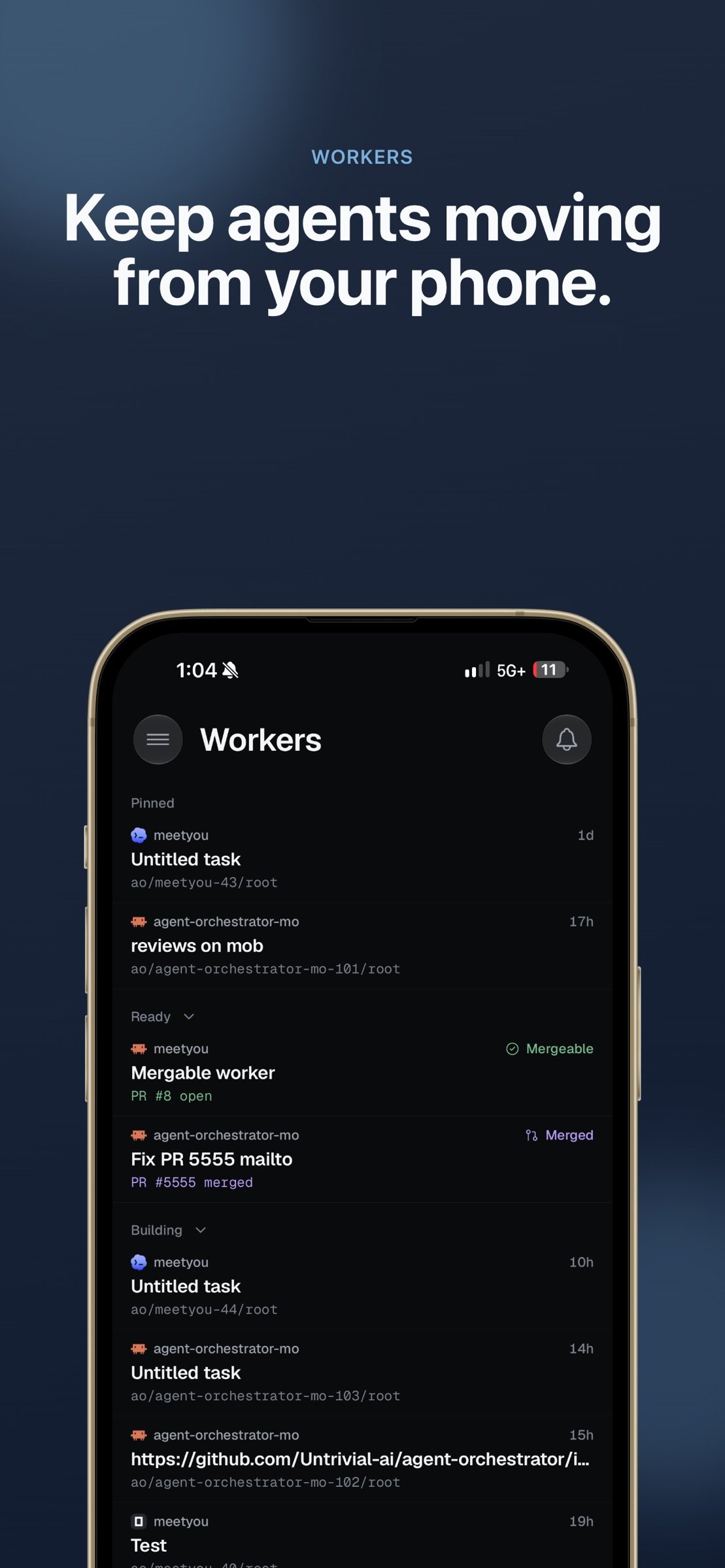
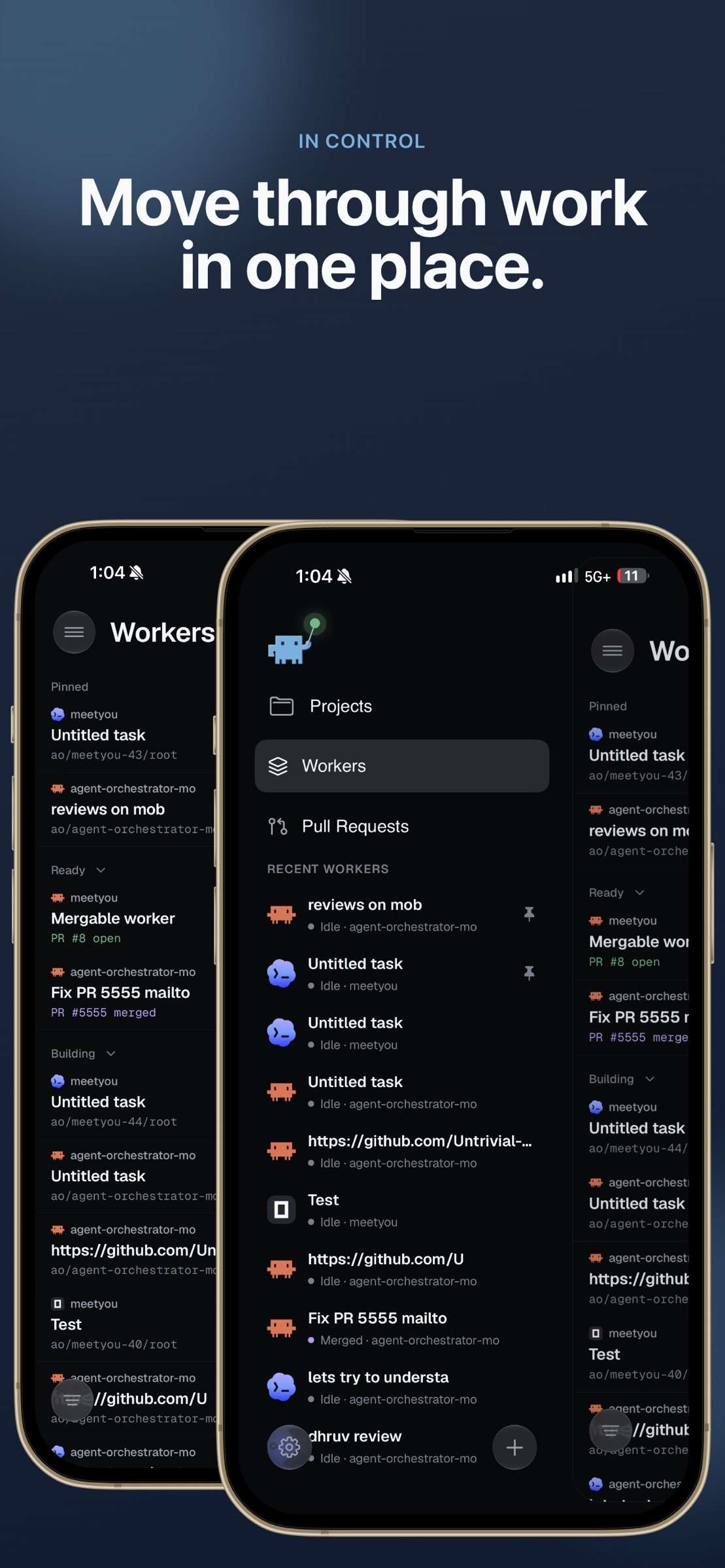
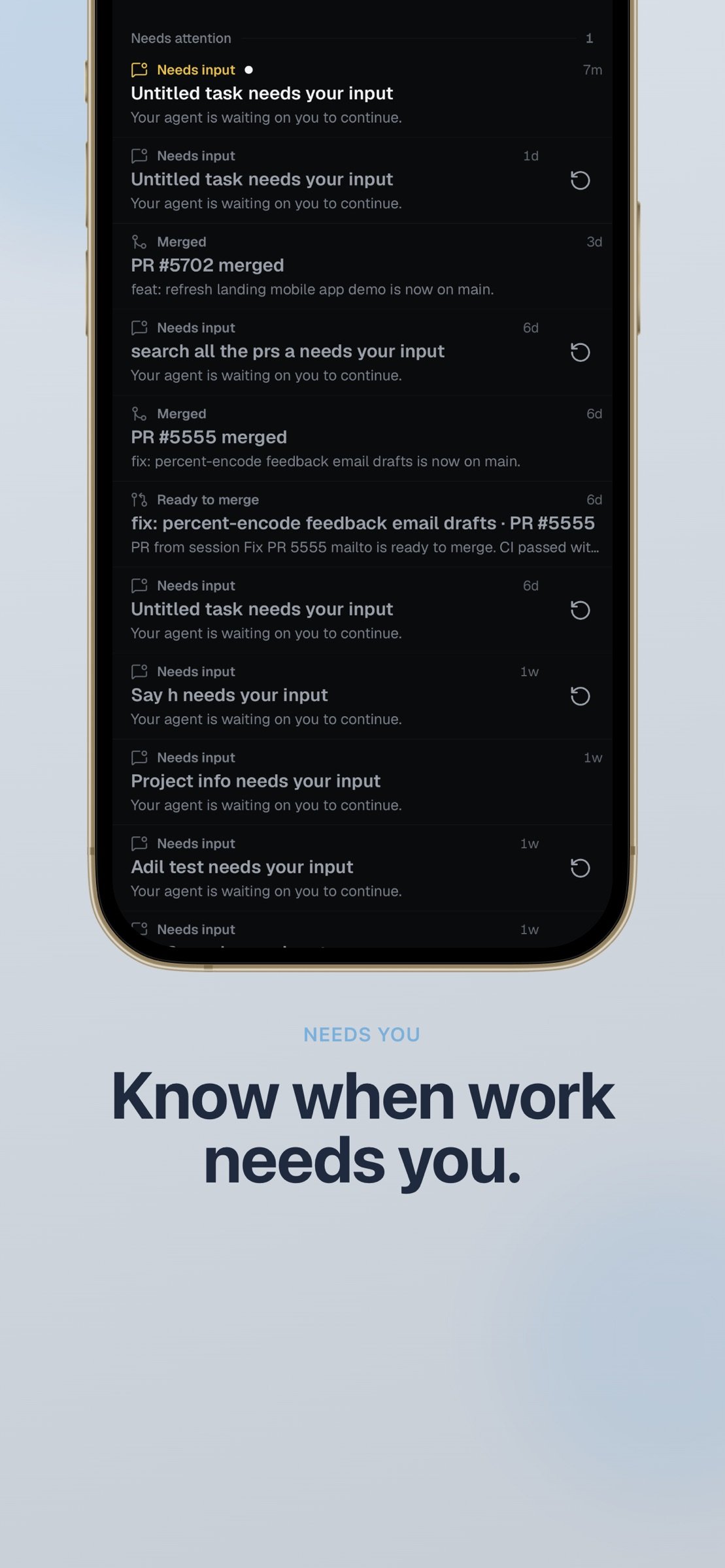
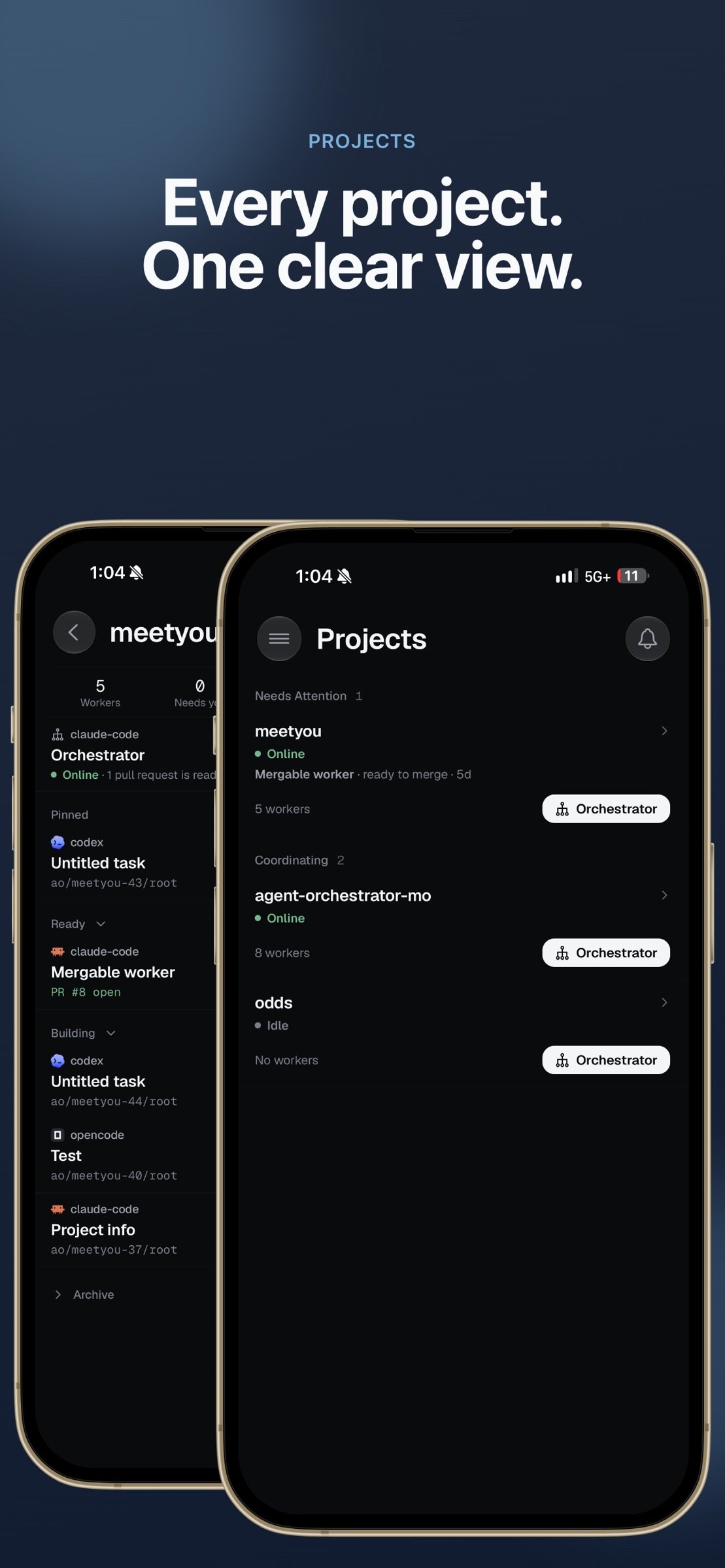
Your agents keep working while you step away from your desk. AO Mobile keeps you in the loop see what every worker is doing, answer the ones that are blocked, and keep work moving from your phone.
REQUIRES THE Orchestrator DESKTOP APP
AO Mobile is a thin client. It connects directly to Agent Orchestrator running on your own computer, over your local network or your Tailscale network. There is no cloud service and no account to create. Your code, conversations, and repositories never leave your machine.
WHAT YOU CAN DO
• Live Kanban — every worker session on one board, grouped by what needs your attention: working, needs you, in review, ready to merge.
• Get notified when an agent stops — a push notification arrives the moment a session needs your input, and tapping it opens that exact conversation.
• Chat with any agent — full conversation history, streaming responses, approvals, model and provider switching, file attachments, and voice input for when typing is impractical.
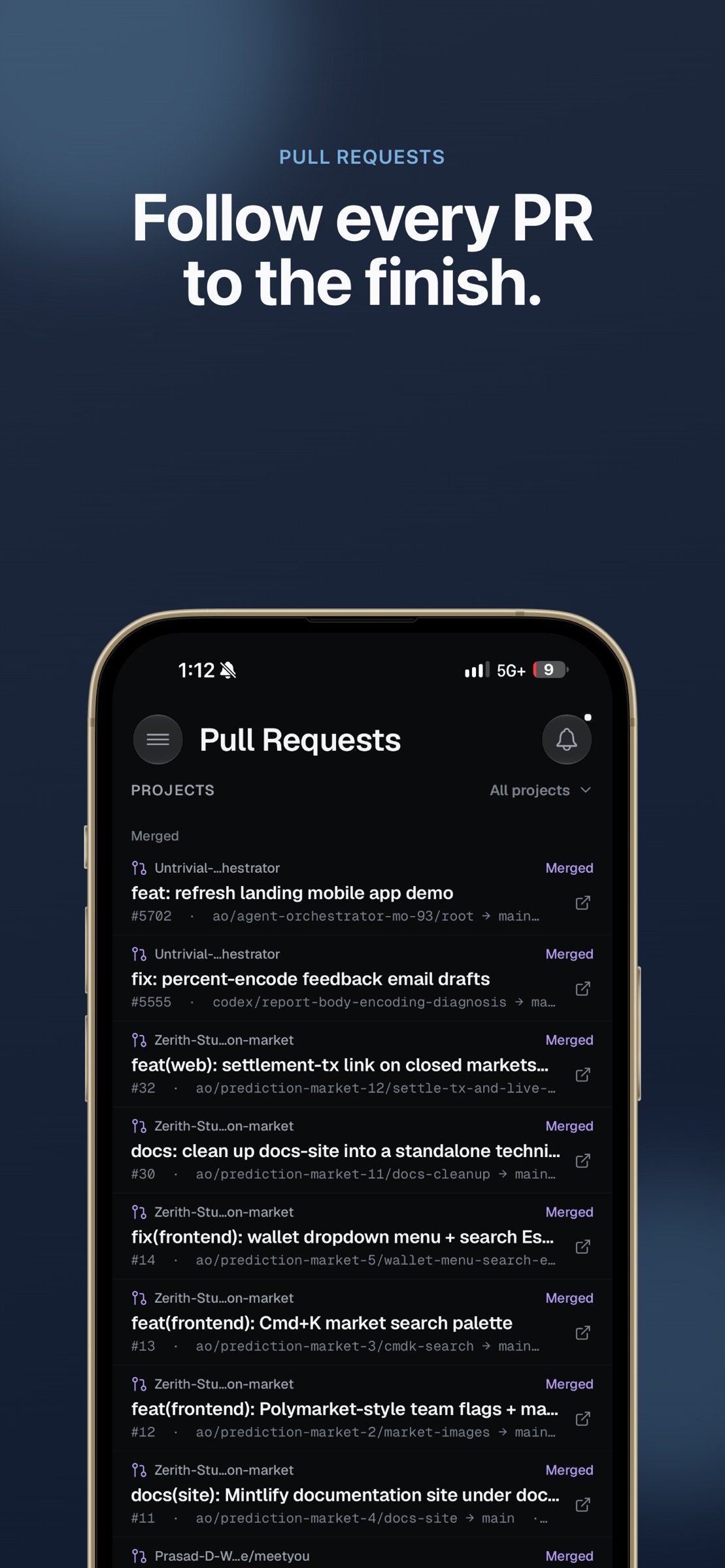
• Follow pull requests — open and draft PRs with their checks, CI status, and review state.
• Talk to the orchestrator — your project-level planning agent, for thinking through direction and delegating new work.
• Drop into the terminal — attach to a session's live terminal when you need the raw view.
• Preview running work — open a worker's browser preview to see what it built.
BUILT FOR TRUST
The desktop's connection to your phone is opt-in and off by default. When you enable it, AO opens a separate local listener protected by a rotating password, and pairing happens by scanning a QR code shown on your desktop. Turning it off closes the connection immediately.
GETTING STARTED
1. Install Agent Orchestrator on your Mac, Windows, or Linux machine.
2. Turn on Connect Mobile in the desktop app.
3. Scan the pairing QR code with this app.
Agent Orchestrator is open source. Learn more at aoagents.dev.
License: Free
Your agents keep working while you step away from your desk. AO Mobile keeps you in the loop see what every worker is doing, answer the ones that are blocked, and keep work moving from your phone.
REQUIRES THE Orchestrator DESKTOP APP
AO Mobile is a thin client. It connects directly to Agent Orchestrator running on your own computer, over your local network or your Tailscale network. There is no cloud service and no account to create. Your code, conversations, and repositories never leave your machine.
WHAT YOU CAN DO
• Live Kanban — every worker session on one board, grouped by what needs your attention: working, needs you, in review, ready to merge.
• Get notified when an agent stops — a push notification arrives the moment a session needs your input, and tapping it opens that exact conversation.
• Chat with any agent — full conversation history, streaming responses, approvals, model and provider switching, file attachments, and voice input for when typing is impractical.
• Follow pull requests — open and draft PRs with their checks, CI status, and review state.
• Talk to the orchestrator — your project-level planning agent, for thinking through direction and delegating new work.
• Drop into the terminal — attach to a session's live terminal when you need the raw view.
• Preview running work — open a worker's browser preview to see what it built.
BUILT FOR TRUST
The desktop's connection to your phone is opt-in and off by default. When you enable it, AO opens a separate local listener protected by a rotating password, and pairing happens by scanning a QR code shown on your desktop. Turning it off closes the connection immediately.
GETTING STARTED
1. Install Agent Orchestrator on your Mac, Windows, or Linux machine.
2. Turn on Connect Mobile in the desktop app.
3. Scan the pairing QR code with this app.
Agent Orchestrator is open source. Learn more at aoagents.dev.
License: Free
| Release info | New Release on Nov 13, 2026 |
|---|---|
| Release notes | - Switch a chat between Claude Code and Codex right from the model menu. - Run Orchestrator Cloud sessions and sign in to Cloud coding agents from your phone. - Preview artifacts in more formats, with tiles in the chat and shareable links. - Add local projects, and compare files against any branch. |
| Listing data | App Store |
Reviews
No reviews yet. Be the first to review Orchestrator.Inc.
Used Orchestrator.Inc? Tell other visitors what you thought.
Log in to write a reviewOther products by this publisher
- "No Distractions" for YouTube 4.10 ----
- #Bible 11.6.1 "Incredible App - My sister shared this app with me a few weeks ago and it is truly incredible.
- #filmphotography 1.4.2 So, you decided to shoot on film?
- $quirrel 1.5.1 $quirrel Budget & Finance helps you plan each paycheck, track spending, manage debt, and see what is safe to spend before the next payday.
- % Percentage Calculator Pro 1.41 This is the Pro version of % Percentage Calculator.
Most viewed iOS Developer Tools
-
1
 ZScripter 14.0.0
ZScripter plays compatible Ren'Py, RealLive, NScripter, (PONS)ONScripter-EN/RU/JH/Yuri, Artemis, Siglus, CatSystem2, Ethornell BGI, N2System (Nitro+), AI5 and UK2 games as well as KiriKiri (+Kirikiroid2 patches), TyranoScript, RPG Maker MV/MZ & XP, …
-
2
 GitHub 1.285.0
There’s a lot you can do on GitHub that doesn’t require a complex development environment – like sharing feedback on a design discussion, or reviewing a few lines of code.
-
3
 Agents Anywhere 2.1.0
Agents Anywhere is a developer tools mobile application for remotely controlling your local computer to complete coding tasks.
-
4
 LocalDevVPN 1.3.0
LocalDevVPN is a developer tool for creating and managing local network tunnels directly on iOS.
-
5
 Shader Playground 1.0
Shader Playground is a powerful real-time shader editor built for iPhone and iPad.
-
6
 Code Workspace 0.9.1
Code Workspace is a free, agent-first development environment for iPad and iPhone.
-
7
 Termius 8.2.0
Termius is a modern SSH client designed for productivity and collaboration.
-
8
 Andarium 1.0
Andarium lets you run an Android virtual machine on your iPhone and iPad—no computer setup, extra downloads, or complicated configuration required.
-
9
 Rulify 1.0.7
Rulify ????? iOS App ????,???????? App ????,???????????????
-
10
 TestFlight 4.4.1
TestFlight makes it easy to test beta versions of apps and App Clips to provide valuable feedback to developers before they release their apps on the App Store.
Most downloaded iOS Developer Tools
-
1
Agents Anywhere 2.1.0
Agents Anywhere is a developer tools mobile application for remotely controlling your local computer to complete coding tasks.
-
2
 a-Shell mini 2.3.2
a-Shell mini is a complete local terminal emulator, allowing to run most Unix commands on you iOS device.
-
3
Rulify 1.0.7
Rulify ????? iOS App ????,???????? App ????,???????????????
-
4
 LadderTouch 2.1.5
LadderTouch is an app to learn the basics of ladder logic, which is a graphical programming language.
-
5
 FSNotes 7.6.1
FSNotes is a fast, modern notes manager for macOS and iOS.
-
6
 Herdy 1.5.0
Herdy puts your remote terminal and long-running coding-agent sessions in your pocket.
-
7
 C/C++$-LLVM Clang 2.7
This is a learning tool for efficient C/C++ learning, fast programming, ?(LLVM+Clang)offline compilation and local execution?, Git fetching, iCloud storage, and efficient transfer and sharing via LAN HTTP/FTP multi-point connections.
-
8
Andarium 1.0
Andarium lets you run an Android virtual machine on your iPhone and iPad—no computer setup, extra downloads, or complicated configuration required.
-
9
 Markdown2PDF 1.0
Easily Convert Markdown to PDF with Markdown2PDF
-
10
LocalDevVPN 1.3.0
LocalDevVPN is a developer tool for creating and managing local network tunnels directly on iOS.