
19downloads
4this week
FreeCommercial
0reviews
Screenshots

About My Styles
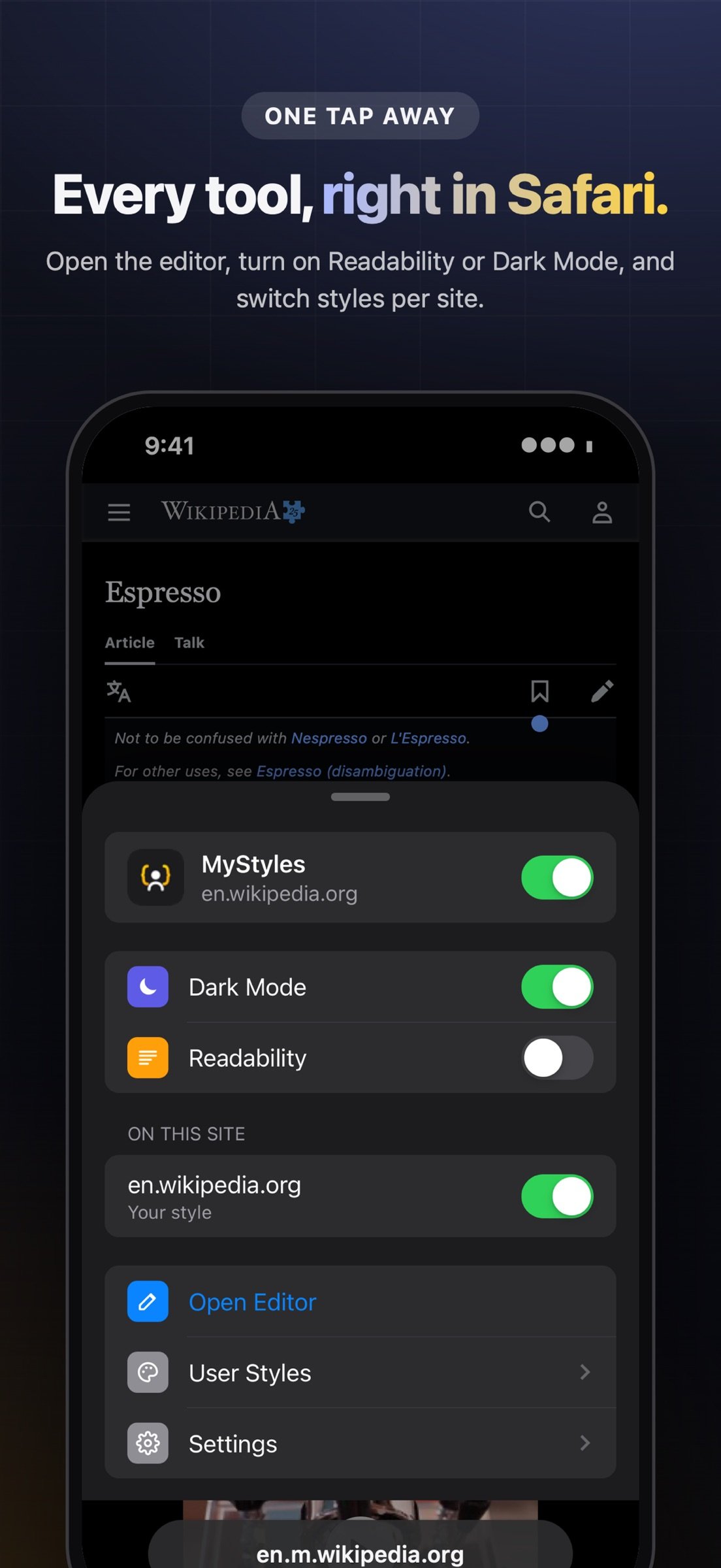
Transform the web to fit your needs. My Styles is a Safari extension that changes how any website looks in seconds, from a quick font tweak to a full CSS makeover. Now with Dark Mode for any site.
NEW: DARK MODE FOR ANY WEBSITE
Turn a bright website dark with one tap, from the toolbar button or the editor. Photos and videos keep their real colors, sites that are already dark are left alone, and your own styles still apply.
KEY FEATURES
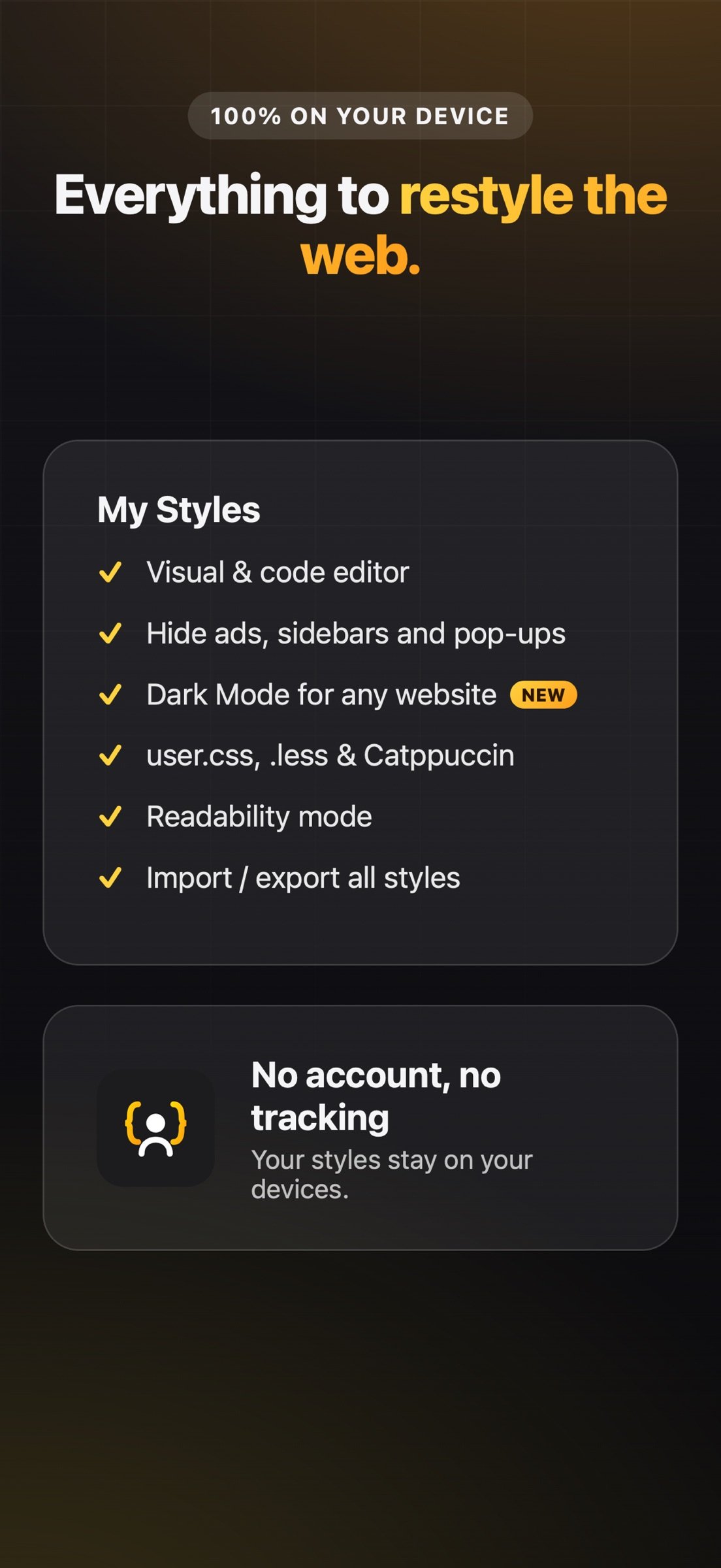
Visual Editor: Pick any element on a page and change its color, font, size, spacing or visibility with a few clicks. No coding required.
Code Editor: Write your own CSS in the built-in editor and see every change live.
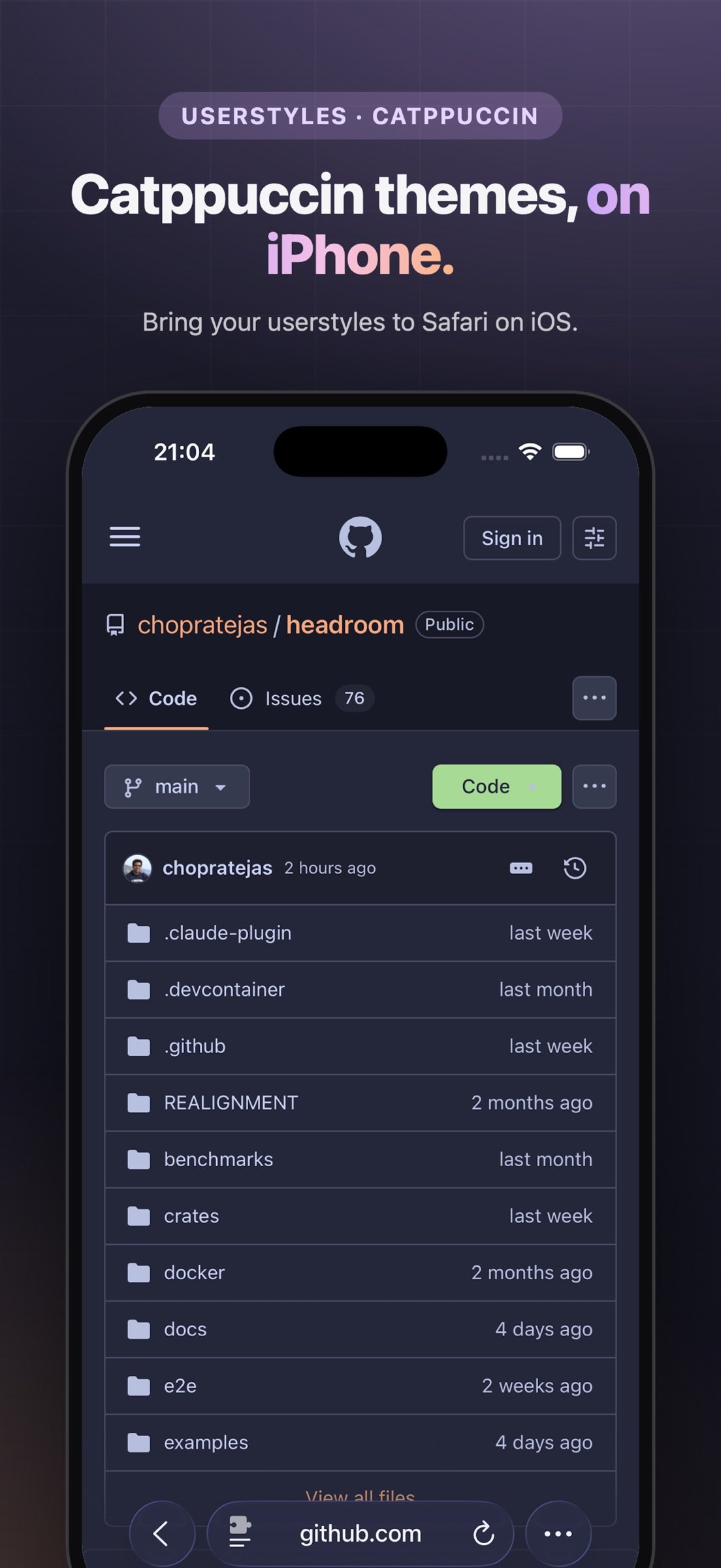
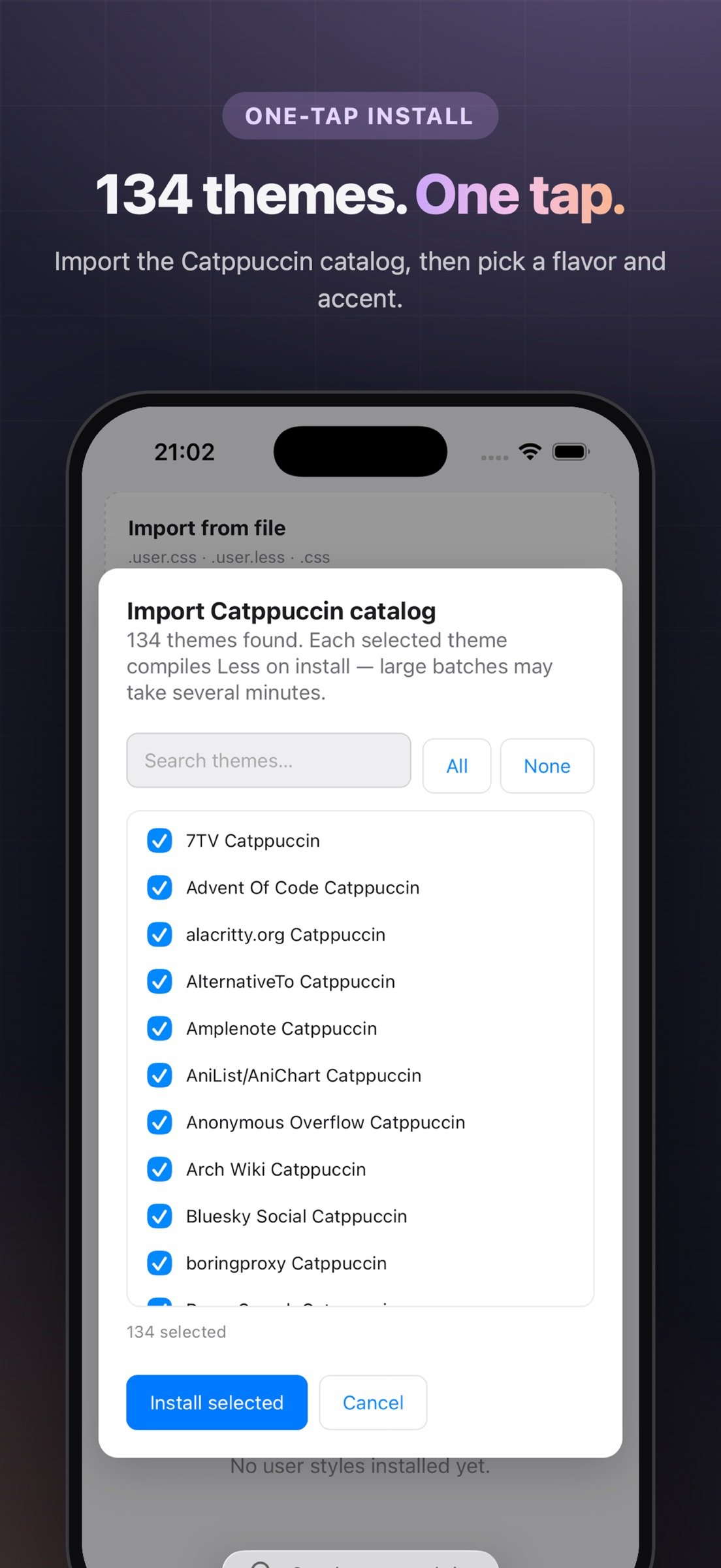
Userstyles & Catppuccin: Install .user.css and .user.less styles, or the whole Catppuccin collection, and pick your flavor and accent.
Clutter-Free Browsing: Hide ads, sidebars and pop-ups on your favorite sites for good.
Readability Mode: A clean, focused reading view for articles, with your own font, size, width and background.
iPhone, iPad and Mac: One purchase gives you the same extension in Safari on all your devices.
Import & Export: Back up all your styles or move them to another device.
Per-Site Rules: Changes save automatically for each website.
WHY MY STYLES?
Force dark mode on a site that doesn't have one, make text bigger and easier to read, or redesign the dashboards you use every day. My Styles is a lightweight, reliable way to customize Safari.
100% local: your styles are saved on your device. No account, no tracking.
Inspired by Stylebot.
License: Commercial
| Release info | Update on Nov 21, 2026 |
|---|---|
| Release notes | NEW: Dark Mode for any website. Turn it on from the toolbar button or the editor. Photos and videos keep their real colors. Also in this update: - Faster: edits only update the tabs that need them - Keyboard shortcuts no longer trigger while you type in web editors - Fixed custom CSS with embedded images, Google Fonts and animations - Re-installing a userstyle keeps your settings - Style names are readable again in the dark popup Enjoying My Styles? A quick rating helps other Safari users find us! |
| Listing data | App Store |
Reviews
No reviews yet. Be the first to review My Styles.
Used My Styles? Tell other visitors what you thought.
Log in to write a reviewOther products by this publisher
- "No Distractions" for YouTube 4.10 ----
- #Bible 11.6.1 "Incredible App - My sister shared this app with me a few weeks ago and it is truly incredible.
- #filmphotography 1.4.2 So, you decided to shoot on film?
- #LookBusy Fake Calendar Events 1.0.6 Look Busy scans your work calendar for open time slots and fills them with realistic-looking (but secretly fake) work events.
- #Small Talk Is Canceled 1.0.2 #Small Talk Is Canceled — Conversations That Matter
Most viewed iOS Developer Tools
-
1
 ZScripter 15.2.0
ZScripter plays compatible Ren'Py, RealLive, NScripter, (PONS)ONScripter-EN/RU/JH/Yuri, Artemis, Siglus, CatSystem2, Ethornell BGI, N2System (Nitro+), AI5 and UK2 games as well as KiriKiri (+Kirikiroid2 patches), TyranoScript, RPG Maker MV/MZ & XP, …
-
2
 LocalDevVPN 1.3.0
LocalDevVPN is a developer tool for creating and managing local network tunnels directly on iOS.
-
3
 GitHub 1.285.0
There’s a lot you can do on GitHub that doesn’t require a complex development environment – like sharing feedback on a design discussion, or reviewing a few lines of code.
-
4
 Agents Anywhere 2.1.0
Agents Anywhere is a developer tools mobile application for remotely controlling your local computer to complete coding tasks.
-
5
 Andarium 1.0
Andarium lets you run an Android virtual machine on your iPhone and iPad—no computer setup, extra downloads, or complicated configuration required.
-
6
 Shader Playground 1.0
Shader Playground is a powerful real-time shader editor built for iPhone and iPad.
-
7
 Code Workspace 0.9.1
Code Workspace is a free, agent-first development environment for iPad and iPhone.
-
8
 Termius 8.2.0
Termius is a modern SSH client designed for productivity and collaboration.
-
9
 Rulify 1.0.7
Rulify ????? iOS App ????,???????? App ????,???????????????
-
10
 TestFlight 4.4.1
TestFlight makes it easy to test beta versions of apps and App Clips to provide valuable feedback to developers before they release their apps on the App Store.
Most downloaded iOS Developer Tools
-
1
Agents Anywhere 2.1.0
Agents Anywhere is a developer tools mobile application for remotely controlling your local computer to complete coding tasks.
-
2
Rulify 1.0.7
Rulify ????? iOS App ????,???????? App ????,???????????????
-
3
 a-Shell mini 2.4.0
a-Shell mini is a complete local terminal emulator, allowing to run most Unix commands on you iOS device.
-
4
 LadderTouch 2.1.5
LadderTouch is an app to learn the basics of ladder logic, which is a graphical programming language.
-
5
 FSNotes 7.6.1
FSNotes is a fast, modern notes manager for macOS and iOS.
-
6
 Herdy 1.5.1
Herdy puts your remote terminal and long-running coding-agent sessions in your pocket.
-
7
Andarium 1.0
Andarium lets you run an Android virtual machine on your iPhone and iPad—no computer setup, extra downloads, or complicated configuration required.
-
8
LocalDevVPN 1.3.0
LocalDevVPN is a developer tool for creating and managing local network tunnels directly on iOS.
-
9
 C/C++$-LLVM Clang 2.7
This is a learning tool for efficient C/C++ learning, fast programming, ?(LLVM+Clang)offline compilation and local execution?, Git fetching, iCloud storage, and efficient transfer and sharing via LAN HTTP/FTP multi-point connections.
-
10
 Markdown2PDF 1.0
Easily Convert Markdown to PDF with Markdown2PDF