MidnightBeam 1.12.1
Screen dimmer and warm filter for Android TV, with phone remote and schedule
Download
0.42 MB · midnightbeam.apk
48downloads
16this week
FreeFreeware
0reviews
Screenshots
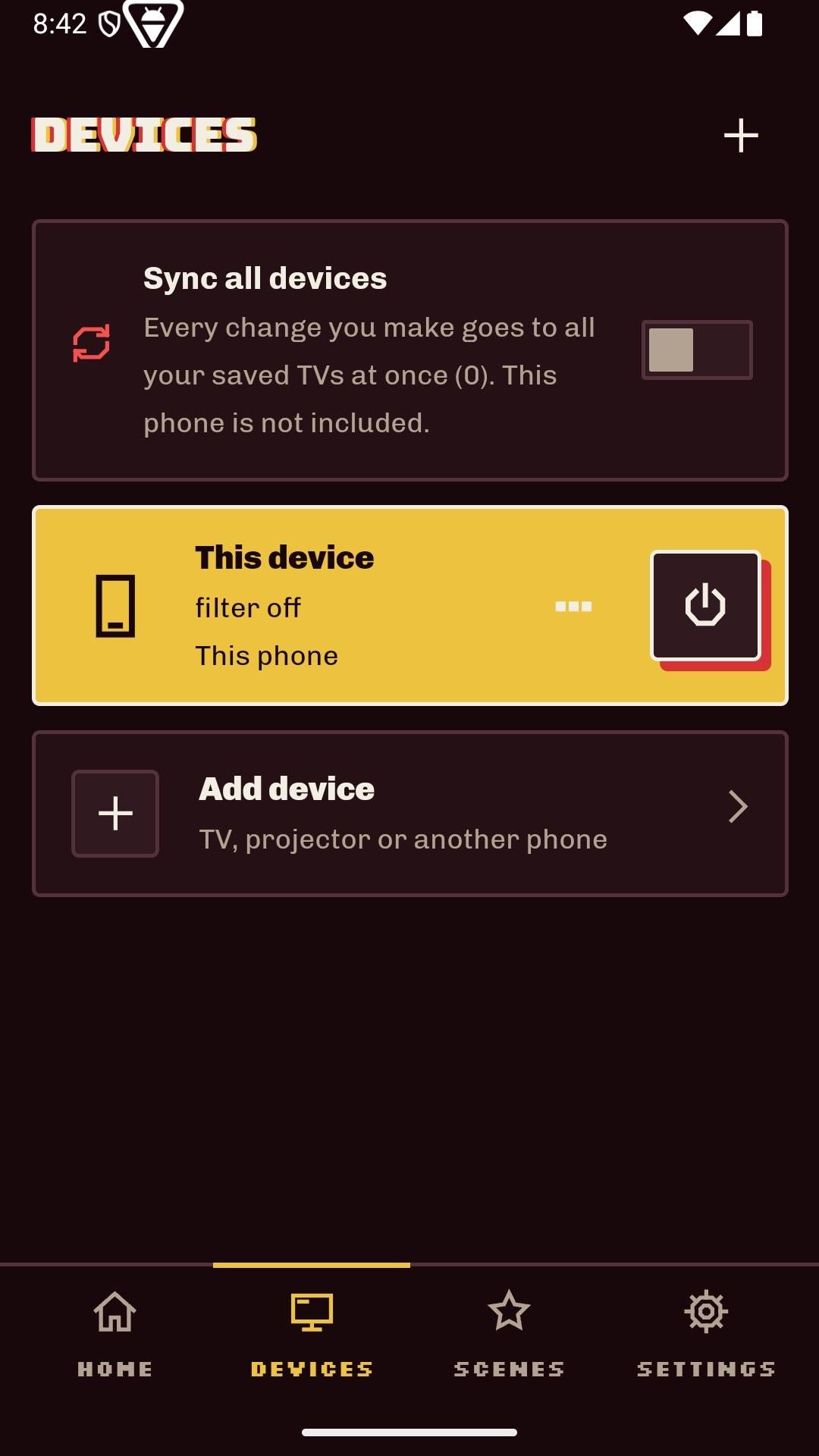
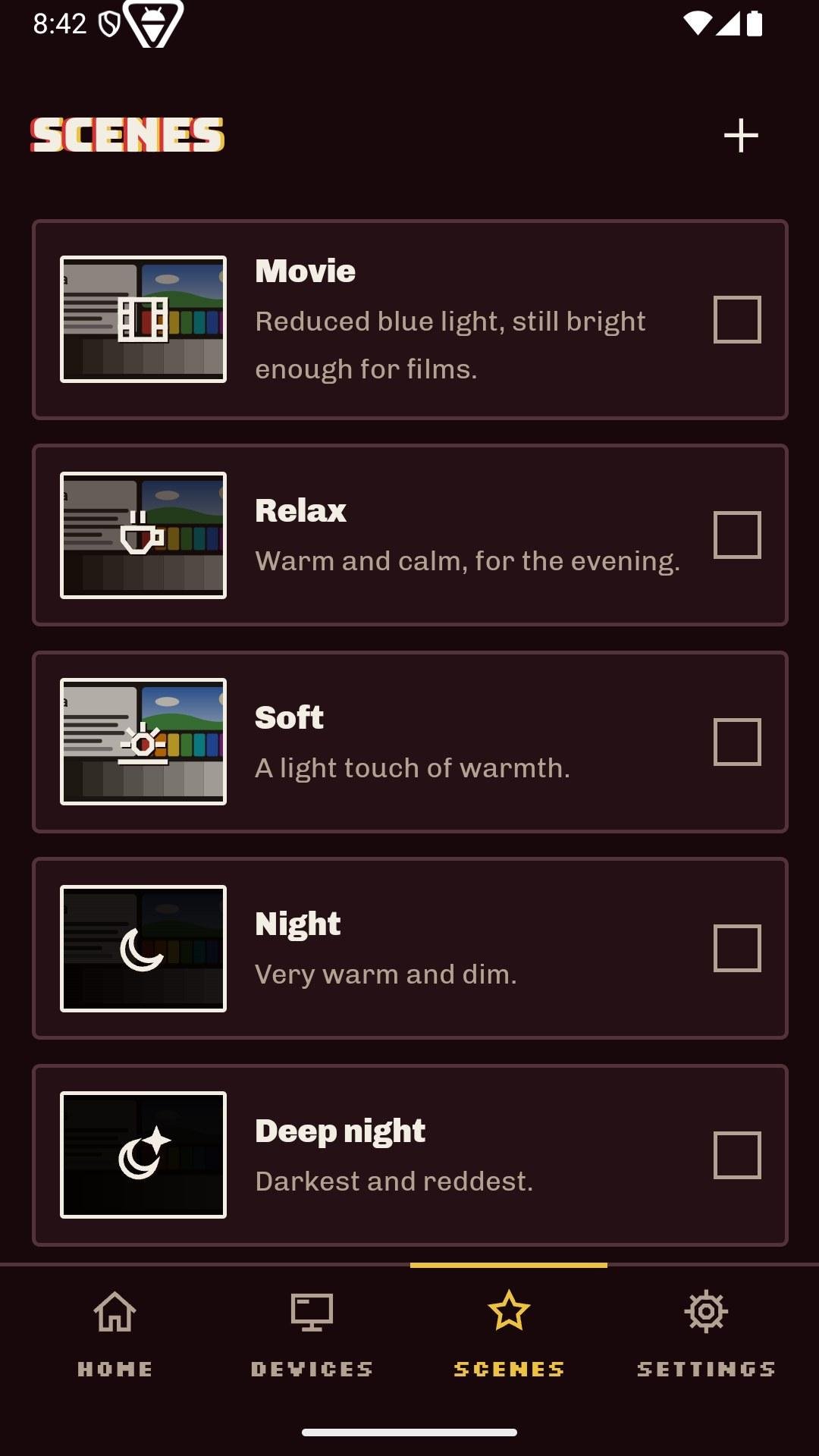
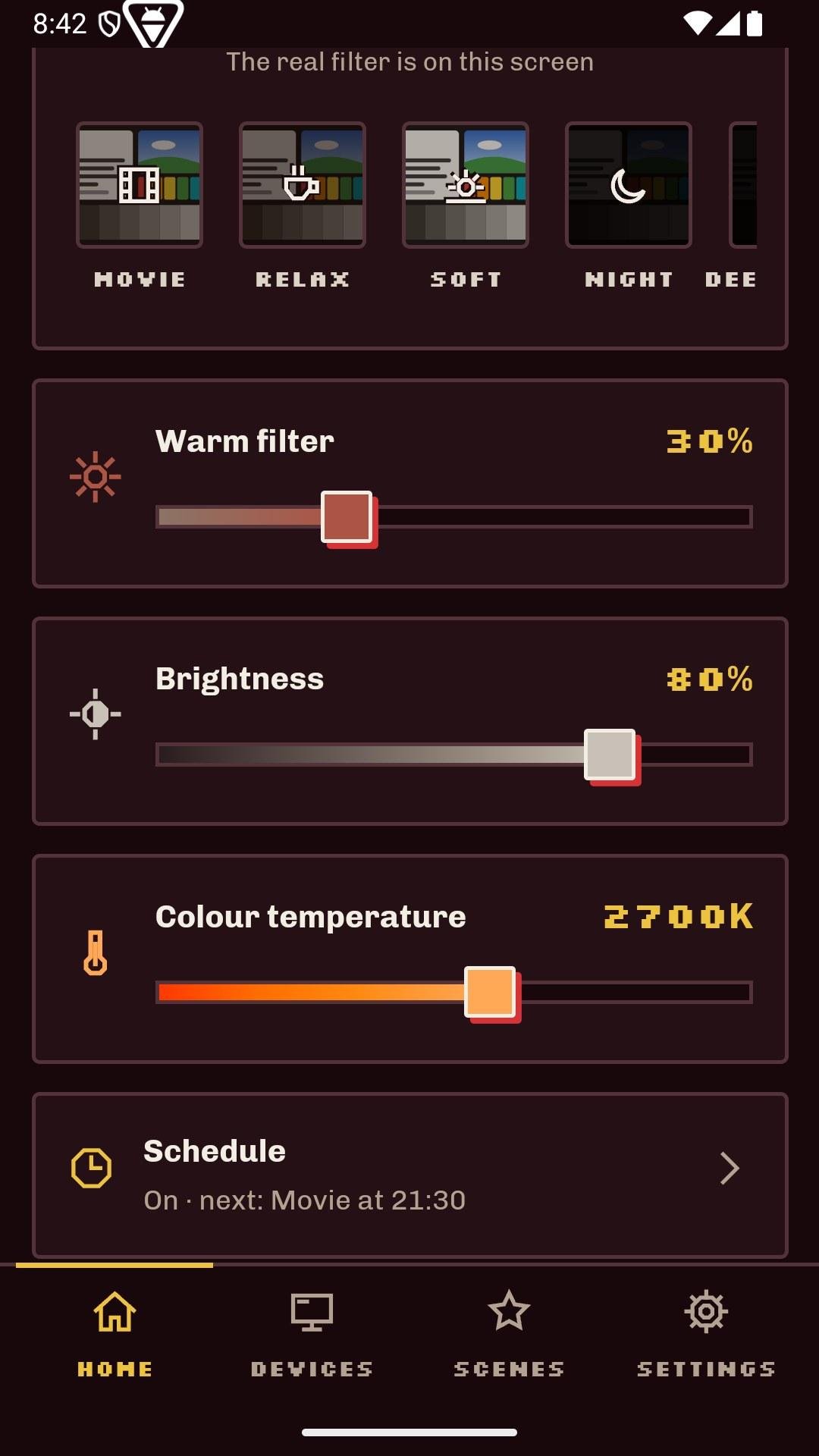
About MidnightBeam
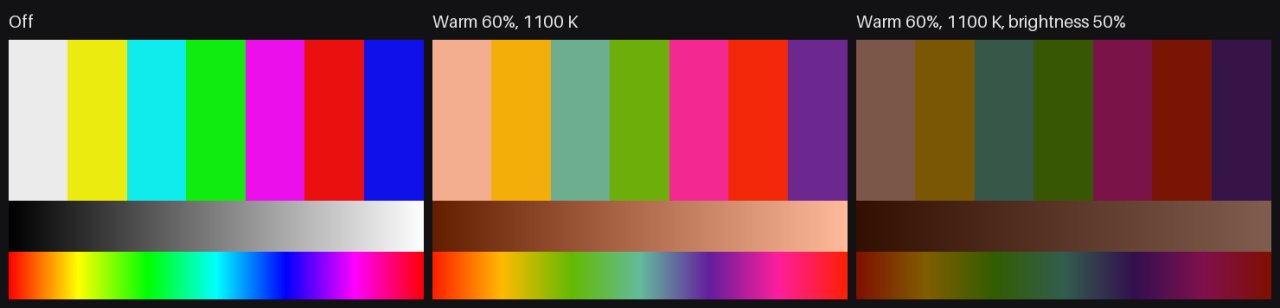
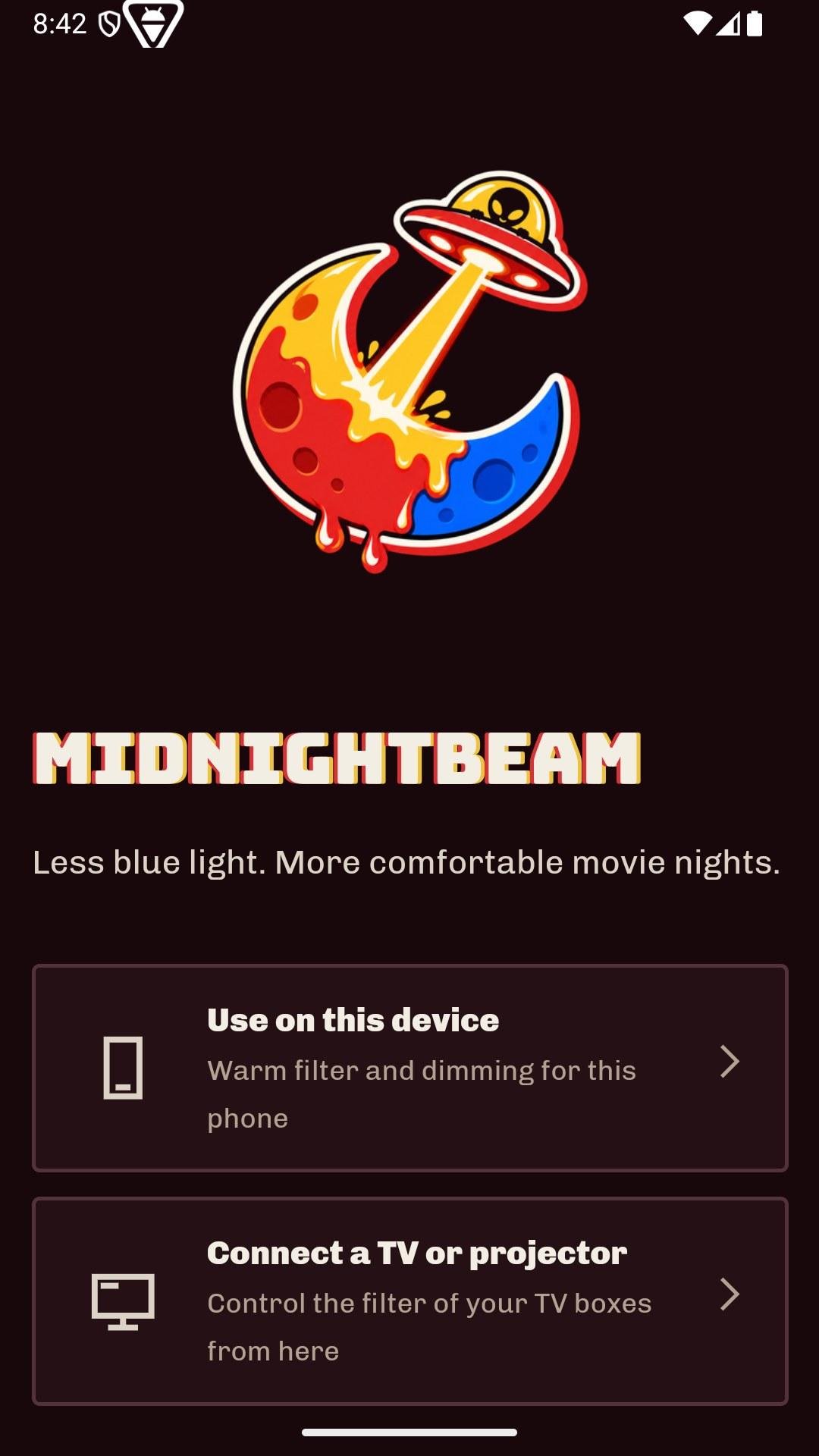
Less blue light, more comfortable movie nights. MidnightBeam is a warm (red) filter and screen dimmer for Android TV boxes, projectors, TVs and phones.
It draws a click-through overlay above everything, video included. Filter strength, brightness and colour temperature change live, with no flash to full brightness. Made for the many LED projectors and TV boxes that cannot lower their own light.
On the TV
* a settings screen that needs only the D-pad and OK, with a clearly visible focus highlight
* a QR code to control it from a phone (the phone remote is on by default on TVs, on the local network only, protected by a pairing code; the TV announces itself there over mDNS so the phone app can find it)
* an "Android app" button with a QR code to download the app on a phone
* the schedule shown as a timeline at the bottom of the screen
On a phone or tablet
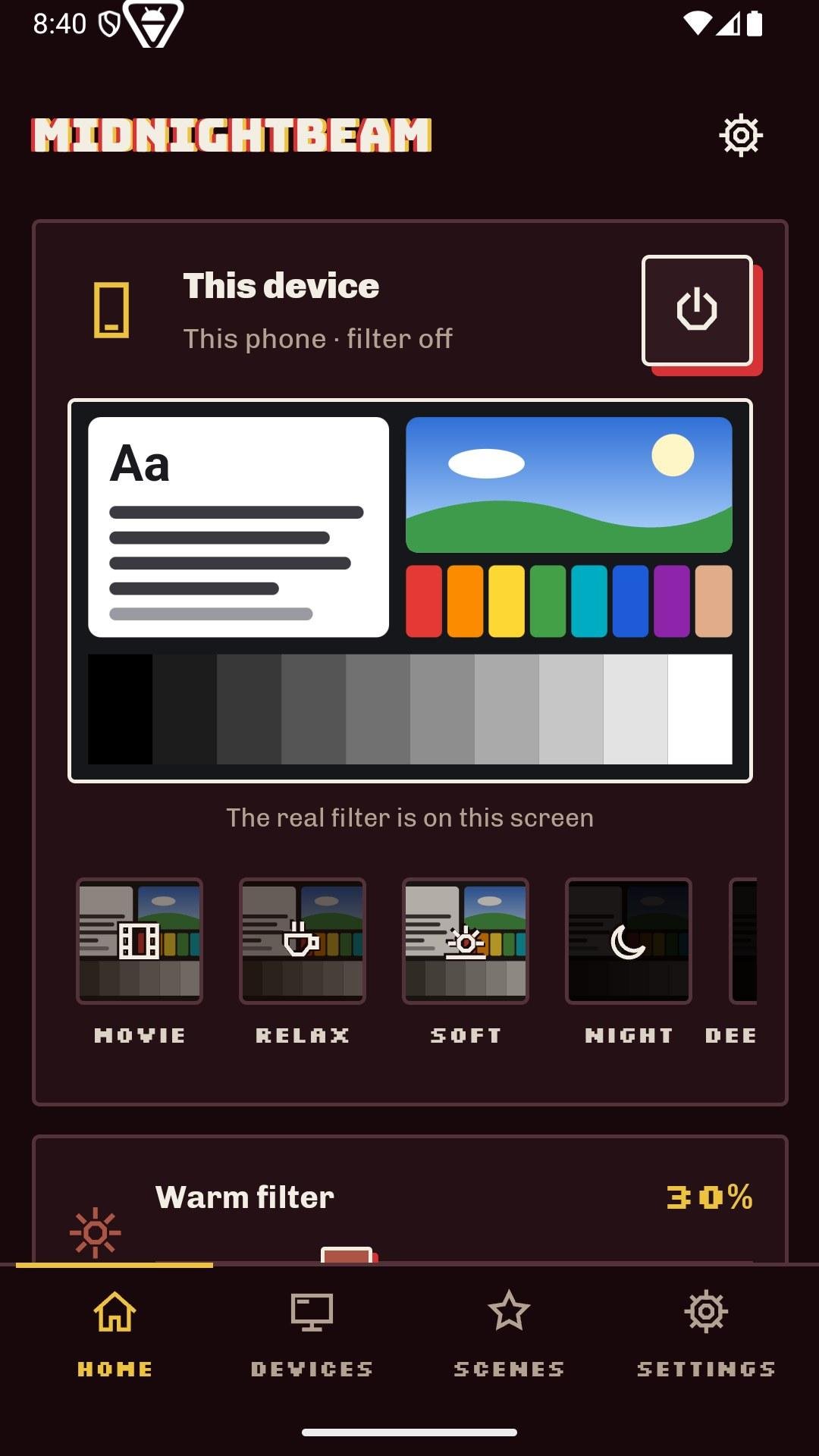
* use the filter on the phone itself, or control your TVs and projectors
* scenes (Movie, Relax, Night…) and your own, a power button and the state of every device
* add a TV by scanning its QR code or by hand (address and code); the device type is detected
* a guided setup for the permissions Android needs
* no app at all is needed for a quick try: the QR code opens the same controls in the phone browser
Audio (optional)
Volume, equalizer, presets, bass boost, surround and loudness of the device from the phone, with an on-screen display on the TV, on devices whose audio supports the standard Android effects.
Schedule
Daily or weekly time slots, dragged on a timeline, with gradual transitions between them; the TV applies them by itself, even with the phone off. A manual change lasts until the next slot.
Automation
* adb shell: am start-foreground-service -n dev.midnightbeam/.DimService --ei red 60 --ei bright 40 --ei temp 1100
* Home Assistant, through the Android Debug Bridge integration (example package and dashboard in the source repository)
* a small HTTP API on the local network
The last setting is restored early at boot. The service can only be controlled by the app itself and from adb shell, not by other apps.
Plain Java, about 420 KB (mostly artwork), no trackers, no ads, no data collected, no internet connections: the network is used only on your local network, for the phone remote (port 8765) and to reach the TVs you paired.
The optional accessibility service is used only to draw the dimming overlay above everything on Android 12+; it reads no content.
On a TV box without a touch screen, the overlay permission can be granted with adb shell appops set dev.midnightbeam SYSTEM_ALERT_WINDOW allow, or in Settings, Special app access, Display over other apps.
License: MIT
| Release info | Update on Nov 11, 2026 |
|---|---|
| Release notes | • Targets Android 15: Google Play Protect no longer warns that the app was built for an older version of Android when installing on recent devices • The filter service is declared as a special-use foreground service, as Android 14 and later require |
| Listing data | F-Droid |
Reviews
No reviews yet. Be the first to review MidnightBeam.
Used MidnightBeam? Tell other visitors what you thought.
Log in to write a reviewOther products by this publisher
- "No Distractions" for YouTube 4.10 ----
- #Bible 11.6.1 "Incredible App - My sister shared this app with me a few weeks ago and it is truly incredible.
- #filmphotography 1.4.2 So, you decided to shoot on film?
- #LookBusy Fake Calendar Events 1.0.6 Look Busy scans your work calendar for open time slots and fills them with realistic-looking (but secretly fake) work events.
- #Small Talk Is Canceled 1.0.2 #Small Talk Is Canceled — Conversations That Matter
Most viewed Android System
-
1
 Work Profile VPN Switcher 1.2.1
Automatically manage work profile when VPN connects or disconnects
- 2 Contacts 4 Contacts Organised by Group
-
3
 GrayPause 1.5
Keep your phone in grayscale, take short color breaks that end by themselves
- 4 LibChecker 2.5.5.1.2a0850a View the third-party libraries used by applications
-
5
 Tideo Auto Brightness 1.15.2
A glass-box replacement for Android's adaptive brightness
- 6 MAXS Module Ringermode 0.5.19 A Module for MAXS
-
7
 SDK Monitor 2.1
Display and monitor the targetSDK from installed apps
- 8 Sift 1.0.7 A minimalist recipe keeper.
- 9 TouchDroid 2.0.1 Use your Android Device as Touchpad.
- 10 Coffee 2.27 Keep display awake
Most downloaded Android System
-
1
 Sapio 2.10.0
Android apps that respect you!
- 2 Discord Timestamp Inserter 1.0.2 Input method for quickly inserting Discord timestamps
-
3
 Restoid 0.8.0
Secure, deduplicated backup for apps and files powered by the restic engine.
-
4
 StudFinder - Stud Finder for Android 17
Find wall studs with your Android's built-in magnetometer. Free, no ads.
- 5 QuickShot: Share Screenshot 3.9 Replace the assistant gesture with quick screenshot share. Quickest way to share
- 6 DBZ Battery Widget 1.7 View your battery status with your favorite DBZ character
-
7
 Voki Bot 0.8.0
Android automation tool
- 8 Custom RR: ROMs & Recovery 1.5.0 Custom ROMs, recoveries & Treble GSIs for your Android, all in one catalog.
-
9
Work Profile VPN Switcher 1.2.1
Automatically manage work profile when VPN connects or disconnects
- 10 Deepr 1.0.29 Simplify link handling. Save, organize, and open links with ease.