
Kodex 1.4.2
Kodex is an advanced code editor which brings powerful and desktop-class editor features to your iPad or iPhone:
Download
13.80 MB
24downloads
3this week
FreeFreeware
0reviews
Screenshots
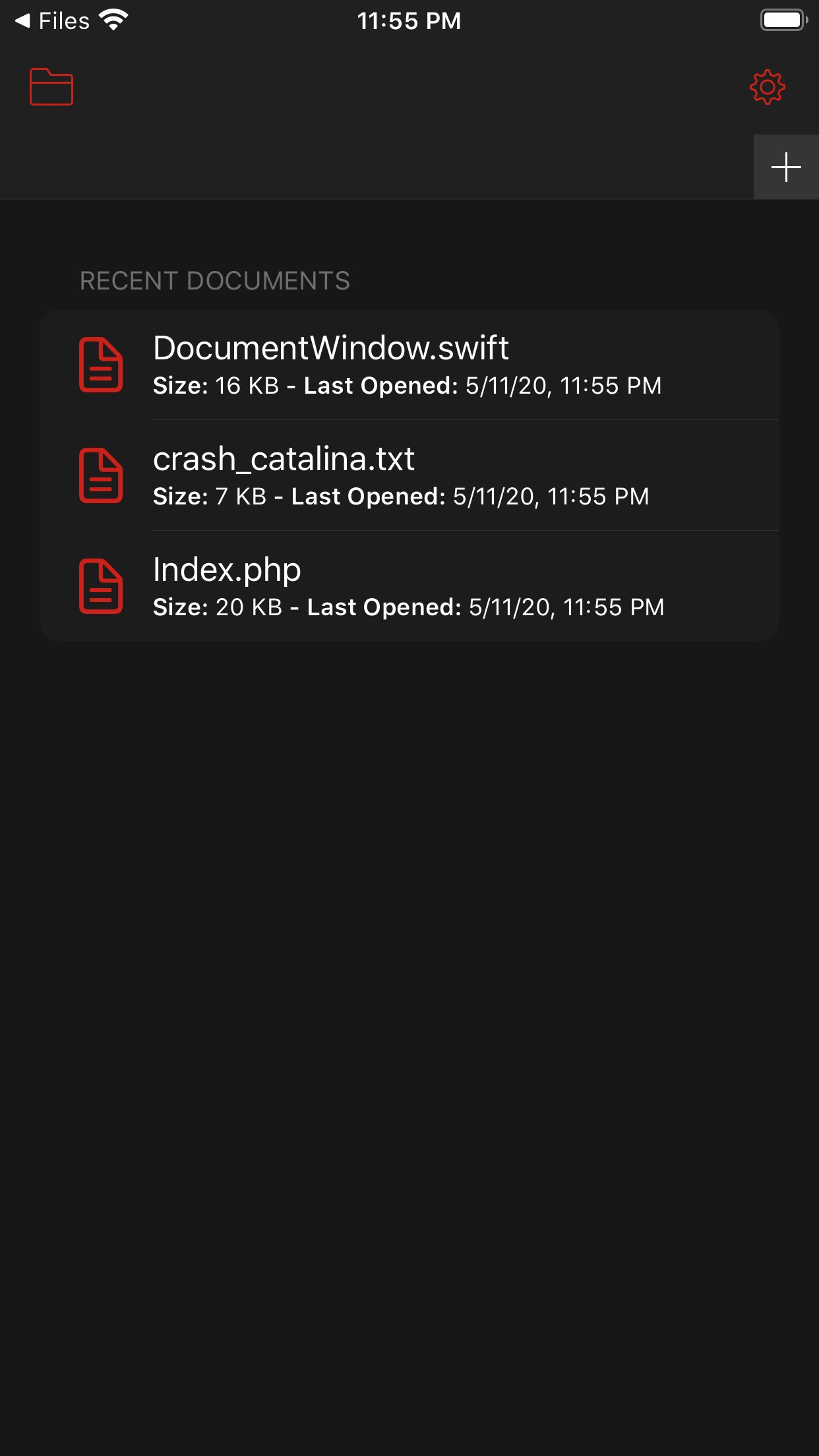
About Kodex
Kodex is an advanced code editor which brings powerful and desktop-class editor features to your iPad or iPhone:
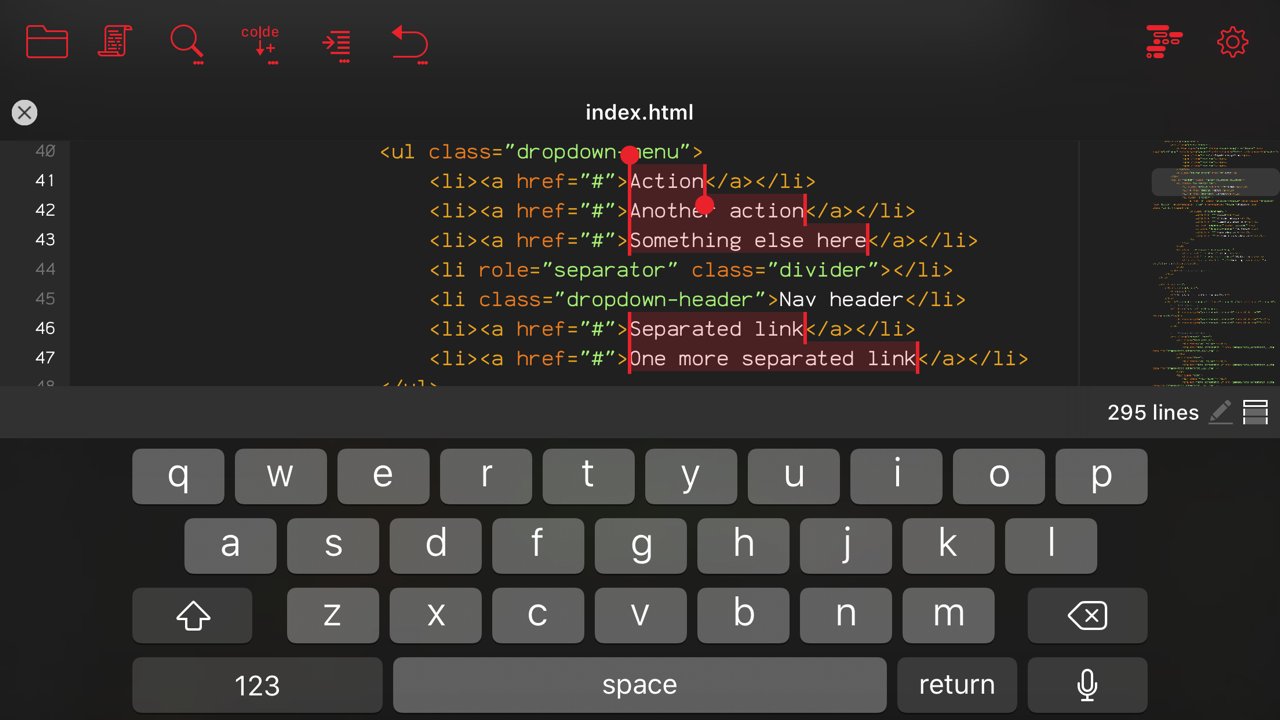
* Multi-caret editing, to quickly transform code selections.
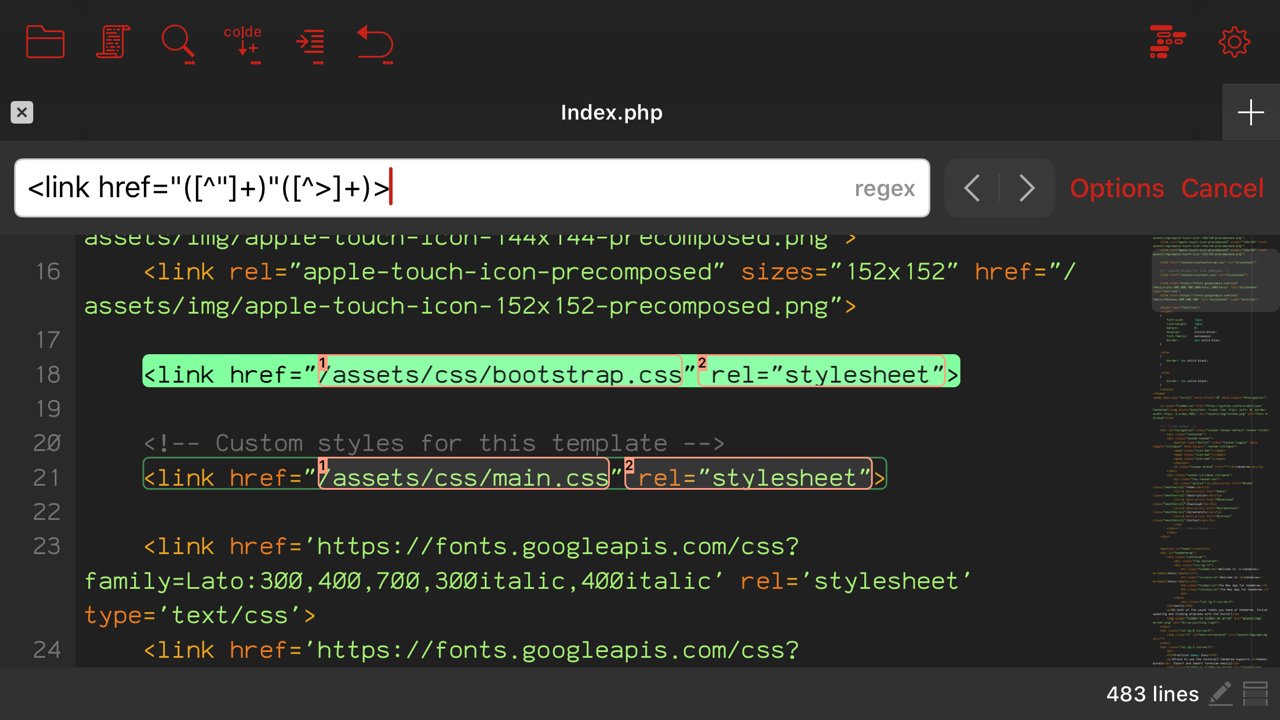
* Regex search and replace, with template matching and replace-all-matches.
* Minimap which allows quick scroll navigation though the document.
* Multiple window support
* Syntax highlighting for over 150 languages.
* Trackpad support with custom gestures to add cursors (ctrl+shift+click).
* Auto complete feature (currently only for HTML).
* Add as many guide columns as you wish (default 80 and 120 characters).
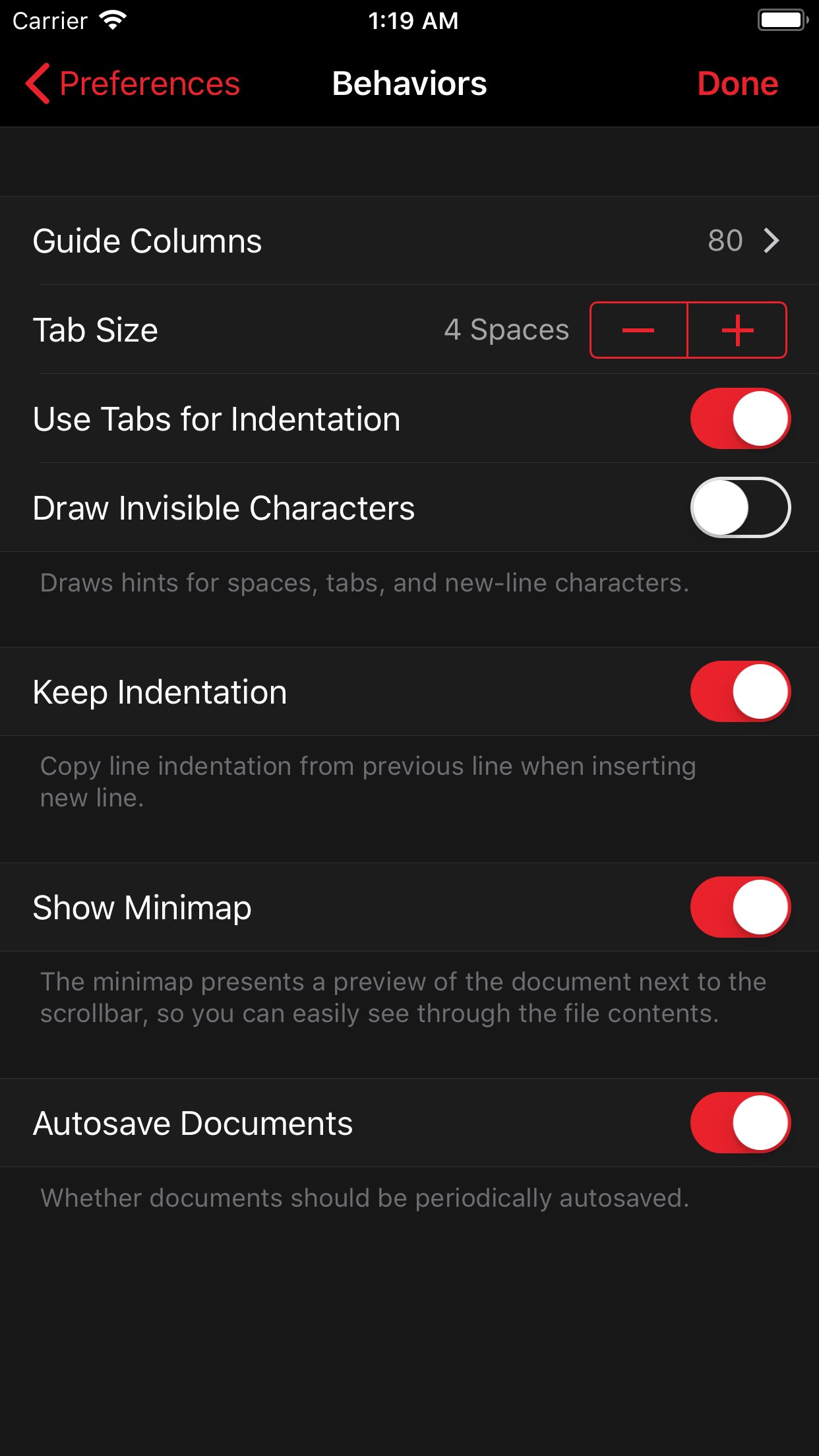
* Configurable tab size (default 4 spaces), or insert spaces when pressing tab.
* Draw hints for invisible characters such as new lines, tabs, and spaces.
* Customizable key bindings, so you can configure Kodex to use the same key combos you are already used to.
* Kodex smartly preserves your open documents so that your work stays as you left it between launches.
* Light and Dark modes.
Kodex is integrated with the Files app, so you can easily open files from any other app, and from your iCloud documents folder.
You can launch Kodex QuickEdit from any file sharing view in any app to edit its contents without launching the main Kodex App (be aware this functionality depends on the host app implementing the sharing activity properly).
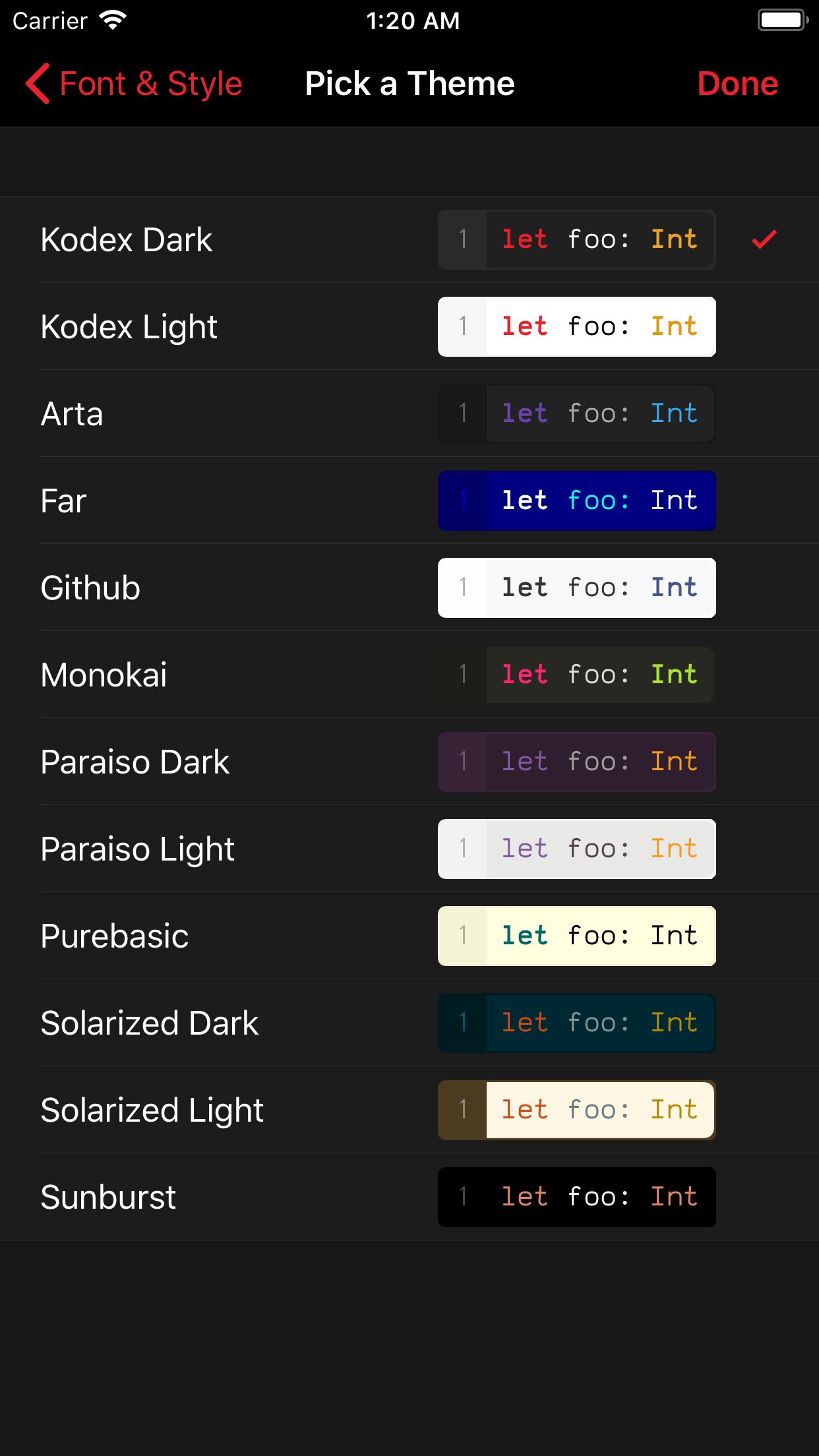
Included are 10 editor themes, and several monospaced fonts for code editing (you can install your own preferred fonts using system profiles). Font size and line spacing are adjustable, so you can configure Kodex to best fit your preferred screen size, arrangement, and orientation.
Kodex is not a compiler, and you can not build or run the code you edit from it. Think of Kodex as a NotePad++ or Sublime Text substitute for iPhone and iPad.
Kodex is currently optimized for external keyboards, such as Apple's Smart Keyboard for the iPad Pro, or any bluetooth/USB keyboard. More virtual keyboard features will be added in a future version.
License: Free
* Multi-caret editing, to quickly transform code selections.
* Regex search and replace, with template matching and replace-all-matches.
* Minimap which allows quick scroll navigation though the document.
* Multiple window support
* Syntax highlighting for over 150 languages.
* Trackpad support with custom gestures to add cursors (ctrl+shift+click).
* Auto complete feature (currently only for HTML).
* Add as many guide columns as you wish (default 80 and 120 characters).
* Configurable tab size (default 4 spaces), or insert spaces when pressing tab.
* Draw hints for invisible characters such as new lines, tabs, and spaces.
* Customizable key bindings, so you can configure Kodex to use the same key combos you are already used to.
* Kodex smartly preserves your open documents so that your work stays as you left it between launches.
* Light and Dark modes.
Kodex is integrated with the Files app, so you can easily open files from any other app, and from your iCloud documents folder.
You can launch Kodex QuickEdit from any file sharing view in any app to edit its contents without launching the main Kodex App (be aware this functionality depends on the host app implementing the sharing activity properly).
Included are 10 editor themes, and several monospaced fonts for code editing (you can install your own preferred fonts using system profiles). Font size and line spacing are adjustable, so you can configure Kodex to best fit your preferred screen size, arrangement, and orientation.
Kodex is not a compiler, and you can not build or run the code you edit from it. Think of Kodex as a NotePad++ or Sublime Text substitute for iPhone and iPad.
Kodex is currently optimized for external keyboards, such as Apple's Smart Keyboard for the iPad Pro, or any bluetooth/USB keyboard. More virtual keyboard features will be added in a future version.
License: Free
| Release info | New Release on Apr 01, 2024 |
|---|---|
| Release notes | Fixes crash on launch. |
| Listing data | App Store |
Reviews
No reviews yet. Be the first to review Kodex.
Used Kodex? Tell other visitors what you thought.
Log in to write a reviewOther products by this publisher
- "No Distractions" for YouTube 4.10 ----
- #Bible 11.6.1 "Incredible App - My sister shared this app with me a few weeks ago and it is truly incredible.
- #filmphotography 1.4.2 So, you decided to shoot on film?
- #LookBusy Fake Calendar Events 1.0.6 Look Busy scans your work calendar for open time slots and fills them with realistic-looking (but secretly fake) work events.
- #Small Talk Is Canceled 1.0.2 #Small Talk Is Canceled — Conversations That Matter
Most viewed iOS Developer Tools
-
1
 ZScripter 14.1.0
ZScripter plays compatible Ren'Py, RealLive, NScripter, (PONS)ONScripter-EN/RU/JH/Yuri, Artemis, Siglus, CatSystem2, Ethornell BGI, N2System (Nitro+), AI5 and UK2 games as well as KiriKiri (+Kirikiroid2 patches), TyranoScript, RPG Maker MV/MZ & XP, …
-
2
 GitHub 1.285.0
There’s a lot you can do on GitHub that doesn’t require a complex development environment – like sharing feedback on a design discussion, or reviewing a few lines of code.
-
3
 Agents Anywhere 2.1.0
Agents Anywhere is a developer tools mobile application for remotely controlling your local computer to complete coding tasks.
-
4
 LocalDevVPN 1.3.0
LocalDevVPN is a developer tool for creating and managing local network tunnels directly on iOS.
-
5
 Shader Playground 1.0
Shader Playground is a powerful real-time shader editor built for iPhone and iPad.
-
6
 Code Workspace 0.9.1
Code Workspace is a free, agent-first development environment for iPad and iPhone.
-
7
 Termius 8.2.0
Termius is a modern SSH client designed for productivity and collaboration.
-
8
 Andarium 1.0
Andarium lets you run an Android virtual machine on your iPhone and iPad—no computer setup, extra downloads, or complicated configuration required.
-
9
 Rulify 1.0.7
Rulify ????? iOS App ????,???????? App ????,???????????????
-
10
 TestFlight 4.4.1
TestFlight makes it easy to test beta versions of apps and App Clips to provide valuable feedback to developers before they release their apps on the App Store.
Most downloaded iOS Developer Tools
-
1
Agents Anywhere 2.1.0
Agents Anywhere is a developer tools mobile application for remotely controlling your local computer to complete coding tasks.
-
2
 a-Shell mini 2.3.2
a-Shell mini is a complete local terminal emulator, allowing to run most Unix commands on you iOS device.
-
3
Rulify 1.0.7
Rulify ????? iOS App ????,???????? App ????,???????????????
-
4
 LadderTouch 2.1.5
LadderTouch is an app to learn the basics of ladder logic, which is a graphical programming language.
-
5
 FSNotes 7.6.1
FSNotes is a fast, modern notes manager for macOS and iOS.
-
6
 Herdy 1.5.1
Herdy puts your remote terminal and long-running coding-agent sessions in your pocket.
-
7
Andarium 1.0
Andarium lets you run an Android virtual machine on your iPhone and iPad—no computer setup, extra downloads, or complicated configuration required.
-
8
 C/C++$-LLVM Clang 2.7
This is a learning tool for efficient C/C++ learning, fast programming, ?(LLVM+Clang)offline compilation and local execution?, Git fetching, iCloud storage, and efficient transfer and sharing via LAN HTTP/FTP multi-point connections.
-
9
 Markdown2PDF 1.0
Easily Convert Markdown to PDF with Markdown2PDF
-
10
LocalDevVPN 1.3.0
LocalDevVPN is a developer tool for creating and managing local network tunnels directly on iOS.