
12downloads
0this week
FreeLicense
0reviews
Screenshots
About Klia Store
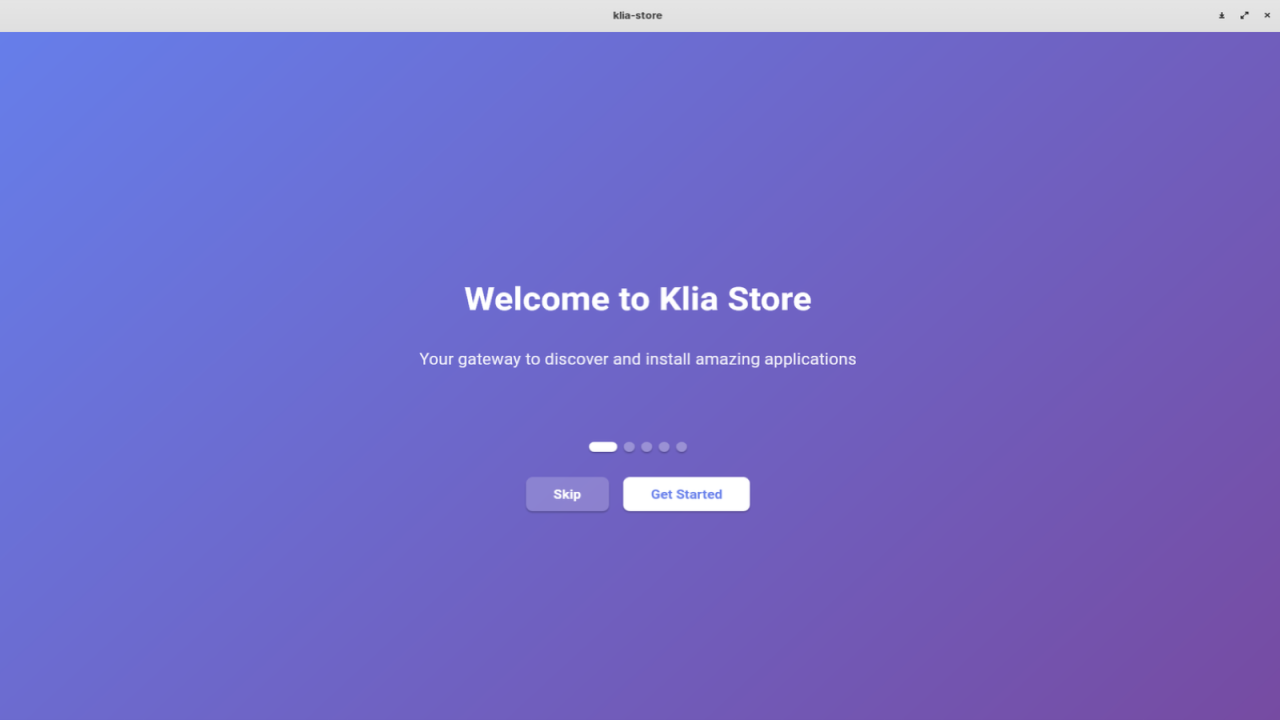
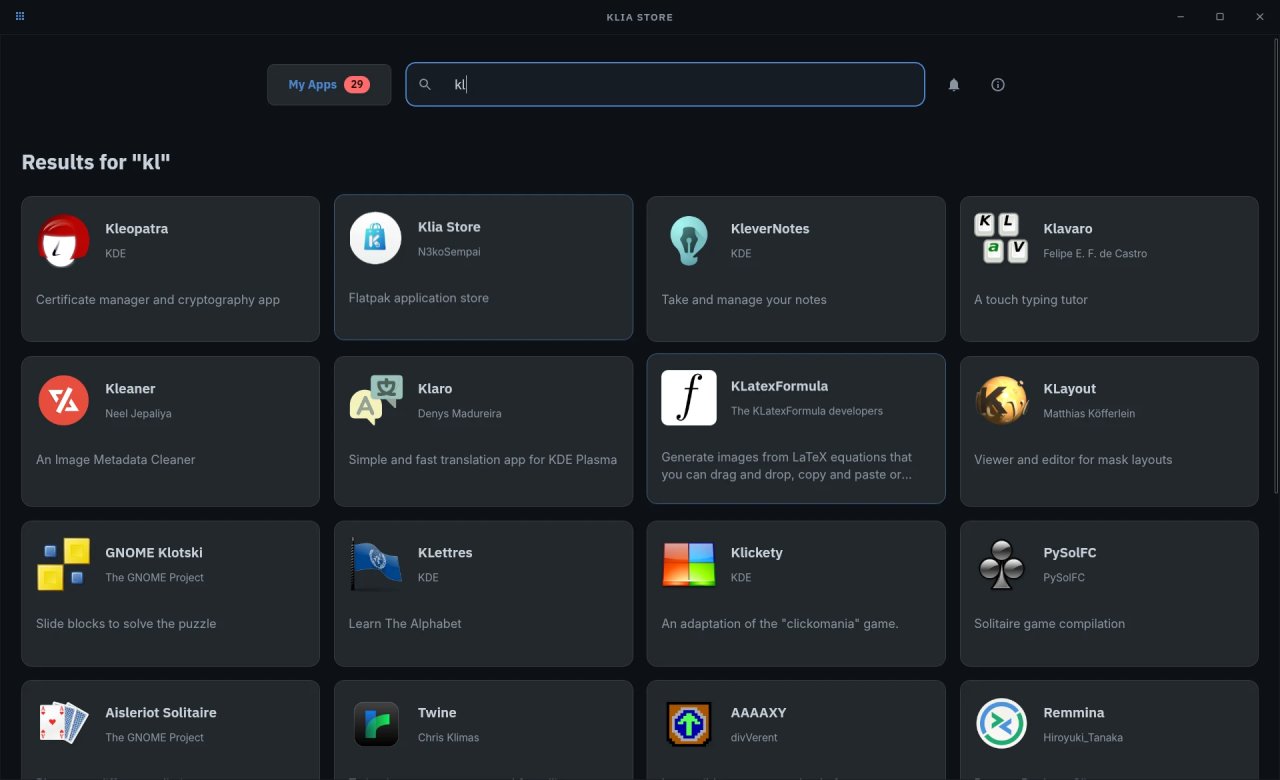
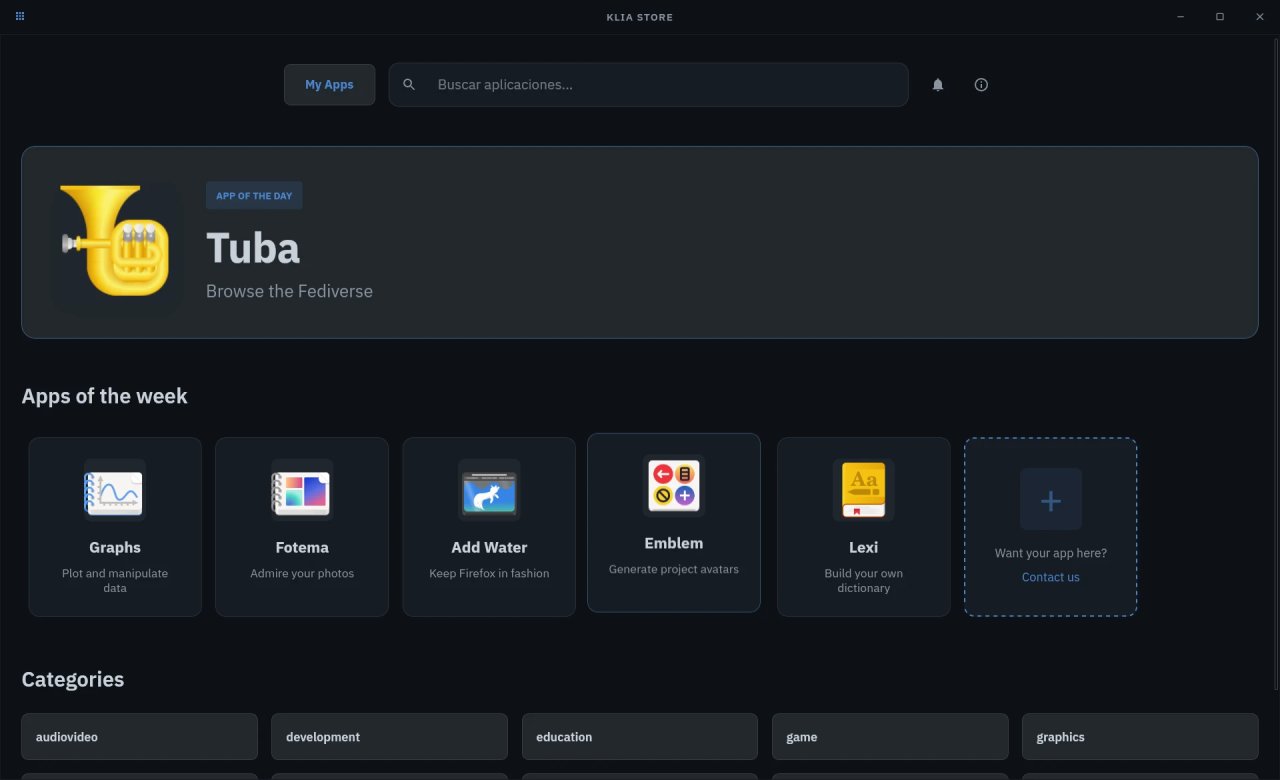
Klia Store is a modern, fast application store built specifically for managing Flatpak applications
on Linux. Beyond browsing and installing apps, it gives you tools to keep your system organized
and under control.
Features:
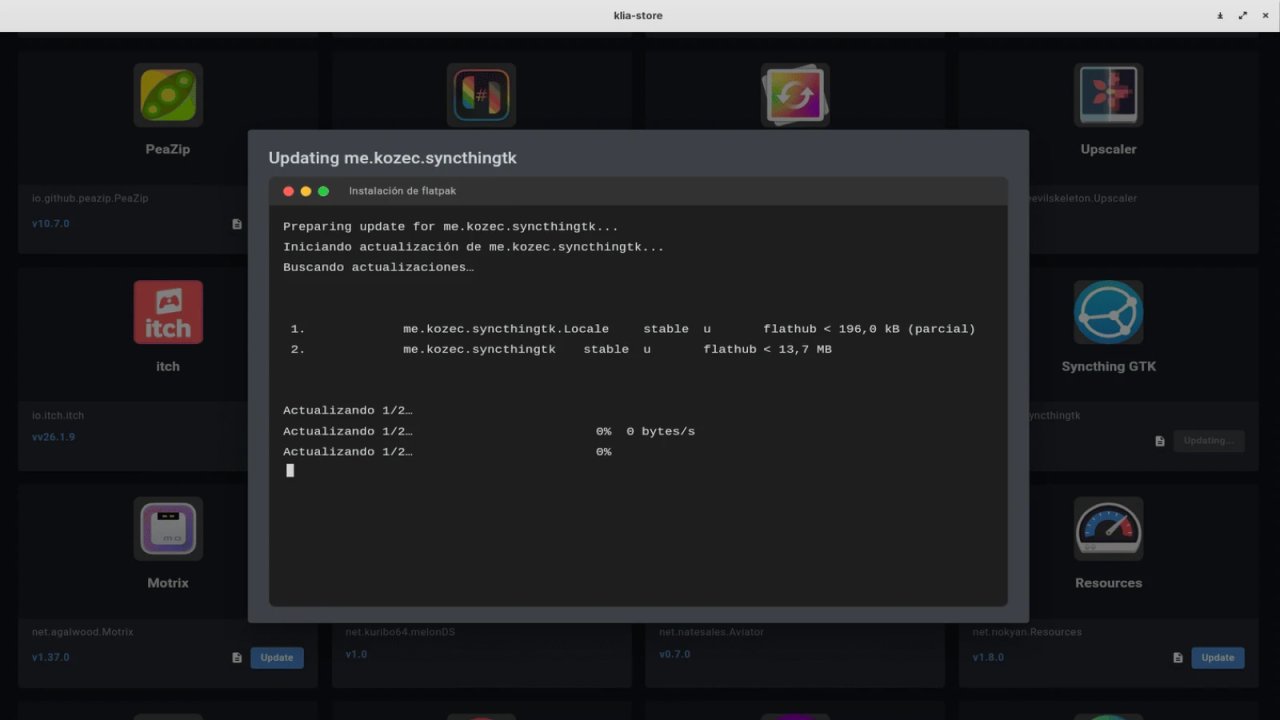
• Browse, install and update Flatpak applications, all from one place
• Back up and restore your installed applications, including their data and runtimes
• Visualize your installed apps and their permissions (storage, camera, file access) in an
interactive view
• Audit installed apps by verifying their source manifest against Flathub, helping protect
against supply-chain tampering
• Review requested permissions and a risk assessment before installing a local .flatpak file
• Inspect a local .deb package before installing it: what it runs as root, what it installs
on your system, and the dependency plan
• Available in multiple languages, with automatic detection of your system language
License: Proprietary
on Linux. Beyond browsing and installing apps, it gives you tools to keep your system organized
and under control.
Features:
• Browse, install and update Flatpak applications, all from one place
• Back up and restore your installed applications, including their data and runtimes
• Visualize your installed apps and their permissions (storage, camera, file access) in an
interactive view
• Audit installed apps by verifying their source manifest against Flathub, helping protect
against supply-chain tampering
• Review requested permissions and a risk assessment before installing a local .flatpak file
• Inspect a local .deb package before installing it: what it runs as root, what it installs
on your system, and the dependency plan
• Available in multiple languages, with automatic detection of your system language
License: Proprietary
| Release info | Update on Nov 17, 2026 |
|---|---|
| Release notes | Klia Store can now install .deb packages that live on your disk, the same way it already installs local .flatpak files. Double-click a .deb in your file manager, or open it with Klia Store, and the app first shows you a review of the package. Nothing is installed until you confirm it. The review is built around what a .deb really is. A Flatpak is sandboxed, so its permissions describe what it can reach; a .deb is not, it can write anywhere on your system and its installation scripts run as root. So instead of a permission list you get what the package will run as root and what it will put on your system: the maintainer scripts (preinst, postinst, prerm, postrm, config, triggers), flagged when their content looks dangerous, the setuid and setgid binaries it ships, and every write to a persistence path such as systemd units, cron jobs, autostart entries, sudoers or polkit rules. The package's identity, installed size and SHA-256 fingerprint are shown alongside. Dependencies are not guessed. "Check dependencies" resolves the package's requirements against your configured repositories with apt, and your desktop asks for the password through its own authentication agent, so Klia Store never sees it. If you cancel the prompt, or your session has no authentication agent, the app says so instead of inventing a plan. When the requirements cannot be satisfied, the failure names the missing pieces rather than echoing apt's raw output. The install itself runs the same apt install your terminal would use, so dependencies are resolved in the same pass. Four situations are refused and keep the Install button disabled: a package built for a different architecture, a package marked Essential, a package from the metapackages section, and any installation whose dependency plan would remove an essential package. Downgrading over a newer installed version is allowed only after you explicitly accept it. All the inspection runs as your user, never as root: the dpkg-deb manual treats… |
| Listing data | Flathub |
Reviews
No reviews yet. Be the first to review Klia Store.
Used Klia Store? Tell other visitors what you thought.
Log in to write a reviewOther products by this publisher
- "No Distractions" for YouTube 4.10 ----
- #Bible 11.6.1 "Incredible App - My sister shared this app with me a few weeks ago and it is truly incredible.
- #filmphotography 1.4.2 So, you decided to shoot on film?
- #LookBusy Fake Calendar Events 1.0.6 Look Busy scans your work calendar for open time slots and fills them with realistic-looking (but secretly fake) work events.
- #Small Talk Is Canceled 1.0.2 #Small Talk Is Canceled — Conversations That Matter
Most viewed Linux System
-
1
 Rclone UI 3.7.5
The GUI for rclone.
-
2
 StreamController 1.5.0-beta.16
Control your Elgato Stream Decks with plugin support
- 3 Calculator 0.1.1-alpha ExpidusOS Calculator
-
4
 Czkawka 12.0.2
Multi functional app to find duplicates, empty folders, similar images, broken files etc.
-
5
 FurMark 2.11.0.4
OpenGL and Vulkan GPU stress test
-
6
 Popsicle 1.3.3
Flash multiple USB devices in parallel
-
7
 RISC-V CPU simulator 0.9.9
RISC-V CPU simulator for education purposes
-
8
 LACT 0.10.1
Control your graphics cards
-
9
 Cutecom 0.51.0
Graphical serial terminal
-
10
 GPU-Viewer 4.05
A front-end to glxinfo, vulkaninfo, clinfo and es2_info
Most downloaded Linux System
-
1
 Contour Terminal Emulator 0.8.0.9335
Contour is a modern and actually fast, modal, virtual terminal emulator, for everyday use
-
2
 ClamUI 0.6.0
GUI for ClamAV
-
3
Rclone UI 3.7.5
The GUI for rclone.
-
4
Popsicle 1.3.3
Flash multiple USB devices in parallel
-
5
RISC-V CPU simulator 0.9.9
RISC-V CPU simulator for education purposes
-
6
GPU-Viewer 4.05
A front-end to glxinfo, vulkaninfo, clinfo and es2_info
-
7
Czkawka 12.0.2
Multi functional app to find duplicates, empty folders, similar images, broken files etc.
-
8
 foot 1.20.2
The fast, lightweight and minimalistic Wayland terminal emulator.
-
9
 CoreX HW Monitor 2.3.1
Real-time hardware monitoring
-
10
 KWalletManager 26.08.3
Store and manage your passwords