KDE Connect 1.37.3
KDE Connect integrates your smartphone and computer
Download
7.02 MB
29downloads
2this week
FreeFreeware
0reviews
Screenshots
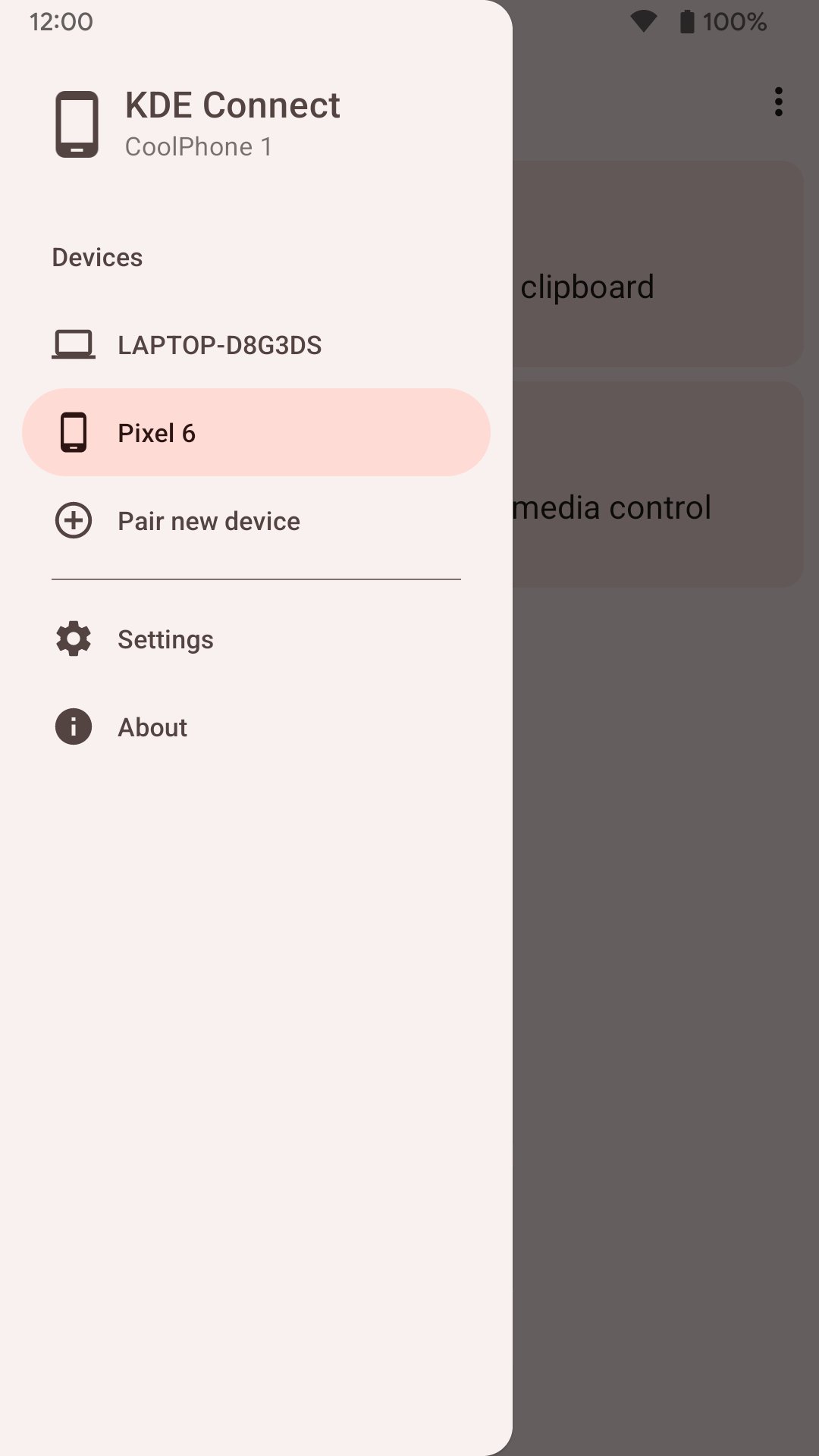
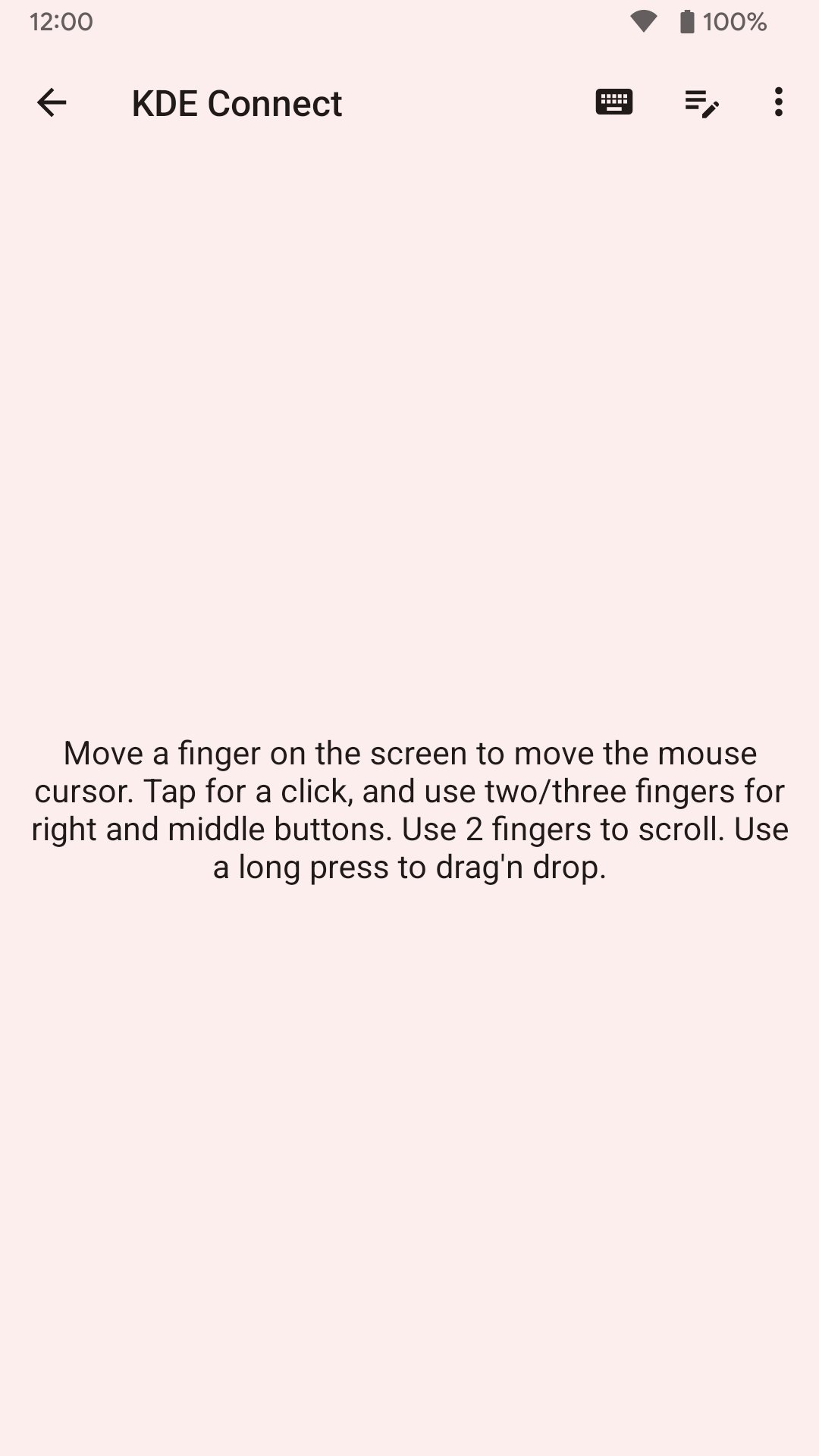
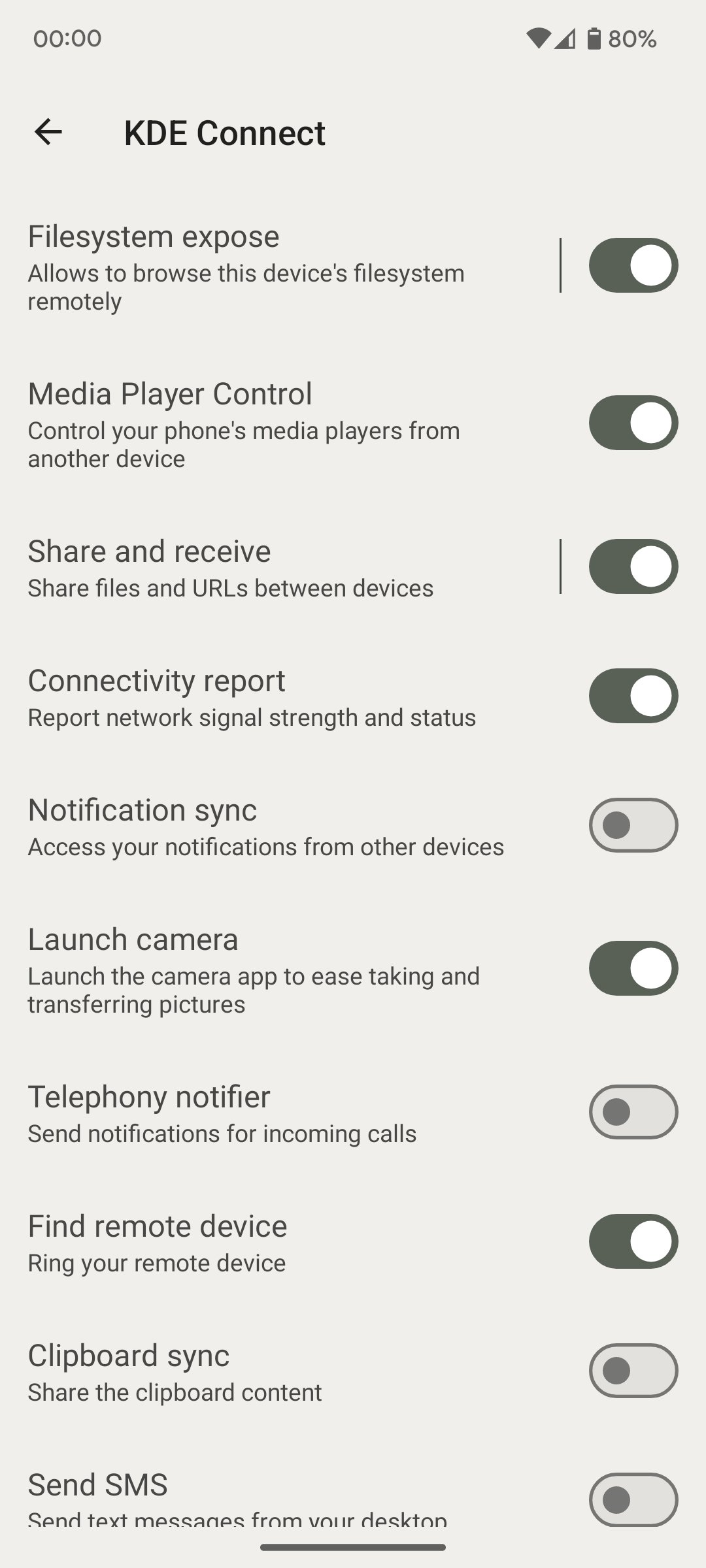
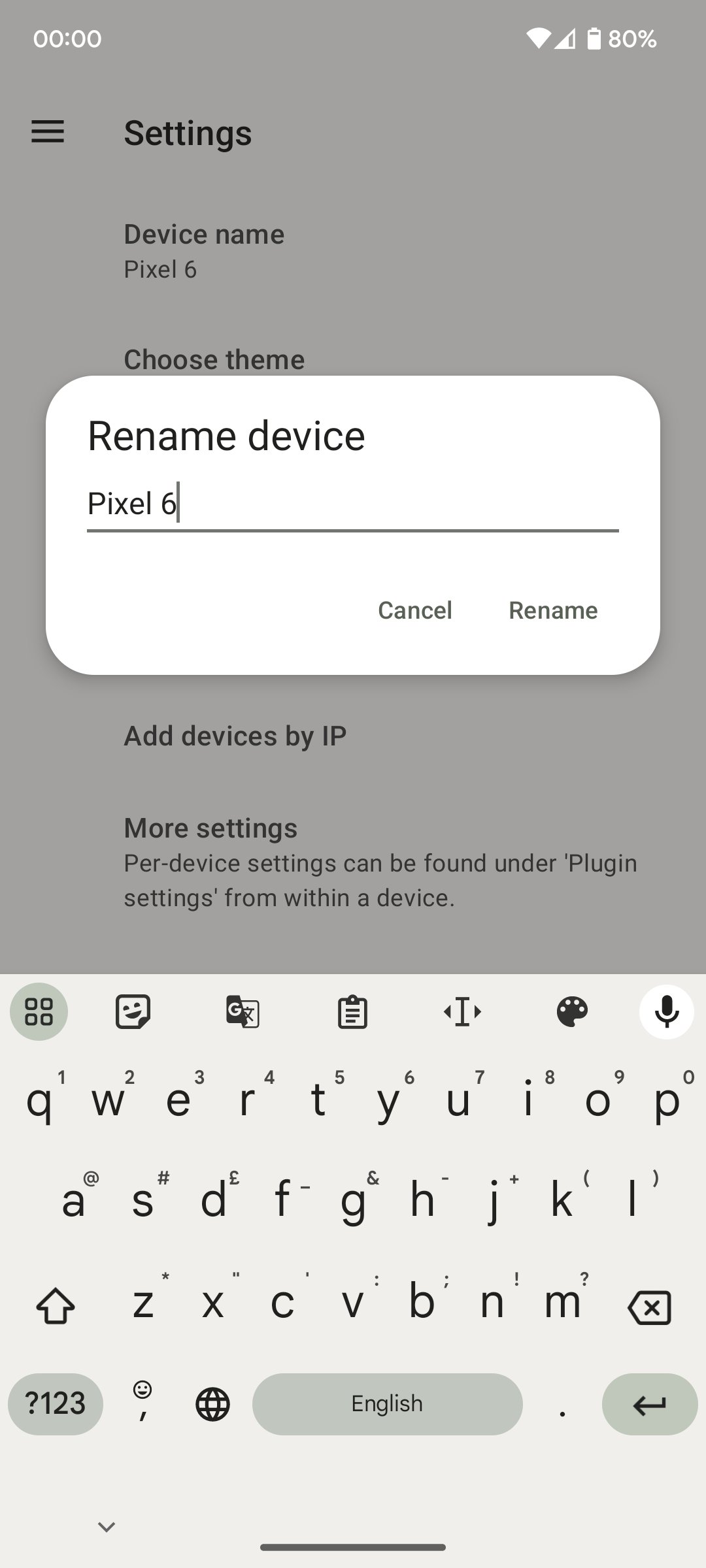
About KDE Connect
KDE Connect provides a set of features to integrate your workflow across devices:
- Transfer files between your devices.
- Access files on your phone from your computer, without wires.
- Shared clipboard: copy and paste between your devices.
- Get notifications for incoming calls and messages on your computer.
- Virtual touchpad: Use your phone screen as your computer's touchpad.
- Notifications sync: Access your phone notifications from your computer and reply to messages.
- Multimedia remote control: Use your phone as a remote for Linux media players.
- WiFi connection: no USB wire or bluetooth needed.
- End-to-end TLS encryption: your information is safe.
Please note you will need to install KDE Connect on your computer for this app to work, and keep the desktop version up-to-date with the Android version for the latest features to work.
Sensitive permissions information:
* Accessibility permission: Required to receive input from another device to control your Android phone, if you use the Remote Input feature.
* Background location permission: Required to know to which WiFi network you are connected to, if you use the Trusted Networks feature.
KDE Connect never sends any information to KDE nor to any third party. KDE Connect sends data from one device to the other directly using the local network, never through the internet, and using end to end encryption.
This app is part of an open source project and it exists thanks to all the people who contributed to it. Visit the website to grab the source code.
License: GPL-3.0-only
| Release info | Update on Nov 17, 2026 |
|---|---|
| Release notes | 1.37.3: - Fix some rare crashes 1.37.2: - Fix some notifications not being synced - Fix volume controls disappearing - Improve device reconnection - Add zoom controls to presentation remote 1.37.0: - No new features added, but this version ships lots of internal changes. Please report any issues you find! |
| Listing data | F-Droid |
Reviews
No reviews yet. Be the first to review KDE Connect.
Used KDE Connect? Tell other visitors what you thought.
Log in to write a reviewOther products by this publisher
- "No Distractions" for YouTube 4.10 ----
- #Bible 11.6.1 "Incredible App - My sister shared this app with me a few weeks ago and it is truly incredible.
- #filmphotography 1.4.2 So, you decided to shoot on film?
- #LookBusy Fake Calendar Events 1.0.6 Look Busy scans your work calendar for open time slots and fills them with realistic-looking (but secretly fake) work events.
- #Small Talk Is Canceled 1.0.2 #Small Talk Is Canceled — Conversations That Matter
Most viewed Android File Transfer
-
1
 Daak 0.1.5
Send files and text between your own devices over Wi-Fi. No account.
-
2
 PageDrop 0.9.8
Find books and send them to your jailbroken Kindle over Wi-Fi
- 3 croc-app 6.1.0 Modern client for croc, easily and securely send files and text
- 4 KDE Connect 1.37.3 KDE Connect integrates your smartphone and computer
- 5 FTPS Server 2026.11.13 Run a secure FTP server and share files on your local network, with no ads.
-
6
 Swap 1.1.0
Share files on LAN from Android to any browser
- 7 croc 11.5.2 Easily and securely send things from one computer to another
- 8 crocson 1.11.77 Easily and securely send things from one computer to another
- 9 Custom Uploader 2.1.2 Upload files to a file host of your choice
-
10
 OnionDrop 1.0.2
Private file sharing directly over Tor
Most downloaded Android File Transfer
-
1
Daak 0.1.5
Send files and text between your own devices over Wi-Fi. No account.
-
2
PageDrop 0.9.8
Find books and send them to your jailbroken Kindle over Wi-Fi
- 3 FTPS Server 2026.11.13 Run a secure FTP server and share files on your local network, with no ads.
-
4
 RelayPony 4.0.1
Send files phone to phone, encrypted end to end. No account, no cloud, no ads.
-
5
 ToFShare 1.0.22
ToFShare FileShare via Tox
- 6 croc-app 6.1.0 Modern client for croc, easily and securely send files and text
- 7 LinxShare 1.666 Share images on your device with others through your self-hosted linx server
-
8
Swap 1.1.0
Share files on LAN from Android to any browser
- 9 crocson 1.11.77 Easily and securely send things from one computer to another
-
10
OnionDrop 1.0.2
Private file sharing directly over Tor