
Daak 0.1.5
Send files and text between your own devices over Wi-Fi. No account.
Download
29.89 MB · daak-0.1.5-universal.apk
26downloads
2this week
FreeFreeware
0reviews
Screenshots
About Daak
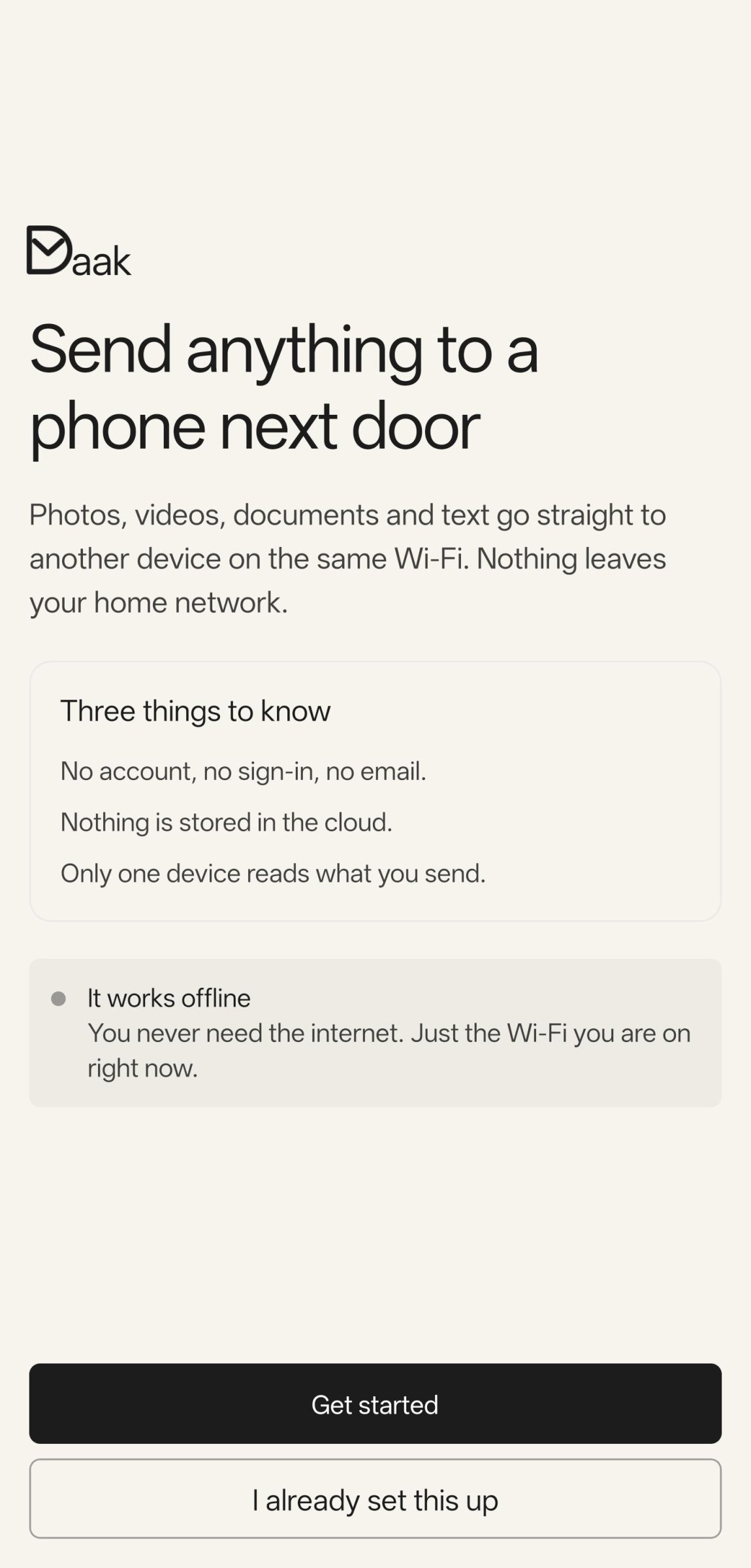
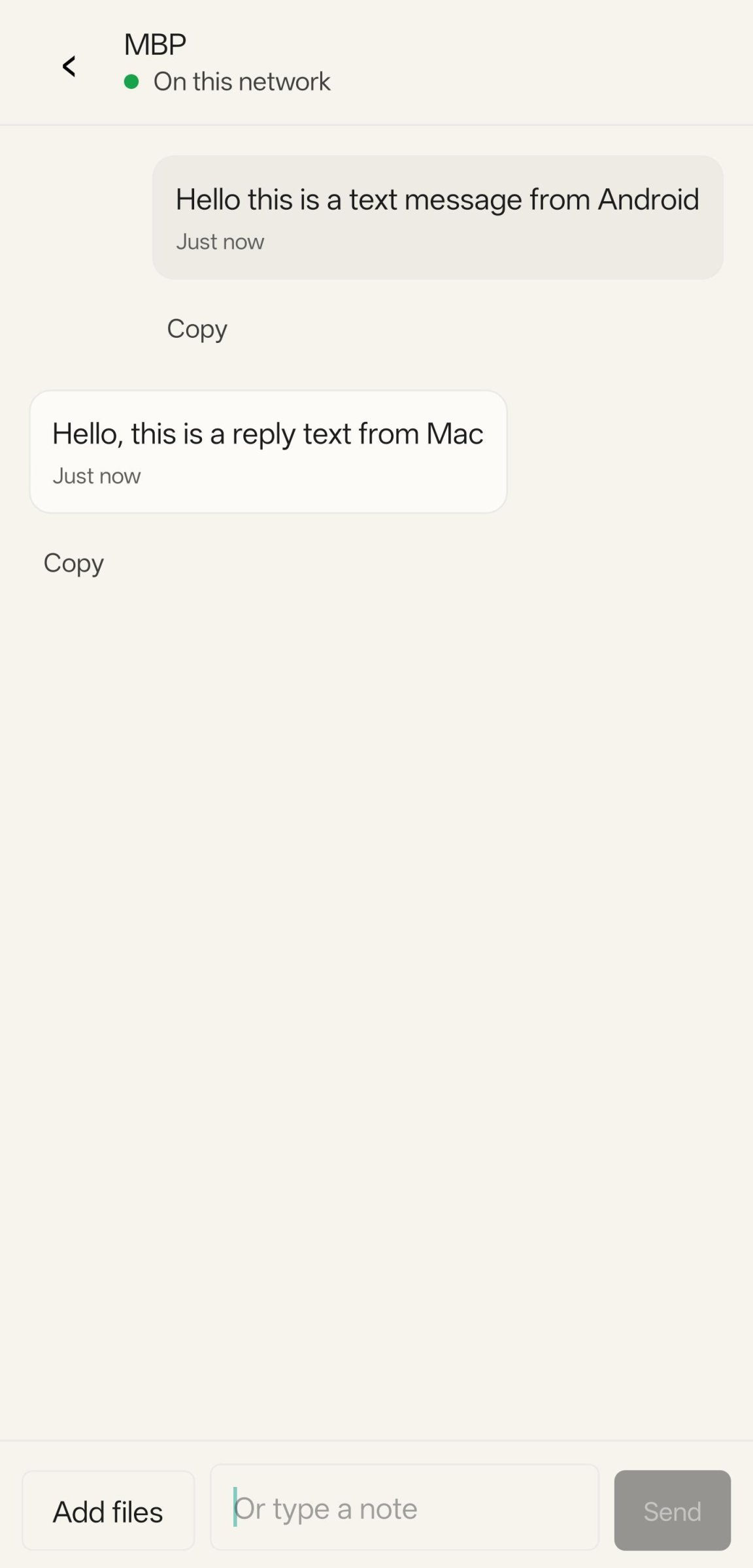
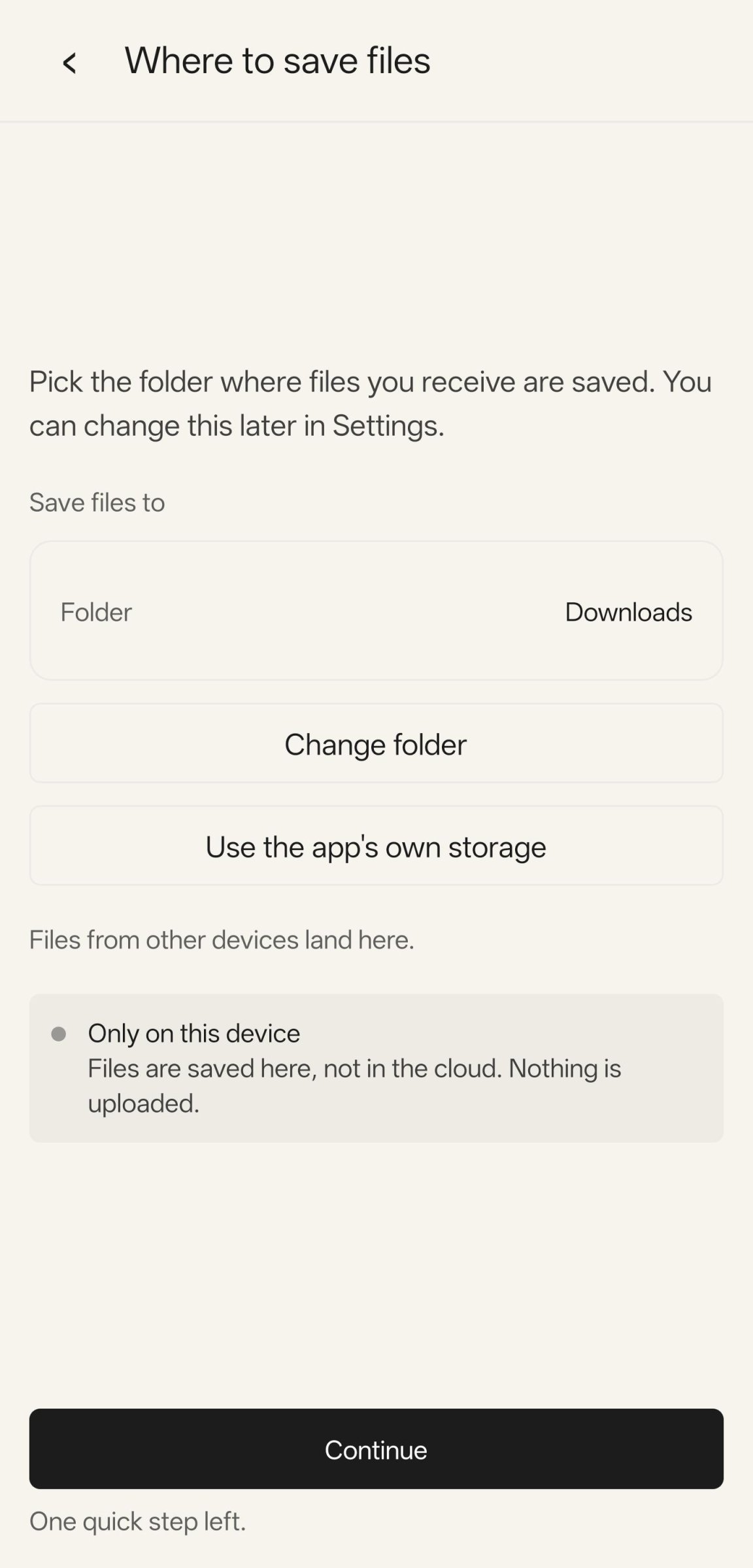
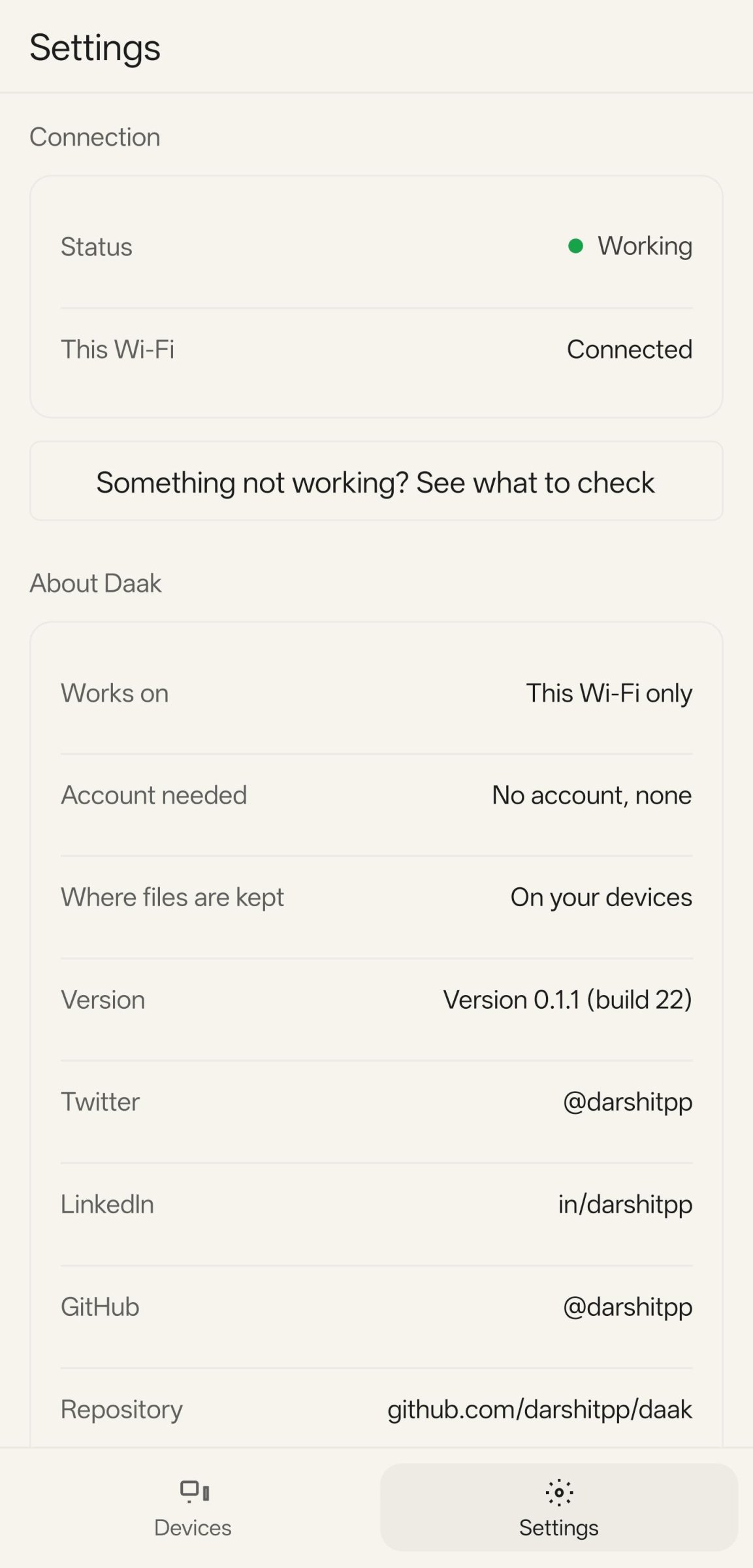
Daak (???, "post") moves photos, files, and text between your own devices over your local network. Nothing goes through the internet. Nothing goes through a server. You do not create an account.
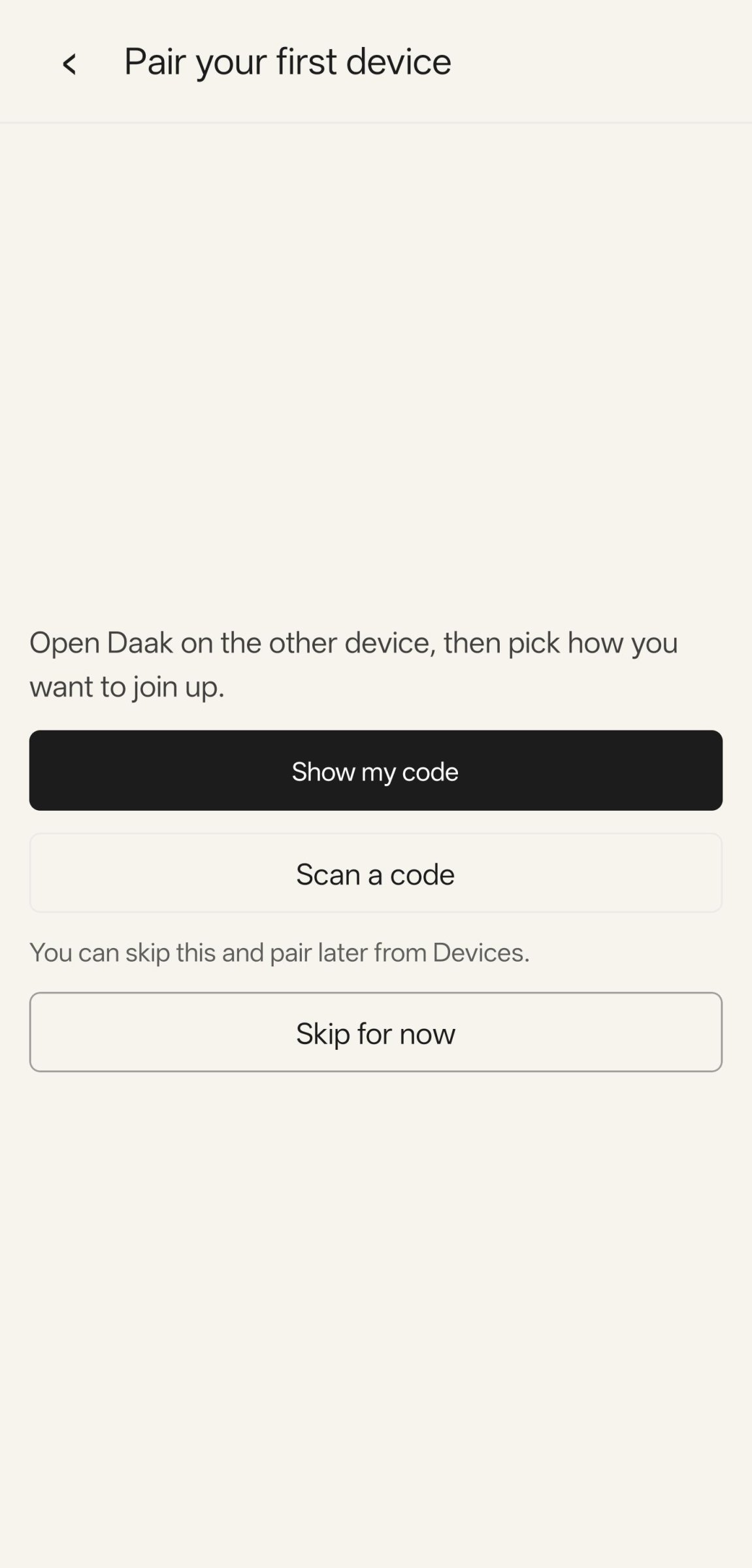
Pair two devices once. Scan a QR code and check that both screens show the same number. After that, pick an item and send it.
Features
o End-to-end encryption between paired devices.
o Local network only. No account and no internet relay.
o Files of any size. Daak sends 1 MiB chunks, so memory use stays low.
o Send text and photos as well as files.
o Works with Daak on macOS and iOS.
Permissions
o Camera: scan the QR code when you pair a device.
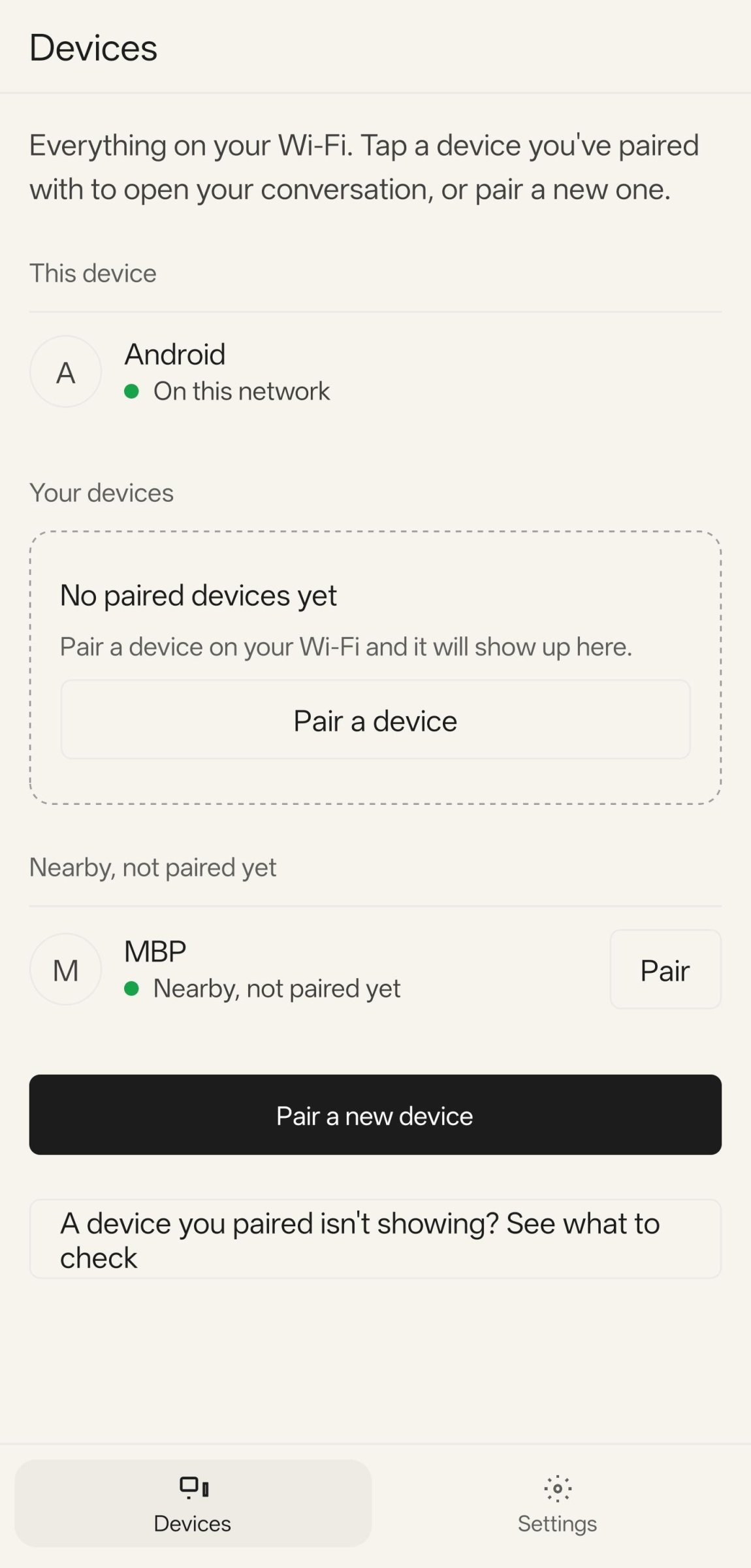
o Local network and Wi-Fi multicast: find your paired devices.
o Notifications: show the result of a transfer.
Daak receives files only while the app is running.
License: Apache-2.0
Pair two devices once. Scan a QR code and check that both screens show the same number. After that, pick an item and send it.
Features
o End-to-end encryption between paired devices.
o Local network only. No account and no internet relay.
o Files of any size. Daak sends 1 MiB chunks, so memory use stays low.
o Send text and photos as well as files.
o Works with Daak on macOS and iOS.
Permissions
o Camera: scan the QR code when you pair a device.
o Local network and Wi-Fi multicast: find your paired devices.
o Notifications: show the result of a transfer.
Daak receives files only while the app is running.
License: Apache-2.0
| Release info | Update on Nov 04, 2026 |
|---|---|
| Release notes | This release adds folder transfers, a speed display, and a faster send. It also adds a Report an issue button with a local, in-memory log. Android New • Send and receive whole folders. A folder arrives as a folder, with the same tree. The thread shows one row for the folder, with Retry for each file. • Photos and videos in a folder go to the Gallery. Other files stay together in a folder. • A name that exists gets a -1 or -2 suffix. • The transfer screen shows the speed and the time left. • Settings has a Report an issue button. It copies the recent log to the clipboard and opens the GitHub new-issue page. The log stays in memory. The app writes no log to the disk. Changed • The receiver never writes into a file that it did not create. A send fails when a source file changes during the send. • A send overlaps reading, encrypting, and writing. A transfer is faster when the disk or the CPU limits it. On a slow Wi-Fi link the network still limits the speed. iOS New • Folder transfers, the speed display, and Report an issue. These are the same as on Android. Photos and videos in a folder go to Photos. Fixed • The arrival banner plays the default sound. macOS New • Folder transfers, the speed display, and Report an issue. These are the same as on Android. • Send with Daak is an entry in the Finder Services menu. Right-click a file or a folder in Finder, then choose Services, then Send with Daak. Daak opens with the files attached and asks for a device. A tap on a device sends at once. Cancel stops a send that is running. Fixed • The arrival banner plays the default sound. Update both devices 0.1.4 and 0.1.5 use the same protocol major version, so they still connect. Rebuilding a folder and the resume of missing chunks need 0.1.5 on both devices. Known limits • The macOS app is not notarized. Run xattr -dr com.apple.quarantine /Applications/Daak.app once. • The speed gain depends on the device. A measurement on a real network is not done yet. Full… |
| Listing data | F-Droid |
Reviews
No reviews yet. Be the first to review Daak.
Used Daak? Tell other visitors what you thought.
Log in to write a reviewOther products by this publisher
- "No Distractions" for YouTube 4.10 ----
- #Bible 11.6 "Incredible App - My sister shared this app with me a few weeks ago and it is truly incredible.
- #filmphotography 1.4.2 So, you decided to shoot on film?
- $quirrel 1.5.1 $quirrel Budget & Finance helps you plan each paycheck, track spending, manage debt, and see what is safe to spend before the next payday.
- % Percentage Calculator Pro 1.41 This is the Pro version of % Percentage Calculator.
Most viewed Android File Transfer
-
1
 Swap 1.1.0
Share files on LAN from Android to any browser
- 2 croc 11.5.2 Easily and securely send things from one computer to another
- 3 croc-app 6.1.0 Modern client for croc, easily and securely send files and text
- 4 crocson 1.11.77 Easily and securely send things from one computer to another
- 5 Destiny 1.0.3 Send files with end-to-end encryption without revealing your identity
- 6 FTPS Server 2026.11.03 Run a secure FTP server and share files on your local network, with no ads.
- 7 LocalShare 0.2.10 Simple local file sharing via a built-in HTTP server.
- 8 LinxShare 1.666 Share images on your device with others through your self-hosted linx server
-
9
 MyShare 1.78
Upload photos and documents to a server on user request
-
10
 OnionDrop 1.0.2
Private file sharing directly over Tor
Most downloaded Android File Transfer
- 1 FTPS Server 2026.11.03 Run a secure FTP server and share files on your local network, with no ads.
-
2
 RelayPony 4.0.0
Send files phone to phone, encrypted end to end. No account, no cloud, no ads.
- 3 croc-app 6.1.0 Modern client for croc, easily and securely send files and text
-
4
 PageDrop 0.9.8
Find books and send them to your jailbroken Kindle over Wi-Fi
-
5
Swap 1.1.0
Share files on LAN from Android to any browser
-
6
 ToFShare 1.0.22
ToFShare FileShare via Tox
- 7 LinxShare 1.666 Share images on your device with others through your self-hosted linx server
-
8
 Sshd4a 1.13.2
An 'sshd' server with shell access, rsync and scp/sftp services.
-
9
OnionDrop 1.0.2
Private file sharing directly over Tor
-
10
Daak 0.1.5
Send files and text between your own devices over Wi-Fi. No account.