
18downloads
1this week
FreeFreeware
0reviews
Screenshots
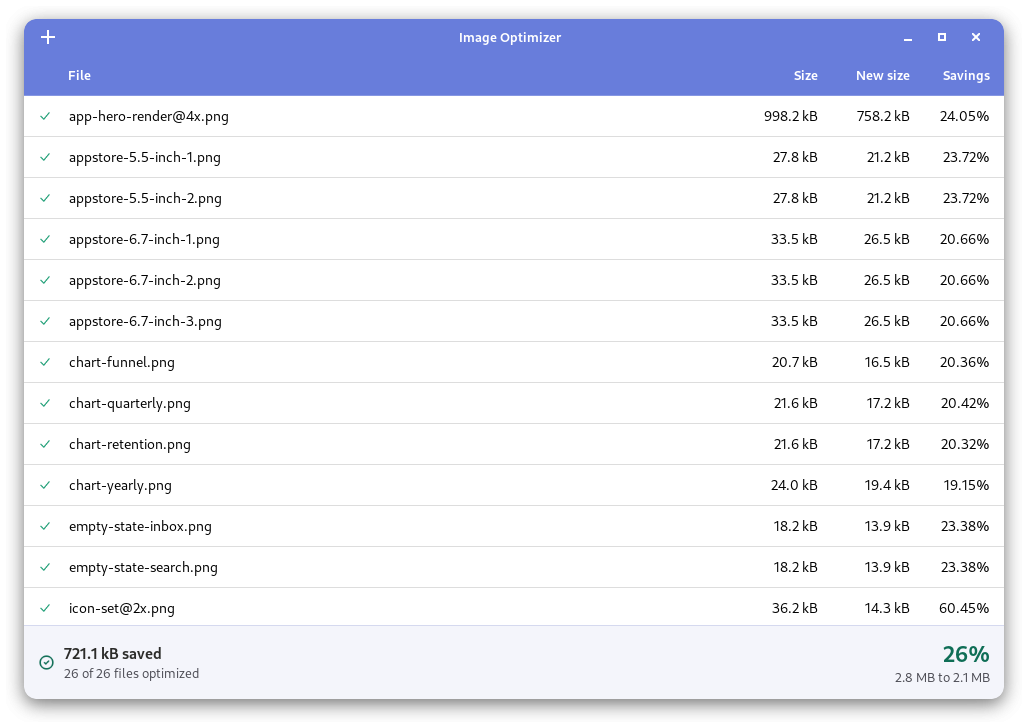
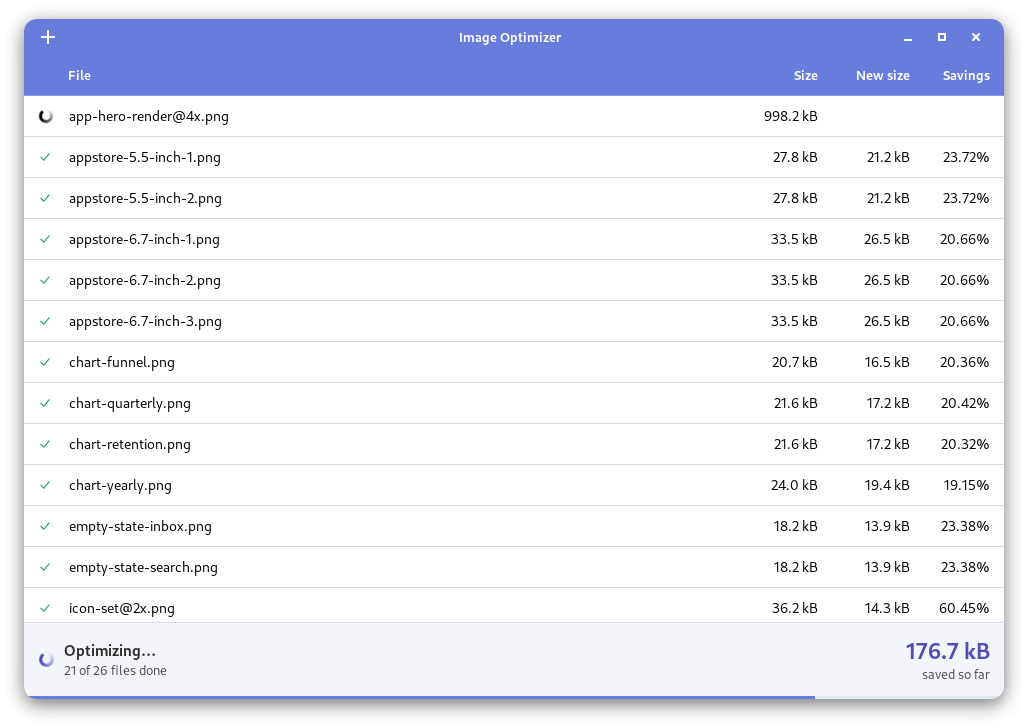
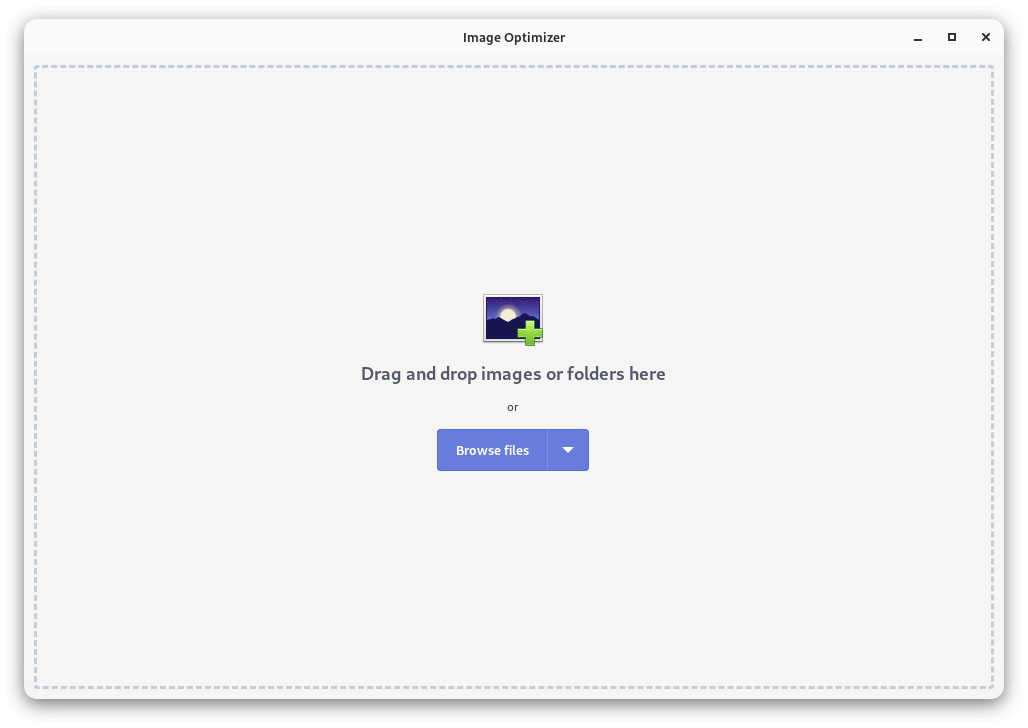
About Image Optimizer
Image Optimizer makes PNG and JPEG files smaller without changing how they look. It rewrites the files you pick in place, so the file you selected is the one that gets smaller.
The compression is lossless, which means the pixels come out identical and nothing is re-encoded at a lower quality. What comes off is whatever the encoder left on the table, so screenshots and interface images usually gain the most and photos straight out of a camera the least.
Features:
• Compress PNG and JPEG images without losing quality
• Optimize a whole batch at once, several files at a time
• Works offline, with no account and nothing uploaded
• Keeps the colour profile and the orientation, so images still look the way they did
• Keeps modification times, so a library sorted by date stays in order
• Quit quickly by pressing Ctrl + Q
License: MIT
| Release info | New Release on Sep 15, 2026 |
|---|---|
| Release notes | • A whole folder can be handed to Image Optimizer now. Drop it on the window, choose it from the button, or right click it in Files and open it here. Everything under it is included, subfolders as well • A folder is looked through first and then waits. The bar says how many images were found and how many folders were looked in, and nothing is touched until you press Optimize. Images you pick by name still start straight away, as they always did • Files in a folder that are not images are counted rather than listed, so twenty images do not disappear under four hundred documents. Hidden folders are skipped, and so is anything behind a symbolic link • Images found in a folder are listed by their path under it, so two files with the same name in different subfolders are two different rows • Adding images and adding a folder are one button now, on the welcome screen and in the title bar, instead of two buttons asking the same question • PNG and JPEG go through one optimizer now, and both come out smaller than before. Measured over ten images, the average saving on a PNG went from 10.6 percent to 17.6 percent, and on a JPEG from 3.3 percent to 5.9 percent. PNG images are optimized faster than they were as well • The bar across the top of the window is painted by the app now, so it looks the same on every desktop instead of taking on whatever the installed theme wanted it to be • Fixed a line appearing between the title bar and the column headings above the list |
| Related tags | compress compressor shrink |
| Listing data | Flathub |
Reviews
No reviews yet. Be the first to review Image Optimizer.
Used Image Optimizer? Tell other visitors what you thought.
Log in to write a reviewOther products by this publisher
- "No Distractions" for YouTube 4.10 ----
- #Bible 11.6.1 "Incredible App - My sister shared this app with me a few weeks ago and it is truly incredible.
- #filmphotography 1.4.2 So, you decided to shoot on film?
- #LookBusy Fake Calendar Events 1.0.6 Look Busy scans your work calendar for open time slots and fills them with realistic-looking (but secretly fake) work events.
- #Small Talk Is Canceled 1.0.2 #Small Talk Is Canceled — Conversations That Matter
Most viewed Linux Graphics
-
1
 CalibRaw 1.5.1
Develop RAW photos with non-destructive editing
- 2 Geotagging 0.7.8 Geo-sync your photos easily
- 3 LibreSprite 1.3 Animated sprite editor and pixel art tool
-
4
 LibreCAD 2.2.1.6
2D Computer Aided Design (CAD)
-
5
 Bambu Studio 2.9.2 Public Release
Get perfect 3D prints!
-
6
 PpdEditor 0.1.2_1
2D paper doll editor
-
7
 Geeqie 3.4
A lightweight image viewer
-
8
 GrafX2 2.9
A bitmap paint program specialized in 256 color drawing
-
9
 Fotema 2.5.2
Admire your photos
-
10
 TextSnatcher 2.0.0
Snatch Text with just a Drag
Most downloaded Linux Graphics
-
1
CalibRaw 1.5.1
Develop RAW photos with non-destructive editing
- 2 Cosmic Comics 3.2.0 Read Comics, Manga and Ebooks the easy way
-
3
 4KWALL 2026.11.3
Set 4K, HD and live wallpapers for your desktop background
- 4 Mapollage 26.03 Create KML files from geotagged photos
-
5
PpdEditor 0.1.2_1
2D paper doll editor
- 6 Mapiah 1.0.2 User friendly multiplatform Therion map editor
-
7
 Seamly2D v2026.11.23.131
Sewing pattern design software
-
8
 Fontmatrix 1.0.1
Organise, inspect and compare your fonts
-
9
 Oculante 0.9.6
A fast and simple image viewer/editor
-
10
 Image Compare 1.4.3
Compare images side by side