
Hitspace 1.2.0
Hitspace renders code, Markdown, and JSON beautifully — right on your iPhone, fully offline.
Download
2.03 MB
5downloads
4this week
FreeCommercial
0reviews
Screenshots
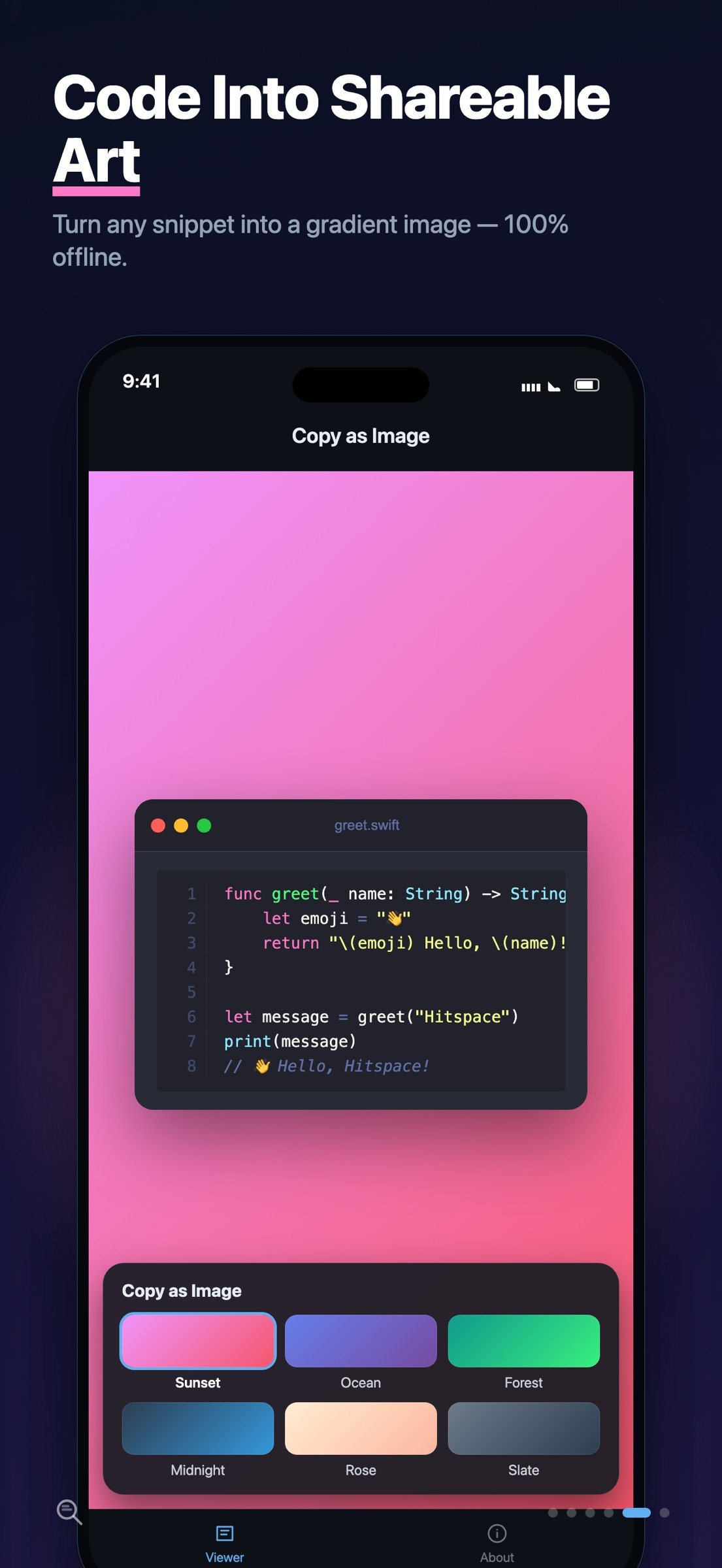
About Hitspace
Hitspace renders code, Markdown, and JSON beautifully — right on your iPhone, fully offline. Open a file or paste from your clipboard to instantly preview it with syntax highlighting, formatted Markdown, and interactive collapsible JSON trees.
VIEWER
Open any code, Markdown, or JSON file with the built-in file picker, or tap a bundled sample to see it render instantly. Your recently opened files are saved for quick access.
PASTE & PREVIEW
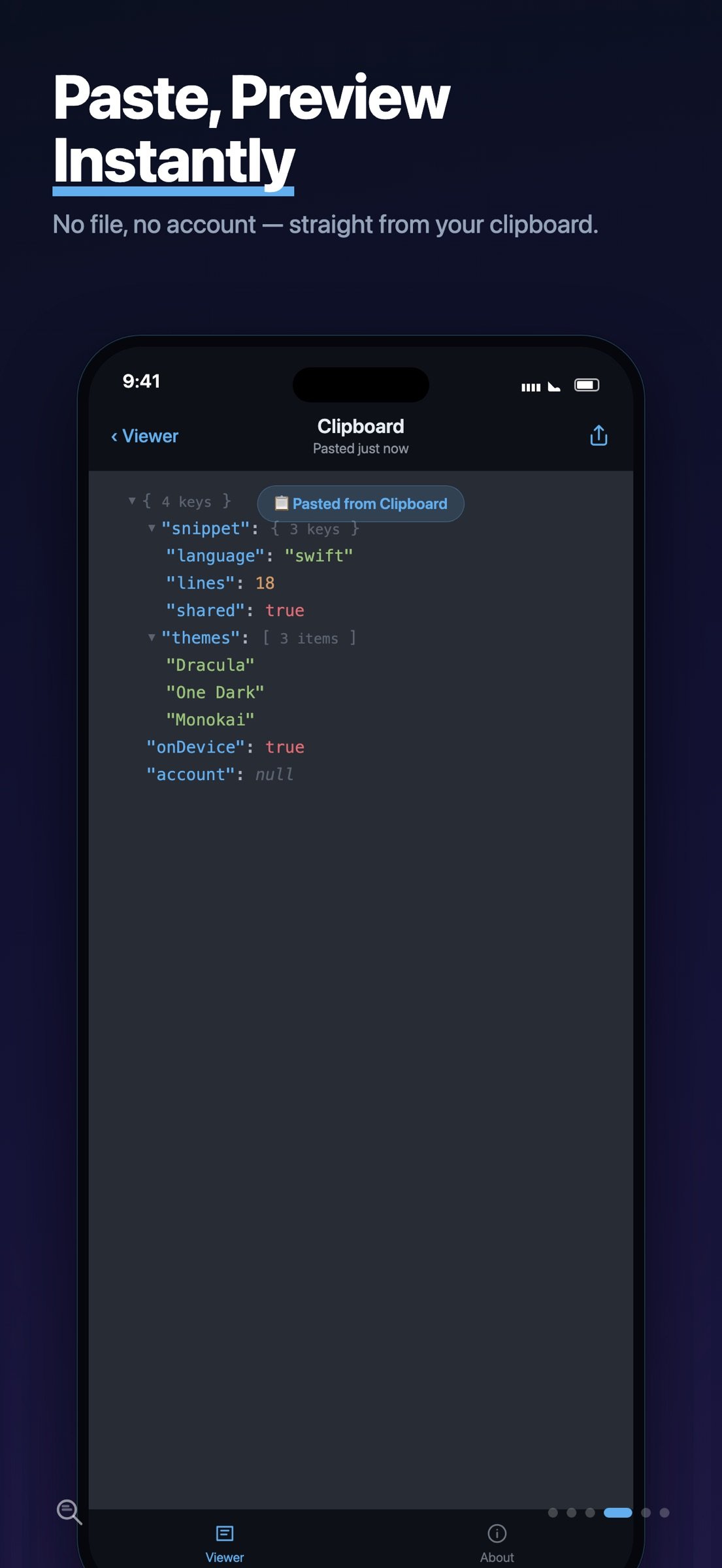
Copy code, Markdown, or JSON from any app, then paste it into Hitspace to preview how it renders — no file needed. Perfect for checking formatting before you commit.
COPY AS IMAGE
Turn any snippet into a gorgeous, shareable code screenshot with six gradient backgrounds. Great for pull requests, docs, and posting to X or Slack.
SHARE EXTENSION
Share text or files from any app to Hitspace for an instant preview.
SUPPORTED FORMATS
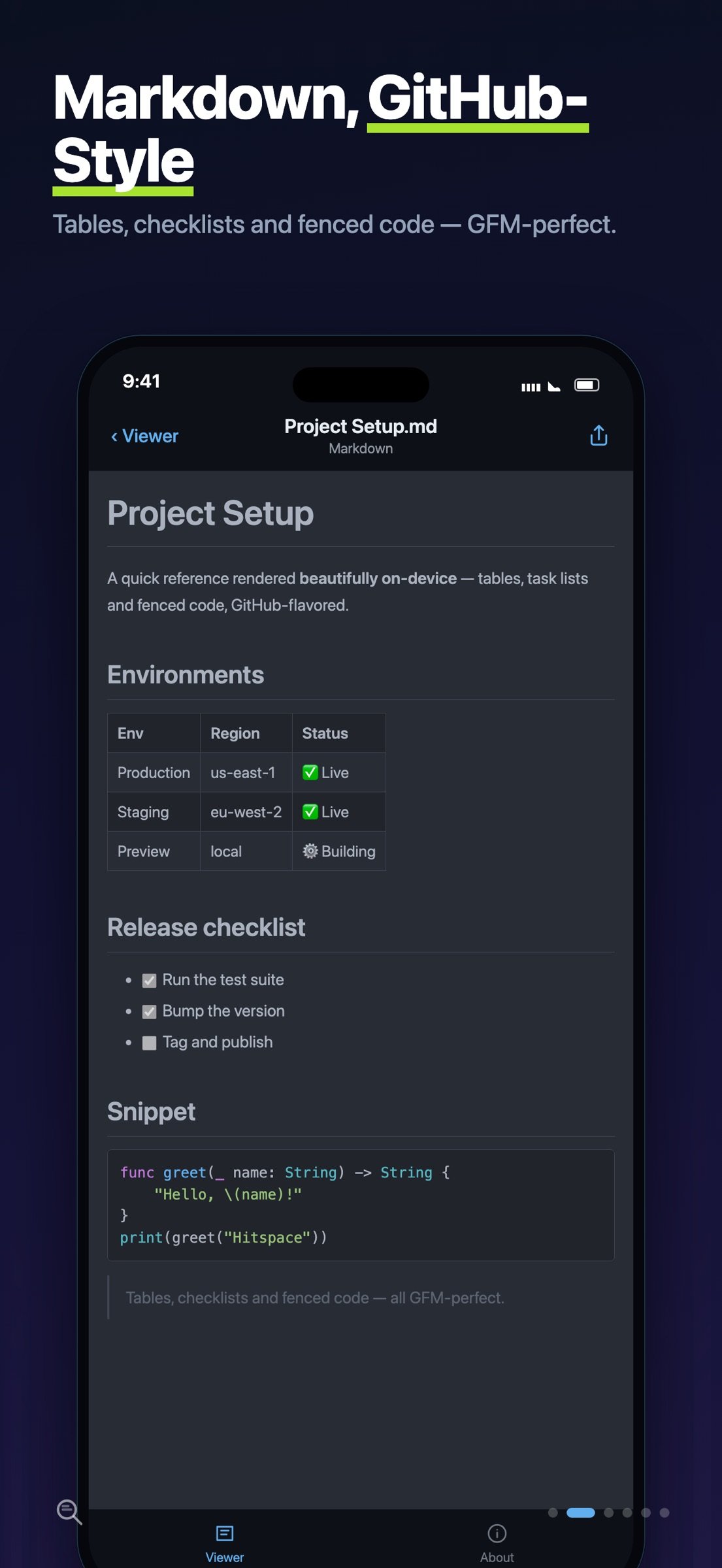
• Markdown: GitHub Flavored Markdown with tables, checklists, and code blocks
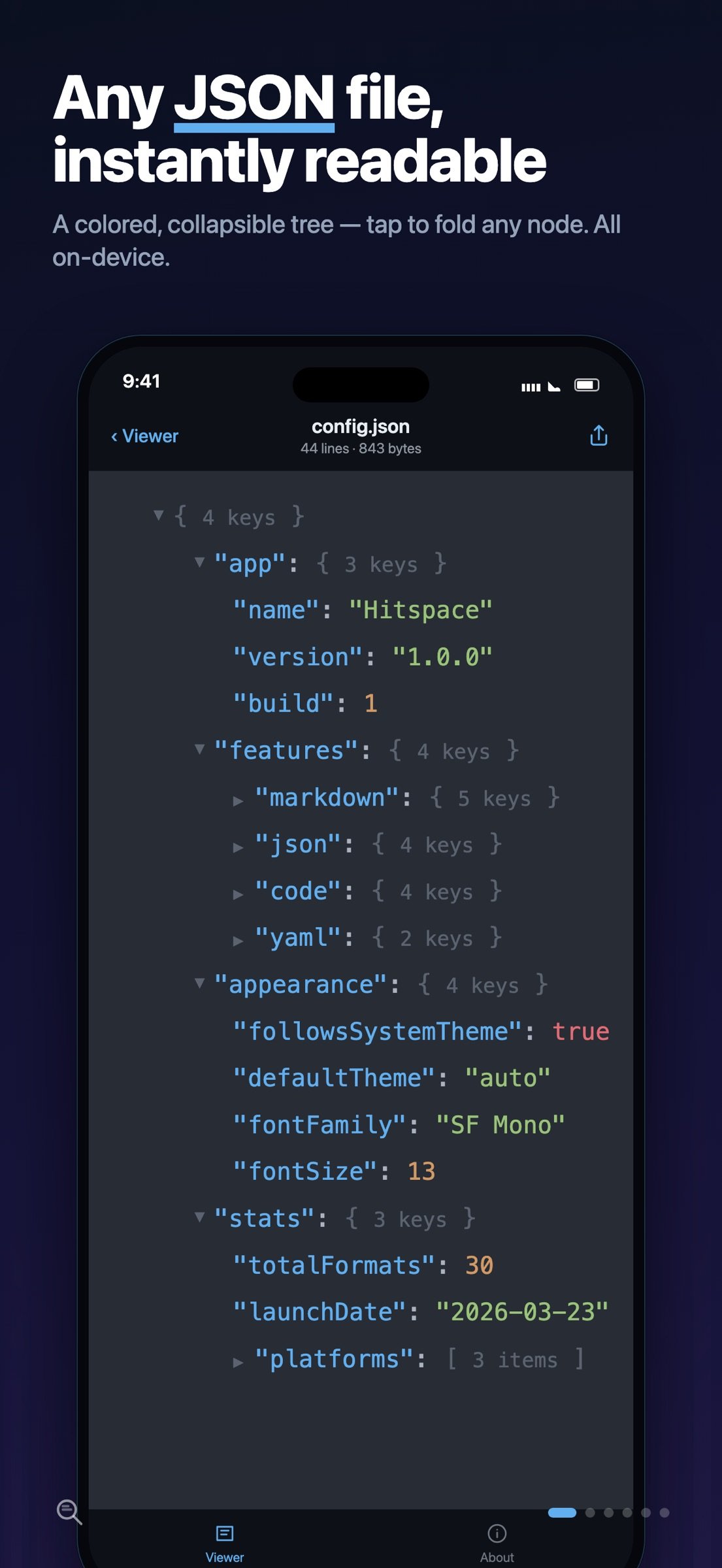
• JSON: Interactive collapsible tree view with syntax coloring
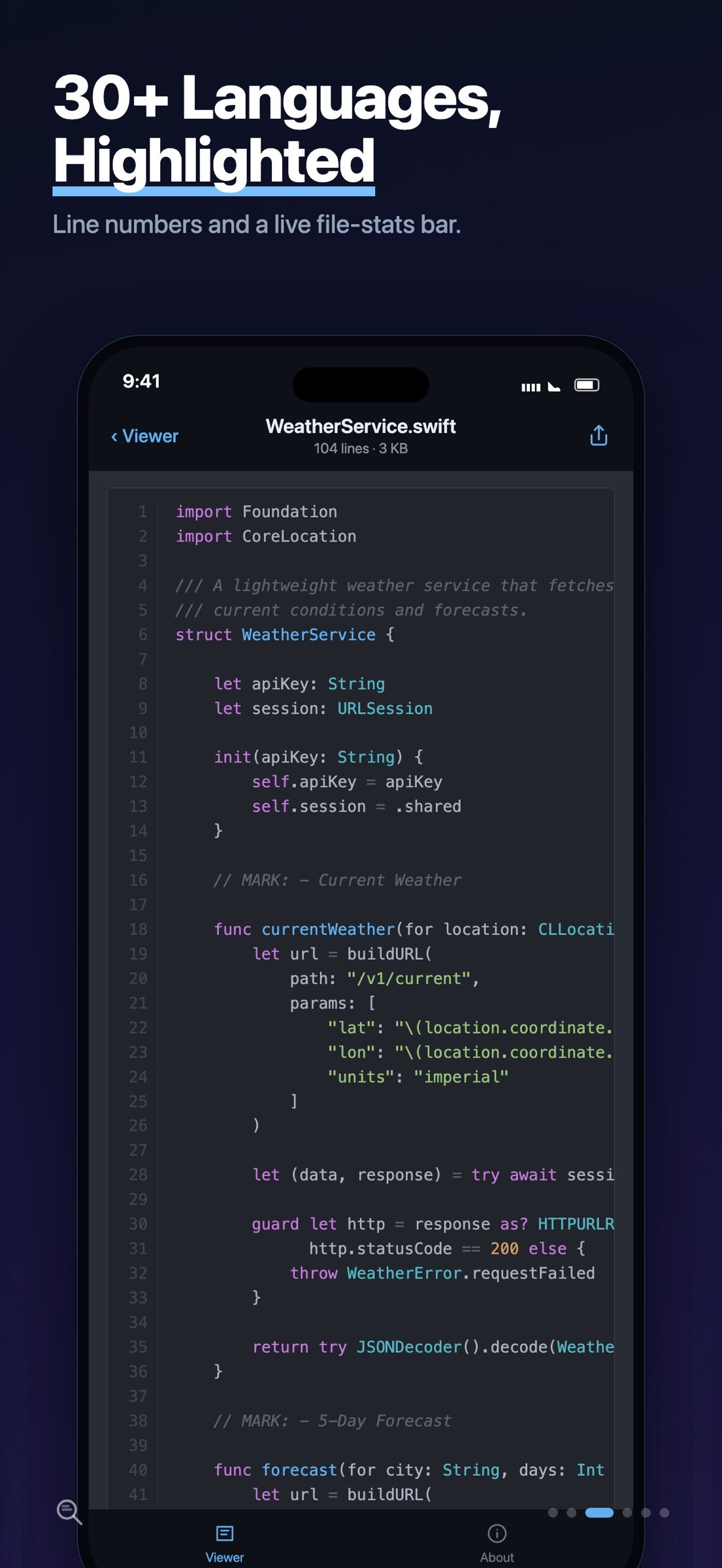
• Code: 30+ languages including Swift, Python, JavaScript, TypeScript, Kotlin, Rust, Go, Ruby, and more
• YAML: Configuration files, CI/CD pipelines, Kubernetes manifests
• CSV / TSV, XML, plist, and many more
FEATURES
• Beautiful syntax highlighting with six developer themes
• Copy as Image — shareable code screenshots with gradient backgrounds
• Automatic dark and light mode support
• Line numbers and a file stats bar (line count + size)
• Collapsible JSON tree with item counts
• 100% on-device — no network, no accounts, no tracking
• Recent files for quick re-access
Hitspace is built for developers who want to quickly preview and share files without opening a full IDE. Also available on Mac, where it adds a Finder Quick Look extension — just select a file and press Space.
License: Commercial
| Release info | New Release on Oct 23, 2026 |
|---|---|
| Release notes | • Made for iPhone Duo: unfold to see your recent files beside the document, and fold or rotate without losing your place. • Find now works in every code, Markdown and JSON file, and switching themes keeps your spot. • Binary files are clearly identified before previewing. • More of Hitspace now speaks your language, from the file library to Find and sharing. |
| Listing data | App Store |
Reviews
No reviews yet. Be the first to review Hitspace.
Used Hitspace? Tell other visitors what you thought.
Log in to write a reviewOther products by this publisher
- "No Distractions" for YouTube 4.10 ----
- #Bible 11.6.1 "Incredible App - My sister shared this app with me a few weeks ago and it is truly incredible.
- #filmphotography 1.4.2 So, you decided to shoot on film?
- #LookBusy Fake Calendar Events 1.0.6 Look Busy scans your work calendar for open time slots and fills them with realistic-looking (but secretly fake) work events.
- #Small Talk Is Canceled 1.0.2 #Small Talk Is Canceled — Conversations That Matter
Most viewed iOS Developer Tools
-
1
 ZScripter 15.2.0
ZScripter plays compatible Ren'Py, RealLive, NScripter, (PONS)ONScripter-EN/RU/JH/Yuri, Artemis, Siglus, CatSystem2, Ethornell BGI, N2System (Nitro+), AI5 and UK2 games as well as KiriKiri (+Kirikiroid2 patches), TyranoScript, RPG Maker MV/MZ & XP, …
-
2
 LocalDevVPN 1.3.0
LocalDevVPN is a developer tool for creating and managing local network tunnels directly on iOS.
-
3
 GitHub 1.285.0
There’s a lot you can do on GitHub that doesn’t require a complex development environment – like sharing feedback on a design discussion, or reviewing a few lines of code.
-
4
 Agents Anywhere 2.1.0
Agents Anywhere is a developer tools mobile application for remotely controlling your local computer to complete coding tasks.
-
5
 Andarium 1.0
Andarium lets you run an Android virtual machine on your iPhone and iPad—no computer setup, extra downloads, or complicated configuration required.
-
6
 Shader Playground 1.0
Shader Playground is a powerful real-time shader editor built for iPhone and iPad.
-
7
 Code Workspace 0.9.1
Code Workspace is a free, agent-first development environment for iPad and iPhone.
-
8
 Termius 8.2.0
Termius is a modern SSH client designed for productivity and collaboration.
-
9
 Rulify 1.0.7
Rulify ????? iOS App ????,???????? App ????,???????????????
-
10
 TestFlight 4.4.1
TestFlight makes it easy to test beta versions of apps and App Clips to provide valuable feedback to developers before they release their apps on the App Store.
Most downloaded iOS Developer Tools
-
1
Agents Anywhere 2.1.0
Agents Anywhere is a developer tools mobile application for remotely controlling your local computer to complete coding tasks.
-
2
Rulify 1.0.7
Rulify ????? iOS App ????,???????? App ????,???????????????
-
3
 a-Shell mini 2.4.0
a-Shell mini is a complete local terminal emulator, allowing to run most Unix commands on you iOS device.
-
4
 LadderTouch 2.1.5
LadderTouch is an app to learn the basics of ladder logic, which is a graphical programming language.
-
5
 FSNotes 7.6.1
FSNotes is a fast, modern notes manager for macOS and iOS.
-
6
 Herdy 1.5.1
Herdy puts your remote terminal and long-running coding-agent sessions in your pocket.
-
7
Andarium 1.0
Andarium lets you run an Android virtual machine on your iPhone and iPad—no computer setup, extra downloads, or complicated configuration required.
-
8
LocalDevVPN 1.3.0
LocalDevVPN is a developer tool for creating and managing local network tunnels directly on iOS.
-
9
 Markdown2PDF 1.0
Easily Convert Markdown to PDF with Markdown2PDF
-
10
 C/C++$-LLVM Clang 2.7
This is a learning tool for efficient C/C++ learning, fast programming, ?(LLVM+Clang)offline compilation and local execution?, Git fetching, iCloud storage, and efficient transfer and sharing via LAN HTTP/FTP multi-point connections.