
14downloads
1this week
FreeFreeware
0reviews
Screenshots
About godotGem
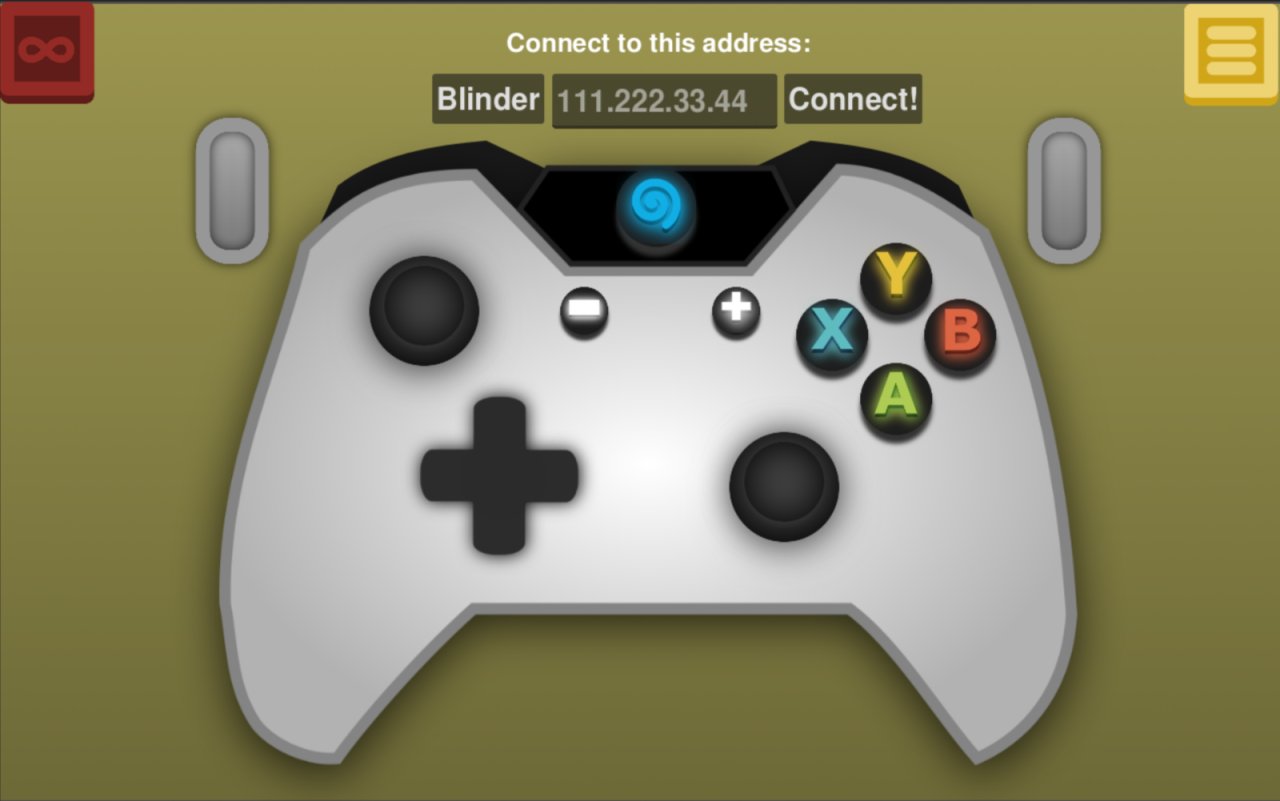
Turn your steam deck into a windows controller (Or use any controller from a Linux PC on windows). Connect linux to windows over the network in order to bind an emulated controller on windows to the same inputs you're doing on linux. Useful for playing games that might lack support for your controller out of the box, or just need another controller despite running out of USB ports
Tested controllers:
• DualSense
• Dualshock 4
• Logitech Gamepad F310
• Nintendo Switch Pro Controller
• Steam Controller
• Steam Deck
• Xbox One (+ series) controller
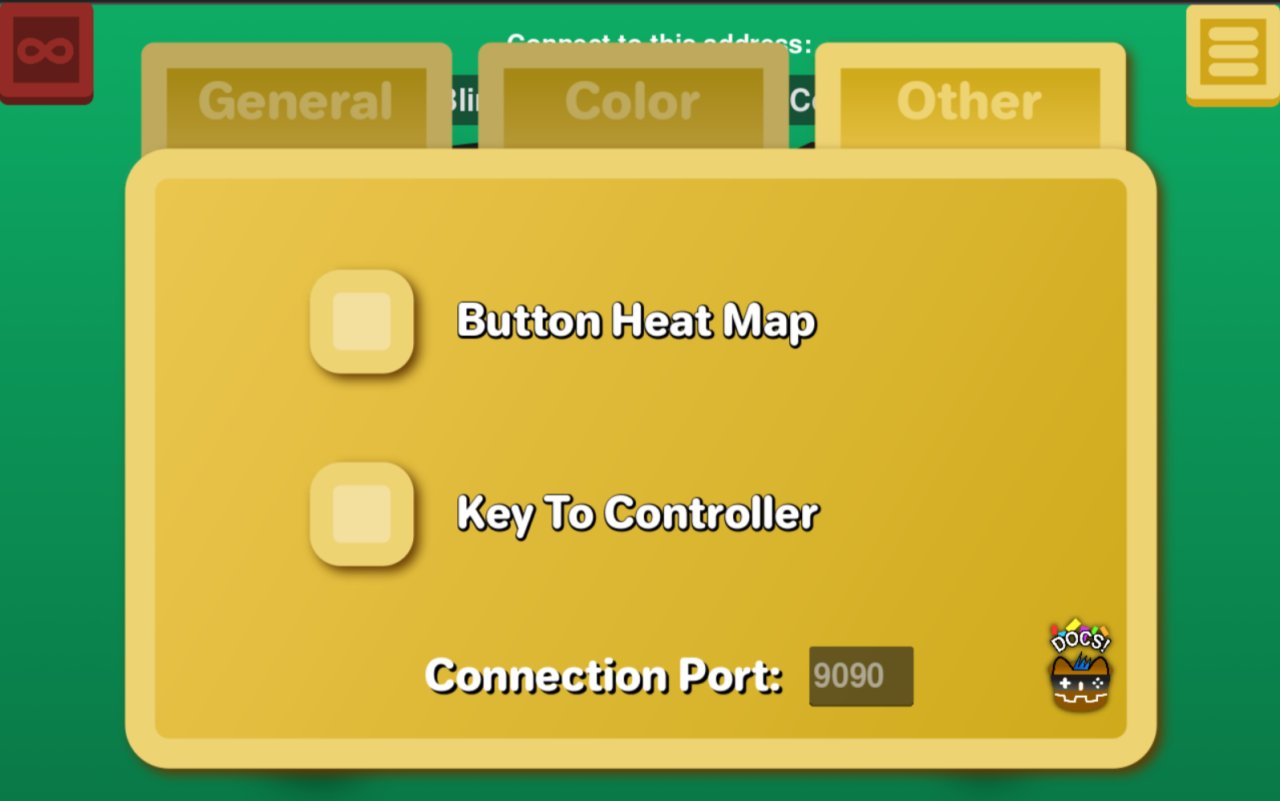
• Your keyboard (See: Options -> Other -> Key To Controller)
Other controllers likely work too as long as the godot game engine supports it.
Additional Features!
• Chroma Backgrounds
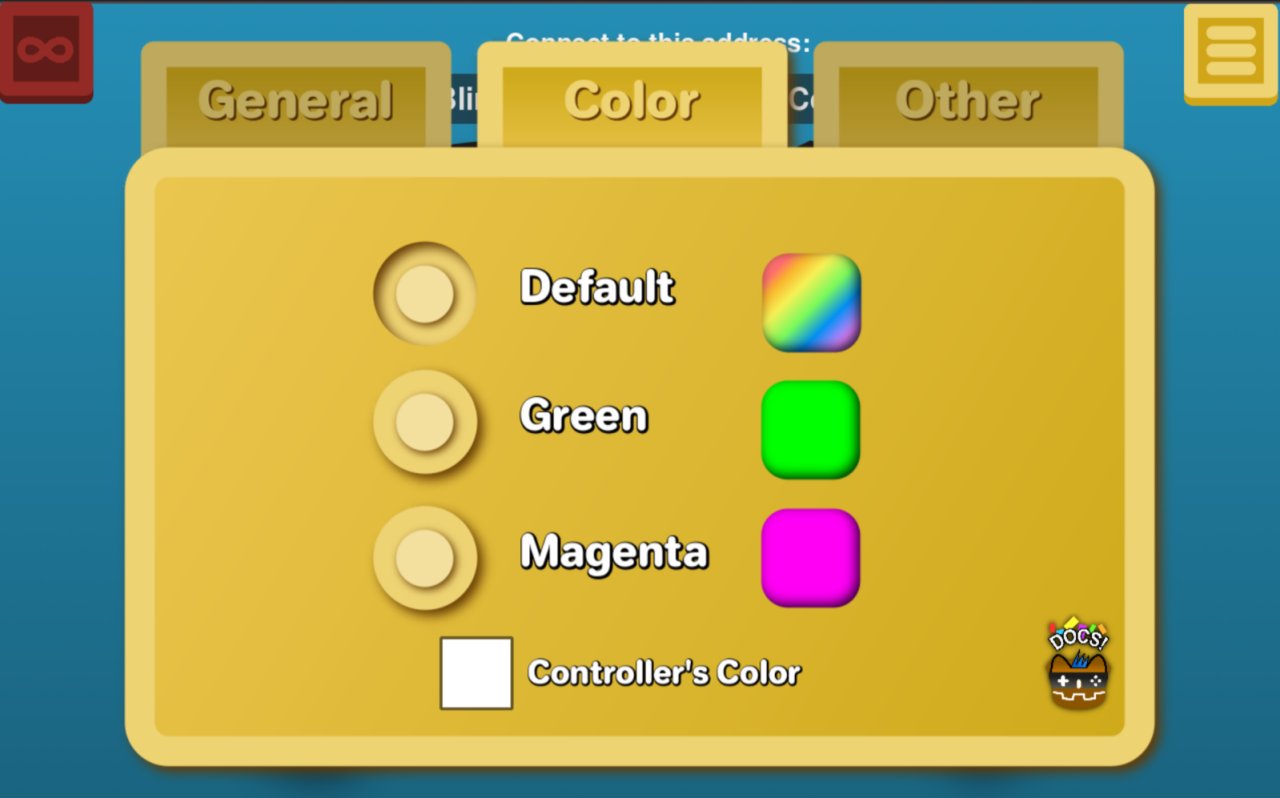
• Change the color of your controller
• Connect multiple clients to one server, switch between player 1 - 4 [Beta]
• Click / Tap a button to activate turbo on that button
• Press F1 to hide the UI
• Frame Rate Limiting
• Blinder
• Button Heat Mapping
Note: you will need to install ViGEm and the godotGem server on windows. (See releases section from Github, linked below)
License: CC-BY-SA-4.0
| Release info | New Release on Mar 29, 2026 |
|---|---|
| Release notes | • Joysticks were playing audio feedback regardless if the toggle was on or not; this has now been fixed • The font for port select was previously eyeballed, it's now using the same label as checkboxes (looks more uniform with the rest of the settings) • Added Rylan's favorite type of pizza That's it! Until next time, see you later! |
| Related tags | game gamepad controller |
| Listing data | Flathub |
Reviews
No reviews yet. Be the first to review godotGem.
Used godotGem? Tell other visitors what you thought.
Log in to write a reviewOther products by this publisher
- "No Distractions" for YouTube 4.10 ----
- #Bible 11.6.1 "Incredible App - My sister shared this app with me a few weeks ago and it is truly incredible.
- #filmphotography 1.4.2 So, you decided to shoot on film?
- #LookBusy Fake Calendar Events 1.0.6 Look Busy scans your work calendar for open time slots and fills them with realistic-looking (but secretly fake) work events.
- #Small Talk Is Canceled 1.0.2 #Small Talk Is Canceled — Conversations That Matter
Most viewed Linux Games
-
1
 Lander 0.7.2
Lunar Lander style arcade game
-
2
 Modrinth App 0.23.1
Play modded Minecraft with ease
-
3
 Dhewm 3 1.5.5
Dhewm 3 is a Doom 3 GPL source port
-
4
 Pocket Sync 7.2.1
A GUI to do stuff with the Analogue Pocket
-
5
 Goverlay 2.0
Configure gaming overlays
-
6
 X Minecraft Launcher 0.73.1
Play and manage Minecraft
-
7
 AdwSteamGtk 0.9.2
Give Steam the Adwaita treatment
- 8 Julius 1.8.0 Julius is an open source re-implementation of Caesar III
-
9
 Legacy Launcher 1.40.4
Play Minecraft in your own world!
-
10
 Pully 0.2.2
Draw a single line through every square of a puzzle grid
Most downloaded Linux Games
- 1 Minigalaxy 1.4.2 A simple GOG client for Linux
-
2
 Ricochlime 1.14.0
Satisfying monster shooter
-
3
 The Unofficial Homestuck Collection 2.8.1
Offline collection of Homestuck and its related works
- 4 Makou Reactor 2.2.0 A Field Editor for Final Fantasy VII
-
5
 Threadbare 0.2.4
Rebuild an unraveling world
-
6
 Quetoo 1.0.147
A free first person shooter for Mac, PC and Linux
-
7
 JClic 0.3.2.18
Educational activities and games for school students and educators
- 8 Eternal Lands 1.9.7.0-4 A free to play, graphical MMORPG
-
9
Modrinth App 0.23.1
Play modded Minecraft with ease
-
10
 Pandora Launcher 6.0.0
A balanced, easy to use, and powerful modern Minecraft launcher