
15downloads
2this week
FreeLicense
0reviews
Screenshots
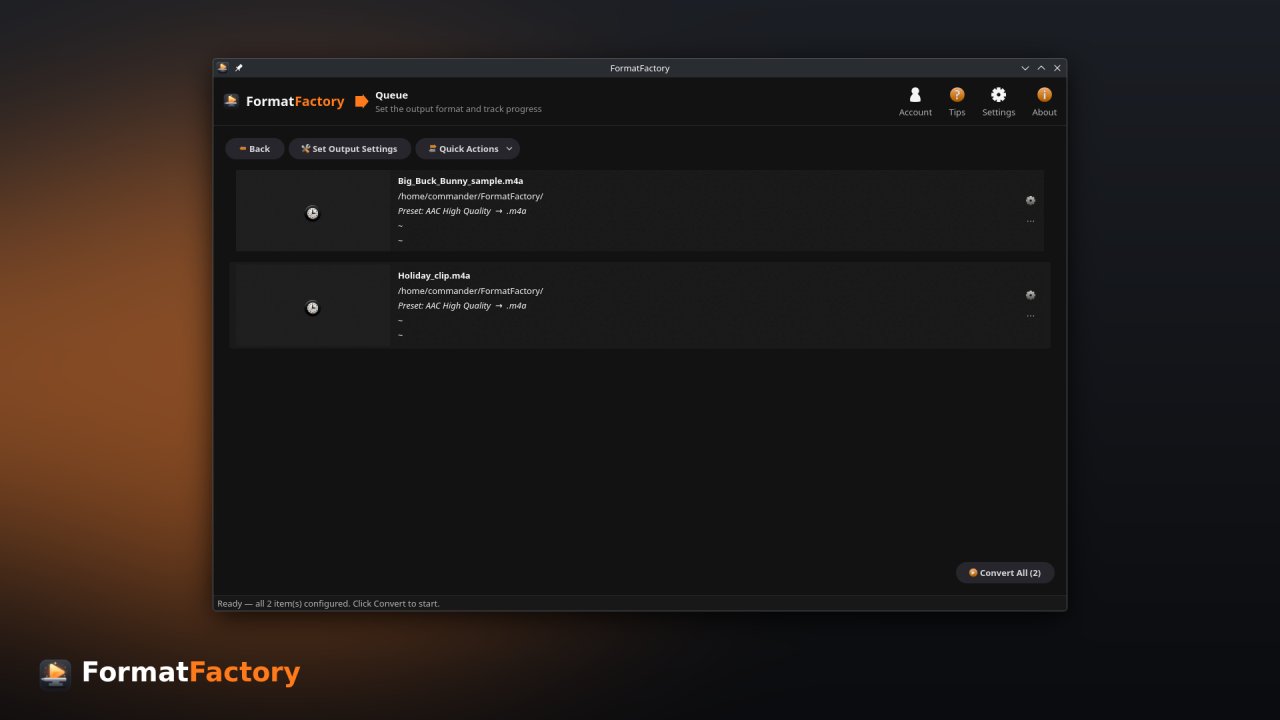
About FormatFactory
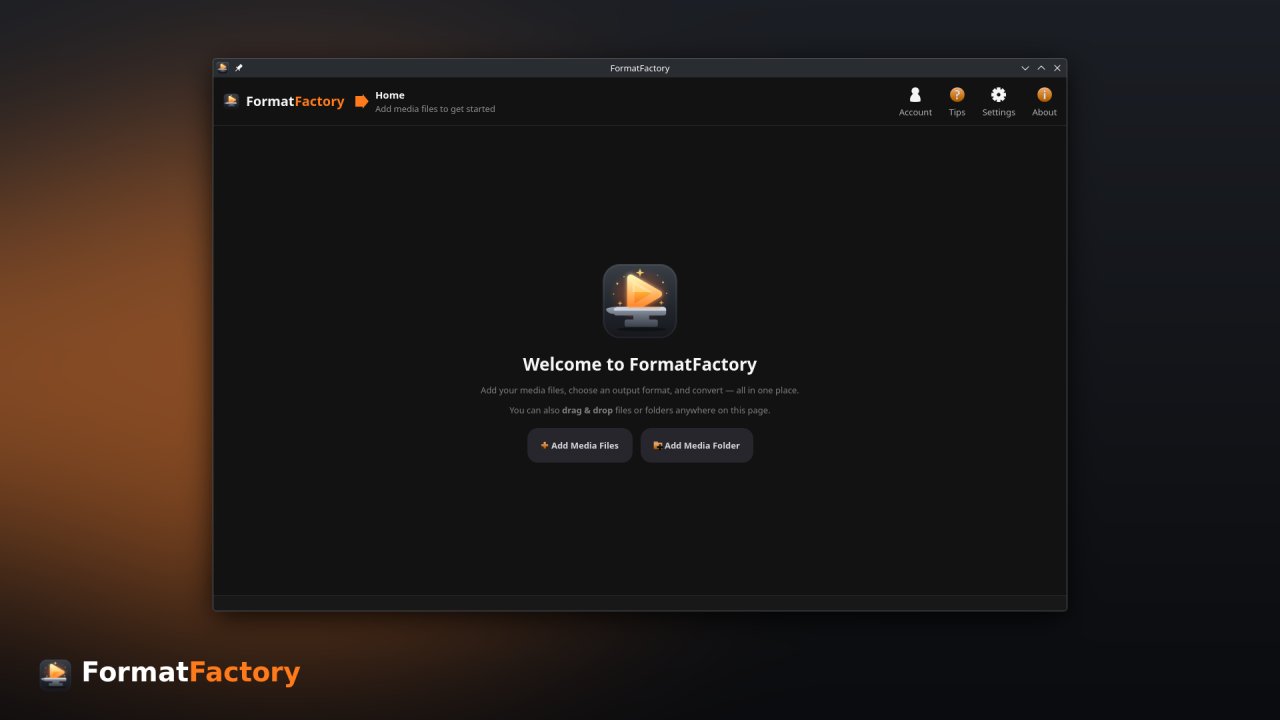
FormatFactory is a fast and powerful media converter for Linux. Convert
video, audio and image files individually or in large batches using an
intuitive desktop interface.
Supported formats:
• Video: MP4, MKV, WebM, MOV, AVI and more
• Audio: MP3, FLAC, AAC, WAV, OGG and more
• Images: PNG, JPEG, WebP and more
Features:
• Batch conversion queue with live progress, ETA and estimated output size
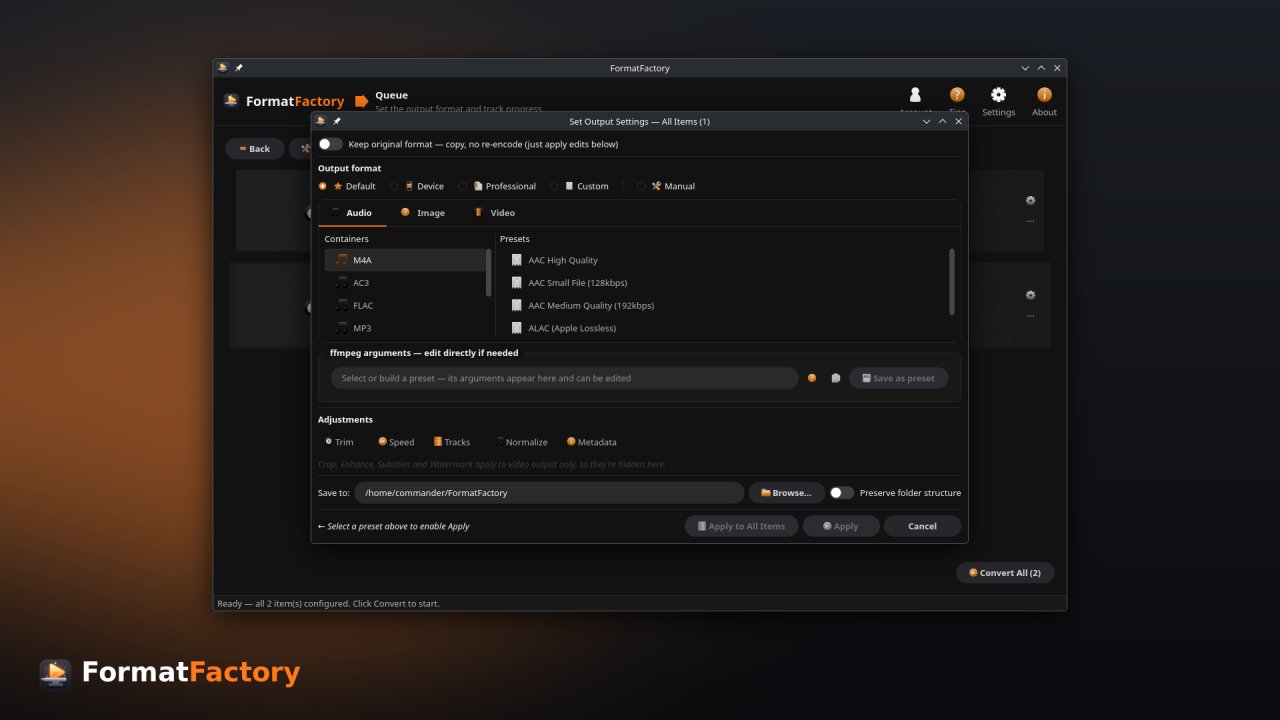
• Ready-to-use presets for common devices, sites and workflows, plus a custom conversion profile builder
• Convert hundreds of files in a single operation
• Per-file editing: trim with preview, crop, rotate, flip, change speed (slow-mo / timelapse) and track selection
• Enhance video: deinterlace, denoise, sharpen and adjust brightness, contrast, saturation and gamma with a live before/after preview
• Burn subtitles into videos or add them as soft subtitle tracks
• Add or replace audio using external tracks, with language tags
• Audio loudness normalization for consistent playback volume
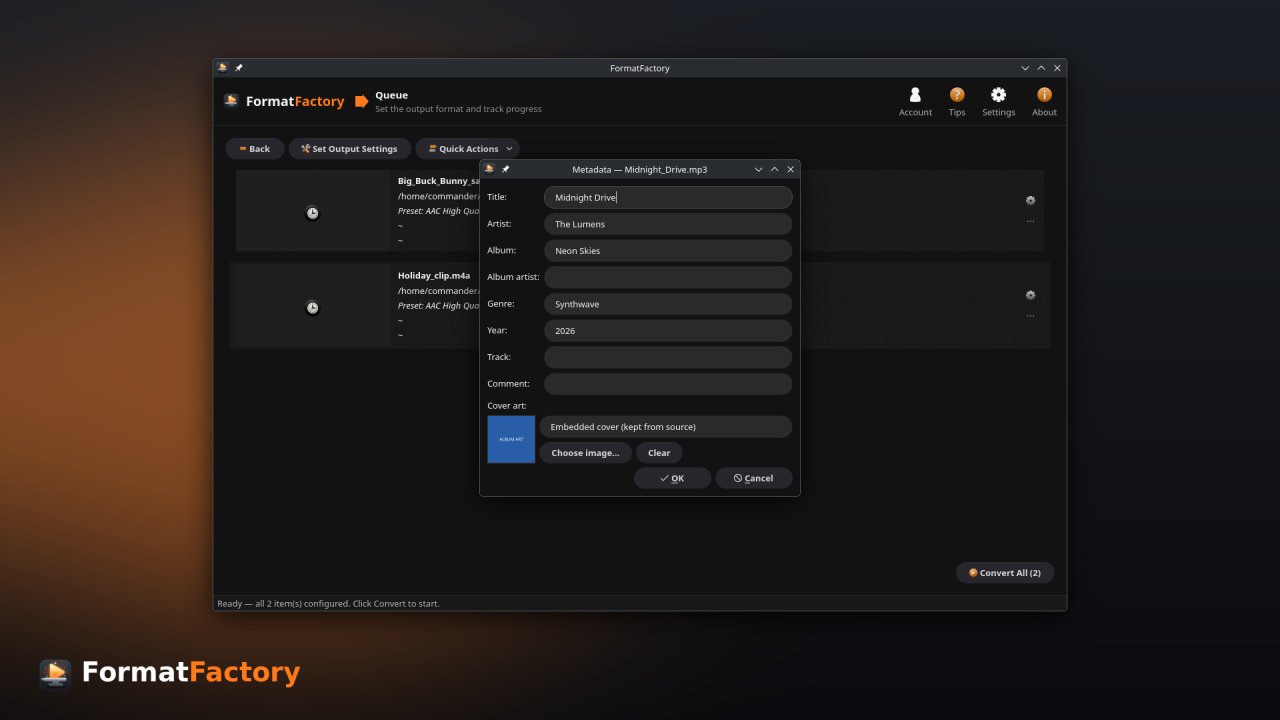
• Edit metadata, tags and cover art while preserving embedded artwork
• Add watermarks and logos with adjustable position, size and opacity
• One-click quick actions: extract audio, extract subtitles, extract a track, extract frames, grab a poster frame, create GIFs or animated WebP, remove audio, change container, adjust volume and strip metadata
• Split long recordings into timed segments, or package video as HLS (.m3u8 + .ts) for streaming
• Remove silence from audio for tighter podcasts and voice recordings
• Compare encoded quality against the original with VMAF, PSNR and SSIM
• Compress media to a target file size
• Hardware-accelerated encoding for faster conversions
• Flexible output directories and filename templates
• Available in English, German, French, Brazilian Portuguese and Italian
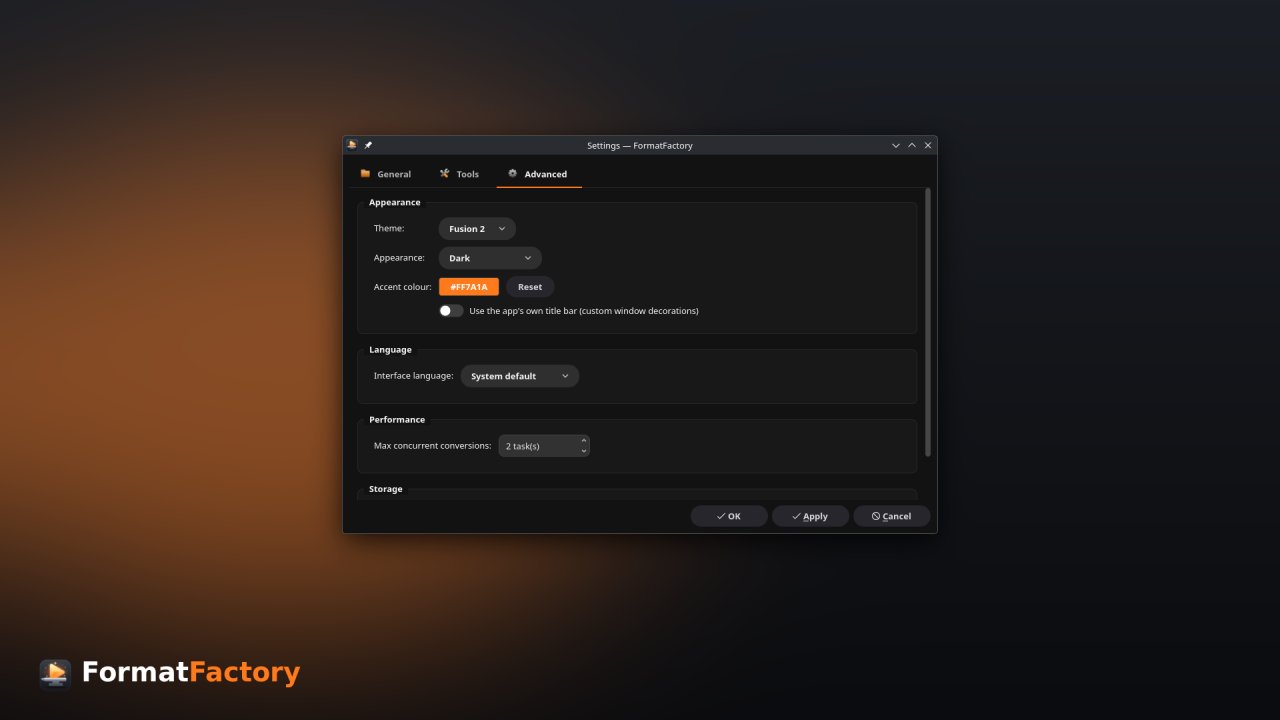
• Modern interface with light and dark themes that follow your system
Whether you need to convert a single file or process an entire media
library, FormatFactory provides the tools to get the job done quickly and
efficiently.
License: Proprietary
| Release info | New Release on Jun 30, 2026 |
|---|---|
| Release notes | A polish release that refines the look and everyday interactions: • The branded "Fusion 2" theme is now the default look. • On GNOME/Wayland the app's own title bar is enabled by default for a consistent window frame (you can still turn it off in Settings). • The quality (CRF) slider now shows what each end means — higher quality versus smaller file. • Output Settings are clearer: preset modes are labelled (Default Presets, Device Presets, … Manual Mode) and the format tabs are ordered Video, Audio, Image with a new image icon. • Settings that need a restart now offer to restart the app right away. • Visual fixes: more visible radio buttons in the light theme, a clearer window edge, and corrected panel borders. |
| Related tags | converter handbrake ffmpeg |
| Listing data | Flathub |
Reviews
No reviews yet. Be the first to review FormatFactory.
Used FormatFactory? Tell other visitors what you thought.
Log in to write a reviewOther products by this publisher
- "No Distractions" for YouTube 4.10 ----
- #Bible 11.6.1 "Incredible App - My sister shared this app with me a few weeks ago and it is truly incredible.
- #filmphotography 1.4.2 So, you decided to shoot on film?
- #LookBusy Fake Calendar Events 1.0.6 Look Busy scans your work calendar for open time slots and fills them with realistic-looking (but secretly fake) work events.
- #Small Talk Is Canceled 1.0.2 #Small Talk Is Canceled — Conversations That Matter
Most viewed Linux Multimedia
- 1 Audiveris 5.11.0 Optical Music Recognition (OMR) Application
-
2
 CloudMusicPlayer 1.0.4
Linux music player for NetEase Cloud Music
-
3
 Fladder 0.12.1
Cross-platform Jellyfin client
-
4
 wiliwili 1.6.0
Watch videos from Bilibili
-
5
 Bitwig Studio 6.1.7
Modern music production and performance
- 6 Feishin 1.17.0 Jellyfin, Navidrome, and OpenSubsonic Compatible Music Player
-
7
 GPU Screen Recorder 6.1.7
A shadowplay-like screen recorder for Linux. The fastest screen recorder for Linux
-
8
 Rune 2.0.0-alpha.14
The player that blends classic design with modern technology
-
9
 QPrompt 2.0.3
Personal teleprompter software for all video creators
-
10
 Cinema 1.1.2
A video player for watching local video files
Most downloaded Linux Multimedia
-
1
 Finamp 1.0.2
Open source Jellyfin music player
-
2
 SONE 0.23.0
Native TIDAL client for Linux — modern UI, bit-perfect lossless FLAC and Hi-Res audio
-
3
 Open Orpheus 0.20.0
Netease Cloud Music for Linux
-
4
CloudMusicPlayer 1.0.4
Linux music player for NetEase Cloud Music
-
5
 Camera 1.11.0
Camera for photos, videos and QR codes
-
6
 ServeMedia 0.2.4
Personal Media-Center & Home-Theater
-
7
 JS8Call 2.3.1
Software using the JS8 Digital Mode providing weak signal keyboard to keyboard messaging to Amateur Radio Operators
- 8 Musicfox 5.1.0 Terminal music player for Netease Cloud Music
-
9
 fooyin 0.15.1
Play your music your way
-
10
 LRCGET 2.2.2
Download synced LRC lyrics