
CraftOS-PC v2.8.1
CraftOS-PC is a fantasy terminal that allows you to write and run programs inside an ‘80s-style text console.
Download
11.07 MB
27downloads
2this week
FreeFreeware
0reviews
Screenshots
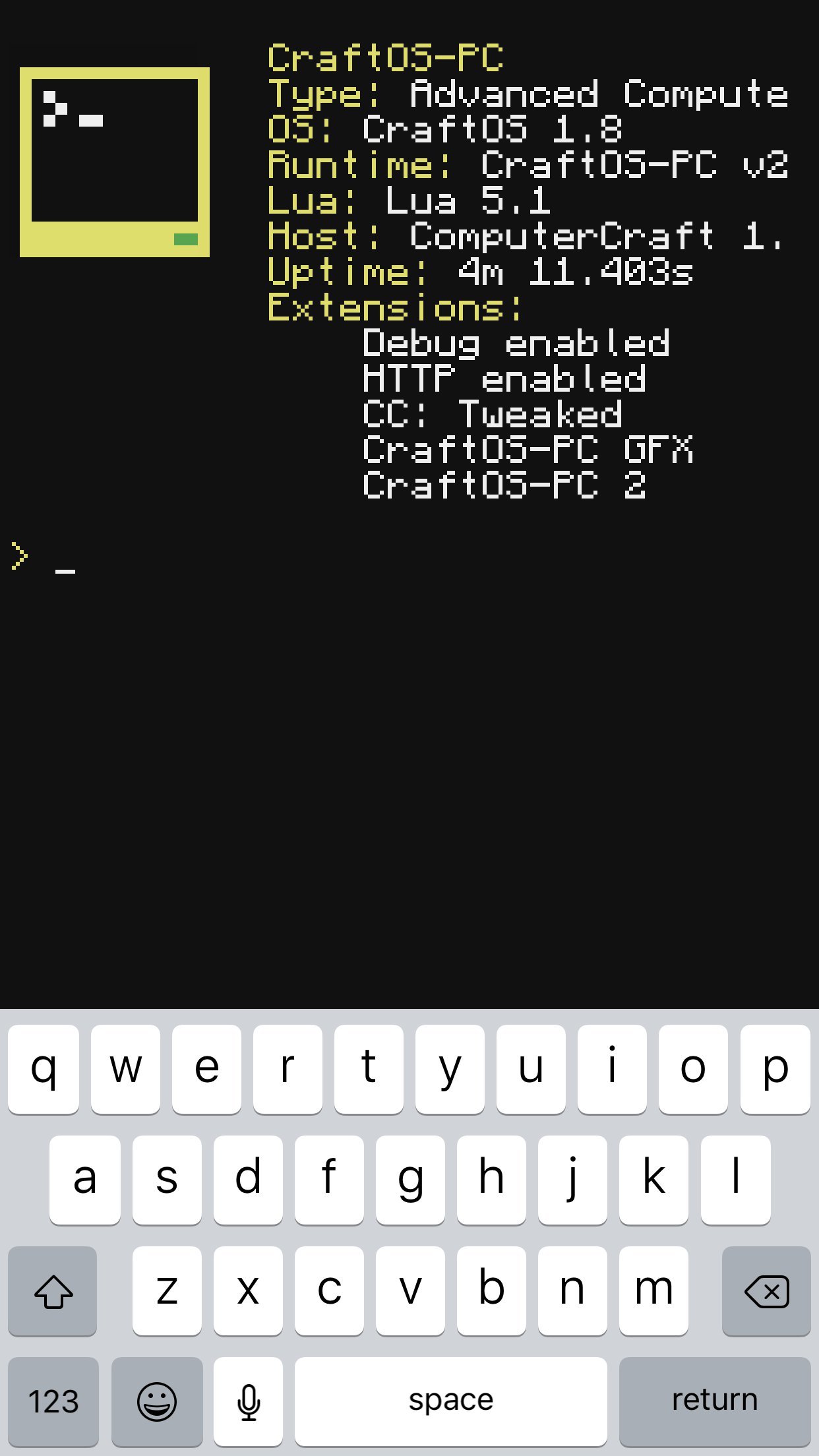
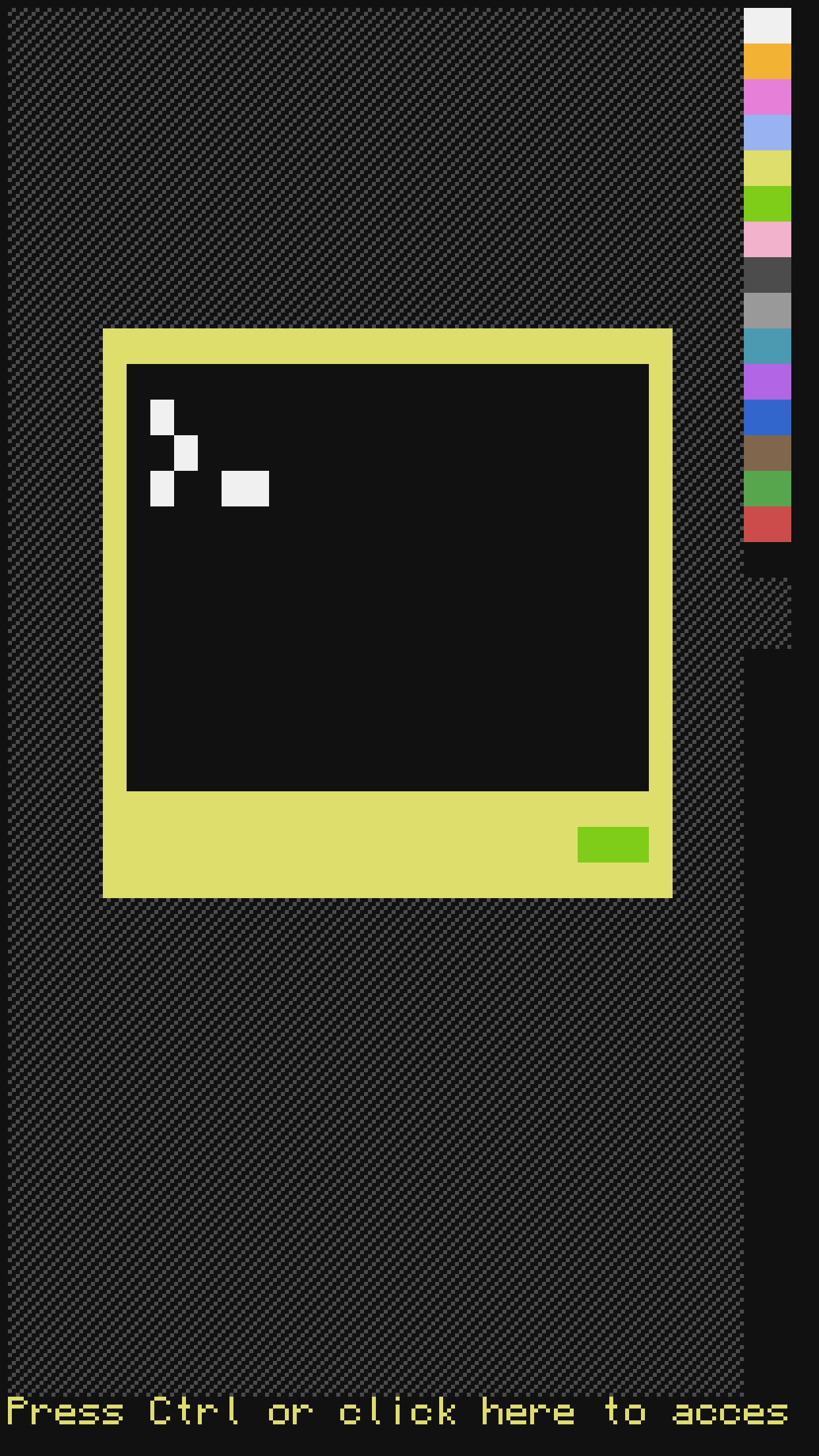
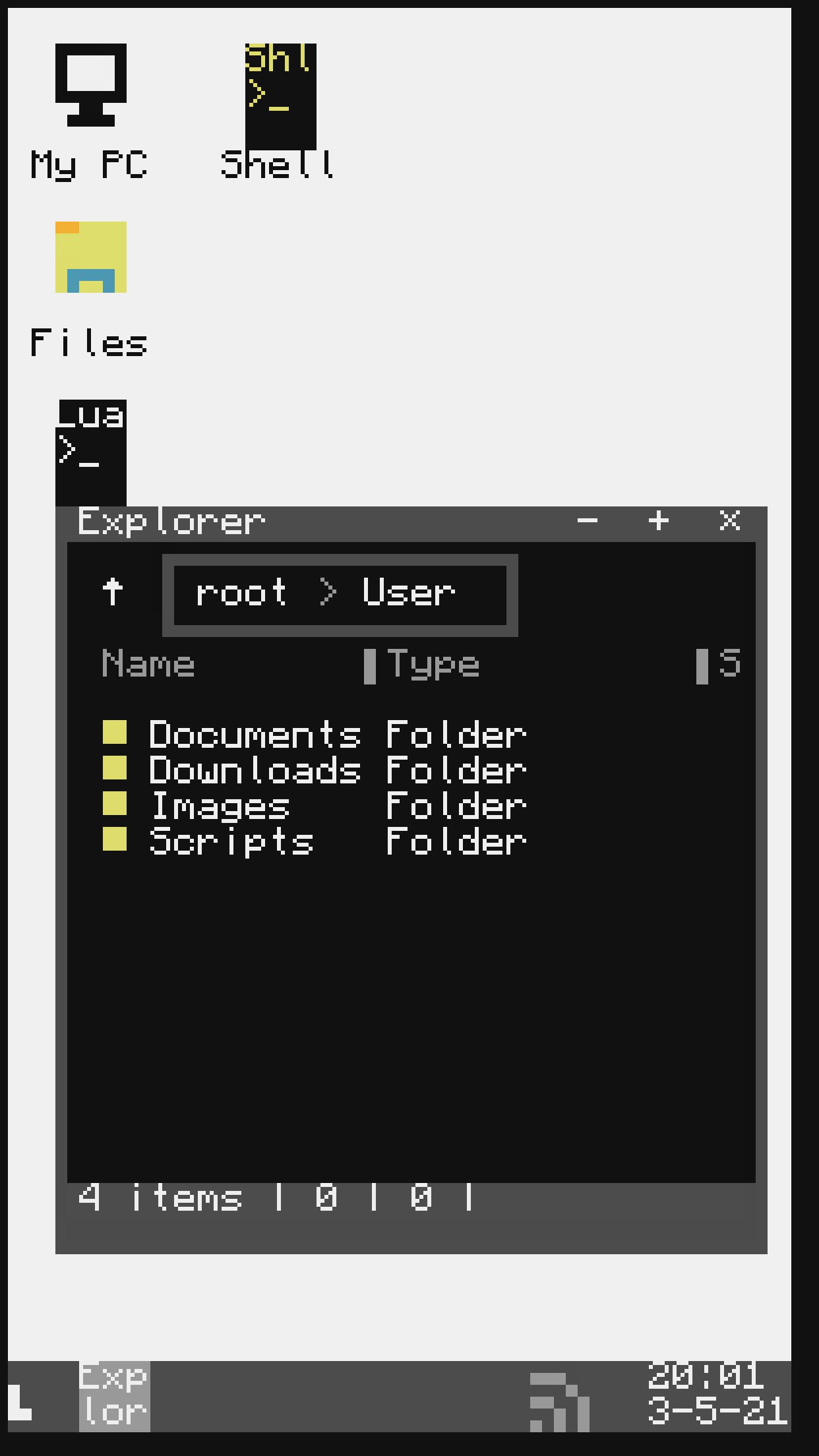

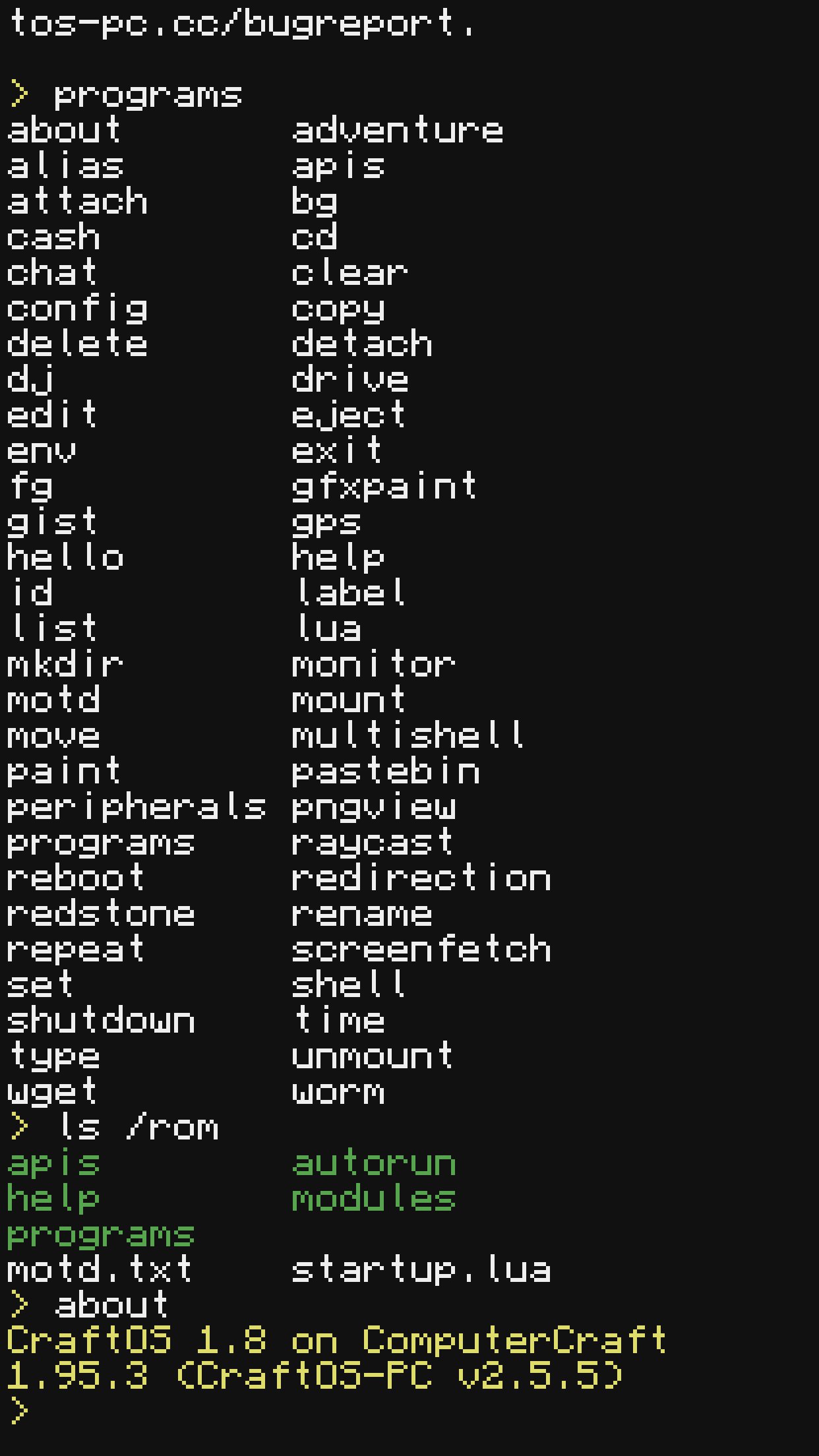
About CraftOS-PC
CraftOS-PC is a fantasy terminal that allows you to write and run programs inside an ‘80s-style text console.
CraftOS-PC emulates the popular Minecraft mod "ComputerCraft", which adds programmable computers to Minecraft using the Lua programming language. CraftOS-PC takes this experience outside Minecraft to allow you to run the same programs anywhere you go.
CraftOS-PC provides a set of functions (called APIs) that make it super easy to do simple tasks such as write text to the screen, read files, and more. The simplicity of these functions makes CraftOS-PC great for new programmers, but their power makes it possible to write all sorts of complex programs with less code.
If you aren’t ready to write programs yet, there’s already a large number of programs for ComputerCraft that will work in CraftOS-PC, ranging from simple games to whole graphical operating systems. These can be downloaded through the built-in Pastebin and GitHub Gist clients.
• Full Lua 5.2+ scripting environment and command-line REPL
• 16-color text-based terminal display
• Expansive virtual filesystem for program and data storage
• Built-in shell with syntax similar to most desktop shells
• APIs to easily access terminal, filesystem, Internet, event queue, and more
• Built-in programs make it easy to navigate & edit files without a single line of code
• Plenty of help documents to assist programmers
• Compatibility with thousands of existing ComputerCraft programs
• Over 3x faster than Minecraft mod and comparable emulators
• Emulation of all peripherals available in ComputerCraft
• Easily access configuration from inside CraftOS
• Exclusive graphics mode providing up to 256-color, pixel-based screen manipulation
• Edit Lua scripts from CraftOS or other code editing apps
• Open-source app makes it easy to suggest and contribute changes
Documentation on all of the APIs that ComputerCraft provides are available at [link removed], and CraftOS-PC’s unique APIs are described at [link removed].
Join the CraftOS-PC community at [link removed]!
License: Free
| Release info | New Release on Mar 13, 2024 |
|---|---|
| Release notes | Happy new year! This release of CraftOS-PC finally brings Lua 5.2 support along with compatibility with CC: Tweaked 1.109.3. In addition, it adds a new WebSocket server API, and lots and lots of critical crash fixes. This version is a breaking release. Notably, all files are now handled in binary mode, which may break programs that have embedded UTF-8 characters (this was always discouraged for this reason). In addition, bytecode dumping and loading is disabled in standards mode, but it remains enabled when standards mode is disabled. However, despite the introduction of the goto keyword, it remains a valid identifier, so programs with variables or functions named goto should continue to function. • Updated CC:T version to 1.109.3 • Update to Lua 5.2 • getfenv/setfenv now only work on Lua functions. • Add support for goto. • Remove support for dumping and loading binary chunks. • Only disabled in standards mode • File handles, HTTP requests and websocket messages now use raw bytes rather than converting to UTF-8. • fs.open now supports r+/w+ modes. • Add allow_repetitions option to textutils.serialiseJSON. • math.random now uses Lua 5.4's random number generator. • tostring now correctly obeys __name. • Rewrote WebSocket server API (#337) • Use server = http.websocketServer(port) to create a server handle • server.listen() waits for a new connection, and returns a new WebSocket handle • Handles have an additional clientID field for identifying the client connection • server.close() closes the server • Events are now under the websocket_server_ domain • WebSocket close events now send the close code if available • Fixed WebSocket ping messages causing the socket to close • Fixed many memory corruption issues around ropes • Fixed some issues with debug hooks and yielding • Fixed crash when erroring from a debug hook (#326) • Debuggers now inherit the mount list from the original computer (#327) • Fixed memory reporting when using |
| Listing data | App Store |
Reviews
No reviews yet. Be the first to review CraftOS-PC.
Used CraftOS-PC? Tell other visitors what you thought.
Log in to write a reviewOther products by this publisher
- "No Distractions" for YouTube 4.10 ----
- #Bible 11.6.1 "Incredible App - My sister shared this app with me a few weeks ago and it is truly incredible.
- #filmphotography 1.4.2 So, you decided to shoot on film?
- #LookBusy Fake Calendar Events 1.0.6 Look Busy scans your work calendar for open time slots and fills them with realistic-looking (but secretly fake) work events.
- #Small Talk Is Canceled 1.0.2 #Small Talk Is Canceled — Conversations That Matter
Most viewed iOS Developer Tools
-
1
 ZScripter 15.0.0
ZScripter plays compatible Ren'Py, RealLive, NScripter, (PONS)ONScripter-EN/RU/JH/Yuri, Artemis, Siglus, CatSystem2, Ethornell BGI, N2System (Nitro+), AI5 and UK2 games as well as KiriKiri (+Kirikiroid2 patches), TyranoScript, RPG Maker MV/MZ & XP, …
-
2
 GitHub 1.285.0
There’s a lot you can do on GitHub that doesn’t require a complex development environment – like sharing feedback on a design discussion, or reviewing a few lines of code.
-
3
 LocalDevVPN 1.3.0
LocalDevVPN is a developer tool for creating and managing local network tunnels directly on iOS.
-
4
 Agents Anywhere 2.1.0
Agents Anywhere is a developer tools mobile application for remotely controlling your local computer to complete coding tasks.
-
5
 Shader Playground 1.0
Shader Playground is a powerful real-time shader editor built for iPhone and iPad.
-
6
 Andarium 1.0
Andarium lets you run an Android virtual machine on your iPhone and iPad—no computer setup, extra downloads, or complicated configuration required.
-
7
 Code Workspace 0.9.1
Code Workspace is a free, agent-first development environment for iPad and iPhone.
-
8
 Termius 8.2.0
Termius is a modern SSH client designed for productivity and collaboration.
-
9
 Rulify 1.0.7
Rulify ????? iOS App ????,???????? App ????,???????????????
-
10
 TestFlight 4.4.1
TestFlight makes it easy to test beta versions of apps and App Clips to provide valuable feedback to developers before they release their apps on the App Store.
Most downloaded iOS Developer Tools
-
1
Agents Anywhere 2.1.0
Agents Anywhere is a developer tools mobile application for remotely controlling your local computer to complete coding tasks.
-
2
Rulify 1.0.7
Rulify ????? iOS App ????,???????? App ????,???????????????
-
3
 a-Shell mini 2.3.2
a-Shell mini is a complete local terminal emulator, allowing to run most Unix commands on you iOS device.
-
4
 LadderTouch 2.1.5
LadderTouch is an app to learn the basics of ladder logic, which is a graphical programming language.
-
5
 FSNotes 7.6.1
FSNotes is a fast, modern notes manager for macOS and iOS.
-
6
 Herdy 1.5.1
Herdy puts your remote terminal and long-running coding-agent sessions in your pocket.
-
7
Andarium 1.0
Andarium lets you run an Android virtual machine on your iPhone and iPad—no computer setup, extra downloads, or complicated configuration required.
-
8
LocalDevVPN 1.3.0
LocalDevVPN is a developer tool for creating and managing local network tunnels directly on iOS.
-
9
 C/C++$-LLVM Clang 2.7
This is a learning tool for efficient C/C++ learning, fast programming, ?(LLVM+Clang)offline compilation and local execution?, Git fetching, iCloud storage, and efficient transfer and sharing via LAN HTTP/FTP multi-point connections.
-
10
 Markdown2PDF 1.0
Easily Convert Markdown to PDF with Markdown2PDF