Colordrop 2.5.1
Capture and inspect the colors in your photos with Colordrop – a modern and advanced color picker.
Download
47.82 MB
12downloads
1this week
FreeCommercial
0reviews
Screenshots
About Colordrop
Capture and inspect the colors in your photos with Colordrop – a modern and advanced color picker.
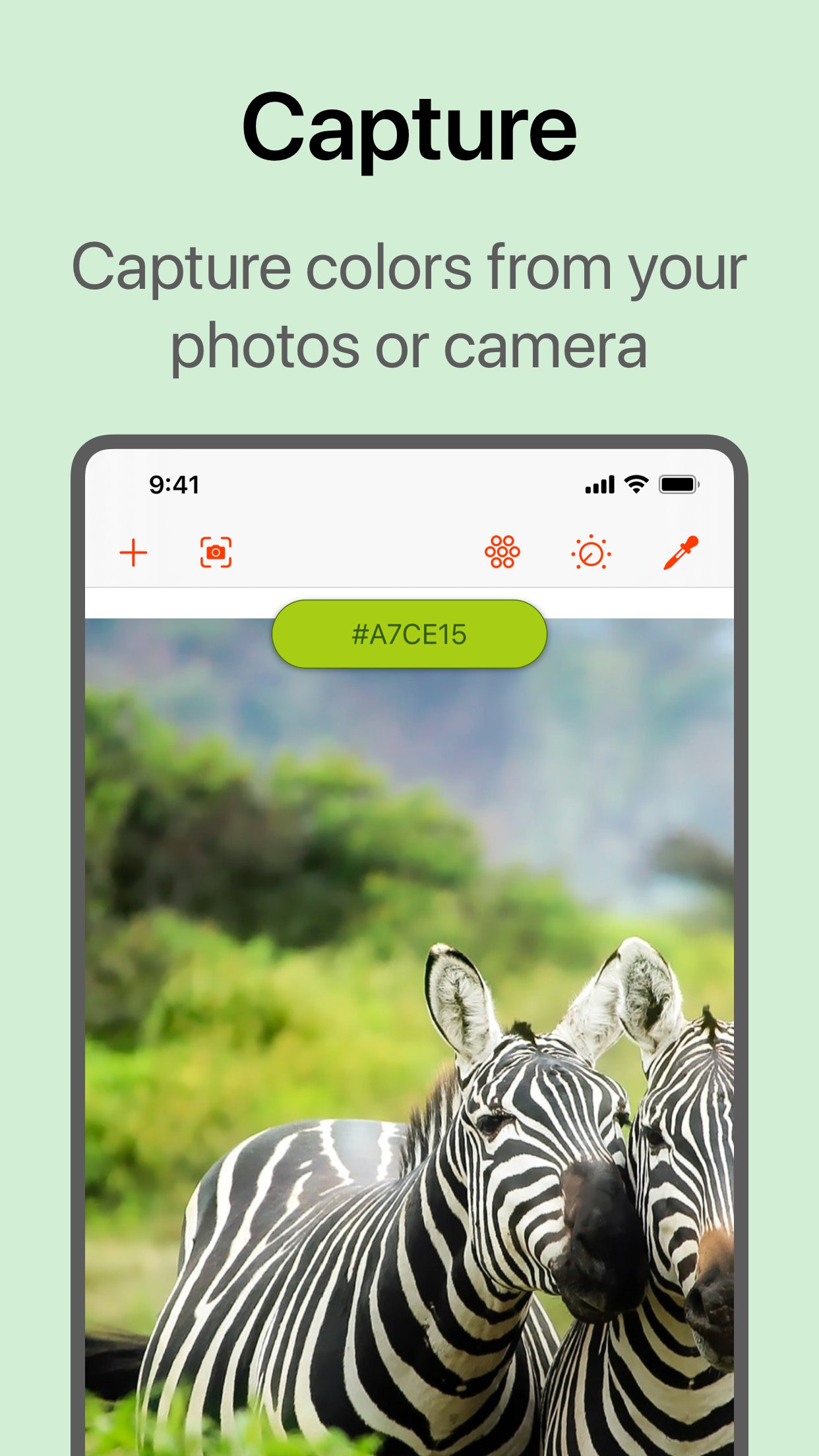
CAPTURE
Capture colors from your photos.
- Pick colors from any image or photo.
- Open from your Photo Library, Camera, or Files.
- Live Capture lets you see the colors around you in real time.
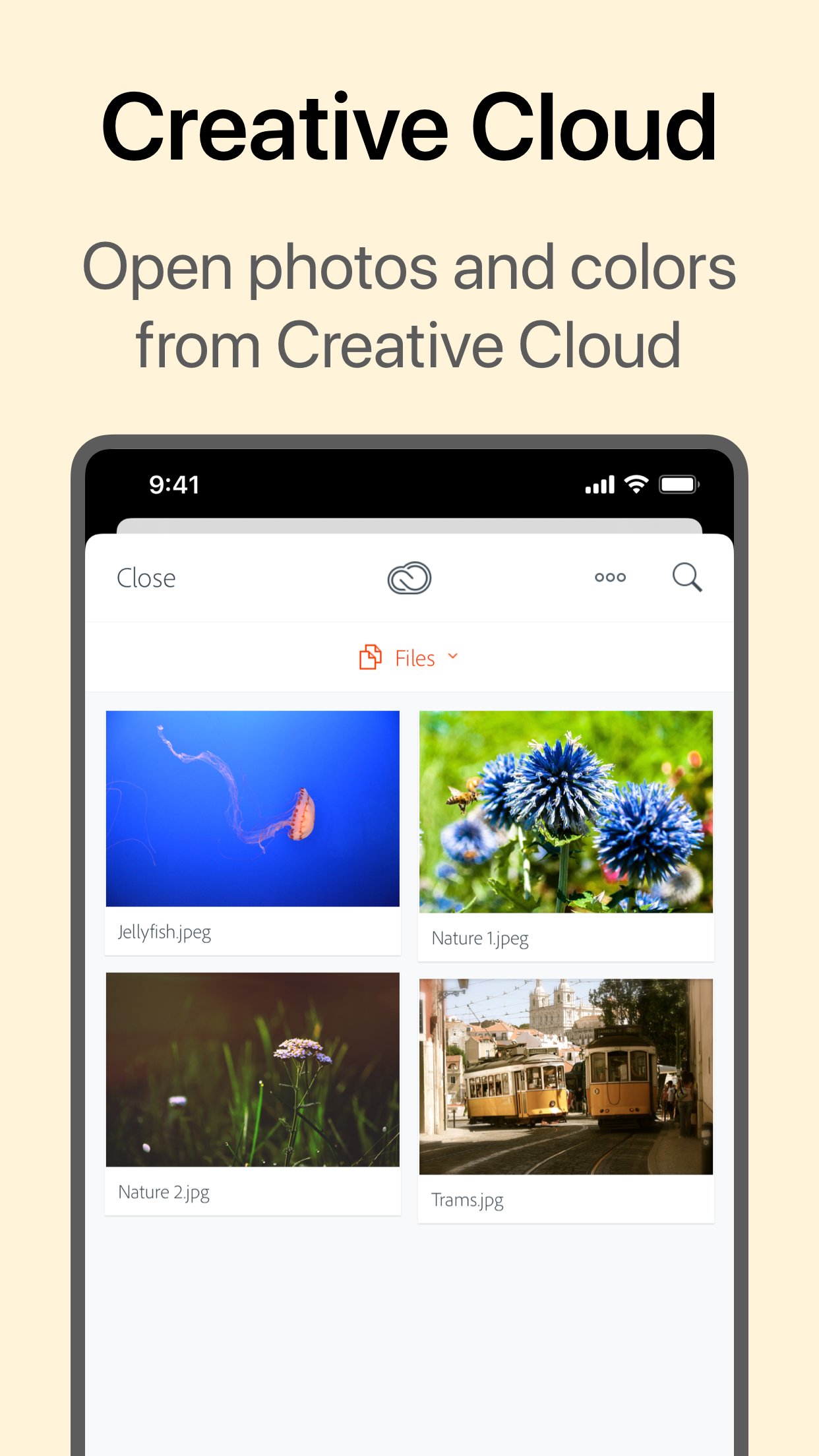
- Open images or import colors from Adobe Creative Cloud.
- Easily view and pick the most dominant colors in an image.
- Select a 'capture radius' to have granular control over the colors you capture.
- The Colordrop app extension lets you pick colors without opening the app, for example in the Photos app.
- Today View widget shows you your most recent colors.
- Manually add a color by hex code or using the built-in color picker.
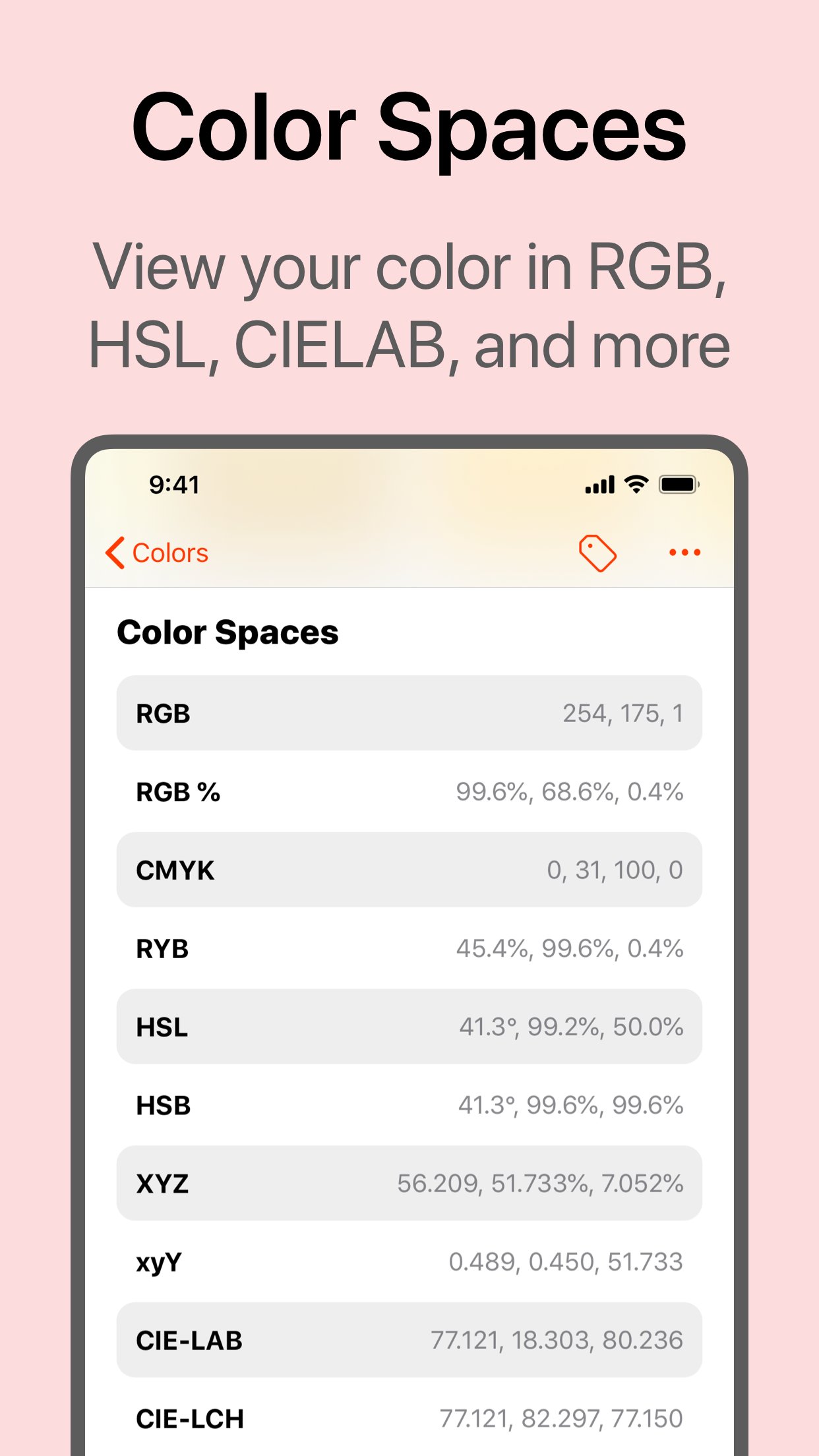
INSPECT
The most detailed color analysis tool available on iPhone or iPad.
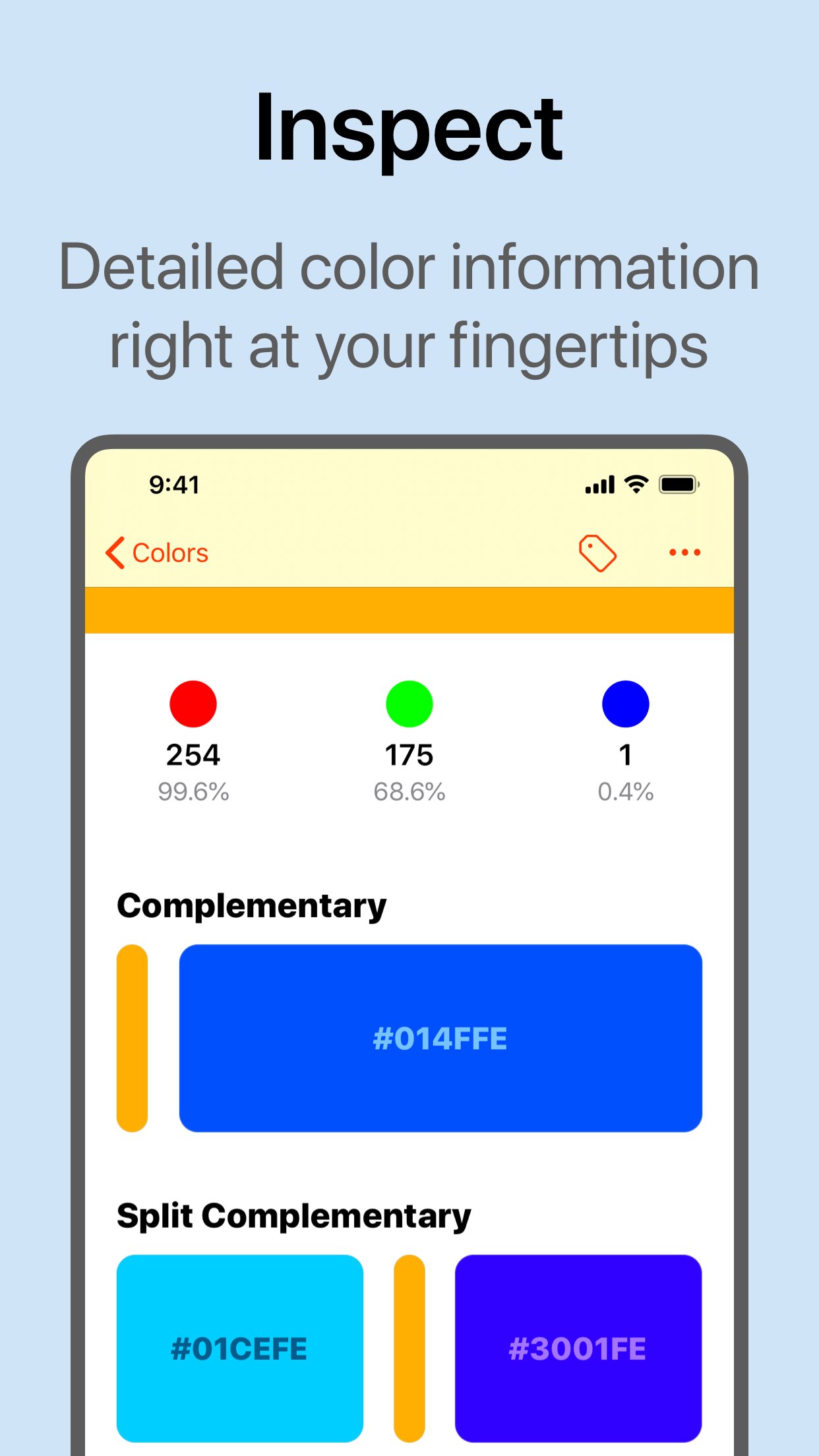
- RGB, CYMK and RYB color overviews.
- CIE-LAB, CIE-LCH, HSL, HSV, XYZ color values (and many more).
- Complementary and split-complementary colors.
- Triadic and tetradic colors.
- Tints, shades, tones and monochromatic colors.
- Square and analogous colors.
- Similar colors for RAL Classic, Web, HKS and many more.
- Color blindness simulator and color contrast checker.
- Quickly copy or share color codes.
- Color descriptions describe the appearance of a color in real terms.
- Metadata tells you the source of the color, and when you saved it.
EVEN MORE...
A powerful tool for developers and creatives alike.
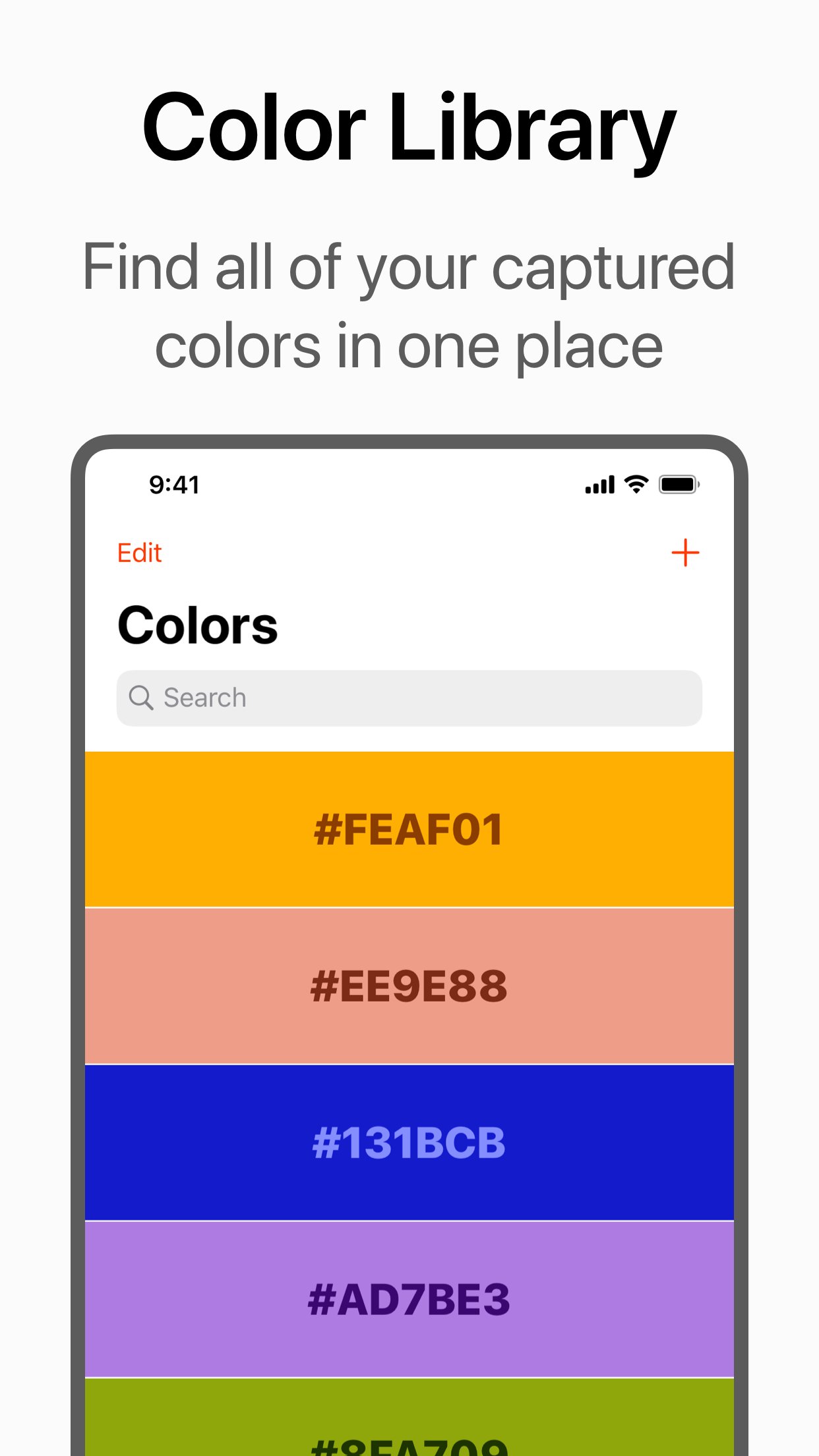
- Powerful search feature, including support for Spotlight.
- Organize your colors with tags.
- Drag and drop colors to other apps, or to save new ones.
- Siri Shortcuts for capturing or viewing colors.
- Apple Watch app to view all of your saved colors at a glance.
- Export colors to Procreate swatch, Adobe color swatch, or to JSON or CSV formats.
- Change the default illuminant for accurate color in any environment.
- Customize the color data you see.
Colordrop is developed by a team of one! Any feedback and suggestions for new features are greatly appreciated. You can get in touch on Twitter (@penguingeorge), or by emailing help@penguingeorge.com.
License: Commercial
| Release info | New Release on Sep 15, 2020 |
|---|---|
| Release notes | This version includes bug fixes and other minor improvements. |
| Listing data | App Store |
Reviews
No reviews yet. Be the first to review Colordrop.
Used Colordrop? Tell other visitors what you thought.
Log in to write a reviewOther products by this publisher
- "No Distractions" for YouTube 4.10 ----
- #Bible 11.6.1 "Incredible App - My sister shared this app with me a few weeks ago and it is truly incredible.
- #filmphotography 1.4.2 So, you decided to shoot on film?
- #LookBusy Fake Calendar Events 1.0.6 Look Busy scans your work calendar for open time slots and fills them with realistic-looking (but secretly fake) work events.
- #Small Talk Is Canceled 1.0.2 #Small Talk Is Canceled — Conversations That Matter
Most viewed iOS Developer Tools
-
1
 ZScripter 15.0.0
ZScripter plays compatible Ren'Py, RealLive, NScripter, (PONS)ONScripter-EN/RU/JH/Yuri, Artemis, Siglus, CatSystem2, Ethornell BGI, N2System (Nitro+), AI5 and UK2 games as well as KiriKiri (+Kirikiroid2 patches), TyranoScript, RPG Maker MV/MZ & XP, …
-
2
 GitHub 1.285.0
There’s a lot you can do on GitHub that doesn’t require a complex development environment – like sharing feedback on a design discussion, or reviewing a few lines of code.
-
3
 LocalDevVPN 1.3.0
LocalDevVPN is a developer tool for creating and managing local network tunnels directly on iOS.
-
4
 Agents Anywhere 2.1.0
Agents Anywhere is a developer tools mobile application for remotely controlling your local computer to complete coding tasks.
-
5
 Shader Playground 1.0
Shader Playground is a powerful real-time shader editor built for iPhone and iPad.
-
6
 Code Workspace 0.9.1
Code Workspace is a free, agent-first development environment for iPad and iPhone.
-
7
 Andarium 1.0
Andarium lets you run an Android virtual machine on your iPhone and iPad—no computer setup, extra downloads, or complicated configuration required.
-
8
 Termius 8.2.0
Termius is a modern SSH client designed for productivity and collaboration.
-
9
 Rulify 1.0.7
Rulify ????? iOS App ????,???????? App ????,???????????????
-
10
 TestFlight 4.4.1
TestFlight makes it easy to test beta versions of apps and App Clips to provide valuable feedback to developers before they release their apps on the App Store.
Most downloaded iOS Developer Tools
-
1
Agents Anywhere 2.1.0
Agents Anywhere is a developer tools mobile application for remotely controlling your local computer to complete coding tasks.
-
2
Rulify 1.0.7
Rulify ????? iOS App ????,???????? App ????,???????????????
-
3
 a-Shell mini 2.3.2
a-Shell mini is a complete local terminal emulator, allowing to run most Unix commands on you iOS device.
-
4
 LadderTouch 2.1.5
LadderTouch is an app to learn the basics of ladder logic, which is a graphical programming language.
-
5
 FSNotes 7.6.1
FSNotes is a fast, modern notes manager for macOS and iOS.
-
6
 Herdy 1.5.1
Herdy puts your remote terminal and long-running coding-agent sessions in your pocket.
-
7
Andarium 1.0
Andarium lets you run an Android virtual machine on your iPhone and iPad—no computer setup, extra downloads, or complicated configuration required.
-
8
 C/C++$-LLVM Clang 2.7
This is a learning tool for efficient C/C++ learning, fast programming, ?(LLVM+Clang)offline compilation and local execution?, Git fetching, iCloud storage, and efficient transfer and sharing via LAN HTTP/FTP multi-point connections.
-
9
LocalDevVPN 1.3.0
LocalDevVPN is a developer tool for creating and managing local network tunnels directly on iOS.
-
10
 Markdown2PDF 1.0
Easily Convert Markdown to PDF with Markdown2PDF