
14downloads
12this week
FreeCommercial
0reviews
Screenshots
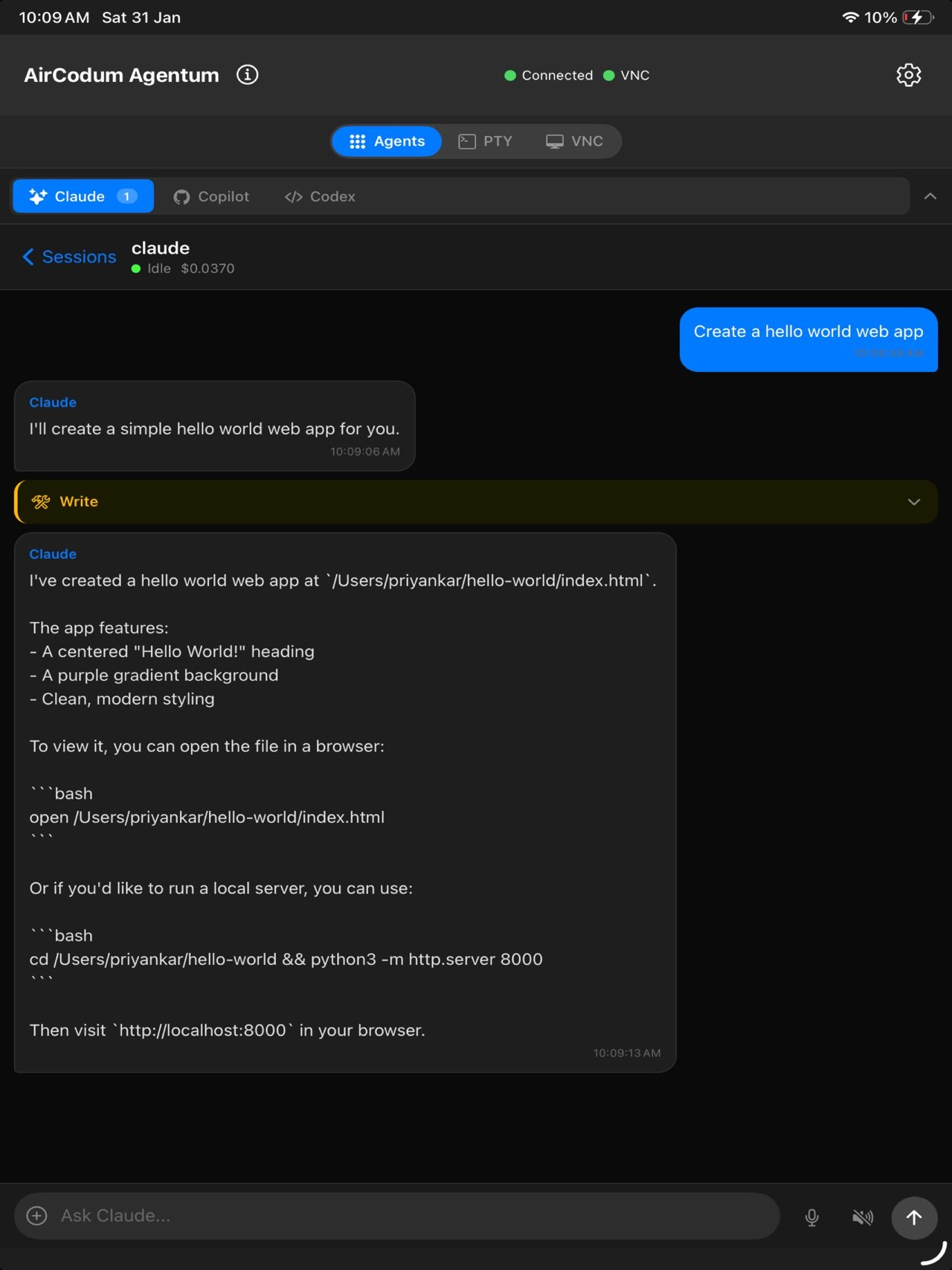
About AirCodum Agentum
AirCodum Agentum — your coding workspace from your phone
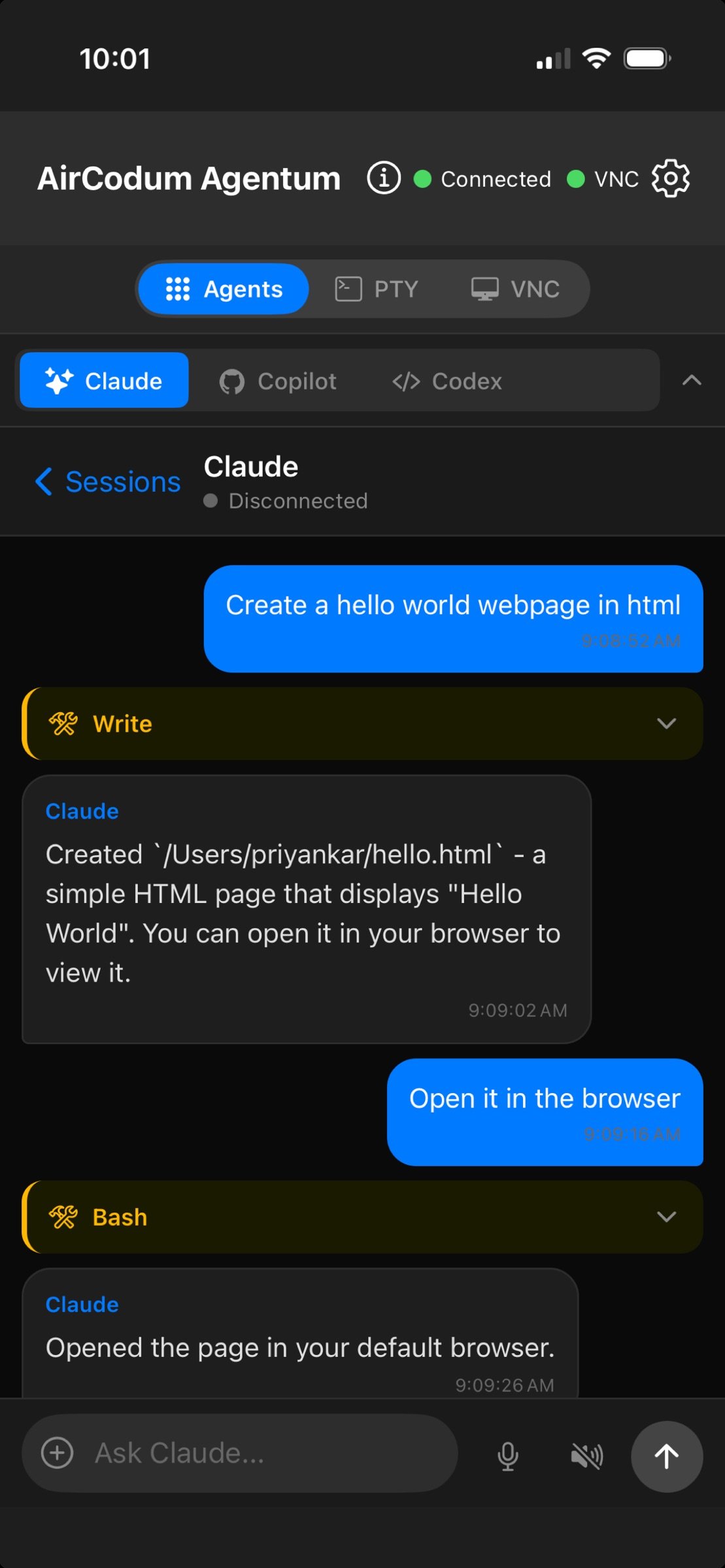
Work with terminal sessions, Cline, Claude Code, GitHub Copilot and Codex on your own computer. Check progress, send instructions and use the desktop when a task needs a full interface.
YOUR COMPUTERS
Save named computers and Agentum instances, then switch between them. Scan a pairing QR code or enter connection details manually. Local Wi-Fi works directly; Tailscale is optional for remote access. Custom TLS endpoints are also supported.
TOUCH-FRIENDLY DESKTOP
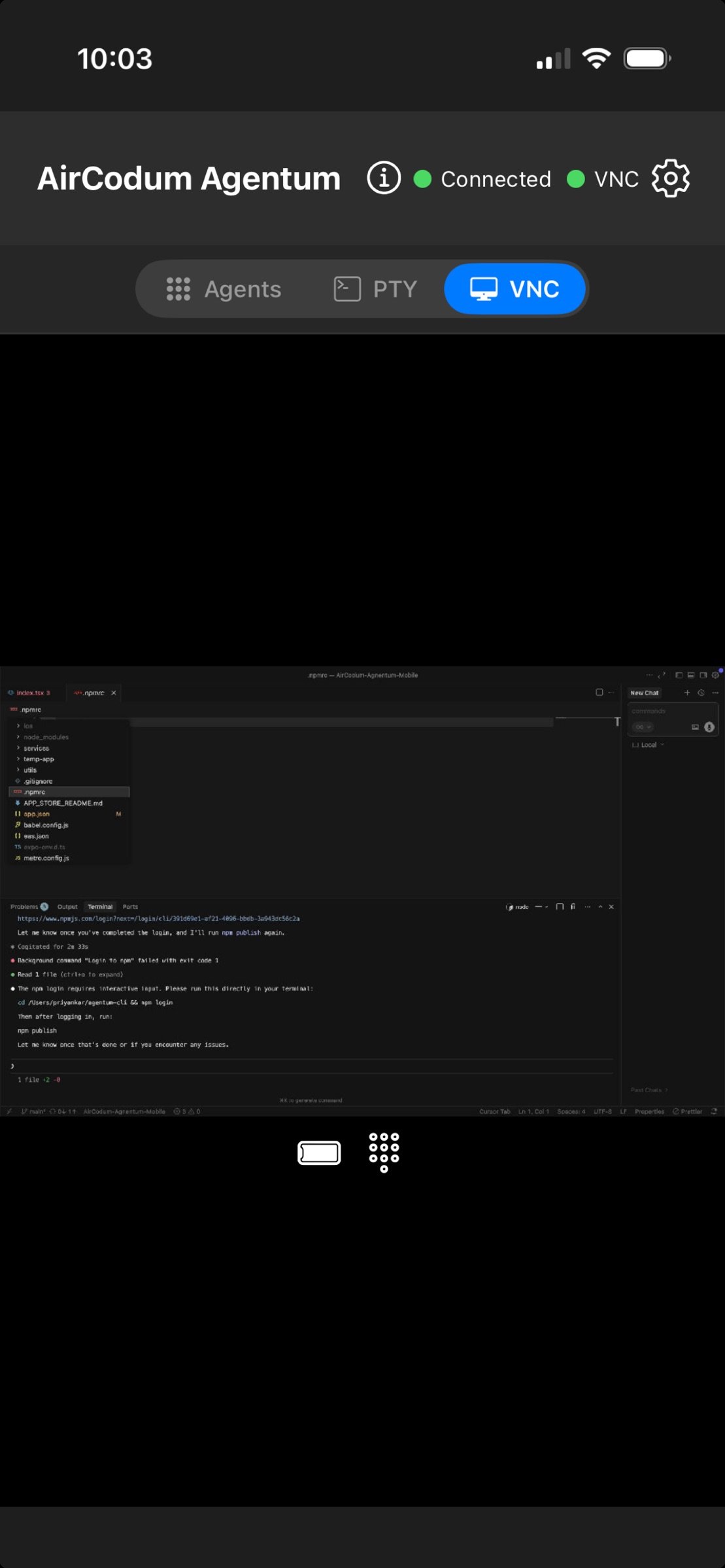
Pinch to zoom, pan around your desktop and fit it back to the screen. Choose Scroll or Drag for reading code and selecting text. Use the desktop keyboard to compose text and send shortcuts.
TERMINALS AND CODING AGENTS
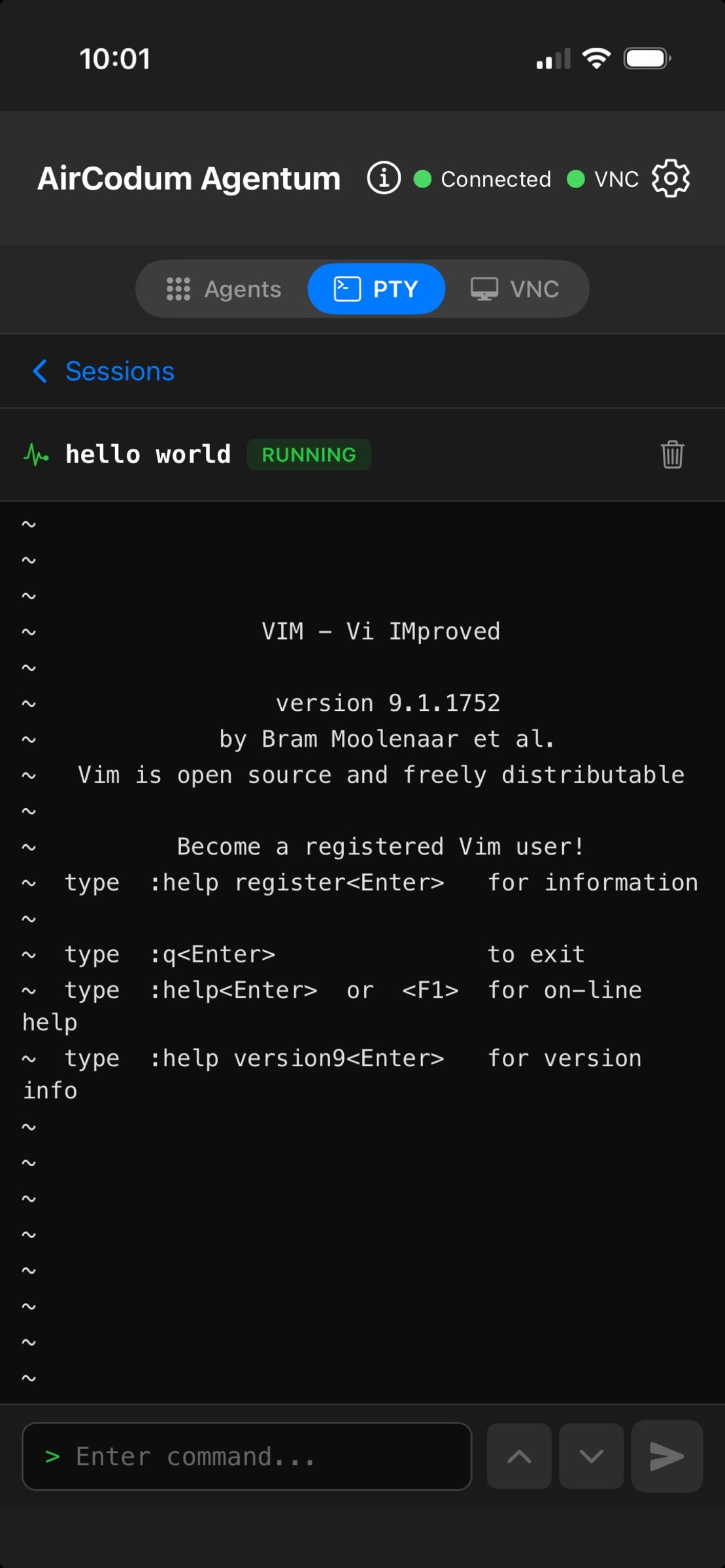
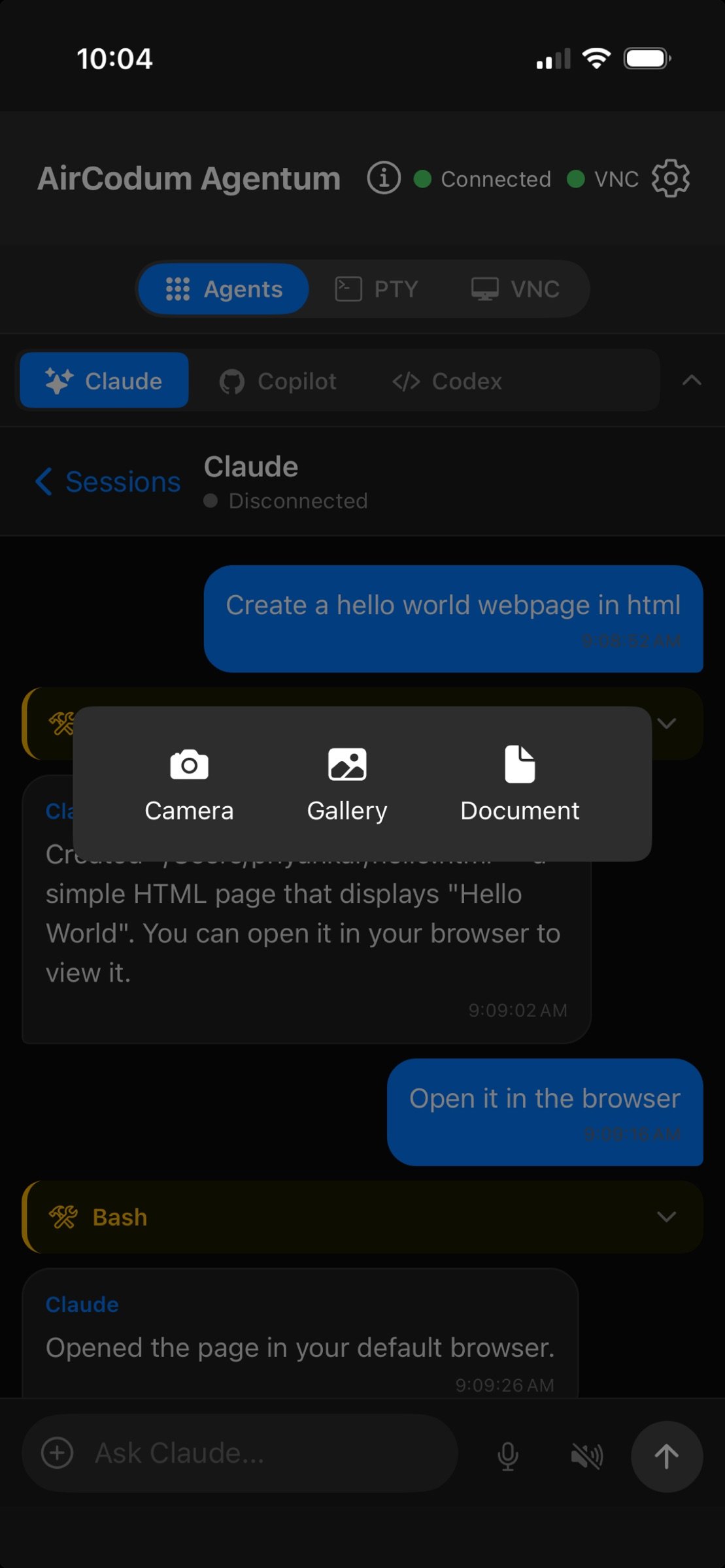
Manage terminal sessions and supported coding agents from one app. Start Cline in a project folder and use the terminal keys for menus and approval prompts. Reconnect to sessions still running on your computer. Install and authenticate each coding agent on your computer first. Dictate text using your device's speech recognition service and receive task notifications when enabled.
SETUP
1. Install Agentum 2 from [link removed] on your computer, then run ag start.
2. Run ag pair for a QR code and manual pairing details.
3. Open Computers in the app, pair, and choose a terminal, agent or desktop view.
The desktop server runs on your computer. Pairing keys are stored securely on your phone. AI tools and speech recognition may use their providers' services and require their own accounts or subscriptions. Your computer must remain awake and reachable. Desktop input controls the focused app on that computer; terminal sessions belong to the selected Agentum instance.
License: Commercial
Work with terminal sessions, Cline, Claude Code, GitHub Copilot and Codex on your own computer. Check progress, send instructions and use the desktop when a task needs a full interface.
YOUR COMPUTERS
Save named computers and Agentum instances, then switch between them. Scan a pairing QR code or enter connection details manually. Local Wi-Fi works directly; Tailscale is optional for remote access. Custom TLS endpoints are also supported.
TOUCH-FRIENDLY DESKTOP
Pinch to zoom, pan around your desktop and fit it back to the screen. Choose Scroll or Drag for reading code and selecting text. Use the desktop keyboard to compose text and send shortcuts.
TERMINALS AND CODING AGENTS
Manage terminal sessions and supported coding agents from one app. Start Cline in a project folder and use the terminal keys for menus and approval prompts. Reconnect to sessions still running on your computer. Install and authenticate each coding agent on your computer first. Dictate text using your device's speech recognition service and receive task notifications when enabled.
SETUP
1. Install Agentum 2 from [link removed] on your computer, then run ag start.
2. Run ag pair for a QR code and manual pairing details.
3. Open Computers in the app, pair, and choose a terminal, agent or desktop view.
The desktop server runs on your computer. Pairing keys are stored securely on your phone. AI tools and speech recognition may use their providers' services and require their own accounts or subscriptions. Your computer must remain awake and reachable. Desktop input controls the focused app on that computer; terminal sessions belong to the selected Agentum instance.
License: Commercial
| Release info | New Release on Sep 14, 2026 |
|---|---|
| Release notes | Cline now has a dedicated tab with interactive sessions, menus and approval controls. Save and switch between named computers and Agentum instances. Pair with an optional QR code or manual details. Desktop mode gains pinch zoom, pan, scroll, drag, right-click and a text composer. Improved connection recovery, secure pairing and desktop responsiveness. Use Agentum 2 on your computer for the new features; older servers remain available through explicit legacy connection settings. |
| Listing data | App Store |
Reviews
No reviews yet. Be the first to review AirCodum Agentum.
Used AirCodum Agentum? Tell other visitors what you thought.
Log in to write a reviewOther products by this publisher
- "No Distractions" for YouTube 4.10 ----
- #Bible 11.6.1 "Incredible App - My sister shared this app with me a few weeks ago and it is truly incredible.
- #filmphotography 1.4.2 So, you decided to shoot on film?
- $quirrel 1.5.1 $quirrel Budget & Finance helps you plan each paycheck, track spending, manage debt, and see what is safe to spend before the next payday.
- % Percentage Calculator Pro 1.41 This is the Pro version of % Percentage Calculator.
Most viewed iOS Developer Tools
-
1
 ZScripter 13.3.0
ZScripter plays compatible Ren'Py, RealLive, NScripter, (PONS)ONScripter-EN/RU/JH/Yuri, Artemis, Siglus, CatSystem2, Ethornell BGI, N2System (Nitro+), AI5 and UK2 games as well as KiriKiri (+Kirikiroid2 patches), TyranoScript, RPG Maker MV/MZ & XP, …
-
2
 GitHub 1.285.0
There’s a lot you can do on GitHub that doesn’t require a complex development environment – like sharing feedback on a design discussion, or reviewing a few lines of code.
-
3
 Agents Anywhere 2.1.0
Agents Anywhere is a developer tools mobile application for remotely controlling your local computer to complete coding tasks.
-
4
 Shader Playground 1.0
Shader Playground is a powerful real-time shader editor built for iPhone and iPad.
-
5
 LocalDevVPN 1.3.0
LocalDevVPN is a developer tool for creating and managing local network tunnels directly on iOS.
-
6
 Code Workspace 0.9.1
Code Workspace is a free, agent-first development environment for iPad and iPhone.
-
7
 Termius 8.2.0
Termius is a modern SSH client designed for productivity and collaboration.
-
8
 Rulify 1.0.7
Rulify ????? iOS App ????,???????? App ????,???????????????
-
9
 TestFlight 4.4.1
TestFlight makes it easy to test beta versions of apps and App Clips to provide valuable feedback to developers before they release their apps on the App Store.
-
10
 Cursor 1.18.0
Introducing Cursor for iOS: the best way to build, review, and ship software from anywhere.
Most downloaded iOS Developer Tools
-
1
Agents Anywhere 2.1.0
Agents Anywhere is a developer tools mobile application for remotely controlling your local computer to complete coding tasks.
-
2
Rulify 1.0.7
Rulify ????? iOS App ????,???????? App ????,???????????????
-
3
 a-Shell mini 2.3.2
a-Shell mini is a complete local terminal emulator, allowing to run most Unix commands on you iOS device.
-
4
 LadderTouch 2.1.5
LadderTouch is an app to learn the basics of ladder logic, which is a graphical programming language.
-
5
 FSNotes 7.6.1
FSNotes is a fast, modern notes manager for macOS and iOS.
-
6
 C/C++$-LLVM Clang 2.7
This is a learning tool for efficient C/C++ learning, fast programming, ?(LLVM+Clang)offline compilation and local execution?, Git fetching, iCloud storage, and efficient transfer and sharing via LAN HTTP/FTP multi-point connections.
-
7
 Herdy 1.5.0
Herdy puts your remote terminal and long-running coding-agent sessions in your pocket.
-
8
 Markdown2PDF 1.0
Easily Convert Markdown to PDF with Markdown2PDF
-
9
 python3$ 6.6
This is a Python 3.13 learning tool for efficient learning, fast programming, local execution, breakpoint debugging, precise error reporting, Git fetching, iCloud access, and efficient transfer and sharing via LAN HTTP/FTP multi-point connections.
-
10
LocalDevVPN 1.3.0
LocalDevVPN is a developer tool for creating and managing local network tunnels directly on iOS.