Zen Brush 3 1.19.1
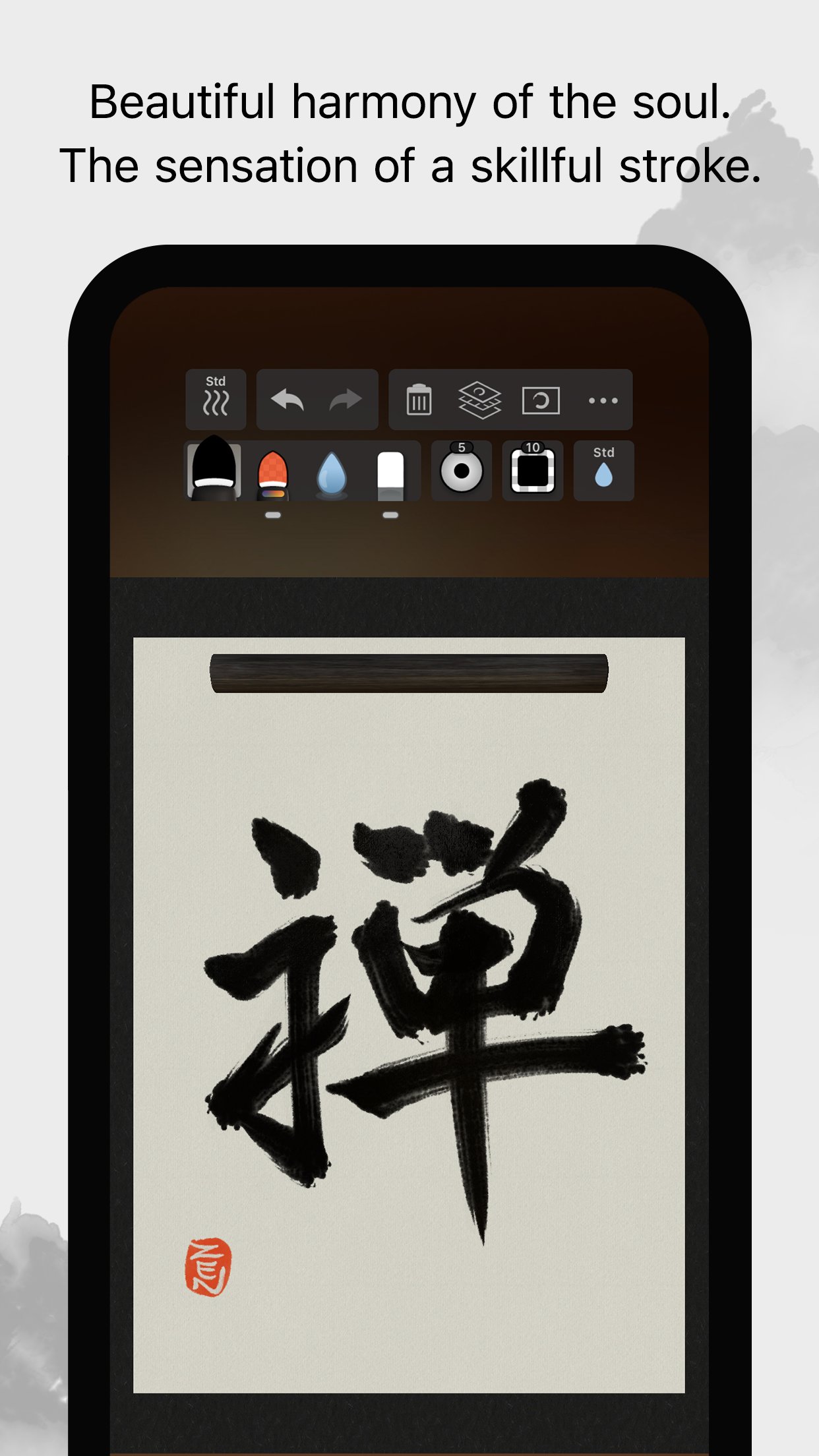
Zen Brush 3 is a drawing app focused on the strong yet beautiful feel of the East Asian ink brush which can be used to perform calligraphy, ink painting and more.
Download
225.92 MB
11downloads
1this week
FreeCommercial
0reviews
Screenshots
About Zen Brush 3
Zen Brush 3 is a drawing app focused on the strong yet beautiful feel of the East Asian ink brush which can be used to perform calligraphy, ink painting and more.
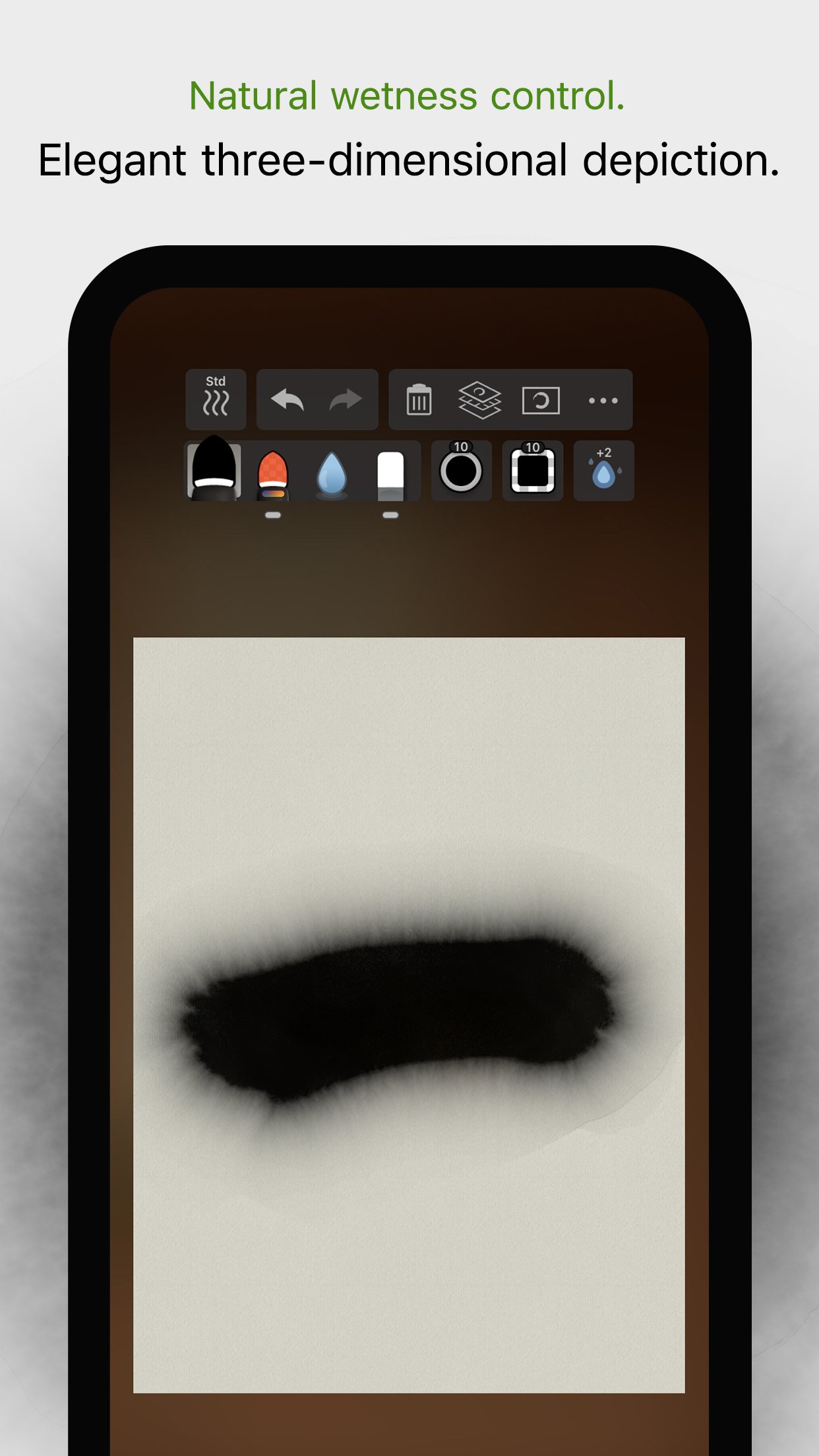
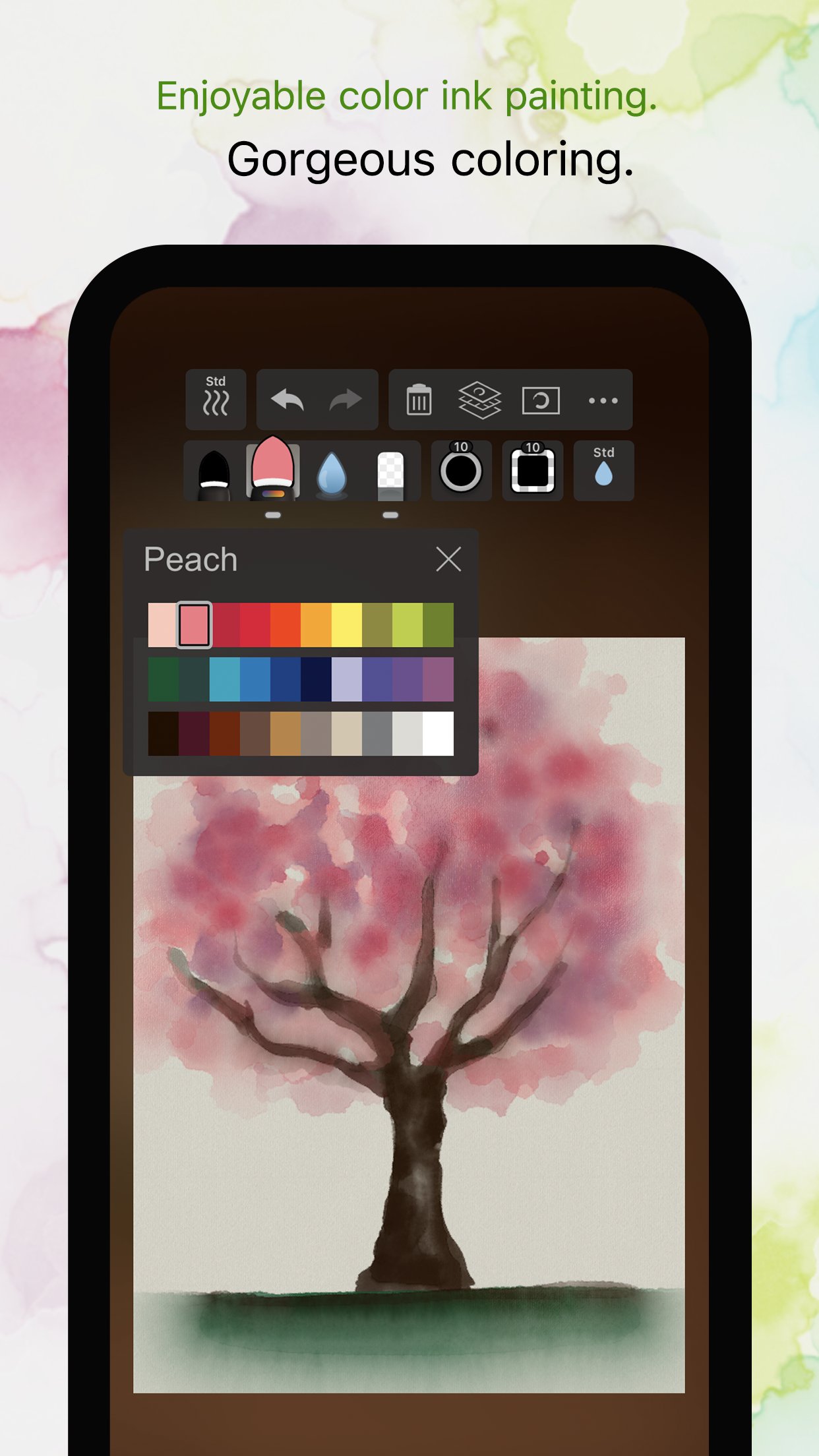
The drawing system that brings to life a feeling of silky fluent and delicate painting now allows an even wider range of expression thanks to the addition of "water" and "color". Providing a new simple and intuitive user interface, this app is designed to be optimal for performing Zen art.
Simply start the app and you are immediately ready to draw. Anyone, anywhere, can create superb Zen art with this app’s uniquely rich expressiveness. You can also easily share and edit your calligraphy and images with other apps using the Export functionality. Skillfully use the rich background style templates to create and share atmospheric artwork.
- The drawing system simulates a 3D model of an East Asian ink brush to enable varied and natural styles of brush handling.
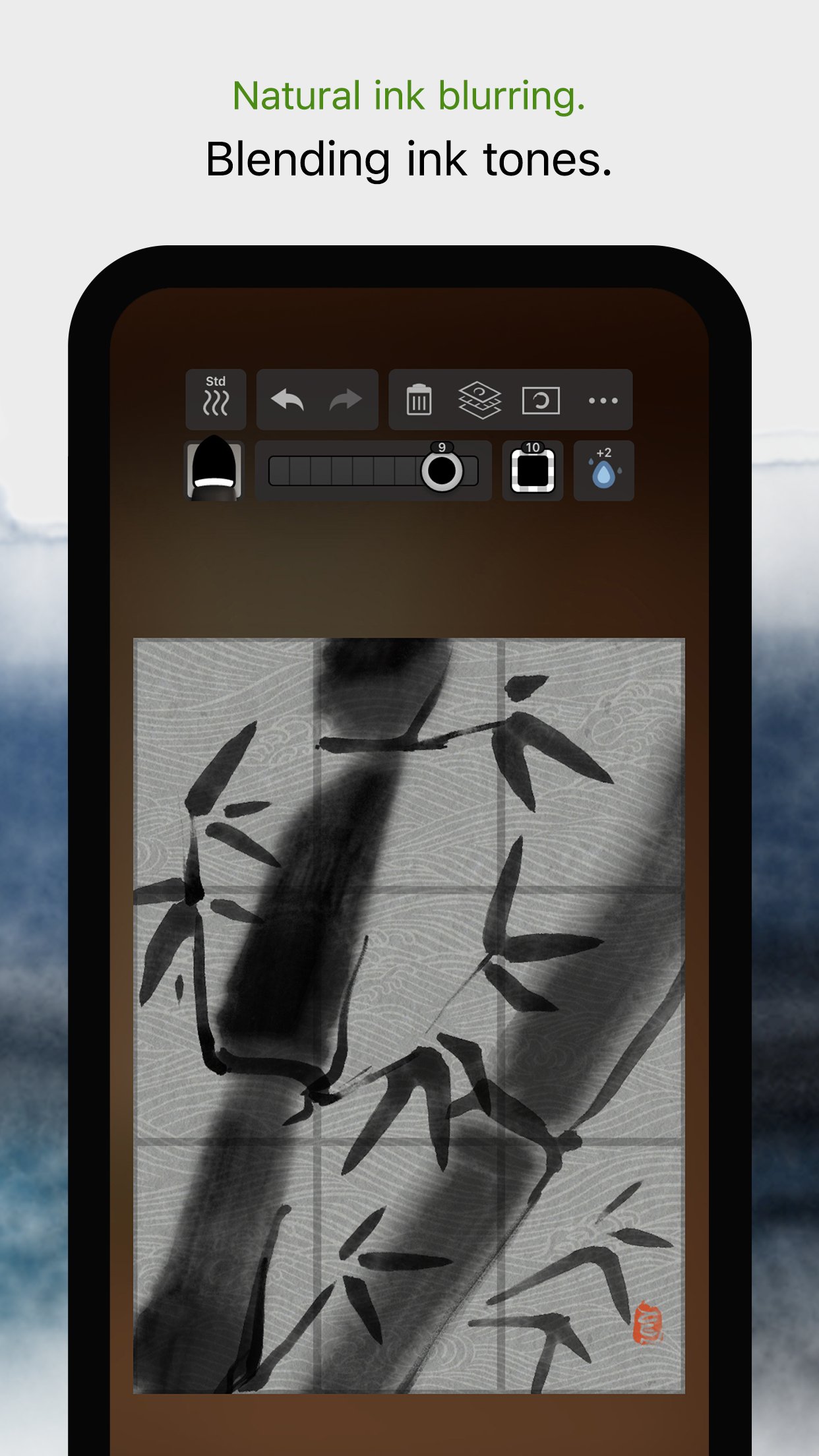
- The adjustable amount of water makes it possible to create expressions ranging from powerful edge effects to "nijimi" (bleeding) and "bokashi" (blurring) where colors mix.
- You can also enjoy creating colored-ink paintings as well as watercolor paintings by making use of 30 selected traditional Japanese colors.
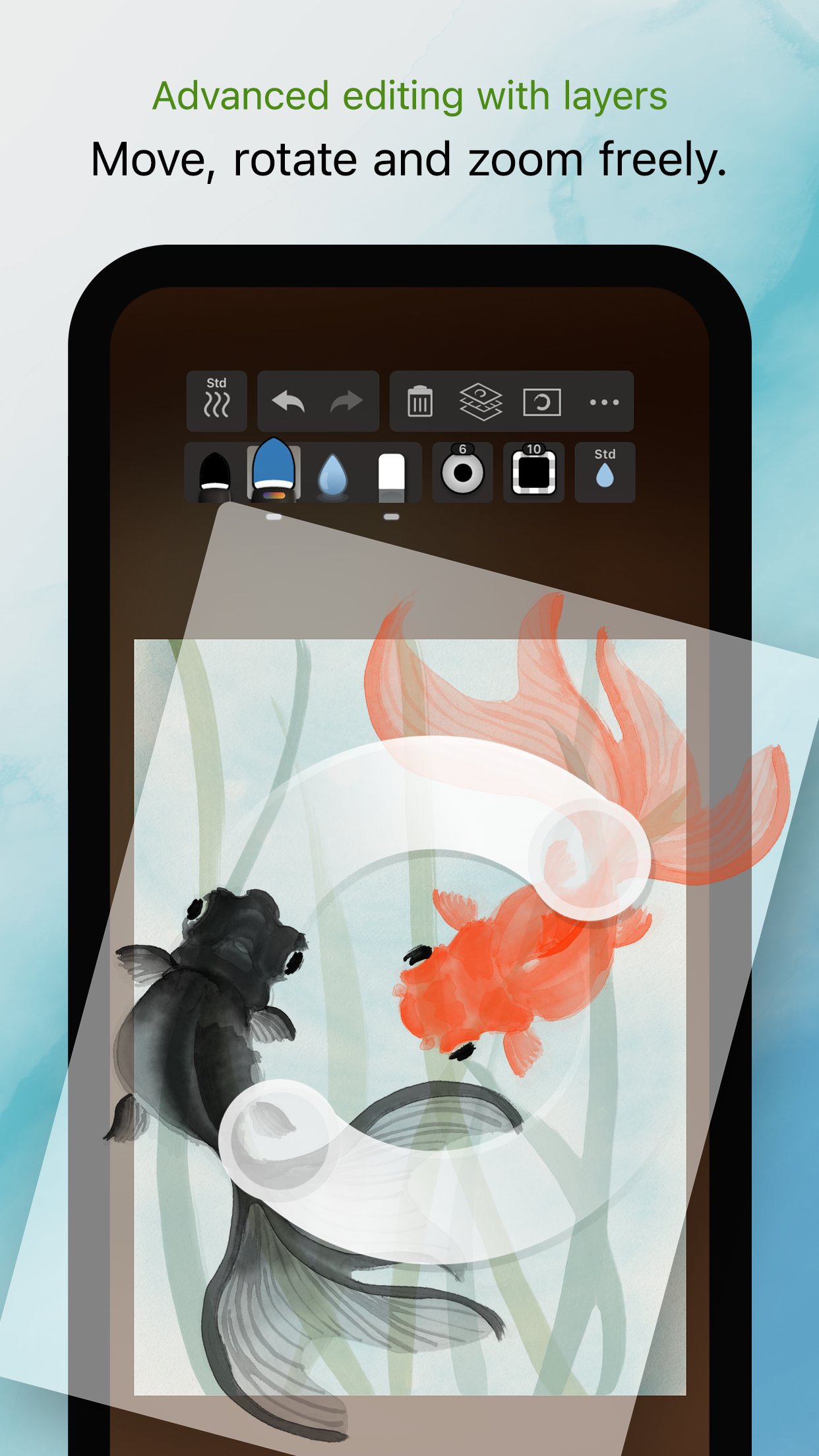
- The layer functionality allows more flexible editing.
- Import photos to add text to them or use them as background images for tracing.
- Create fascinating artwork with a rich assortment of background style templates.
- Traditional Japanese paper templates provide an authentic feel.
Features:
- 5 main tools (ink brush, color brush, water brush, eraser, blotting paper).
- 10 levels of thickness.
- 5 levels of water (not applicable to blotting paper).
- 10 levels of ink tone (not applicable to water brush and blotting paper).
- Color palette with 30 colors.
- 89 background style templates.
- Drying functionality (fast dry, instant dry, adjustable natural dry).
- Layers functionality (import image / color adjustment / move / rotate / scale / reverse left and right / white transparency / gradation effect).
- Guide display (character guides / partition guides / grid guides).
- Movable toolbar (top / bottom / left / right).
- Canvas zoom (zoom in and out with pinch gestures).
- Undo / redo (5 levels).
- Export functionality (formats: JPEG, PNG, transparent PNG (no background)).
- Support for Apple Pencil (1st and 2nd generation).
- Support for 3D Touch (where available: iPhone 6S - XS).
- Drawing tool selection (finger and stylus / stylus only).
- Adjustable brush pressure sensitivity (5 levels, with supported stylus only).
- Adjustable tilt sensitivity (5 levels, with supported stylus only).
- Gesture functionality (pinch zoom and drag, zoom toggle with 2-finger tap).
- 3D brush display (enable / disable).
- Pointer display (enable / disable).
- 5 levels of canvas resolution with a maximum of 3072 x 4096 pixels (the higher resolutions do not work on devices with lower specs).
License: Commercial
| Release info | New Release on May 14, 2026 |
|---|---|
| Release notes | - Fixed a bug in version 1.19 where stylus tilt orientation was reversed. Version 1.19 - Fixed a bug where the ink layer's "Erase All" button did not work. - Fixed a bug where already drawn ink sometimes became dark after changing the canvas resolution. - Minor bug fixes. |
| Listing data | App Store |
Reviews
No reviews yet. Be the first to review Zen Brush 3.
Used Zen Brush 3? Tell other visitors what you thought.
Log in to write a reviewOther products by this publisher
- "No Distractions" for YouTube 4.10 ----
- #Bible 11.6.1 "Incredible App - My sister shared this app with me a few weeks ago and it is truly incredible.
- #filmphotography 1.4.2 So, you decided to shoot on film?
- #LookBusy Fake Calendar Events 1.0.6 Look Busy scans your work calendar for open time slots and fills them with realistic-looking (but secretly fake) work events.
- #Small Talk Is Canceled 1.0.2 #Small Talk Is Canceled — Conversations That Matter
Most viewed iOS Photo & Video
-
1
 Restore Old Photos 1.1.0
Bring old family photos back to life, privately on your iPhone or iPad.
-
2
 Infrared Developer 1.2
Infrared Developer is a photo editor built for infrared photography.
-
3
 ShortDiShow 2.0
Drama Quest Island — An offline interactive short-drama adventure.
-
4
 Face Witness 1.0.4
FaceWitness lets you create a face by putting together individual features.
-
5
 makeART Coloring Book 1.0
Color something beautiful.
-
6
 Infuse 8.5.11
Infuse: Enterprise provides the same great features as the standard version of Infuse and includes permanent access to all Pro features via a traditional paid app.
-
7
 AI Video Generator 2.0.3
Vixel – AI Video Generator
-
8
 OPlayer 4.8
Play all your videos directly without having to convert them!
- 9 #filmphotography 1.4.2 So, you decided to shoot on film?
-
10
 CapCut 20.3.0
CapCut is an all-in-one video editing solution that offers essential editing features, creative effects, AI tools, filters, stickers, and fonts, and a wide range of video templates to empower users to easily create incredible videos regardless of th…
Most downloaded iOS Photo & Video
-
1
 DJI Fly 1.21.18
DJI Fly is designed to help pilots fly drones with ease.
-
2
Infuse 8.5.11
Infuse: Enterprise provides the same great features as the standard version of Infuse and includes permanent access to all Pro features via a traditional paid app.
-
3
 ReelyGo 1.1.60
ReelyGo: Your Daily Drama Escape
-
4
 Analog Radio 3.0
The iPhone and iPad devices don't have the FM/AM radio antenna installed.
-
5
 TurboCollage Automatic 1.2.4
#1 Easy automatic photo collage maker for iPhone & iPad.
-
6
 Rozeta Sequencer Suite 1.3.16
Rozeta is a suite of MIDI sequencers and controllers that lets you explore a new, freeform approach to sequencing and controlling mobile music apps.
-
7
 Treblo 1.6.7
Make songs with the world's best AI music model.
-
8
 Pop Dot Comics 1.48
Create a comic worthy of the Sunday newspaper or your favorite pulp-fiction cover.
-
9
 Sun Scout 1.5.0
If your work or play requires sunlight, Sun Scout is built for you.
-
10
 AGAIN. Rehearsal Notes 2.0.1
AGAIN. is the rehearsal app that remembers why the band stopped — and, new in Version 2, who said what in a writing session or a table read.