Zen Brush 2 1.33
Zen Brush 2 is a drawing app focused on the strong yet beautiful feel of the East Asian ink brush.
Download
71.88 MB
20downloads
5this week
FreeCommercial
0reviews
Screenshots
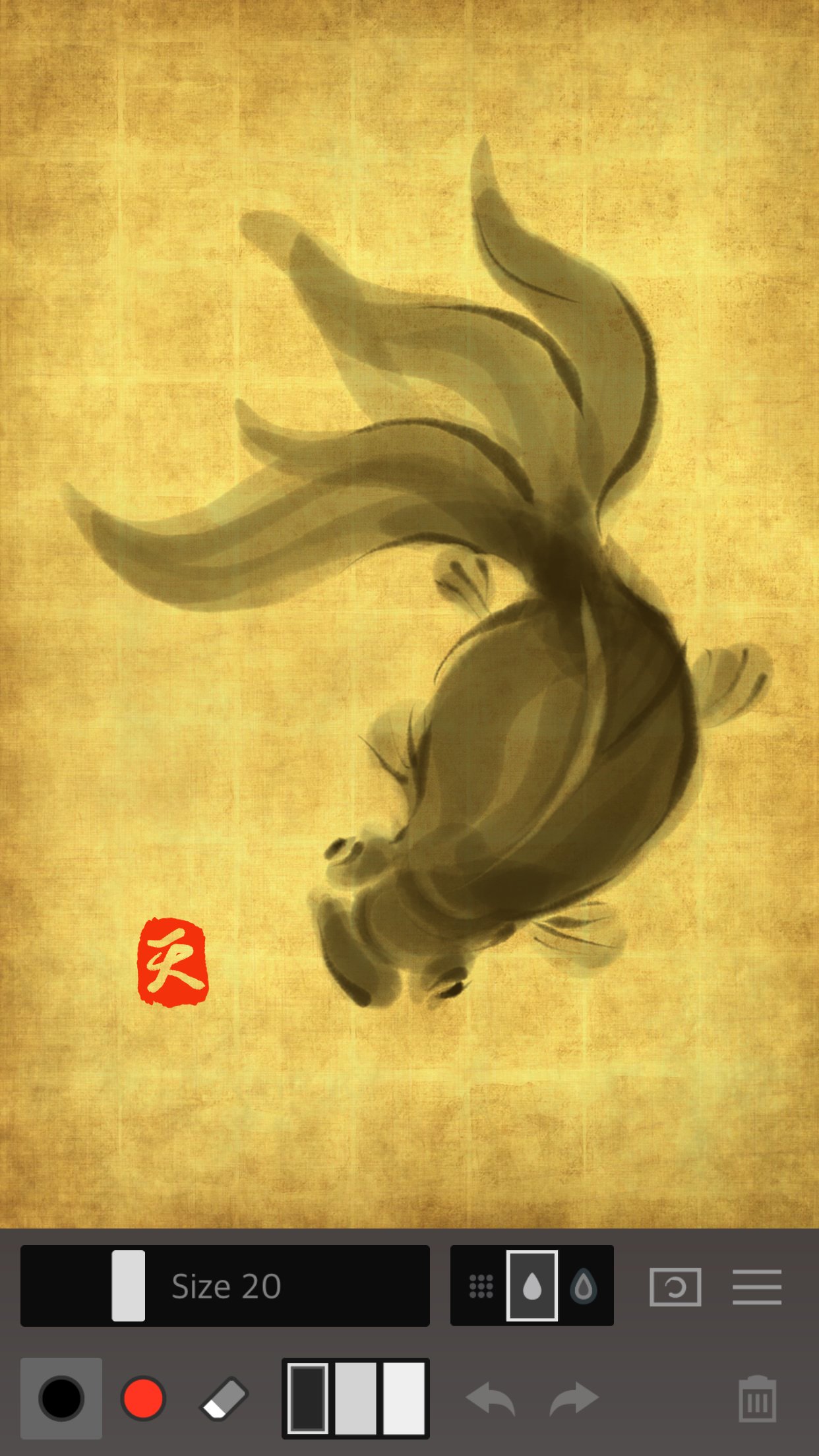
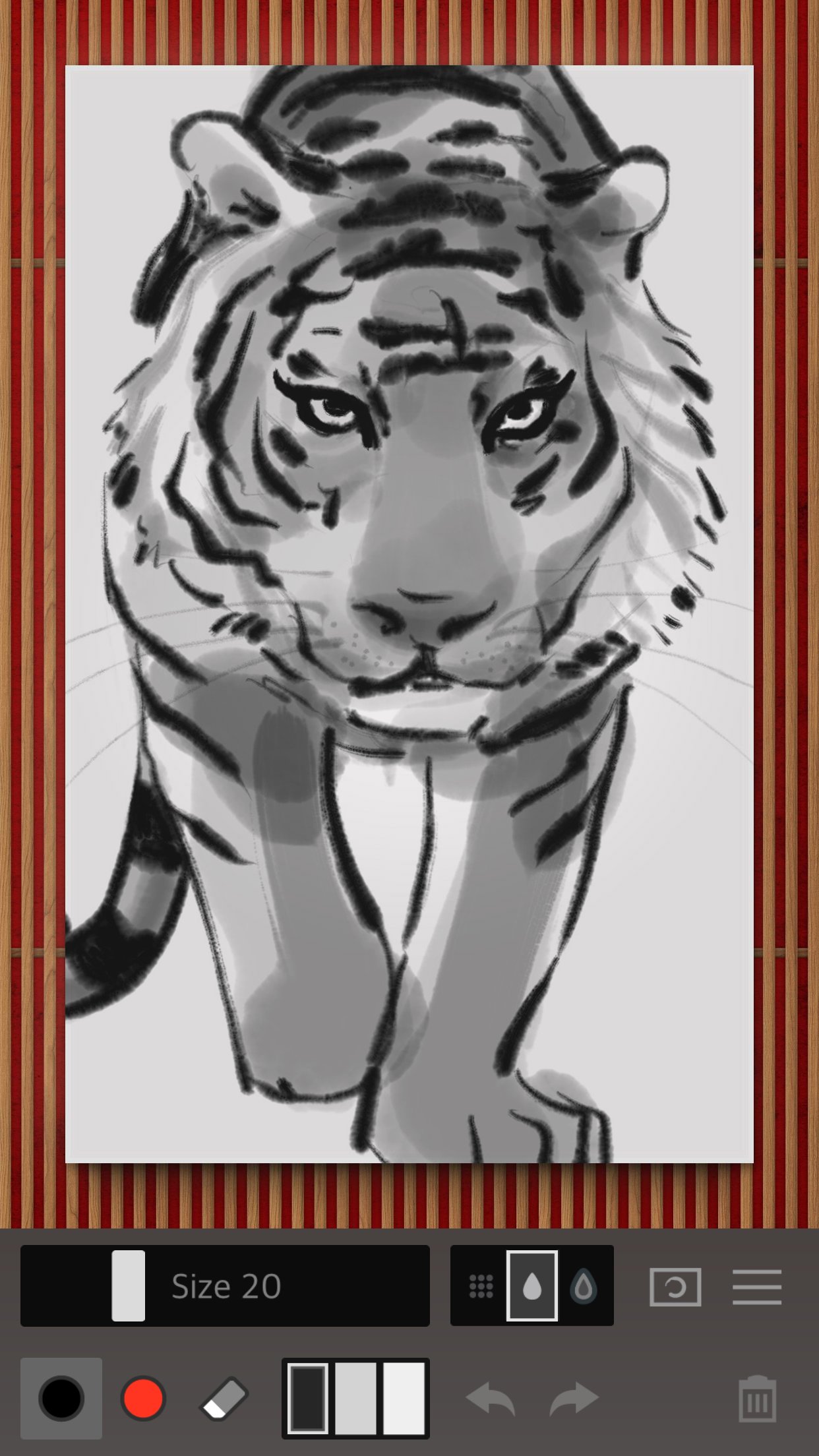
About Zen Brush 2
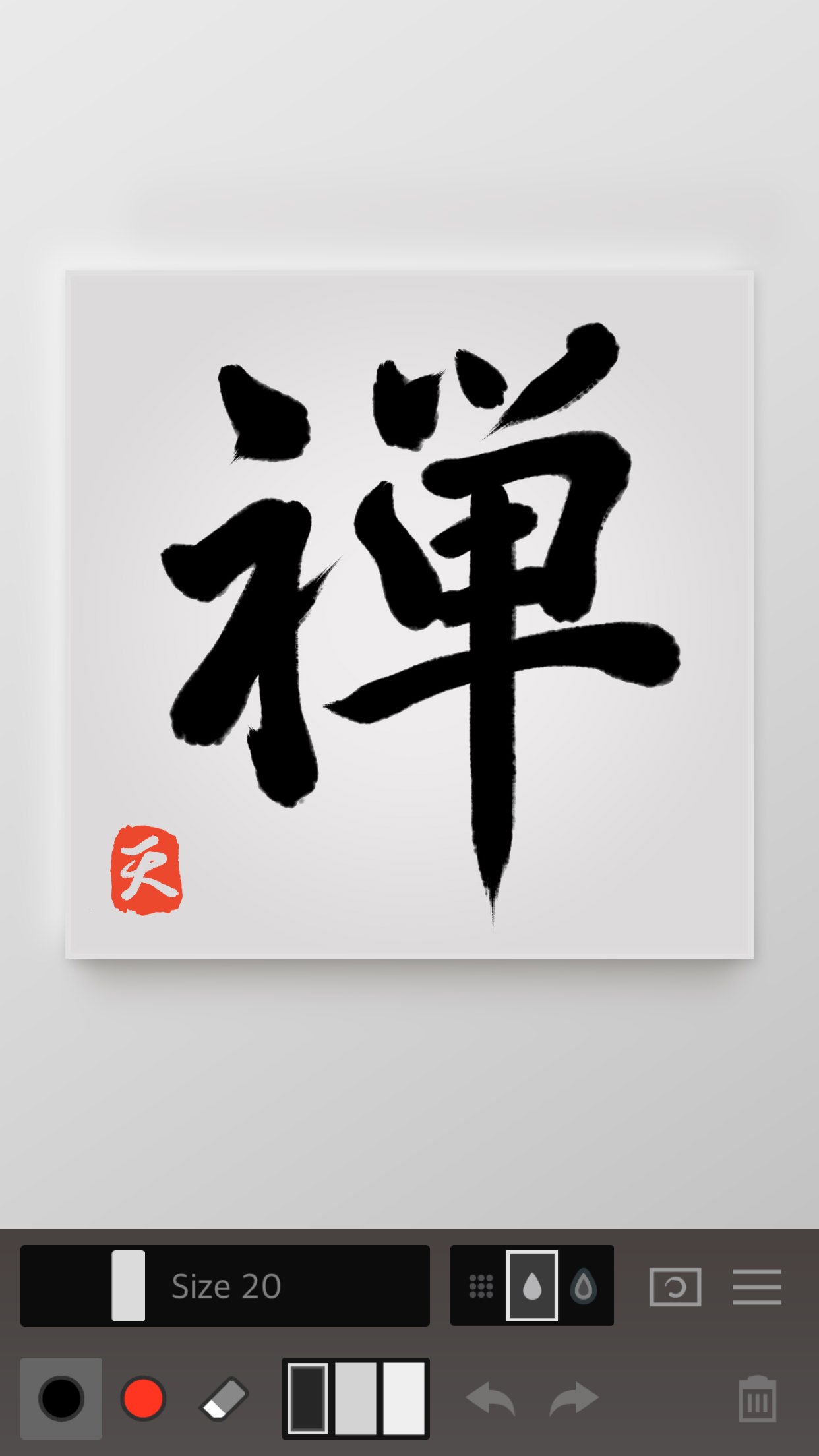
Zen Brush 2 is a drawing app focused on the strong yet beautiful feel of the East Asian ink brush.
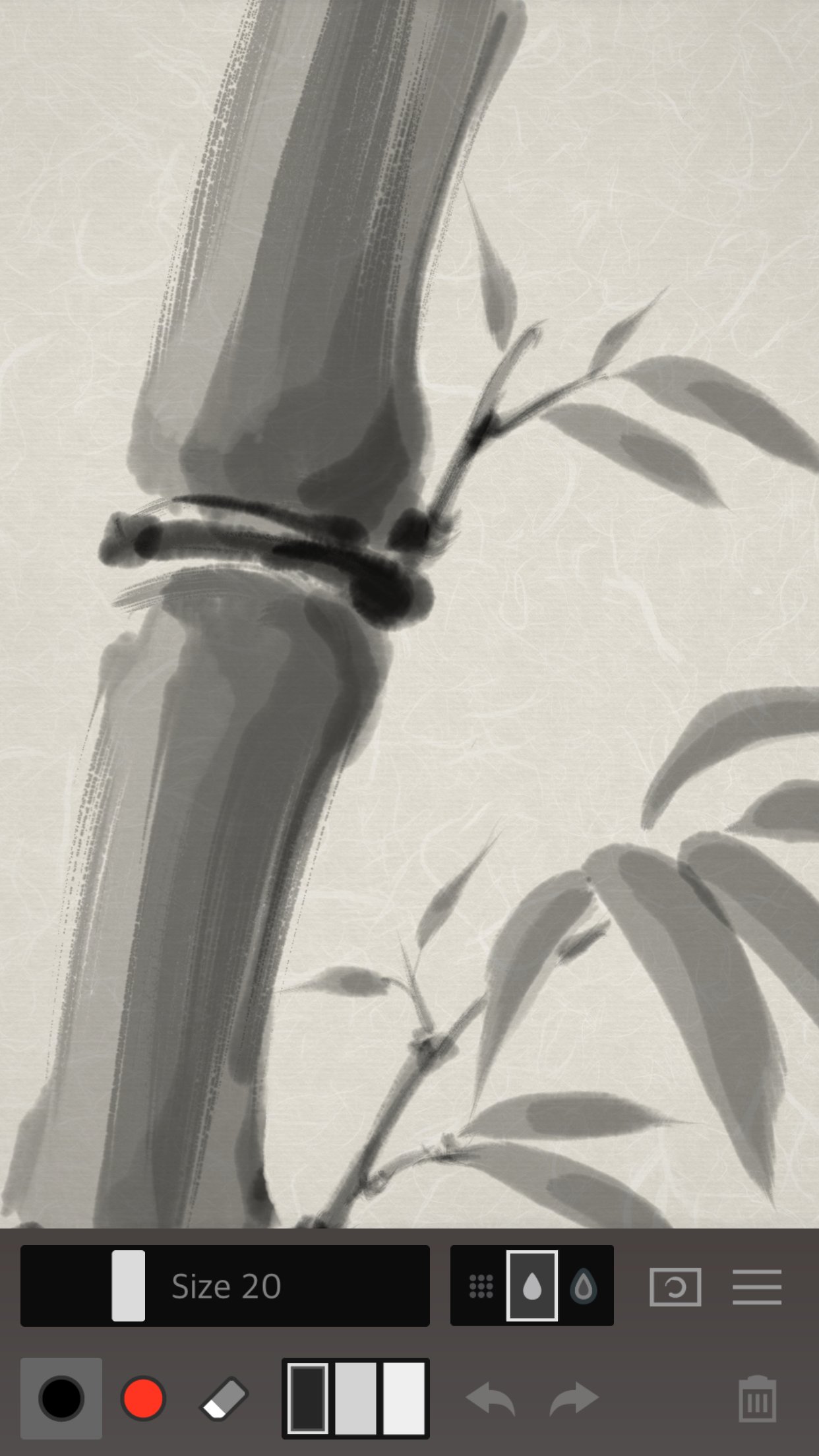
With a new drawing engine that brings to life a feeling of silky fluent painting and the delicacy of an ink brush, providing a simple and intuitive user interface imbued with the Zen spirit, this app is designed to be optimal for performing Zen art.
Simply start the app and you are immediately ready to draw. Anyone can create superb Zen art anywhere and at any time with this app’s uniquely rich expressiveness. You can publish your work to Facebook and Twitter with the "Share" and "Open in" functions. You can also share or edit your images by opening them in other apps such as Instagram, WhatsApp, LINE, Photoshop Mix, etc.
- The next step in the evolution of the Zen Brush app which achieved more than 1.5 million downloads on all platforms combined.
- Includes a new brush engine providing an even stronger, beautiful expressiveness.
- Includes a gallery feature that makes it possible to save your work in progress.
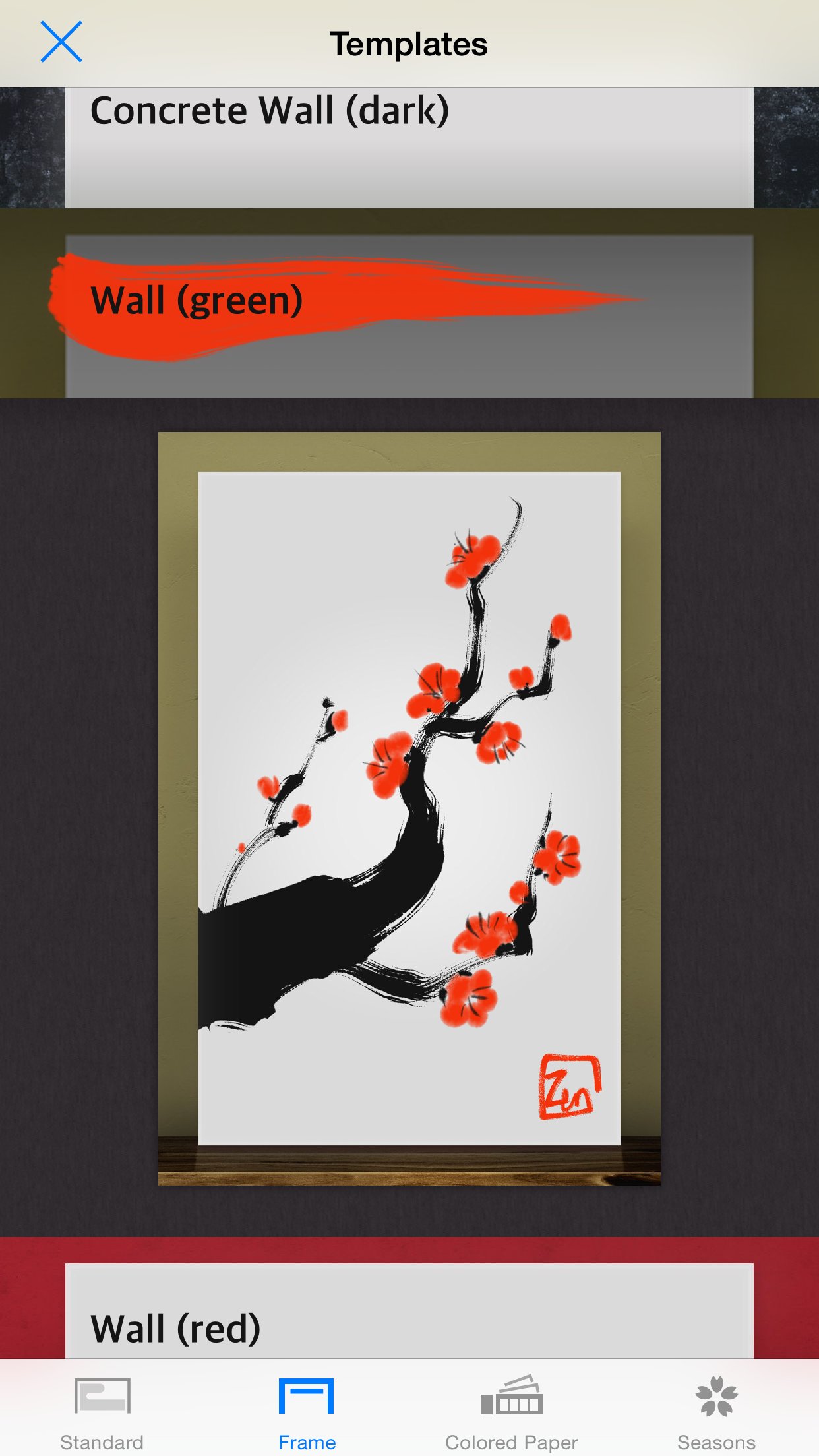
- Includes red ink in addition to the black ink (*).
- Ink dispersion effect enables a three-dimensional feeling of depth.
* Actual colors vary depending on the template.
Features:
- 92 background style templates.
- Simple brush size adjustment with slider.
- Simple main tools: Ink brush, red brush, eraser brush.
- 3 levels of ink dispersion.
- 3 levels of ink tone.
- Canvas zoom (zoom in and out with pinch gestures).
- Guide lines (9 types).
- Undo / redo (5 levels).
- Save your work to the photo library.
- Open in other apps (Formats: JPEG, PNG, transparent PNG (no background)).
- Share artwork (Facebook, Twitter, etc.).
- Simulated finger pressure.
- Support for pressure sensitive styluses.
* Apple Pencil / Wacom Bamboo Stylus / Adonit / Scriba / SonarPen
- Support for iPad Pro.
- Support for 3D Touch.
- Adjustable brush pressure sensitivity (5 levels).
- Adjustable tilt sensitivity (5 levels).
* Requires a pen that supports tilt.
- Supports multitasking (Slide Over / Split View).
- Support for iMessage App.
License: Commercial
| Release info | New Release on Dec 20, 2023 |
|---|---|
| Release notes | - Improved operation of iMessage app. |
| Listing data | App Store |
Reviews
No reviews yet. Be the first to review Zen Brush 2.
Used Zen Brush 2? Tell other visitors what you thought.
Log in to write a reviewOther products by this publisher
- "No Distractions" for YouTube 4.10 ----
- #Bible 11.6.1 "Incredible App - My sister shared this app with me a few weeks ago and it is truly incredible.
- #filmphotography 1.4.2 So, you decided to shoot on film?
- #LookBusy Fake Calendar Events 1.0.6 Look Busy scans your work calendar for open time slots and fills them with realistic-looking (but secretly fake) work events.
- #Small Talk Is Canceled 1.0.2 #Small Talk Is Canceled — Conversations That Matter
Most viewed iOS Photo & Video
-
1
 Restore Old Photos 1.1.0
Bring old family photos back to life, privately on your iPhone or iPad.
-
2
 Infrared Developer 1.2
Infrared Developer is a photo editor built for infrared photography.
-
3
 ShortDiShow 2.0
Drama Quest Island — An offline interactive short-drama adventure.
-
4
 Face Witness 1.0.4
FaceWitness lets you create a face by putting together individual features.
-
5
 makeART Coloring Book 1.0
Color something beautiful.
-
6
 Infuse 8.5.11
Infuse: Enterprise provides the same great features as the standard version of Infuse and includes permanent access to all Pro features via a traditional paid app.
-
7
 AI Video Generator 2.0.3
Vixel – AI Video Generator
-
8
 OPlayer 4.8
Play all your videos directly without having to convert them!
- 9 #filmphotography 1.4.2 So, you decided to shoot on film?
-
10
 CapCut 20.3.0
CapCut is an all-in-one video editing solution that offers essential editing features, creative effects, AI tools, filters, stickers, and fonts, and a wide range of video templates to empower users to easily create incredible videos regardless of th…
Most downloaded iOS Photo & Video
-
1
 DJI Fly 1.21.18
DJI Fly is designed to help pilots fly drones with ease.
-
2
Infuse 8.5.11
Infuse: Enterprise provides the same great features as the standard version of Infuse and includes permanent access to all Pro features via a traditional paid app.
-
3
 ReelyGo 1.1.60
ReelyGo: Your Daily Drama Escape
-
4
 Analog Radio 3.0
The iPhone and iPad devices don't have the FM/AM radio antenna installed.
-
5
 TurboCollage Automatic 1.2.4
#1 Easy automatic photo collage maker for iPhone & iPad.
-
6
 Rozeta Sequencer Suite 1.3.16
Rozeta is a suite of MIDI sequencers and controllers that lets you explore a new, freeform approach to sequencing and controlling mobile music apps.
-
7
 Treblo 1.6.7
Make songs with the world's best AI music model.
-
8
 Pop Dot Comics 1.48
Create a comic worthy of the Sunday newspaper or your favorite pulp-fiction cover.
-
9
 Sun Scout 1.5.0
If your work or play requires sunlight, Sun Scout is built for you.
-
10
 AGAIN. Rehearsal Notes 2.0.1
AGAIN. is the rehearsal app that remembers why the band stopped — and, new in Version 2, who said what in a writing session or a table read.