0downloads
0this week
FreeFreeware
0reviews
Screenshots
About Yebbi
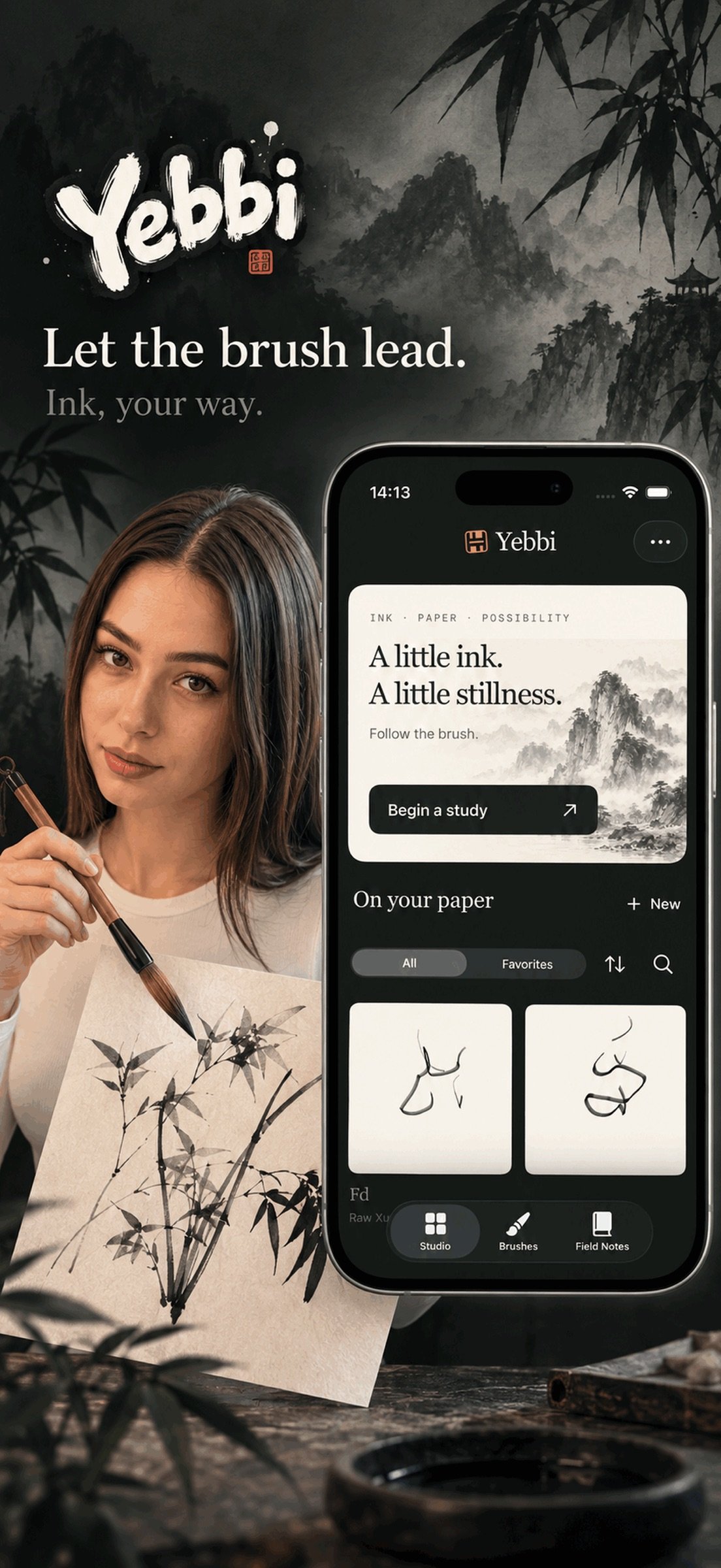
Yebbi is a quiet ink painting studio for iPhone, in English.
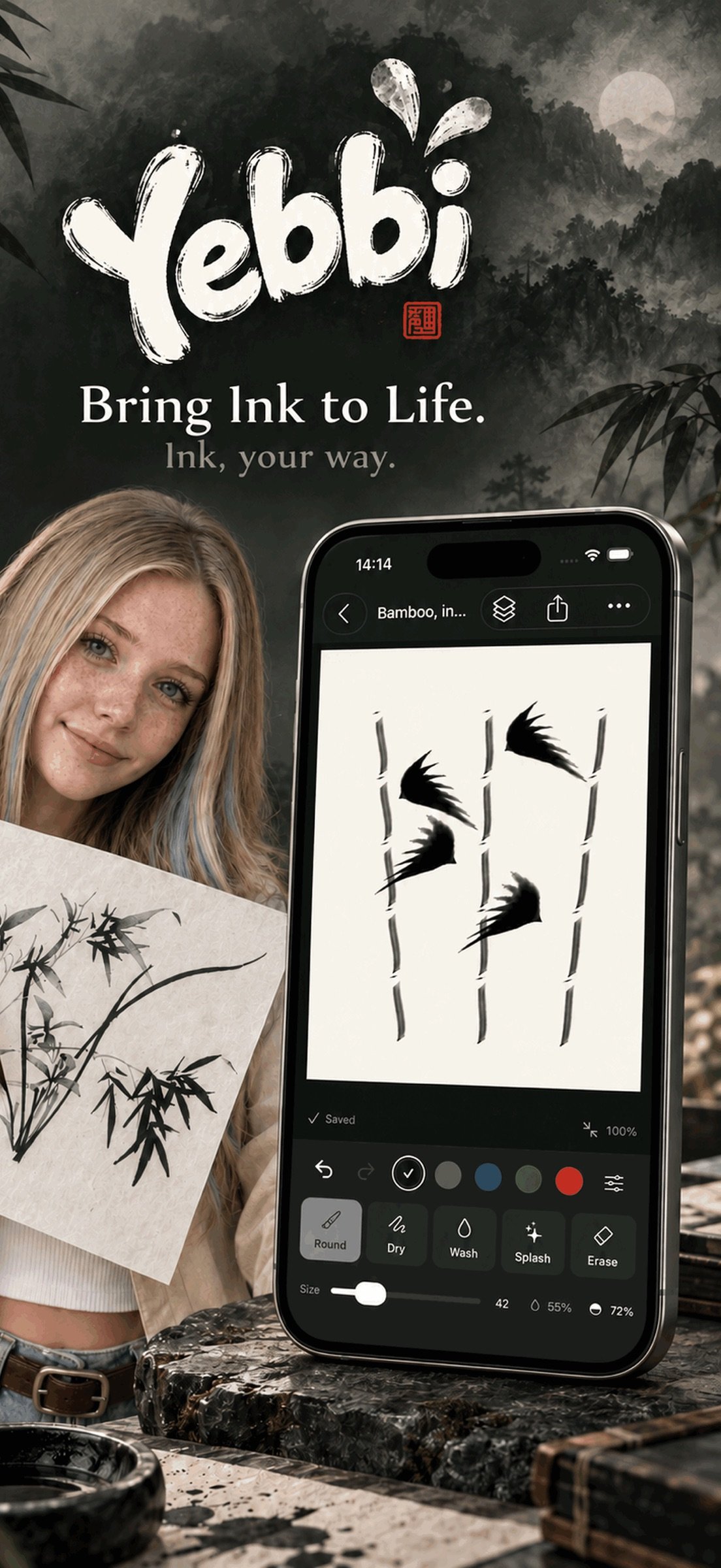
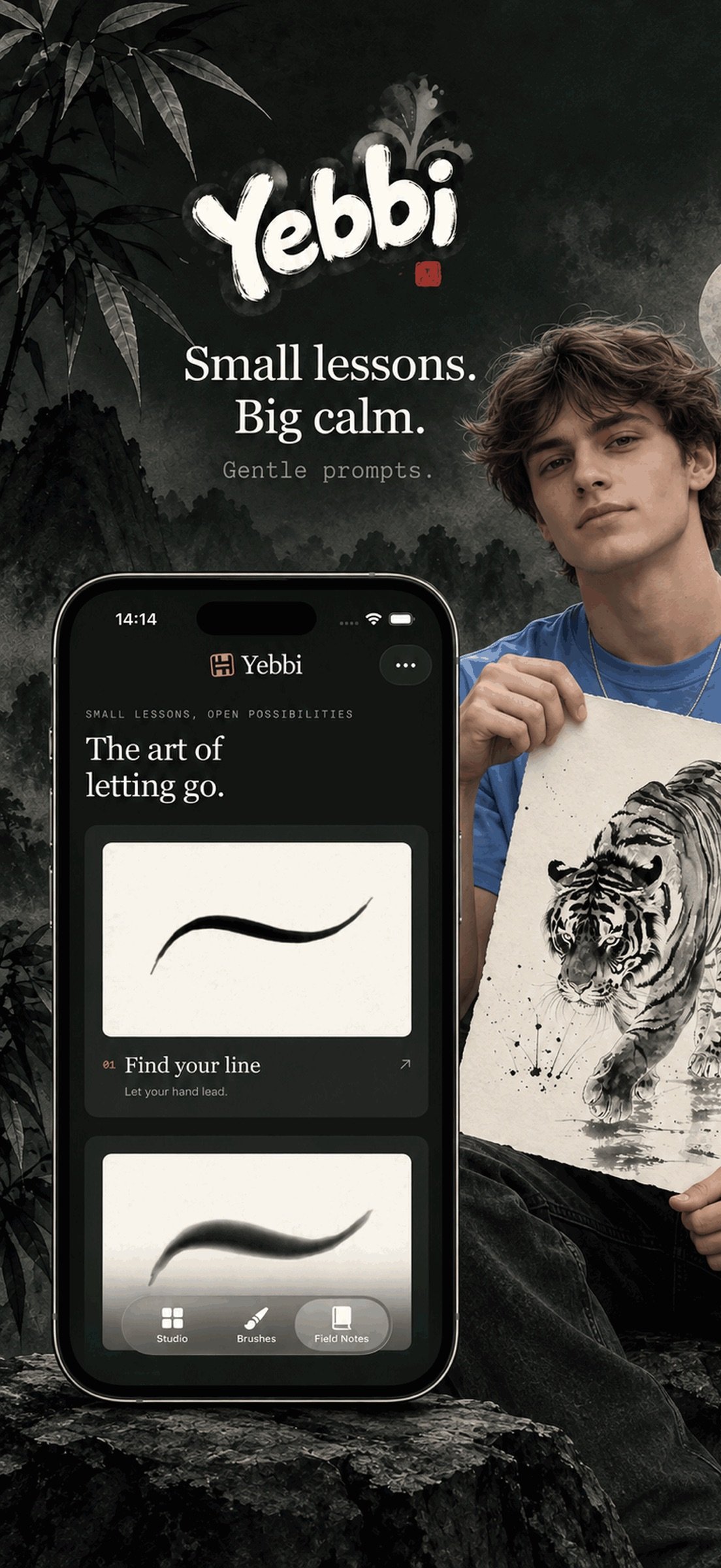
Paint with a brush that behaves like a brush. Four brushes - Round, Dry, Soft Wash and Ink Splash - respond to how you press, move and lift. Tip Pressure runs from 10% to 100%: keep Fixed force for a steady line, or use Follow hand to let a finger's hold-to-press shape the stroke. A live side view shows the hairs bending and the belly spreading against the paper.
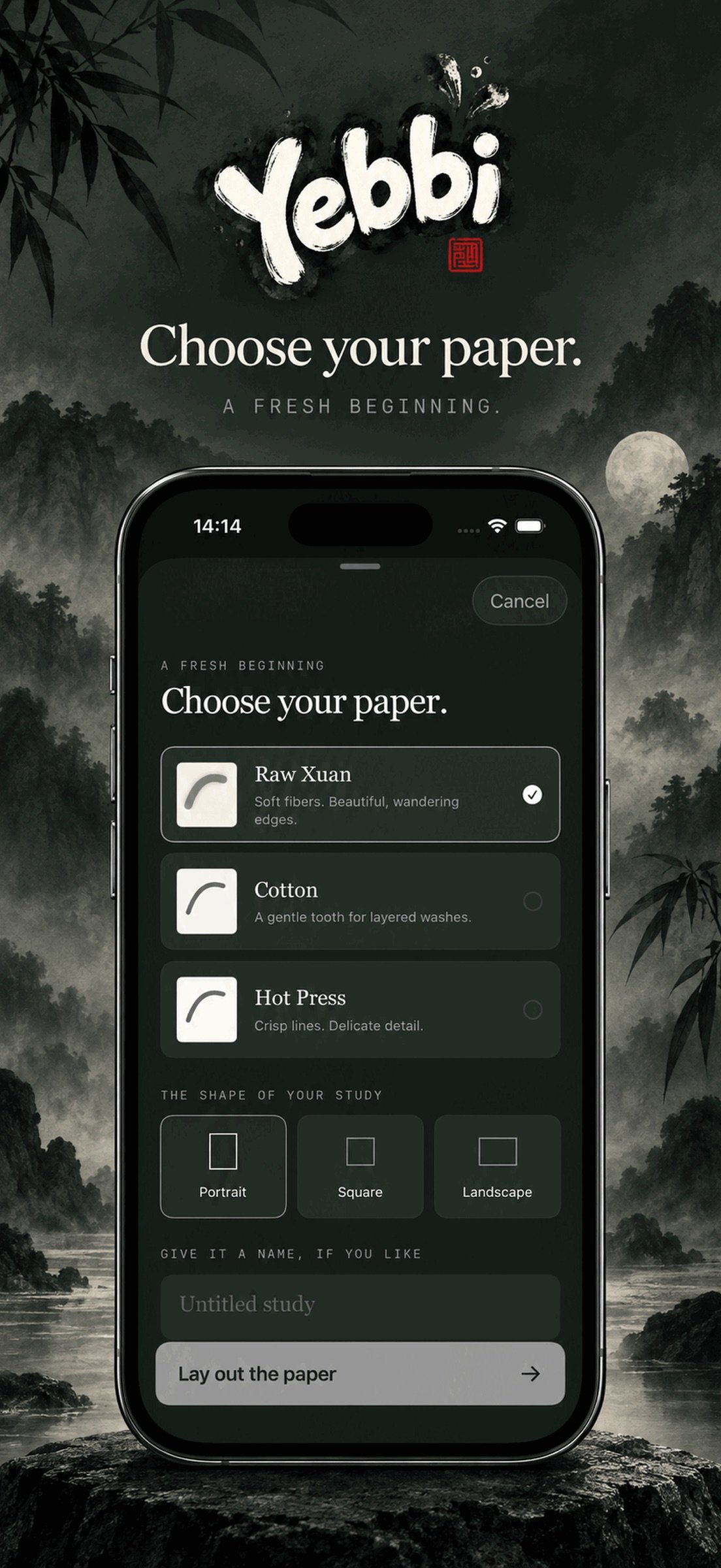
Choose Raw Xuan, Cotton or Hot Press paper, in portrait, square or landscape. Five ink tones, water and pigment controls, and up to four pigment layers with opacity, visibility, locks and undoable deletion let a study grow the way ink does. Composition guides and mirror help you compose; pinch to zoom, tap with two fingers to undo, and use the explicit undo and redo controls whenever you want them.
Keep your reference beside the canvas. Choose a photo with the native picker or take one with the camera, and record a voice note of up to two minutes to remember what you were thinking. Both stay with the study, and editable exports carry them along.
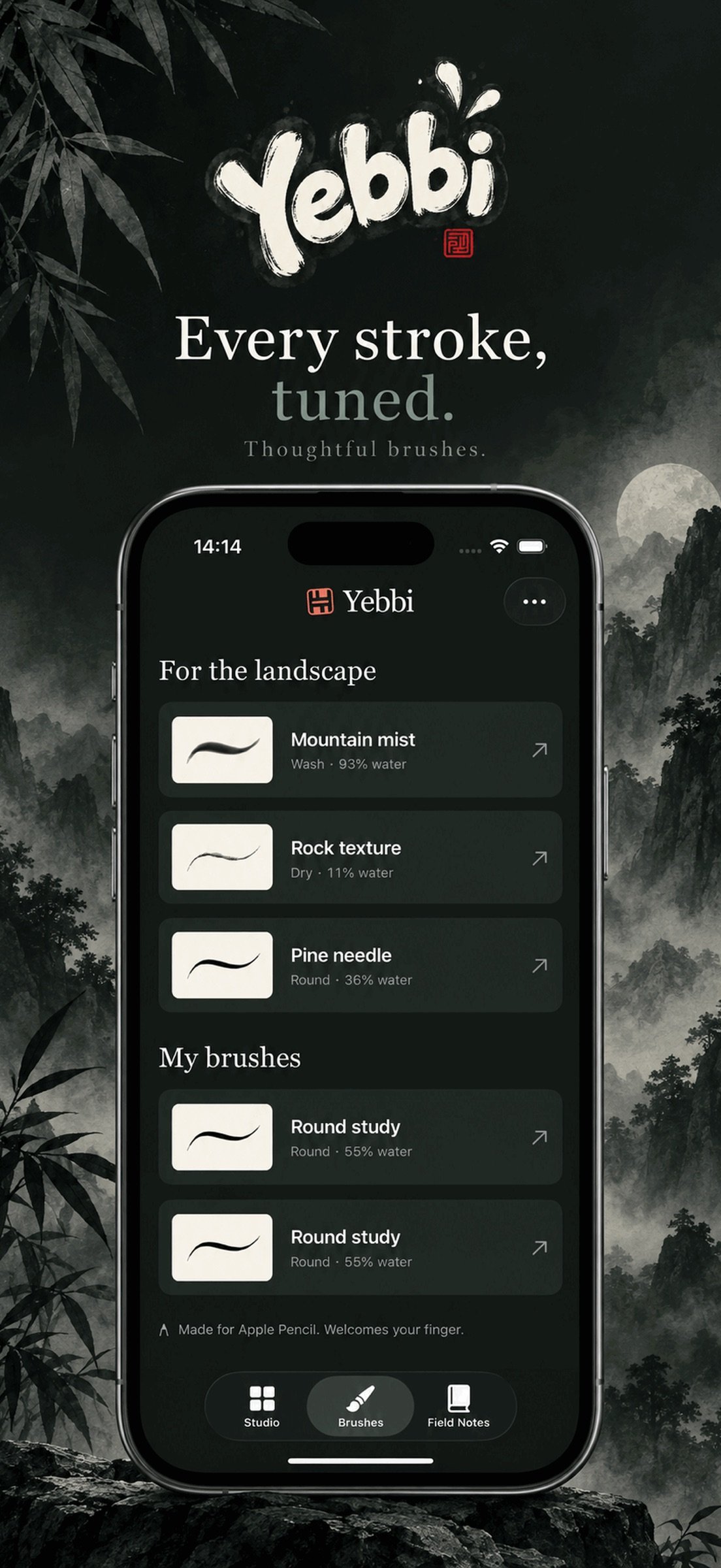
Learn by doing. Three illustrated Field Notes introduce one gesture at a time, and Brush Lab shows press, lift, turning and side-contact demonstrations you can practise directly on its paper. Save personal brush recipes, or start from mountain mist, rock texture and pine needle.
Your work stays on your device. Studies save automatically, reopen exactly where you left them, and can be renamed, duplicated, favourited, searched or deleted. Export a 1536-pixel PNG on paper or as transparent ink, a single-page PDF, or an editable .yebbi study that keeps its brush, layers and reference; earlier .mokky studies still open. Save a finished painting to Photos with add-only permission, or send it anywhere with the system share sheet.
The painting tools work offline and keep studies on your device. Adjust measures app installation, sessions and usage events; this build does not read the advertising identifier or request App Tracking Transparency permission. See the Privacy Policy for details. The app asks for microphone, camera and photos add-only access for the features that use them, and every request can be declined while painting continues.
Designed for iPhone, portrait and landscape, with Light and Dark appearance, Dynamic Type, VoiceOver labelling and a restrained ink-and-paper visual language.
License: Free
| Release info | New Release on Nov 05, 2026 |
|---|---|
| Listing data | App Store |
Reviews
No reviews yet. Be the first to review Yebbi.
Used Yebbi? Tell other visitors what you thought.
Log in to write a reviewOther products by this publisher
- "No Distractions" for YouTube 4.10 ----
- #Bible 11.6.1 "Incredible App - My sister shared this app with me a few weeks ago and it is truly incredible.
- #filmphotography 1.4.2 So, you decided to shoot on film?
- #LookBusy Fake Calendar Events 1.0.6 Look Busy scans your work calendar for open time slots and fills them with realistic-looking (but secretly fake) work events.
- #Small Talk Is Canceled 1.0.2 #Small Talk Is Canceled — Conversations That Matter
Most viewed iOS Photo & Video
-
1
 ShortDiShow 2.0
Drama Quest Island — An offline interactive short-drama adventure.
-
2
 Face Witness 1.0.4
FaceWitness lets you create a face by putting together individual features.
-
3
 Infuse 8.5.10
Infuse: Enterprise provides the same great features as the standard version of Infuse and includes permanent access to all Pro features via a traditional paid app.
-
4
 AI Video Generator 2.0.3
Vixel – AI Video Generator
- 5 #filmphotography 1.4.2 So, you decided to shoot on film?
-
6
 OPlayer 4.8
Play all your videos directly without having to convert them!
-
7
 CapCut 20.3.0
CapCut is an all-in-one video editing solution that offers essential editing features, creative effects, AI tools, filters, stickers, and fonts, and a wide range of video templates to empower users to easily create incredible videos regardless of th…
-
8
 Ai Photo 1.1.2
AI Photo Retouch – BG Eraser
-
9
 Necrometer II 1.3
Necrometer II is a paranormal investigation companion designed for ghost hunters and researchers.
-
10
 Analog Radio 3.0
The iPhone and iPad devices don't have the FM/AM radio antenna installed.
Most downloaded iOS Photo & Video
-
1
 DJI Fly 1.21.18
DJI Fly is designed to help pilots fly drones with ease.
-
2
Infuse 8.5.10
Infuse: Enterprise provides the same great features as the standard version of Infuse and includes permanent access to all Pro features via a traditional paid app.
-
3
 ReelyGo 1.1.60
ReelyGo: Your Daily Drama Escape
-
4
 TurboCollage Automatic 1.2.4
#1 Easy automatic photo collage maker for iPhone & iPad.
-
5
Analog Radio 3.0
The iPhone and iPad devices don't have the FM/AM radio antenna installed.
-
6
 Rozeta Sequencer Suite 1.3.16
Rozeta is a suite of MIDI sequencers and controllers that lets you explore a new, freeform approach to sequencing and controlling mobile music apps.
-
7
 AGAIN. Rehearsal Notes 2.0.1
AGAIN. is the rehearsal app that remembers why the band stopped — and, new in Version 2, who said what in a writing session or a table read.
-
8
 Pop Dot Comics 1.48
Create a comic worthy of the Sunday newspaper or your favorite pulp-fiction cover.
-
9
 Treblo 1.6.6
Make songs with the world's best AI music model.
-
10
 Sun Scout 1.5.0
If your work or play requires sunlight, Sun Scout is built for you.