
10downloads
0this week
FreeCommercial
0reviews
Screenshots


About Yam Air
# Yam Air is a wireless version of Yam Display #
# On your Mac, download Yam Display host app from www.yamdisplay.com #
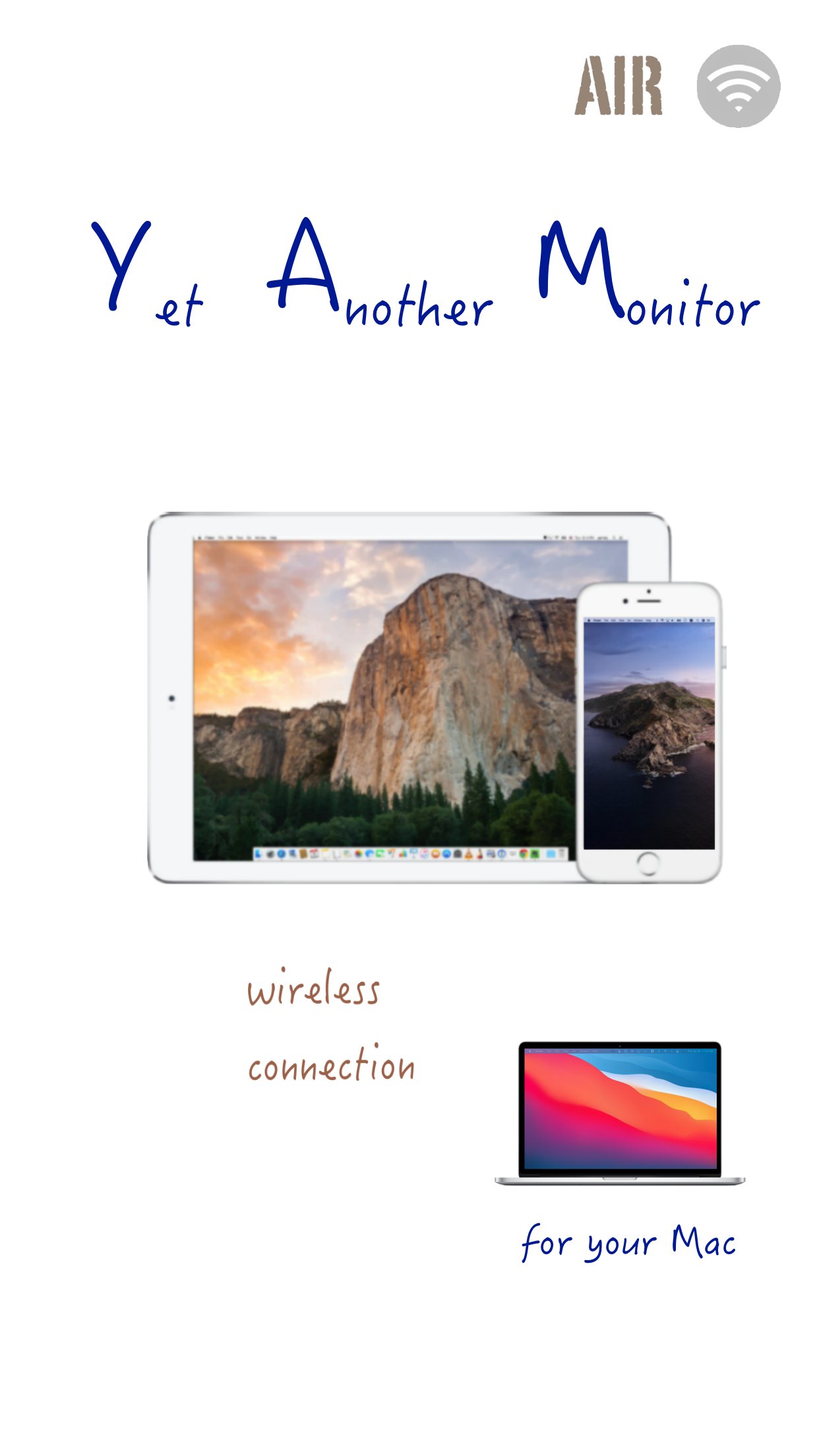
Yam Air turns your iPad/iPhone into a wireless second display for your Mac.
On your Mac, download Yam Display host app from www.yamdisplay.com for free.
Yam Air will automatically connect to a nearby Mac just by turning on Wi-Fi.
For devices that support AirDrop, even internet connection is not required.
Handy for simple tasks such as browsing or text editing when you are out in a cafe or outside.
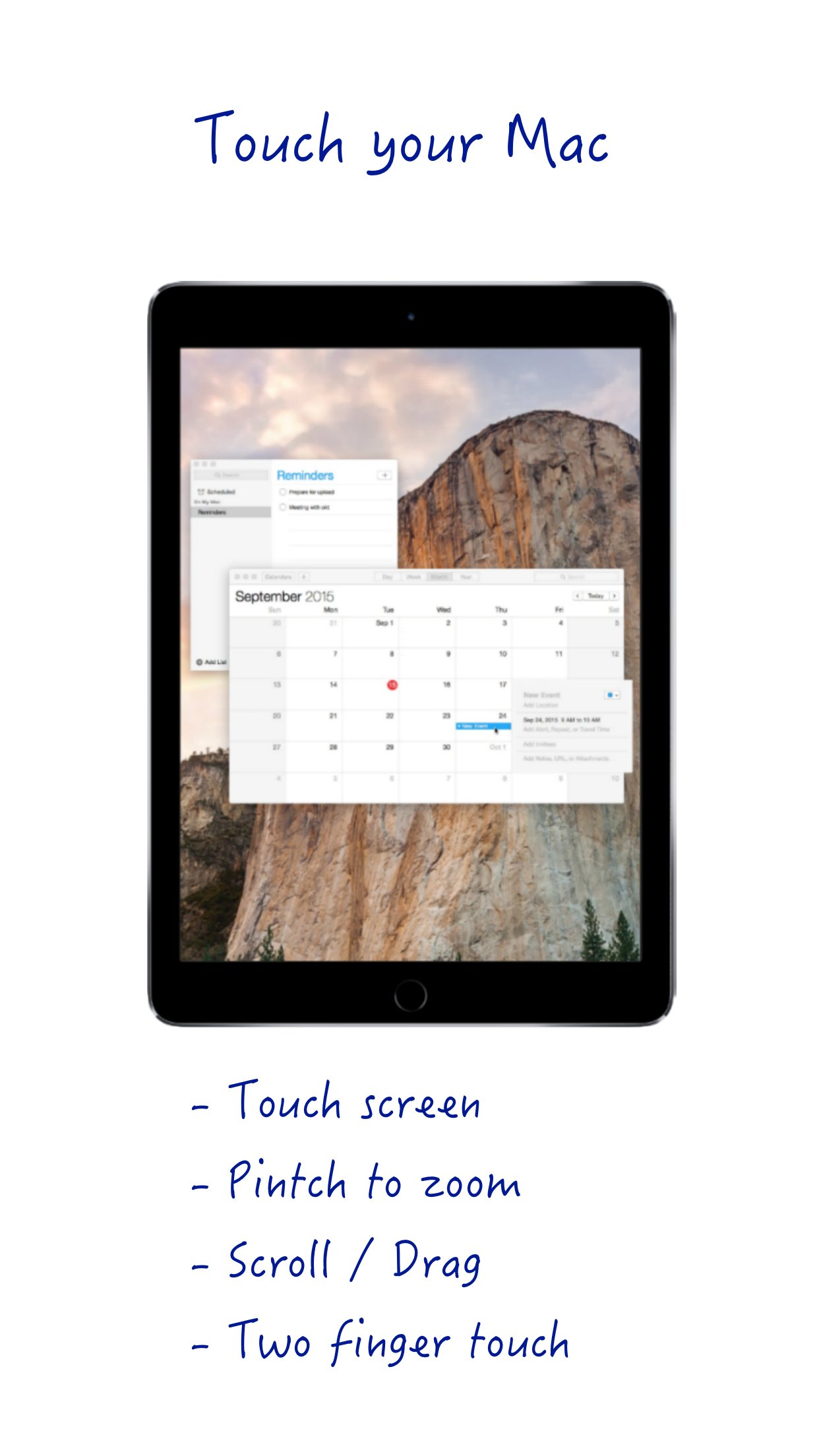
You can control your Mac with touch gestures and virtual keyboard on your iPad.
For multitasking enabled iPads, you can utilize every single pixel of your screen in Split View.
Plus features such as Drag and Drop and Teleprompter Mode will make your workflow more efficient.
The extended display with Yam Air will help you improve your productivity.
Key Features:
- Peer-to-peer connection
- Extend Display / Mirror Display
- Energy efficient for static screens
- Retina display
- 30 FPS / 60 FPS (optional)
- Split View (iOS 9 or later)
- Touch Gestures: Click / Zoom / Rotate / Scroll / Drag
- Virtual Touch Bar (for Macs with macOS Sierra or later)
- Hardware keyboard and Mouse paired with iPad
- Virtual keyboard (launch by 3 fingers tap)
Plus Features (In-App Purchase):
- Drag and Drop between iPad and Mac (iOS 11 or later)
- Teleprompter Mode
System Requirements:
- Macs released after 2012 with macOS 10.10 or later:
* MacBook Air (Mid 2012 or later)
* MacBook Pro (Mid 2012 or later)
* MacBook (Early 2015 or later)
* iMac (Late 2012 or later)
* Mac mini (Late 2012 or later)
* Mac Pro (Late 2013 or later)
* Mac Studio
(? Other Macs can cause delay)
- All iOS devices with iOS 8.0 or later
(Best for devices that support AirDrop:
* iPad 4G or later
* iPad Air, iPad Pro, iPad mini
* iPhone 5 or later
* iPod Touch 5G or later
? Other devices need to be connected to the same Wi-Fi network or bluetooth pairing)
For any questions or suggestions: help@yamdisplay.com
License: Commercial
# On your Mac, download Yam Display host app from www.yamdisplay.com #
Yam Air turns your iPad/iPhone into a wireless second display for your Mac.
On your Mac, download Yam Display host app from www.yamdisplay.com for free.
Yam Air will automatically connect to a nearby Mac just by turning on Wi-Fi.
For devices that support AirDrop, even internet connection is not required.
Handy for simple tasks such as browsing or text editing when you are out in a cafe or outside.
You can control your Mac with touch gestures and virtual keyboard on your iPad.
For multitasking enabled iPads, you can utilize every single pixel of your screen in Split View.
Plus features such as Drag and Drop and Teleprompter Mode will make your workflow more efficient.
The extended display with Yam Air will help you improve your productivity.
Key Features:
- Peer-to-peer connection
- Extend Display / Mirror Display
- Energy efficient for static screens
- Retina display
- 30 FPS / 60 FPS (optional)
- Split View (iOS 9 or later)
- Touch Gestures: Click / Zoom / Rotate / Scroll / Drag
- Virtual Touch Bar (for Macs with macOS Sierra or later)
- Hardware keyboard and Mouse paired with iPad
- Virtual keyboard (launch by 3 fingers tap)
Plus Features (In-App Purchase):
- Drag and Drop between iPad and Mac (iOS 11 or later)
- Teleprompter Mode
System Requirements:
- Macs released after 2012 with macOS 10.10 or later:
* MacBook Air (Mid 2012 or later)
* MacBook Pro (Mid 2012 or later)
* MacBook (Early 2015 or later)
* iMac (Late 2012 or later)
* Mac mini (Late 2012 or later)
* Mac Pro (Late 2013 or later)
* Mac Studio
(? Other Macs can cause delay)
- All iOS devices with iOS 8.0 or later
(Best for devices that support AirDrop:
* iPad 4G or later
* iPad Air, iPad Pro, iPad mini
* iPhone 5 or later
* iPod Touch 5G or later
? Other devices need to be connected to the same Wi-Fi network or bluetooth pairing)
For any questions or suggestions: help@yamdisplay.com
License: Commercial
| Release info | New Release on Sep 02, 2022 |
|---|---|
| Release notes | Support three fingers swipe gesture to change space. Bug fixes and stability improvements. |
| Listing data | App Store |
Reviews
No reviews yet. Be the first to review Yam Air.
Used Yam Air? Tell other visitors what you thought.
Log in to write a reviewOther products by this publisher
- "No Distractions" for YouTube 4.10 ----
- #Bible 11.5 "Incredible App - My sister shared this app with me a few weeks ago and it is truly incredible.
- #filmphotography 1.4.2 So, you decided to shoot on film?
- $quirrel 1.5.1 $quirrel Budget & Finance helps you plan each paycheck, track spending, manage debt, and see what is safe to spend before the next payday.
- % Percentage Calculator Pro 1.41 This is the Pro version of % Percentage Calculator.
Most viewed iOS Productivity
- 1 Voice Translator - Alive 1.6 Translation app that turns your iPhone into an interpreter instantly.
-
2
 WordPress 27.4
Manage or create your WordPress blog or website right from your iOS device: create and edit posts and pages, upload your favorite photos and videos, view stats and reply to comments.
-
3
 Claude by Anthropic 1.261104.19
Meet Claude, your AI problem solver and thinking partner.
- 4 "No Distractions" for YouTube 4.10 ----
- 5 (beat) for iOS 0.5.10 An elegant Fountain screenwriting app, created by a screenwriter for screenwriters.
-
6
 DeepSeek 2.7.2
Experience seamless interaction with DeepSeek's official AI assistant for free!
-
7
 Life360 26.42.0
Whether at home, online, or on the move, our comprehensive family safety features bring peace of mind to your loved ones AND help safeguard your personal belongings.
-
8
 Howbout 16.6.0
The shared calendar for friends, couples, and family
-
9
 Plot Digitizer 1.4.1
Plot Digitizer is an app to extract numerical data from plot images.
-
10
 Voices AI 1.16.11
Discover Voices, the premier voice transformation app designed exclusively for iOS.
Most downloaded iOS Productivity
- 1 Voice Translator - Alive 1.6 Translation app that turns your iPhone into an interpreter instantly.
-
2
DeepSeek 2.7.2
Experience seamless interaction with DeepSeek's official AI assistant for free!
-
3
 SessionsAI 1.2.1
Sessions AI is a private AI workspace that runs entirely on your iPhone, iPad, or Mac.
-
4
Voices AI 1.16.11
Discover Voices, the premier voice transformation app designed exclusively for iOS.
-
5
 Block Distracting Websites 1.11
"It's a great way to save time, and stop browsing Reddit when you should be doing coursework."
-
6
Plot Digitizer 1.4.1
Plot Digitizer is an app to extract numerical data from plot images.
-
7
 Google Docs 1.2026.43105
Create, edit, and collaborate on online documents with the Google Docs app.
-
8
 VPN 2.60.0
VPN - Super Unlimited Proxy is a free VPN and proxy app for iPhone, iPad, Mac and Apple Vision Pro.
- 9 (beat) for iOS 0.5.10 An elegant Fountain screenwriting app, created by a screenwriter for screenwriters.
-
10
Life360 26.42.0
Whether at home, online, or on the move, our comprehensive family safety features bring peace of mind to your loved ones AND help safeguard your personal belongings.