xCalendar 2.3.7
If you want to export your calendar events to an Excel file and edit them on your computer or - if you want to share these events with your friends so that they could import them to their own calendar, then xCalendar maybe right for you.
Download
27.47 MB
9downloads
1this week
FreeCommercial
0reviews
Screenshots
About xCalendar
If you want to export your calendar events to an Excel file and edit them on your computer or - if you want to share these events with your friends so that they could import them to their own calendar, then xCalendar maybe right for you.
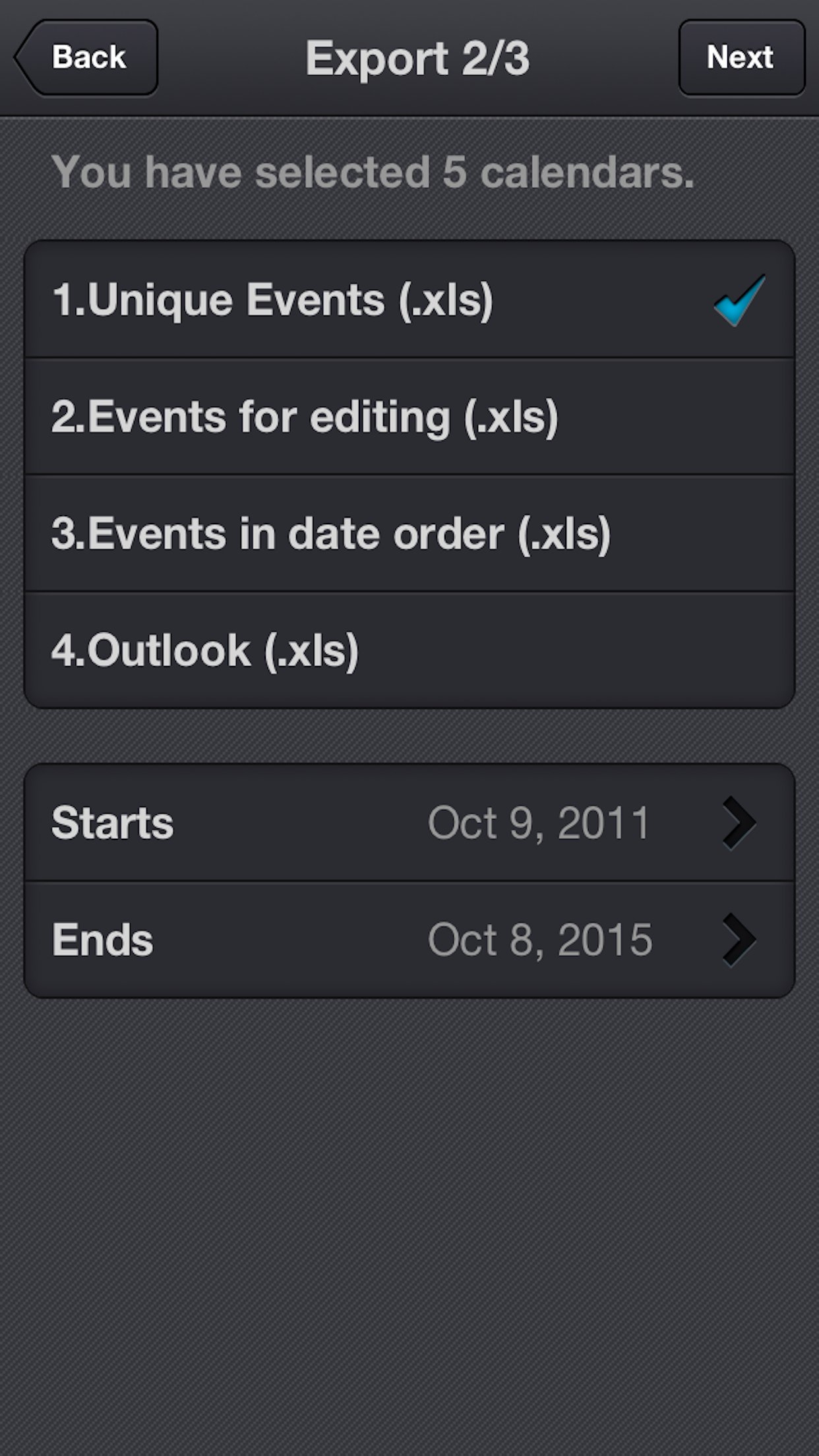
xCalendar exports all of your events from your iPhone or iPad to an Excel file by email, USB, WiFi and Dropbox. You can then modify and maintain your schedule easily and conveniently on your computer using Excel, Numbers, OpenOffice or any other Excel-compatible application.
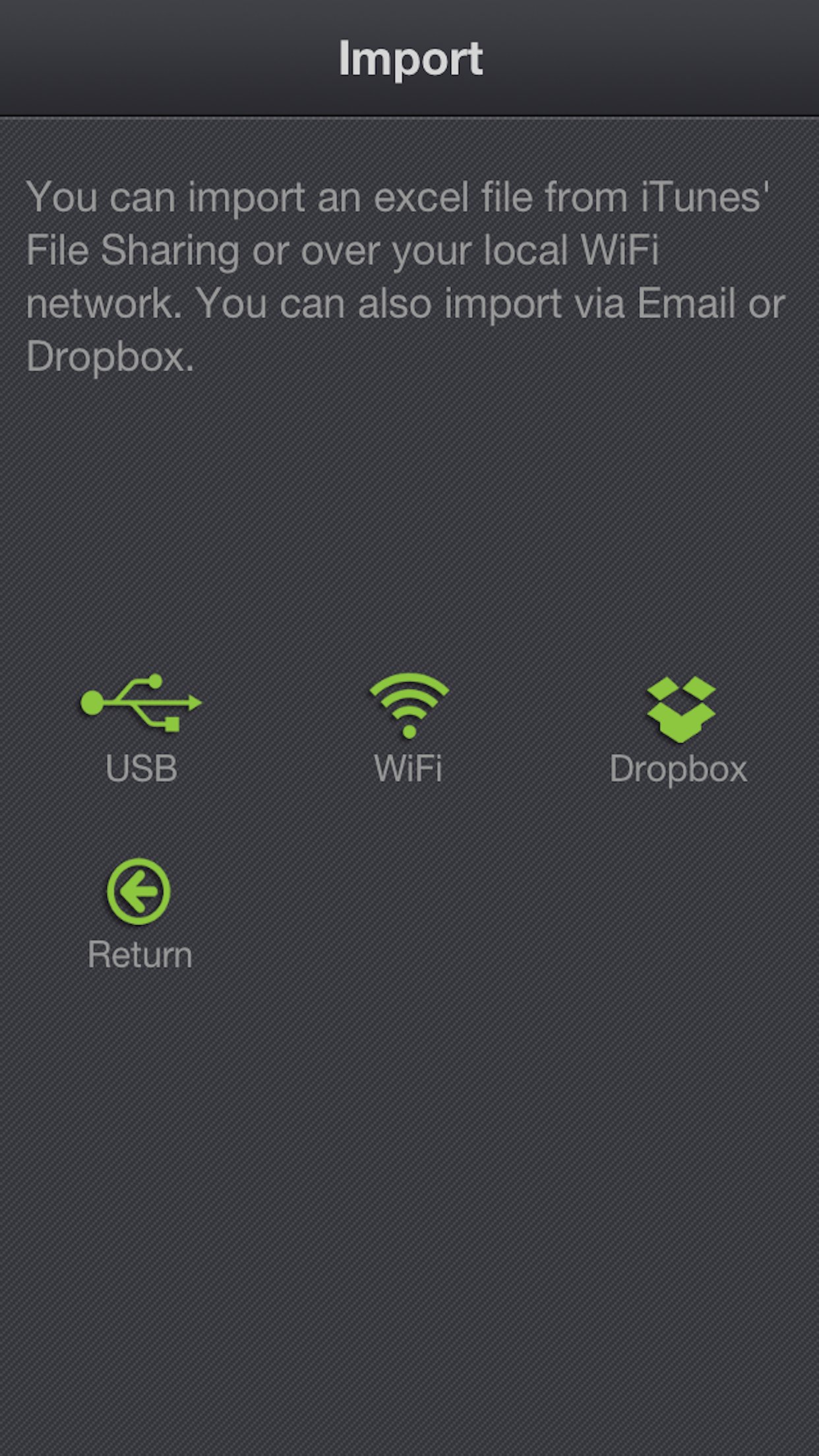
Importing your schedule is also an easy thing to do. You can import an Excel file to your iPhone or iPad by email, USB, WiFi and Dropbox. xCalendar can update the existing events and add new events during import.
Features include:
1. Export all events from all iPhone supported calendars(Local, Exchange, CalDAV, Subscription, Birthday).
2. Export all unique events by merging all recurring events.
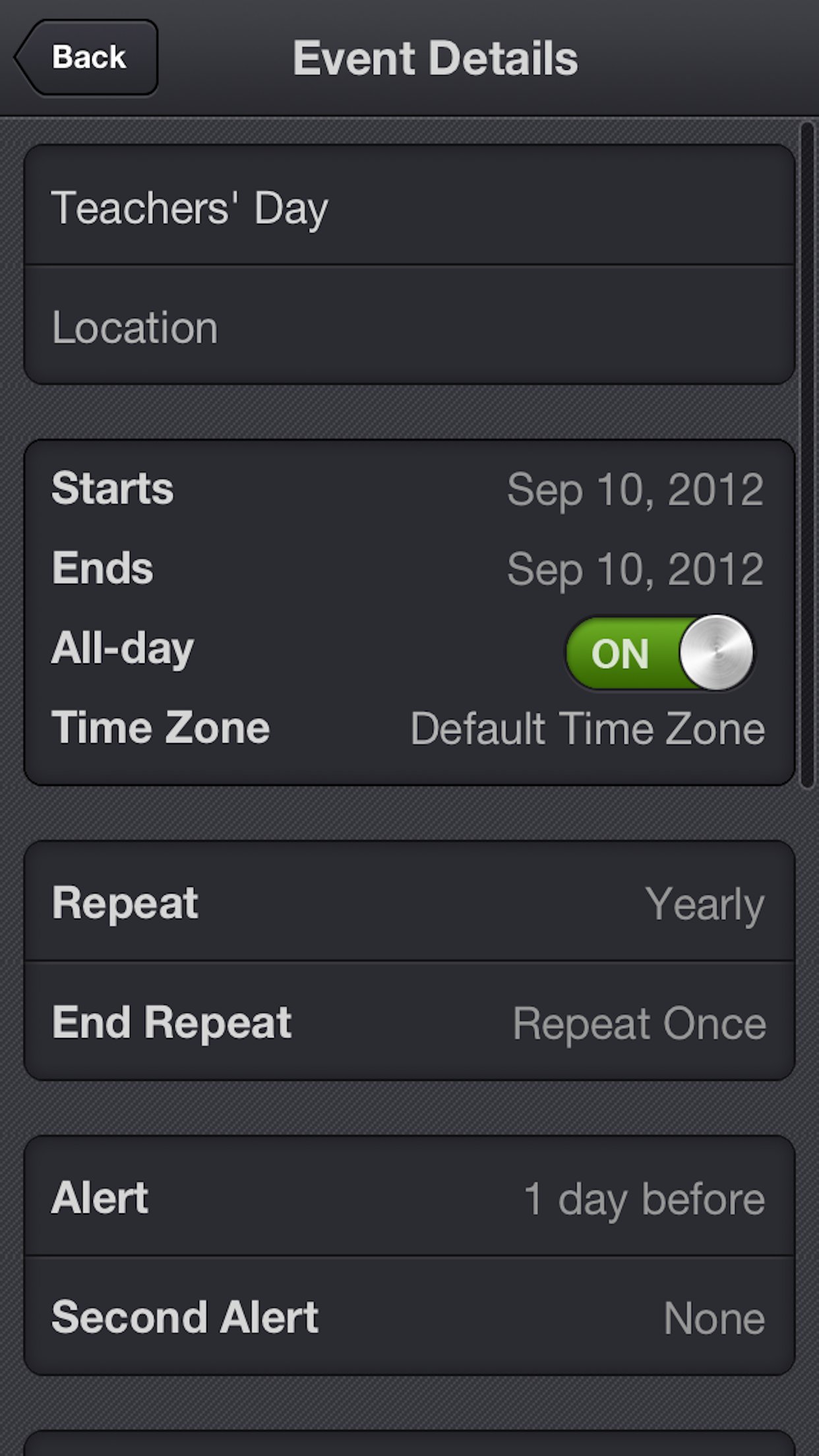
3. Export all fields in the Event view of your iPhone’s built-in Calendar application, including title, location, dates, times, alarms, recurrence, etc.
4. Support for Excel 97-2003 file format (.xls), it is the most widely supported Excel file format. You can use MS Office 2003/2007/2010, OpenOffice.org, MAC Office, MAC Numbers to open and edit.
5. Keep a back-up copy of your Calendar events in Dropbox.
6. Export a calendar via email, it’s an easy way to share your personal calendar with your friends.
7. Export events to an excel file which can be imported into Outlook.
8. Import events from an Outlook Excel file (only available in the full version).
9. Import events from an Excel file to iCloud or Exchange Calendar.
10. Import unlimited number of events in seconds.
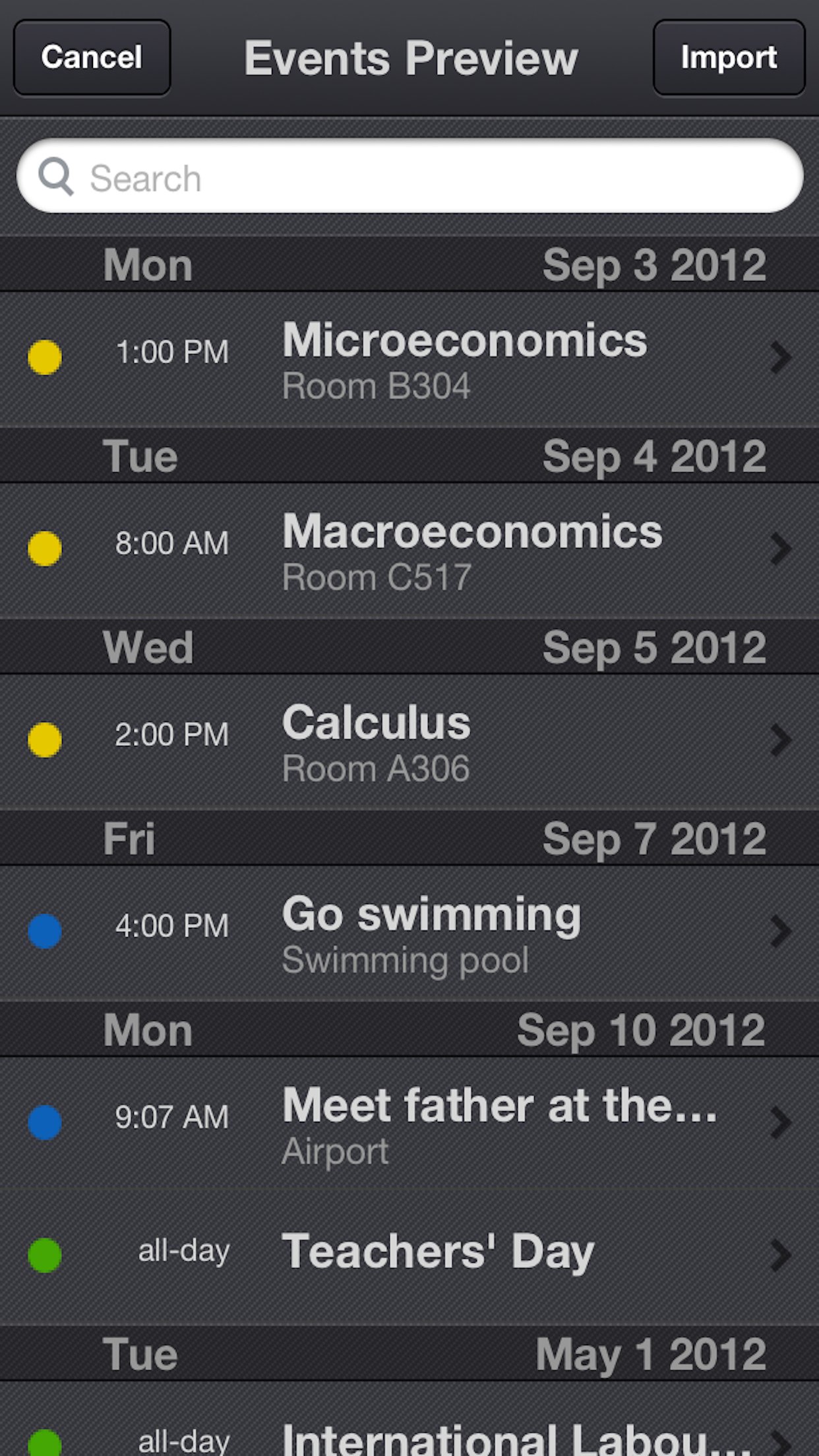
11. Preview the events which have been imported before saving them.
12. Add a new event if it does not already exist during import.
13. Update the existing events based on the title of the event and the calendar name during the import.
14. Create a new local calendar if it does not exist.
15. Support pages are provided to help you create your schedule on the spreadsheet.
License: Commercial
xCalendar exports all of your events from your iPhone or iPad to an Excel file by email, USB, WiFi and Dropbox. You can then modify and maintain your schedule easily and conveniently on your computer using Excel, Numbers, OpenOffice or any other Excel-compatible application.
Importing your schedule is also an easy thing to do. You can import an Excel file to your iPhone or iPad by email, USB, WiFi and Dropbox. xCalendar can update the existing events and add new events during import.
Features include:
1. Export all events from all iPhone supported calendars(Local, Exchange, CalDAV, Subscription, Birthday).
2. Export all unique events by merging all recurring events.
3. Export all fields in the Event view of your iPhone’s built-in Calendar application, including title, location, dates, times, alarms, recurrence, etc.
4. Support for Excel 97-2003 file format (.xls), it is the most widely supported Excel file format. You can use MS Office 2003/2007/2010, OpenOffice.org, MAC Office, MAC Numbers to open and edit.
5. Keep a back-up copy of your Calendar events in Dropbox.
6. Export a calendar via email, it’s an easy way to share your personal calendar with your friends.
7. Export events to an excel file which can be imported into Outlook.
8. Import events from an Outlook Excel file (only available in the full version).
9. Import events from an Excel file to iCloud or Exchange Calendar.
10. Import unlimited number of events in seconds.
11. Preview the events which have been imported before saving them.
12. Add a new event if it does not already exist during import.
13. Update the existing events based on the title of the event and the calendar name during the import.
14. Create a new local calendar if it does not exist.
15. Support pages are provided to help you create your schedule on the spreadsheet.
License: Commercial
| Release info | New Release on Jan 09, 2019 |
|---|---|
| Release notes | 1. Added TravelTime field 2. Fixed a bug that the app can not import the file from Dropbox. |
| Listing data | App Store |
Reviews
No reviews yet. Be the first to review xCalendar.
Used xCalendar? Tell other visitors what you thought.
Log in to write a reviewOther products by this publisher
- "No Distractions" for YouTube 4.10 ----
- #Bible 11.6 "Incredible App - My sister shared this app with me a few weeks ago and it is truly incredible.
- #filmphotography 1.4.2 So, you decided to shoot on film?
- $quirrel 1.5.1 $quirrel Budget & Finance helps you plan each paycheck, track spending, manage debt, and see what is safe to spend before the next payday.
- % Percentage Calculator Pro 1.41 This is the Pro version of % Percentage Calculator.
Most viewed iOS Productivity
-
1
 WordPress 27.4
Manage or create your WordPress blog or website right from your iOS device: create and edit posts and pages, upload your favorite photos and videos, view stats and reply to comments.
- 2 Voice Translator - Alive 1.6 Translation app that turns your iPhone into an interpreter instantly.
-
3
 Claude by Anthropic 1.261109.19
Meet Claude, your AI problem solver and thinking partner.
- 4 "No Distractions" for YouTube 4.10 ----
- 5 (beat) for iOS 0.5.10 An elegant Fountain screenwriting app, created by a screenwriter for screenwriters.
-
6
 DeepSeek 2.7.5
Experience seamless interaction with DeepSeek's official AI assistant for free!
-
7
 Life360 26.43.0
Whether at home, online, or on the move, our comprehensive family safety features bring peace of mind to your loved ones AND help safeguard your personal belongings.
-
8
 WristMemo 2.0
WristMemo turns your Apple Watch into an all-day voice recorder.
-
9
 Howbout 16.7.0
The shared calendar for friends, couples, and family
-
10
 Plot Digitizer 1.4.1
Plot Digitizer is an app to extract numerical data from plot images.
Most downloaded iOS Productivity
- 1 Voice Translator - Alive 1.6 Translation app that turns your iPhone into an interpreter instantly.
-
2
DeepSeek 2.7.5
Experience seamless interaction with DeepSeek's official AI assistant for free!
-
3
 SessionsAI 1.2.1
Sessions AI is a private AI workspace that runs entirely on your iPhone, iPad, or Mac.
-
4
 Voices AI 1.16.15
Discover Voices, the premier voice transformation app designed exclusively for iOS.
-
5
 Block Distracting Websites 1.11
"It's a great way to save time, and stop browsing Reddit when you should be doing coursework."
-
6
Plot Digitizer 1.4.1
Plot Digitizer is an app to extract numerical data from plot images.
-
7
 Google Docs 1.2026.45104
Create, edit, and collaborate on online documents with the Google Docs app.
-
8
 Pixy Mood Tracker 1.110.0
Track your mood, one pixel at a time.
-
9
 VPN 2.61.0
VPN - Super Unlimited Proxy is a free VPN and proxy app for iPhone, iPad, Mac and Apple Vision Pro.
-
10
 MyHyundai with Bluelink 5.4.5
The MyHyundai app makes getting information about your Hyundai vehicle easier than ever.