
10downloads
5this week
FreeCommercial
0reviews
Screenshots
About VirtualDJ Remote
Mix with VirtualDJ directly from your iPhone or iPad !
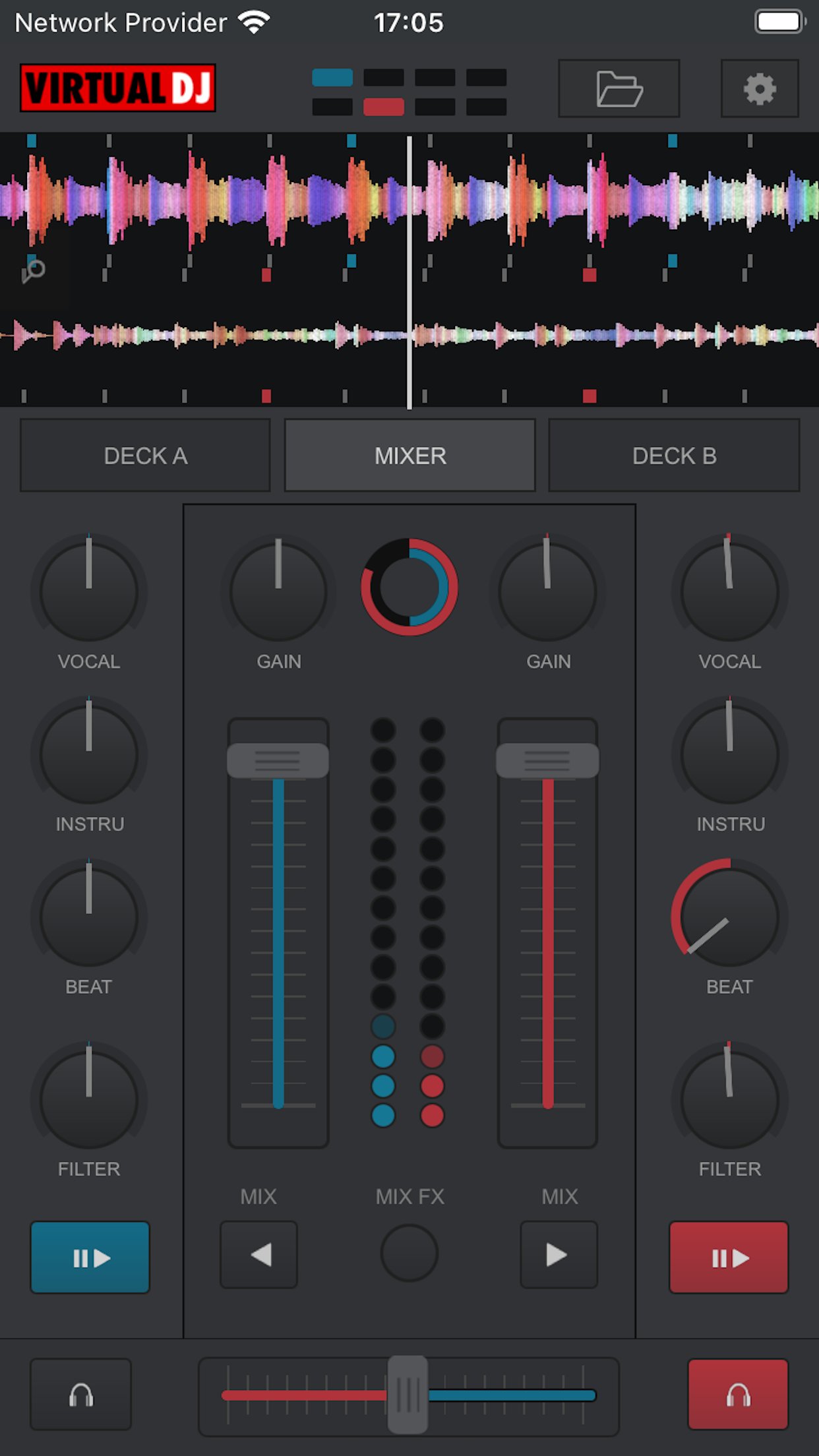
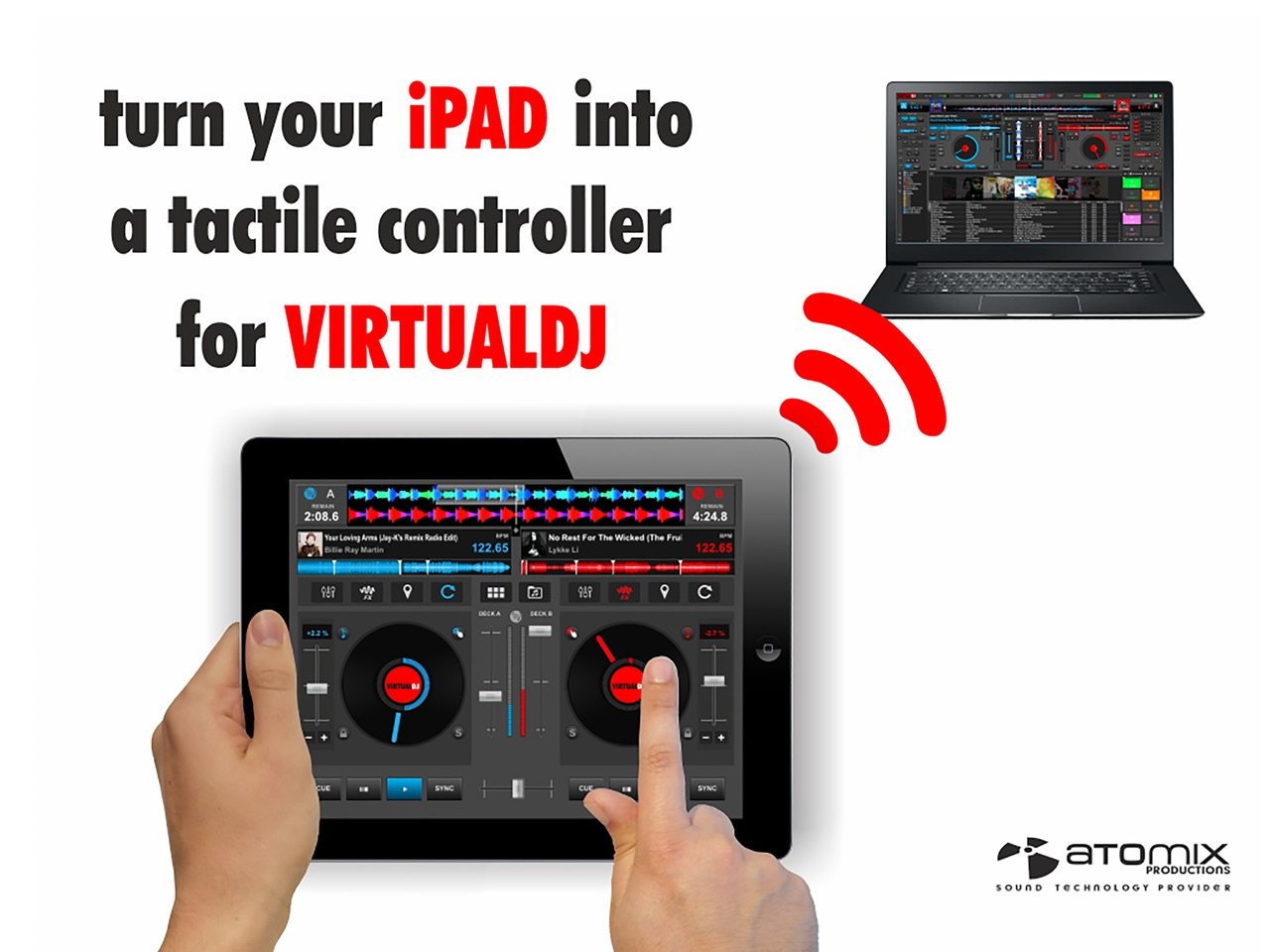
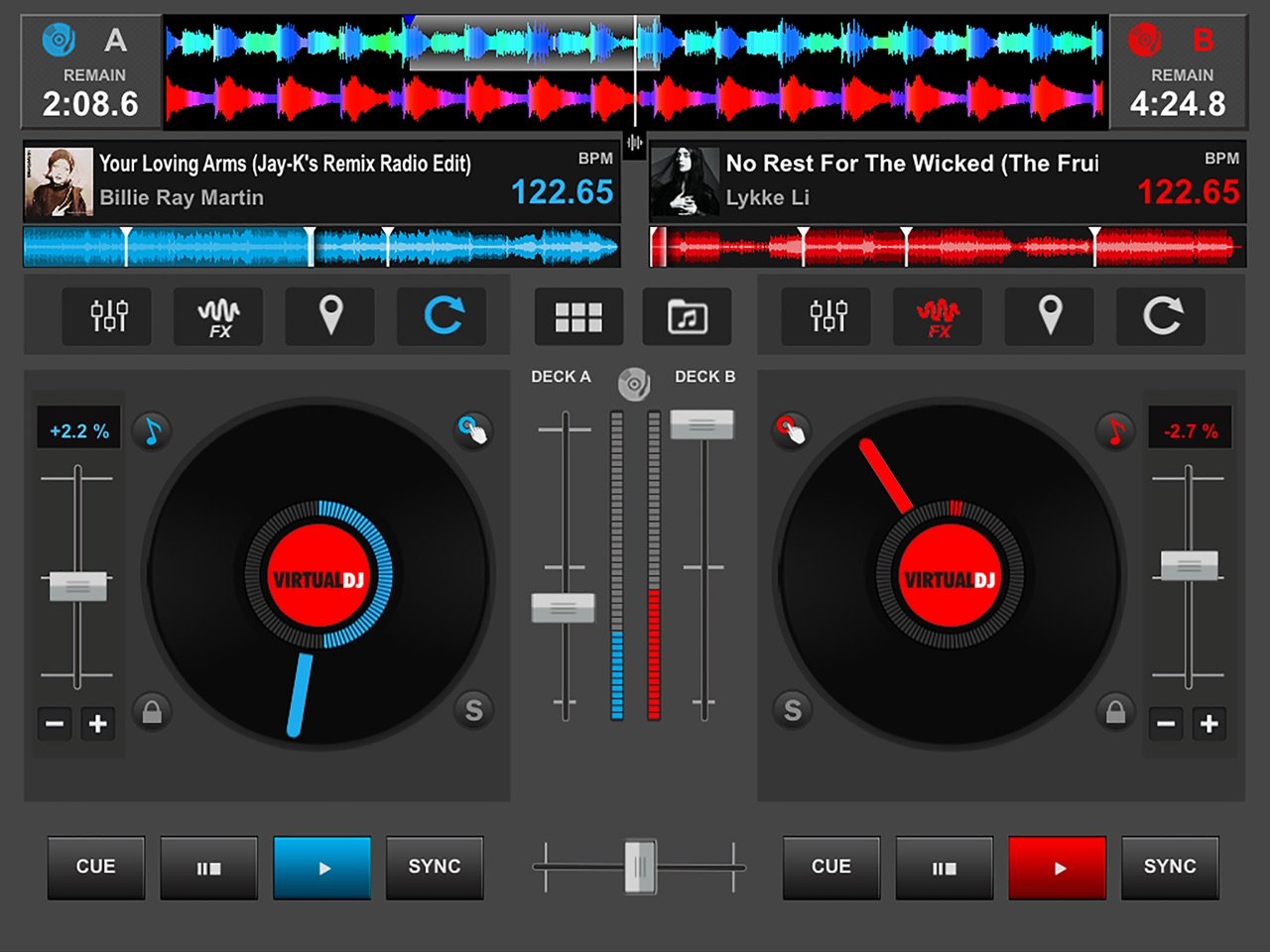
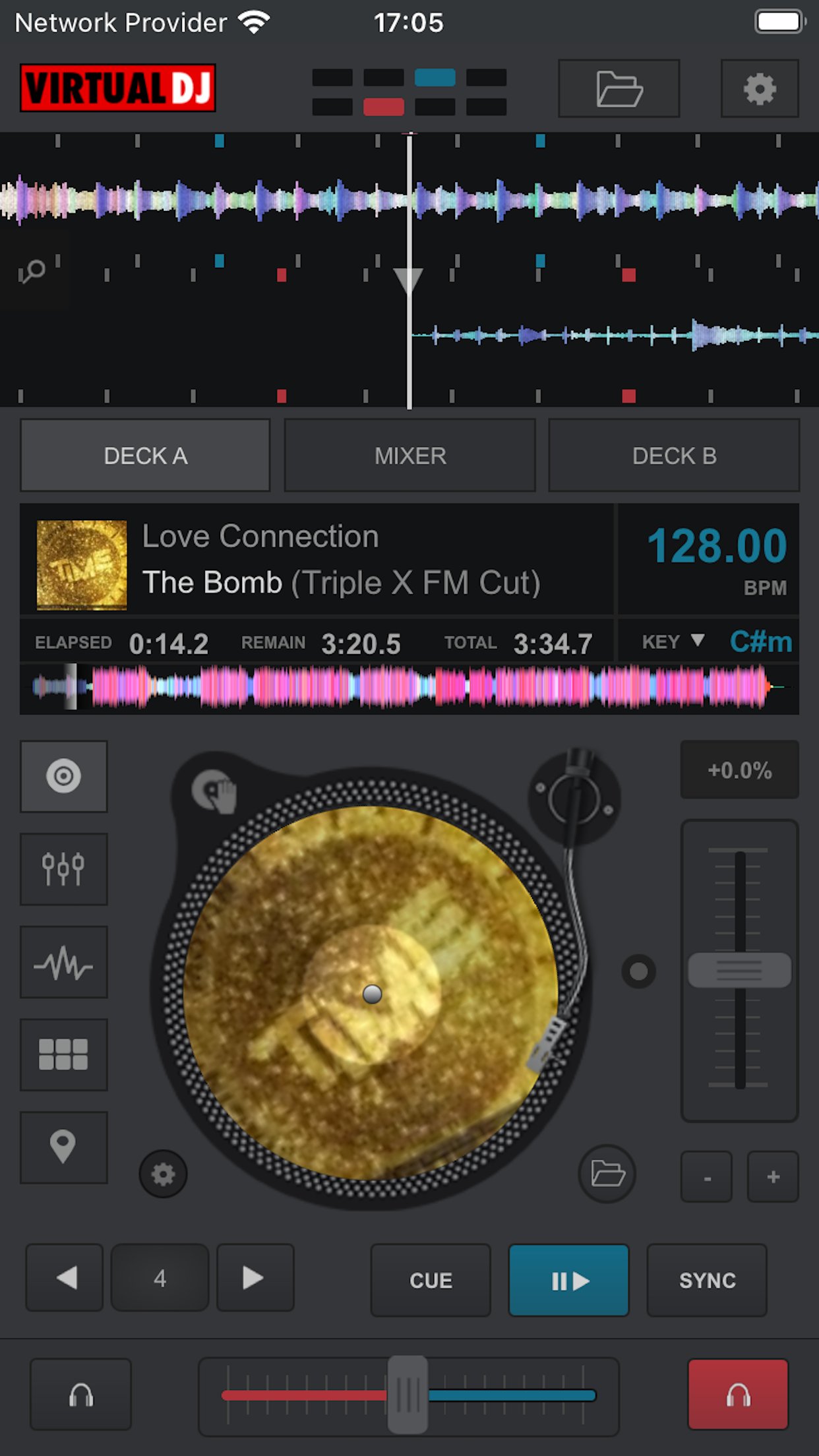
Whether you want to use your iPad as a virtual scratch turntable, or just want to step away from the booth for a moment but still continue to monitor the mix from your iPhone, or even want to mix the whole gig wirelessly from your iPad while the computer plugged to your sound system delivers the beats, the VirtualDJ Remote application gives you full freedom to operate VirtualDJ over a WIFI connection.
IMPORTANT NOTICE: this application needs to connect to the software VirtualDJ running on a Mac or PC computer. The VirtualDJ software is available for FREE on www.virtualdj.com
SIMPLE WIRELESS SETUP:
VirtualDJ Remote and VirtualDJ Software connect over a simple Wifi connection.
If you are already using a wifi network, the connection will be done automatically, using Bonjour.
Otherwise, you can easily create an ad-hoc wifi network, and enter the device IP address in the VirtualDJ software for immediate connection.
EASY AUDIO CONFIGURATION:
The audio is being played by the computer, so you just need to plug your audio system to your computer, no need to carry audio wires to your iPhone/iPad.
SUPPORT THE FULL POWER OF VIRTUALDJ:
VirtualDJ is the most used DJ software, with more than 100,000,000 users, and has been used reliably by professional DJs all over the world for the past 10 years.
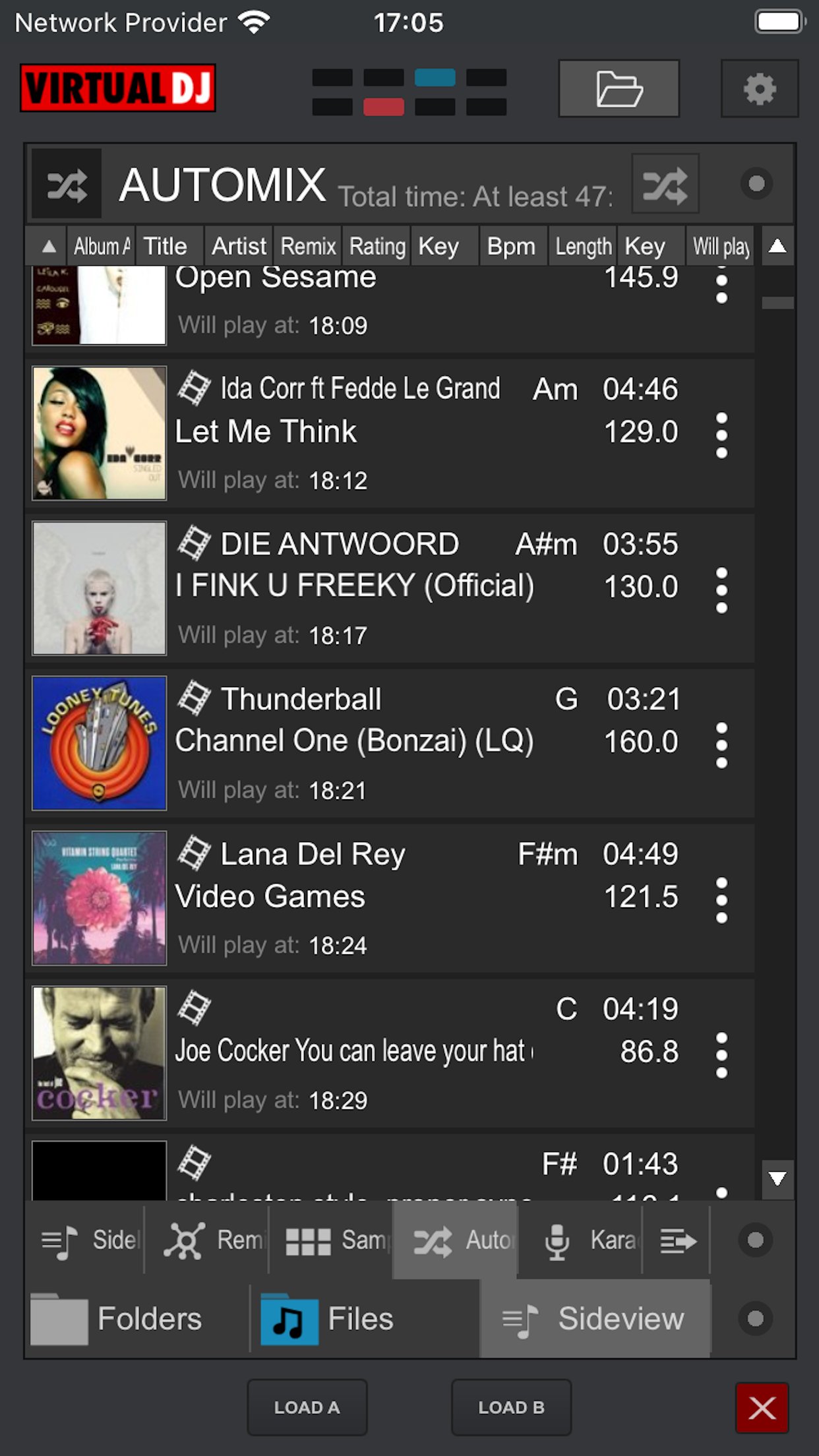
It features almost everything a DJ can need, from beat mixing, effects, song suggestions, samplers, video mixing, etc.
MAXIMUM VERSATILITY:
The interface and functionalities of the VirtualDJ Remote can be completely tailored to your exact needs, by using new Skins.
The Skin format is compatible with the popular VirtualDJ’s skin SDK, and thousands of users are working on creating skins to fit every needs. You can download their creations, or easily create one by yourself.
Anything is possible, from a full-featured sampler pad, an effect table, a turntable emulator, a complete controller, or whatever else your imagination and need will come up with.
YOU CAN DO MORE:
- Mix music videos and plug your computer to a projector to get the video out
- Broadcast your mix live on Internet radios
- Record your sessions on your computer
- Get personalized advices on what to play next with MusicGroups
- Mix with 3, 4, 6, or how many decks you want simultaneously (up to 99)
License: Commercial
Whether you want to use your iPad as a virtual scratch turntable, or just want to step away from the booth for a moment but still continue to monitor the mix from your iPhone, or even want to mix the whole gig wirelessly from your iPad while the computer plugged to your sound system delivers the beats, the VirtualDJ Remote application gives you full freedom to operate VirtualDJ over a WIFI connection.
IMPORTANT NOTICE: this application needs to connect to the software VirtualDJ running on a Mac or PC computer. The VirtualDJ software is available for FREE on www.virtualdj.com
SIMPLE WIRELESS SETUP:
VirtualDJ Remote and VirtualDJ Software connect over a simple Wifi connection.
If you are already using a wifi network, the connection will be done automatically, using Bonjour.
Otherwise, you can easily create an ad-hoc wifi network, and enter the device IP address in the VirtualDJ software for immediate connection.
EASY AUDIO CONFIGURATION:
The audio is being played by the computer, so you just need to plug your audio system to your computer, no need to carry audio wires to your iPhone/iPad.
SUPPORT THE FULL POWER OF VIRTUALDJ:
VirtualDJ is the most used DJ software, with more than 100,000,000 users, and has been used reliably by professional DJs all over the world for the past 10 years.
It features almost everything a DJ can need, from beat mixing, effects, song suggestions, samplers, video mixing, etc.
MAXIMUM VERSATILITY:
The interface and functionalities of the VirtualDJ Remote can be completely tailored to your exact needs, by using new Skins.
The Skin format is compatible with the popular VirtualDJ’s skin SDK, and thousands of users are working on creating skins to fit every needs. You can download their creations, or easily create one by yourself.
Anything is possible, from a full-featured sampler pad, an effect table, a turntable emulator, a complete controller, or whatever else your imagination and need will come up with.
YOU CAN DO MORE:
- Mix music videos and plug your computer to a projector to get the video out
- Broadcast your mix live on Internet radios
- Record your sessions on your computer
- Get personalized advices on what to play next with MusicGroups
- Mix with 3, 4, 6, or how many decks you want simultaneously (up to 99)
License: Commercial
| Release info | Update on Oct 27, 2026 |
|---|---|
| Release notes | -Fix crash when searching on iOS 27 |
| Listing data | App Store |
Reviews
No reviews yet. Be the first to review VirtualDJ Remote.
Used VirtualDJ Remote? Tell other visitors what you thought.
Log in to write a reviewOther products by this publisher
- "No Distractions" for YouTube 4.10 ----
- #Bible 11.6 "Incredible App - My sister shared this app with me a few weeks ago and it is truly incredible.
- #filmphotography 1.4.2 So, you decided to shoot on film?
- $quirrel 1.5.1 $quirrel Budget & Finance helps you plan each paycheck, track spending, manage debt, and see what is safe to spend before the next payday.
- % Percentage Calculator Pro 1.41 This is the Pro version of % Percentage Calculator.
Most viewed iOS Photo & Video
-
1
 ShortDiShow 2.0
Drama Quest Island — An offline interactive short-drama adventure.
-
2
 Infuse 8.5.10
Infuse: Enterprise provides the same great features as the standard version of Infuse and includes permanent access to all Pro features via a traditional paid app.
-
3
 AI Video Generator 2.0.2
Vixel – AI Video Generator
-
4
 OPlayer 4.8
Play all your videos directly without having to convert them!
-
5
 Necrometer II 1.2
Necrometer II is a paranormal investigation companion designed for ghost hunters and researchers.
-
6
 CapCut 20.1.0
CapCut offers easy-to-use video editing functions, in-APP fonts and effects, advanced features such as keyframe animation, smooth slow-motion, chroma key, and stabilization, to help you capture and snip moments.
-
7
 Ai Photo 1.1.2
AI Photo Retouch – BG Eraser
-
8
 Treblo 1.6.0
Make songs with the world's best AI music model.
-
9
 CNU 3.0.12
CNU?????????????????????,???????????????
-
10
 Pop Dot Comics 1.48
Create a comic worthy of the Sunday newspaper or your favorite pulp-fiction cover.
Most downloaded iOS Photo & Video
-
1
Infuse 8.5.10
Infuse: Enterprise provides the same great features as the standard version of Infuse and includes permanent access to all Pro features via a traditional paid app.
-
2
 DJI Fly 1.21.18
DJI Fly is designed to help pilots fly drones with ease.
-
3
 Analog Radio 3.0
The iPhone and iPad devices don't have the FM/AM radio antenna installed.
-
4
 TurboCollage Automatic 1.2.4
#1 Easy automatic photo collage maker for iPhone & iPad.
-
5
 ReelyGo 1.1.42
ReelyGo: Your Daily Drama Escape
-
6
 AGAIN. Rehearsal Notes 2.0.1
AGAIN. is the rehearsal app that remembers why the band stopped — and, new in Version 2, who said what in a writing session or a table read.
-
7
 Rozeta Sequencer Suite 1.3.16
Rozeta is a suite of MIDI sequencers and controllers that lets you explore a new, freeform approach to sequencing and controlling mobile music apps.
-
8
Treblo 1.6.0
Make songs with the world's best AI music model.
-
9
Pop Dot Comics 1.48
Create a comic worthy of the Sunday newspaper or your favorite pulp-fiction cover.
-
10
 SSS IPTV, Simple, Smart Super 1.0.2
An Easiest way to watch TV Online or Movies or Series, Bring your Own list M3u,