
13downloads
3this week
FreeCommercial
0reviews
Screenshots
About View Later
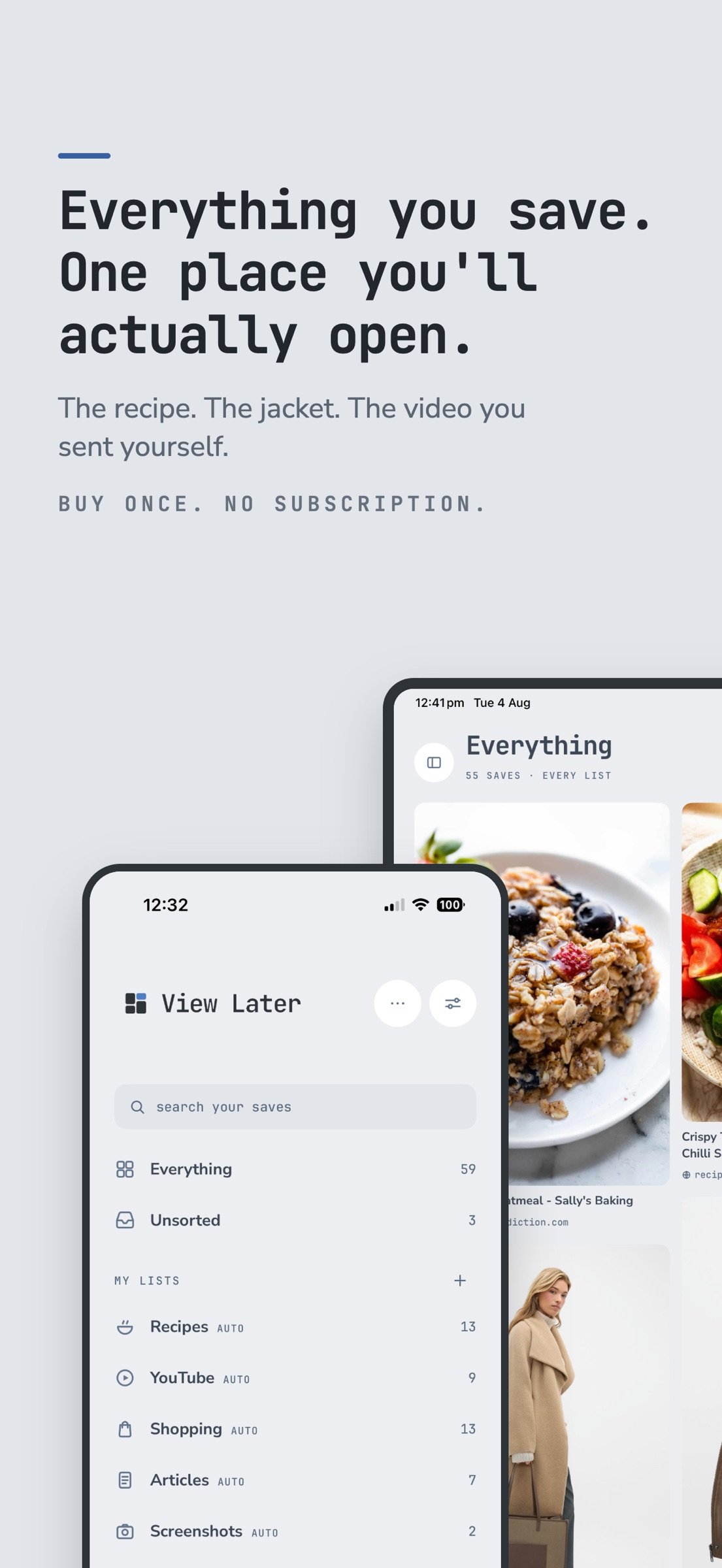
Everything you save, in one place you'll actually open.
You save things all day. A recipe from Instagram, a jacket from a shop you'll think about later, an article you meant to read, a video you sent yourself. Then it's gone, buried in a chat thread or a browser tab you closed weeks ago.
View Later catches all of it and files it the moment you hit save.
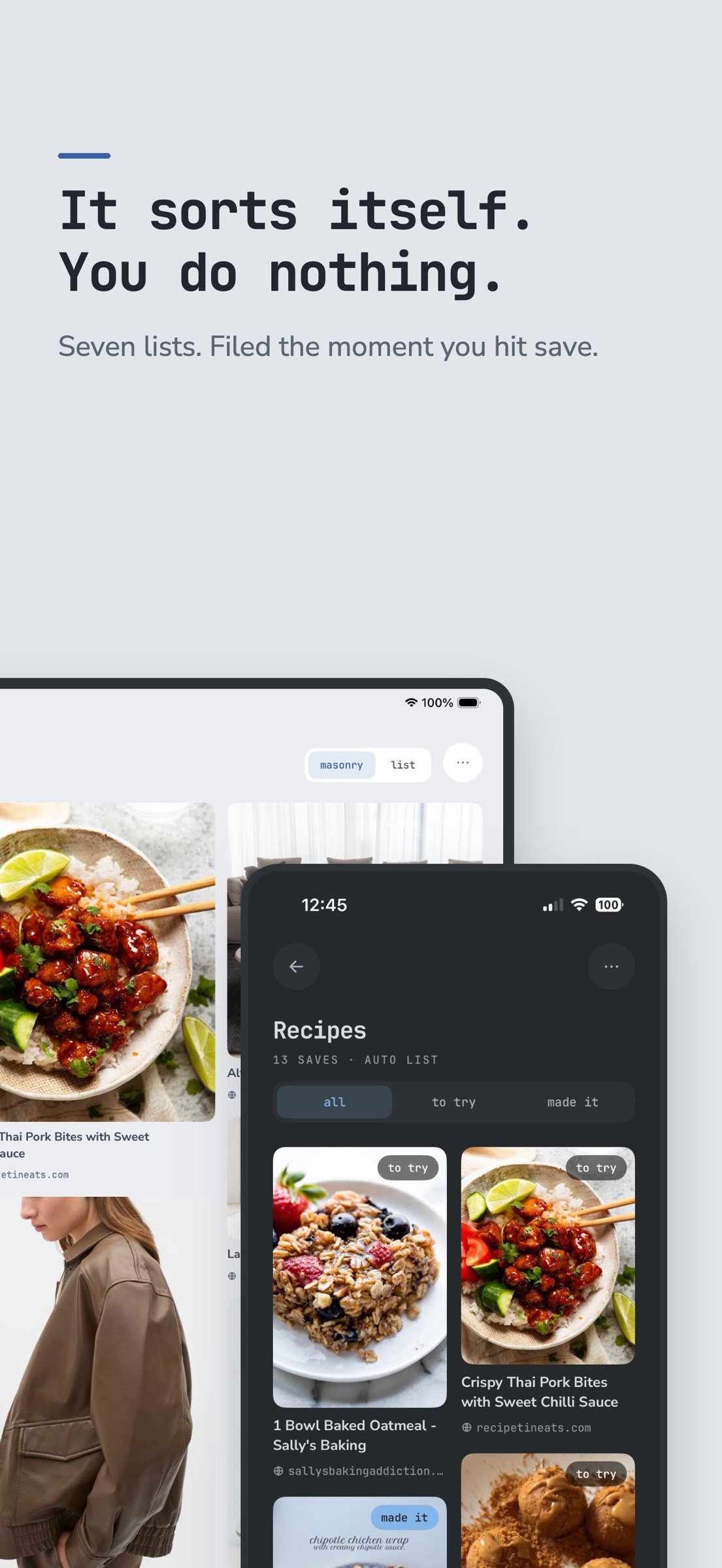
IT SORTS ITSELF
Recipes, YouTube, Shopping, Articles, Screenshots, Instagram and TikTok each get their own list, filled automatically as you save. Anything that doesn't match lands in Unsorted. Turn off the lists you don't use.
MAKE YOUR OWN LISTS
A trip, a project, a gift list. Your lists start empty and fill however you like. Add tags, leave notes, and mark recipes as made it once you've cooked them.
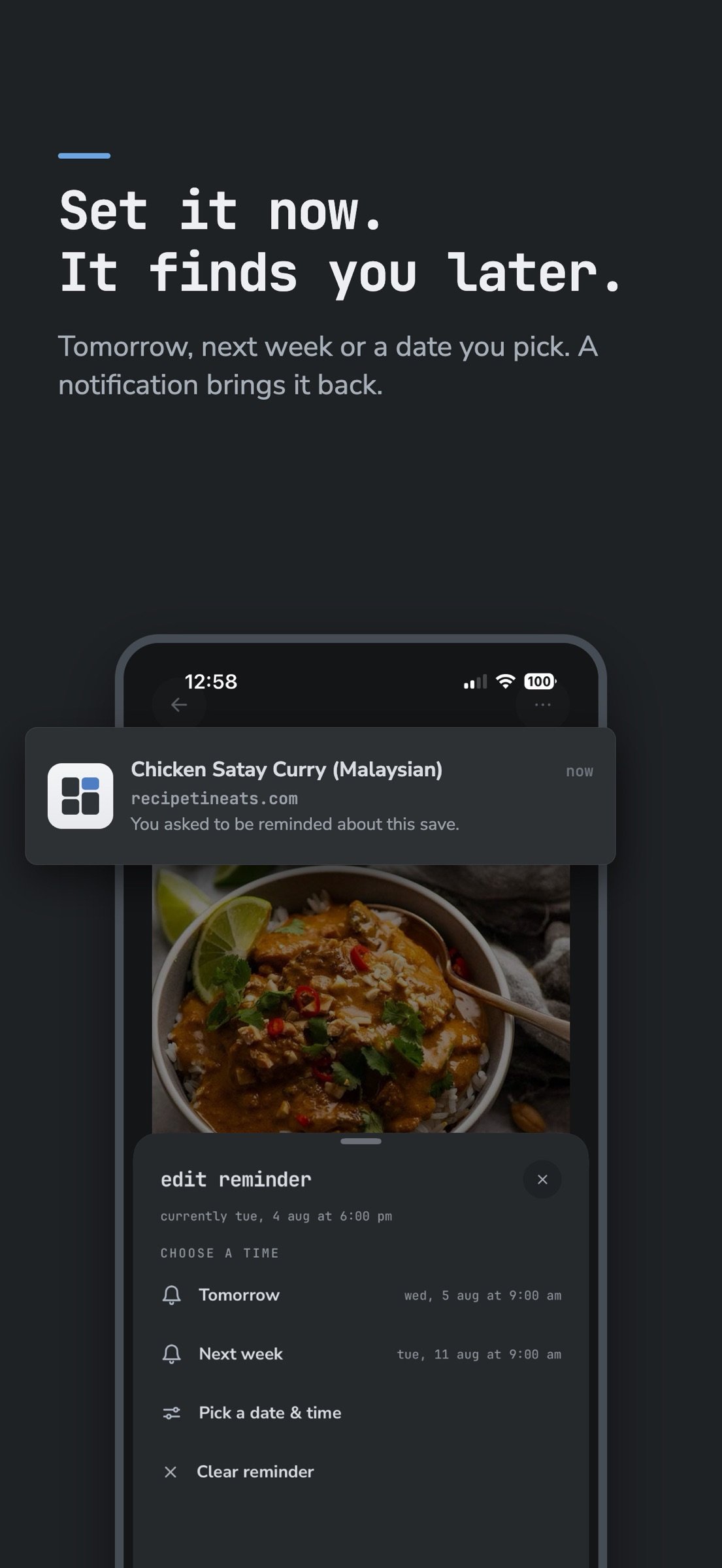
SET A REMINDER
Tomorrow, next week, or a date and time you pick. A notification brings the save back when you asked for it, instead of leaving you to remember on your own.
SAVE FROM ANYWHERE
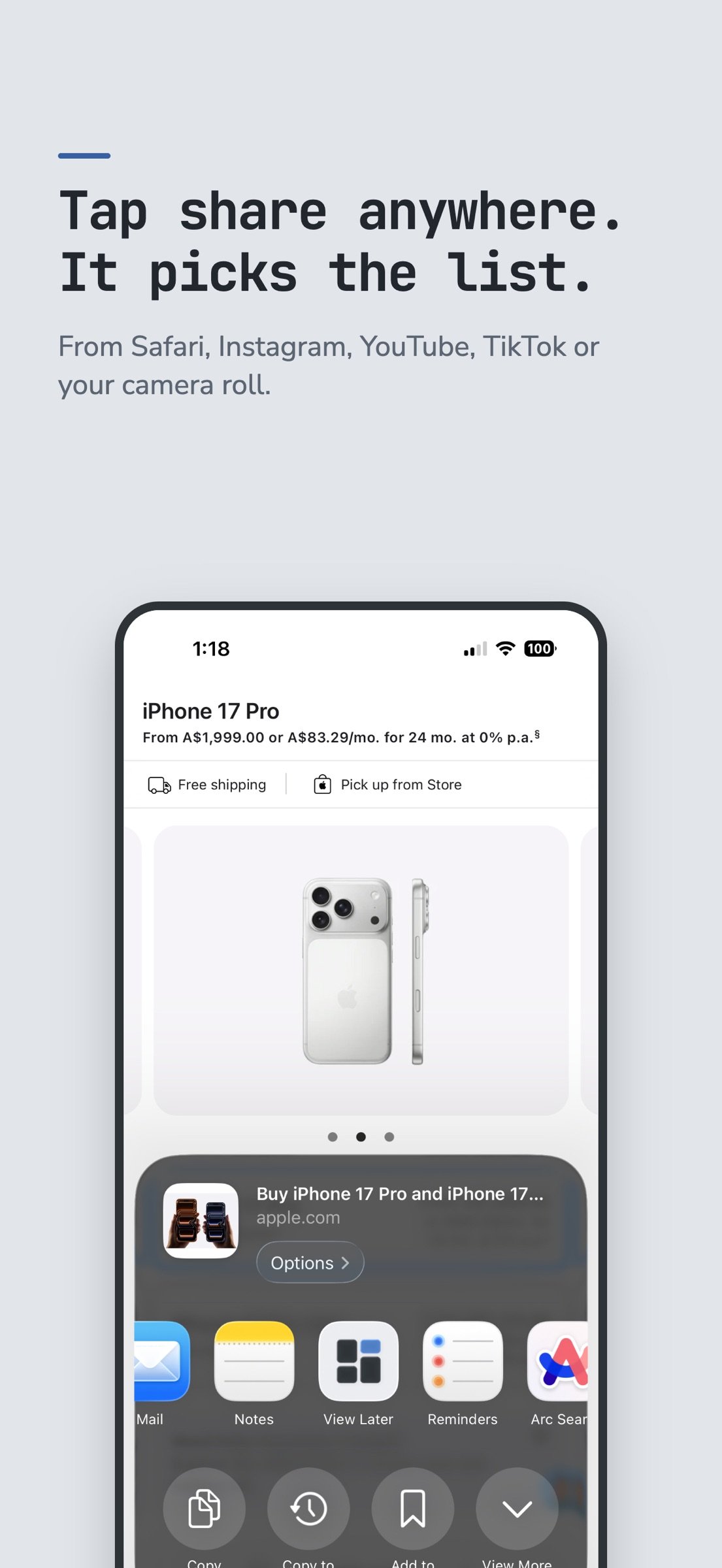
Tap share in Safari, Instagram, YouTube, TikTok or your camera roll. Two taps and it's in.
WORKS WITH SHORTCUTS
Save a link, open a list, pull everything out of a list, or set a reminder, all as Shortcuts actions. Build them into your own automations, or run them from the share sheet.
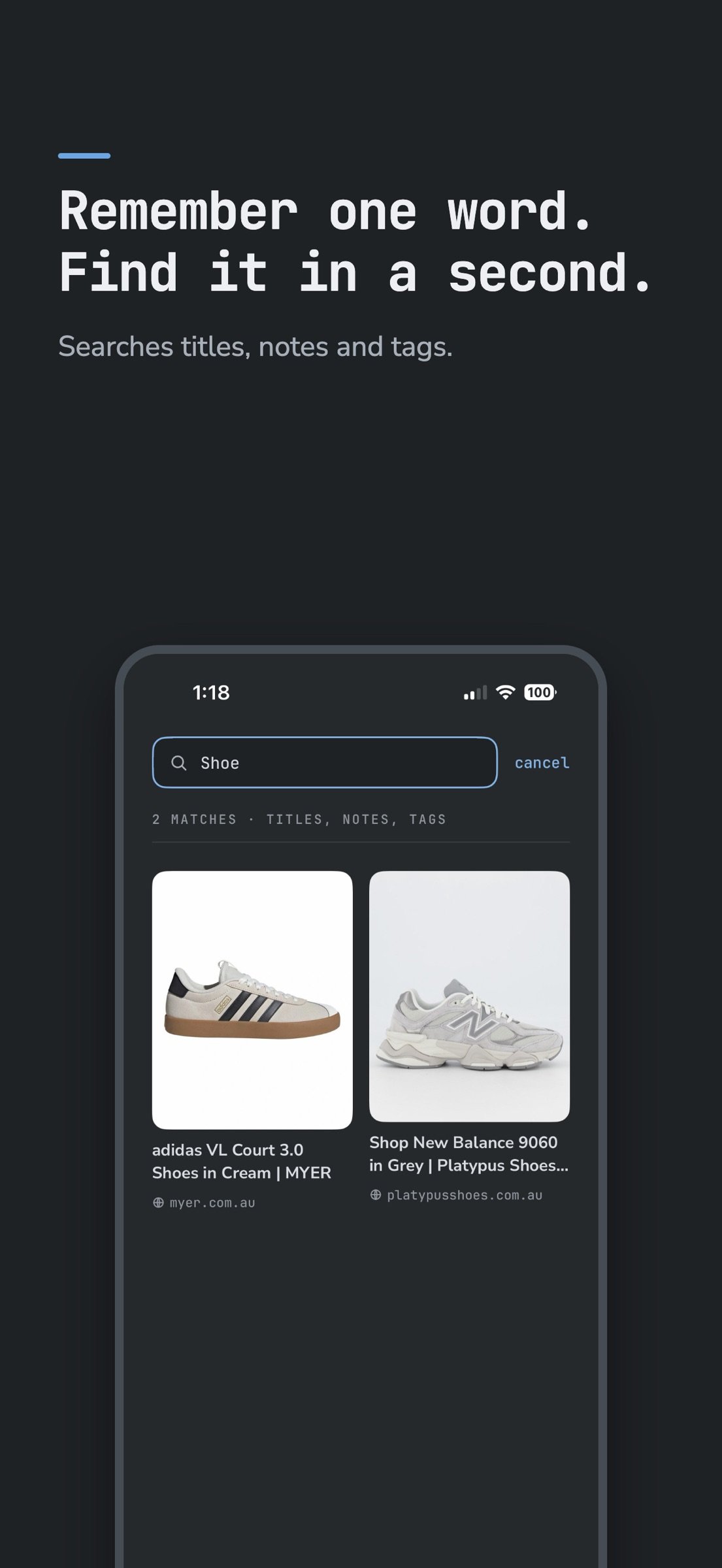
FIND IT AGAIN
Search across titles, notes and tags. Tap a tag to see every save that carries it.
A REAL IPAD APP
The full library laid out for the screen you're on, not a stretched phone.
ARCHIVE, DON'T DELETE
Clear things out without losing them.
TAKE IT WITH YOU
Export your whole library or a single list as Markdown, straight into Notes, Files, Mail or wherever you keep things. Your saves are yours to move.
BUY IT ONCE
One payment and it's yours. No renewal, no tiers, no upgrade later.
NO ACCOUNT
Nothing to sign up for, nothing to log into. There is no View Later account and no server holding your saves.
YOUR ICLOUD
Saves sync privately through your own iCloud, across your iPhone and iPad. Turn iCloud off and everything stays on your device.
License: Commercial
You save things all day. A recipe from Instagram, a jacket from a shop you'll think about later, an article you meant to read, a video you sent yourself. Then it's gone, buried in a chat thread or a browser tab you closed weeks ago.
View Later catches all of it and files it the moment you hit save.
IT SORTS ITSELF
Recipes, YouTube, Shopping, Articles, Screenshots, Instagram and TikTok each get their own list, filled automatically as you save. Anything that doesn't match lands in Unsorted. Turn off the lists you don't use.
MAKE YOUR OWN LISTS
A trip, a project, a gift list. Your lists start empty and fill however you like. Add tags, leave notes, and mark recipes as made it once you've cooked them.
SET A REMINDER
Tomorrow, next week, or a date and time you pick. A notification brings the save back when you asked for it, instead of leaving you to remember on your own.
SAVE FROM ANYWHERE
Tap share in Safari, Instagram, YouTube, TikTok or your camera roll. Two taps and it's in.
WORKS WITH SHORTCUTS
Save a link, open a list, pull everything out of a list, or set a reminder, all as Shortcuts actions. Build them into your own automations, or run them from the share sheet.
FIND IT AGAIN
Search across titles, notes and tags. Tap a tag to see every save that carries it.
A REAL IPAD APP
The full library laid out for the screen you're on, not a stretched phone.
ARCHIVE, DON'T DELETE
Clear things out without losing them.
TAKE IT WITH YOU
Export your whole library or a single list as Markdown, straight into Notes, Files, Mail or wherever you keep things. Your saves are yours to move.
BUY IT ONCE
One payment and it's yours. No renewal, no tiers, no upgrade later.
NO ACCOUNT
Nothing to sign up for, nothing to log into. There is no View Later account and no server holding your saves.
YOUR ICLOUD
Saves sync privately through your own iCloud, across your iPhone and iPad. Turn iCloud off and everything stays on your device.
License: Commercial
| Release info | Update on Nov 11, 2026 |
|---|---|
| Release notes | Lock a list Lock any list with Face ID, Touch ID or your passcode. Perfect for gift ideas you want to keep a surprise, or anything else you’d rather keep to yourself. Update View Later on all your devices so locked lists stay locked everywhere. Themes and fonts Choose from six colours and seven fonts, including easier to read options. Find them in Settings under Theme. A clearer item screen Open link now sits right up top, and you can add a save to more than one list. Also Better titles for shop links that block previews. |
| Listing data | App Store |
Reviews
No reviews yet. Be the first to review View Later.
Used View Later? Tell other visitors what you thought.
Log in to write a reviewOther products by this publisher
- "No Distractions" for YouTube 4.10 ----
- #Bible 11.6 "Incredible App - My sister shared this app with me a few weeks ago and it is truly incredible.
- #filmphotography 1.4.2 So, you decided to shoot on film?
- $quirrel 1.5.1 $quirrel Budget & Finance helps you plan each paycheck, track spending, manage debt, and see what is safe to spend before the next payday.
- % Percentage Calculator Pro 1.41 This is the Pro version of % Percentage Calculator.
Most viewed iOS Productivity
-
1
 WordPress 27.4
Manage or create your WordPress blog or website right from your iOS device: create and edit posts and pages, upload your favorite photos and videos, view stats and reply to comments.
- 2 Voice Translator - Alive 1.6 Translation app that turns your iPhone into an interpreter instantly.
-
3
 Claude by Anthropic 1.261111.19
Meet Claude, your AI problem solver and thinking partner.
-
4
 WristMemo 2.0
WristMemo turns your Apple Watch into an all-day voice recorder.
- 5 "No Distractions" for YouTube 4.10 ----
- 6 (beat) for iOS 0.5.10 An elegant Fountain screenwriting app, created by a screenwriter for screenwriters.
-
7
 Colicine 1.3.0
Have you ever been there—
-
8
 Life360 26.43.0
Whether at home, online, or on the move, our comprehensive family safety features bring peace of mind to your loved ones AND help safeguard your personal belongings.
-
9
 DeepSeek 2.8.0
Experience seamless interaction with DeepSeek's official AI assistant for free!
-
10
 Howbout 16.7.2
The shared calendar for friends, couples, and family
Most downloaded iOS Productivity
- 1 Voice Translator - Alive 1.6 Translation app that turns your iPhone into an interpreter instantly.
-
2
DeepSeek 2.8.0
Experience seamless interaction with DeepSeek's official AI assistant for free!
-
3
 SessionsAI 1.2.1
Sessions AI is a private AI workspace that runs entirely on your iPhone, iPad, or Mac.
-
4
 Voices AI 1.16.15
Discover Voices, the premier voice transformation app designed exclusively for iOS.
-
5
 Block Distracting Websites 1.11
"It's a great way to save time, and stop browsing Reddit when you should be doing coursework."
-
6
 Plot Digitizer 1.4.1
Plot Digitizer is an app to extract numerical data from plot images.
-
7
 Google Docs 1.2026.45104
Create, edit, and collaborate on online documents with the Google Docs app.
-
8
 Pixy Mood Tracker 1.110.0
Track your mood, one pixel at a time.
-
9
 MyHyundai with Bluelink 5.4.5
The MyHyundai app makes getting information about your Hyundai vehicle easier than ever.
-
10
 ScreenRecess 1.0.0
A gentle nudge to put your device down when it’s hard to stop.