Video Resize & Scale 5.8
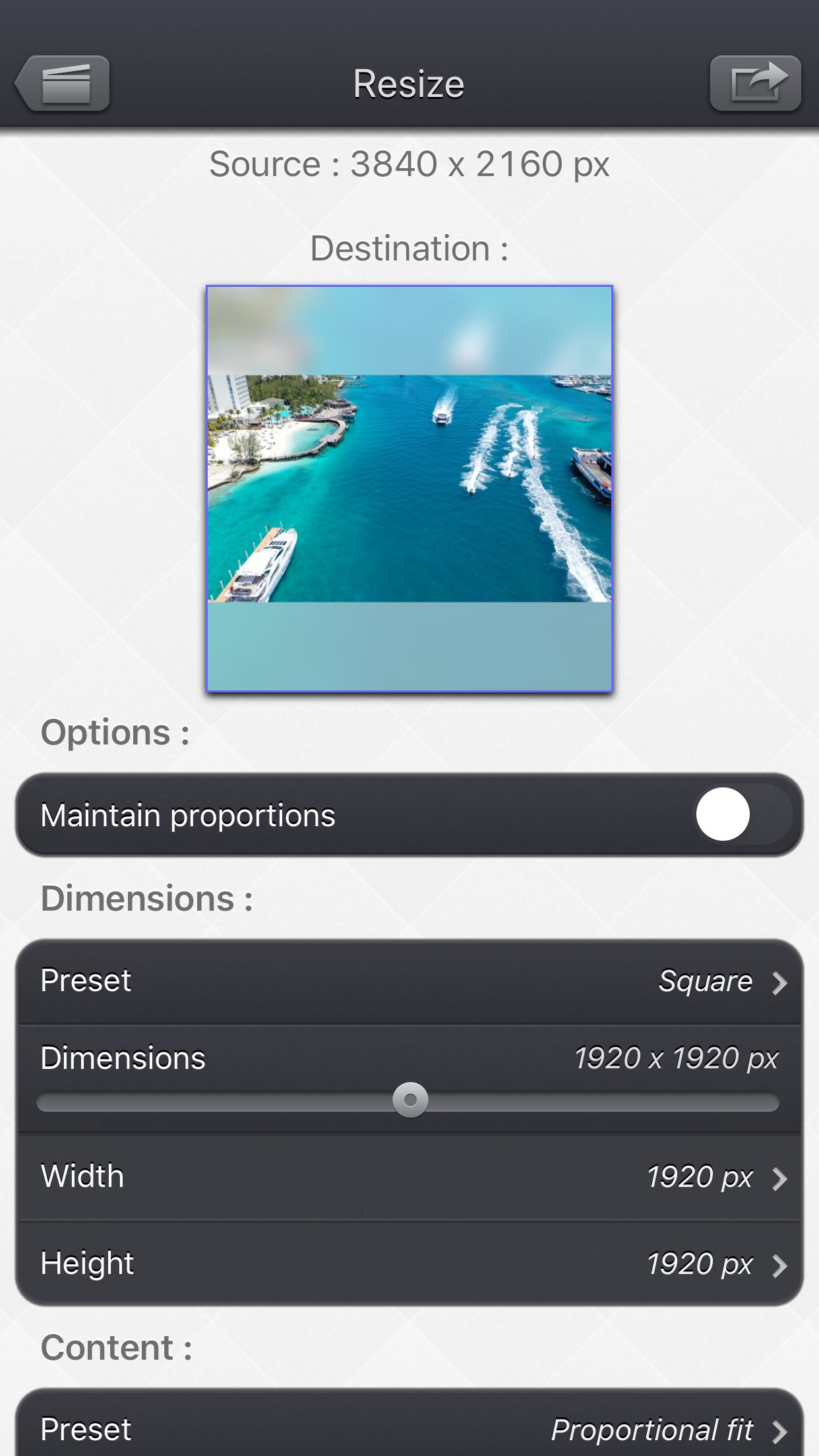
With Video Resize & Scale - HD, change the dimensions of your videos with precision, by stretching the image or by adding a beautiful and configurable animated blurred background.
Download
68.20 MB
23downloads
1this week
FreeCommercial
0reviews
Screenshots
About Video Resize & Scale
With Video Resize & Scale - HD, change the dimensions of your videos with precision, by stretching the image or by adding a beautiful and configurable animated blurred background.
More specifically, here are the main things you can do with the application:
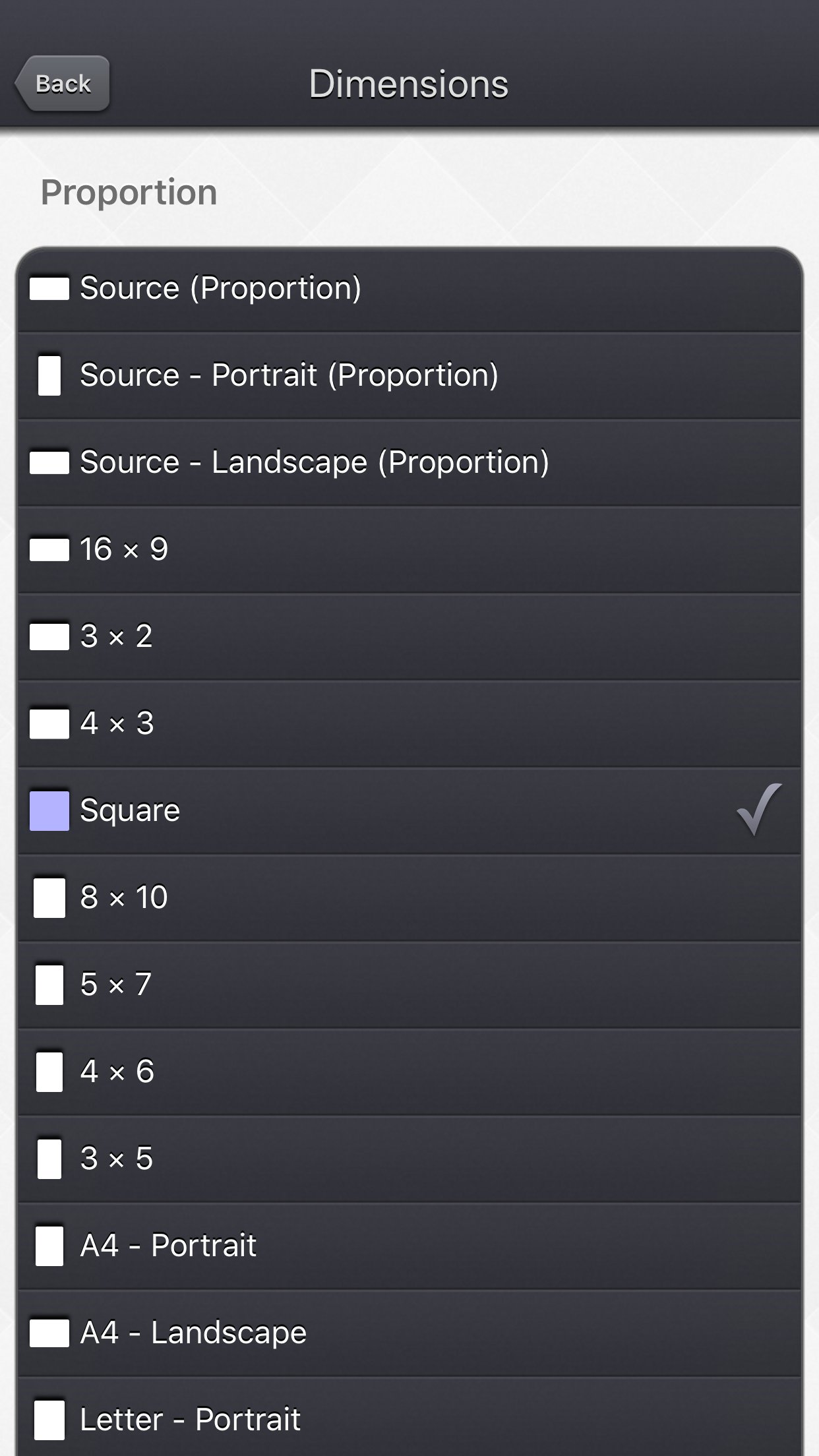
• Modify the dimensions of your video by precisely entering the width and height, or by quickly selecting a predefined usual values (720p, Device Portrait / Letter ...).
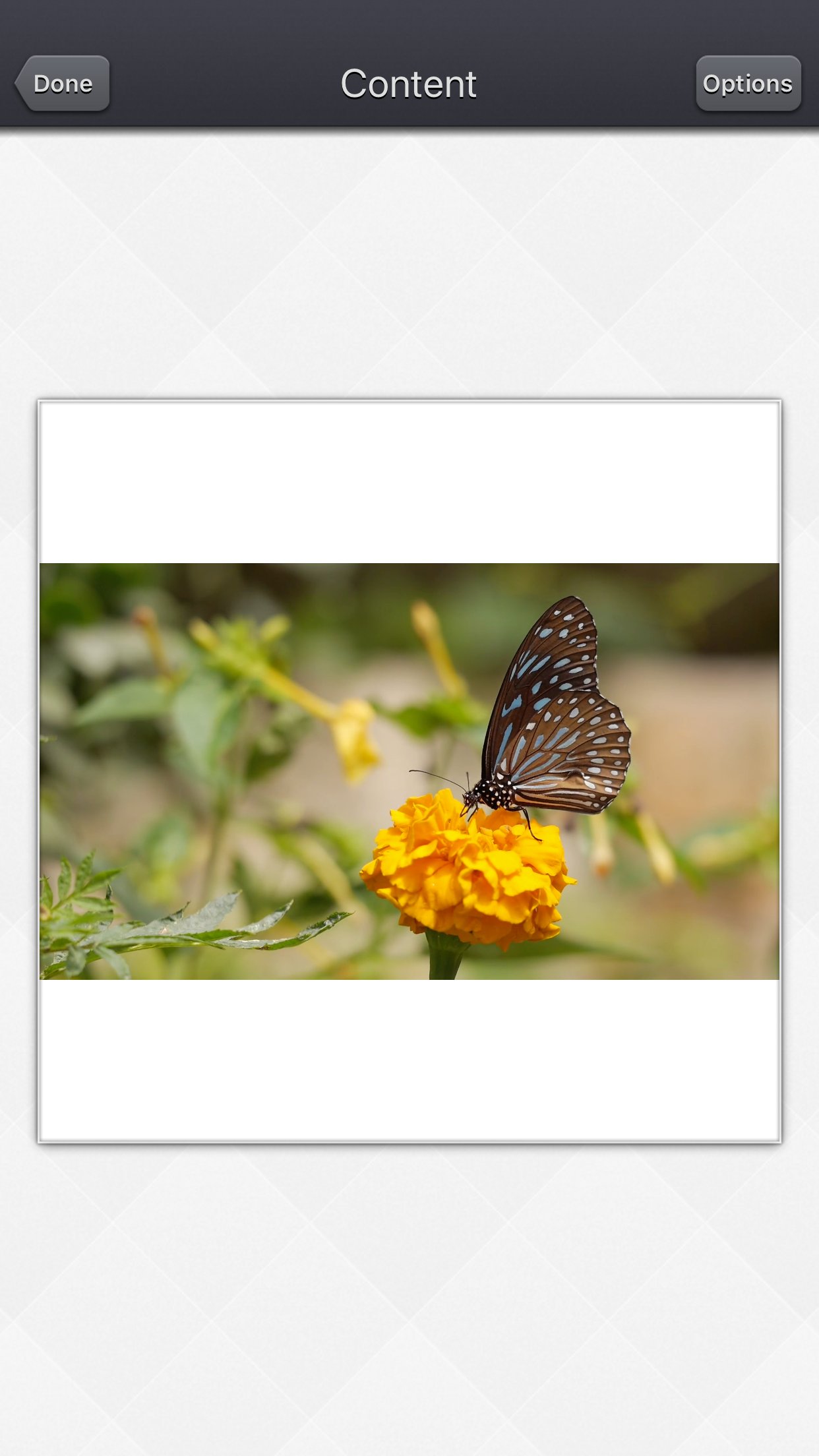
• Create squared videos from your videos, by adding an animated blurred background (or a fixed color) around your source video (Letterbox feature).
• Convert your protrait videos to landscape videos (and vice versa) by either adding a background around your video or by cropping fixed extremities of your video.
• Modify the aspect ratio of your videos by stretching them, and then distorting the image.
• Easilily position your input video in the output one, thanks to some presets : (center / fill / aspect fill / aspect fill ...), or direclty entre the position in pixels.
• Reduce the file size of your videos by making the dimensions smaller, to preserve disk space, or to quickly send them to your friends or on your social networks.
• Remove the potential hidden extra pixels (outside the clean aperture) that are inside some video (like the ones in the Live Photos), to make the video smaller.
• Force the display of those hidden pixels (outside the clean aperture). They are usually nor meant to be displayed but they might contain some interesting information.
• Change an exotic pixel format (PAR) to a square pixel format for better compatibility.
Thanks to the customisable settings, the app will also let you:
• Add a fixed color border around your video.
• Add a soft blurred glowy halo around your video.
• Totally blur your video.
• Totally fade your video with a custom colour.
• Precisely position 2 instances of your source video in the output video, allowing you some fun effects like having it side by side.
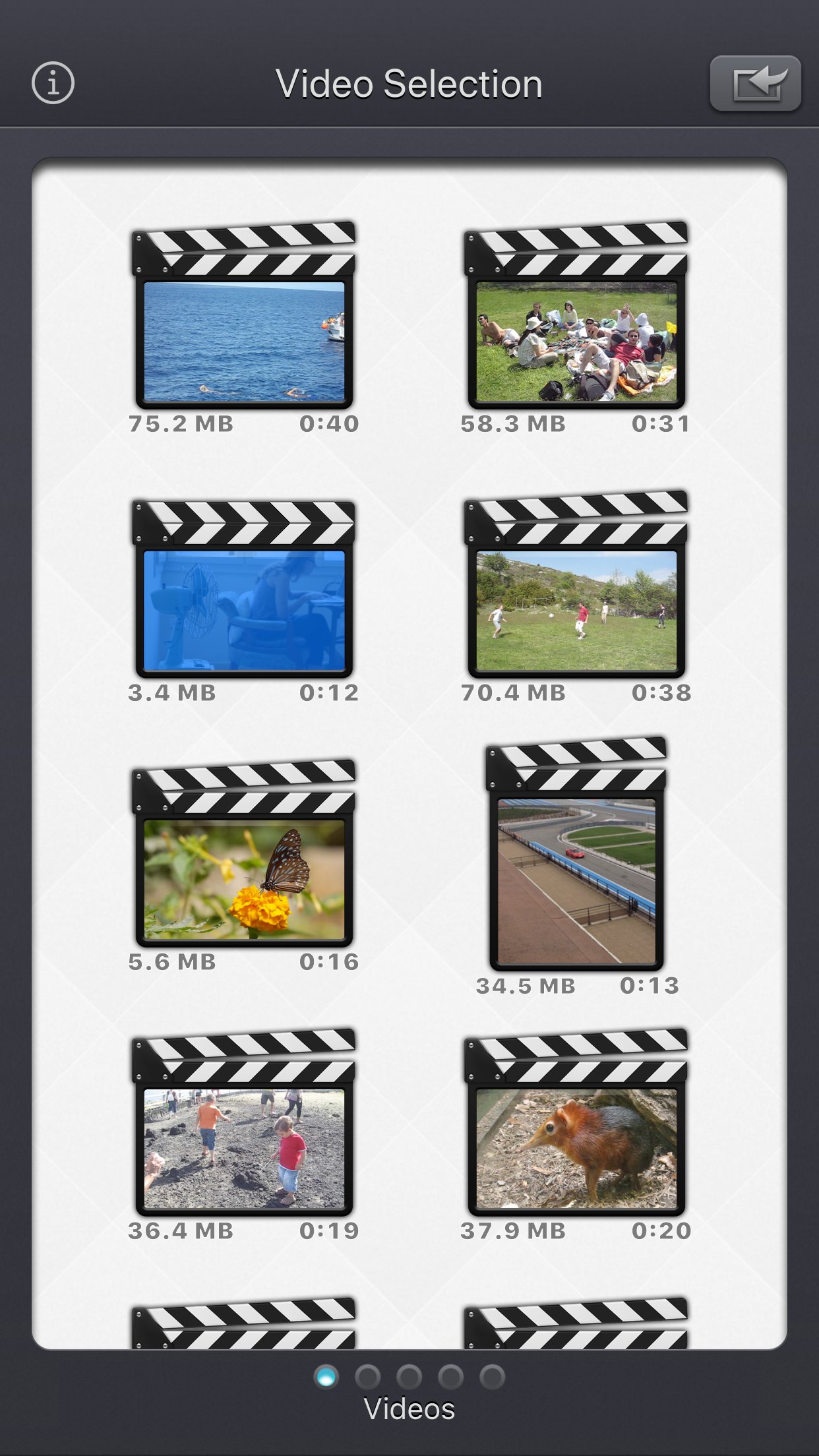
The Input video can be imported from your device in several ways.
The modified version (if there is one) or the original version of the video are both available.
The camera can be used directly to record a video if needed.
You can also connect your device to your computer in order to drag and drop specific videos (Files feature).
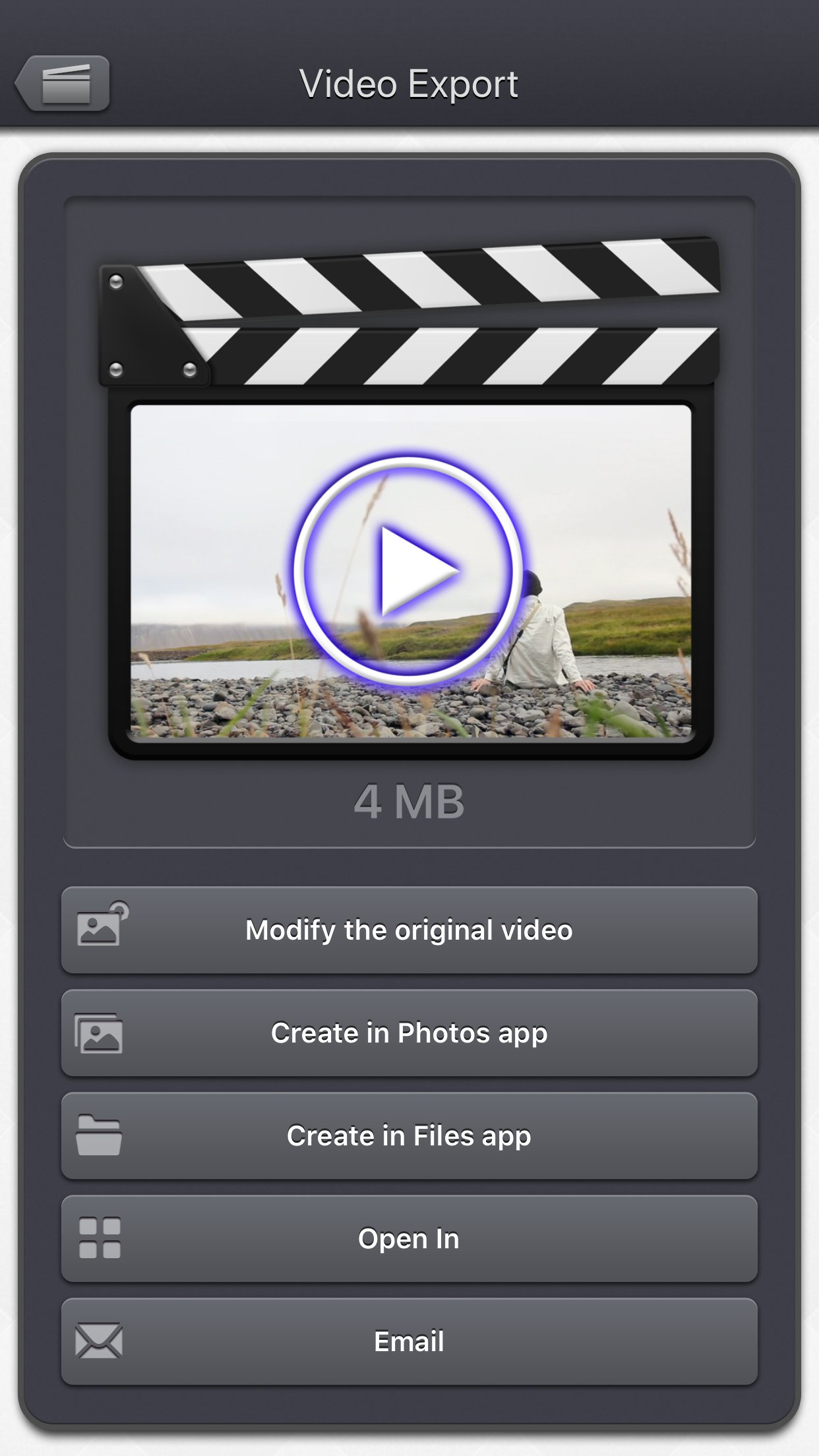
The output video can be exported in several ways.
Create a new video in the Photo app or in the Files app.
Directly modify the input video by adding an edited version.
Share the video to another application.
This application can run, on your iPhone and your iPad, as a standalone application, a Photo Extension, or as an Action Extension (from the compatible applications like the Photo app).
Portrait and Landscape orientations are supported in all screens.
Dark mode of iOS13 is supported.
You will find the original and intuitive user interface, common to all our videos applications.
These applications have been featured many times by Apple and various websites.
License: Commercial
More specifically, here are the main things you can do with the application:
• Modify the dimensions of your video by precisely entering the width and height, or by quickly selecting a predefined usual values (720p, Device Portrait / Letter ...).
• Create squared videos from your videos, by adding an animated blurred background (or a fixed color) around your source video (Letterbox feature).
• Convert your protrait videos to landscape videos (and vice versa) by either adding a background around your video or by cropping fixed extremities of your video.
• Modify the aspect ratio of your videos by stretching them, and then distorting the image.
• Easilily position your input video in the output one, thanks to some presets : (center / fill / aspect fill / aspect fill ...), or direclty entre the position in pixels.
• Reduce the file size of your videos by making the dimensions smaller, to preserve disk space, or to quickly send them to your friends or on your social networks.
• Remove the potential hidden extra pixels (outside the clean aperture) that are inside some video (like the ones in the Live Photos), to make the video smaller.
• Force the display of those hidden pixels (outside the clean aperture). They are usually nor meant to be displayed but they might contain some interesting information.
• Change an exotic pixel format (PAR) to a square pixel format for better compatibility.
Thanks to the customisable settings, the app will also let you:
• Add a fixed color border around your video.
• Add a soft blurred glowy halo around your video.
• Totally blur your video.
• Totally fade your video with a custom colour.
• Precisely position 2 instances of your source video in the output video, allowing you some fun effects like having it side by side.
The Input video can be imported from your device in several ways.
The modified version (if there is one) or the original version of the video are both available.
The camera can be used directly to record a video if needed.
You can also connect your device to your computer in order to drag and drop specific videos (Files feature).
The output video can be exported in several ways.
Create a new video in the Photo app or in the Files app.
Directly modify the input video by adding an edited version.
Share the video to another application.
This application can run, on your iPhone and your iPad, as a standalone application, a Photo Extension, or as an Action Extension (from the compatible applications like the Photo app).
Portrait and Landscape orientations are supported in all screens.
Dark mode of iOS13 is supported.
You will find the original and intuitive user interface, common to all our videos applications.
These applications have been featured many times by Apple and various websites.
License: Commercial
| Release info | New Release on Jul 21, 2026 |
|---|---|
| Release notes | • Improved support for HDR videos. • Fixed Live Photo imports from the system media picker on the video selection screen. • You can now adjust the selected photos and videos when full Photos access has not been granted. |
| Listing data | App Store |
Reviews
No reviews yet. Be the first to review Video Resize & Scale.
Used Video Resize & Scale? Tell other visitors what you thought.
Log in to write a reviewOther products by this publisher
- "No Distractions" for YouTube 4.10 ----
- #Bible 11.6 "Incredible App - My sister shared this app with me a few weeks ago and it is truly incredible.
- #filmphotography 1.4.2 So, you decided to shoot on film?
- $quirrel 1.5.1 $quirrel Budget & Finance helps you plan each paycheck, track spending, manage debt, and see what is safe to spend before the next payday.
- % Percentage Calculator Pro 1.41 This is the Pro version of % Percentage Calculator.
Most viewed iOS Photo & Video
-
1
 ShortDiShow 2.0
Drama Quest Island — An offline interactive short-drama adventure.
-
2
 Infuse 8.5.9
Infuse: Enterprise provides the same great features as the standard version of Infuse and includes permanent access to all Pro features via a traditional paid app.
-
3
 AI Video Generator 2.0.2
Vixel – AI Video Generator
-
4
 OPlayer 4.8
Play all your videos directly without having to convert them!
-
5
 Necrometer II 1.2
Necrometer II is a paranormal investigation companion designed for ghost hunters and researchers.
-
6
 CapCut 20.0.0
CapCut offers easy-to-use video editing functions, in-APP fonts and effects, advanced features such as keyframe animation, smooth slow-motion, chroma key, and stabilization, to help you capture and snip moments.
-
7
 Ai Photo 1.1.2
AI Photo Retouch – BG Eraser
-
8
 Treblo 1.6.0
Make songs with the world's best AI music model.
-
9
 TouchSiren Delta 3.1
--------------------------------------------------------------
-
10
 CNU 3.0.12
CNU?????????????????????,???????????????
Most downloaded iOS Photo & Video
-
1
Infuse 8.5.9
Infuse: Enterprise provides the same great features as the standard version of Infuse and includes permanent access to all Pro features via a traditional paid app.
-
2
 DJI Fly 1.21.18
DJI Fly is designed to help pilots fly drones with ease.
-
3
 TurboCollage Automatic 1.2.4
#1 Easy automatic photo collage maker for iPhone & iPad.
-
4
 ReelyGo 1.1.42
ReelyGo: Your Daily Drama Escape
-
5
 Analog Radio 3.0
The iPhone and iPad devices don't have the FM/AM radio antenna installed.
-
6
 AGAIN. Rehearsal Notes 2.0.1
AGAIN. is the rehearsal app that remembers why the band stopped — and, new in Version 2, who said what in a writing session or a table read.
-
7
Treblo 1.6.0
Make songs with the world's best AI music model.
-
8
 Rozeta Sequencer Suite 1.3.16
Rozeta is a suite of MIDI sequencers and controllers that lets you explore a new, freeform approach to sequencing and controlling mobile music apps.
-
9
 Pop Dot Comics 1.48
Create a comic worthy of the Sunday newspaper or your favorite pulp-fiction cover.
-
10
 SSS IPTV, Simple, Smart Super 1.0.2
An Easiest way to watch TV Online or Movies or Series, Bring your Own list M3u,