
VectorPaint 1.0.8
VectorPaint is a vector drawing and SVG editing app for iPhone and iPad.
Download
25.20 MB
25downloads
2this week
FreeCommercial
0reviews
Screenshots
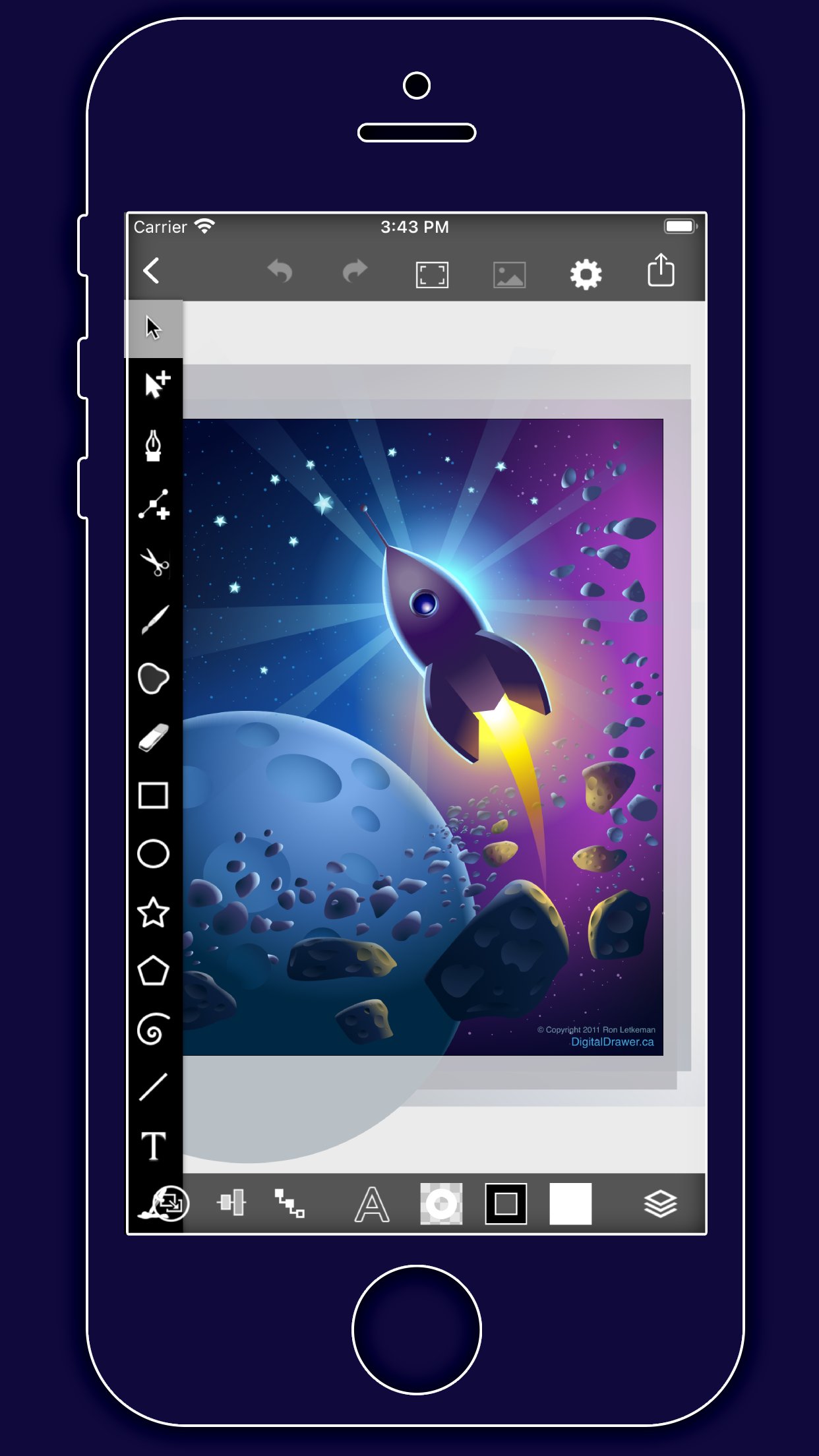
About VectorPaint
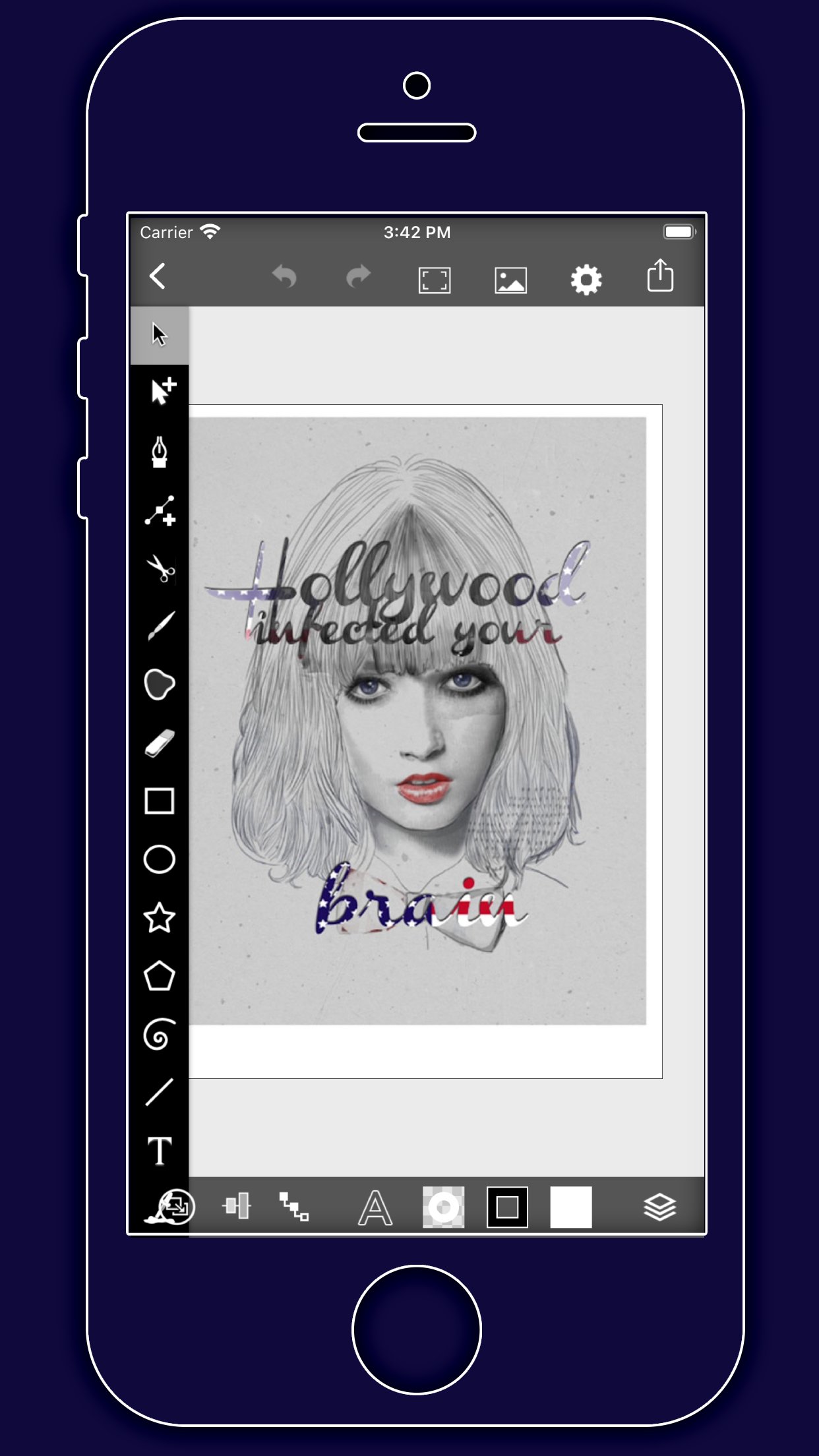
VectorPaint is a vector drawing and SVG editing app for iPhone and iPad. Create illustrations, design logos, draw icons and compose posters with editable paths, shapes and text.
Draw freely, refine precisely
Use the pen, freehand and shape tools to build your artwork. Edit Bézier nodes, curves and outlines, then arrange objects with alignment, distribution, grids and guides. Zoom into your canvas to refine the details.
Bring layers, color and type together
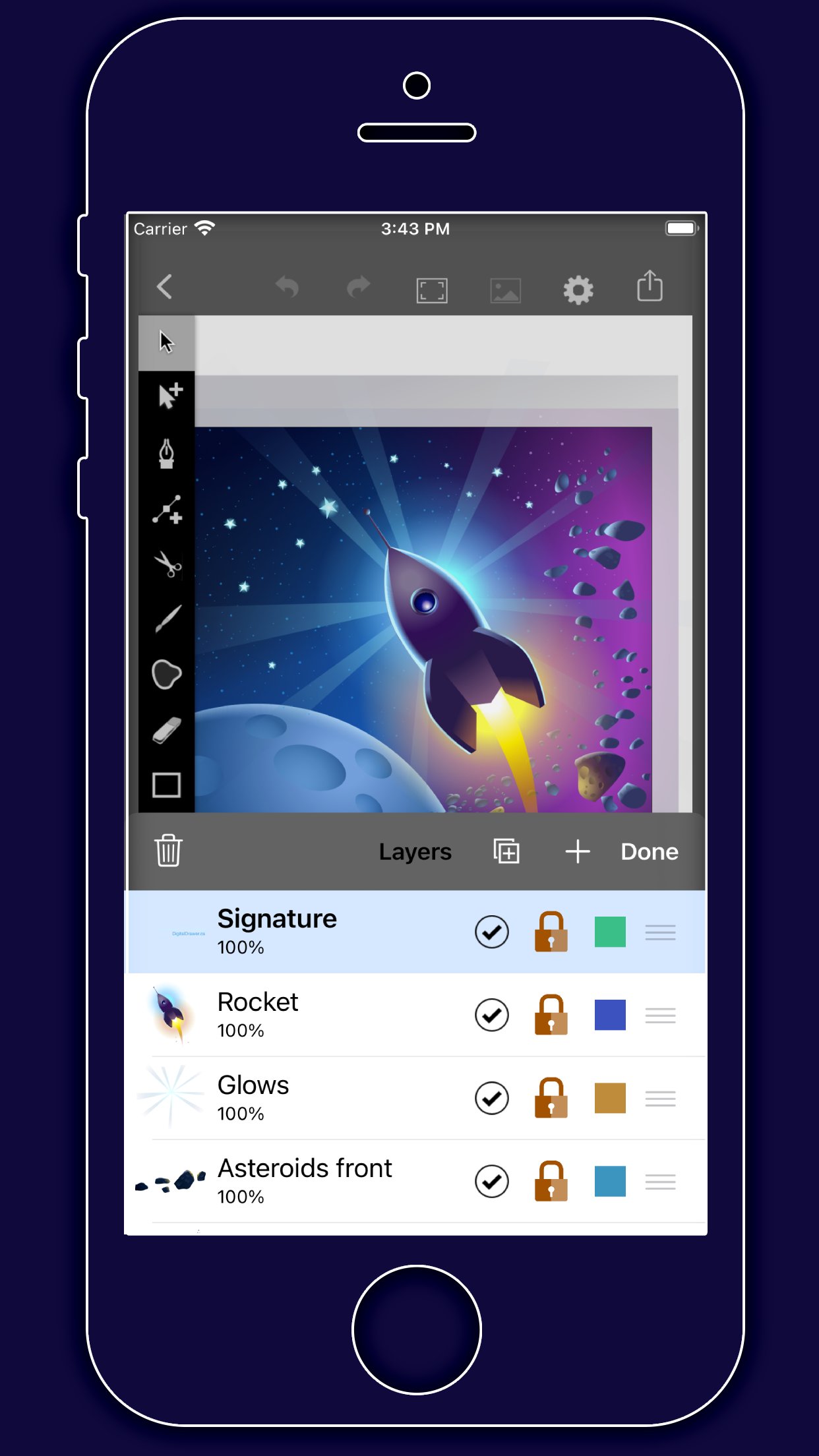
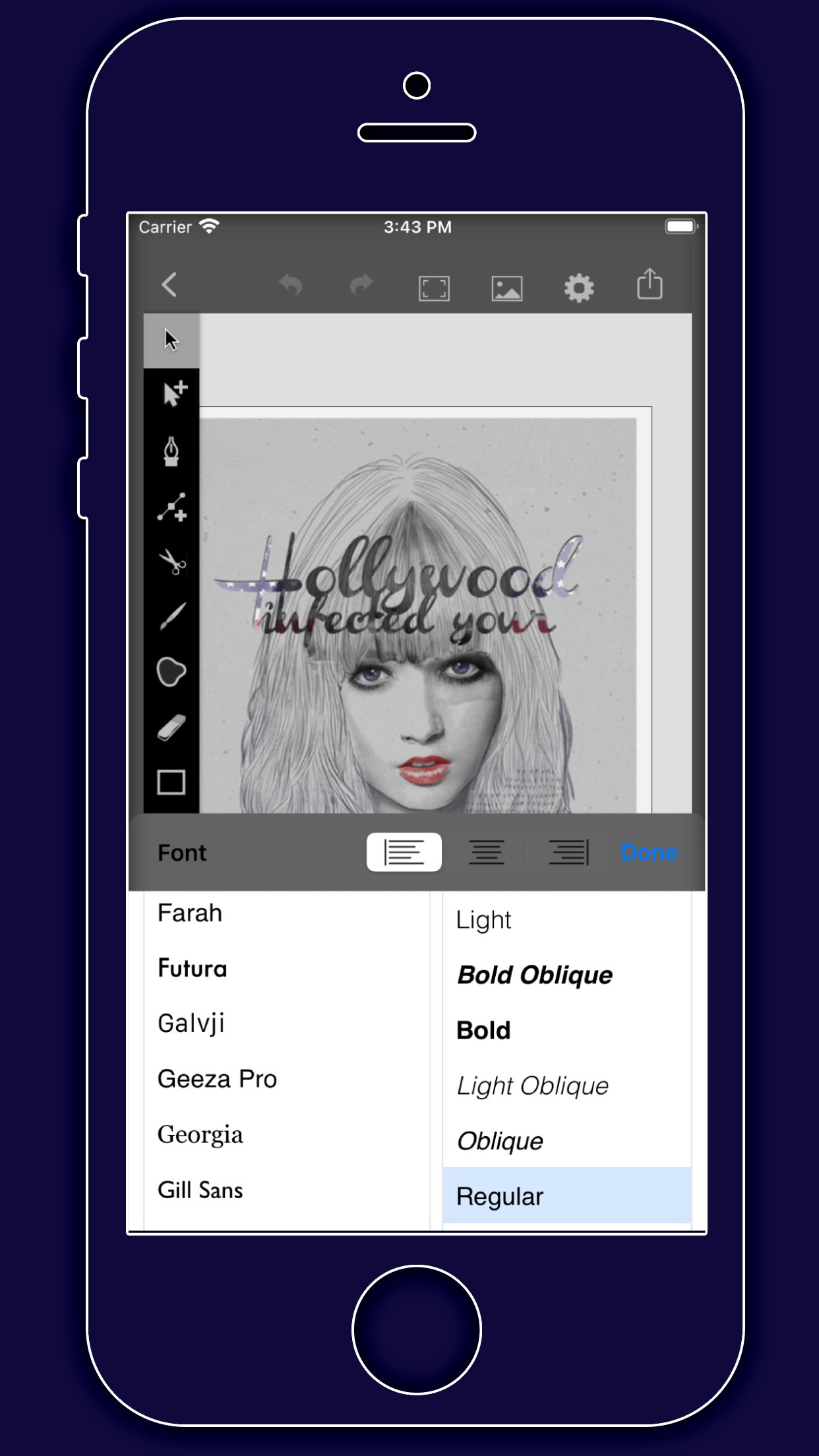
Organize artwork with layers and groups. Adjust opacity, fills, strokes and gradients, use masks to control what appears, and place text along a path. Combine lettering and graphics for logos, illustrations and layouts.
Trace images into editable paths
Import an image as a reference or generate a vector tracing preview before applying it. Tracing works best with logos, line art and flat-color images. Photos are quantized to your chosen number of colors, so results depend on the source image.
Export for your next step
Import SVG, VectorPaint, Inkpad and common image files. Export SVG, PDF and PNG, or keep an editable VectorPaint document. PNG supports transparent backgrounds. SVG and PDF may include bitmap elements from your artwork; export does not automatically turn every object into vectors.
A local workspace for your artwork
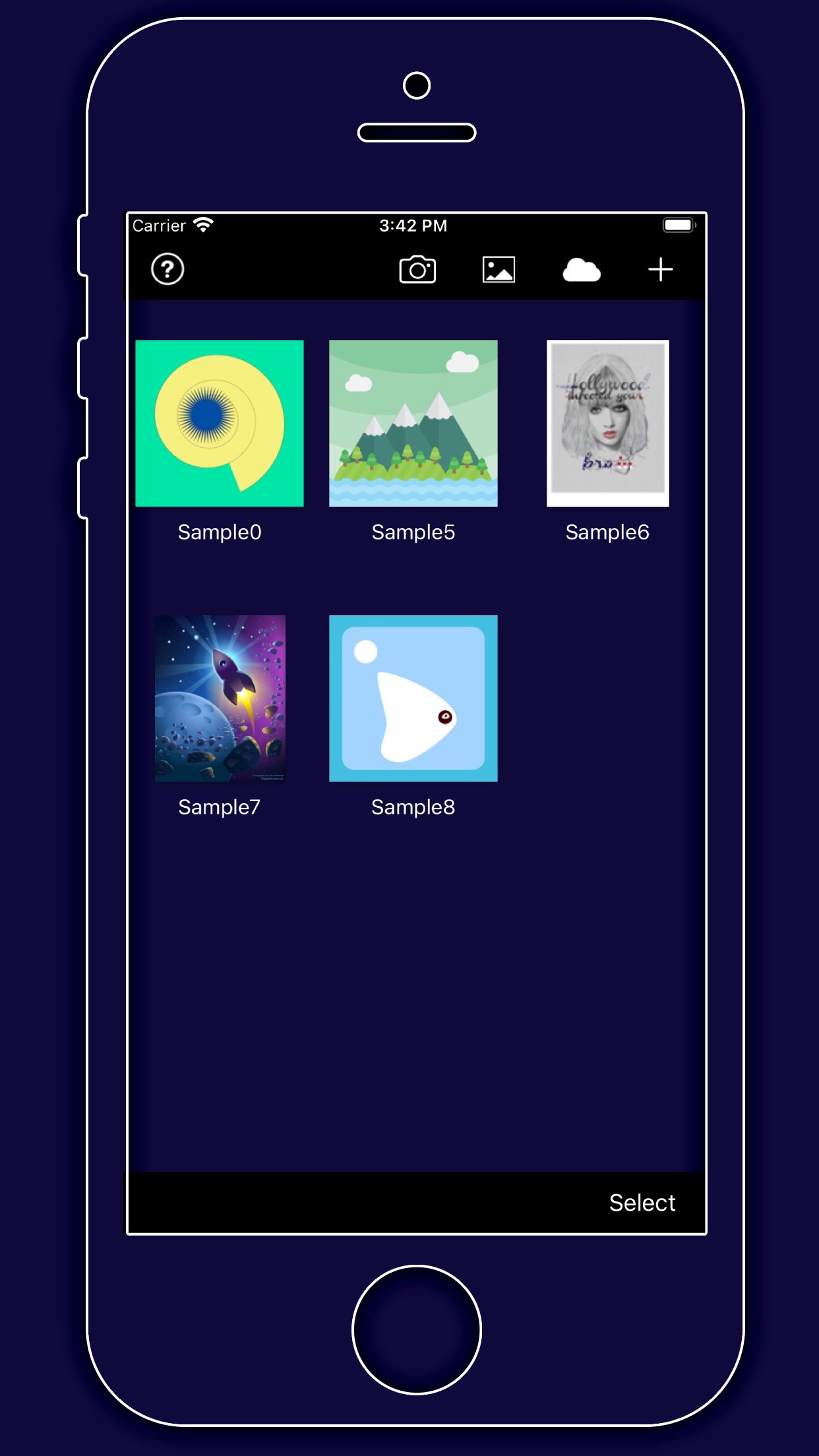
Drawing and artwork management use local files and work offline. Keep projects organized with groups, tags and favorites. Use undo, redo, versions, recently deleted artwork and backups to manage your creative process.
For anyone looking for vector illustration, SVG editing, logo creation and graphic artwork on iPhone or iPad, VectorPaint brings paths, layers, color and typography into one workspace.
License: Commercial
| Release info | New Release on Oct 26, 2026 |
|---|---|
| Release notes | • Improved pen endpoint handling and dragging to reduce unintended path endings or closures. • The object list now shows open/closed path state, node counts and color details to make paths easier to identify. • Improved access to saved swatches, numeric editing after switching objects, and layouts for larger text. • Added MCP connections for managing and editing artwork with compatible desktop clients within the permissions you grant. |
| Listing data | App Store |
Reviews
No reviews yet. Be the first to review VectorPaint.
Used VectorPaint? Tell other visitors what you thought.
Log in to write a reviewOther products by this publisher
- "No Distractions" for YouTube 4.10 ----
- #Bible 11.6.1 "Incredible App - My sister shared this app with me a few weeks ago and it is truly incredible.
- #filmphotography 1.4.2 So, you decided to shoot on film?
- #LookBusy Fake Calendar Events 1.0.6 Look Busy scans your work calendar for open time slots and fills them with realistic-looking (but secretly fake) work events.
- #Small Talk Is Canceled 1.0.2 #Small Talk Is Canceled — Conversations That Matter
Most viewed iOS Photo & Video
-
1
 Restore Old Photos 1.1.0
Bring old family photos back to life, privately on your iPhone or iPad.
-
2
 ShortDiShow 2.0
Drama Quest Island — An offline interactive short-drama adventure.
-
3
 Face Witness 1.0.4
FaceWitness lets you create a face by putting together individual features.
-
4
 Infuse 8.5.11
Infuse: Enterprise provides the same great features as the standard version of Infuse and includes permanent access to all Pro features via a traditional paid app.
-
5
 Infrared Developer 1.2
Infrared Developer is a photo editor built for infrared photography.
-
6
 AI Video Generator 2.0.3
Vixel – AI Video Generator
- 7 #filmphotography 1.4.2 So, you decided to shoot on film?
-
8
 CapCut 20.3.0
CapCut is an all-in-one video editing solution that offers essential editing features, creative effects, AI tools, filters, stickers, and fonts, and a wide range of video templates to empower users to easily create incredible videos regardless of th…
-
9
 OPlayer 4.8
Play all your videos directly without having to convert them!
-
10
 Ai Photo 1.2.0
AI Photo Retouch – BG Eraser
Most downloaded iOS Photo & Video
-
1
 DJI Fly 1.21.18
DJI Fly is designed to help pilots fly drones with ease.
-
2
Infuse 8.5.11
Infuse: Enterprise provides the same great features as the standard version of Infuse and includes permanent access to all Pro features via a traditional paid app.
-
3
 ReelyGo 1.1.60
ReelyGo: Your Daily Drama Escape
-
4
 Analog Radio 3.0
The iPhone and iPad devices don't have the FM/AM radio antenna installed.
-
5
 TurboCollage Automatic 1.2.4
#1 Easy automatic photo collage maker for iPhone & iPad.
-
6
 Rozeta Sequencer Suite 1.3.16
Rozeta is a suite of MIDI sequencers and controllers that lets you explore a new, freeform approach to sequencing and controlling mobile music apps.
-
7
 AGAIN. Rehearsal Notes 2.0.1
AGAIN. is the rehearsal app that remembers why the band stopped — and, new in Version 2, who said what in a writing session or a table read.
-
8
 Pop Dot Comics 1.48
Create a comic worthy of the Sunday newspaper or your favorite pulp-fiction cover.
-
9
 Local AI Art Private Diffusion 1.6
If you are the kind of person who values privacy and wants to keep your generated images private, our software is the perfect solution for you.
-
10
 Treblo 1.6.6
Make songs with the world's best AI music model.