
TwistedWave Audio Editor 1.108
TwistedWave is a very fast and easy to use audio editor and recorder.
Download
36.06 MB
23downloads
4this week
FreeCommercial
0reviews
Screenshots

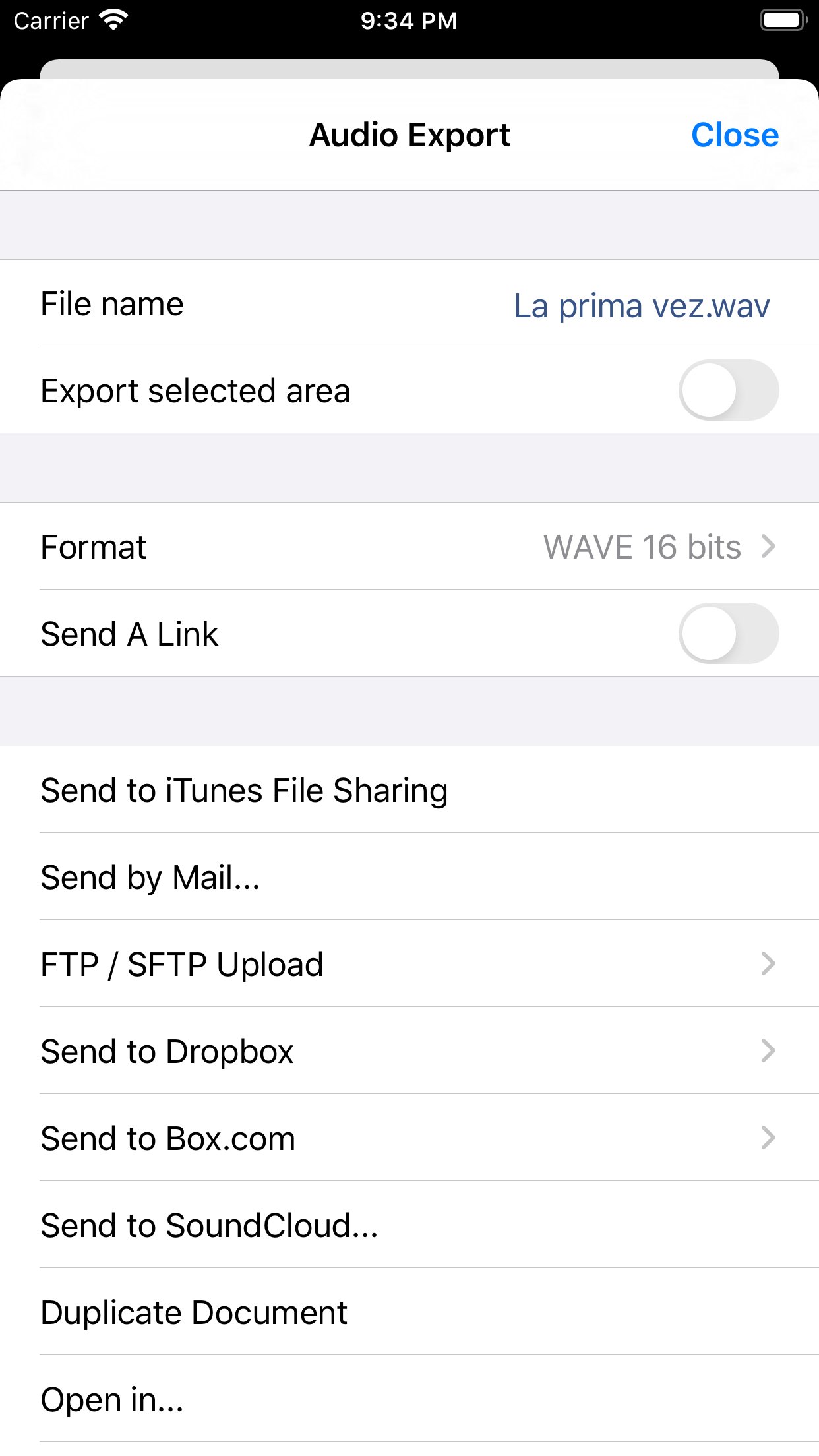
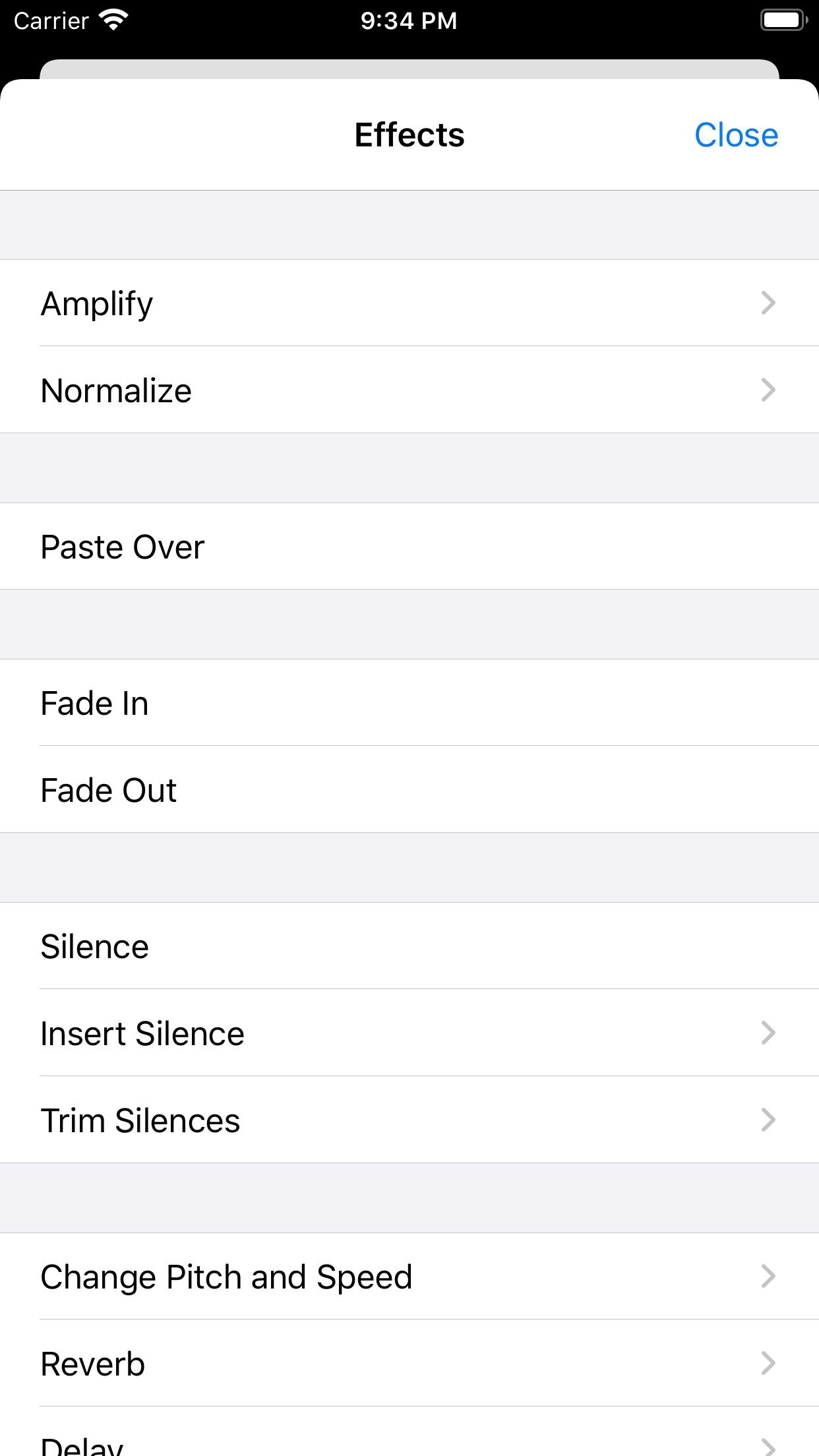
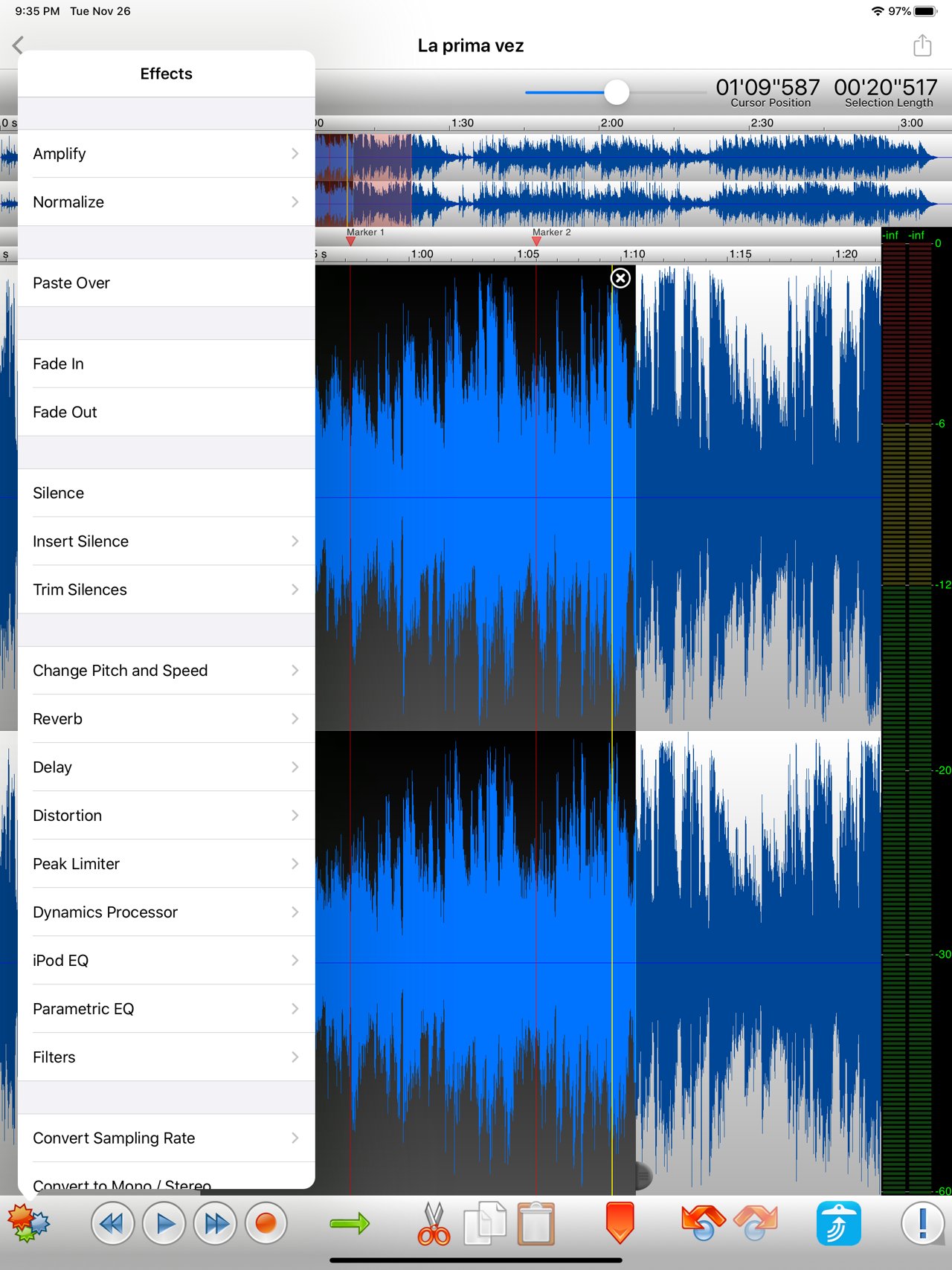
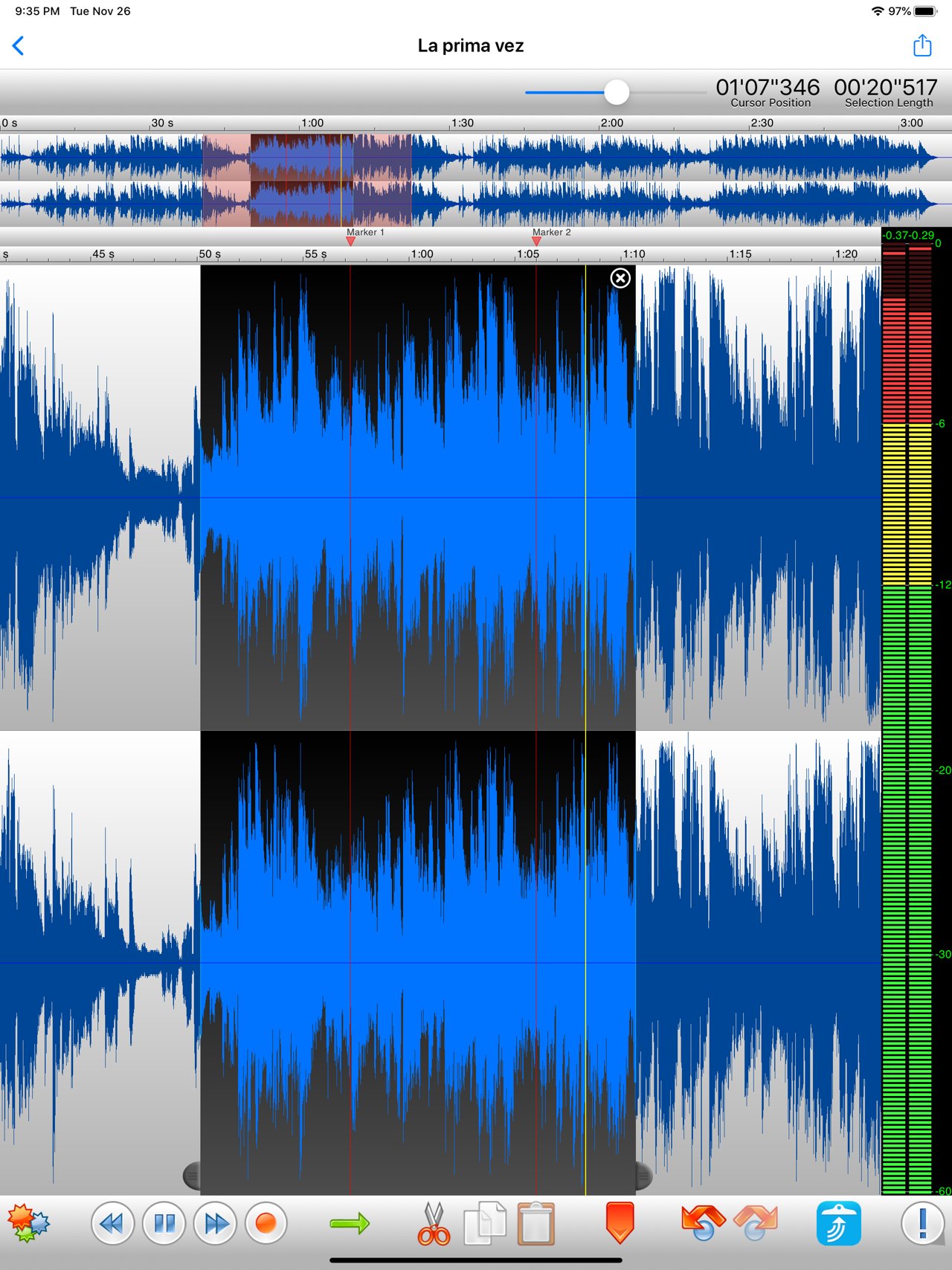
About TwistedWave Audio Editor
TwistedWave is a very fast and easy to use audio editor and recorder.
Even when working with huge files, it will remain very fast and fluid, and will never run out of memory.
UNIQUE TO TWISTEDWAVE
• Very fluid, even with very large files
• Unlimited undo / redo history, happens instantly
RECORD AUDIO
• No duration limit other than the available storage
• Up to 24 bit / 96 kHz audio if your audio interface supports it
• Record stereo audio with the built-in microphone (iPhone XS or more recent)
• Record studio quality audio with an external microphone
• Record audio from other music applications with Audiobus
APPLY EFFECTS
• Precision Time Stretching & Pitch Shifting technology licensed from ZTX
• All the AudioUnit extensions (AUv3) available on the App Store can be used with TwistedWave
• Cut, copy / paste audio around
• Fade in / out
• Reverb
• Delay / echo
• Distortion
• Equalizer (parametric, or iPod EQ)
• Dynamics processor, can be used as a compressor or a noise gate
• Peak limiter to amplify audio without causing distortion
• Amplify or normalize the audio to a given level
• Filters (low-pass, high-pass, band-pass, low-shelf, high-shelf)
• Convert the sampling rate (with SoX' very high quality resampler)
• Reverse. Play the file backwards, mostly for fun!
MANY FILE FORMATS SUPPORTED
• WAV
• M4A (AAC or Apple Lossless)
• MP3 (Encoded with the LAME MP3 encoder for the best quality)
• FLAC
• AIFF
• CAF
MANY IMPORT OPTIONS
• Import songs from the music library
• Import files from the Files app
• Import files from an SD card or USB drive, with the right adapter
• Open files sent from other apps
• Browser access, send a file to TwistedWave from a device on the same WiFi network
MANY EXPORT OPTIONS
• Send your files by
- Email
- iMessage
- SoundCloud
- Dropbox
- AudioCopy
- An FTP or SFTP account
- Any app that accepts audio files
• Export multiple files in a single ZIP file
• Browser access to allow downloading and uploading files from/to TwistedWave
• File too large? Just send a link. (30 days for free on TwistedWave's servers)
BROWSER ACCESS
Connect to the TwistedWave app from a web browser on another device or computer on the same WiFi network, and:
• Play and download the files directly from a browser
• Send files to TwistedWave by drag and dropping them in the browser
License: Commercial
| Release info | New Release on Oct 08, 2026 |
|---|---|
| Release notes | New: - The default name of new documents can now be customized with a format editor, including the date, the time and the place where the recording was made. Fixed: - When downloading a document from the browser access, a name with accents or special characters, such as the default name of new documents, could be replaced with the device's IP address or garbled. |
| Listing data | App Store |
Reviews
No reviews yet. Be the first to review TwistedWave Audio Editor.
Used TwistedWave Audio Editor? Tell other visitors what you thought.
Log in to write a reviewOther products by this publisher
- "No Distractions" for YouTube 4.10 ----
- #Bible 11.6.1 "Incredible App - My sister shared this app with me a few weeks ago and it is truly incredible.
- #filmphotography 1.4.2 So, you decided to shoot on film?
- #LookBusy Fake Calendar Events 1.0.6 Look Busy scans your work calendar for open time slots and fills them with realistic-looking (but secretly fake) work events.
- #Small Talk Is Canceled 1.0.2 #Small Talk Is Canceled — Conversations That Matter
Most viewed iOS Photo & Video
-
1
 Restore Old Photos 1.1.0
Bring old family photos back to life, privately on your iPhone or iPad.
-
2
 Infrared Developer 1.2
Infrared Developer is a photo editor built for infrared photography.
-
3
 ShortDiShow 2.0
Drama Quest Island — An offline interactive short-drama adventure.
-
4
 Face Witness 1.0.4
FaceWitness lets you create a face by putting together individual features.
-
5
 Infuse 8.5.11
Infuse: Enterprise provides the same great features as the standard version of Infuse and includes permanent access to all Pro features via a traditional paid app.
-
6
 makeART Coloring Book 1.0
Color something beautiful.
-
7
 AI Video Generator 2.0.3
Vixel – AI Video Generator
- 8 #filmphotography 1.4.2 So, you decided to shoot on film?
-
9
 OPlayer 4.8
Play all your videos directly without having to convert them!
-
10
 CapCut 20.3.0
CapCut is an all-in-one video editing solution that offers essential editing features, creative effects, AI tools, filters, stickers, and fonts, and a wide range of video templates to empower users to easily create incredible videos regardless of th…
Most downloaded iOS Photo & Video
-
1
 DJI Fly 1.21.18
DJI Fly is designed to help pilots fly drones with ease.
-
2
Infuse 8.5.11
Infuse: Enterprise provides the same great features as the standard version of Infuse and includes permanent access to all Pro features via a traditional paid app.
-
3
 ReelyGo 1.1.60
ReelyGo: Your Daily Drama Escape
-
4
 Analog Radio 3.0
The iPhone and iPad devices don't have the FM/AM radio antenna installed.
-
5
 TurboCollage Automatic 1.2.4
#1 Easy automatic photo collage maker for iPhone & iPad.
-
6
 Rozeta Sequencer Suite 1.3.16
Rozeta is a suite of MIDI sequencers and controllers that lets you explore a new, freeform approach to sequencing and controlling mobile music apps.
-
7
 Treblo 1.6.7
Make songs with the world's best AI music model.
-
8
 Pop Dot Comics 1.48
Create a comic worthy of the Sunday newspaper or your favorite pulp-fiction cover.
-
9
 AGAIN. Rehearsal Notes 2.0.1
AGAIN. is the rehearsal app that remembers why the band stopped — and, new in Version 2, who said what in a writing session or a table read.
-
10
 Sun Scout 1.5.0
If your work or play requires sunlight, Sun Scout is built for you.