TailSocks 5.7.0
Unofficial Tailscale client: local SOCKS5/HTTP proxy, optional VPN, root mode
Download
88.03 MB
50downloads
16this week
FreeFreeware
0reviews
Screenshots
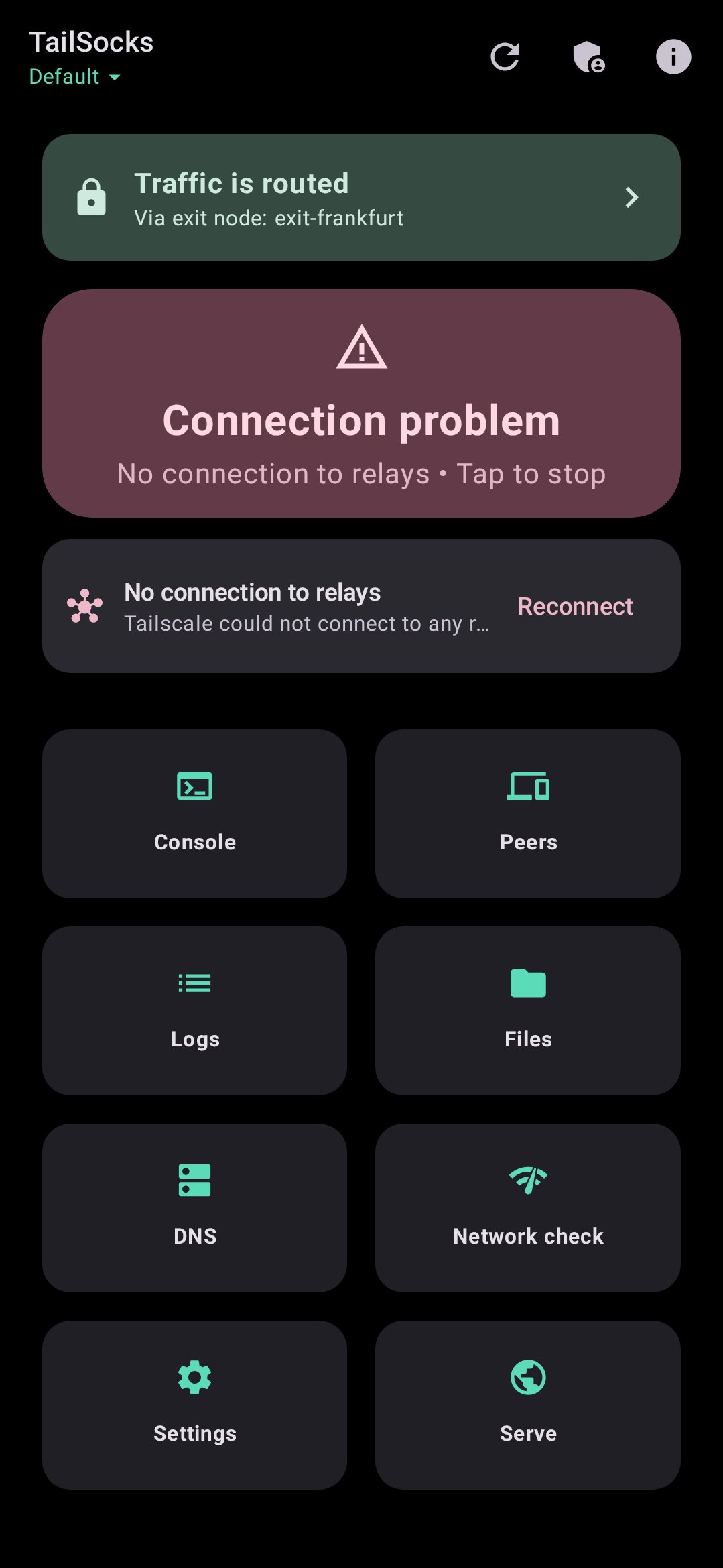
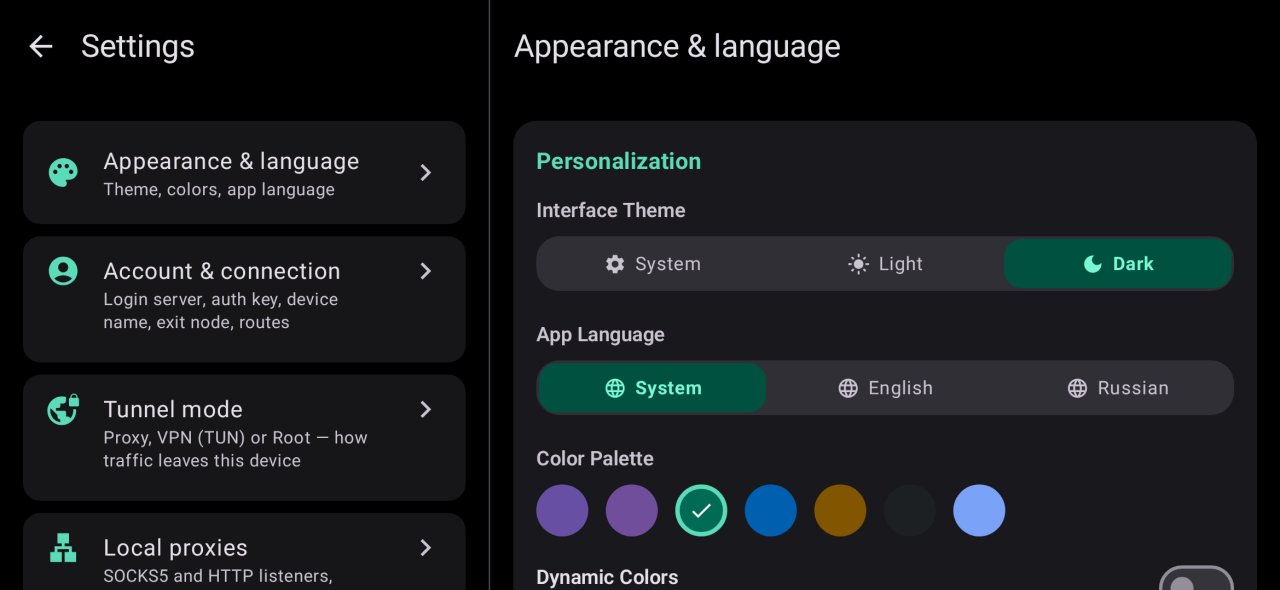
About TailSocks
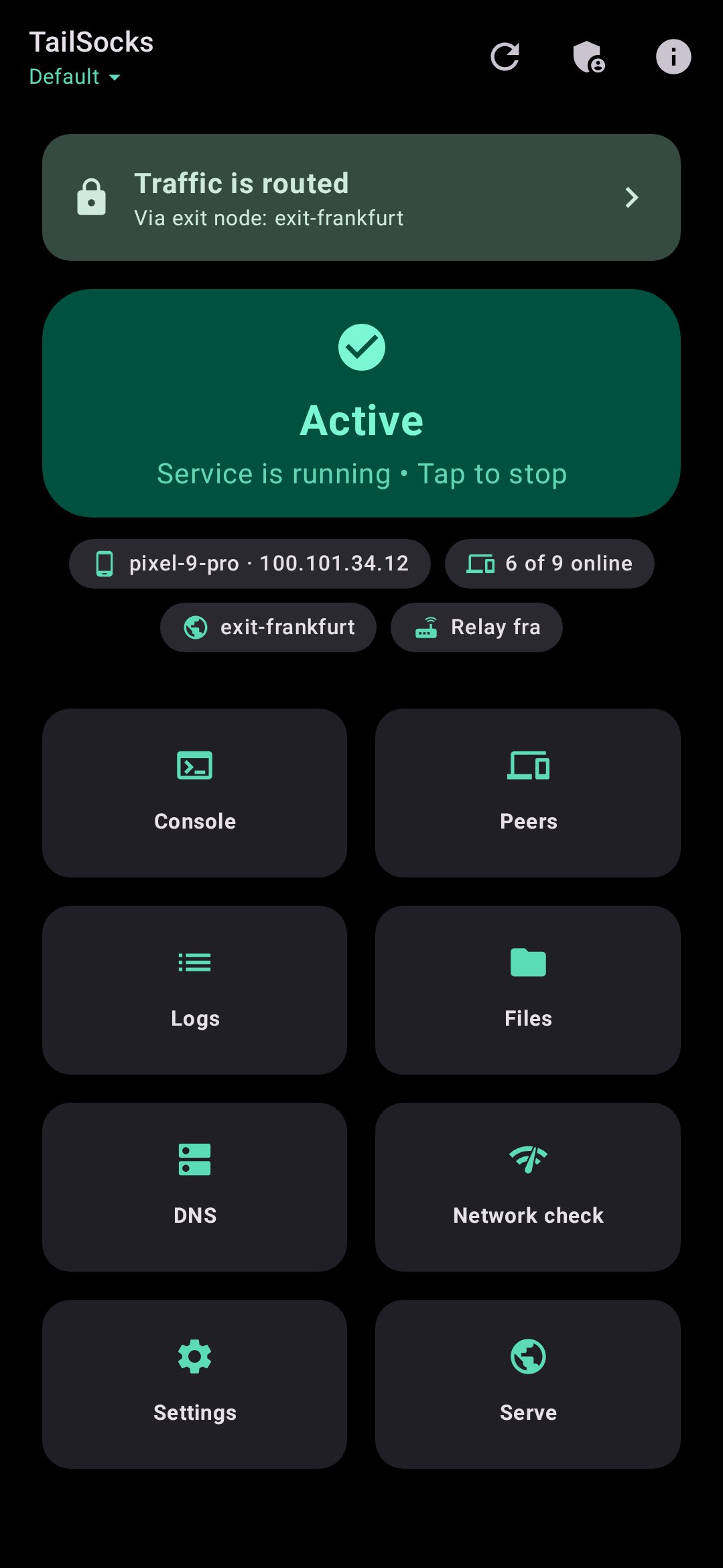
TailSocks is an unofficial client for Tailscale networks (tailnets). It runs the Tailscale daemon in userspace-networking mode and gives your apps the tailnet through local SOCKS5 and HTTP proxies, so it does not take Android's VPN slot and runs next to another VPN, firewall or ad blocker. When you want system-wide routing, a VPN (TUN) mode is one switch away.
It works with Tailscale's own coordination server and with a self-hosted Headscale server.
Networking
• Local SOCKS5 proxy (optional username and password) and HTTP proxy, optionally reachable from your local network
• VPN (TUN) mode: full or split tunnel, per-app exclusions, accepted subnet routes; the daemon runs the tunnel itself, with hev-socks5-tunnel as a compatibility engine
• Exit nodes; MagicDNS and split DNS through a local DNS server, with a DNS-over-HTTPS fallback
• Root mode (experimental): a kernel tailscale0 interface with policy routing that steps aside when another VPN app holds the VPN slot
• Restricted networks: send coordination traffic through your own SOCKS5/HTTP proxy, or through the built-in ByeDPI against SNI-based DPI
• Optional auto-reconnect, a watchdog for a killed service, and start after reboot
Services and files
• Taildrop: send and receive files, including from the share sheet
• Taildrive: share folders and open the shares of other devices. The daemon reads a shared folder itself, so sharing one asks for All files access; nothing else does
• Serve and Funnel, Tailscale Services (svc:)
• TailCat: forward ports or run a SOCKS5 proxy through a tailcat server, with no VPN and no Tailscale account; the phone can serve its own ports too
Management
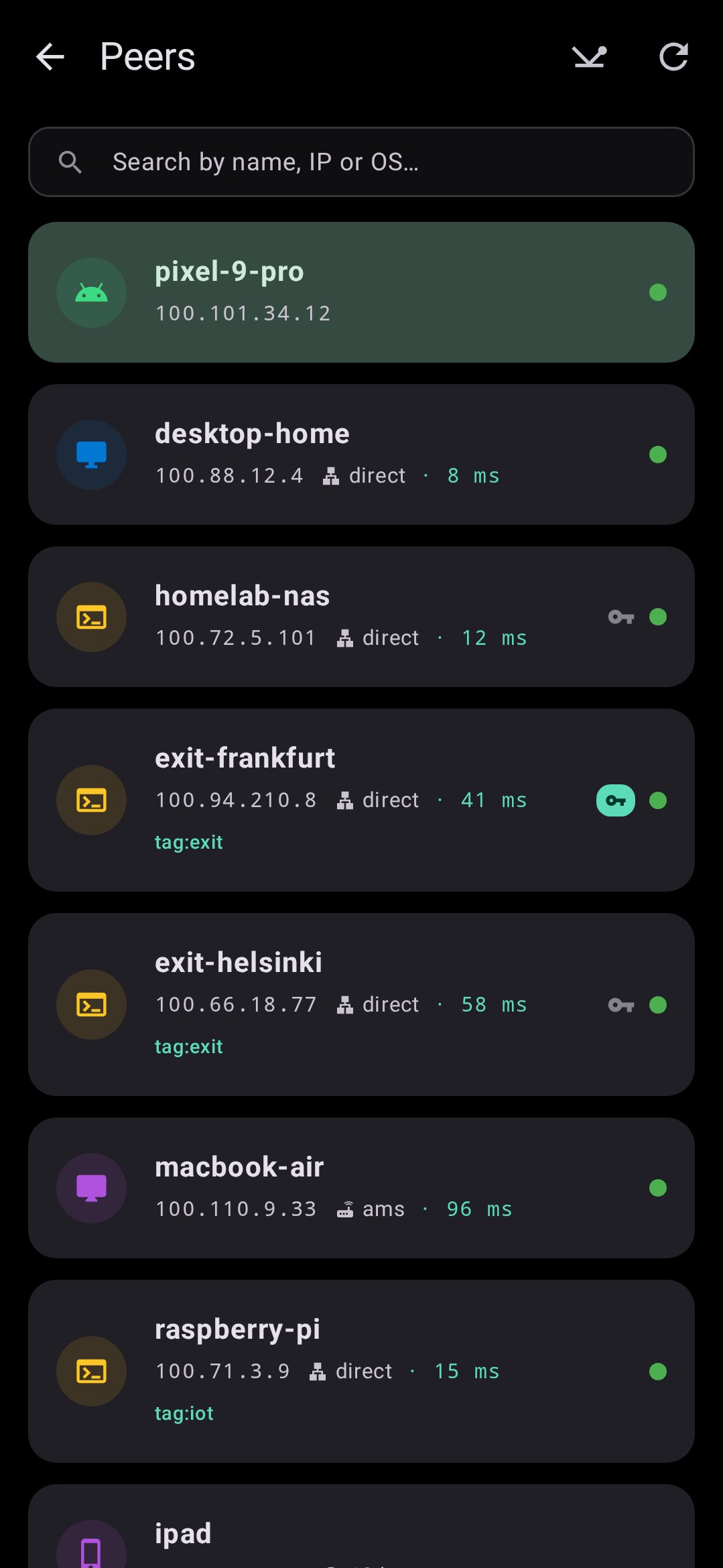
• Several accounts, each with its own state, keys and settings
• A console for the Tailscale Admin API (devices, DNS, users, auth keys, ACLs), protected by a biometric lock
• Encrypted backups and per-account export
• Automation: token-protected broadcast intents for Tasker or MacroDroid, and Android AppFunctions on Android 16+
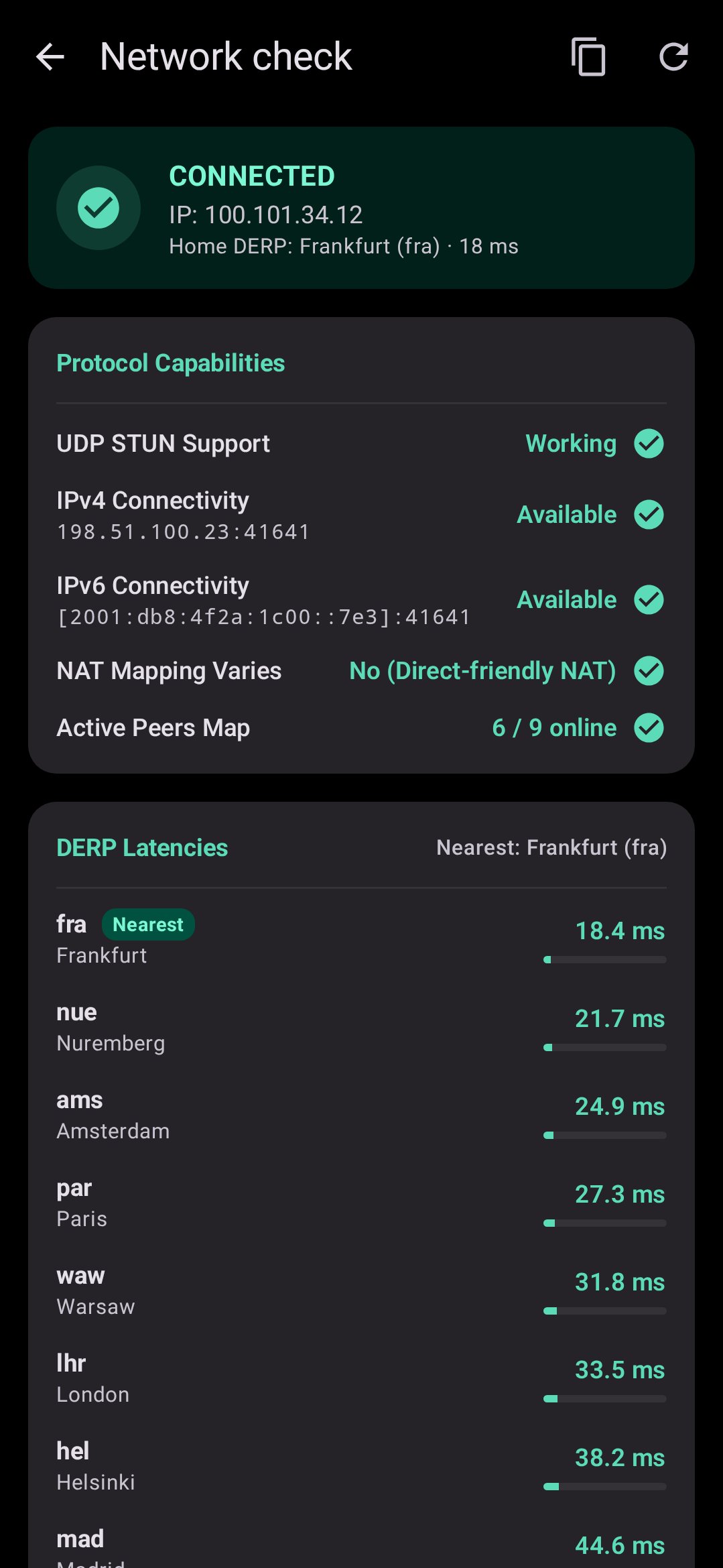
• Home-screen widgets, a Quick Settings tile, network diagnostics (netcheck, DERP latency)
• Material 3 with dynamic colour and AMOLED black; English and Russian
Network access
The app talks to the coordination server you choose (Tailscale's by default), to DERP relays and to your peers. Names outside the tailnet are resolved through 8.8.8.8 and 1.1.1.1, with Cloudflare's DNS-over-HTTPS ([link removed]) as the fallback; all of them can be changed in Settings. TailCat, when you switch it on, fetches its relay map from tailcat.dev and connects through Tailscale's public DERP relays. The Tailscale Admin API is contacted only after you add an API token. Upload of debug logs to Tailscale is compiled out. Checking GitHub for a newer release on launch is a setting you can turn off; builds distributed through a store have it off.
Requirements
Android 7.0 or newer and an account on Tailscale or on a Headscale server. Root is optional.
TailSocks is not affiliated with or endorsed by Tailscale Inc. Tailscale, Taildrop and Taildrive are trademarks of Tailscale Inc.
Source code, documentation and issue tracker: [link removed]
License: BSD-3-Clause
| Release info | Update on Nov 08, 2026 |
|---|---|
| Release notes | ? Highlights Your devices in the share menu Share a file from any app and your tailnet's devices are right in Android's share menu -- one tap sends it by Taildrop. Online devices come first, the ones you sent to recently ahead of the rest. o Android 10 and up. The devices also appear when you long-press the TailSocks icon. o *Settings -> Sharing & access -> Devices in the share menu*, on by default. Root Mode survives a network change Turning mobile data off and on (or losing Wi-Fi) no longer leaves the phone without internet until TailSocks is restarted: the daemon now hears about every network change and reconnects by itself. And if the DNS server you set for the tailnet lives behind it and becomes unreachable, device-wide DNS steps aside until the tunnel is back, instead of taking every name lookup down with it. Thanks, @zekabra, for the report and the logs (#22). Also o Tailscale 1.104.5: mostly hardening of Tailscale SSH, which Root Mode can turn on, plus Serve and connection fixes. o Network check: a long result no longer squeezes its label into a letter per line (#24). o Simplified Chinese interface, from Weblate. ??? ?????? ???? ?????????? ? ???? >, ???? ??????? ?????????? ???? ????? Taildrop. ??????? ?????????? ? ????, ??????? ??, ???? ?? ??????? ??????????. o Android 10 ? ?????. ?????????? ????? ? ??? ?????? ??????? ?? ?????? TailSocks. o *????????? -> ????? ?????? -> ?????????? ? ???? |
| Listing data | F-Droid |
Reviews
No reviews yet. Be the first to review TailSocks.
Used TailSocks? Tell other visitors what you thought.
Log in to write a reviewOther products by this publisher
- "No Distractions" for YouTube 4.10 ----
- #Bible 11.6.1 "Incredible App - My sister shared this app with me a few weeks ago and it is truly incredible.
- #filmphotography 1.4.2 So, you decided to shoot on film?
- #LookBusy Fake Calendar Events 1.0.6 Look Busy scans your work calendar for open time slots and fills them with realistic-looking (but secretly fake) work events.
- #Small Talk Is Canceled 1.0.2 #Small Talk Is Canceled — Conversations That Matter
Most viewed Android Connectivity
- 1 XrayFA 1.7.4 XrayFA is a fast, secure, and user-friendly Android client for Xray-core.
- 2 Device Connect 0.12.1 Yet another tool to connect Android phone with desktop
-
3
 Pulse 0.99.0-pulse
Garmin watch companion — your data stays on your phone
- 4 Inkcast 0.0.1 The companion app for Xteink X4 CrossPoint Reader
-
5
 Airplane Scheduler 3.0.1
Automatically switch airplane mode on a schedule
- 6 Flashbyte 3.1.4 A fast cross-platform file sharing app.
-
7
 AwakeOnLANMobile 1.0.2
Send WakeOnLAN packets (IPv4/IPv6) over the internet, includes a CIDR scanner
-
8
 FocusMastodon 2.12.0.20240624
FocusMastodon is a bright and colourful Mastodon client
- 9 JMP SIM Manager jmp-v1.7.2 Companion app for the JMP eSIM Adapter
- 10 getgovroam 2.3.2(2696) Configure the govroam Wi-Fi network securely and correctly
Most downloaded Android Connectivity
- 1 DCC++Throttle 1.5.2065 Application to drive DCC-EX command station via Bluetooth
- 2 Flashbyte 3.1.4 A fast cross-platform file sharing app.
-
3
 RemotePhone 2.2.0
Mirror and control your Android phone from Linux over WiFi
- 4 Pixel 5G 3.1.1 Change the 5G NR mode and enable VoLTE on rooted Pixel phones
-
5
 xlog2 0.6.10
Peer-to-peer amateur-radio field logbook that syncs with the xlog2 desktop
- 6 evcc - solar charging 1.7.1 charge your EV when the sun is shining or electricity is cheap and clean
-
7
 WolLight 1.0.8
Wake-on-LAN app with device list, LAN scan and stale-IP recovery. LAN-only.
-
8
 Network Survey 2.0
Survey cellular, Wi-Fi, Bluetooth and GNSS, then log, stream or upload the data
-
9
 MateDroid 1.12.0
View Tesla vehicle data from your self-hosted Teslamate instance
-
10
 Moscow Wi-Fi autologin 77
Automatically connect to public networks of Moscow public transport