
11downloads
5this week
FreeFreeware
0reviews
Screenshots
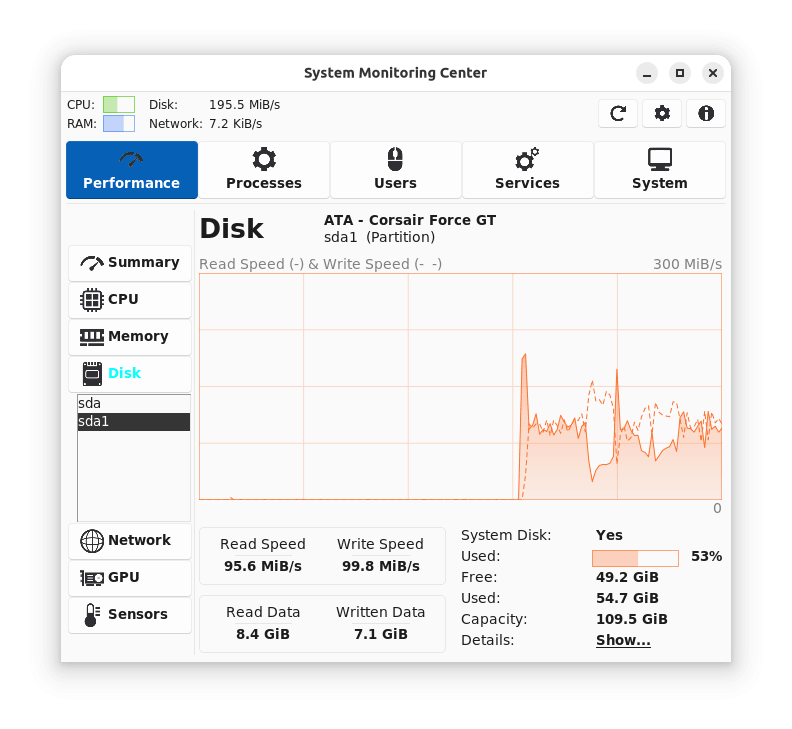
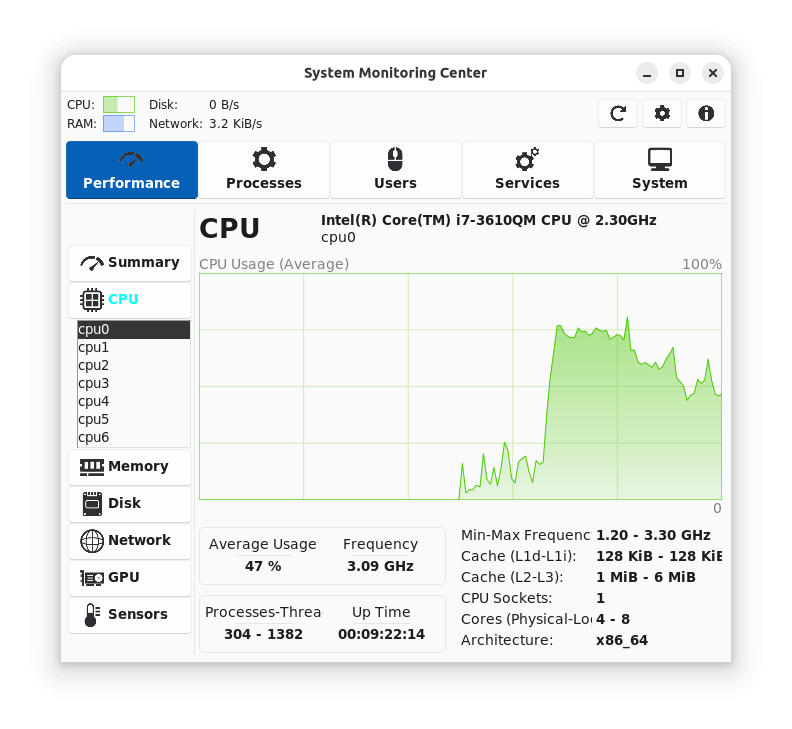
About System Monitoring Center
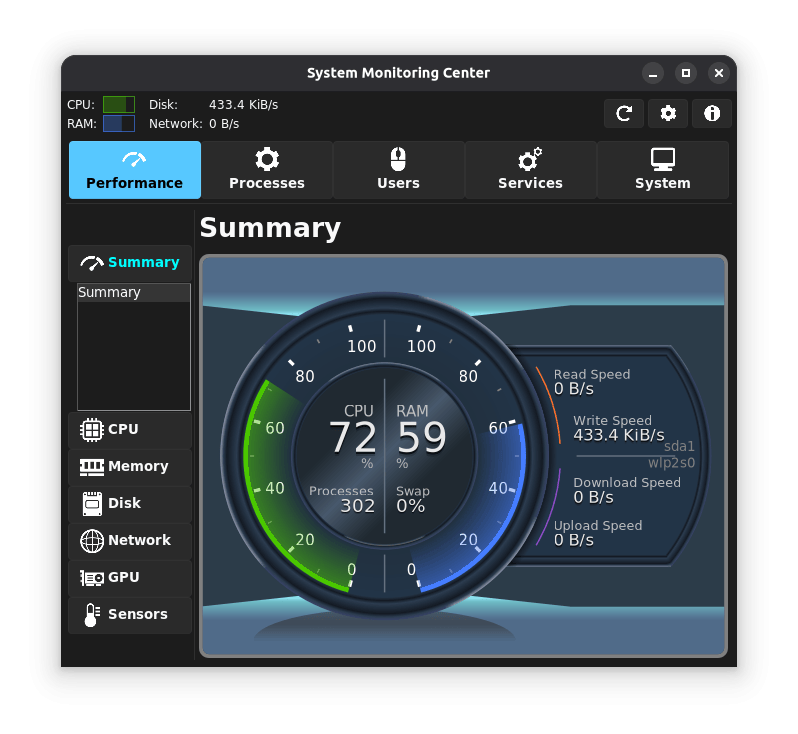
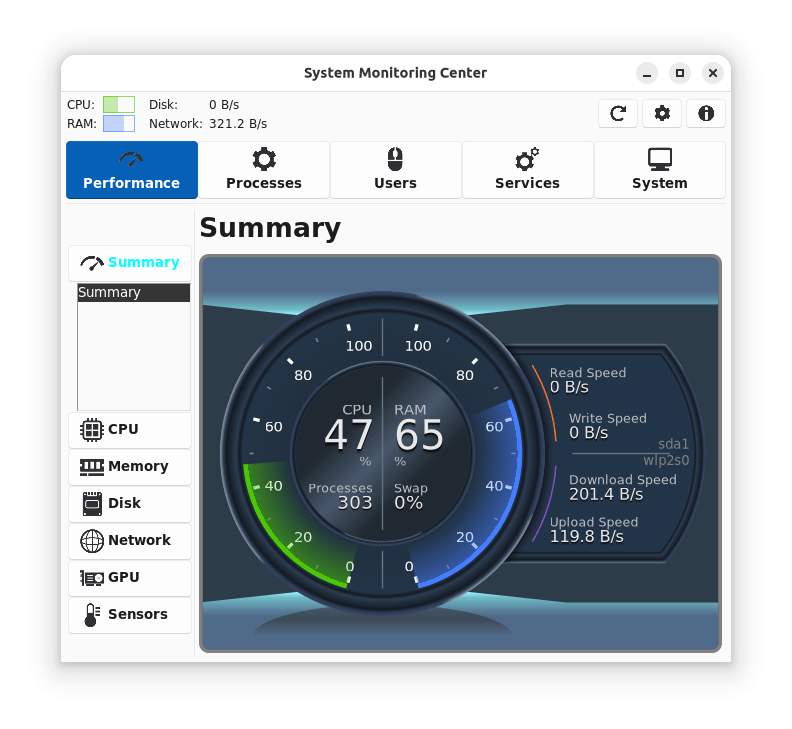
A multi-featured, low-resource system monitor that lets you easily track and manage CPU, RAM, disk, network, and GPU usage
Features:
• Detailed system performance and usage usage monitoring/managing features
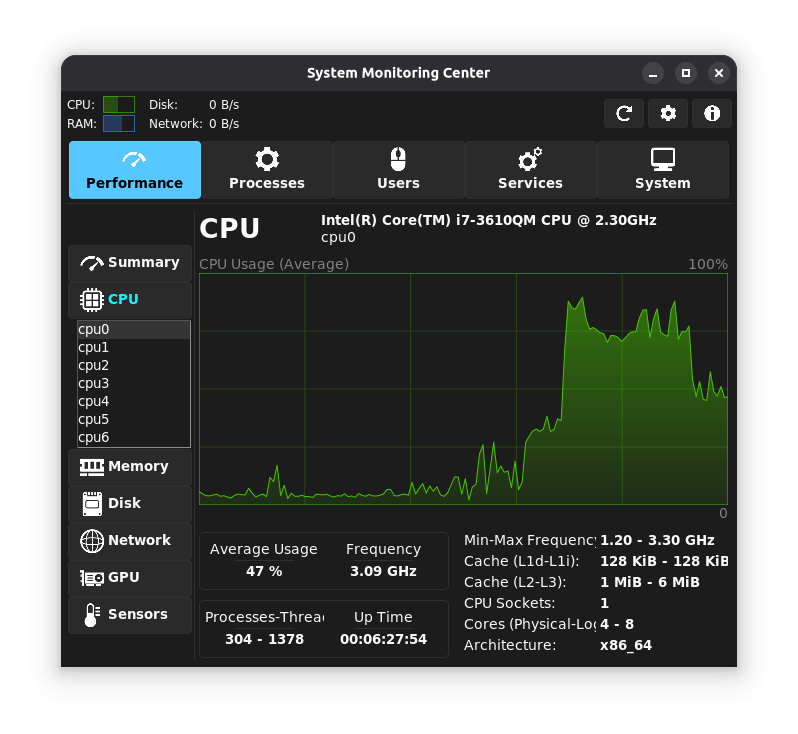
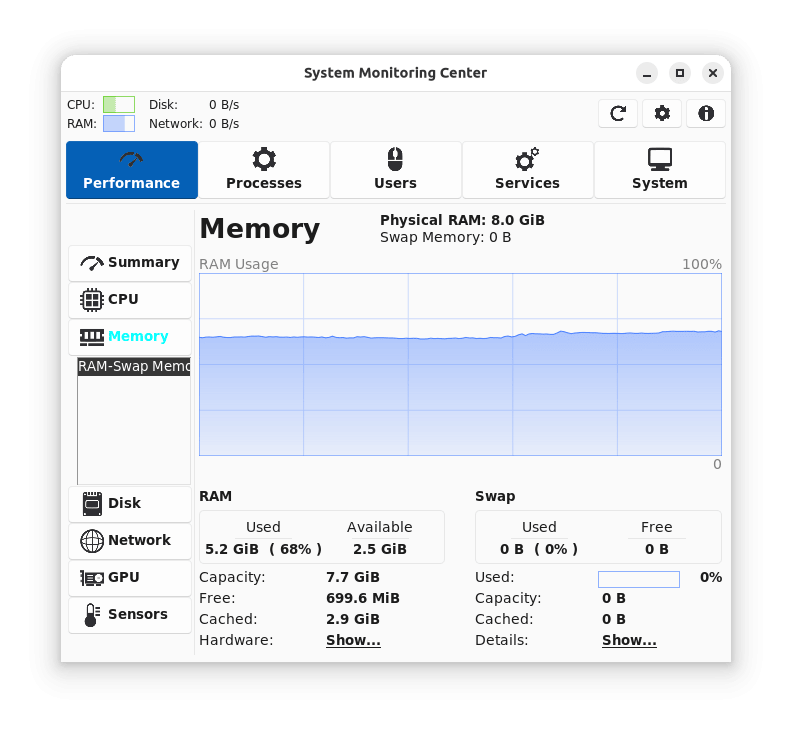
• Monitoring CPU, RAM, Disk, Network, GPU hardware/usage information
• Monitoring and managing processes and services (systemd)
• Monitoring users, sensors and general system information
• Supports PolicyKit. No need to run the application with "sudo"
• Hardware selection options (selecting CPU cores, disks, network cards, GPUs)
• Plotting performance data of multiple devices at the same time
• Interactive charts for querying performance data on any point
• Option for showing processes as tree or list
• Optimized for low CPU usage
• Customization menus for almost all tabs
• Supports ARM architecture
• Free and open source
Notes for Limitations:
• GPU usage information availability depends on vendor/driver.
• GPU load is not tracked if GPU tab is switched off (for lower CPU usage).
• Virtual machines may not provide CPU min-max frequencies, sensors and RAM hardware information.
• Non-Flatpak versions of the application has higher performance (start speed, CPU, RAM usage).
Notes for Flatpak Support:
• Flatpak version of the application uses some permissions (like not sandboxed) to access performance/system information of the host OS.
• Flatpak package of the application may be installed for system-wide instead of user-specific for avoiding source code modifications.
License: GPL-3.0
Features:
• Detailed system performance and usage usage monitoring/managing features
• Monitoring CPU, RAM, Disk, Network, GPU hardware/usage information
• Monitoring and managing processes and services (systemd)
• Monitoring users, sensors and general system information
• Supports PolicyKit. No need to run the application with "sudo"
• Hardware selection options (selecting CPU cores, disks, network cards, GPUs)
• Plotting performance data of multiple devices at the same time
• Interactive charts for querying performance data on any point
• Option for showing processes as tree or list
• Optimized for low CPU usage
• Customization menus for almost all tabs
• Supports ARM architecture
• Free and open source
Notes for Limitations:
• GPU usage information availability depends on vendor/driver.
• GPU load is not tracked if GPU tab is switched off (for lower CPU usage).
• Virtual machines may not provide CPU min-max frequencies, sensors and RAM hardware information.
• Non-Flatpak versions of the application has higher performance (start speed, CPU, RAM usage).
Notes for Flatpak Support:
• Flatpak version of the application uses some permissions (like not sandboxed) to access performance/system information of the host OS.
• Flatpak package of the application may be installed for system-wide instead of user-specific for avoiding source code modifications.
License: GPL-3.0
| Release info | New Release on May 24, 2026 |
|---|---|
| Release notes | • Fix: GPU load for AMD GPUs (GPU) • Fix: GPU memory frequency (GPU) |
| Related tags | CPU RAM Swap |
| Listing data | Flathub |
Reviews
No reviews yet. Be the first to review System Monitoring Center.
Used System Monitoring Center? Tell other visitors what you thought.
Log in to write a reviewOther products by this publisher
- "No Distractions" for YouTube 4.10 ----
- #Bible 11.6 "Incredible App - My sister shared this app with me a few weeks ago and it is truly incredible.
- #filmphotography 1.4.2 So, you decided to shoot on film?
- $quirrel 1.5.1 $quirrel Budget & Finance helps you plan each paycheck, track spending, manage debt, and see what is safe to spend before the next payday.
- % Percentage Calculator Pro 1.41 This is the Pro version of % Percentage Calculator.
Most viewed Linux System
-
1
 StreamController 1.5.0-beta.16
Control your Elgato Stream Decks with plugin support
-
2
 Rclone UI 3.7.5
The GUI for rclone.
- 3 Calculator 0.1.1-alpha ExpidusOS Calculator
-
4
 FurMark 2.11.0.4
OpenGL and Vulkan GPU stress test
-
5
 Popsicle 1.3.3
Flash multiple USB devices in parallel
-
6
 Czkawka 12.0.2
Multi functional app to find duplicates, empty folders, similar images, broken files etc.
-
7
 RISC-V CPU simulator 0.9.9
RISC-V CPU simulator for education purposes
-
8
 ClamUI 0.6.0
GUI for ClamAV
-
9
 Cutecom 0.51.0
Graphical serial terminal
-
10
 LACT 0.10.1
Control your graphics cards
Most downloaded Linux System
-
1
 Contour Terminal Emulator 0.8.0.9335
Contour is a modern and actually fast, modal, virtual terminal emulator, for everyday use
-
2
ClamUI 0.6.0
GUI for ClamAV
-
3
Rclone UI 3.7.5
The GUI for rclone.
-
4
Popsicle 1.3.3
Flash multiple USB devices in parallel
-
5
RISC-V CPU simulator 0.9.9
RISC-V CPU simulator for education purposes
-
6
 GPU-Viewer 4.05
A front-end to glxinfo, vulkaninfo, clinfo and es2_info
-
7
Czkawka 12.0.2
Multi functional app to find duplicates, empty folders, similar images, broken files etc.
-
8
 foot 1.20.2
The fast, lightweight and minimalistic Wayland terminal emulator.
-
9
 CoreX HW Monitor 2.3.1
Real-time hardware monitoring
-
10
 Resources 1.10.2
Keep an eye on system resources