
Surume 0.0.9
Surume runs PS2, PS3, PS4, PlayStation Vita, Xbox and Xbox 360 games on iPhone and iPad.
Download
950.00 MB
20downloads
3this week
FreeCommercial
0reviews
Screenshots


About Surume
Surume runs PS2, PS3, PS4, PlayStation Vita, Xbox and Xbox 360 games on iPhone and iPad. It also has partial PS1 support through PS2 backwards compatibility. Games run directly on your device.
Games and settings
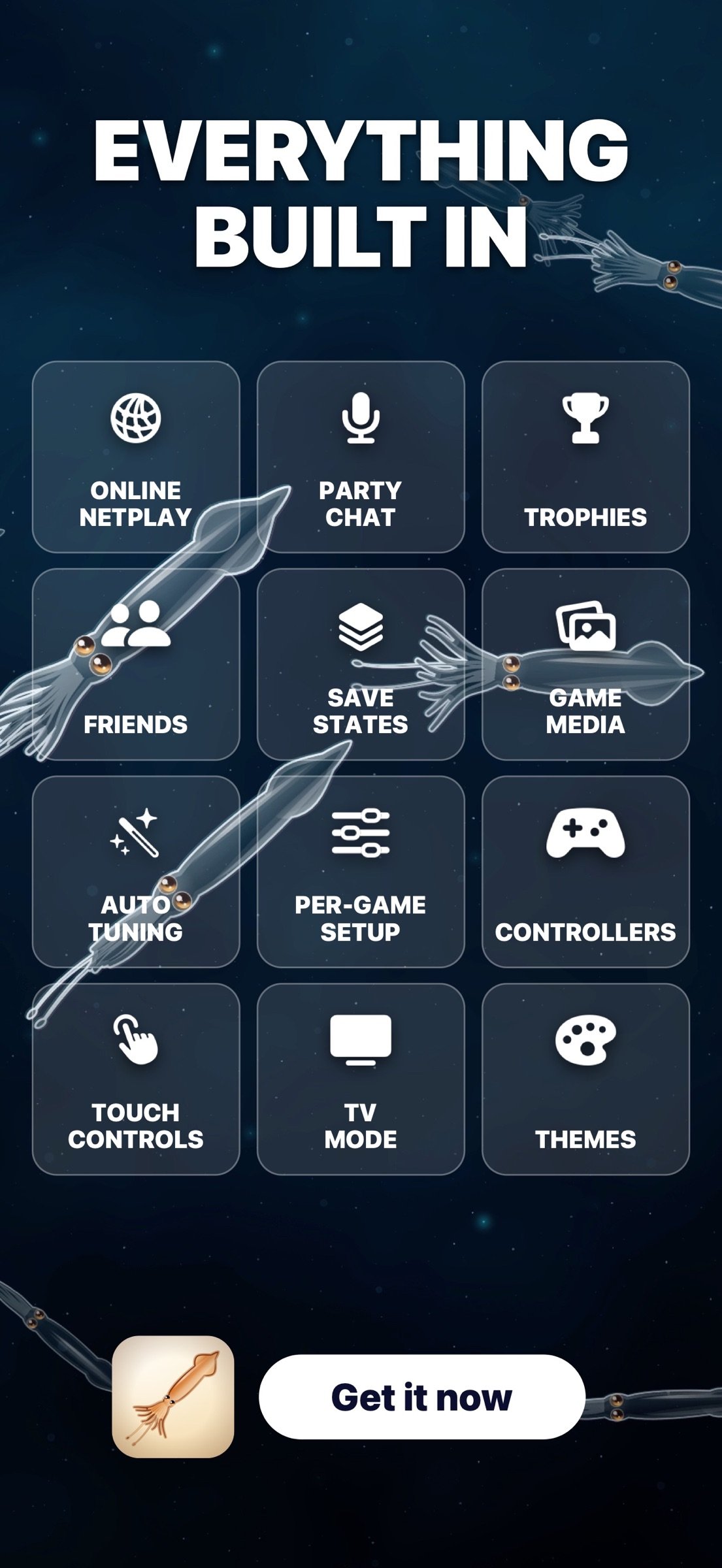
• Keep games from each console in one library. Search, filter, change layouts, and edit covers and game details.
• Use automatic tuning for supported games, or adjust frame rate, game speed, graphics, audio and controls yourself. Save settings for each game.
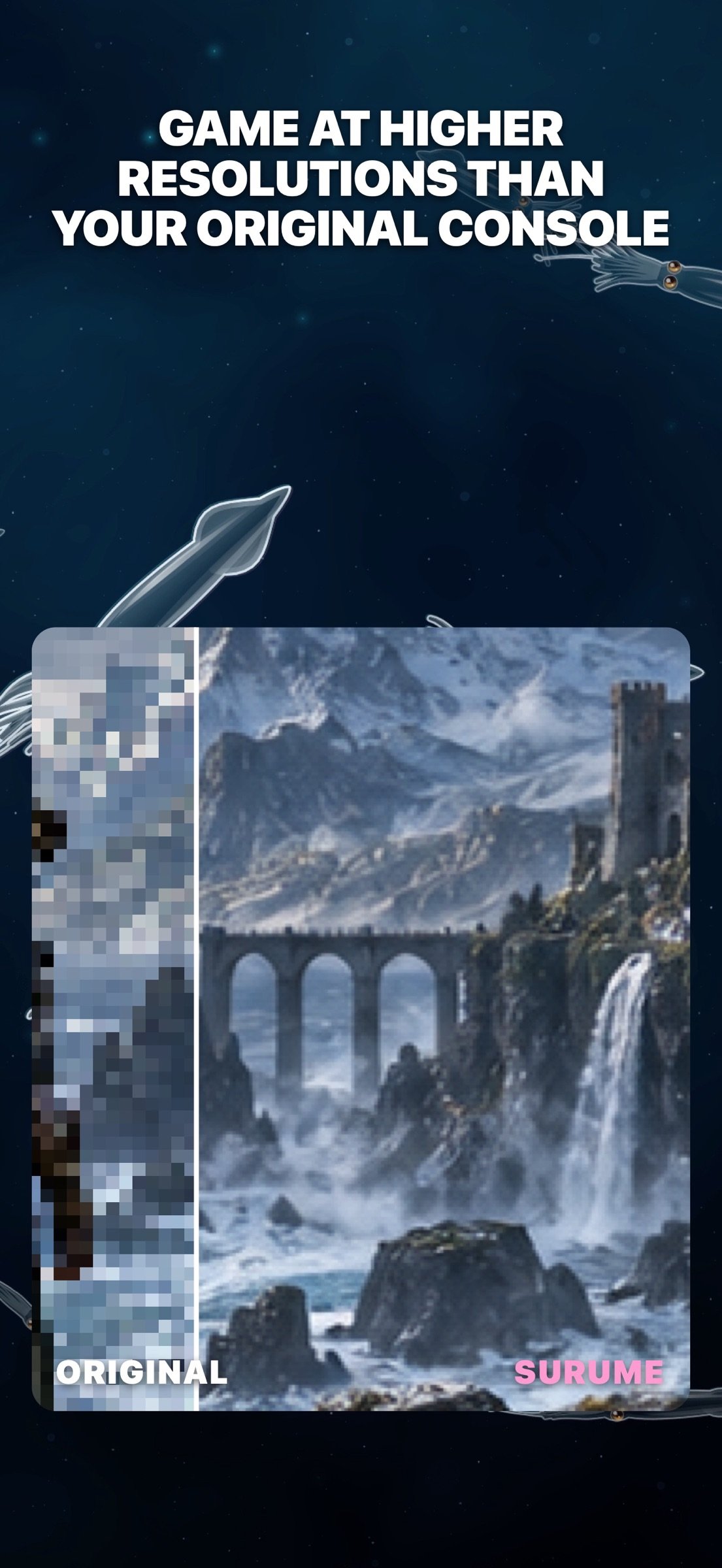
• Increase rendering resolution and use Upscale Studio to enhance textures and artwork.
• Save and load states from the library or in-game menu.
• Extract videos, images and soundtracks from supported game discs.
Controls and screens
• Connect a wired or wireless controller and remap its buttons.
• Move and resize individual touch controls.
• Change saves, settings, filters and controls while playing.
• Connect to a TV and use Console Mode. Layouts adapt to iPhone, iPad and external displays.
Online and friends
Sign in with Apple to use SharkPond Network. Add friends, manage your profile, earn supported trophies and join supported multiplayer games. Party Chat lets you talk while playing. Online features depend on the console and game.
Appearance
Choose themes, animated backgrounds, materials, colors, fonts, app icons and library animations.
You can receive app announcements and choose whether to share crash and performance reports to help improve Surume.
Surume does not include games, BIOS files, firmware or other copyrighted system software. Import your own legally obtained files. Performance and compatibility depend on the game, device and settings. Surume and SharkPond are independent and are not affiliated with or endorsed by Sony or Microsoft.
License: Commercial
Games and settings
• Keep games from each console in one library. Search, filter, change layouts, and edit covers and game details.
• Use automatic tuning for supported games, or adjust frame rate, game speed, graphics, audio and controls yourself. Save settings for each game.
• Increase rendering resolution and use Upscale Studio to enhance textures and artwork.
• Save and load states from the library or in-game menu.
• Extract videos, images and soundtracks from supported game discs.
Controls and screens
• Connect a wired or wireless controller and remap its buttons.
• Move and resize individual touch controls.
• Change saves, settings, filters and controls while playing.
• Connect to a TV and use Console Mode. Layouts adapt to iPhone, iPad and external displays.
Online and friends
Sign in with Apple to use SharkPond Network. Add friends, manage your profile, earn supported trophies and join supported multiplayer games. Party Chat lets you talk while playing. Online features depend on the console and game.
Appearance
Choose themes, animated backgrounds, materials, colors, fonts, app icons and library animations.
You can receive app announcements and choose whether to share crash and performance reports to help improve Surume.
Surume does not include games, BIOS files, firmware or other copyrighted system software. Import your own legally obtained files. Performance and compatibility depend on the game, device and settings. Surume and SharkPond are independent and are not affiliated with or endorsed by Sony or Microsoft.
License: Commercial
| Release info | Update on Nov 13, 2026 |
|---|---|
| Release notes | • PS3 online play retries the Shark Pond connection after a drop or a failed reconnect when loading a save state. Opening a system overlay no longer pauses a game while a peer is connected. • PS3 fixes for game startup, stick input, shader rendering, and save states taken during loading. • PS3 system software restores menu sounds and music, shows full game covers, and signs in to Shark Pond automatically. Friends shows online status and trophy totals. • PS2 fixes a freeze after closing an in-game menu in some games. • PS4 improves Quick Resume after closing the app, reduces shader compilation stalls, and fixes a crash in some games. • PS Vita improves save-state stability and accepts more save files for import. • Xbox 360 shows shader compilation progress, keeps the pause button in sync, and adds trainer options in supported games. • Fixed a crash when opening Surume from a notification and a controller issue that could pause other players. • New Ultimate Chess Set with themed boards and pieces, computer practice, and online play through Shark Pond. In Duel mode, captures start a fight. Fight controls include adjustable look sensitivity. • Controls on TV shows the phone’s touch layout and button presses while you play. • Updated the library, onboarding, and language picker for iPhone, iPad, Mac, and iPhone Duo. Thai translations have been updated. • City shows live weather sooner, Water rotates correctly, and your theme appears behind games without custom backdrop media. Available graphics, audio and online features vary by console and game. |
| Listing data | App Store |
Reviews
No reviews yet. Be the first to review Surume.
Used Surume? Tell other visitors what you thought.
Log in to write a reviewOther products by this publisher
- "No Distractions" for YouTube 4.10 ----
- #Bible 11.6 "Incredible App - My sister shared this app with me a few weeks ago and it is truly incredible.
- #filmphotography 1.4.2 So, you decided to shoot on film?
- $quirrel 1.5.1 $quirrel Budget & Finance helps you plan each paycheck, track spending, manage debt, and see what is safe to spend before the next payday.
- % Percentage Calculator Pro 1.41 This is the Pro version of % Percentage Calculator.
Most viewed iOS Photo & Video
-
1
 ShortDiShow 2.0
Drama Quest Island — An offline interactive short-drama adventure.
-
2
 Infuse 8.5.10
Infuse: Enterprise provides the same great features as the standard version of Infuse and includes permanent access to all Pro features via a traditional paid app.
-
3
 AI Video Generator 2.0.3
Vixel – AI Video Generator
-
4
 OPlayer 4.8
Play all your videos directly without having to convert them!
-
5
 Necrometer II 1.2
Necrometer II is a paranormal investigation companion designed for ghost hunters and researchers.
-
6
 CapCut 20.1.0
CapCut offers easy-to-use video editing functions, in-APP fonts and effects, advanced features such as keyframe animation, smooth slow-motion, chroma key, and stabilization, to help you capture and snip moments.
-
7
 Ai Photo 1.1.2
AI Photo Retouch – BG Eraser
- 8 #filmphotography 1.4.2 So, you decided to shoot on film?
-
9
 Analog Radio 3.0
The iPhone and iPad devices don't have the FM/AM radio antenna installed.
-
10
 Treblo 1.6.6
Make songs with the world's best AI music model.
Most downloaded iOS Photo & Video
-
1
 DJI Fly 1.21.18
DJI Fly is designed to help pilots fly drones with ease.
-
2
Infuse 8.5.10
Infuse: Enterprise provides the same great features as the standard version of Infuse and includes permanent access to all Pro features via a traditional paid app.
-
3
Analog Radio 3.0
The iPhone and iPad devices don't have the FM/AM radio antenna installed.
-
4
 TurboCollage Automatic 1.2.4
#1 Easy automatic photo collage maker for iPhone & iPad.
-
5
 ReelyGo 1.1.42
ReelyGo: Your Daily Drama Escape
-
6
Treblo 1.6.6
Make songs with the world's best AI music model.
-
7
 Rozeta Sequencer Suite 1.3.16
Rozeta is a suite of MIDI sequencers and controllers that lets you explore a new, freeform approach to sequencing and controlling mobile music apps.
-
8
 Pop Dot Comics 1.48
Create a comic worthy of the Sunday newspaper or your favorite pulp-fiction cover.
-
9
 Sun Scout 1.5.0
If your work or play requires sunlight, Sun Scout is built for you.
-
10
 AGAIN. Rehearsal Notes 2.0.1
AGAIN. is the rehearsal app that remembers why the band stopped — and, new in Version 2, who said what in a writing session or a table read.